
coeditHTML
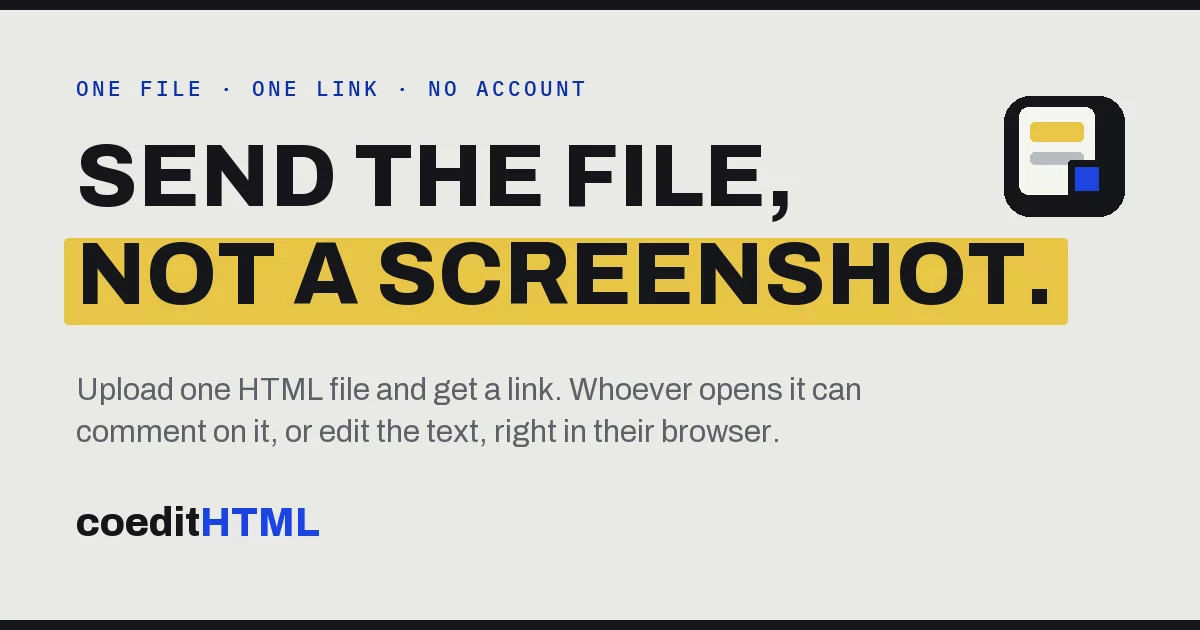
Share, view, comment on, and edit HTML artifacts in the browser.
coeditHTML turns one self-contained HTML file into a link that other people can view, comment on, and edit in their browser, with no account or install. It is built for the HTML files AI tools like Claude, ChatGPT, and Gemini produce: decks, dashboards, reports, and prototypes. Free for individual use.
- Website: coedithtml.com
- App: app.coedithtml.com
- Tutorial: app.coedithtml.com/tutorial
- Connect your AI (MCP): coedithtml.com/connect, server URL
https://app.coedithtml.com/mcp
How It Works
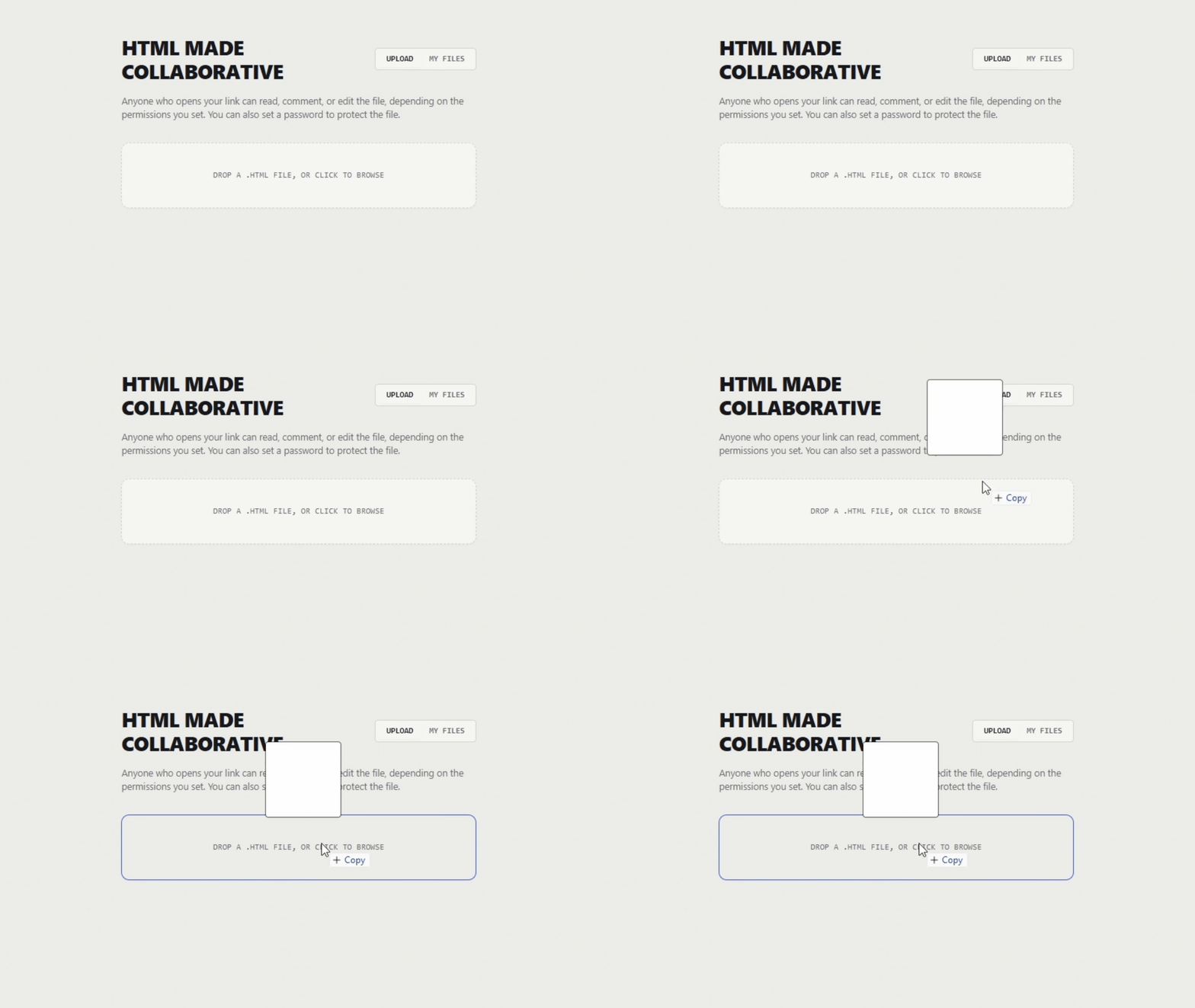
1. Upload your file
Drop in any self-contained HTML file up to 5MB, including embedded styles and scripts. No build steps or configuration required.
2. Choose permissions
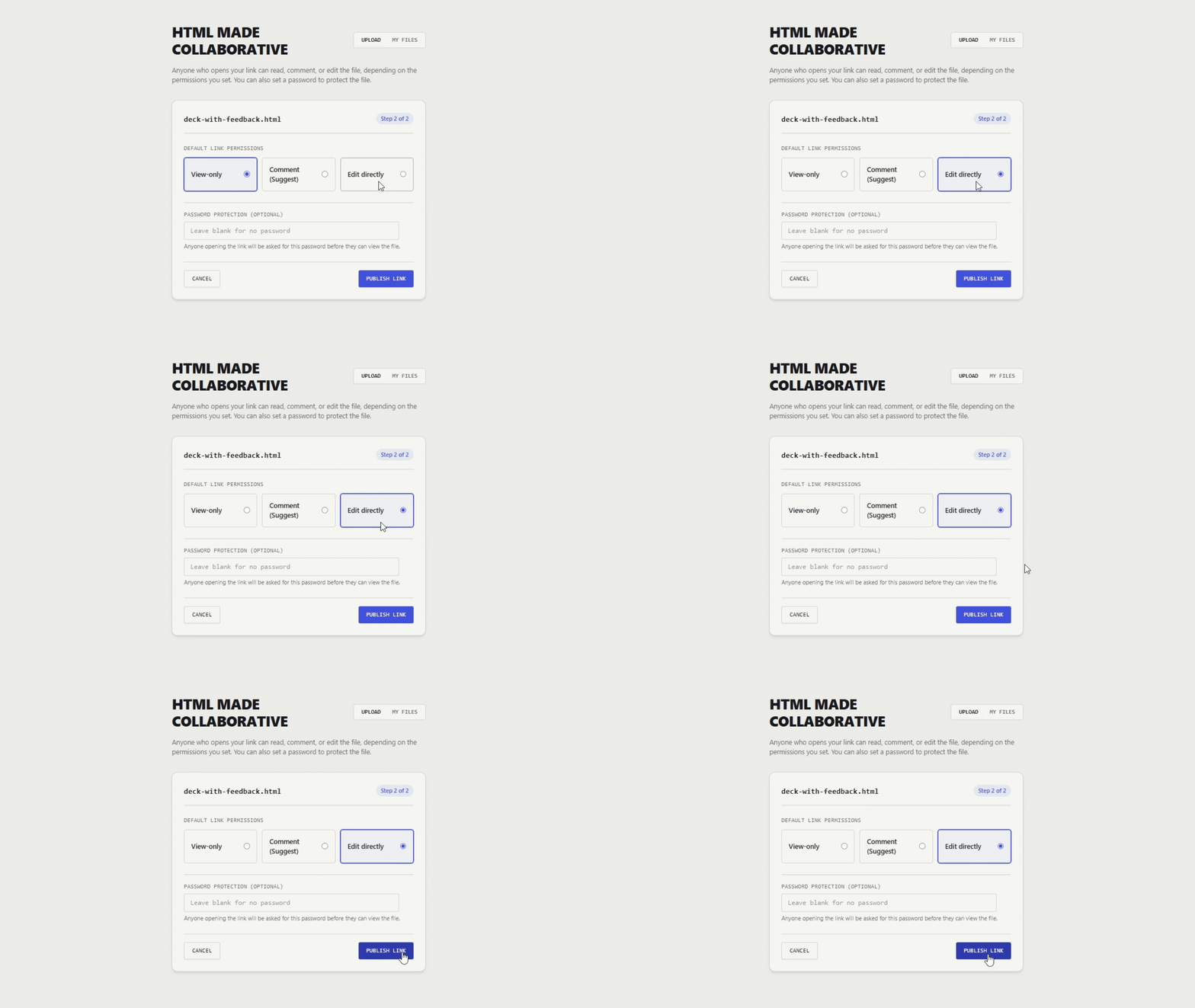
Set access to view, comment, or edit. You can also add an optional password to protect sensitive files.
3. Share the link
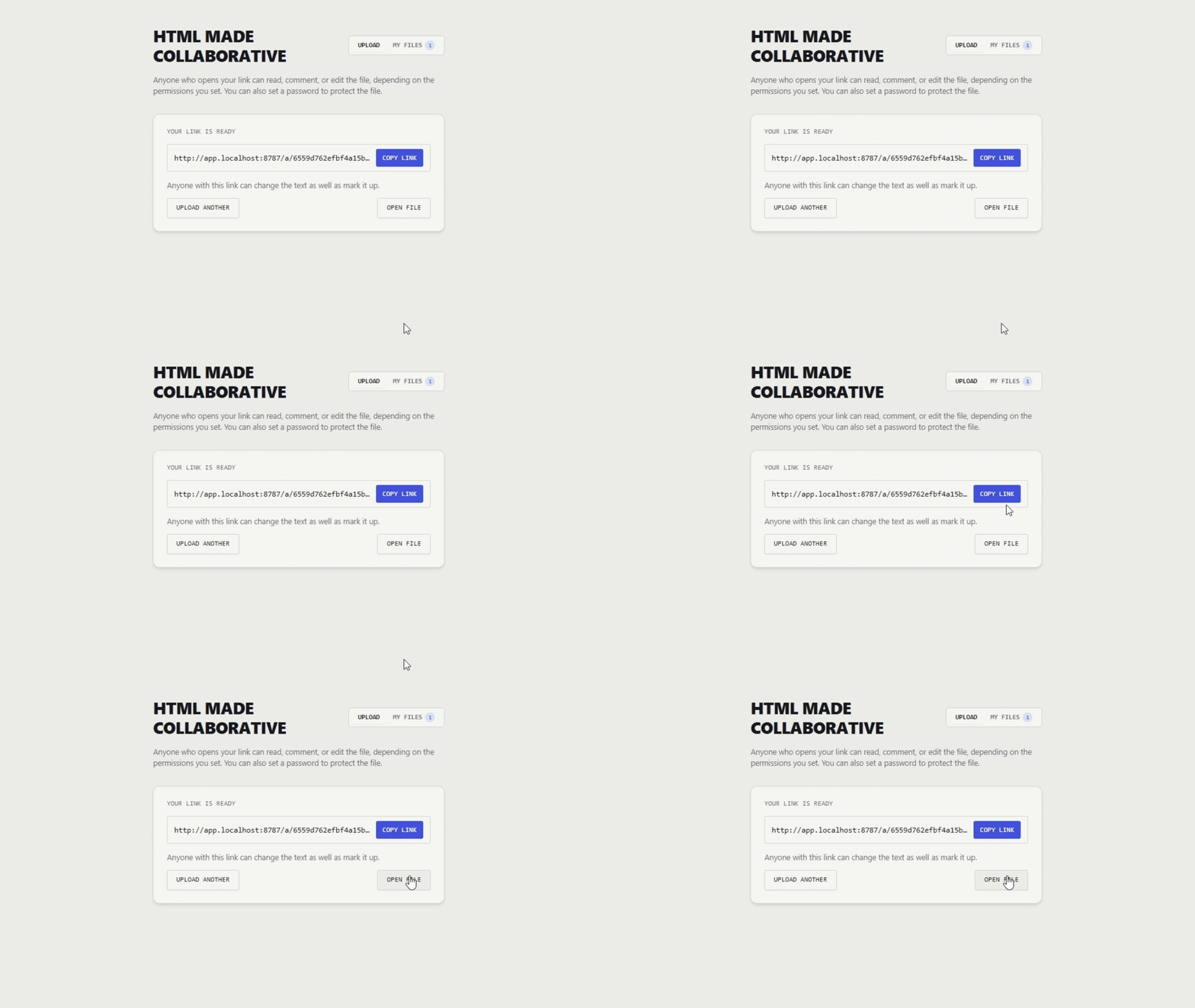
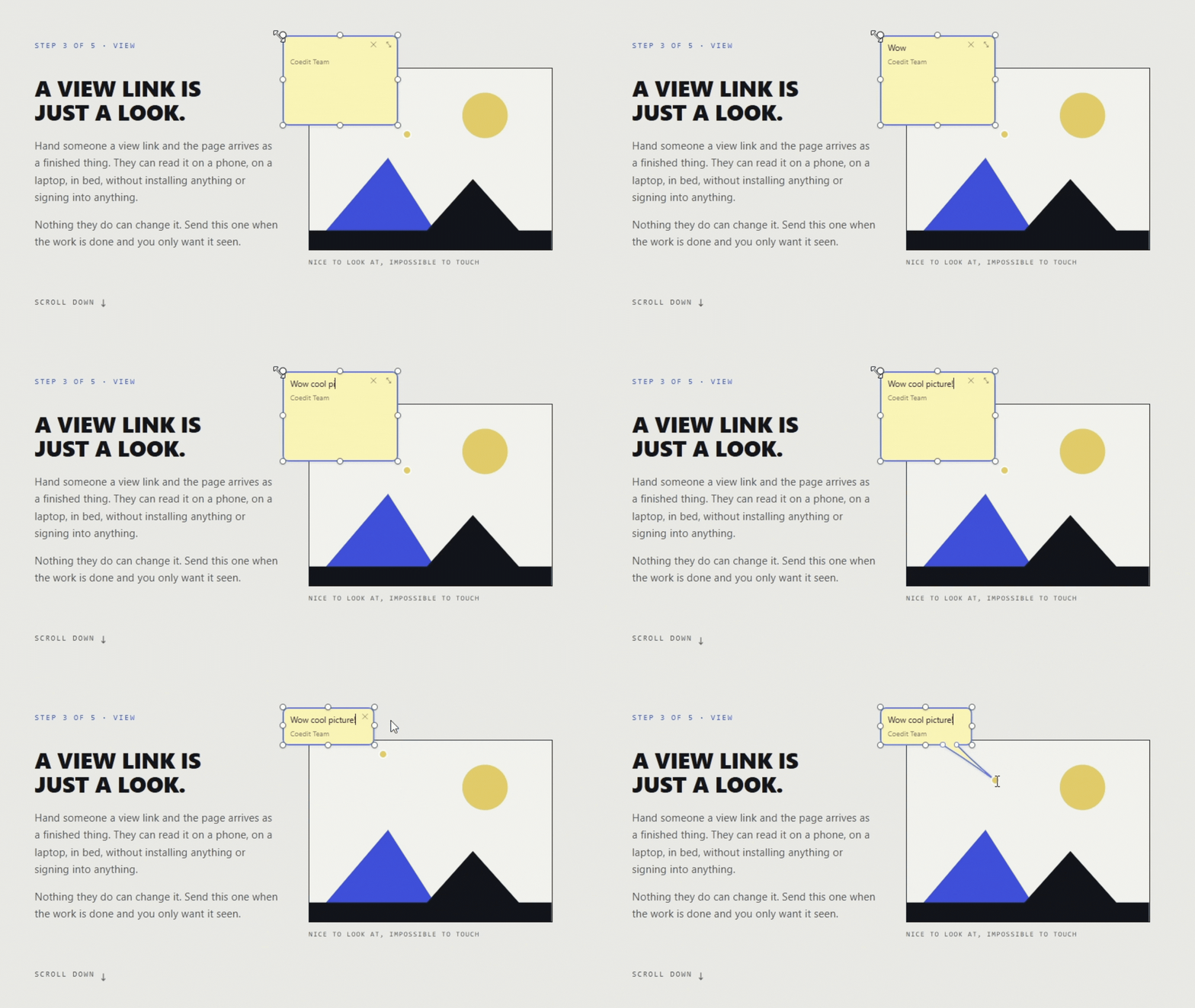
Collaborators open the live file directly in their browser. They can highlight text to comment, drop sticky notes anywhere, or edit copy in place.
4. Collect feedback and edits
Review all comments and edits in an organized sidebar. Copy everything as clean markdown or download the updated HTML file with changes applied.
Architecture
The project uses two origins:
- App origin (
app.coedithtml.com): UI chrome, share controls, comment rail, and file lists. Holds session cookies. - Sandbox origin (
coedit.coedithtml-worker.workers.dev): Serves uploaded HTML inside a sandboxed<iframe>. Holds no credentials.
Communication between origins uses origin-checked postMessage or same-origin requests. CORS is not used.
Packages
| Package | Description |
|---|---|
app/ |
React and Vite web application |
worker/ |
Cloudflare Worker API, artifact storage, and Durable Objects |
runtime/ |
Editor script with zero dependencies |
protocol/ |
Shared types, message schemas, and anchor definitions |
website/ |
Public site using Next.js static export |
Storage
- R2 (
ARTIFACT_STORE): Artifact files, deduplicated by content hash. - KV (
ARTIFACT_METADATA): Document metadata and share tokens. - Durable Objects:
DocRoomfor room state and websockets;RateLimiterandUsageLedgerfor rate limits.
Local Development
Prerequisites: Node 22+ and pnpm.
pnpm install
pnpm dev
Local URLs:
- App: http://app.localhost:8787
- Tutorial: http://app.localhost:8787/tutorial
- Sandbox:
sandbox.localhost:8787
For MCP endpoints, copy worker/.env.example to worker/.dev.vars and set MCP_SIGNING_SECRET.
Commands
| Command | Description |
|---|---|
pnpm dev |
Start app and worker |
pnpm test |
Run tests |
pnpm typecheck |
Run TypeScript checks |
pnpm lint |
Run ESLint and Prettier |
pnpm build |
Build all packages |
Deployment
Requirements: Cloudflare account with Workers, R2, KV, and Durable Objects.
- Create an R2 bucket and KV namespace, then update their IDs in
worker/wrangler.jsonc. - Configure
APP_HOSTandSANDBOX_HOSTto two different origins. - Set secrets:
wrangler secret put MCP_SIGNING_SECRET --env production. - Deploy the worker:
pnpm run deploy. (Barepnpm deployis pnpm's own command, not this script.) - Deploy the marketing site:
pnpm --filter @coedithtml/website run deploy.
Pushes to main run both deploys automatically through .github/workflows/deploy.yml, after the CI checks pass. It needs two repository secrets: CLOUDFLARE_API_TOKEN and CLOUDFLARE_ACCOUNT_ID.
Contributing
See CONTRIBUTING.md for contribution guidelines.
Report security issues according to SECURITY.md.
License
MIT — see LICENSE.