Dupe Remover
Duplicate Photo Finder and Remover, a native app for macOS and iOS that finds duplicate and visually similar photos in your Photos library or in any folder you point it at, and lets you clear out the extras.
One app, one codebase, both platforms. Everything runs locally on your device. Nothing is uploaded.
Screenshots
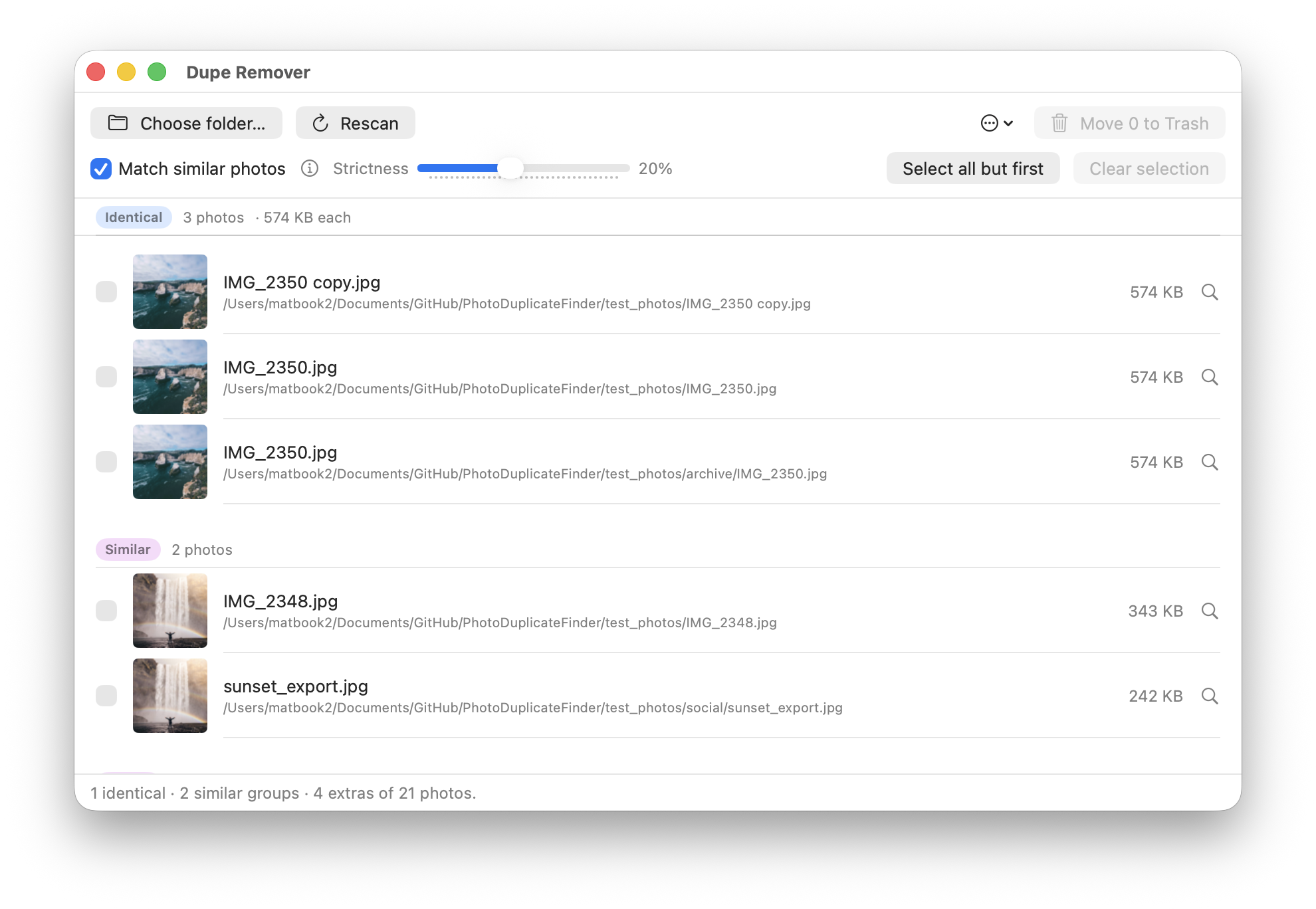
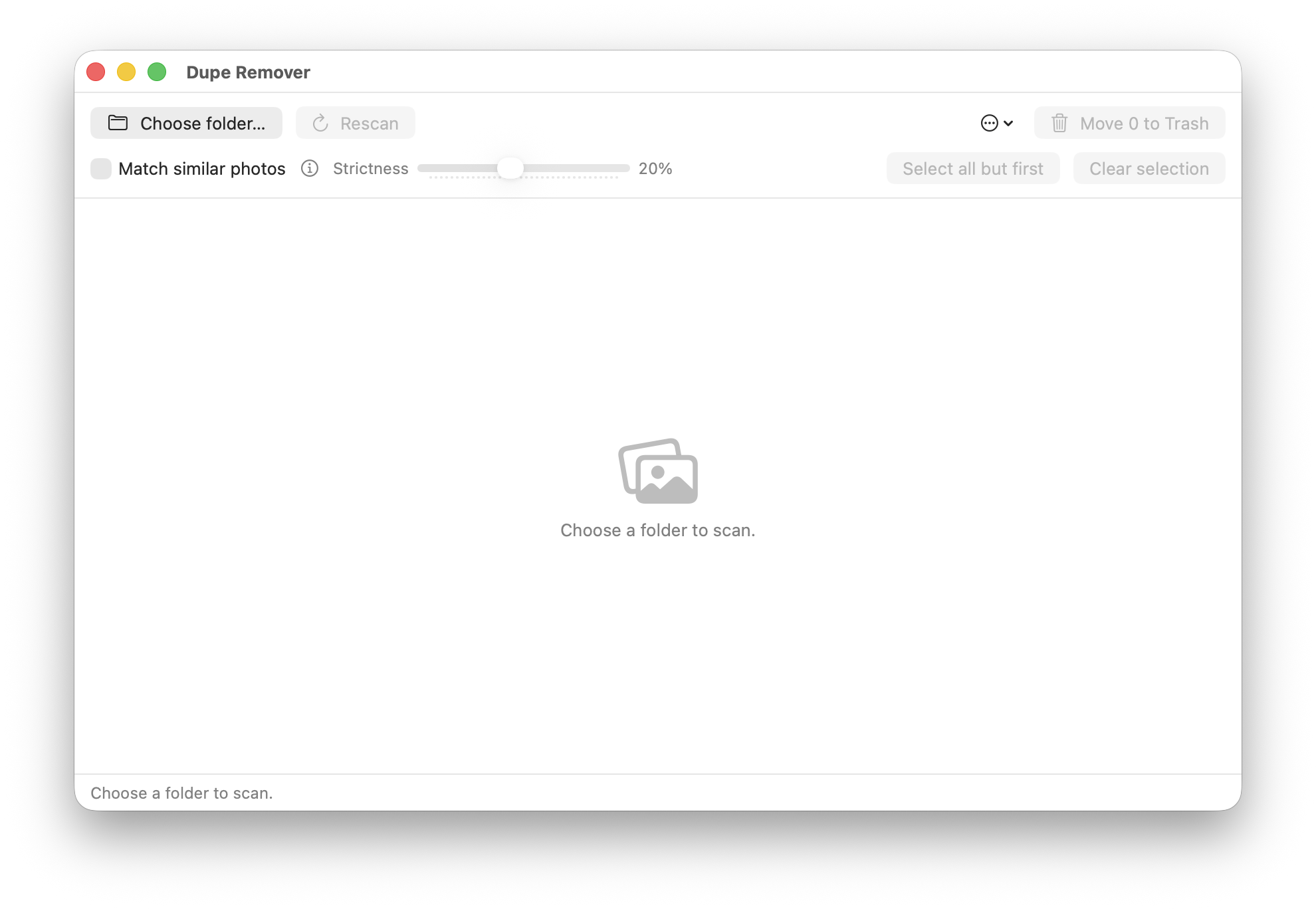
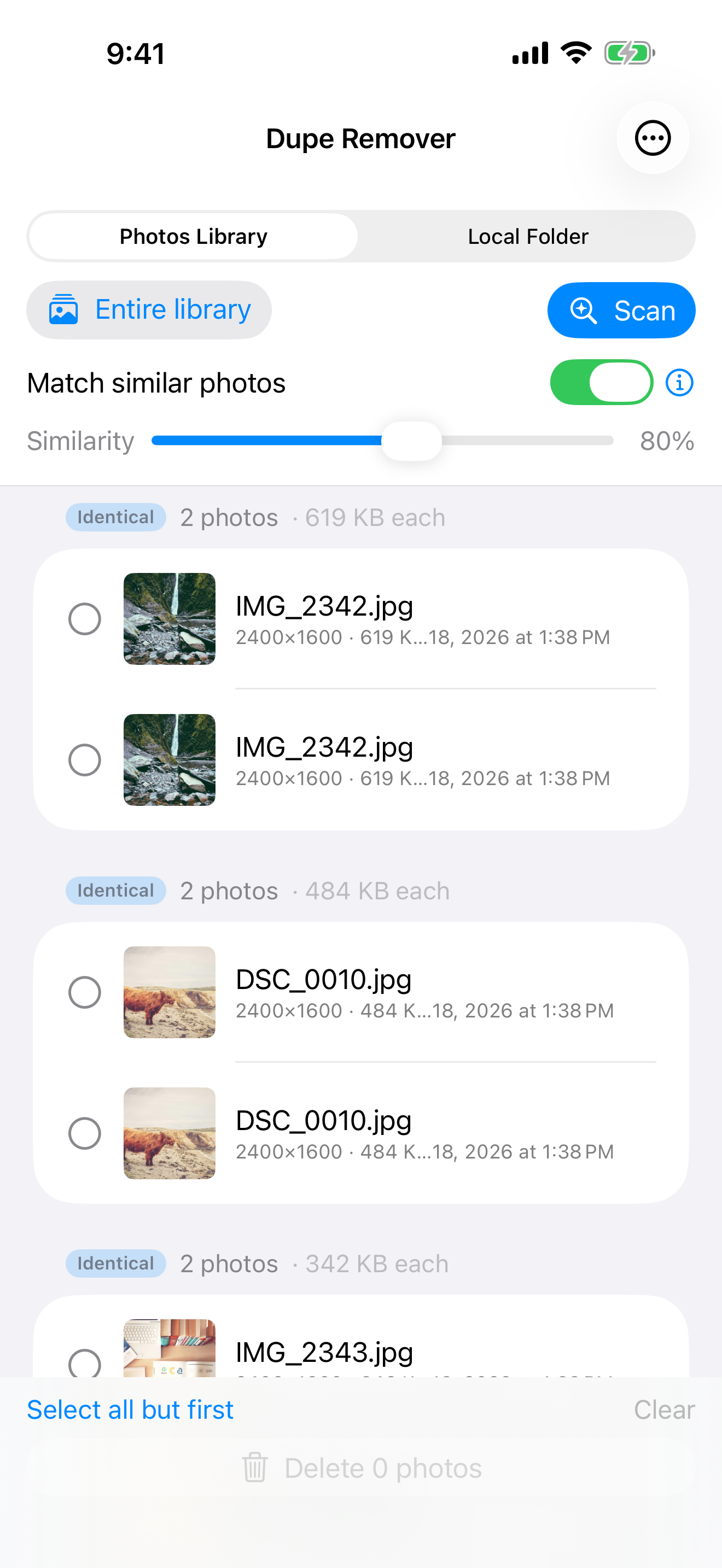
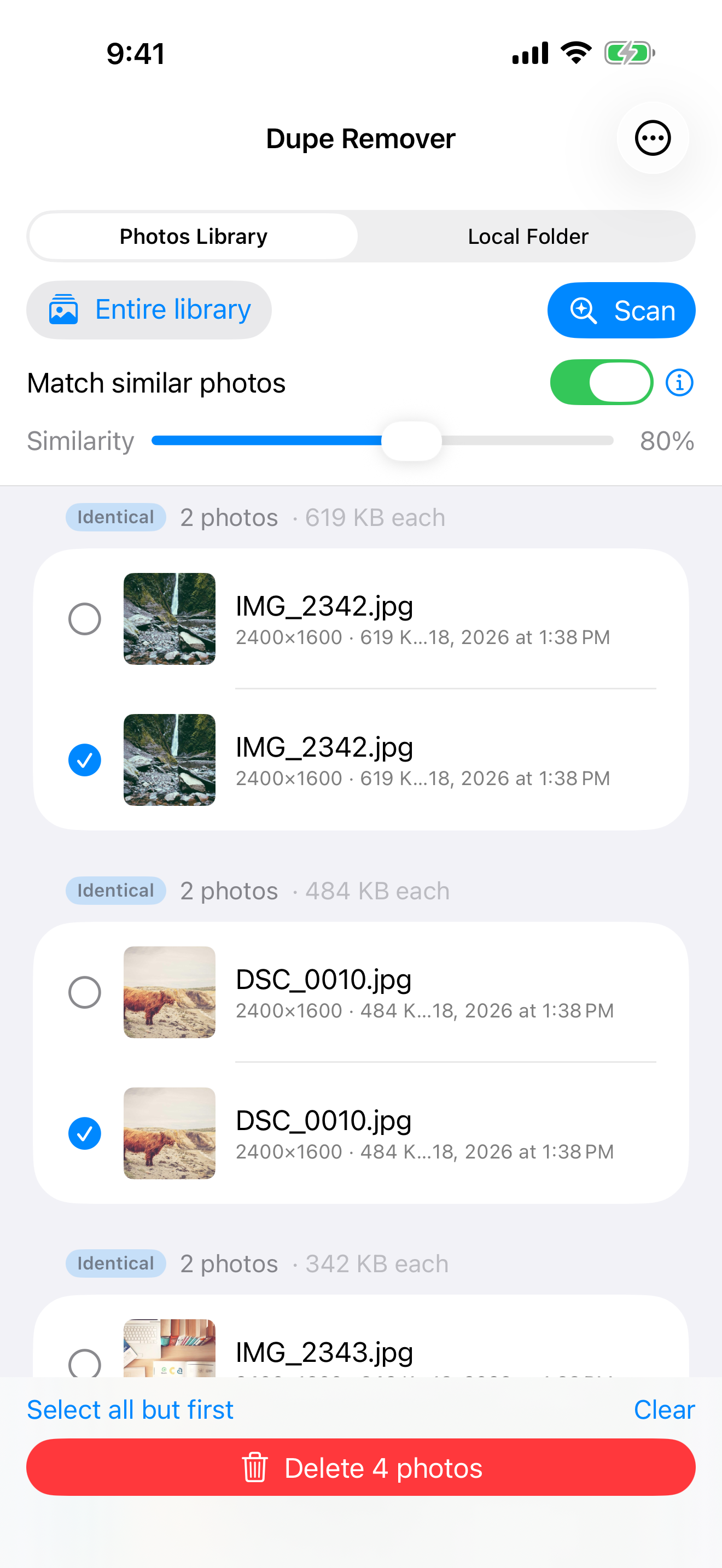
Features
- Two scan sources, scan your Photos library (entire library, personal only, shared only, or a single album) or a local folder you pick yourself. Both work on macOS and iOS.
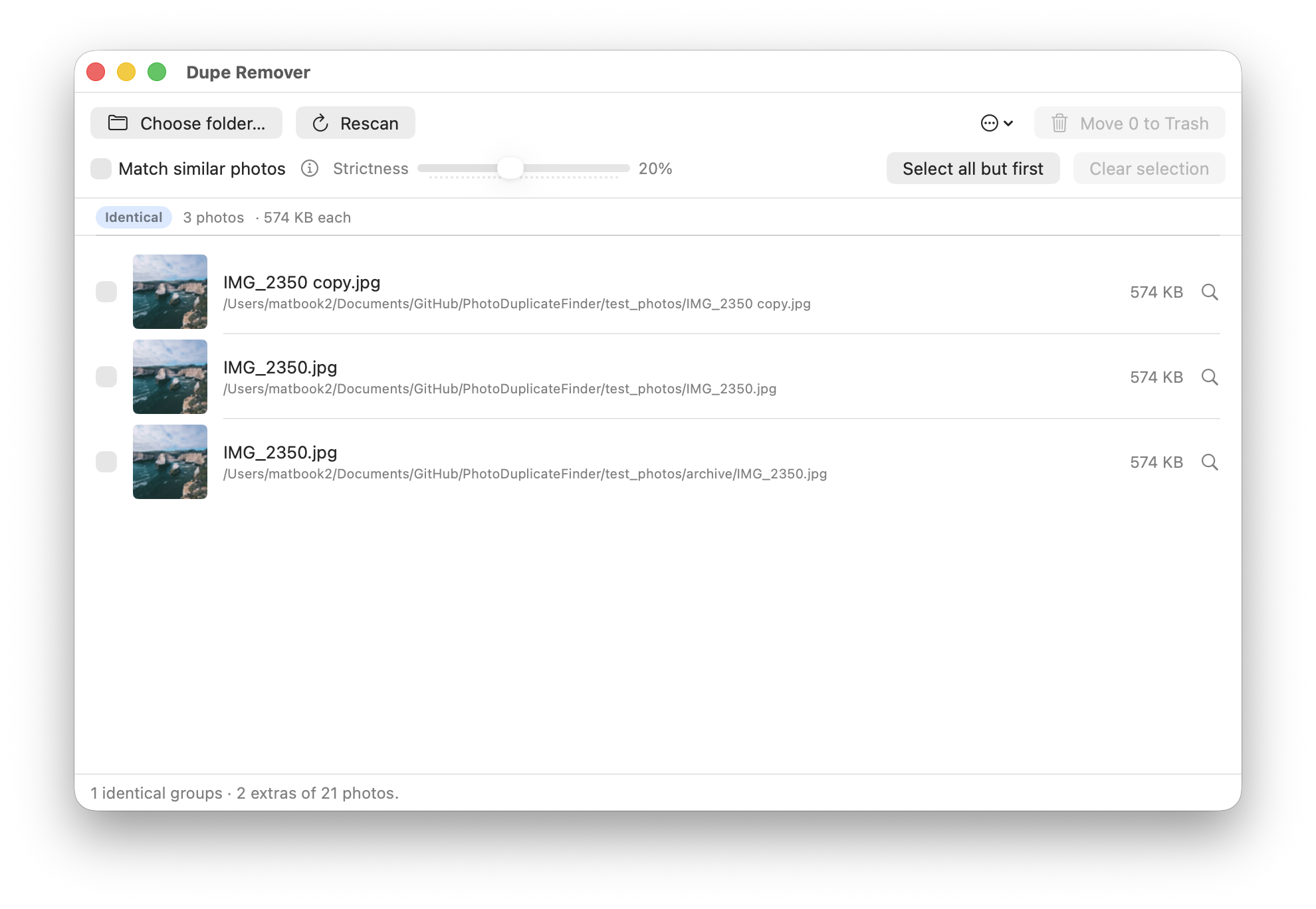
- Identical detection, byte-for-byte SHA-256 comparison. Catches the same file copied, renamed, or moved between folders.
- Similar detection, uses Apple's on-device Vision framework to compare what photos look like, not how they're stored. Catches re-exported JPEGs, light edits, the same shot at different resolutions, screenshots of the same image.
- Similarity slider, how alike two photos have to look before they're grouped (60–95%). Higher is stricter; 80% is a good default.
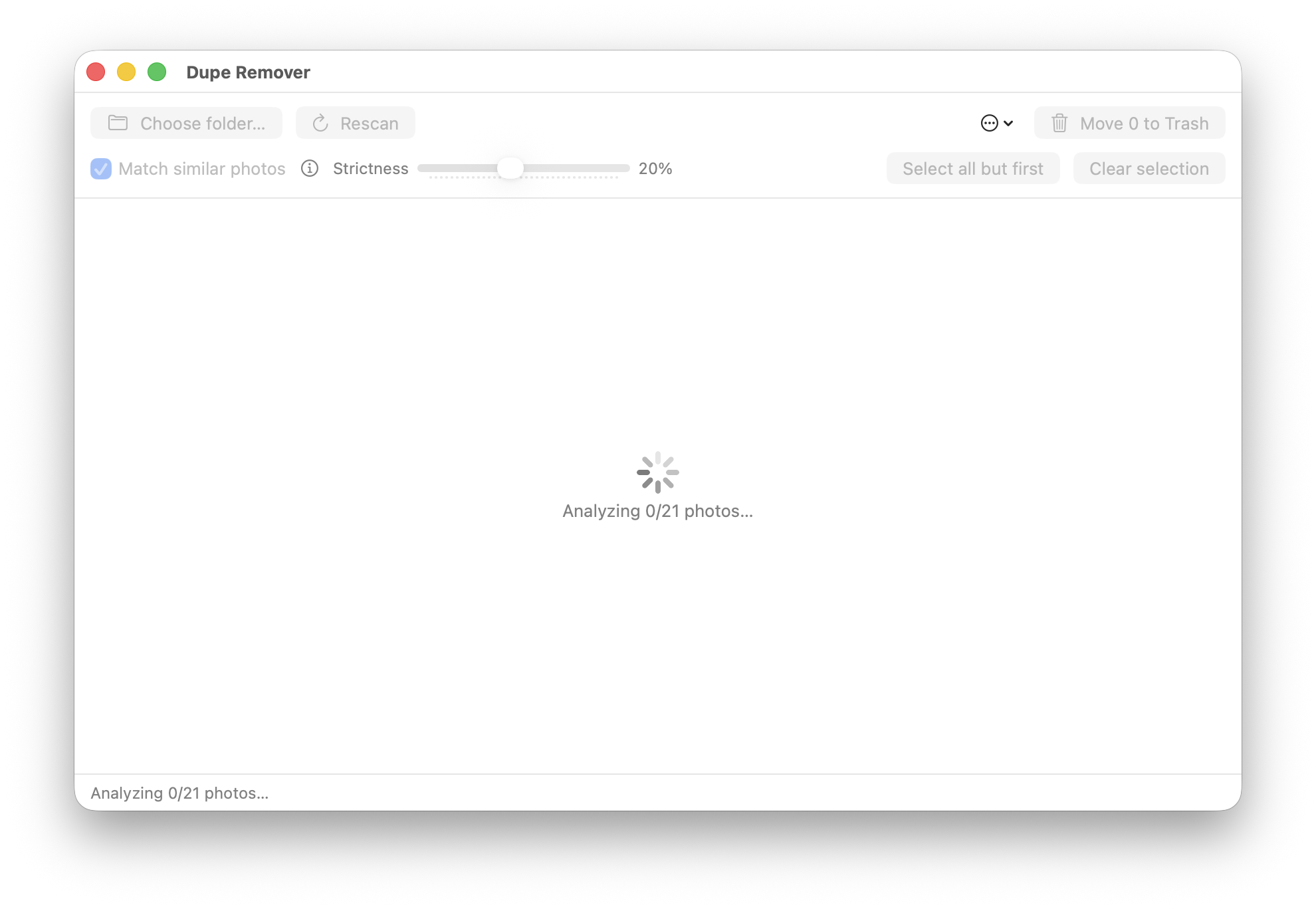
- Progress, ETA, and Cancel, per-step progress while scanning, with a Cancel button on screen for every phase.
- Photo info panel, dimensions, file size, and created/modified dates (to the second) for any result, plus which shared album an iCloud photo came from.
- Honest about iCloud-only photos, photos whose originals live only in iCloud are recognized as such (not reported as failures), and are skipped for hashing without being re-attempted on every scan.
- Smart caching, hashes and feature prints are cached on disk so repeat scans are fast. The cache is an append-only log: it survives being killed mid-scan and doesn't blow up memory on large libraries. Caches written by the older macOS or iOS apps are migrated automatically.
- One-click cleanup, "Select all but first" picks one keeper per group; the rest go on the next click.
- Nothing is permanently deleted, local files go to the Trash, Photos assets go to Recently Deleted.
- Private by design, fully on-device, no network entitlements, no analytics.
Requirements
- macOS 14 Sonoma or later, or iOS 17 or later
- Xcode 16 or newer to build from source (the project uses filesystem-synchronized groups)
Building from source
- Clone the repo and open
DupeRemover/DupeRemover.xcodeprojin Xcode 16 or newer. - Select the
DupeRemoverscheme and either a Mac destination or an iOS device/simulator, the one target builds for both. - Press
⌘Rto build and run.
Tests
47 tests run against generated dummy photos, no fixtures to check in, and the same suite runs on both platforms:
xcodebuild test -project DupeRemover/DupeRemover.xcodeproj -scheme DupeRemover \
    -destination 'platform=macOS'
xcodebuild test -project DupeRemover/DupeRemover.xcodeproj -scheme DupeRemover \
    -destination 'platform=iOS Simulator,name=iPhone 17 Pro'
They cover the cache (round trips, a kill mid-write, compaction, migration from either older app's cache), the folder source (enumeration, hashing, downscaling), and full scans through the view model: identical grouping, similar grouping and the similarity slider, cache reuse and invalidation, selection, and deletion.
The similar-photo tests need a real feature print, which the iOS Simulator cannot produce, those tests skip themselves there and run on macOS or a real device.
Credits
- App icon: Flaticon, duplicate icon
License
GNU Affero General Public License v3.0 with Apple App Store Exception.
Source: github.com/MatRanc/DupeRemover