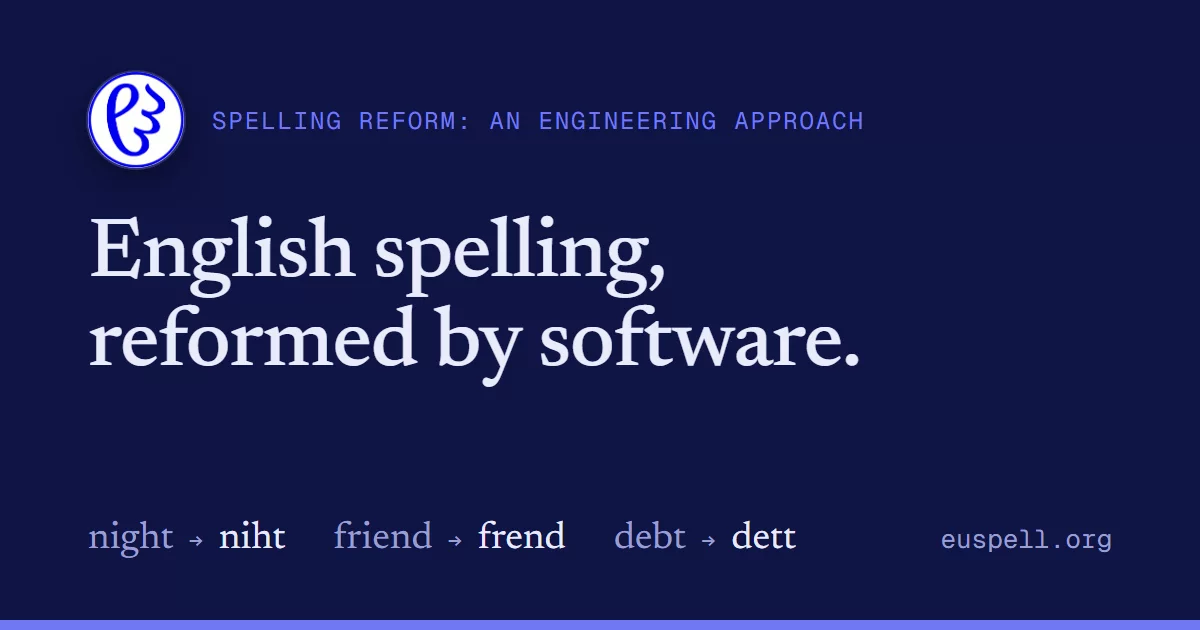

Convert English text into euspell — a reformed, more regular spelling — everywhere you read and write, entirely on your device. No account, no server, no telemetry: the lexicon ships inside each product and your text never leaves it. (One exception, and only while you use it: dictation hands the microphone to the browser's own speech recognition, which on Chrome transcribes in the cloud. See docs/dictation.md.)
The flagship is a browser extension (Chrome, Firefox, and Safari) that rewrites web pages and PDFs in place, but the same conversion engine drives a family of integrations: a bundled PDF viewer, a LibreOffice extension, a Microsoft Word add-in, a Google Docs script, an Apple Pages converter, downloadable dictionaries for other spell-checkers, and the sibling Eupub EPUB/PDF reader. One engine, many surfaces — none of them re-implement the reform.
Installing it: the browser extension is covered by docs/installing.md; the four word-processor tools by docs/installing-addins.md.
What it runs on
| Surface | Where | Built by |
|---|---|---|
| Browser extension (web pages) | src/content/ |
npm run build, then load unpacked |
| PDF viewer (in-browser) | src/pdf/ |
same build (dist/pdf-viewer.js) |
| Firefox build | — | npm run build:firefox → build/firefox/ |
| Safari build (macOS) | safari/ |
npm run build:safari → Xcode host app |
| LibreOffice extension | libreoffice/ |
npm run gen:lo → dict/euspell-libreoffice.oxt |
| Microsoft Word add-in | word-addin/ |
npm run gen:word (Office.js taskpane) |
| Google Docs | apps-script/ |
the Apps Script port |
| Apple Pages (macOS) | pages/ |
npm run gen:pages (JXA, reuses the Apps Script engine) |
| Dictionary exports | dict/ |
Hunspell .aff/.dic, .oxt, Word .dic, Harper, TTS .pls |
| Eupub reader (sibling) | ../Eupub |
the mobile engine build |
How the reform works
Euspell is not a find-and-replace. Each word is looked up in a large English lexicon; most words are unchanged, and the reformed minority each carry their new spelling plus part-of-speech tags. The tags matter because English is full of homographs whose spelling should reform differently by sense:
recordsisNN2|VVZ— the noun ("the records") and the verb ("she recordz") take different euspellings, chosen based on the surrounding words using SVM.wind,bow,read,lead,bass,beloved, … each split by meaning.
Each entry also carries a three-digit encoding saying how many spellings the word has and what kind of ambiguity, if any, has to be resolved to choose between them — see docs/encoding.md for the full scheme.
So the engine (src/content/converter.js + dom-walker.js) walks a document's
text nodes, tokenizes and tags them (src/content/tagger.js), and resolves the
ambiguous cases with two layers of disambiguation in src/disambig/: a
part-of-speech SVM/rule set (pos.js, vvz-svm.js) and per-word semantic rules
(semantic/), trained against the corpora under disambig/. Only text node
values change — never structure — so links, layout, selection, and search
survive the rewrite.
Build & load the extension
npm install
npm run build        # compiles the lexicon, copies PDF.js, bundles the extension → dist/
Then load it unpacked:
- Chrome:
chrome://extensions→ enable Developer mode → Load unpacked → pick this folder (it readsmanifest.jsonanddist/). - Firefox:
npm run build:firefox, thennpm run run:firefox(web-ext) or loadbuild/firefox/viaabout:debugging. - Safari (macOS):
npm run build:safari, then opensafari/Euspell.xcodeprojin Xcode and Run. See safari/README.md for enabling it in Safari.
dist/ is generated (git-ignored); rebuild after changing anything under src/
or the lexicon data.
Integrations & dictionary exports
The same lexicon feeds a set of generators (build/), each producing a drop-in
artifact for another tool:
npm run gen:lo        # LibreOffice extension (.oxt)
npm run gen:word      # Word Office.js add-in (engine + data + icons)
npm run gen:oxt       # Hunspell dictionary packaged as .oxt
npm run gen:harper    # Harper grammar-checker metadata
npm run gen:pls       # TTS pronunciation lexicon (.pls)
npm run gen:pos       # part-of-speech lexicon (for external grammar checkers)
Outputs land in dict/. A custom Word dictionary (dict/euspell-word.dic, the
reformed spellings, so Word stops flagging them) comes from npm run gen:word-dict.
Project layout
| Path | Role |
|---|---|
src/content/ |
the conversion engine — converter, DOM walker, tagger, lexicon |
src/disambig/ |
homograph disambiguation (POS rules + per-word semantic rules) |
src/pdf/ |
the PDF viewer (renders to canvas, reforms the text layer) |
src/popup/, src/options/, src/background/, src/onboarding/ |
extension UI + service worker |
src/dictation/ |
speech-to-euspell dictation |
data/, dict/, disambig/ |
lexicon source, generated dictionaries, training corpora |
build/ |
generators for every integration above |
safari/ |
the macOS Safari web-extension host app (Xcode project) |
apps-script/, libreoffice/, word-addin/ |
the non-browser ports |
tests/ |
unit + pipeline tests |
Tests
npm test # node --test over tests/**/*.test.js
License & privacy
GPL-3.0-or-later. Copyright (C) 2026 Kamran Ossia. The full licence text is in LICENSE — verbatim, so that a copy travels with every distribution rather than only being pointed at.
The lexicon data is licensed separately. The files under data/*.csv are
Creative Commons Attribution-ShareAlike 4.0 International
(CC BY-SA 4.0), not GPL. The
reform is meant to be reusable by anyone building on it, including outside a
GPL project; the code that applies it is not.
All conversion runs locally — no page text, no telemetry, and no network requests leave the device.
Dictation is the single exception, and worth stating plainly because the claim above is otherwise absolute: it calls the browser's Web Speech API, and Chrome implements that by streaming the audio to Google's speech service. The extension never receives the audio and never sees the transcript before the browser returns it; the euspell conversion still happens locally. Nothing is captured unless you start dictation.