
GradientDeck
A design skill for coding agents. The pages they build look made, not generated.
gradientdeck.com · Claude Code, Codex, Cursor, Copilot · free and MIT licensed
Ask an agent for a landing page and you usually get the same page: a centred headline, a purple gradient, three cards with icons and a row of made-up numbers. Ask it to add a screen to your app and it often ignores the components you already have.
GradientDeck changes how your agent makes those decisions. Before any code, it works out what the visitor came to do, finds one idea from the product's own world and plans the whole page around it. In a project that already has a look, it reuses what's there. Then it checks the finished page on a computer, a tablet and a phone.
npx gradientdeck install
Pages built with it
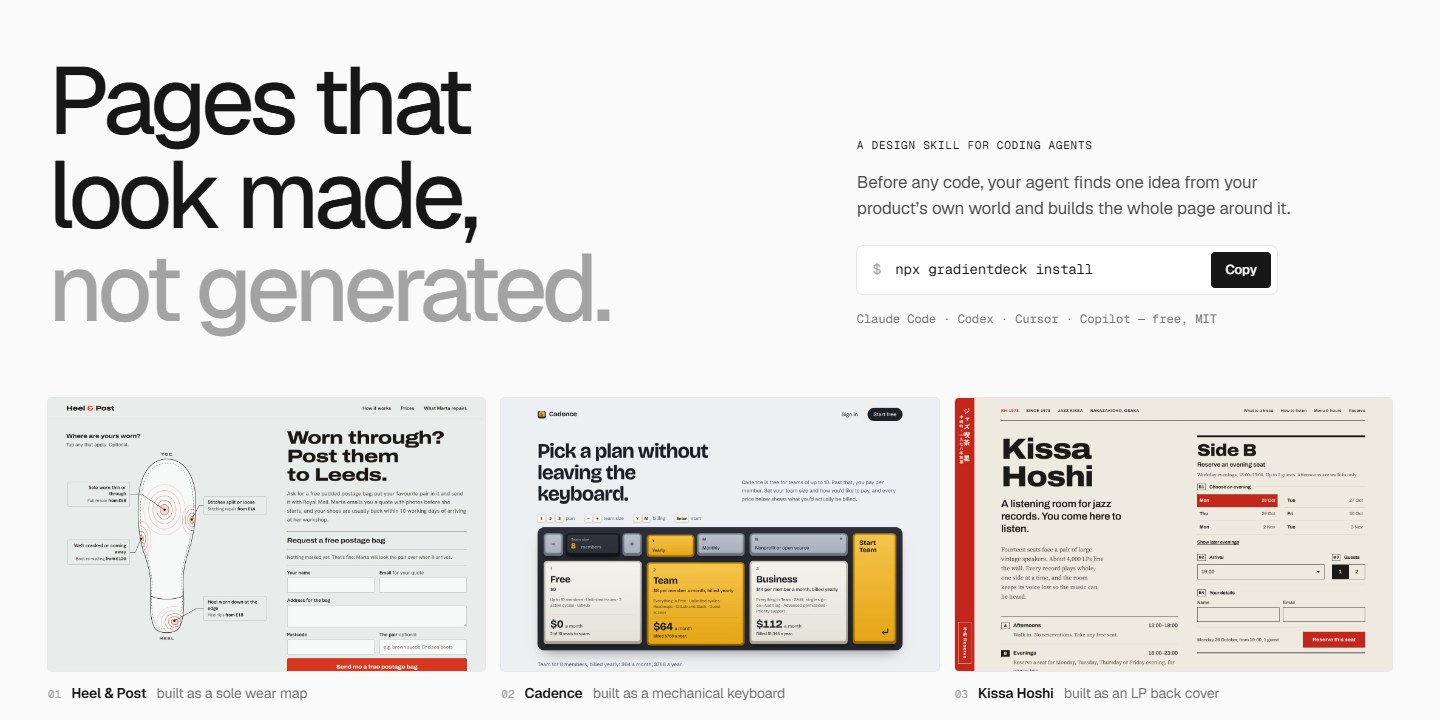
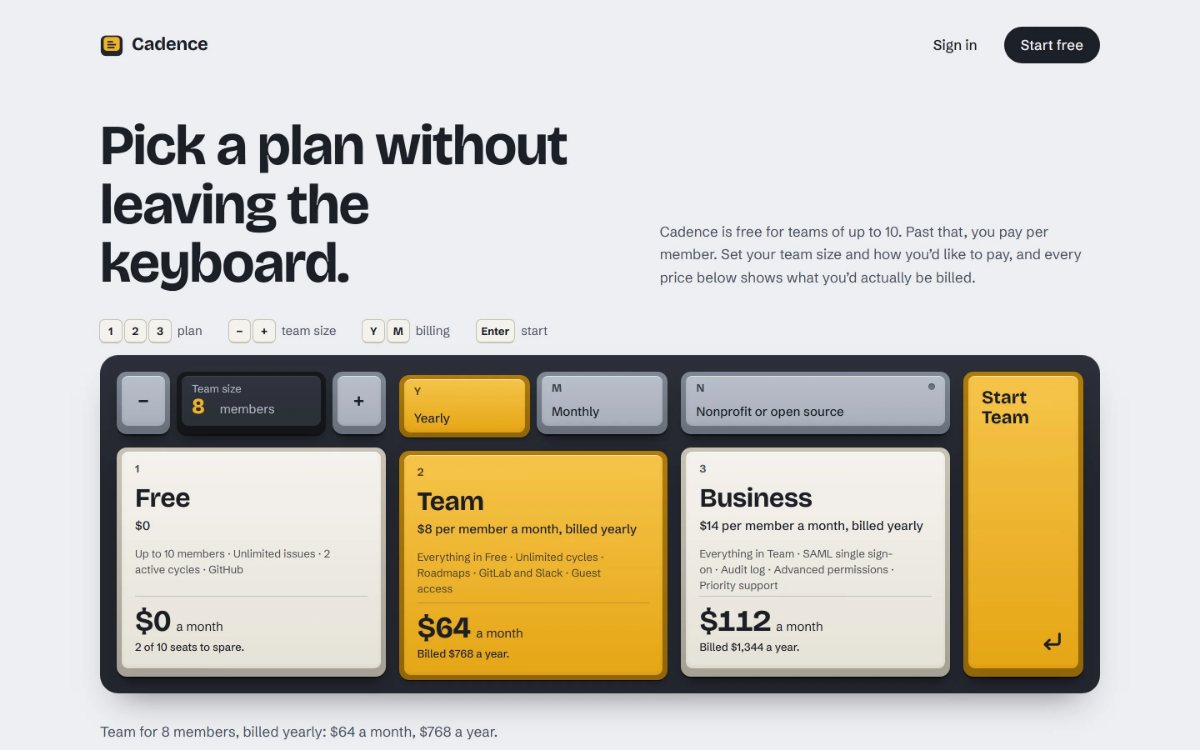
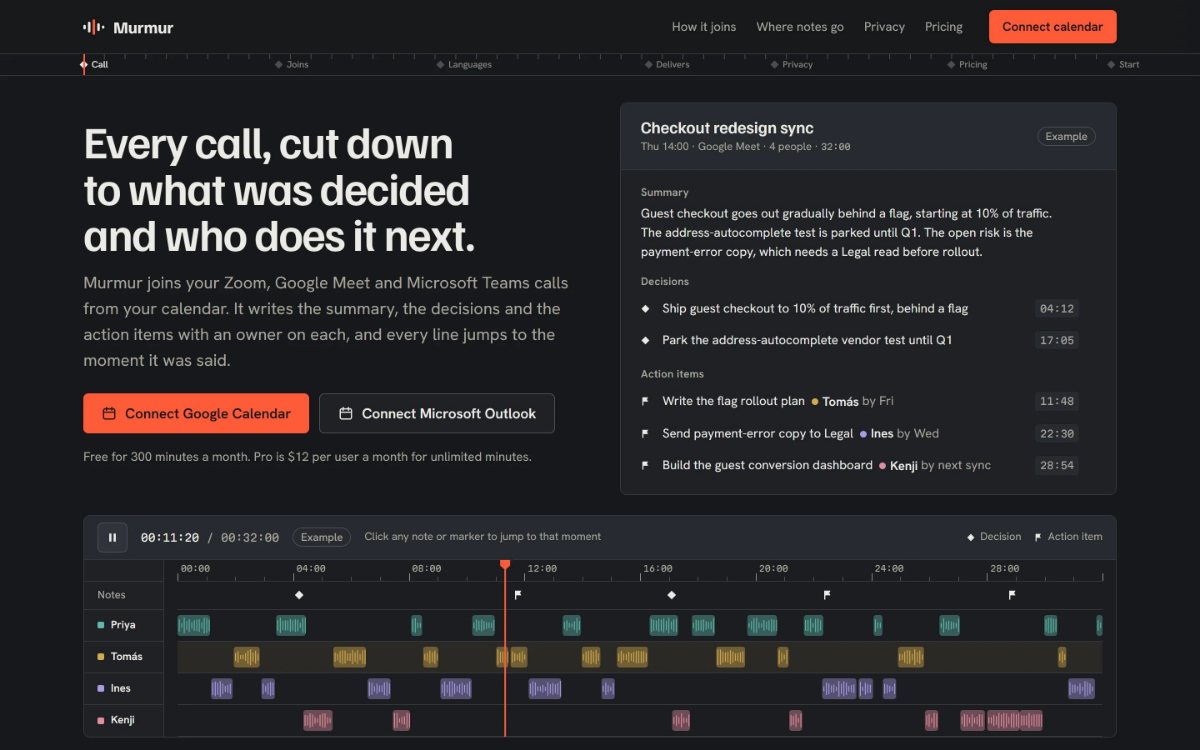
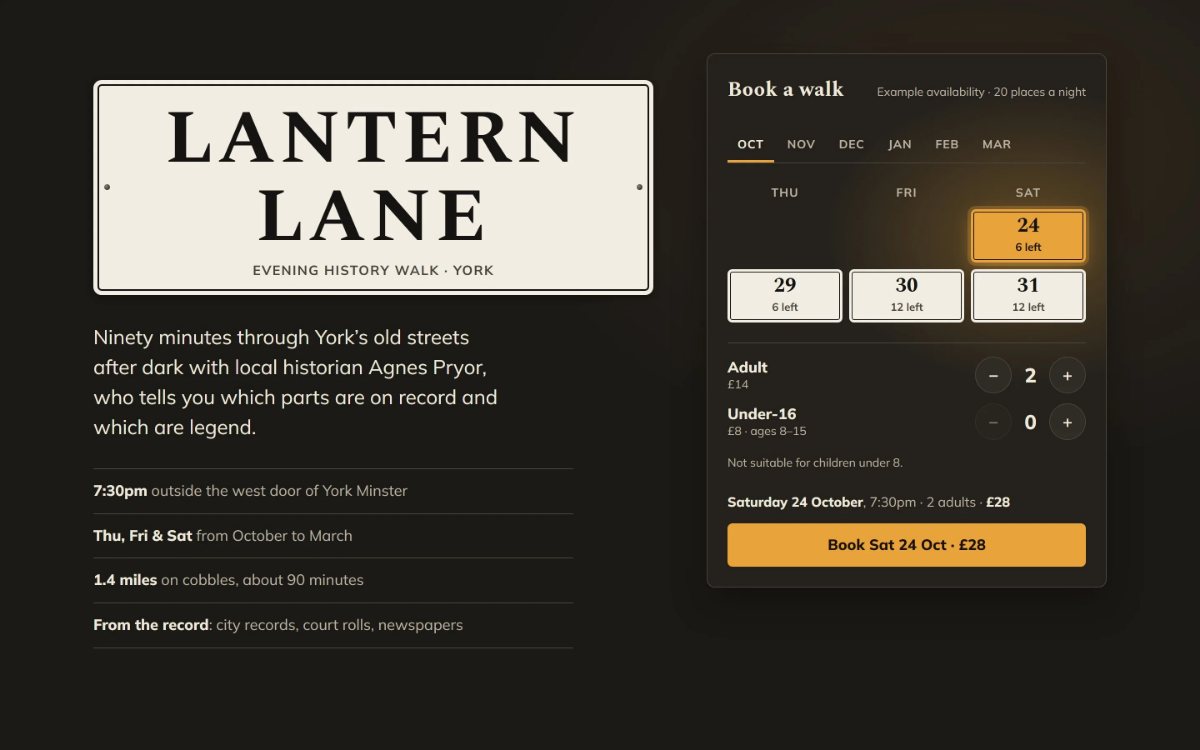
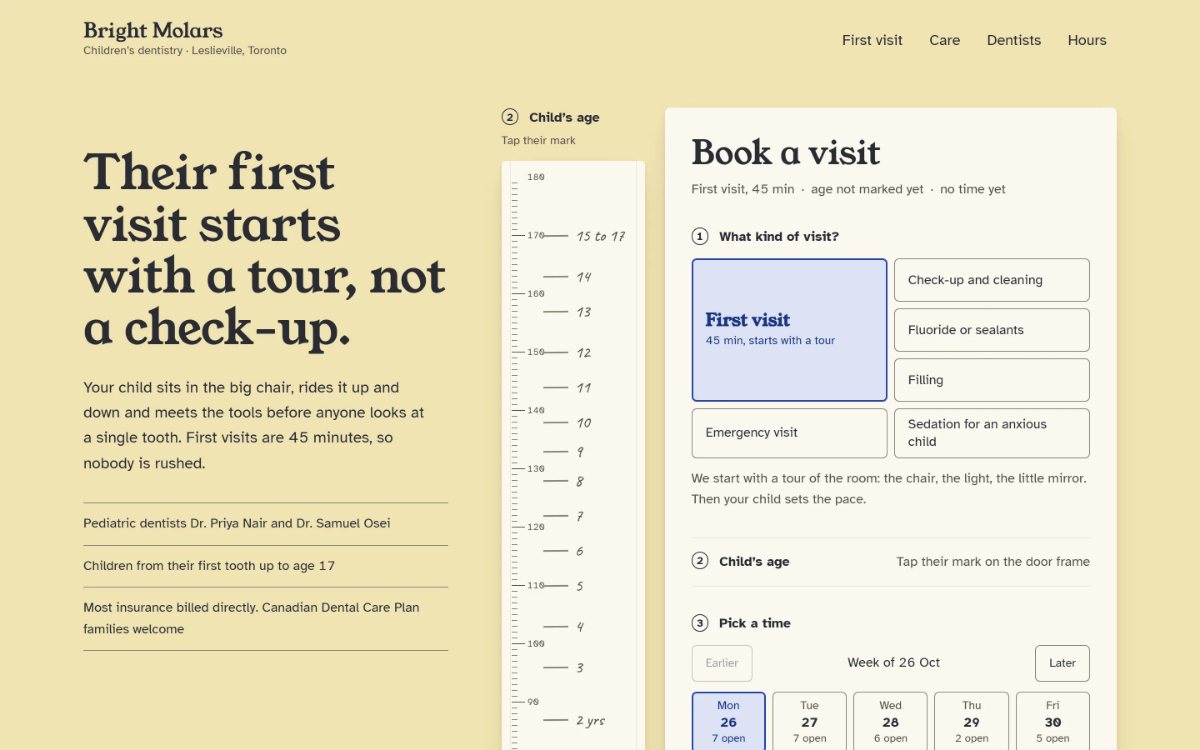
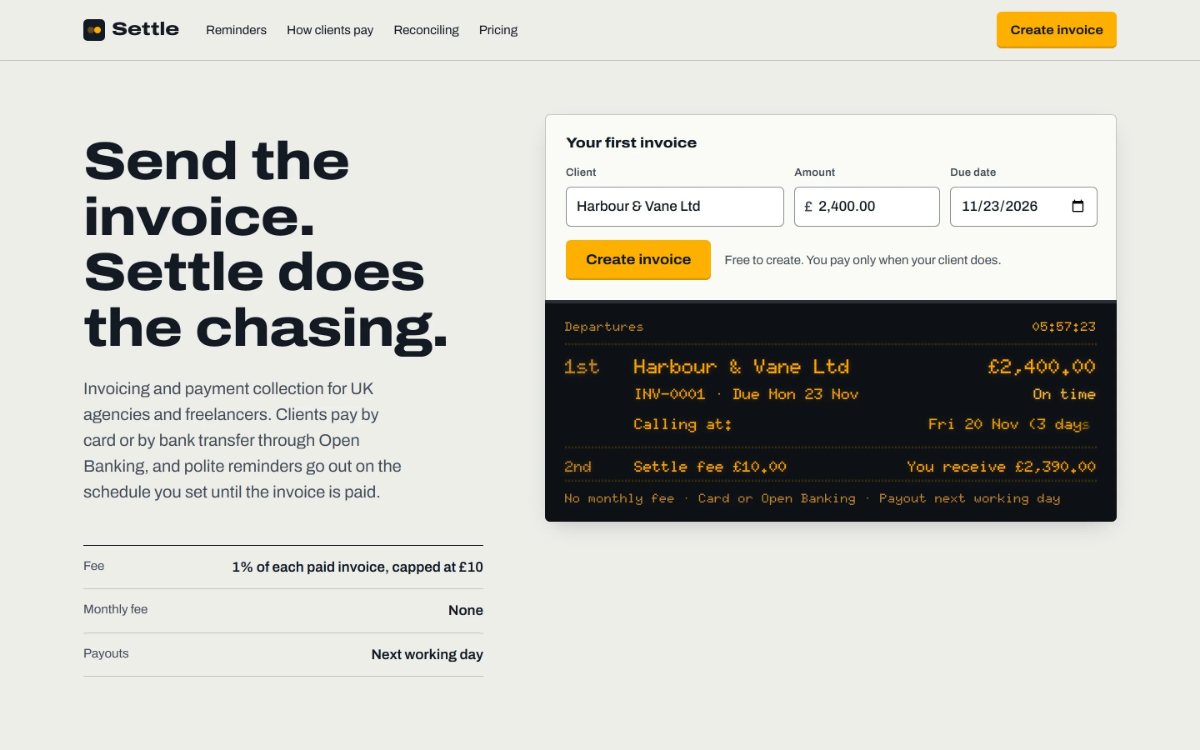
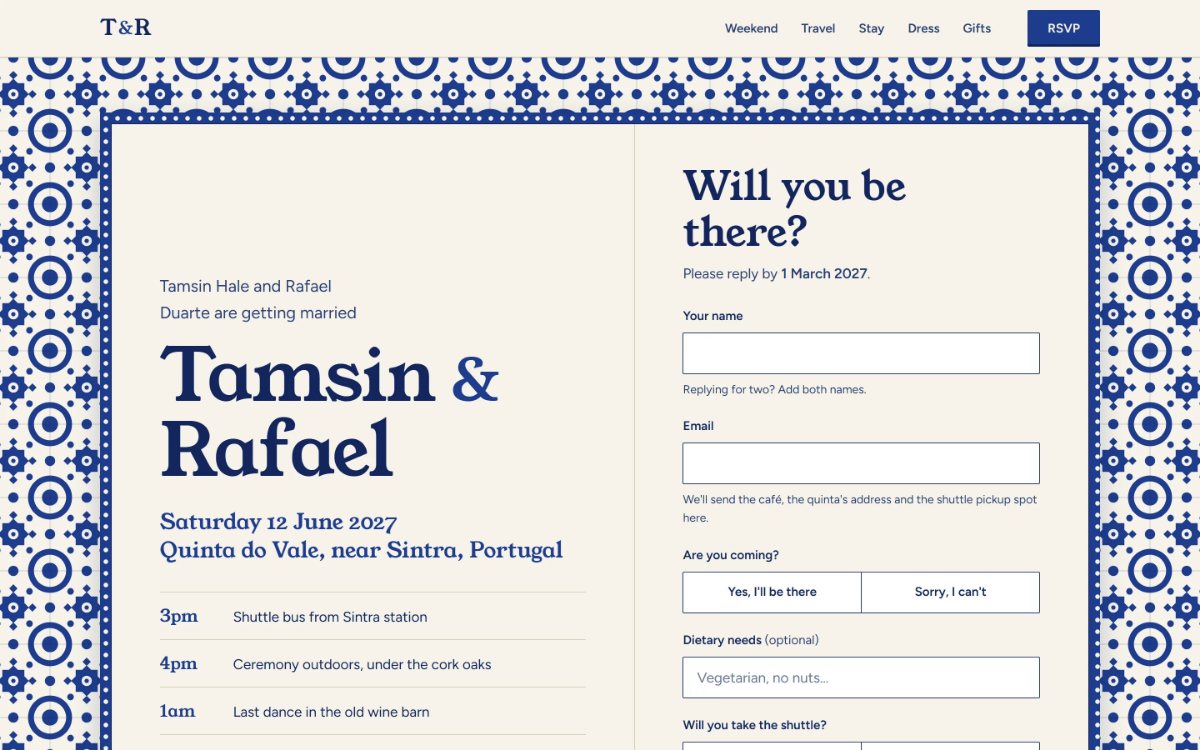
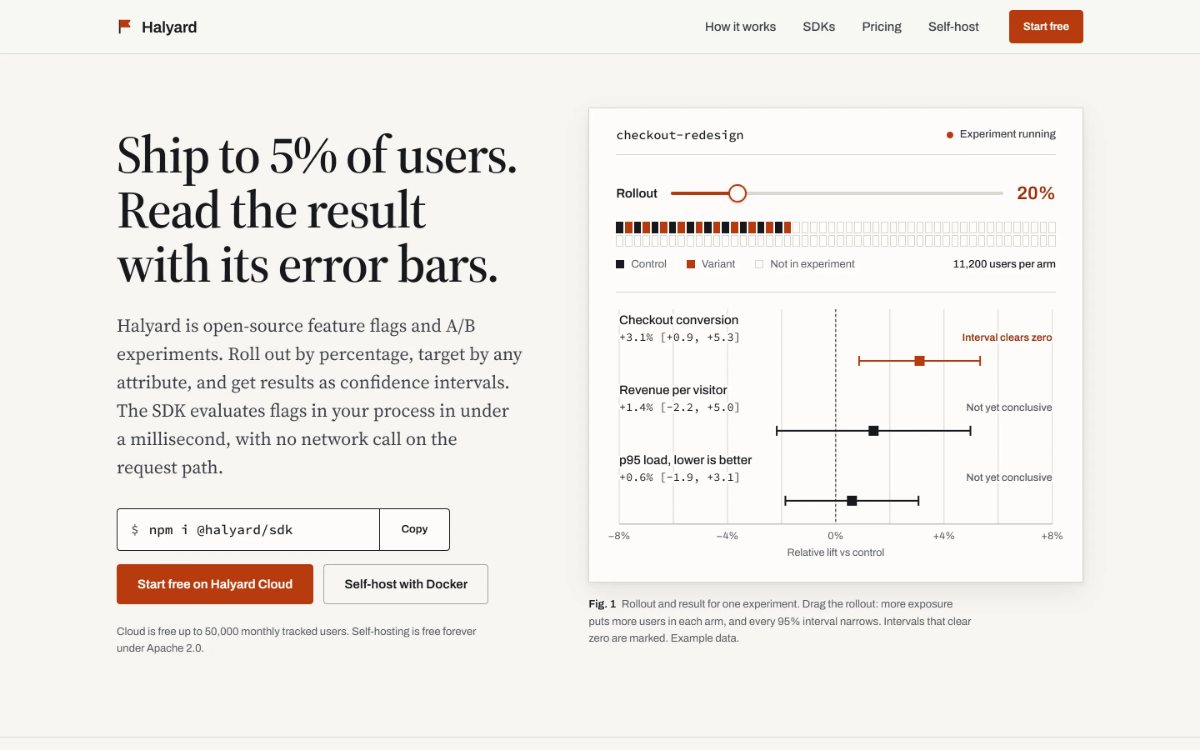
Every page below was built by an agent using the skill, in one go, with no edits afterwards.
 |
 |
 |
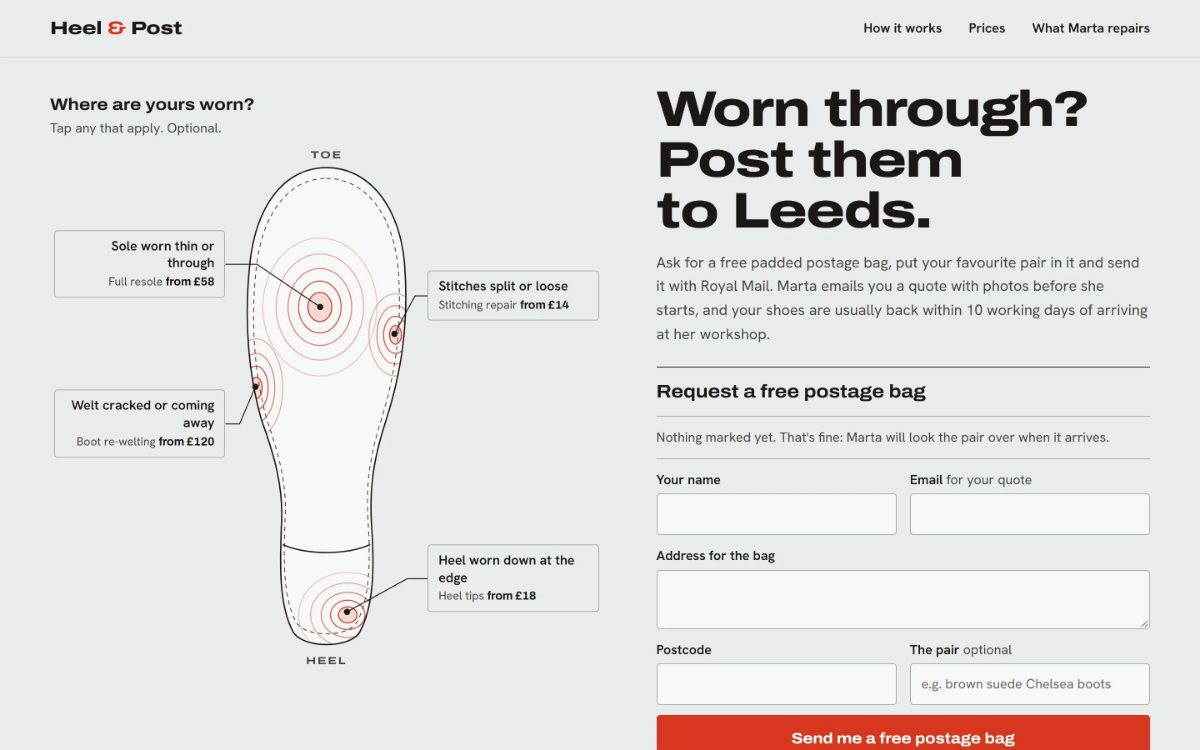
| Heel & Post A mail-in shoe repair, built as a sole wear map |
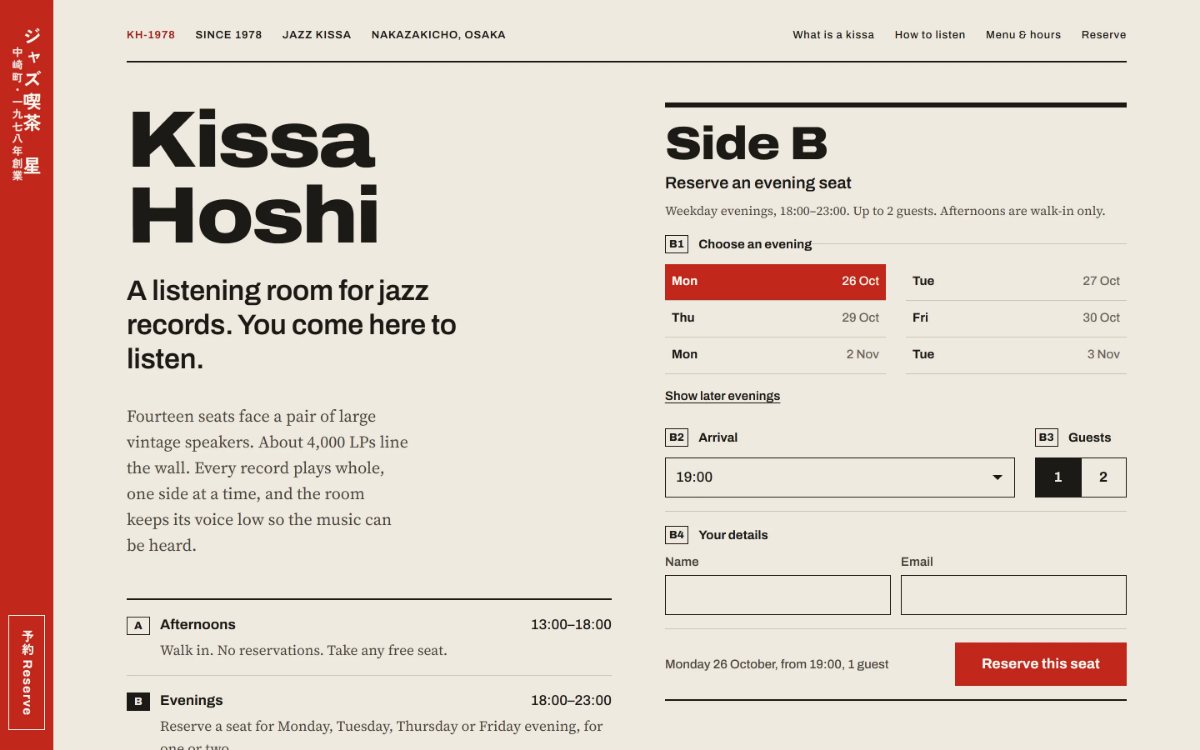
Kissa Hoshi A jazz café in Osaka, built as an LP back cover |
Cadence A pricing page, built as a mechanical keyboard |
 |
 |
 |
| Murmur AI meeting notes, built as a film edit timeline |
Lantern Lane An evening history walk, built as York's street nameplates |
Bright Molars A children's dentist, built as a door-frame growth chart |
 |
 |
 |
| Settle Invoicing for agencies, built as a railway departure board |
Tamsin & Rafael A wedding in Sintra, built as an azulejo tile panel |
Halyard Open-source feature flags, built as a methods paper |
With and without
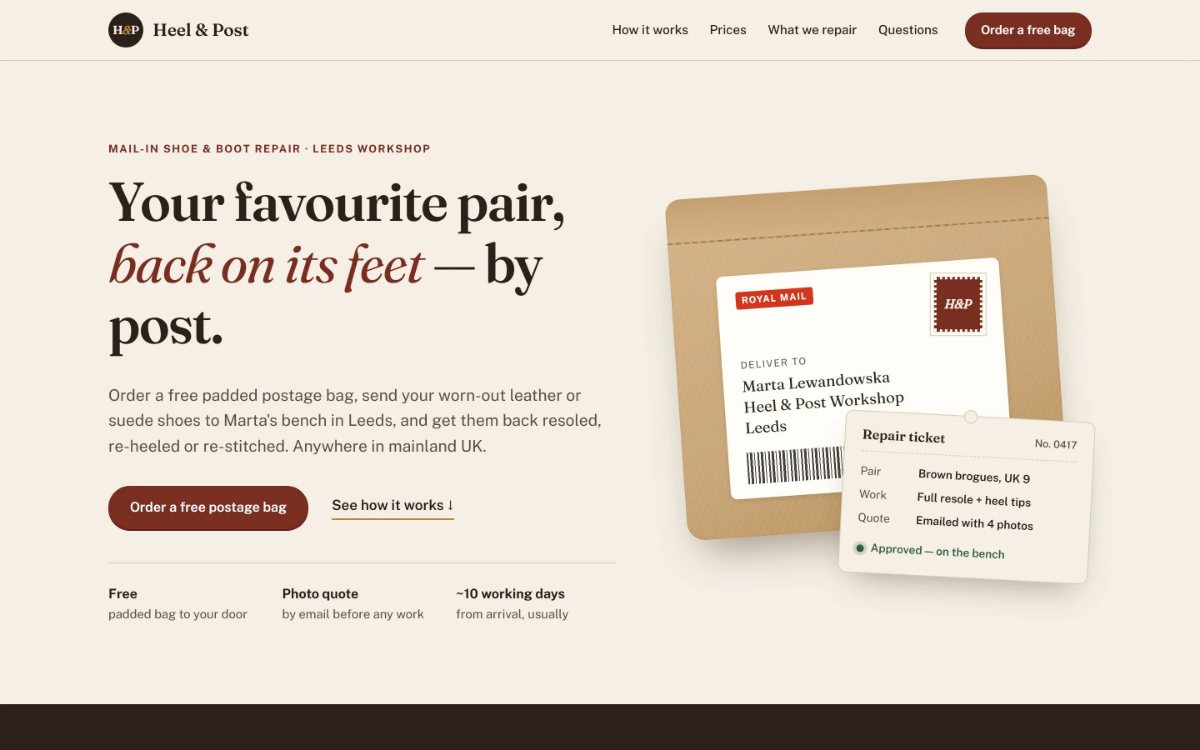
The same brief, given to the same agent. One run used the skill.
 |
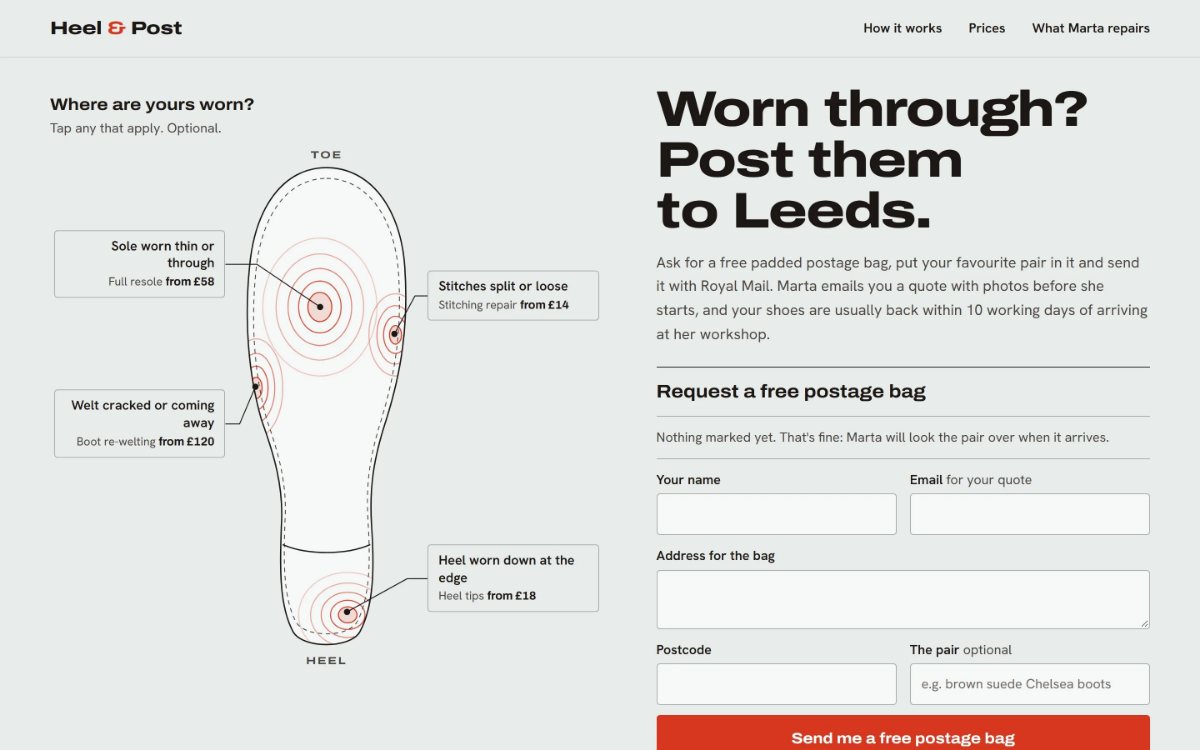 |
| Without the skill A familiar craft-shop page: cream, serif and a parcel picture |
With GradientDeck A map of where shoes wear out, with the bag request form ready to fill in |
How a build runs
- It starts with what the visitor came to do. Not with a layout. The thing they came for goes at the top of the page, on a computer and on a phone.
- It finds one idea from the product's own world. Something visitors already know, picked because it helps them do what they came for, not to decorate.
- It plans the whole look first. Fonts, colours, photos and one touch people will remember, written to
.gradientdeck/pages/<page>.mdbefore any code. - It checks its own work. It looks at the page on a computer, a tablet and a phone, and a small script flags common problems, such as a photo without a credit. It fixes what fails. When it can start a second agent, one new to the page reviews it too.
The page itself is ordinary code in your project. Nothing is added as a signature or comment.
Pages you already have
In a codebase that already has a look, your colours, type, components and nearest similar page come first. The agent reuses them, says what it's adding and why, and points out design problems instead of quietly redesigning around them. A settings screen gets almost no new ideas. A launch page gets one bold one.
When an existing page needs a new idea, ask for a reroll. It keeps every fact and changes the idea; add bolder or safer to steer it.
Honest by default
- No invented proof. No fake customer logos, quotes, ratings or "10,000+ teams" numbers. If a page needs a fact you haven't given, it writes around the gap and tells you what to fill in.
- Real photographs, credited. When a page is about a place, food, a craft or an event, it can use openly licensed photos from Wikimedia Commons and credits each one on the page. It never uses stock sites.
- Accessible. Every page has to meet a floor: readable contrast, visible focus, a calmer version of every animation for people who turn motion off, targets big enough to tap, and a phone layout that holds.
Commands
You don't need special commands. Ask for UI the way you normally would and the skill joins in. You can also name one:
| Ask for | What happens |
|---|---|
build |
Make or change UI (the default) |
direction |
Choose a look for something new |
reroll |
A new idea for the same page; reroll bolder or reroll safer to steer it |
extract |
Write down your existing design system as a DESIGN.md |
review |
A critique, with findings ranked by how much they matter |
polish |
A last pass on finished UI: spacing, states, focus, small type |
deslop |
Remove the generic touches from the latest change |
bolder, quieter, simplify |
Turn the page's expression up or down by one step |
retype, recolor, reflow, animate |
Rework one part and leave the rest |
Install
npx gradientdeck install            # into this project (inside a git repo) or your home folder
npx gradientdeck install --global   # for every project
npx gradientdeck update             # replace an older copy
npx gradientdeck uninstall          # remove only what GradientDeck installed
npx gradientdeck doctor             # where it's installed, and whether it's current
npx gradientdeck install --dry-run  # show what would change
| Agent | Where it lands |
|---|---|
| Claude Code | .claude/skills/gradientdeck |
| Codex, Cursor, GitHub Copilot, OpenCode and others | .agents/skills/gradientdeck |
Needs Node 18 or later. The installer has no dependencies, makes no network requests and collects nothing. If your agent has a browser tool, it uses it to look at the page; without one, it reviews the code and tells you it couldn't look.
Files it keeps in your project
DESIGN.md: your design system, with the reasons behind it. Written when a new system is set up, or extracted from existing code..gradientdeck/pages/: one short plan per page..gradientdeck/decisions.md: dated design decisions, so the next task doesn't undo them.
Contributing
Read AUTHORING.md before changing the skill. In short: describe how to choose, never what to choose; give every rule a context; make every rule checkable. npm test checks size budgets and a few content rules.
License
MIT. Made by GradientDeck.
The photo list (skills/gradientdeck/photos/photos.json) points to photographs hosted on Wikimedia Commons and holds no image files. Each photo keeps its own licence, and pages credit every photo they use.