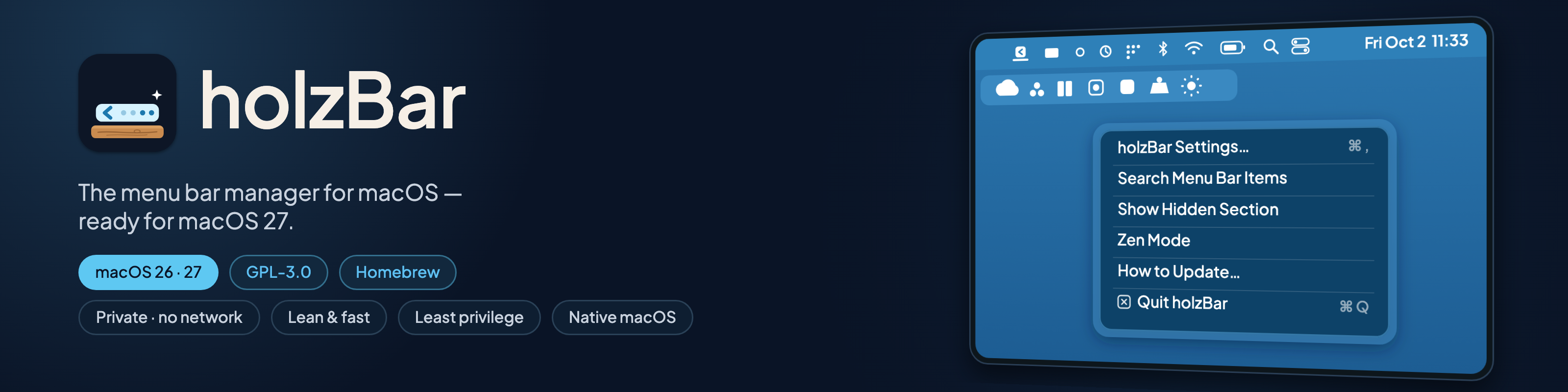

holzBar is a free, open source menu bar manager for macOS. It hides the icons you don't need,
shows them again when you do, and works with the notch on macOS 26 and 27.
Website · Install · Features · Comparison · Privacy · Credits
Important
holzBar is a fork of Ice by Jordan Baird
Ice is one of the best menu bar managers ever made for the Mac, and nearly everything you see here is Jordan's work. holzBar keeps it going on macOS 27 while upstream development is slow. If you enjoy holzBar, please star Ice and consider sponsoring Jordan. holzBar is independent and not affiliated with or endorsed by the Ice project.

Why holzBar
If you looked for an Ice fork that runs on macOS 27, or a free Bartender alternative that is open source, this is it.
- Works on macOS 26 and 27. A dedicated backend for the redesigned macOS 27 menu bar. Every pull request that changes code launches the app on both and runs the unit tests there. It needs macOS 14 or later; CI runs macOS 26 and 27.
- Never online. No update checks, telemetry or analytics, and a CI check proves the app contains no network code.
- No dependencies, modern Swift. Swift 6 language mode, built with Swift 6.4 and Xcode 27, no third-party packages.
- Least privilege. Accessibility at first launch, Screen Recording optional, for pictures of your items, Location Services only when you add a Wi-Fi-name condition to a rule, Bluetooth only when you add a Bluetooth condition. Since 0.0.7-beta2: one executable, no helper process, no entitlements.
- Verifiable releases. Signed with holzBar's own certificate, with GitHub build provenance and, since 0.0.7-beta2, SLSA Build Level 3 provenance.
- More than Ice. Rules, scripts and widgets, profiles, folders, spacers, Zen mode, Shortcuts actions, URL commands, a command palette and moods, a black menu bar, and a camera and microphone dot on macOS 27. Available in 11 languages: English, German, French, Italian, Romansh, Spanish, Brazilian Portuguese, Japanese, Simplified Chinese, Korean and Russian.
Layout: drag items into sections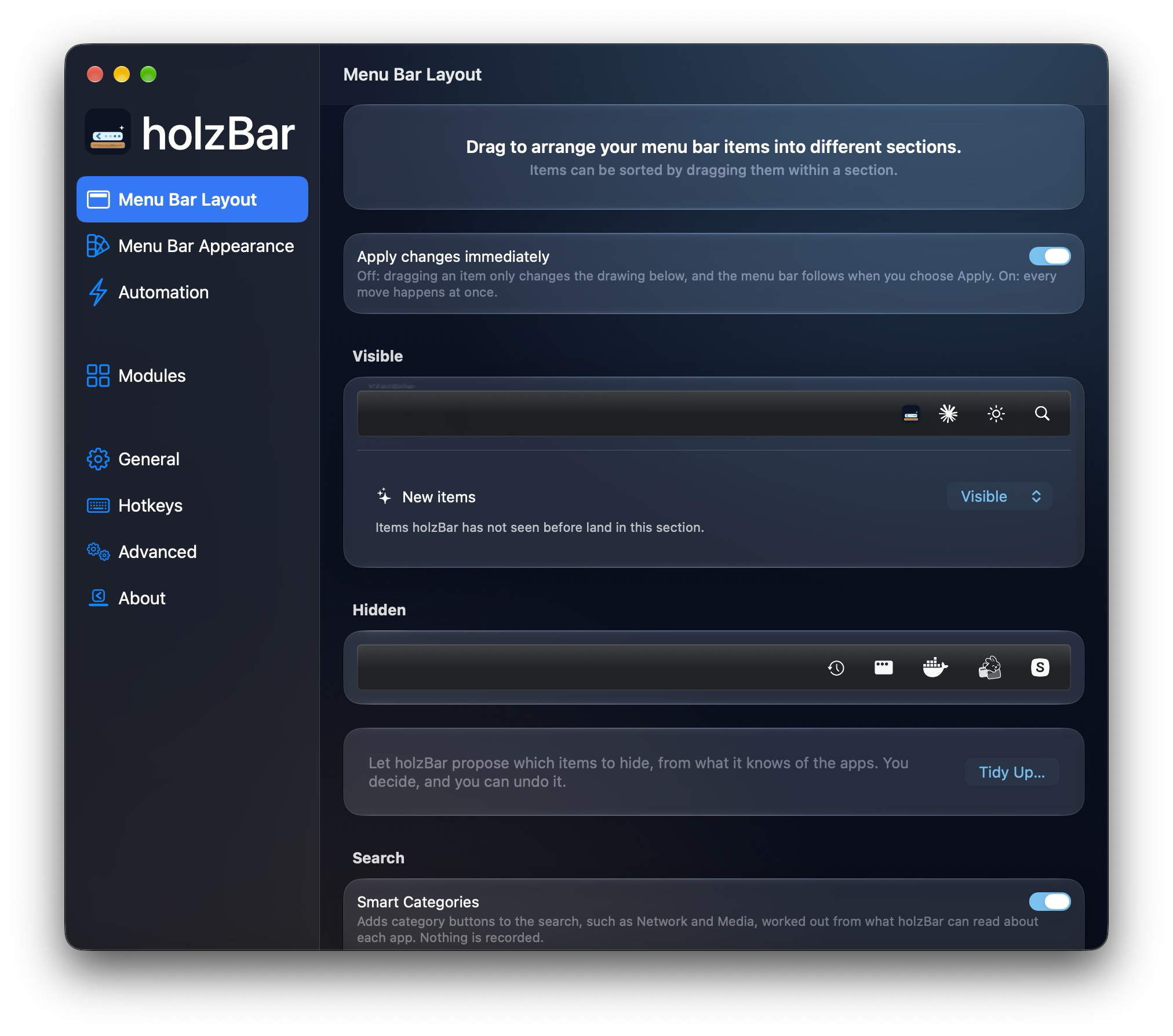 |
Appearance: moods, tint, border, shapes, a black bar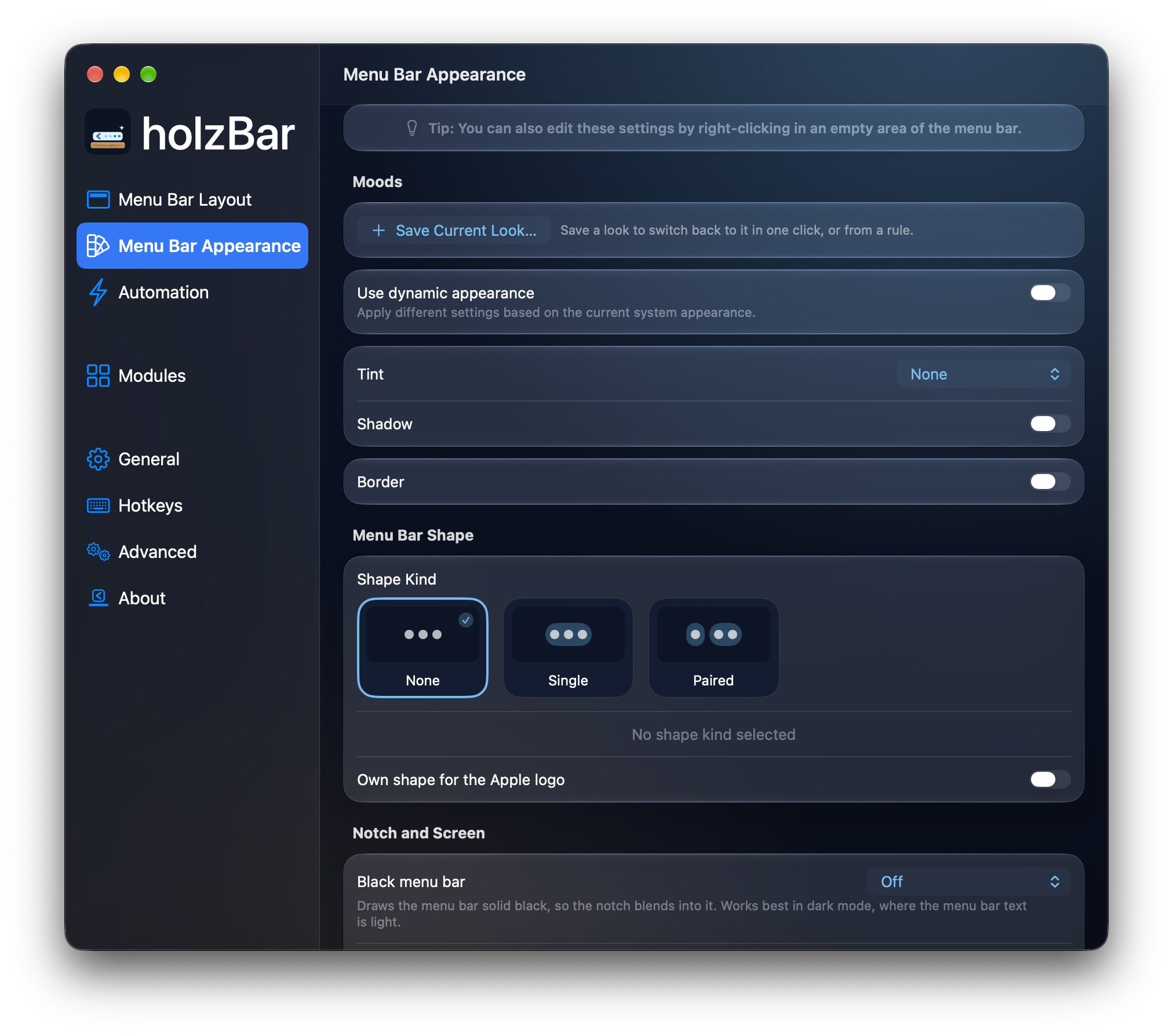 |
More screenshots in the gallery.
How it compares
Researched on 9 October 2026 from each project's own pages and repositories. A dash means the project does not state it.
| Ice | Thaw | Bartender 7 | holzBar | |
|---|---|---|---|---|
| Price, licence | free, GPL-3.0 | free, GPL-3.0 | paid, closed | free, GPL-3.0 |
| macOS 26 / 27 | dev builds / no | yes / yes | no (use Bartender 6) / yes | yes / yes |
| Hidden and always-hidden sections, separate bar | yes | yes | yes | yes |
| Layout profiles, groups, spacers | no | yes | yes | yes |
| Rules and scripts | no | yes | yes | yes |
| Network connections | Sparkle updates | Sparkle updates | vendor says none | none, enforced by CI |
| Dependencies, Swift | 5 packages, Swift 5 | 9 packages, Swift 6 | closed | none, Swift 6 |
| Build provenance | no | Cosign, SLSA | - | SLSA Build Level 3 |
| Developer ID, notarized | yes | yes | - | no (own certificate) |
Where holzBar loses: it has no Developer ID signature, fewer languages than Thaw, a slide of the bar's own items on macOS 26 only, a small AppleScript dictionary, and one maintainer. The full comparison covers 14 apps, with sources and the cells we could not verify.
Install
Two Homebrew channels from the same tap. Stable (holzbar) is the newest plain release, currently 0.0.13. Beta (holzbar@beta) is the newest alpha, beta or plain release, whichever is newest.
brew tap holzcloud/holzbar https://github.com/holzcloud/holzBar
brew trust --cask holzcloud/holzbar/holzbar
brew install --cask holzcloud/holzbar/holzbar
For the beta, use holzbar@beta in the last two commands. Quit Ice, Thaw, Bartender or Hidden Bar first; your Ice settings are imported on the first launch. Update with brew update && brew upgrade --cask holzbar.
If macOS says holzBar "can't be opened", run xattr -dr com.apple.quarantine /Applications/holzBar.app and open it again. The release certificate has the SHA-256 e55f0df15060b8c06c6842ccee85e6bc9f86cbbda3bd408abf991457840b1d95; how to verify a download is in docs/signing.md. Switching channels, updating from 0.0.5 and building from source are in Build and troubleshooting.
Warning
macOS 27: while holzBar hides menu bar items, Control Centre does not draw its camera, microphone and screen recording indicator. holzBar cannot prevent this, so it puts a dot on its own icon while the microphone (orange) or camera (green) is in use. Details
What's next
0.0.11 (see the release notes and what is new): the bar's hidden items slide in and out on macOS 26, under Animate showing and hiding in Settings → General (since 0.0.13 the Animation cards, see below; never with Reduce Motion on; macOS 27 animates its own bar, macOS 14 and 15 keep the instant change). The Search and Hints panels have a new glass look, and the type sizes and spacing in Settings come from one shared set of design tokens.
0.0.12 is out (see the release notes and what is new): Apple Items, the Notch hub, Smart Categories, a floating Shelf and a glass command palette.
0.0.9 (see the release notes and what is new): a new Settings window with a Modules pane, a command palette, an AppleScript dictionary, moods (saved looks), grid and column layouts and a fade for the holzBar Shelf, sound output and Bluetooth conditions for rules, opt-in usage suggestions, and a hint when a rule puts an item back.
0.0.8 (see the release notes and what is new) brought rules, scripts, per-item conditions, widgets, layout snapshots, a Touch ID lock, menu bar styles, dragging items without ⌘ and support for macOS 27's own overflow button.
0.0.13 is out (see the release notes and what is new): the Widgets module also offers built-in items: Focus, AirDrop (drop files on it to share them), media controls, fast user switching, a timer, and app launchers, a holzBar icon for any app you choose, each a menu bar item like any other, so it hides, moves and shows in the Shelf with the rest (what they do). Four upgrades of the holzBar Shelf, with their settings in Settings → General. Type to find an item and open it with Return, the always-hidden items behind one fold tile ("+3"), apps that are not running shown dimmed so a click launches them, and dragging an item to put it in order, into another section or up onto the menu bar (what they do). Behaviour and the layout editor: the Animation setting shows Instant, Smooth and Fade as picture cards; on macOS 27 the clock opens Notification Center while items are hidden, and you can turn that off; each display can always show everything or collapse, and the display under the pointer decides; and the Menu Bar Layout pane draws first and applies in one pass, with a tile that shows where new items land (what they do). The search knows short names (bt finds Bluetooth, wlan Wi-Fi, dnd Focus) and puts the items you open from it first, with a Forget button; holzBar's own menu bar icon comes in more styles as picture cards, with a No icon card, and the Shelf's style and layout and the menu bar's shape are picture cards too (what they do). holzBar now speaks 11 languages, with Spanish, Brazilian Portuguese, Japanese, Simplified Chinese, Korean and Russian new.
New in 0.0.12: on macOS 27 the Apple Items module hides the clock, Control Center, Wi-Fi or the battery and adds replacement icons that open an Apple item. Smart Categories add category buttons to the search (System, Network, Media and more), worked out from what holzBar can read about each app; nothing is recorded. The holzBar Shelf can also float: under Style in Settings → General it becomes a bar of its own a little below the menu bar, and under Location it opens at the holzBar icon, at the right edge of the screen or below the mouse pointer. The command palette has the new glass look. The notch hub, a panel at the notch for optional modules, is there with no module in it yet (what it does).
Planned, not available yet: settings sync and the modules of the notch hub in 1.0.0. Every later module is optional, off until you switch it on, and never uses the network. The roadmap has the details.
More
Features and gallery · macOS 27 notes · Privacy and permissions · Troubleshooting · Full comparison · Notes on the comparison
Credits
- Ice by Jordan Baird: the app holzBar is built on, with its design, its features and almost all of its code. Thank you, Jordan! If you like it, sponsor Jordan or buy him a coffee.
- RabenkoYevhenii: the macOS 27 backend (jordanbaird/Ice#995).
- Barometer by mackid1993 and Thaw by thaw-app: the macOS 27 assertion code holzBar's hiding is adapted from.
holzBar links no third-party package. The adapted projects and their licenses are listed in the app under Settings → About → Acknowledgements.
License
holzBar is available under the GPL-3.0 license, like Ice. See NOTICE for attribution and a summary of the changes made in this fork. Like holzBar? Sponsor holzcloud.