
Open-source RGB lighting engine for Linux, Windows, and macOS
✦ Your world is a canvas: paint every pixel. ✦





Vision • How It Works • Features • The UI • The TUI • Get Started • Effect SDK • Architecture • Status • Security • Contributing
🔮 The Vision
RGB lighting is a mess. Single-vendor tools that don't talk to each other, half-working daemons, and effects that look like they were designed in 2012. The one great effects engine is proprietary, Windows-only, and behind a subscription.
Hypercolor is the fix.
One app. Every RGB device you own. Motherboards, keyboards, mice, LED strips, smart lights, case fans, all driven by the same engine at up to 60fps. Effects aren't hardcoded routines. They're web pages, rendered by an embedded Servo browser and sampled onto your physical LED layout every frame. And it runs on Linux, Windows, and macOS.
⚡ How It Works
graph LR
    subgraph Input
        A[Audio FFT]
        B[Screen Capture]
        C[Keyboard / MIDI]
    end

    subgraph Engine
        D[Effect Renderer<br><i>Servo · Native Rust</i>]
        E[Canvas<br><i>640 × 480 default</i>]
        SF[SparkleFlinger<br><i>compositor</i>]
        F[Spatial Sampler]
    end

    subgraph Hardware
        G[Razer · Corsair · ASUS<br><i>USB / HID / I2C</i>]
        H[WLED · Hue · Nanoleaf<br><i>UDP / REST / mDNS</i>]
        I[QMK · Push 2<br><i>USB HID · USB MIDI</i>]
    end

    A & B & C --> D
    D --> E --> SF --> F
    F --> G & H & I
Effects render to a virtual RGBA canvas, 640×480 by default and configurable. SparkleFlinger, the GPU compositor (wgpu, with a CPU fallback), latches the newest surface from each producer every frame and blends them into one canonical canvas, and the spatial engine samples it at each LED's physical position. Effects use normalized coordinates, so they stay resolution-independent. Audio, screen capture, and keyboard input feed every frame. One effect paints the whole room: your keyboard, LED strip, and case fans all draw from the same source.
🌈 Features
🔌 Supported Hardware
Hypercolor tracks 420 devices across 32 vendors in data/drivers/vendors/. 184 ship with a working driver today across 12 driver families. 1 are actively in development. 233 more are researched or known, awaiting implementation or hardware to test.
| Vendor | Supported | In progress | Researched | Blocked | Drivers |
|---|---|---|---|---|---|
| Ableton | 1 | — | — | — | push2 |
| Alienware | — | — | 3 | — | — |
| Aqua Computer | — | — | 4 | — | — |
| ASRock | — | — | 4 | — | — |
| ASUS | 10 | — | 10 | — | asus |
| Cooler Master | — | — | 20 | — | — |
| Corsair | 49 | — | 34 | — | corsair |
| Dygma | — | — | — | 2 | dygma |
| EVGA | — | — | 7 | — | — |
| Fnatic | — | — | 3 | — | — |
| Gigabyte | — | — | 8 | — | — |
| Glorious | 1 | — | 4 | — | qmk |
| Govee | 4 | — | — | — | govee |
| HyperX | — | — | 16 | — | — |
| HYTE | — | — | 2 | — | — |
| Lian Li | 13 | 1 | 2 | — | lianli |
| Logitech | — | — | 9 | — | — |
| Mountain | — | — | 4 | — | — |
| MSI | — | — | 11 | — | — |
| Nanoleaf | 1 | — | — | — | nanoleaf |
| Nollie | 19 | — | — | — | nollie |
| NZXT | — | — | 17 | — | — |
| Philips | 1 | — | — | — | hue |
| PrismRGB | 3 | — | — | — | nollie, prismrgb |
| QMK | 10 | — | — | — | qmk |
| Razer | 71 | — | 38 | — | razer |
| Roccat | — | — | 14 | — | — |
| Sony | — | — | 3 | — | — |
| SteelSeries | — | — | 6 | — | — |
| Thermaltake | — | — | 10 | — | — |
| WLED | 1 | — | — | — | wled |
| Wooting | — | — | 4 | — | — |
New drivers land often. Full matrix: docs/content/hardware/compatibility.md. If you own hardware Hypercolor doesn't support yet, see CONTRIBUTING.md.
🌉 OpenRGB Fallback
Hardware without a native driver can still join your effects and layout through the opt-in OpenRGB bridge: Hypercolor renders the colors, and a separately installed OpenRGB SDK server delivers them. Native drivers keep the devices they already support, and OpenRGB is neither needed for native hardware nor bundled.
Run hypercolor devices coverage to see where the bridge would help and
hypercolor openrgb hints for setup. Hypercolor can configure a managed OpenRGB server and
start it with the overlapping detectors disabled. The
OpenRGB fallback guide covers hub LED counts and
troubleshooting.
🖥️ Dual Render Path
- Servo: an embedded browser rendering HTML Canvas, WebGL, and GLSL shaders headless at 60fps. Existing community effects work unmodified.
- Native Rust: compiled-in CPU renderers for the built-in effects, with no browser in the frame path.
🎨 58 Built-In Effects
Hypercolor ships 58 built-in effects across ambient, audio-reactive, shader, generative, and interactive styles, plus 7 display faces for devices with LCD panels. Keystrike lights up under your keystrokes, and Touch Ripple throws light from wherever you touch a ROLI Lightpad or an Ableton Push 2. Every effect is open source and built to be forked, with curated cover art and tuned presets.
| Borealis | Neon City | Hyperspace | Cymatics |
| Synth Horizon | Fractalux | Iris | Arc Storm |
| Voidweaver | Lava Lamp | Ink Tide | Wormhole |
| Nebula Drift | Frequency Cascade | Spectral Fire | Cyber Descent |
| Bubble Garden | Nyan Dash | Deep Current | Breakthrough |
🗺️ Spatial Layout Engine
Map your physical desk in the UI. Drag devices onto a 2D canvas, define LED topologies (strips, matrices, rings), and the spatial sampler resolves pixels to LEDs. Pick nearest, bilinear, area average, or Gaussian sampling at every position.
🎧 Audio-Reactive Pipeline
FFT with beat detection, mel-band analysis, chromagram, and spectral features. Effects react to bass hits, BPM, spectral centroid, or the full 200-bin spectrum. Lock-free buffering keeps the render loop from ever blocking on audio.
⌨️ Interactive Effects
Effects can react to your keyboard and mouse. Input is consent-gated and off by default, and Hypercolor opens input devices only while an interactive effect is running. The input capture guide covers what it can and can't see.
🌊 And More
- Scene engine with priority stacking, Oklab cross-fades, and automation rules
- Display faces for LCD-equipped devices: clocks, sensor dashboards, now-playing panels
- Screen capture input for ambient backlighting
- Portable device identity: devices keep their identity across cable moves, IP churn, and BIOS renumbering, and layouts can be rebound after hardware swaps
- REST API + WebSocket for full programmatic control, with a Python client on PyPI
- MCP server for AI assistant integration (Claude Code, Cursor, and friends)
- CLI tool (
hypercolor) with table/JSON output and shell completions - Hot-reload on effect changes, no restart required
- Session and power awareness: lights go dark when the machine sleeps and come back on resume, and screen lock can dim or turn them off too
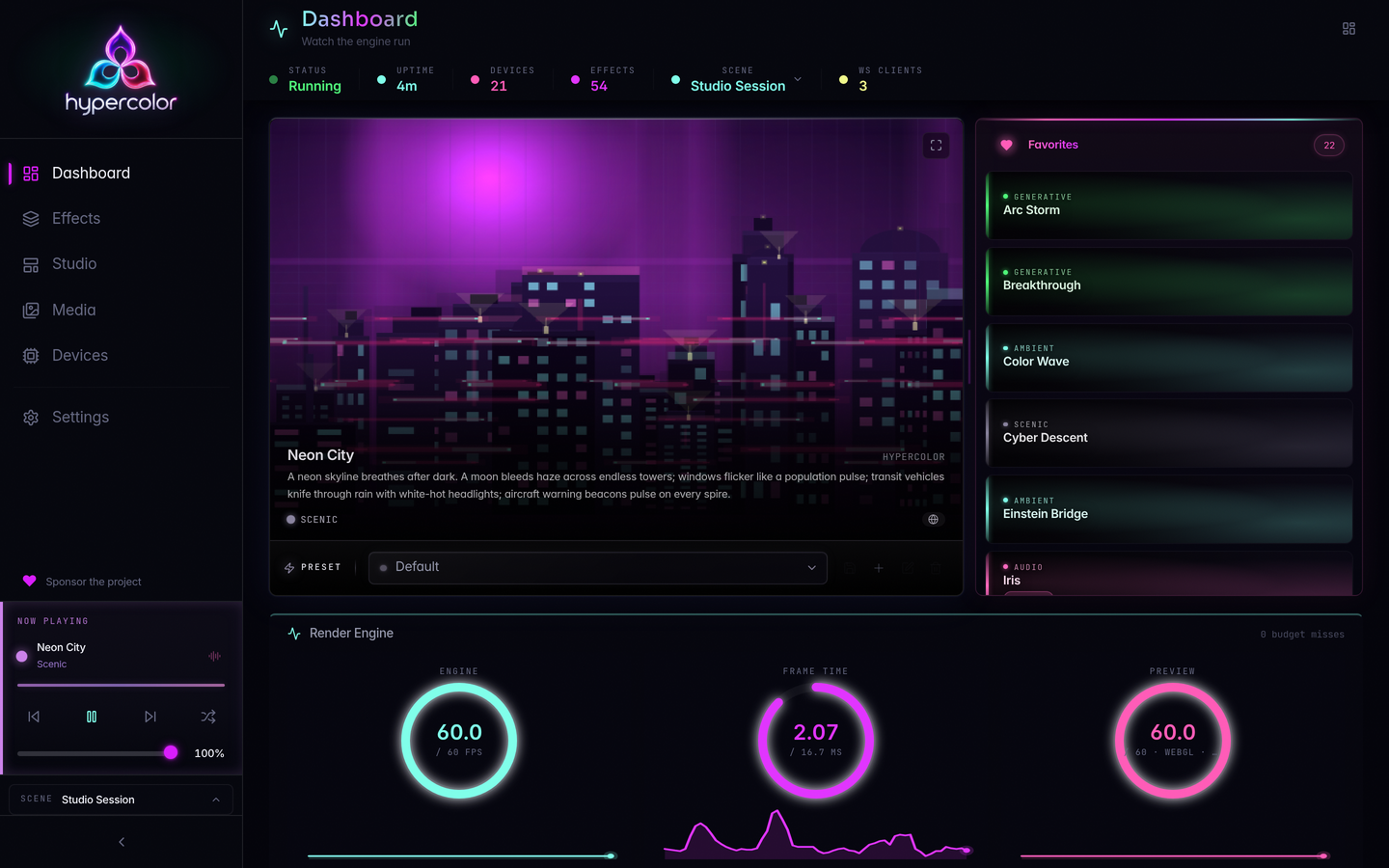
💎 The UI
The web UI is built right in: open http://localhost:9420 and everything is there, no
separate install. Browse effects, tweak controls live, manage devices, and design spatial
layouts from any browser. The whole thing is responsive, so your phone works as a remote
control for the rig.
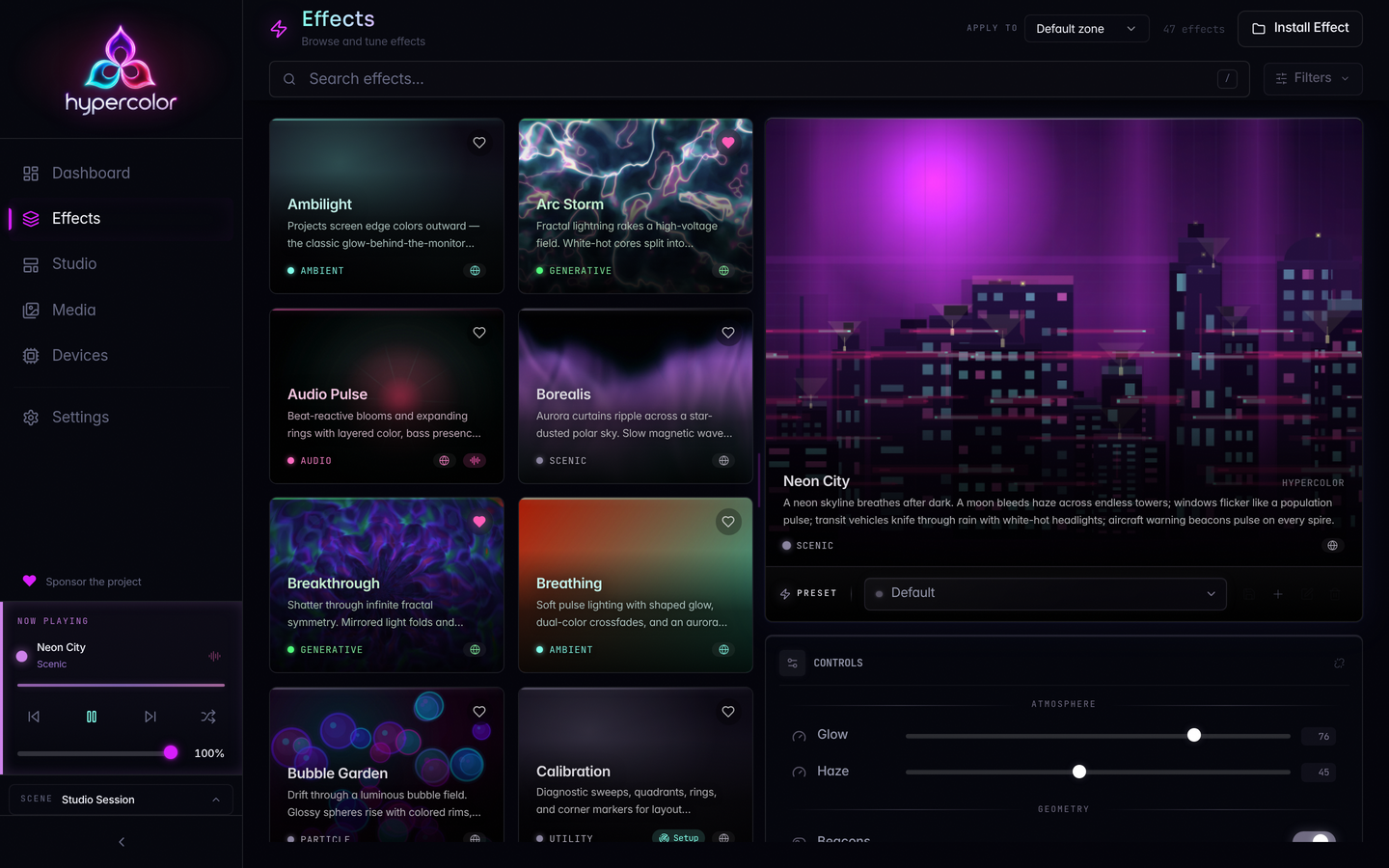 Effects browser with live preview |
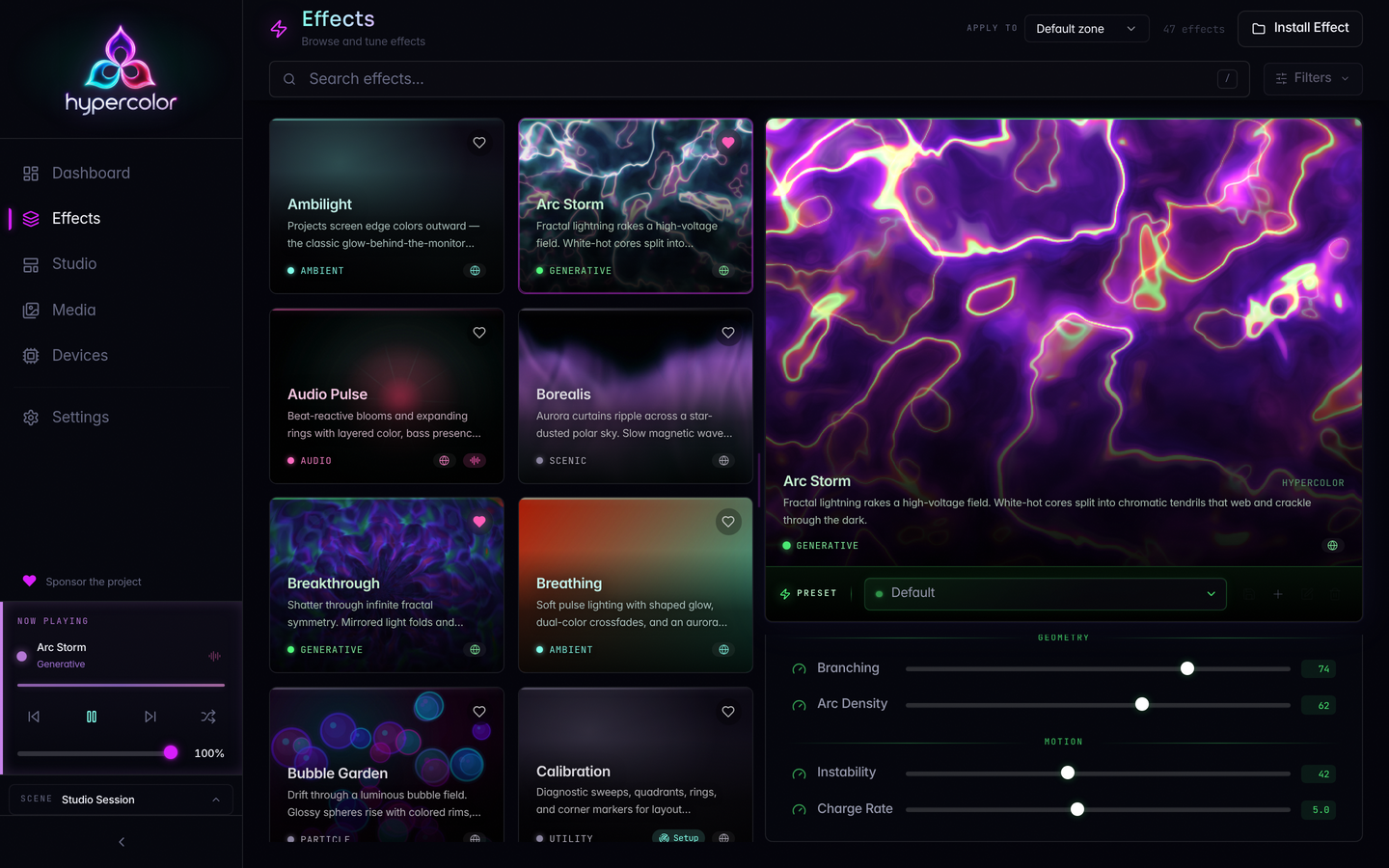 Control panel with canvas preview |
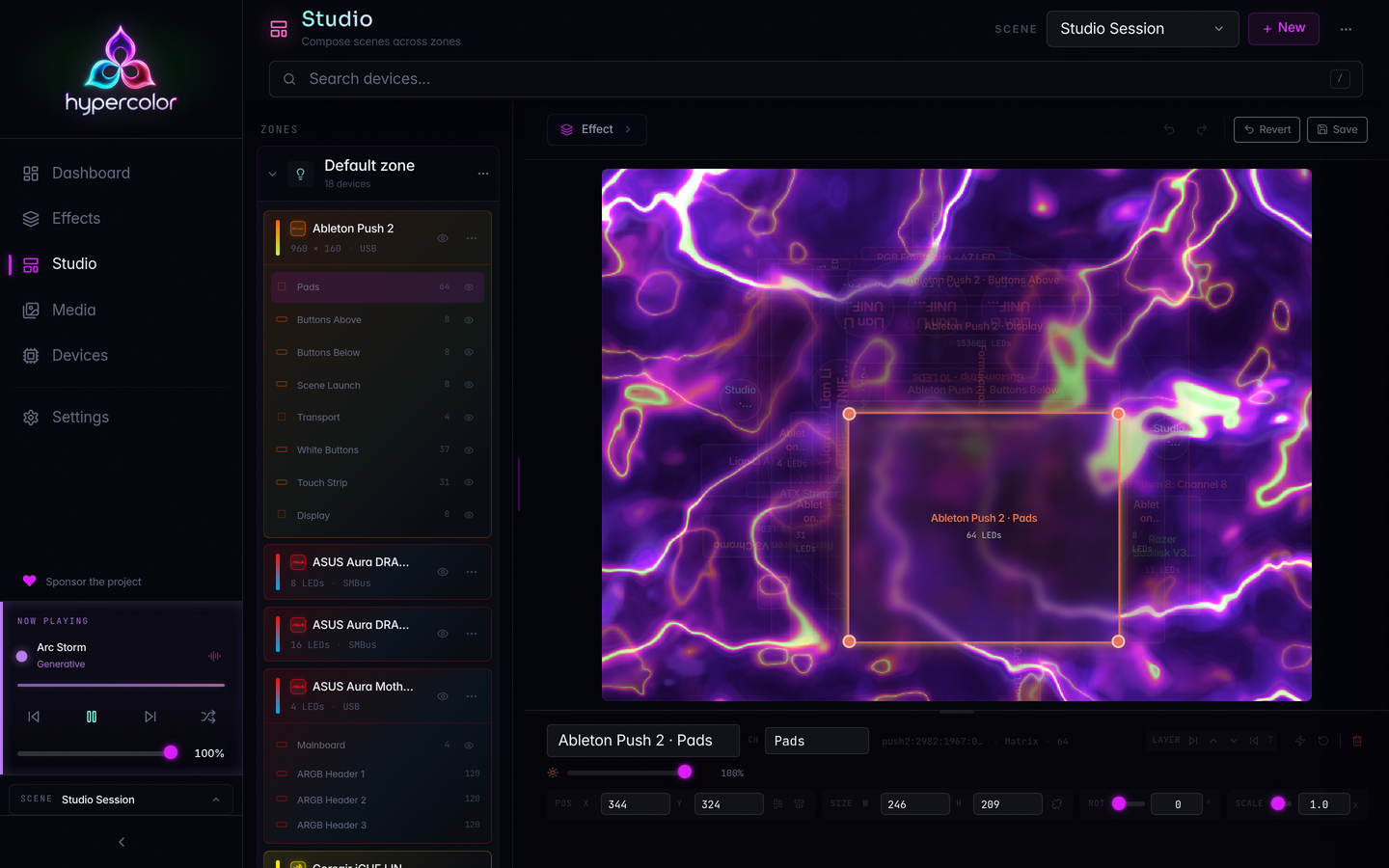 Drag-and-drop spatial layout editor |
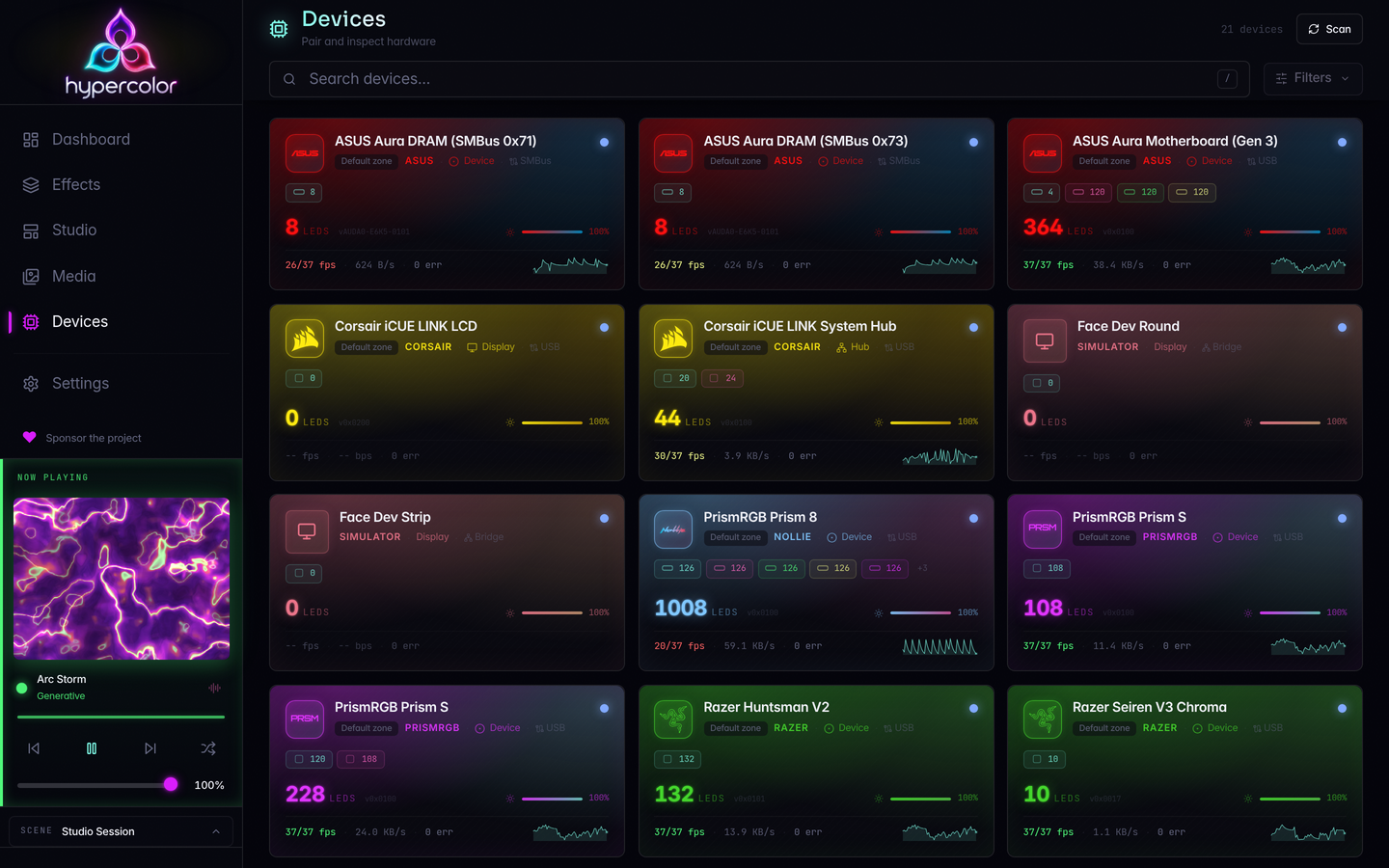 Device management |
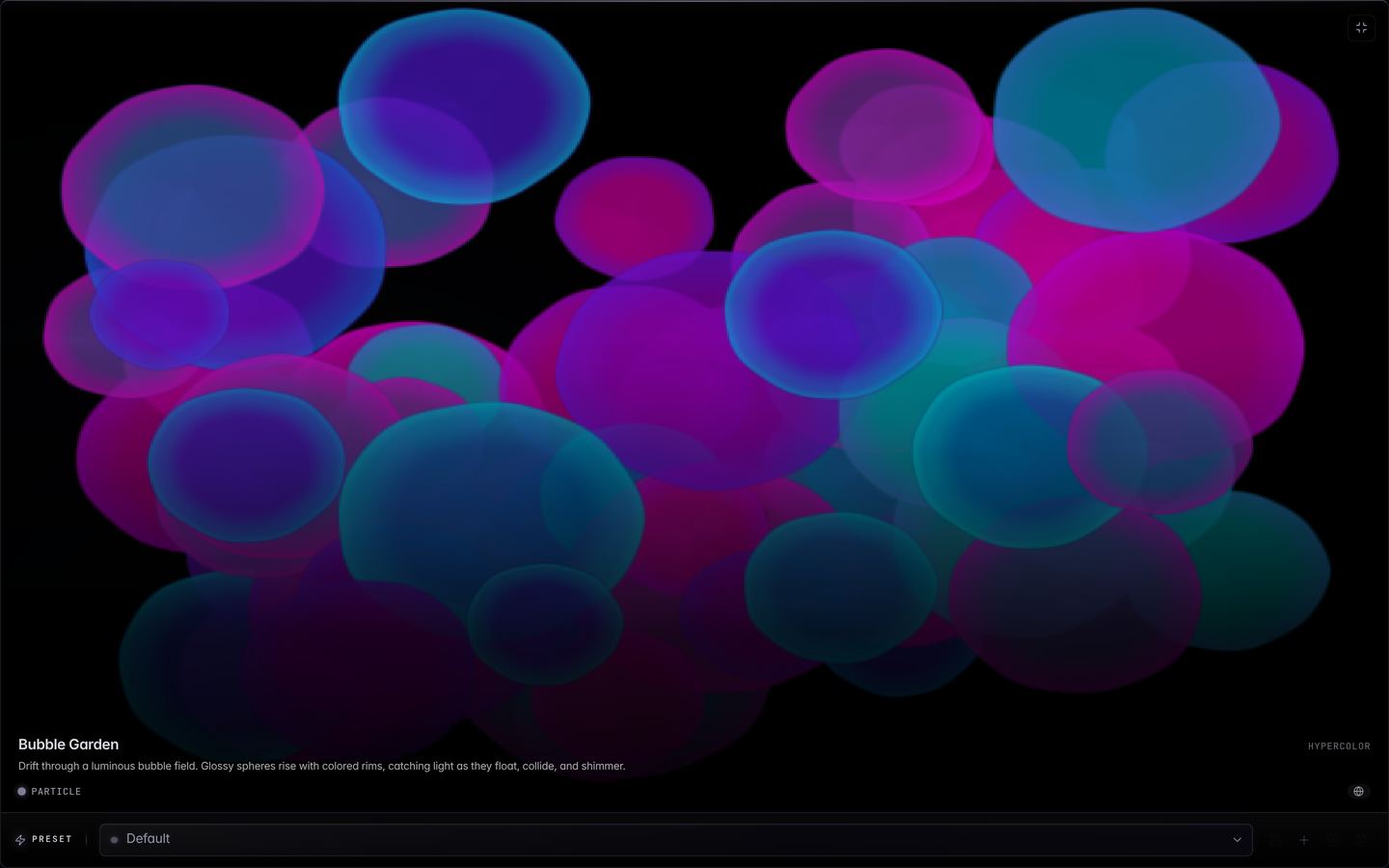 Fullscreen canvas: Bubble Garden |
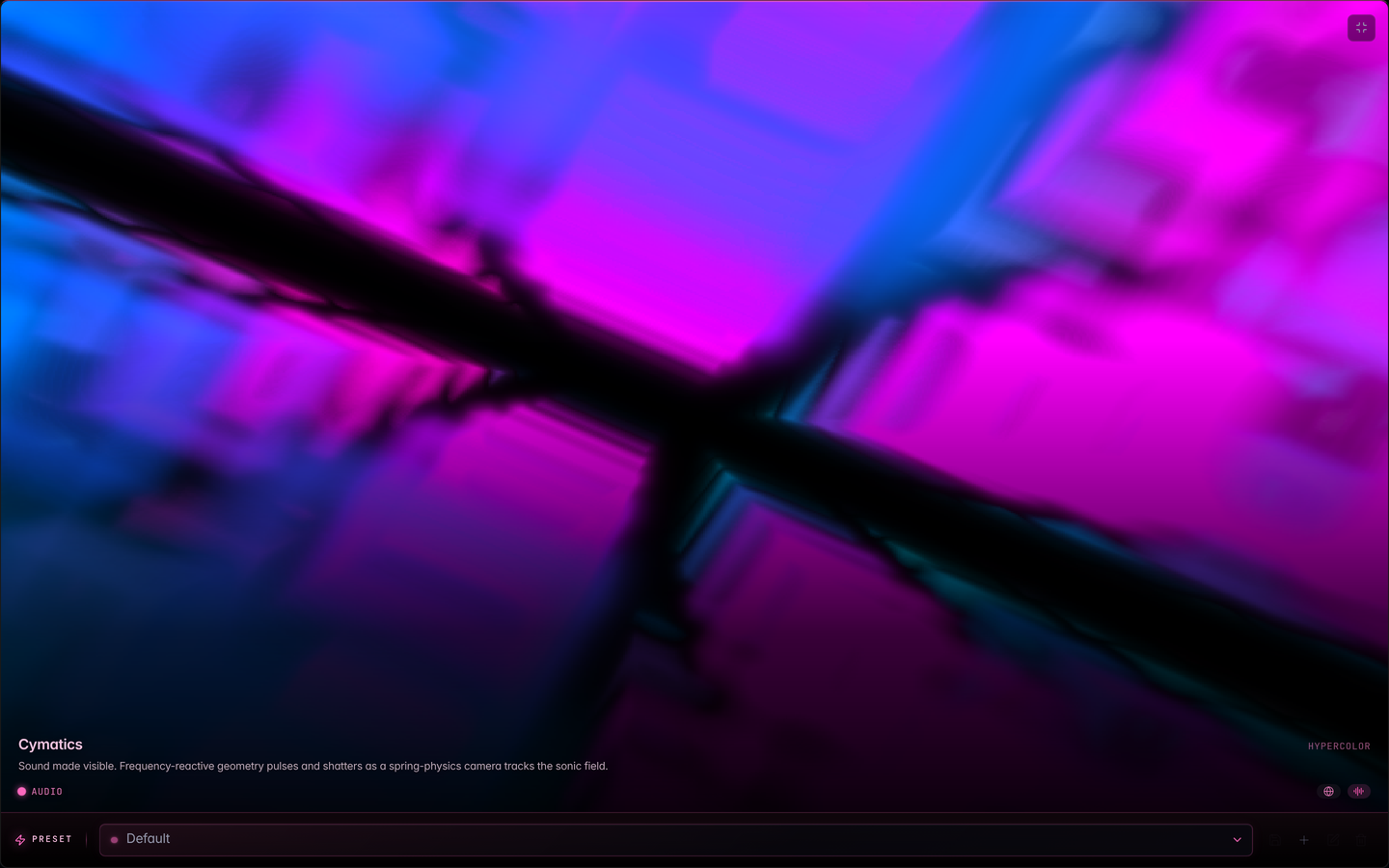 Fullscreen canvas: Cymatics, audio-reactive |
- Effects browser: search, filter by category, favorites, audio-reactive tags
- Live canvas preview: the active effect streams in the sidebar and control panel
- Auto-generated controls: sliders, dropdowns, color pickers, and toggles derived from effect metadata
- Spatial layout editor: drag-and-drop device placement on a 2D canvas
- Ambient reactivity: the UI tints its edges to match the active effect
- Command palette (⌘K) for keyboard-driven navigation
🖥️ The TUI
A terminal UI with true-color LED preview, audio visualization, and fullscreen effect rendering. Runs wherever you have a terminal.
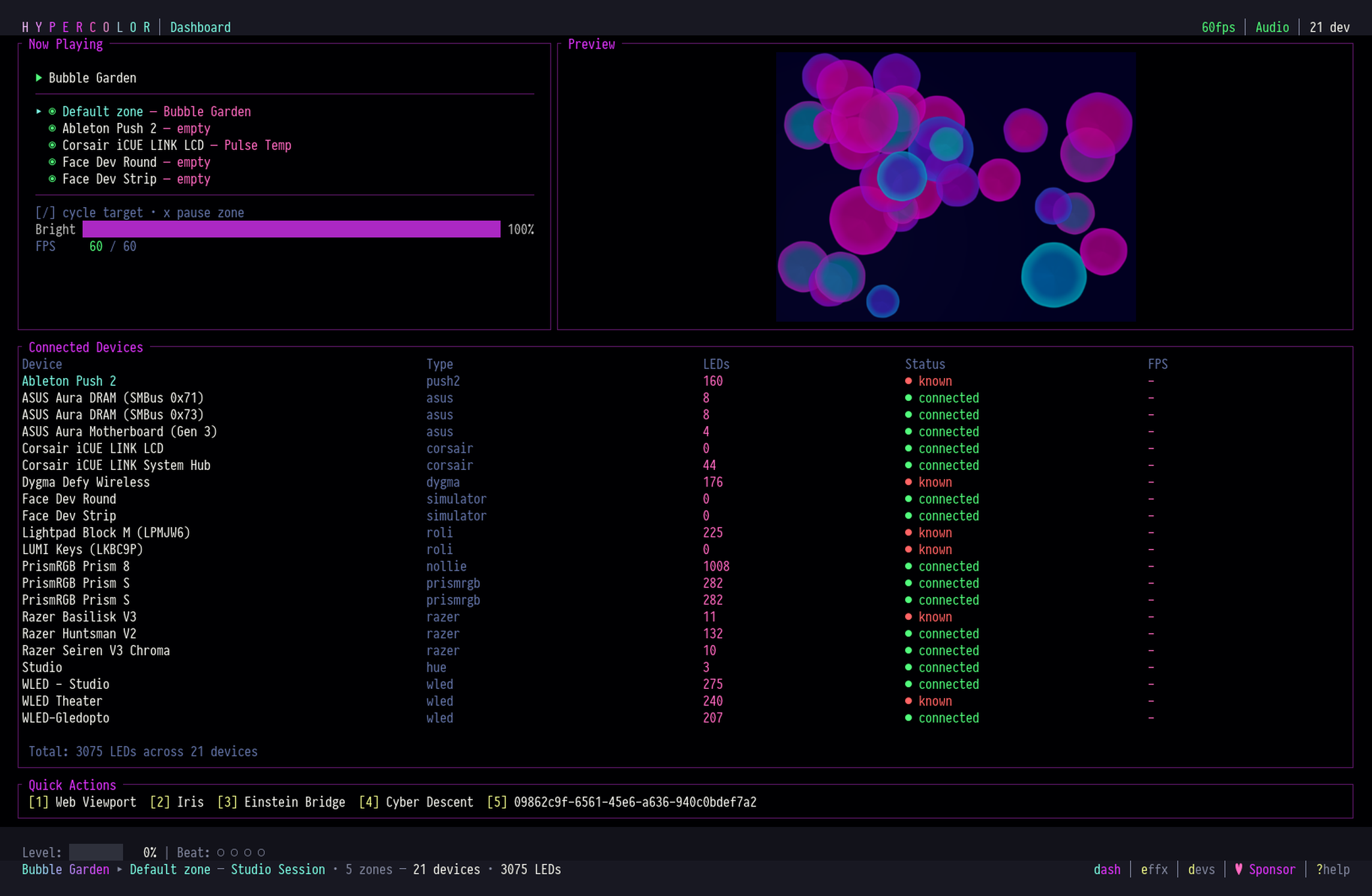 Dashboard with live preview and device table |
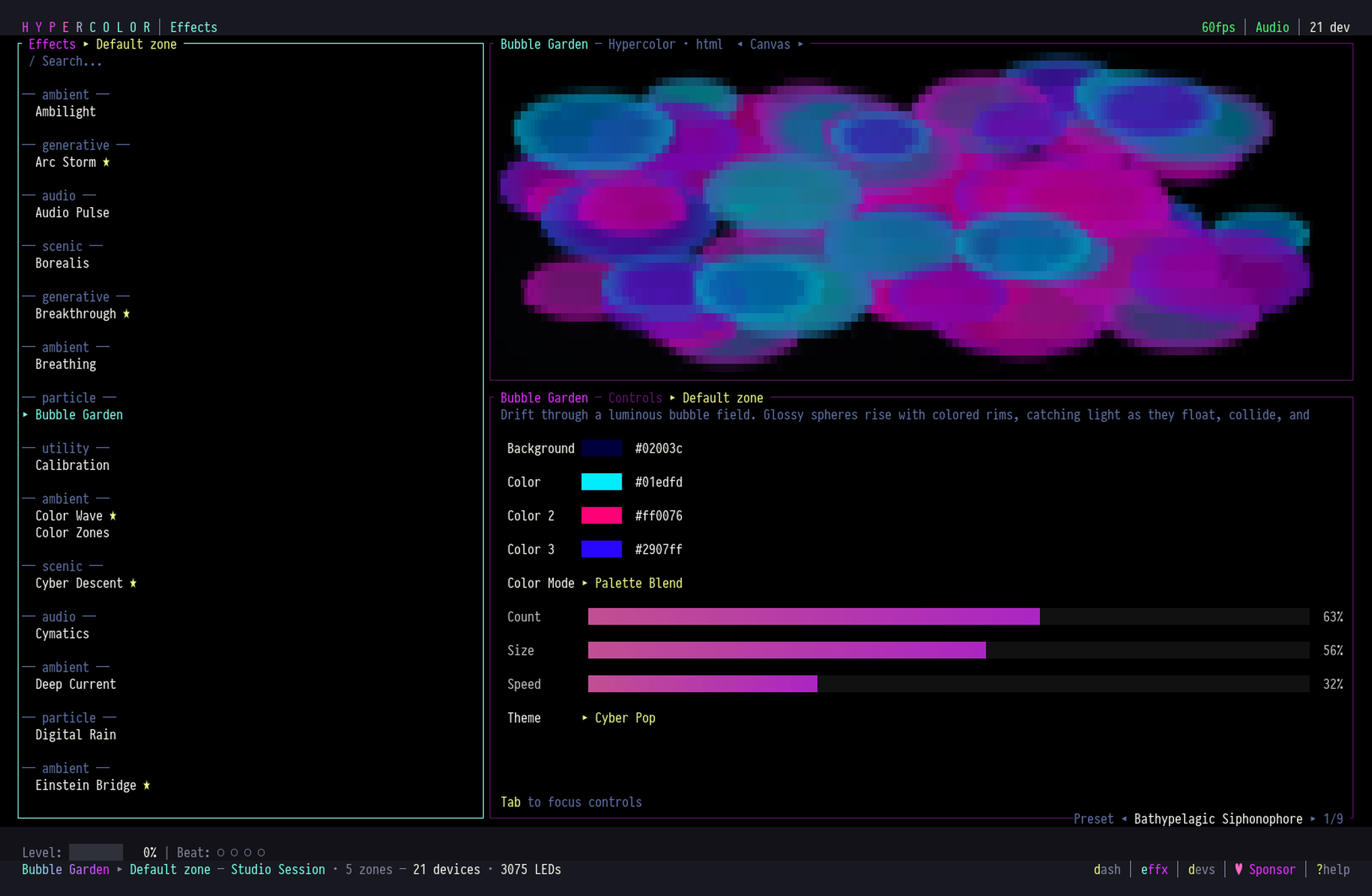 Effects browser with control sliders |
- Live effect preview rendered in true-color half-block characters
- Fullscreen mode (
z) fills the entire terminal with the active effect - Audio spectrum with level meter and beat indicators
- Quick actions: number keys for instant effect switching
🎯 Get Started
Every tagged release ships Linux, Windows, and macOS installers on the GitHub releases page, and the download page walks through every install path. Hue, WLED, Nanoleaf, and Govee work out of the box on every platform. USB-HID lighting (Razer, Corsair, Lian Li, and friends) does too on Windows and macOS, and on Linux it needs the udev rules covered below.
Install on Linux
The release installer downloads the right tarball, verifies its checksum, and sets up the systemd user service:
curl -fsSL https://raw.githubusercontent.com/hyperb1iss/hypercolor/main/scripts/install-release.sh | bash
Device permissions are a separate step. The
udev rules guide
has the commands for this installer, and a source checkout runs just udev-install. The
.deb from the releases page and
hypercolor-bin from the AUR ship the
rules themselves, so they skip this step. Homebrew works on Linux too
(brew install hyperb1iss/tap/hypercolor), and NixOS users get a flake with a
services.hypercolor module; nix run github:hyperb1iss/hypercolor tries the CLI without
installing anything.
Building from source instead:
git clone https://github.com/hyperb1iss/hypercolor.git
cd hypercolor
cargo install just
just setup
just install
just setup installs the Rust toolchain, system packages, Bun, Trunk, cargo-deny, and
frontend dependencies. just install builds the daemon, CLI, TUI, web UI, and bundled
effects, installs the systemd user service and the USB udev rules, and persists i2c-dev so
SMBus RGB devices survive reboot. Interactive effects also need the input rules from
just udev-install.
Install on Windows
Grab Hypercolor_<version>_x64-setup.exe from the releases page. The install is
per-machine, so expect one UAC prompt. When it detects compatible hardware, that same
elevated pass offers the optional PawnIO driver for
motherboard and DRAM SMBus lighting. Native SMBus support covers ASUS Aura today, and other
vendors may work through the OpenRGB bridge.
Tested on Windows 10 22H2 and Windows 11 23H2/24H2, x64.
Windows builds are not code-signed yet, so SmartScreen will warn on first run. Choose More info, then Run anyway.
Install on macOS
Download Hypercolor-<version>-arm64.dmg from the releases page, drag the app into
/Applications, and launch. The DMG is signed and notarized, and it needs Apple silicon
and macOS 15.2 (Sequoia) or newer. Homebrew works too:
brew install --cask hyperb1iss/tap/hypercolor-app
The plain hypercolor formula (brew install hyperb1iss/tap/hypercolor) skips the app
bundle and installs the daemon, CLI, TUI, and web UI. Hypercolor asks for Microphone,
Screen Recording, or Input Monitoring access only when you turn on the audio, screen, or
keyboard feature that needs it.
What works where
| Capability | Linux | Windows | macOS |
|---|---|---|---|
| Effects, devices, web UI, TUI, CLI | ✓ | ✓ | ✓ |
| Audio-reactive (microphone) | ✓ | ✓ | ✓ |
| Audio-reactive (system audio) | ✓ native monitor | loopback device¹ | loopback device¹ |
| Screen capture | Wayland portal, opt-in | Desktop Duplication, default on | ScreenCaptureKit system picker |
| Keyboard/mouse input | evdev | Raw Input² | Core Graphics event tap³ |
| Motherboard / DRAM RGB (SMBus) | i2c-dev |
PawnIO helper | not available |
| Session and power integration | logind + screensaver | power + session lock | NSWorkspace + IOKit |
| Background service | systemd user service | Windows service⁴ | launchd agent |
¹ System-audio reactivity needs a loopback input the OS exposes: Stereo Mix or a virtual cable on Windows, BlackHole or Loopback on macOS. ² A daemon installed as a Windows service cannot see host input across the session boundary; run it in your session for interactive eff