
Impact CLI
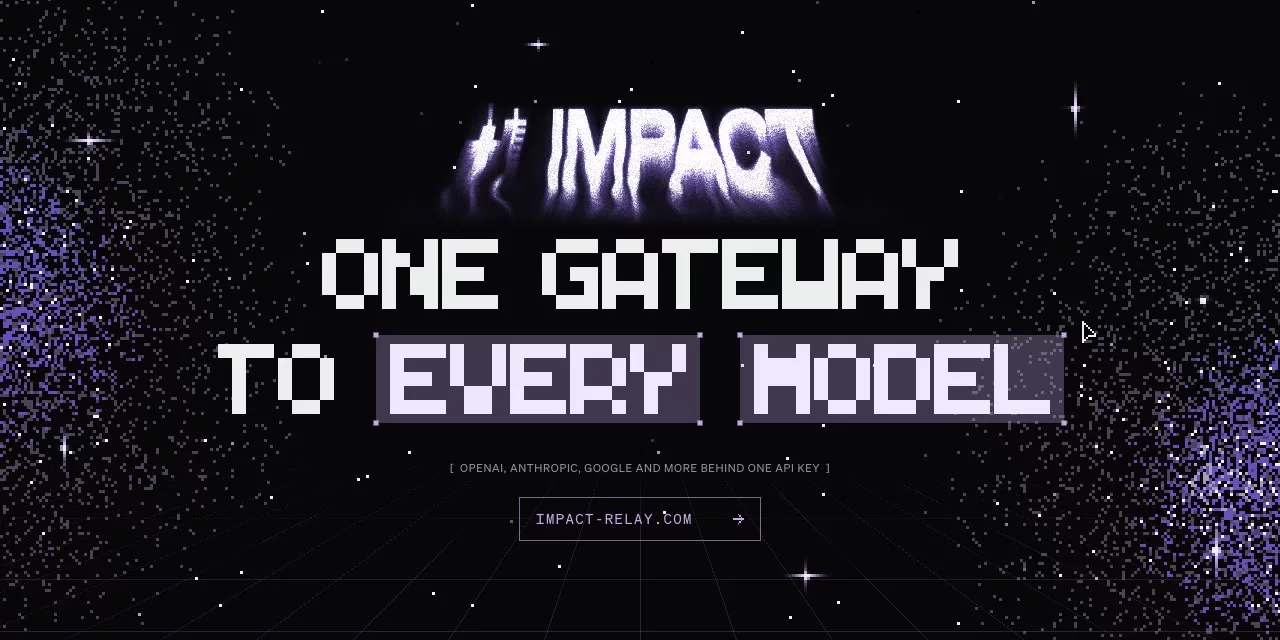
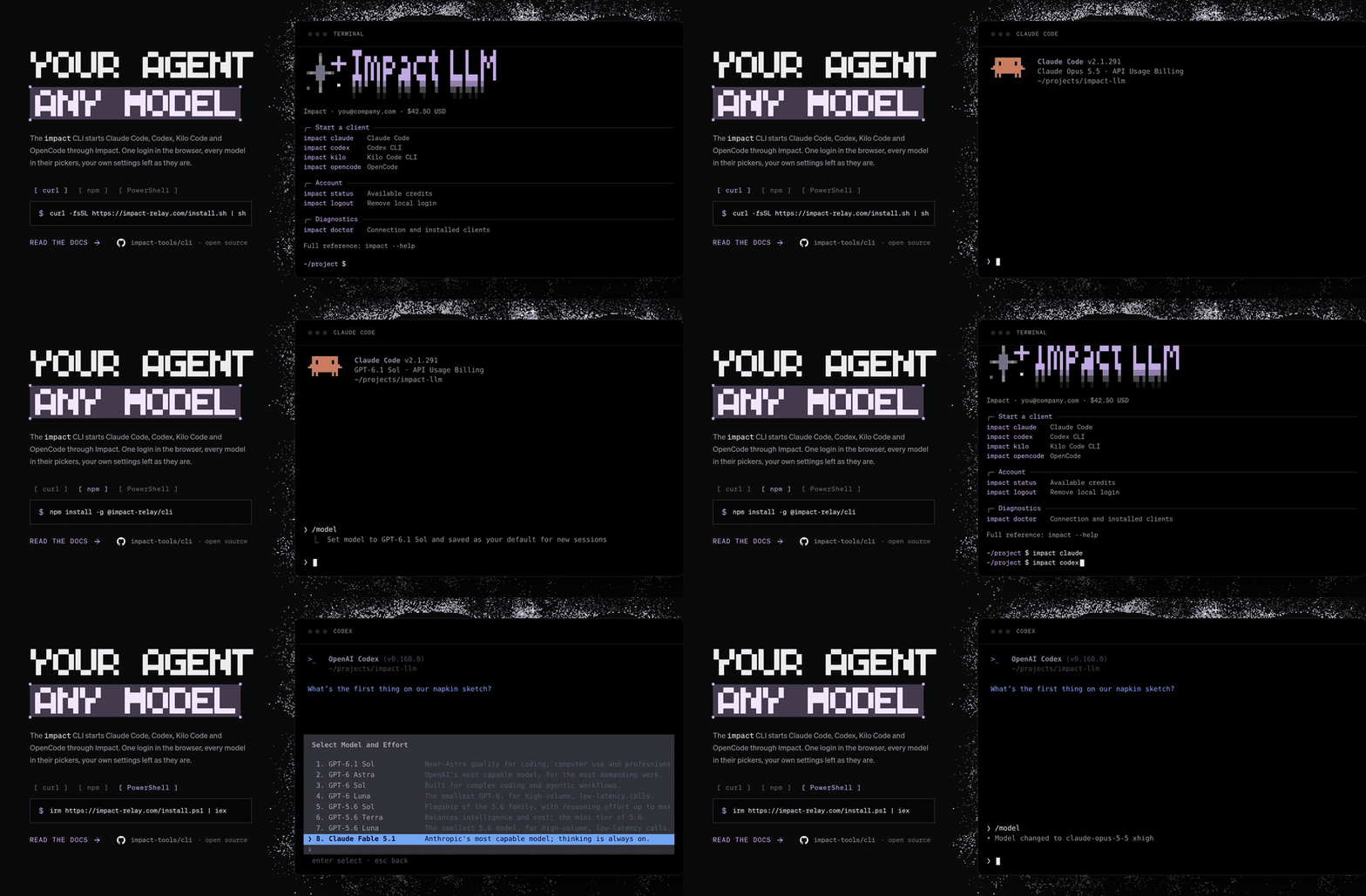
Starts the coding agent you already have through Impact Relay: one login in the browser, every Impact model in the agent's own picker, your own settings left as they are.
Quick start
curl -fsSL https://impact-relay.com/install.sh | sh   # macOS and Linux
irm https://impact-relay.com/install.ps1 | iex        # Windows PowerShell

impact login                                          # approve the code in your browser
impact claude                                         # or codex, kilo, opencode, cursor, antigravity
Both scripts only run npm install --global @impact-relay/cli (Node.js 22.13 or later) and say what to do if impact isn't on your PATH. Arguments, stdin and the exit code pass through to the client, so impact claude -p "hello" and impact codex exec "hello" work as usual.
Documentation
Everything about using the CLI lives in the docs, not here.
- CLI reference: install, sign in, launch a client, local proxy, environment variables, troubleshooting
- Claude Code:
impact claude - Codex:
impact codex - Cursor:
impact cursor - Kilo Code:
impact kilo - OpenCode:
impact opencode - Antigravity (Agents and IDE):
impact antigravity, no docs page yet - Quickstart, Models, Authentication
How it works
impact never edits a client's own files. Each launch builds an overlay or a temporary profile that points the client at Impact, runs the client with it and removes it on exit. Cursor, Codex and Antigravity go through a background proxy on 127.0.0.1 (impact proxy): it keeps the Impact key, answers the native protocol where the client speaks one Impact doesn't, and forwards generation to Impact.
| Client | How Impact is plugged in | Checked with |
|---|---|---|
| Claude Code | launch settings: gateway endpoint, credential helper, model picker and status line | needs 2.1.242 or later |
| Codex | temporary native profile with an impact Responses provider, through the proxy |
0.160.0 |
| Kilo Code | KILO_CONFIG_CONTENT overlay: the full catalog under the impact provider |
7.8.3 |
| OpenCode | OPENCODE_CONFIG_CONTENT overlay, the same as Kilo (a fork of it) |
1.18.31, 1.18.34 |
| Cursor Desktop | dedicated profile, HTTPS interception by the proxy, native RPCs answered locally | 3.16.17 |
| Antigravity | stock app, Cloud Code and Gemini streaming translated to Chat Completions by the proxy | IDE 2.5.5, Agents 2.21.1 |
Rules every integration follows:
- The Impact key stays out of command arguments and generated settings: a client gets it from its child environment, or the proxy substitutes it on requests to Impact.
- A client's settings, MCP servers, sessions and history stay where they are; temporary authentication, profiles and certificates are removed when the process exits.
- Expected failures are a
CliErrorwith one line:main.tsprints it and exits with code 1.
Source layout, under src/:
commands/defines the commands andCommand.tsassembles them;impact helper …are unlisted commands that clients call back during a launch.clients/has one folder per client, plusLaunch.ts(the list and the runner) andClient.ts(what they share). Kilo and OpenCode shareclients/opencode/.proxy/is the background proxy for Cursor, Codex and Antigravity: its files, the process and its control requests.auth/is device authorization and key input;config/validates connections and stores credentials.api/calls Impact:Http.tsmakes authenticated JSON requests, the rest read models, usage and spend.schemas/is the API contract, copied from the gateway's shared schemas so this repository builds alone. Keep it in sync when the gateway's API changes. It carries no model catalog: the models, their names and prices come fromGET /v1/modelson every launch, so a new or repriced model never needs a CLI release.ModelVocabulary.tsholds only what doesn't change with the catalog (reasoning efforts, Claude's alternative spellings).process/builds the command lines clients use to call back into this CLI.
Built on Effect: argument parsing, HTTP and the scoped cleanup of processes, sockets and temporary files. The Node platform process spawner lets both the Node bundle and the compiled Bun executable run.
Development
This repository builds on its own with Bun 1.4.2:
bun install --frozen-lockfile
bun run typecheck
bun run test
bun run dev login       # any command: bun run dev claude, bun run dev status, …
bun run build           # dist/impact.js, runs on Node
bun run build:bin       # dist/impact, a compiled executable
bun run dev keeps the caller's working directory and selects http://impactllm.localhost:4420; HTTP is accepted only for loopback hosts. These variables matter for development; the user-facing ones are in the docs:
| Variable | Purpose |
|---|---|
IMPACT_BASE_URL |
Impact origin without /v1; login --base-url takes precedence |
IMPACT_ANTIGRAVITY_BIN |
Antigravity executable |
IMPACT_CURSOR_APP_DIR |
Installed Cursor application or resources directory for descriptors |
IMPACT_CURSOR_DEBUG |
1 prints route and transport diagnostics |
CODEX_HOME |
Existing Codex configuration directory |
Build and release
The Build and release workflow (.github/workflows/publish.yml) runs on pull requests, pushes to main and manual dispatch: locked install, type check, tests, the Node bundle, a packed .tgz that it installs and runs, and an npm-package artifact.
release-please cuts releases from Conventional Commits. On every push to main it opens or updates a release PR that bumps package.json, .release-please-manifest.json and CHANGELOG.md; before 1.0, feat bumps the minor version and fix the patch. Merging it tags v<version>, creates the GitHub Release and publishes that commit's archive to npmjs.com through npm trusted publishing, so no token is stored. The repository must allow GitHub Actions to create pull requests (Settings → Actions → General).