
pingpong
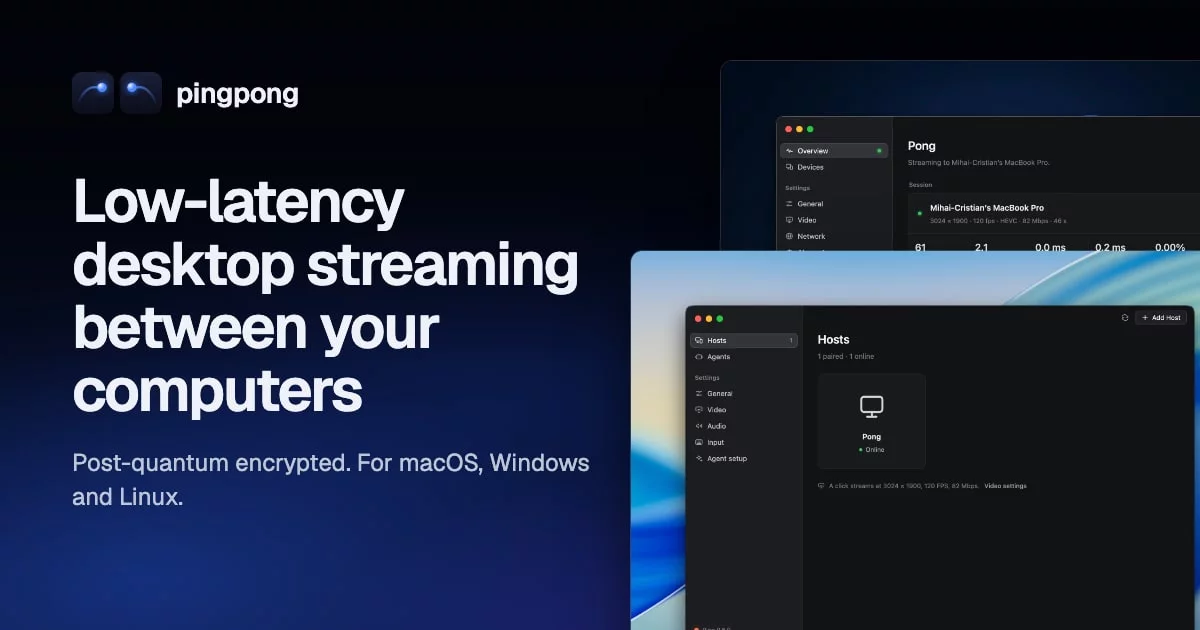
Stream a computer's desktop — games included — to another computer, with the latency of Moonlight and Sunshine/Apollo, inside one post-quantum WireGuard tunnel. Ping is the app: it plays your other computers, and with hosting on (a switch, off until you turn it on) it lets them play this one, through Pong, the host. Both run on macOS, Windows and Linux.

- Moonlight-class streaming: up to 4K and 120+ fps, HEVC or H.264, hardware encode and decode, HDR and YUV 4:4:4, loss repaired by reference invalidation, frame pacing at the client display's exact rate, stereo to 7.1 sound, controllers with rumble. At 3024x1890@120 and 100 Mbit/s it matched Moonlight + Apollo (a fork of Sunshine with the same video path) on the same machines (benchmarks).
- Post-quantum: every packet travels in pq-boringtun (WireGuard with ML-KEM-768), and pairing is a hybrid SPAKE2 + ML-KEM PIN exchange.
- A virtual display at the client's exact mode on Windows and macOS hosts, so nothing is scaled or letterboxed.
- From anywhere, without port forwarding: hosts are found through sealed records on the BitTorrent DHT, and NATs are punched from both sides.
- The clipboard, both ways: text, images, files and folders.
- Permissions per device, as Apollo has them: whether it may see the screen, use the keyboard, mouse or controllers, copy and paste each way, start apps, take over or watch agents (docs/usage.md).
- AI agents can use your hosts as clients of their own — from Ping, or from any MCP client — held to rules the host enforces (docs/ai-agents.md).

Getting started
- Install Ping on both computers, the one to stream and
the one you sit at (the host, Pong, comes inside it): download it for
macOS, Windows or Linux from
pingpong.mihaicristian.dev,
on a Mac with Homebrew
(
brew tap mihaicristianfarcas/pingpong https://github.com/mihaicristianfarcas/pingpong, thenbrew install --cask ping), or build it from source. - On the host, turn hosting on in Ping (setup asks, or Settings → Hosting). On the other computer open Ping, click the host, and type the PIN it shows into the host's Ping (This computer → Devices).
- Click the host again to stream. Ctrl+Alt+Shift+Q ends the stream (usage). While hosting is on, Ping's icon in the menu bar or the taskbar's notification area says what the host is doing; Ping says when there is an update.
Status
| Client | Host | |
|---|---|---|
| macOS 14+ | Ping.app: in daily use | Pong Host, inside Ping.app: works; stereo, or 5.1/7.1 with a surround output (macOS); no controllers yet |
| Windows 10/11 | Ping.exe: works; less tested than macOS | PongService: in daily use (best with an NVIDIA GPU and SudoVDA; without them, H.264 in software and the host's own display) |
| Linux | works under X11 and Wayland; tested in a container | works under X11 and Wayland (portal); scaled, no virtual display |
What is verified and what is not, per platform: docs/platforms/. Feature by feature against Moonlight + Sunshine: docs/parity.md.
Documentation
Everything is in docs/: installing, using, the command line, how it works, each platform, benchmarks, and the design history.
Contributing
See CONTRIBUTING.md and AGENTS.md (the rules for code, comments, docs and commits — for people and AI agents alike), and docs/development.md for building and testing. Security problems: SECURITY.md.
Acknowledgements
pingpong follows the lead of Moonlight and Sunshine: where it had to choose how streaming should behave, it chose what they do, and says so in its comments. Its virtual displays follow Apollo, the Sunshine fork that made them, and use its driver, SudoVDA, on Windows. It is a separate implementation, written from scratch in Rust. The tunnel is pq-boringtun, a post-quantum fork of Cloudflare's boringtun; the windows are drawn with GPUI.
License
GPL-3.0: the GNU General Public License, version 3. Two pieces
of vendored code keep their own licenses: the NVENC type bindings in
pingpong-encode/src/nvenc_sys/ (MIT, from NVIDIA's header and the
nvidia-video-codec-sdk crate; see the LICENSE there) and the no-op
profiling shims in vendor/ (Apache-2.0). The libraries pingpong depends
on are under their own licenses, all compatible with the GPL-3.0
(cargo tree lists them); FFmpeg, where it is used, is linked
dynamically.