
supermux
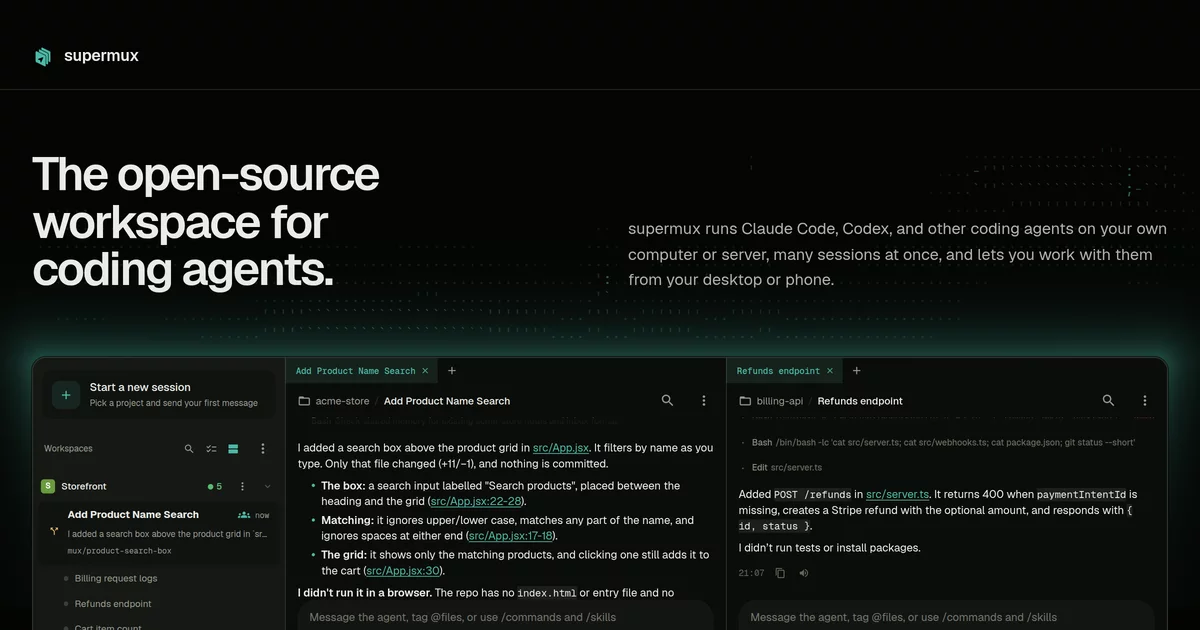
The open-source workspace for coding agents.
supermux runs Claude Code, Codex, and other coding agents on your own computer or server, many sessions at once,
and lets you work with them from your desktop or phone.


Download · Server install · Website · Setup guide
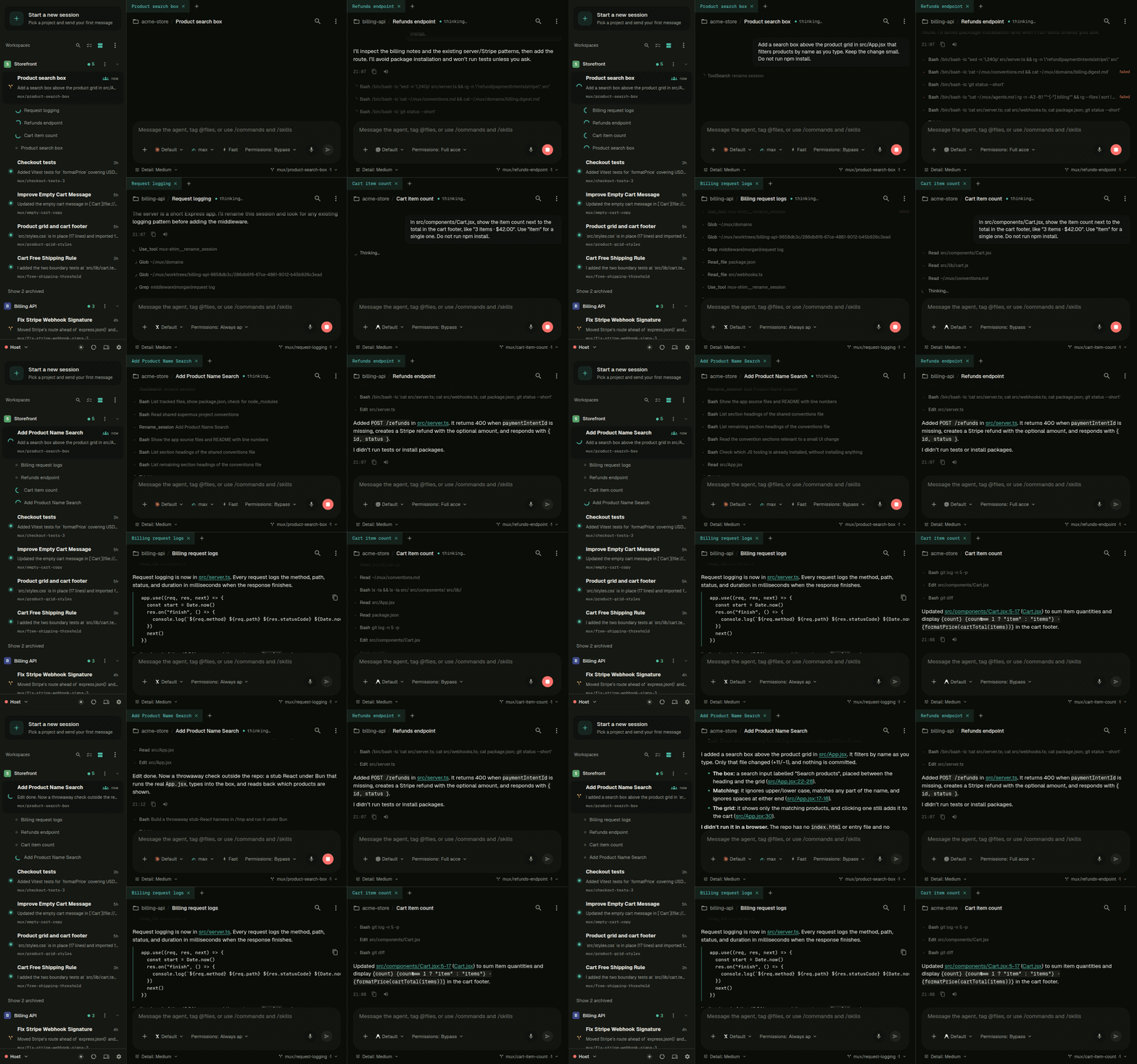
Run many sessions at once
- Parallel sessions: Run as many agents as you need, each in its own git worktree.
- Know who needs you: Get notified when a session finishes or asks a question.
- Review before merge: Read the diff, comment inline to the agent, then merge, open a PR, or discard.
- Mix agents: Change the agent, model, reasoning level, or fast mode per session.
Shared memory across agents
Each agent CLI keeps what it learns to itself. supermux gives them one shared memory as Markdown files on your machine.
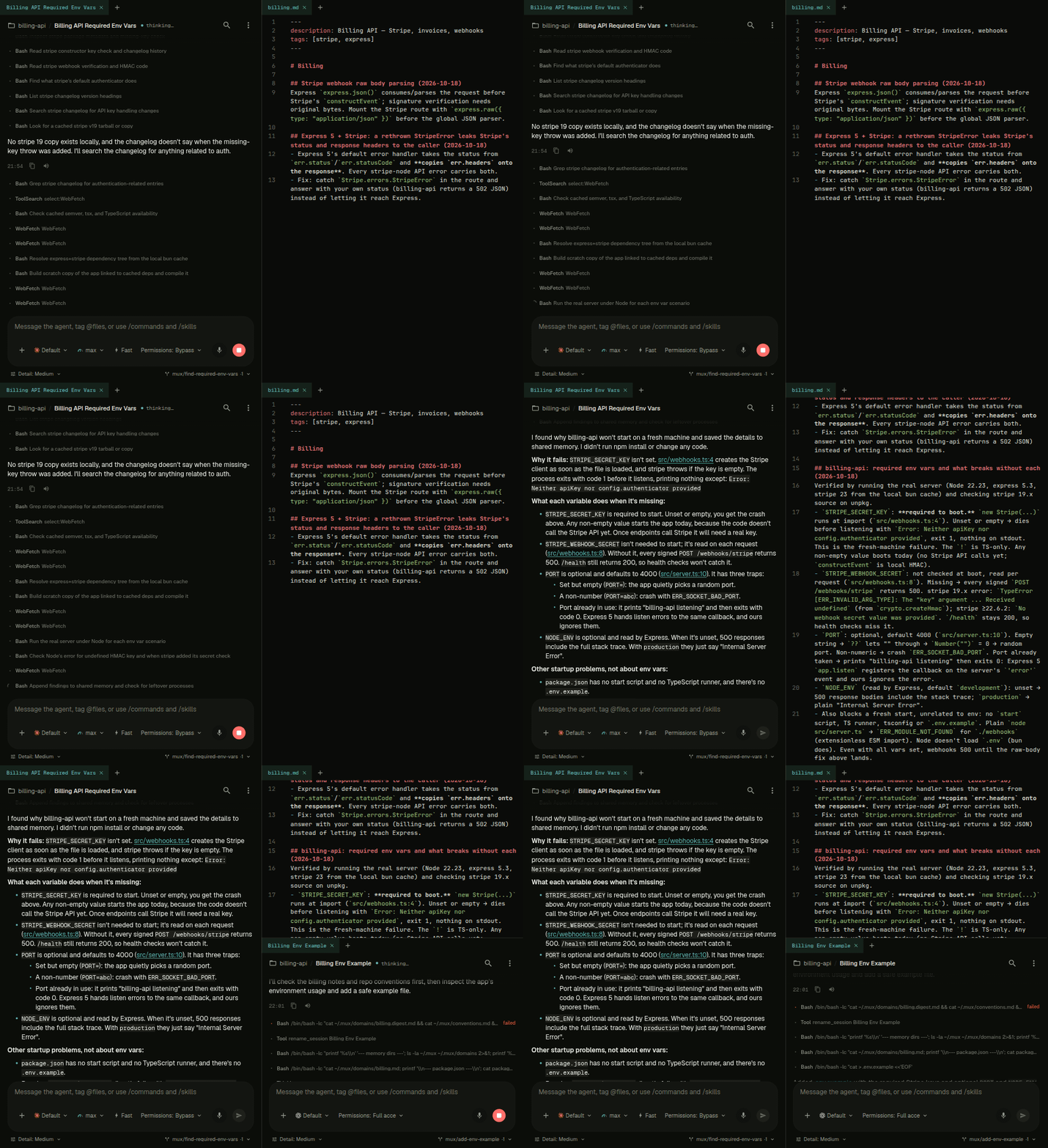
- Write once: Sessions save what they learn to a file per topic.
- Read everywhere: Every new session starts with the topic index, whichever agent runs it.
- Same for context: Set up instructions, skills, plugins, and MCP servers once for every agent.
Editor, terminal, and ports on every device
The same workspace runs on desktop, tablet, and phone.
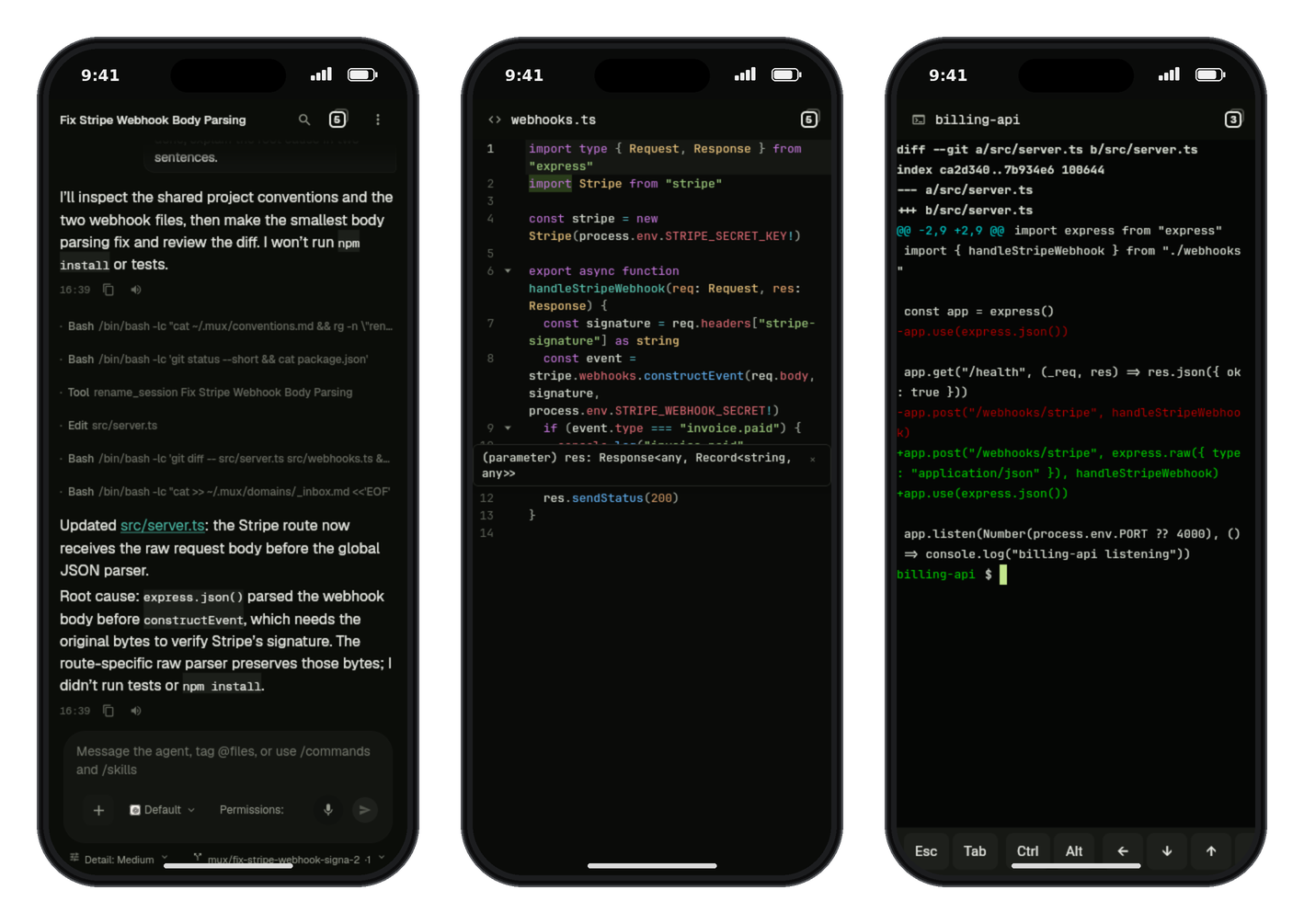
- Code editor: Edit any file with syntax highlighting, search, and language-server completion.
- Terminal: Open a full terminal in any workspace, with a key bar for phone keyboards.
- Expose ports: Turn any port on your machine into a private or public link.
- Files both ways: Send photos and files to a session, and get screenshots, documents, and videos back in the chat.
Keep going when you hit a usage limit
- Several accounts: Sign in to work and personal accounts per agent and see all usage in one place.
- Auto-switch: Move a Claude Code or Codex session that hits its limit to another account and continue.
- Your subscriptions: No API keys and no supermux account.
Nothing to install first
- Agents installed for you: Pick your agents and supermux installs their CLIs.
- Guided sign-in: Sign in to each agent from the desktop or your phone.
Also included
- Desktop and server: Run it on macOS, Windows, Linux, or a headless server, and see every machine's sessions in one app.
- Always on: Sessions survive closed laptops, dropped connections, and reboots.
- Search: Find any message across every chat on every machine.
- Voice: Dictate into the composer and have replies read aloud.
Where your code and traffic go
- Stays local: Repositories, credentials, and session history stay on your machine.
- Relay when away: Reach your machine through the supermux relay, or turn it off and use your own VPN or proxy.
- Pairing, not accounts: Pair devices with a single-use code. Each install belongs to one person.
- Anonymous usage events: Your broker sends which agents, models, apps and features you use, never prompts, code, paths or names. See every field, or turn it off with
MUX_TELEMETRY=0.
Download
| Platform | Download |
|---|---|
| macOS (Apple silicon) | supermux-desktop-macos.dmg |
| Windows (x64) | supermux-windows.msi |
| Linux (x64) | supermux-linux.deb |
| iPhone, iPad | App Store |
| Android | supermux-android.apk |
The first launch of a desktop app sets it up and shows a QR code. Scan it with the phone app.
Headless Linux and servers
curl -fsSL https://supermux.dev/install.sh | sh -s -- --native
Installs supermux as a user service and prints a pairing QR. Docker and source installs are in the setup guide.
Agent support
| Claude Code | Codex | Cursor | OpenCode | Grok | Antigravity | |
|---|---|---|---|---|---|---|
| Parallel sessions, worktrees, review | ✓ | ✓ | ✓ | ✓ | ✓ | ✓ |
| Shared memory, skills, MCP | ✓ | ✓ | ✓ | ✓ | ✓ | ✓ |
| Installed and signed in by supermux | ✓ | ✓ | ✓ | ✓ | ✓ | ✓ |
| Multiple accounts | ✓ | ✓ | ✓ | ✓ | ✓ | ✓ |
| Auto-switch account on usage limit | ✓ | ✓ |
FAQ
Is supermux an agent?
No. It runs the agent CLIs you already use, like Claude Code and Codex, and it is where you work with them. It is not a cloud service either.
Is it free?
Yes. supermux is open source under the MIT license, and it runs on the agent subscriptions you already have.
Can my team share one install?
Not yet. Each install belongs to one person. Each teammate runs their own.
Does Windows need WSL?
No. The Windows app runs agents natively.
Docs
- Setup guide: Docker, source install, reverse proxies, configuration
- Security policy
- Telemetry: every event supermux sends, and how to turn it off