English · עברית
App Factory
43 skills that build, describe, ship and announce apps — to the App Store and Google Play, and outside them, on the Mac and on Windows. Each one loads only where it is wanted.
The story behind it — why one big instructions file stopped holding, and what replaced it: the article.
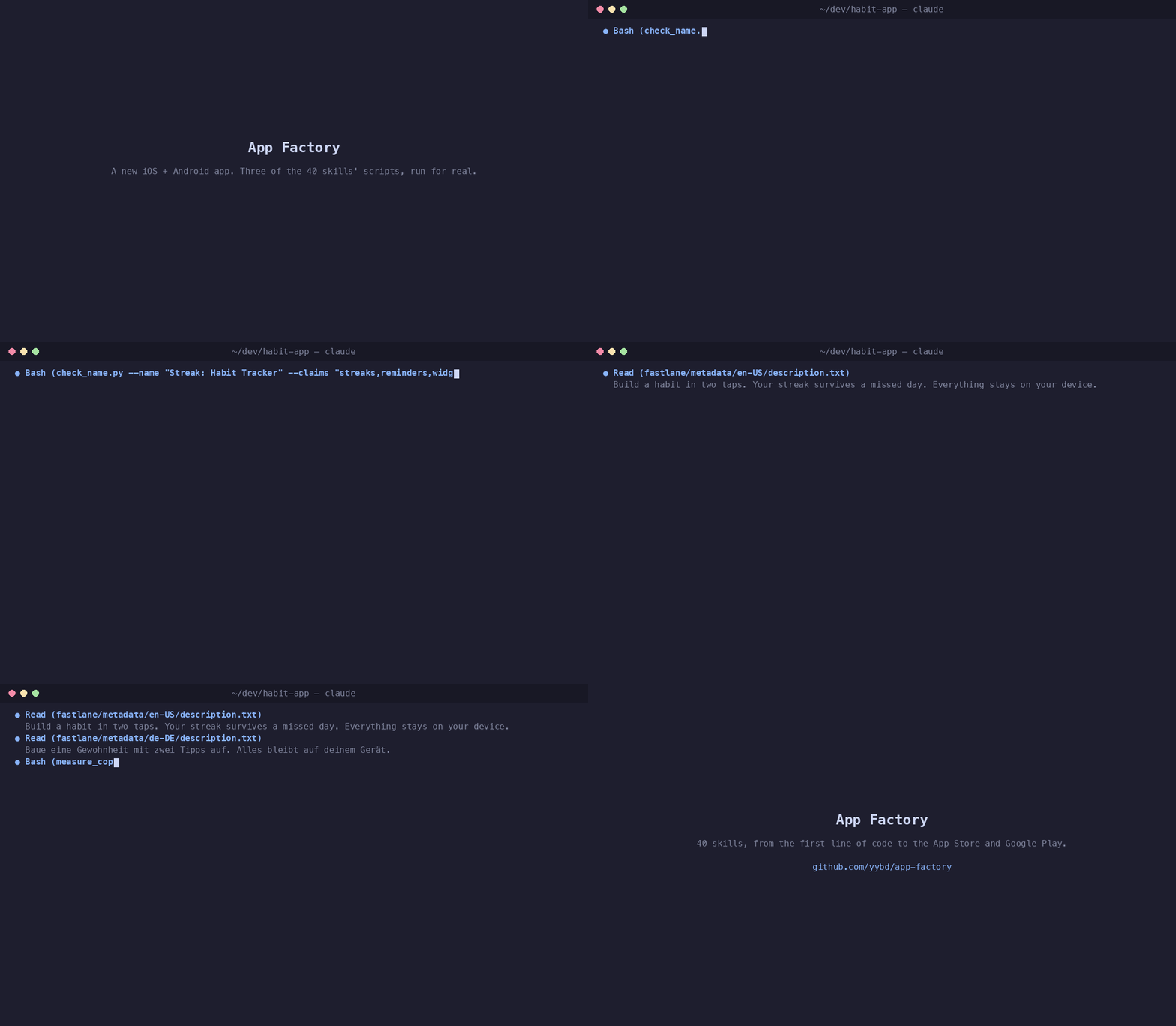
They are Claude Code plugins. You enable the tracks a repo needs, and a session opened there carries them; a session opened anywhere else does not.
Built for Claude Code, and tested only there. The scripts the skills run are ordinary command-line tools any agent can call, but the loading — tracks, the marketplace,
enable.py— is Claude Code's plugin system, and most skills find their scripts through${CLAUDE_PLUGIN_ROOT}, which only Claude Code sets.
claude plugin marketplace add yybd/app-factory
cd ~/code/my-app && python3 ~/.claude/plugins/marketplaces/app-factory/factory/enable.py
# then the install lines it prints, and QUICKSTART for the rest
QUICKSTART.md walks the whole thing — fifteen minutes, one app, with a check after every step.
The problem it is built around
The usual way to steer a coding agent is one large instruction file. Everything goes in: release rules, test conventions, SEO, the way you name things. It does not hold. The file grows past what stays in view, rules contradict each other, and the agent proposes an Android deploy while you are editing a website.
The failure is not that the agent forgets. It is that everything was told to it at once, whether or not it applied.
So: nothing is global. A skill is a document the agent loads when its description matches what you asked for, and the descriptions are the only part that is always in context. What it costs to have 43 of them available is about 8,700 tokens of descriptions — and only in a repo where you turned them on.
The shape
Eight tracks of skills, plus one that does setup:
| Track | Skills | |
|---|---|---|
apple-track |
16 | the App Store, the Mac App Store, and direct distribution outside both |
android-track |
9 | Google Play, and getting a build onto a device |
shared-track |
7 | the work that is the same either way: naming, copy, release order, prices |
web-track |
4 | a site's structure, an audit of it, and whether search finds it |
capacitor-track |
2 | web-in-a-shell apps, where the bugs live in the seam |
design-track |
1 | visual craft for any HTML interface |
windows-track |
2 | a Windows installer that updates itself, built and tested on a Mac without CI |
announce-track |
1 | the posts that announce a release or an article, checked per channel, posted only on a yes per post |
factory-setup |
1 | on everywhere; says when a repo looks like an app and no track is on |
Each track's own README lists what is in it, what it costs, and what it needs installed. The counts above are generated from the skills on disk — in this repo, every number that can be counted is.
Two kinds of skill
Executors do one thing: play-store-ship builds, signs and uploads an AAB.
app-icon-generator writes every icon size from one image.
Orchestrators sequence executors without doing their work. prepare-app-release
drives identity, compliance, media, copy, the version bump, the build and the upload —
and hands the website leg off explicitly rather than doing it silently.
The division matters because the second kind is where a release goes wrong: not in any single step, but in the order, and in the step nobody remembered.
What it will do to your repos
It writes files in the repo you point it at, reads credentials in place without ever copying or printing them, and uploads to the stores at the end of skills whose whole job that is. It never submits an app for review, never changes a price, and never pushes.
There is one directory it will delete from. TRUST.md is the full list, written to be read before you enable anything.
What you need
Nothing, to install. Individual skills need what they need — Xcode for Apple, a JDK for
Android, fastlane for either store — and each says so and stops rather than failing
halfway. COMPATIBILITY.md has the table.
You do not need a data repo, a website, or the companion guards project. All three are optional and the skills detect their absence rather than assuming it.
Further
| QUICKSTART.md | install to first working skill |
| TRUST.md | what the skills do to your repos and stores |
| COMPATIBILITY.md | platforms, tools, credentials, versions |
| SKILLS.md | every skill and where it loads |
| APP-LIFECYCLE.md | the whole path from finished code to a live listing |
| HOW-IT-WORKS.md | loading, the plugin cache, and the three traps |
| CONTRIBUTING.md | adding a skill, and the rules that came from real failures |
| FAQ.md | the glossary, and the questions installing raised |
| CHANGELOG.md | what changed, and why a version matters |
| SECURITY.md | what is handled, and how to report something |
Working across several repos
Once you are shipping more than one app, a second problem appears: an app's code, its
listing text and its website are different repos, and a session stands in exactly one of
them. Work left in another is not missing — it is invisible, which is how "done" gets
said over a clean git status.
That is RepoGuards: one registry that decides which tracks load where, and guards that refuse a write into a repo the session is not standing in. It is a separate marketplace, it is optional, and nothing here requires it.
Licence: MIT, except two skills that came from elsewhere and keep their own — see THIRD_PARTY_NOTICES.md.