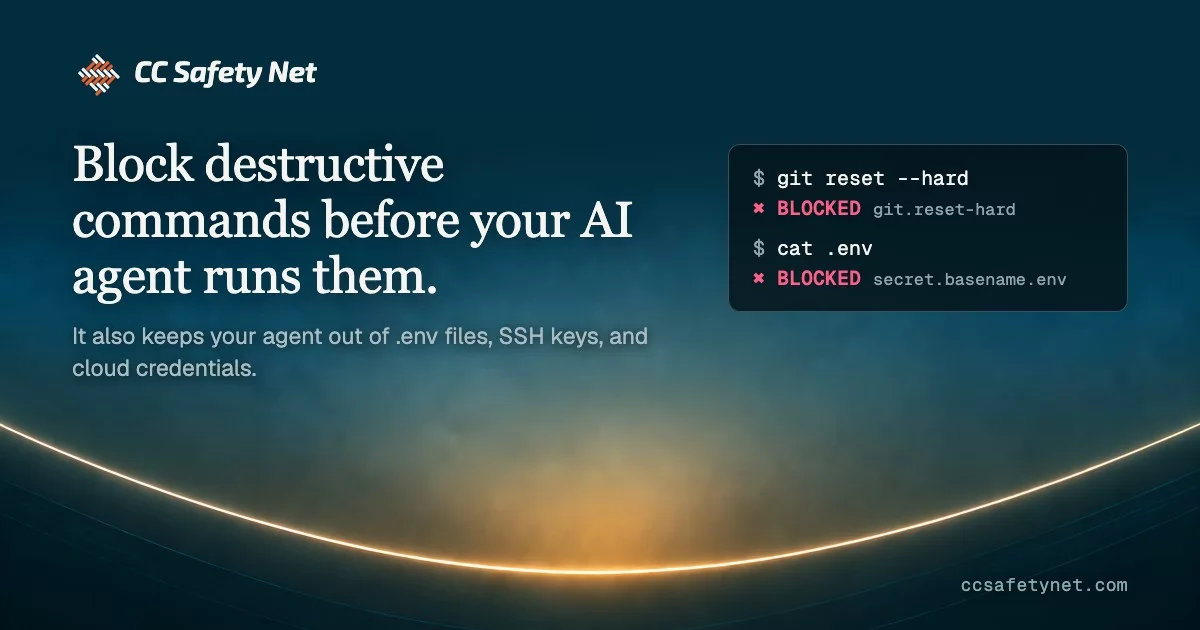


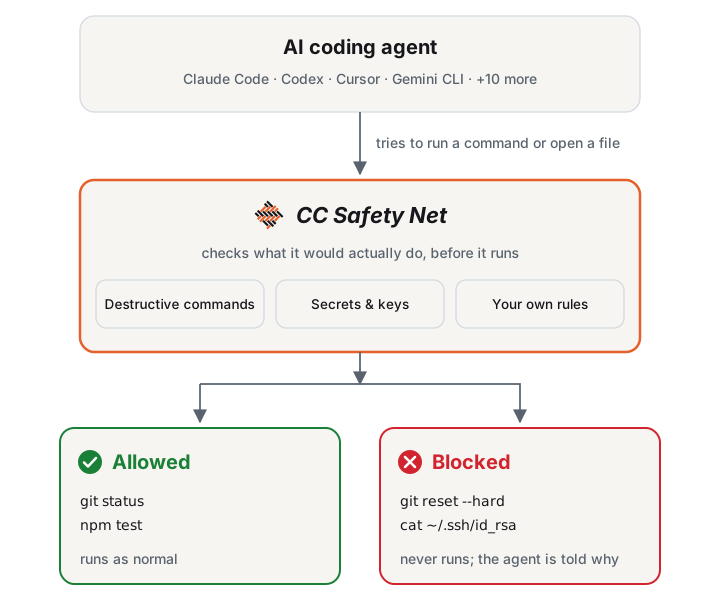
CC Safety Net (Coding CLI Safety Net) blocks destructive commands and access to secrets such as SSH keys and .env files before the tool call runs. It parses what the command does. Wrapping the command or reordering flags does not hide it. A broken config file falls back to safe defaults instead of stopping your agent. It is not a sandbox: it does not contain processes, set filesystem permissions, or watch network egress.
Note
Full documentation → covers installation, configuration, reference material, guides, and the security model. This README is the short version.
How it works
Supported coding CLIs
CC Safety Net supports these coding agent CLIs on Windows, macOS, and Linux.
 Amp Code |
 Antigravity CLI |
 Claude Code |
 Codex |
 Cursor |
 DeepSeek Harness |
 Devin CLI |
 Factory Droid |
 Gemini CLI |
 GitHub Copilot CLI |
 Grok Build |
 Hermes Agent |
 Kimi Code |
 OpenClaw |
 OpenCode |
 Pi |
Features
- Blocks destructive commands such as
git reset --hard,git push --force, andrm -rfon dangerous targets, and install scripts piped from the internet (curl … | bash), even insidebash -corpython -c. See Blocked commands. - Blocks secret access to SSH keys,
.envfiles,~/.aws, and coding-CLI credentials, from the shell and from the agent's file tools. See Secret protection. - Tunes the policy in a GUI. Run
npx cc-safety-net guito pick the Standard, Strict, or Paranoid preset and turn rules on or off. See Dashboard. - Adds blocks through rulebooks: official packs for Terraform, AWS, gcloud, and Azure, or your own JSON. See Official rulebooks.
- Shares policy through git. Commit
.cc-safety-net/so clones and cloud sessions get the same rules. See Team setup. - Embeds in your own tools. Call
checkCommandfrom Node.js without installing the hook. See Library API.
Quick start
You need Node.js 22 or higher. Install into the coding CLIs on this machine, then check that protection is working:
npx -y cc-safety-net@latest install
npx -y cc-safety-net@latest doctor
Update with npx -y cc-safety-net@latest update and uninstall with npx -y cc-safety-net uninstall. Keep the @latest qualifier: a bare cc-safety-net spec can run an older copy from the npx cache. Per-CLI requirements are in Installation.
Development
See CONTRIBUTING.md to report a bug or request a feature.
License
MIT