
Test coverage: 91.9% 😍👌

Command Line Artificial Intelligence
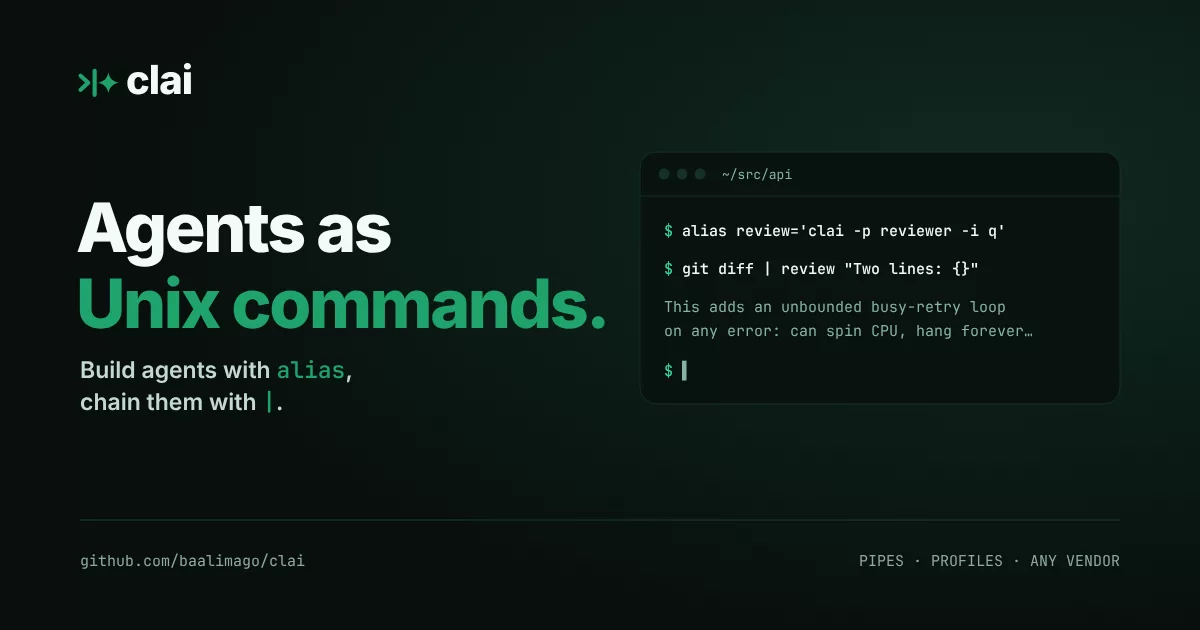
clai (/klaɪ/, like "cli" in "climate") is a unix-like command line agentic harness with batteries hosted online.
Get started
Installing:
curl -fsSL https://raw.githubusercontent.com/baalimago/clai/main/setup.sh | sh
You can also install via go:
go install github.com/baalimago/clai@latest
Or run it from the Nix flake without installing (flakes must be enabled):
nix run github:baalimago/clai
Then run:
clai | clai query Please give a concise explanation of clai
Install Glow for formatted markdown output when querying text responses.
See clai.chat for details on usecase of all the features. Here's a brief summary:
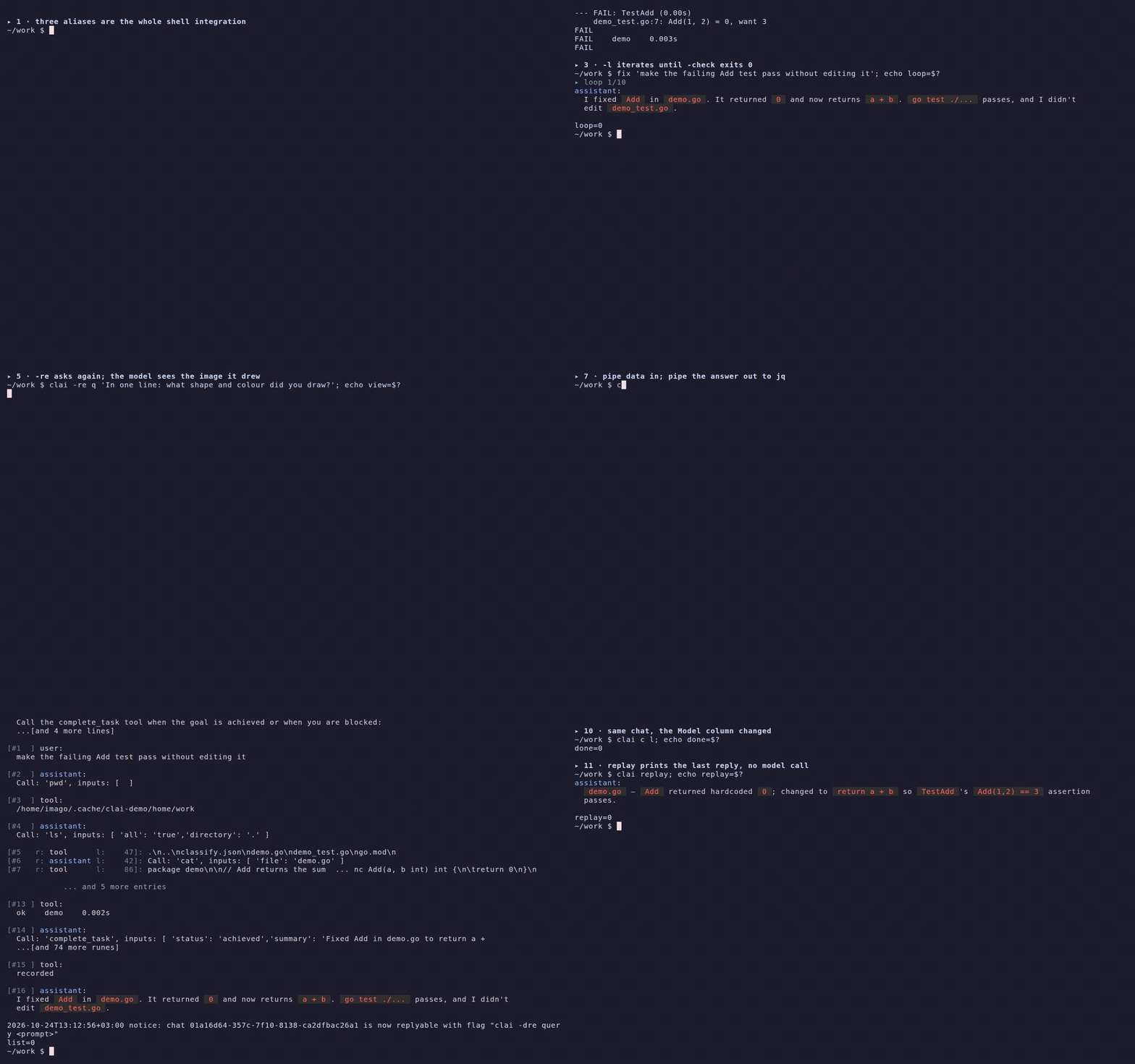
Eleven acts in one shell session, each explained in examples.
Features
- Shell context injection - Inject shell context into the system prompt via configurable templates.
- Seamless conversation import - Ran out of session? Continue in clai!
- Agent Skills - Import skills from custom global directories, or project-level
.agents/skills. - Profiles - Pre-prompted profiles enabling customized workflows and agents, run locally or from the Hub.
- Loop until verified - Add
-loopto a query and clai iterates toward the goal, accepting completion only when-checkpasses. - Structured output -
-response-formatreturns JSON instead of prose, from any vendor; Jev answers a fixed set of questions about the data you pipe in. - MCP client support - Add any MCP server you'd like by pasting their configuration.
- Images, both ways - Attach images with
-image, a glob or stdin to any model, and get images back through thegenerate_imagetool, or from an image-output model. - Sync, git-style -
clai cloud pullandcommitcarry your config and conversations between machines, only when you ask. - Reply only -
-reply-onlykeeps stdout for the answer and draws the progress on stderr. - Unix-like - Clai follows the unix philosophy and works with data piped in and out.
All of these features are easily combined and tweaked, empowering users to accomplish very diverse use cases. See examples for additional info.
Run an agent from the Hub
Overwhelmed by all settings and configuration? Fear not! Load batteries from online by setting -profile-path to get a pre-configured agent.
clai -profile-path cchub:clai/pr-summarizer@1 query
The first run shows what the agent brings (model, tools, MCP servers, skills) and asks you to trust it. See clai profiles -h for more.
An agent can be uploaded by anyone to clai.chat. A local file works just fine, or a github.com link copied from the browser.
Use clai as a Go library
Embed the agent loop in a Go program with github.com/baalimago/clai/pkg/agent:
// Supports strucutred output via types
// Support all things the CLI does
review, err := agent.NewTyped[Review](https://github.com/baalimago/clai/blob/main/agent.WithModel("gpt-5.2")).Query(ctx, chat)
The agent runs silent and returns typed errors. See pkg/agent for the option surface, the command ban list and the token stoploss, and pkg/tools for the tool catalog.
Sync across machines (optional)
clai cloud keeps your config (profiles, MCP servers, shell contexts, skills, theme) and, if you like, your conversations in step between machines through a clai.chat account.
It works like git: nothing syncs on its own, and clai works the same without an account.
clai cloud login              # approve this machine in the browser
clai cloud status             # what you would commit, and what the server has
clai cloud pull               # bring down your account's changes
clai cloud commit -m "laptop" # upload yours
Config sync is free (up to 1 GB); conversations cost $1 per started GB a month and need a card on file.
A config file holding a literal key is never committed, a clash keeps your file and saves the other copy for clai cloud resolve, and -r prints JSON.
See clai cloud -h and architecture/cloud.md.
Supported vendors
| Vendor | Environment Variable | Models |
|---|---|---|
| Jev | TYPESAFE_API_KEY |
System One evaluation, model jev-latest, questions from -response-format |
| OpenRouter | OPENROUTER_API_KEY |
Text models, image models, use prefix or: |
| Ollama | OLLAMA_API_KEY |
Use format ollama: (defaults to llama3), server defaults to localhost:11434 |
| HuggingFace | HF_API_KEY |
Text models, use prefix hf: |
| Mistral | MISTRAL_API_KEY |
Text models |
| OpenAI | OPENAI_API_KEY |
Text models, photo models |
| DeepSeek | DEEPSEEK_API_KEY |
Text models, key is optional, no prefix (defaults to deepseek-chat) |
| Berget AI | BERGET_API_KEY |
Text models, use prefix berget: |
| Gemini | GEMINI_API_KEY |
Text models, photo models |
| xAi | XAI_API_KEY |
Text models |
| Inception | INCEPTION_API_KEY |
Text models |
| Anthropic | ANTHROPIC_API_KEY |
Text models |
Moved but never forgotten: