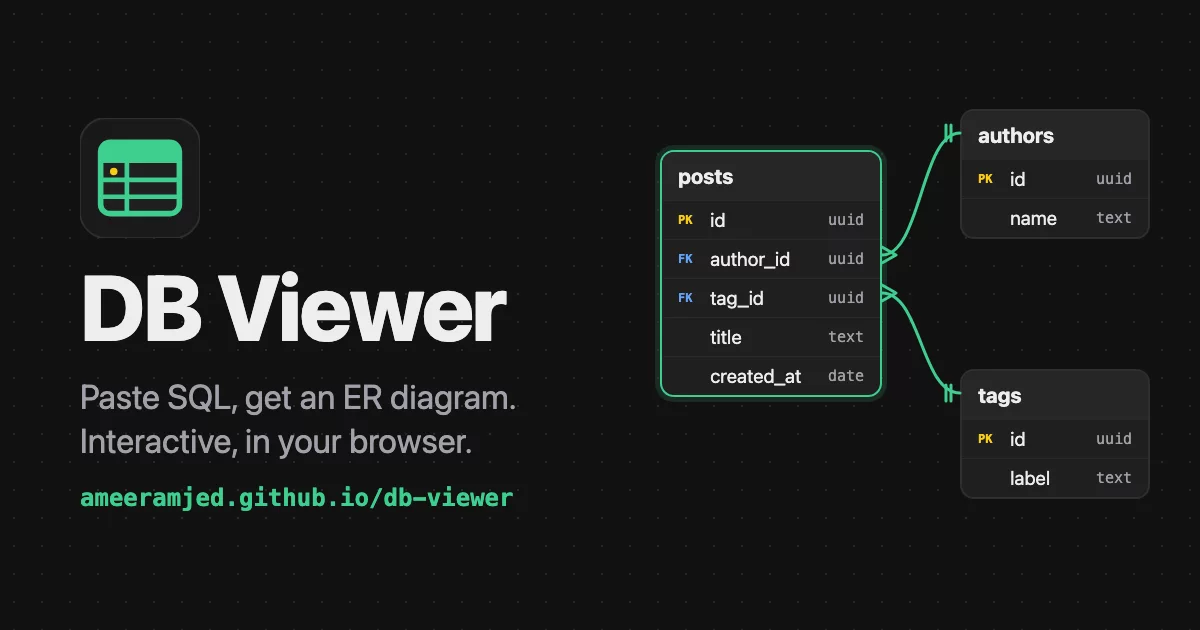

Paste SQL, get an ER diagram. Turn a Postgres or Supabase schema into an interactive diagram: explore tables and relations, focus on one table, and export to PNG, SQL, Mermaid or DBML. Free, no sign-up, runs entirely in your browser.
Features
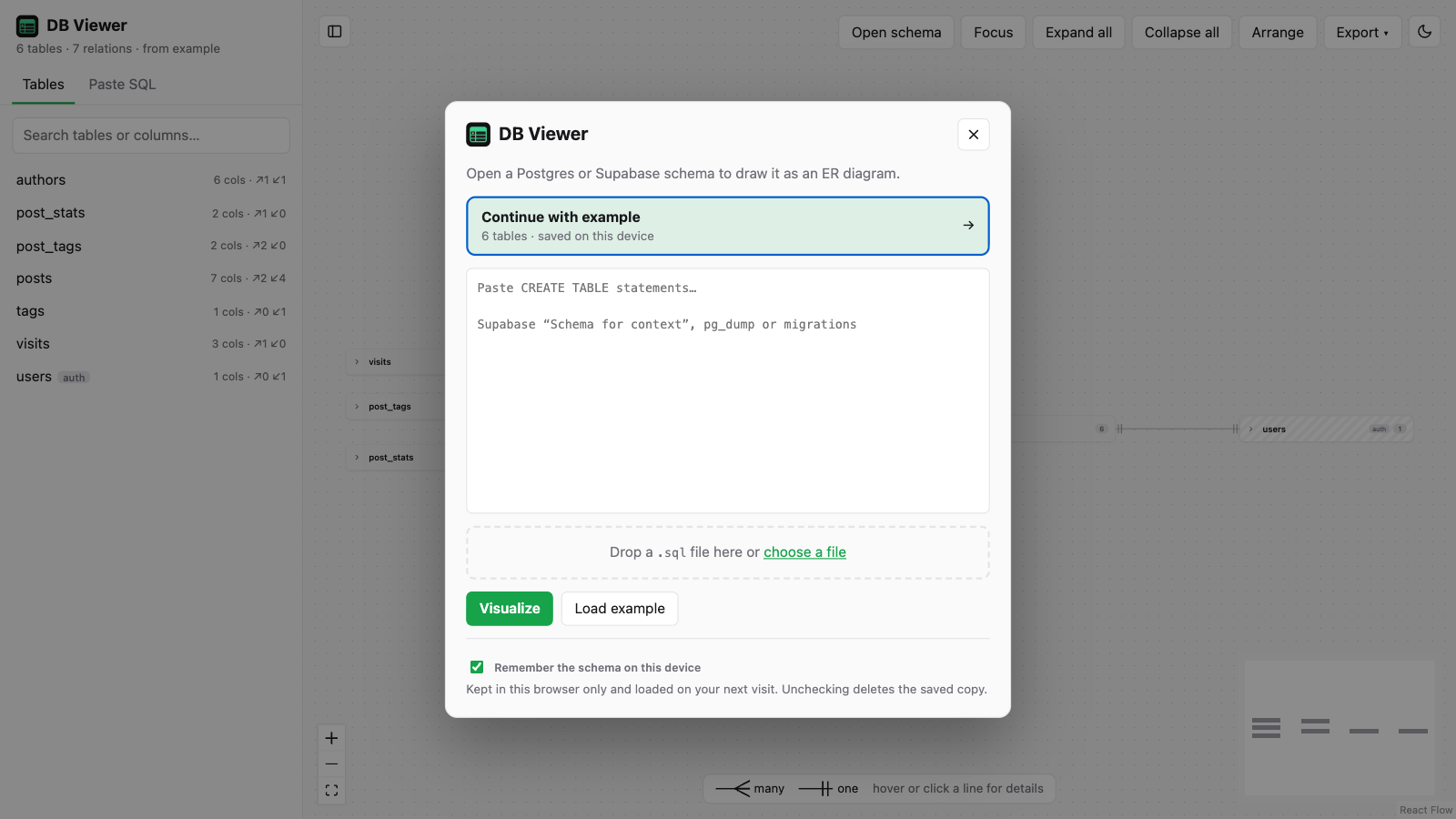
- Start in one step. DB Viewer opens with a dialog: continue with your last schema, paste
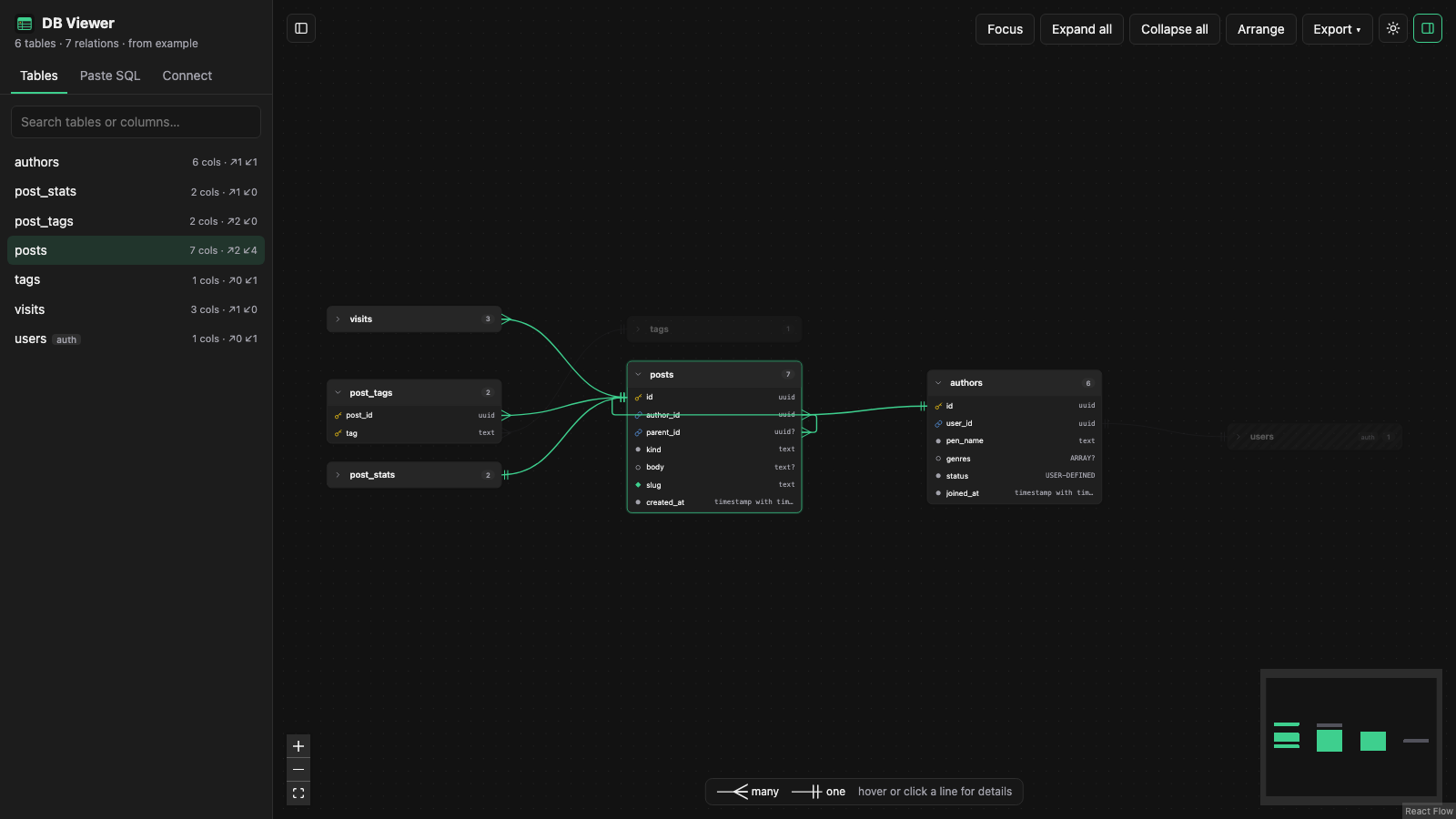
CREATE TABLEstatements, drop or choose a.sqlfile, or hit Load example. Reopen it any time with Open schema. Reads Supabase's "Schema for context" export,pg_dumpoutput and migrations. You can also paste in the sidebar or drop a file anywhere on the diagram. - Tables you can expand. Tables start collapsed; open one to see every column with its type, primary and foreign keys, unique and nullable markers.
- Relations at a glance. Foreign keys are drawn as lines with crow's-foot ends, so you can tell many-to-one from one-to-one without reading anything.
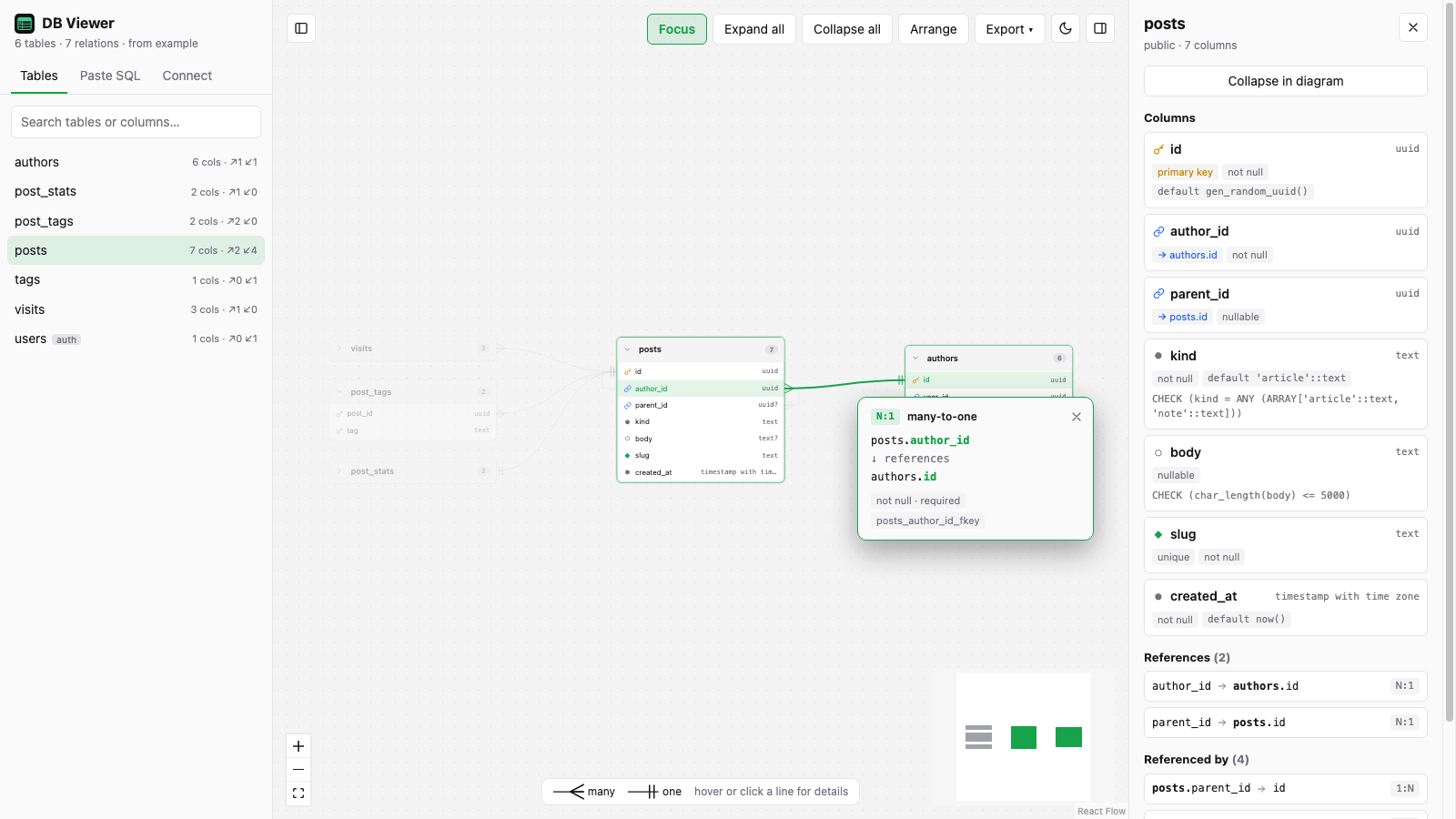
- Hover or click a line to see exactly which columns it connects, its type, whether it's optional and its constraint name. Clicking pins the card so it stays open.
- Focus mode. Select a table and press F to hide everything that isn't related to it; the related tables are pulled close together. Press F again and the full diagram returns exactly as you left it.
- Details panel. Every column's default, CHECK rule and flags, plus clickable References and Referenced by lists to jump around the schema.
- Search tables and columns from the sidebar.
- Export and copy. Download as PNG, SVG, SQL, Mermaid, DBML or JSON, or copy the image, SQL, Mermaid or DBML to the clipboard. In focus mode, only what's on screen is exported.
- Light and dark themes, and both side panels can be hidden for a full-screen diagram.
- Works on your phone with a touch-friendly layout (see below).
- Private by design. Everything runs in your browser and your SQL is never uploaded anywhere. Nothing is saved unless you tick Remember the schema on this device in the dialog; untick it to delete the saved copy.
On your phone
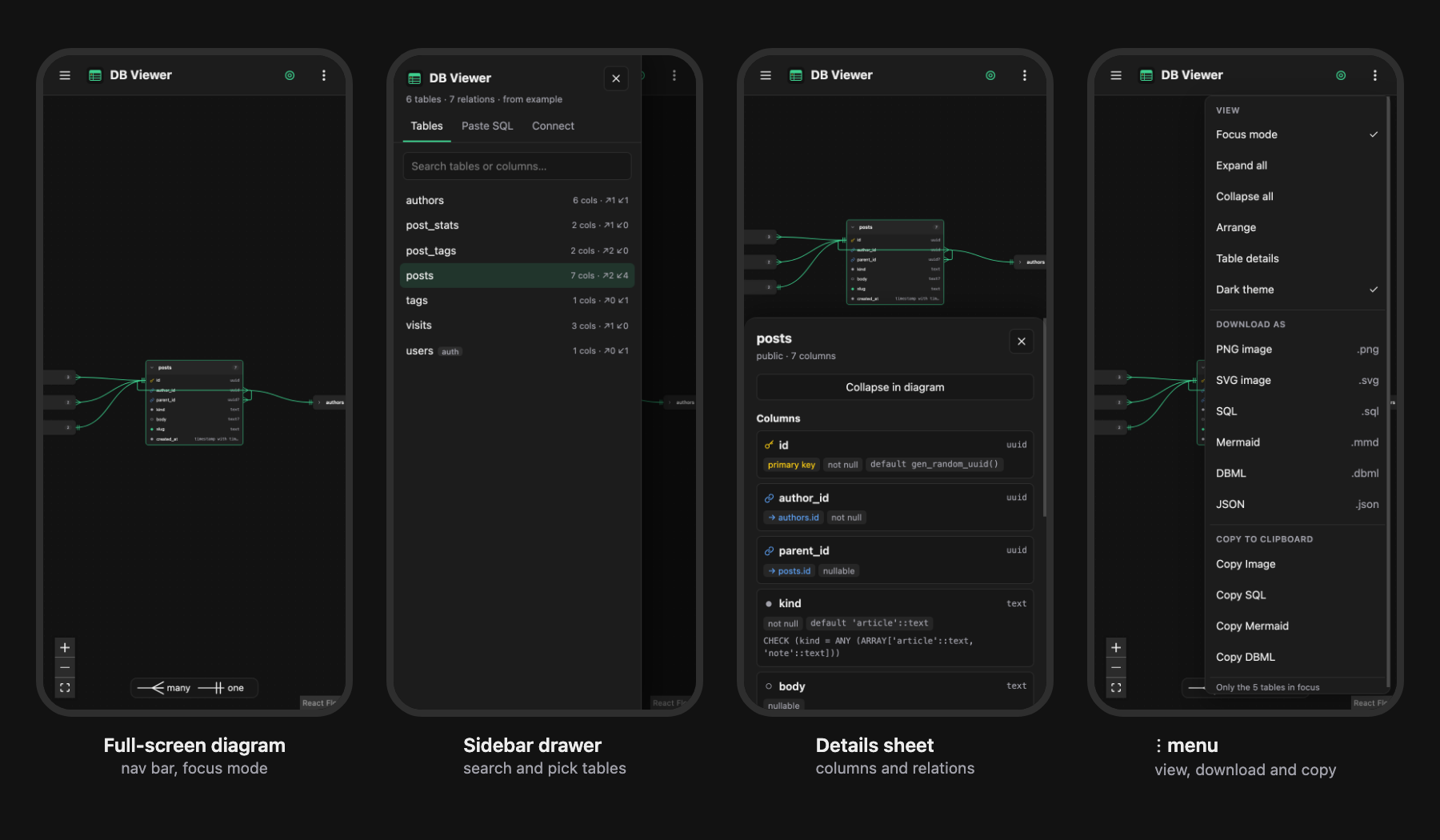
The diagram fills the screen under a compact nav bar. The table list slides in as a drawer, table details open as a bottom sheet, and Open schema plus every view, download and copy option lives in the ⋮ menu. Tap a line to pin its details.
Keyboard shortcuts
| Key | Action |
|---|---|
| F | Toggle focus mode |
| [ | Show / hide the sidebar |
| ] | Show / hide the table details panel |
| Esc | Close the start dialog, or unpin a relation card |
Getting your Supabase schema
In the Supabase dashboard's Schema Visualizer, use Copy as SQL and paste the result into DB Viewer (it starts with "This schema is for context only"). Any pg_dump --schema-only output works too.
Run it locally
Requires Node.js 20.19+ or 22.12+.
npm install
npm run dev        # http://localhost:5173
npm test           # parser and exporter tests
npm run build      # production build in dist/
Running locally adds Connect Supabase to the start dialog (and a Connect tab to the sidebar), which loads the schema straight from a Supabase project using its URL and API key. Supabase only shares the schema with a secret key (sb_secret_…) or the legacy service_role key; publishable and anon keys are refused. The key is sent only to your local dev server and never stored. A connected schema survives reloading the tab; once the tab is closed, DB Viewer asks you to connect again with the URL already filled in. This option isn't available on the hosted site.
Built with
React, React Flow, dagre for automatic layout, html-to-image for image export and Vite. Deployed to GitHub Pages with GitHub Actions on every push to main.