The highly-anticipated* re-release of DiscordMUD
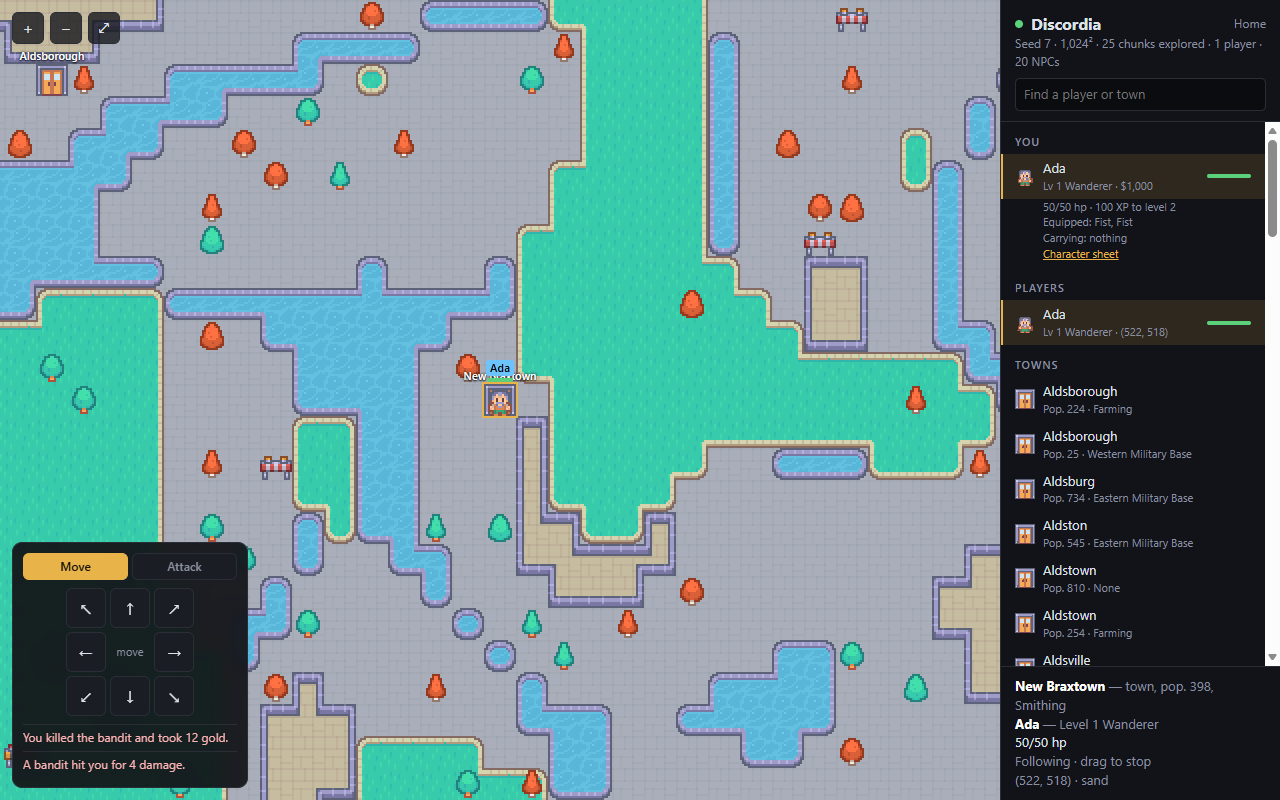
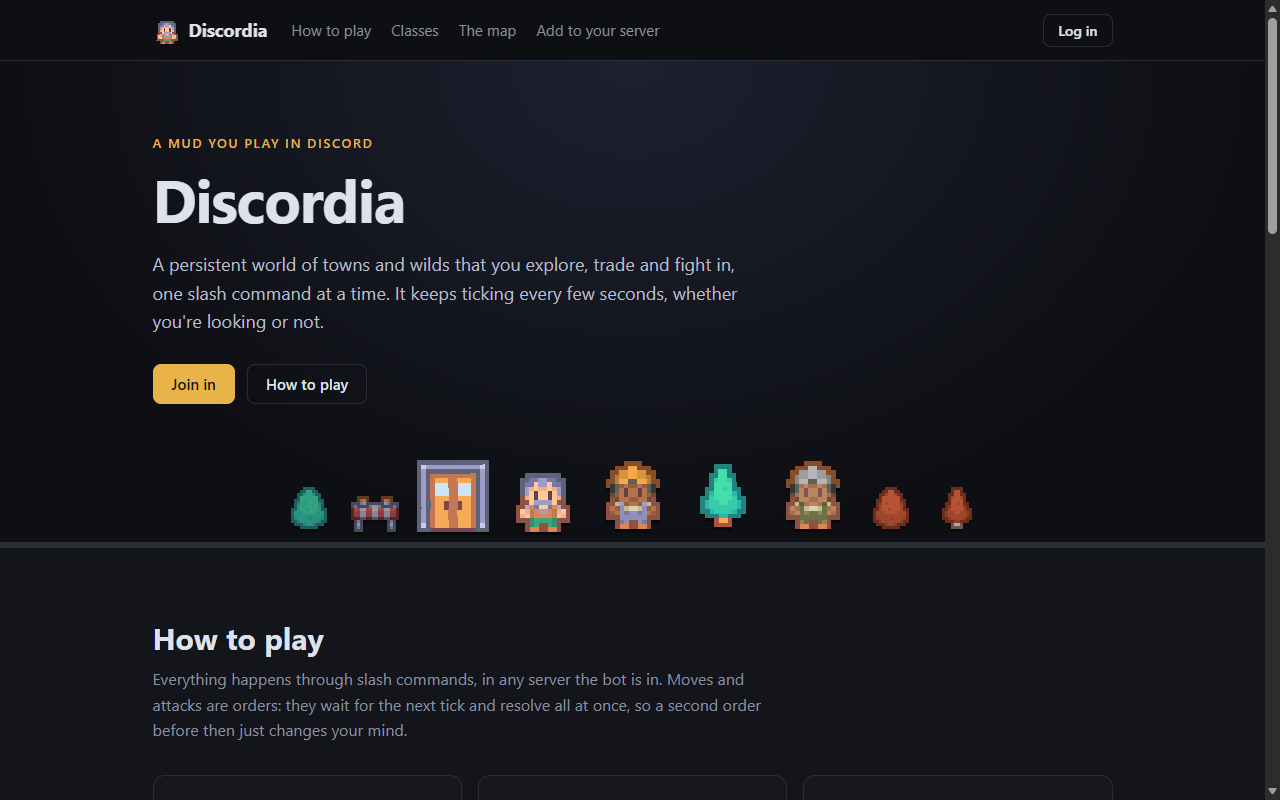
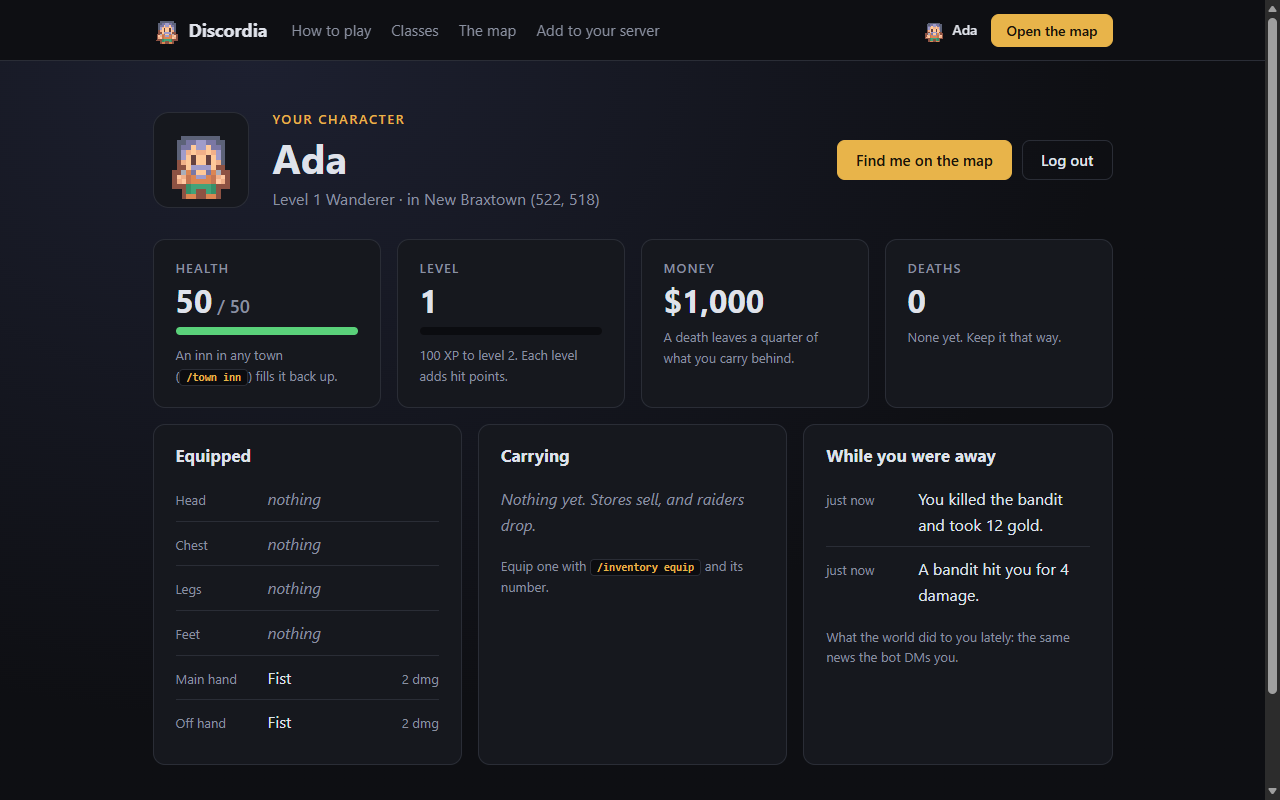
| Home page | Character sheet |
|---|---|
 |
 |
Requires Python 3.7+
Starting
To install:
pip install -r requirements.txt
python main.py
Set the DISCORD_TOKEN environment variable, or fill in Token under [Discord] in config.ini.
Deploying (Linode / any Ubuntu 24.04 box)
A Nanode (1 GB) is plenty. As root:
apt update && apt install -y git python3-venv python3-dev build-essential
useradd --system --home /opt/discordia discordia
git clone https://github.com/samclane/Discordia.git /opt/discordia
python3 -m venv /opt/discordia/venv
/opt/discordia/venv/bin/pip install -r /opt/discordia/requirements.txt
chown -R discordia: /opt/discordia
echo "DISCORD_TOKEN=your-token" > /etc/discordia.env && chmod 600 /etc/discordia.env
cp /opt/discordia/deploy/discordia.service /etc/systemd/system/
systemctl enable --now discordia
journalctl -u discordia -f
The save is /opt/discordia/discordia.db; copy it over first to keep an existing world. The live map binds to
localhost only, so view it through a tunnel: ssh -L 8080:localhost:8080 root@<linode-ip>, then open
http://localhost:8080.
To put the map on the internet: an nginx server block for your domain with proxy_pass http://127.0.0.1:8080;,
certbot --nginx -d <domain> for HTTPS (the login cookie is HTTPS-only), and PublicUrl = https://<domain> under
[Web] in /opt/discordia/config.ini. The home page at / is public; the map at /map lets in only players with a
/weblogin session, so the proxy needs no password of its own. To update, push to master and run deploy/deploy.sh root@<linode-ip> from your machine (or
add a discordia host to ~/.ssh/config and run it bare). It refuses if HEAD isn't pushed, pulls, restarts, and
fails if the service doesn't come back up.
Alerts: make a webhook on a private channel (Channel settings > Integrations > Webhooks), then
echo "DISCORD_WEBHOOK_URL=<webhook-url>" >> /etc/discordia.env and restart. Warnings, errors and crashes get
posted there; the same text repeats at most once every 10 minutes.
Player Controls
All player controls are Discord slash commands. Global commands can take up to an hour to appear the first time the bot syncs them.
/register[name]- Create a new player character and spawn into the game world.
/look- Get your grid location, and a picture of your surroundings, as far as your
FOVcan see.
- Get your grid location, and a picture of your surroundings, as far as your
/weblogin- Get a private, one-time link (10 minutes) that logs you in to the website. The map then follows your
character, with a pad to move, attack and answer encounters from the browser (keys 1-9 like a numpad, T to
switch), and
/meis your character sheet with what the world did to you lately. No password: Discord already knows who you are.
- Get a private, one-time link (10 minutes) that logs you in to the website. The map then follows your
character, with a pad to move, attack and answer encounters from the browser (keys 1-9 like a numpad, T to
switch), and
/equipment- Prints your "character sheet" in chat: name, level and experience to the next one, money, health, and equipment.
/move[direction]- Directions are (
north,east,south,west) or (up,down,left,right) - Move your player character one space in the direction picked from the dropdown.
- Directions are (
/inventory list- Displays a list of the items in the players inventory
/inventory equip[index]- Have your PC equip the item from your inventory with the specified index.
/inventory unequip[index]- Remove the item from your equipment and put it back into your inventory.
/attack<direction>- Directions are (
north,east,south,west) or (up,down,left,right), or valid in-betweens (e.x.nefor northeast, etc.) - Attack another player or an NPC with your currently equipped weapon. If no
directionis specified, the user will attack in the current position only. Otherwise, ranged weapons go in a single direction like a "beam", until they either a) hit someone and apply damage, or b) Miss, as the damage falloff, as each tile the projectile traverses removes % damage until it goes to 0. - Killing an NPC hands you its money and whatever it was carrying.
- Directions are (
/choose[talk|rob|ignore]- Wandering the wilds can turn up a stranger on the road, who waits for you to decide what to do.
talkgets you directions to the nearest town,robis a contest of your level against theirs (win and you take their money, lose and they hurt you),ignorewalks on. Moving anywhere also counts as walking on.
/trade list- The wilds can also turn up a trader with a few things laid out on a blanket. Lists what they have and what they want for it, at a markup over town prices.
/trade buy[index]- Buy the trader's item at that index. They are gone as soon as you move on.
/town status- Calling
townwith no parameters is a debug command to check if you're inside a town or not. /town inn- Run the events of the town's inn. Usually restores health/resources.
/town recruit- Change your player class to the one offered by the town.
/town store list- Lists all the items (Name, Price, Quantity) in the Town's store.
/town store buy[index] (Placeholder)- Purchase the item at the given index, adding it to your inventory.
/town store sell[index] (Placeholder)- Sell an item from your inventory, removing it and giving you some money.
- Calling
/stash list- In any town: what you've banked. The stash is one per player, reachable from every town, and dying out in the wilds never touches it. Dying anywhere but a town loses everything you were carrying, money and worn gear included, so bank what you want to keep before heading out.
/stash put[item] [money]- Bank the inventory item at that index and/or that much money.
/stash take[item] [money]- Take the stashed item at that index and/or that much money back to carry.
Attributions
Sprites - Kenney RPG Urban Pack