
FalconCMS
Build your application. Not your CMS.
An open-source CMS foundation for Laravel — visual page builder, custom post types,
media, menus, SEO, e-commerce, security, themes, plugins, and a WordPress-like hook system.




Live Demo · Documentation · Website · Changelog
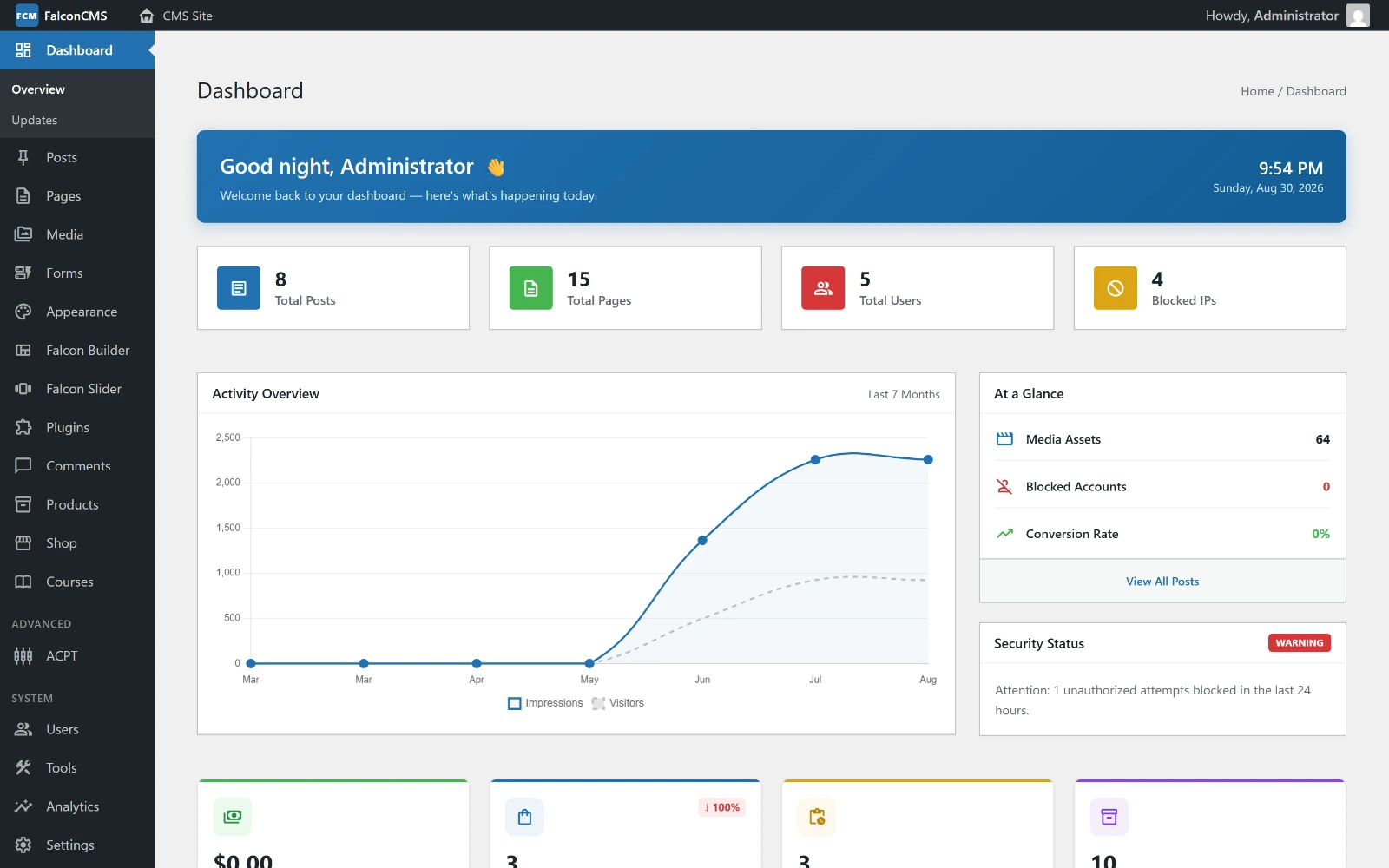
Why FalconCMS
Every Laravel project eventually needs the same building blocks — pages, posts, media, navigation, forms, SEO, users, permissions, custom fields, settings. Building them again for every project takes time away from the product you actually set out to build.
FalconCMS gives you that foundation as a Composer package, running inside your existing Laravel app alongside your own routes, models and service providers. You keep Laravel; you skip rebuilding the CMS.
🚀 Installation
Requirements: PHP 8.3+ · Laravel 13+ · MySQL 5.7+ / MariaDB 10.3+
Add it to an existing Laravel application:
composer require falconcms/falconcms
php artisan falcon:install
falcon:install runs the migrations, publishes assets and the default theme, links
storage, and creates your admin user — the credentials are printed in the terminal. Then
visit /admin.
📖 Installation guide · Configuration
🛠 Commands Summary
Falcon CMS comes with a set of automated commands to make development easier.
| Command | Description |
|---|---|
php artisan falcon |
Help Menu: Lists all available Falcon CMS commands in CLI. |
php artisan falcon:install |
Full Setup: Migrations, Assets, Themes, User and seeds. |
php artisan falcon:update |
Sync Update: Refreshes assets, themes, and permissions. |
php artisan falcon:seed |
Demo Data: Seeds default menus and initial demo data. |
php artisan make:falcon-page |
Scaffold: Creates a new dashboard page, controller, and menu item. |
✨ What's in the free core
Everything below is MIT-licensed and needs no purchase.
| Content | Pages, posts, and unlimited custom post types created from the dashboard — each with its own admin panel, archive and single view. Categories, tags, revisions, scheduling, and a media library. |
| Falcon Builder | Drag-and-drop containers, columns and elements over a live preview of the real theme, with desktop / tablet / mobile previews and per-device visibility. |
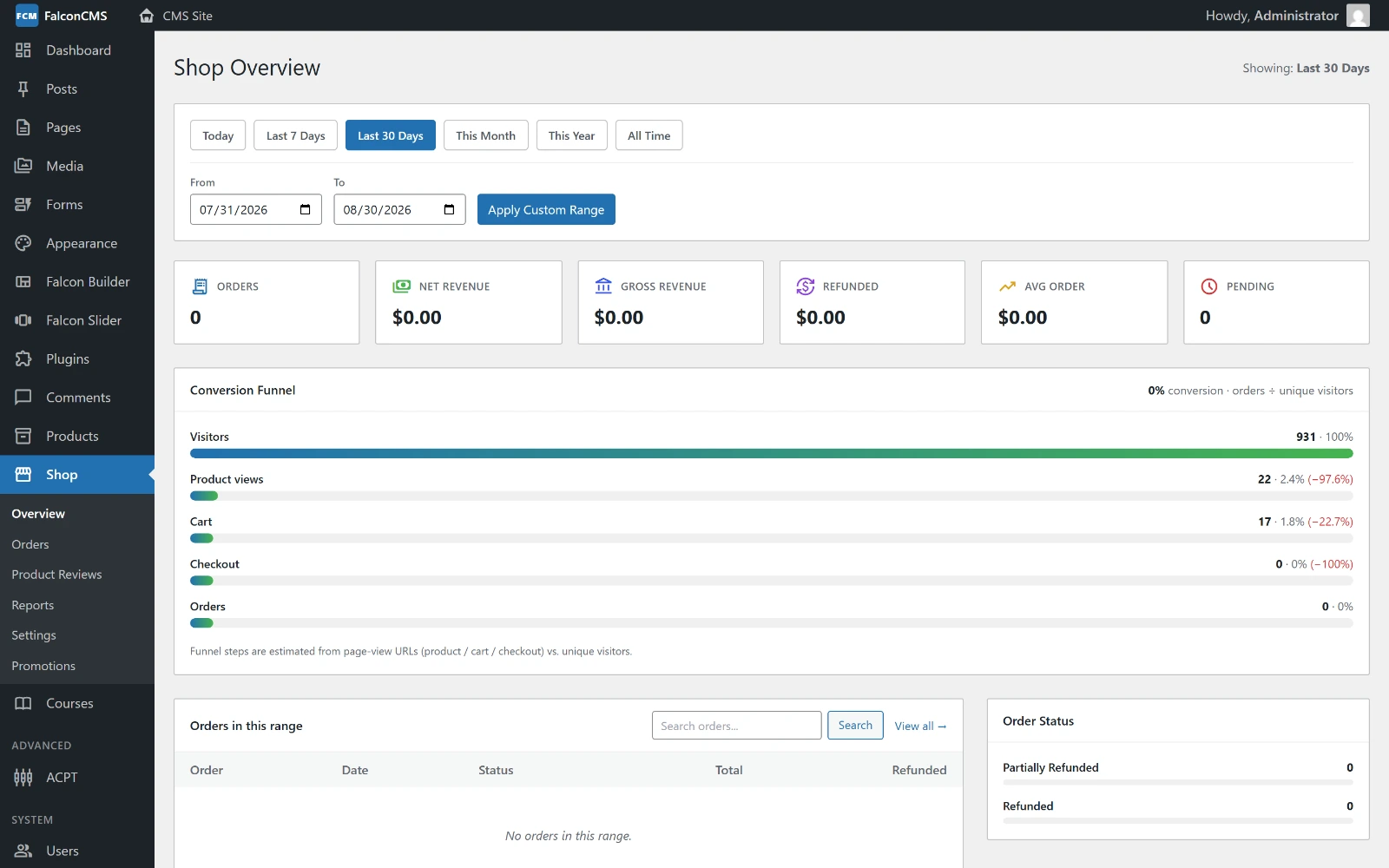
| E-commerce | Products and variants, cart, guest or registered checkout, orders and invoices, coupons, shipping zones, per-country tax, and PayPal / Stripe / SSLCommerz / bank transfer. |
| Themes | A WordPress-like, file-based theme system with strict view isolation — frontend views live in resources/views/themes/{theme}/, and anything in the root resources/views/ is blocked from frontend rendering (404). |
| Plugins | Drop-in folders that add admin pages, settings, routes, views, tables and hooks without touching the core. Scaffold one with php artisan make:plugin. |
| Menus & widgets | A visual menu builder including mega menus, plus widget areas for sidebars and footer columns. |
| Roles & permissions | Eight seeded roles with granular per-capability permissions, and strict content ownership — Authors and Contributors never reach another user's content. |
| Developer API | 109 hooks (63 actions, 46 filters), template tags, helper functions, an Admin Menu API, and a REST API for headless use. |
| Migration | A WordPress importer that parses WXR and can be re-run without duplicating anything. |
📸 A Look Inside
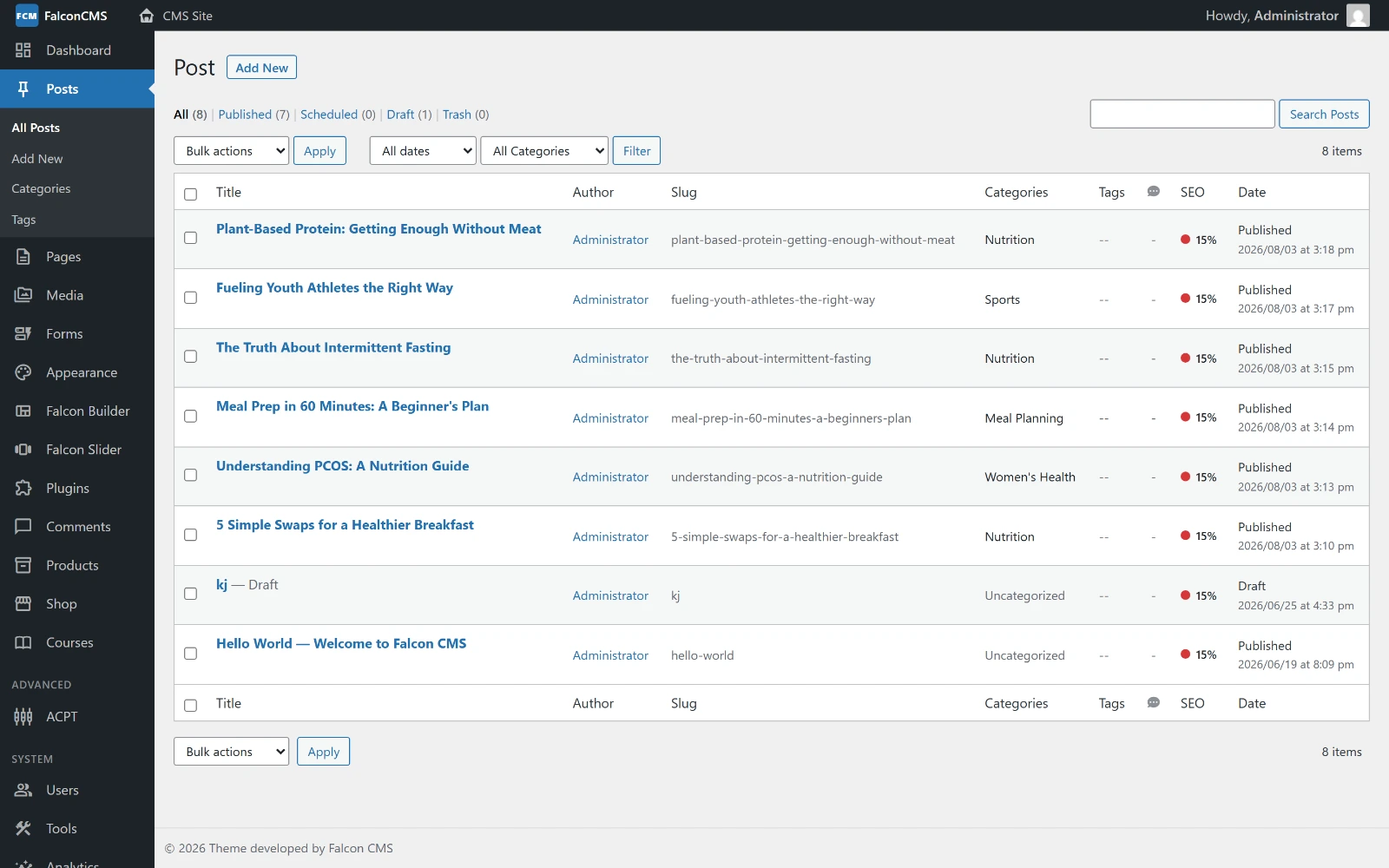
Every screenshot below is the live demo site — sign in with
admin@falconcms.demo / FalconDemo2025! and click through it yourself.
Falcon Builder
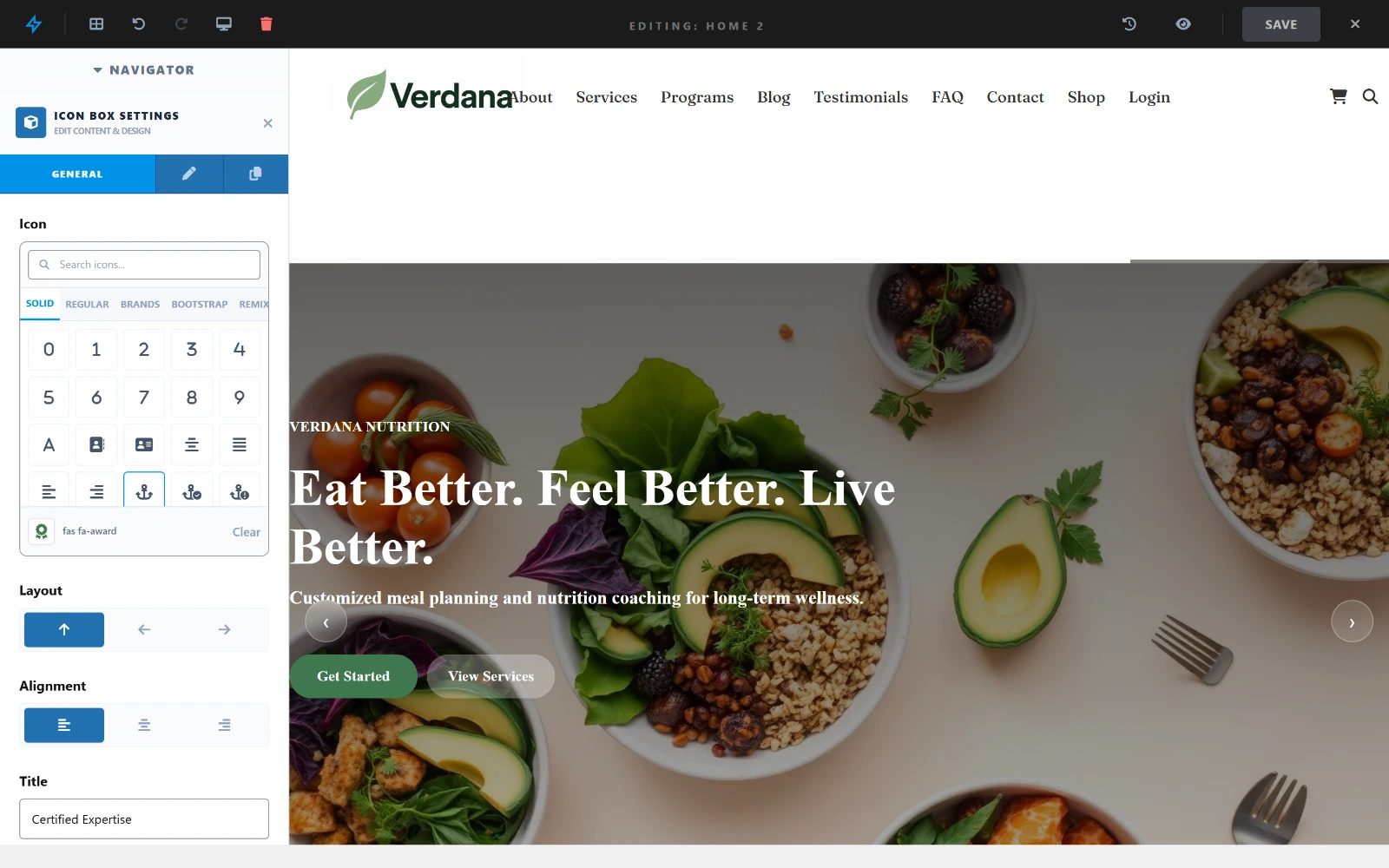
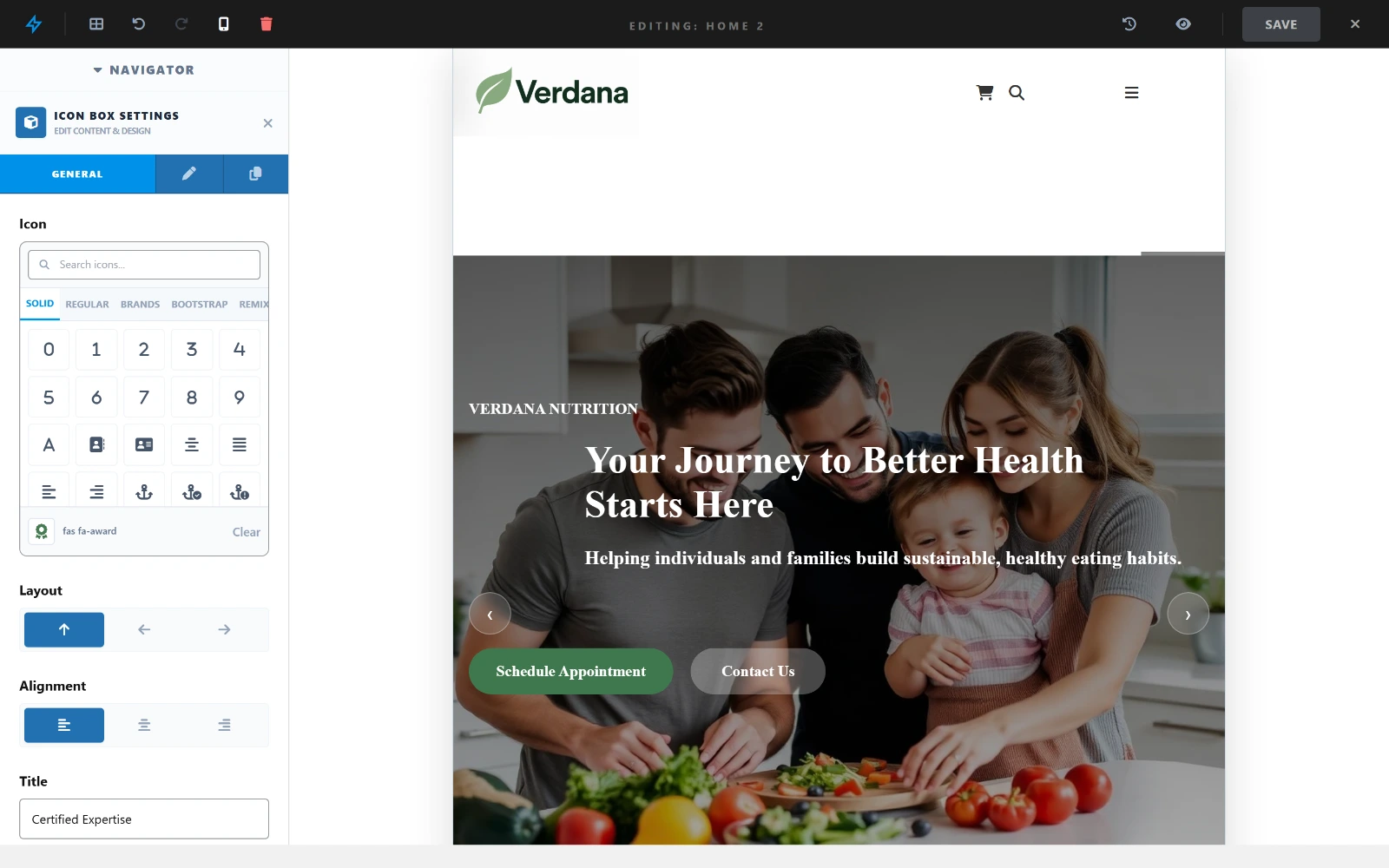
Drag-and-drop containers, columns and elements over a live preview of the real theme. The navigator on the left is the page structure; changes render exactly as the frontend will serve them.

Select any element to open its settings panel, and switch the canvas between desktop, tablet and mobile to set per-device values and visibility.
 |
 |
| Element settings | Responsive preview |
Content & Media
 |
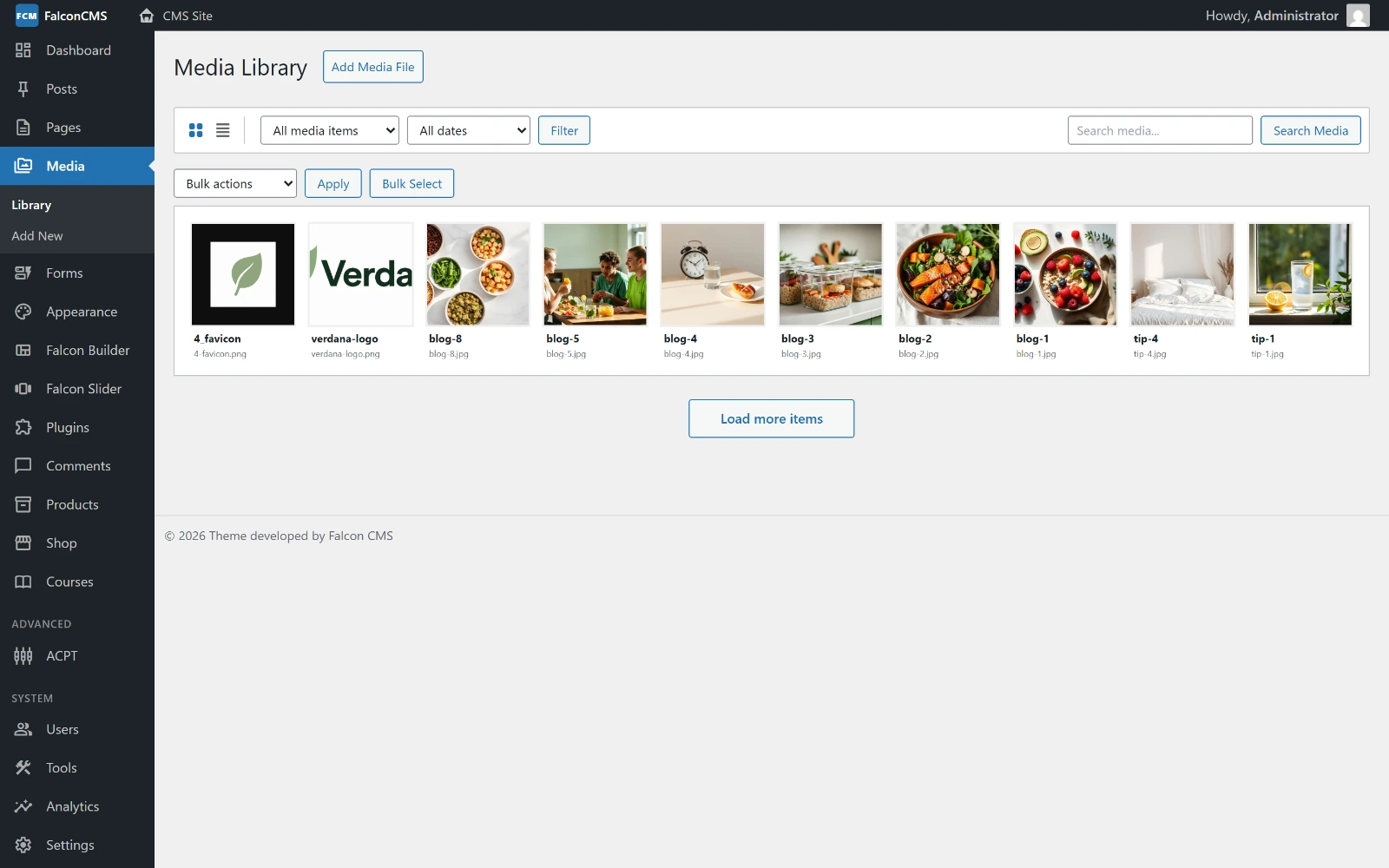 |
| Posts & pages | Media library |
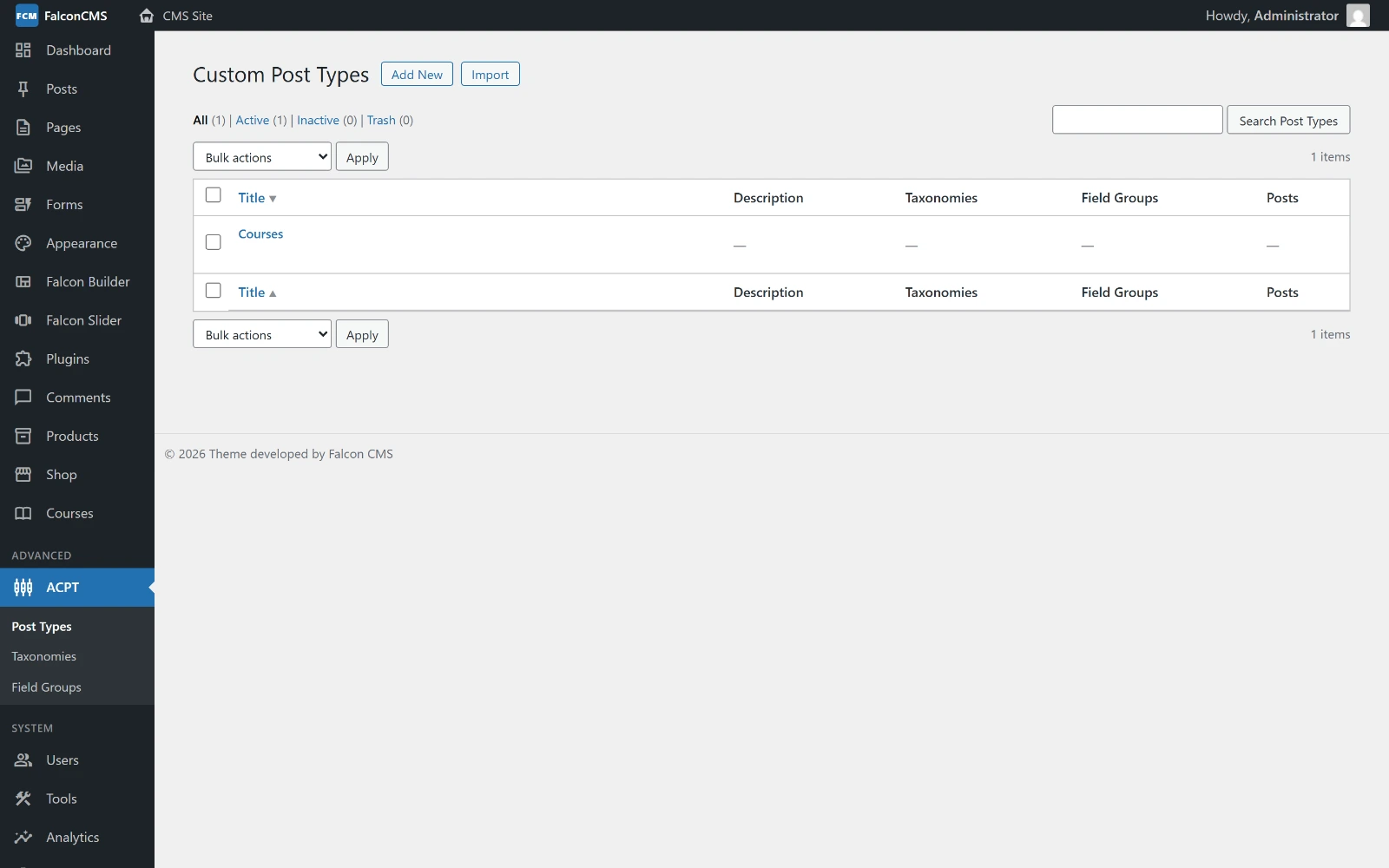 |
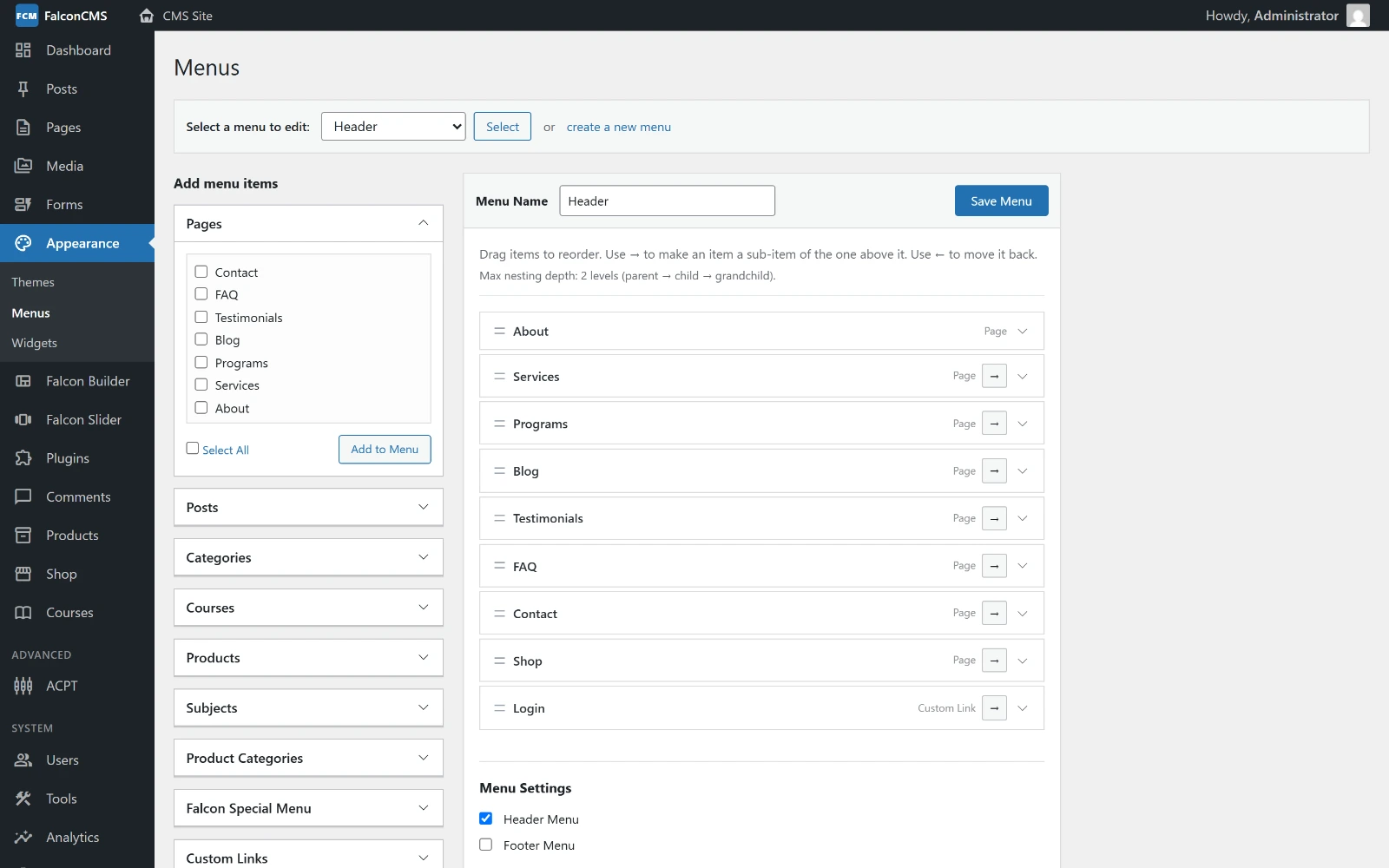 |
| Custom post types | Menu builder |
E-commerce — in the free core
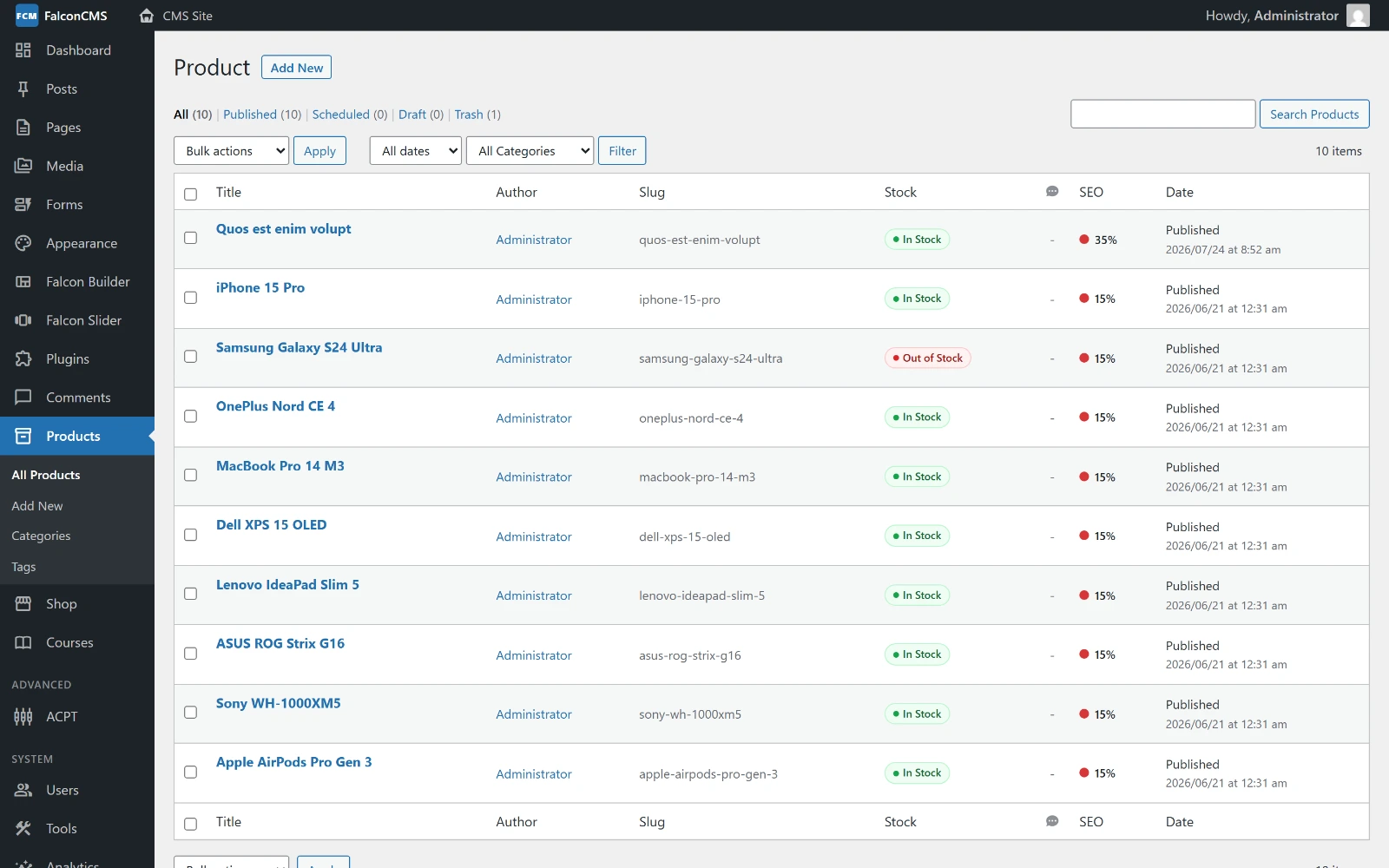 |
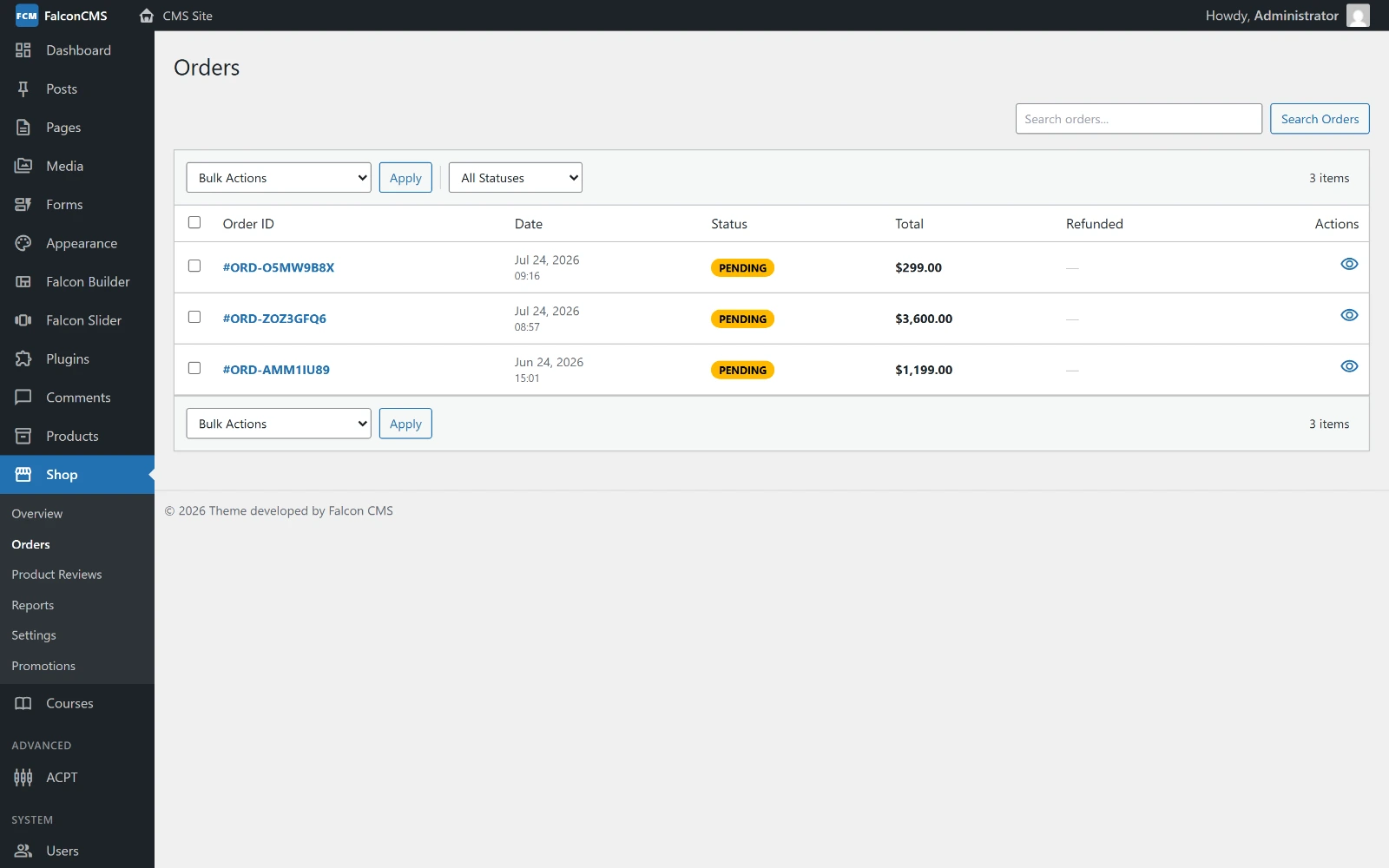 |
| Products | Orders |
 |
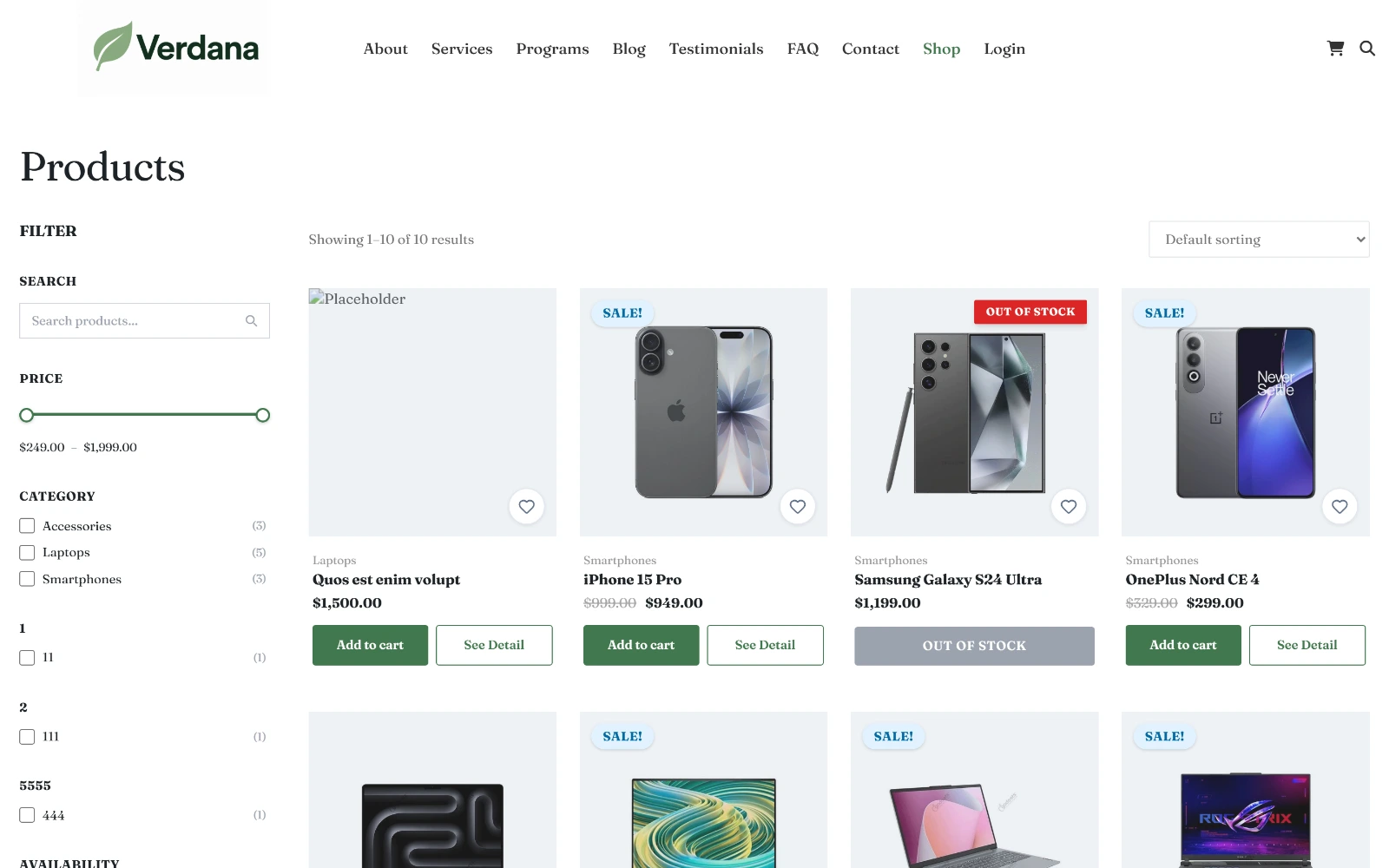 |
| Shop overview | Storefront |
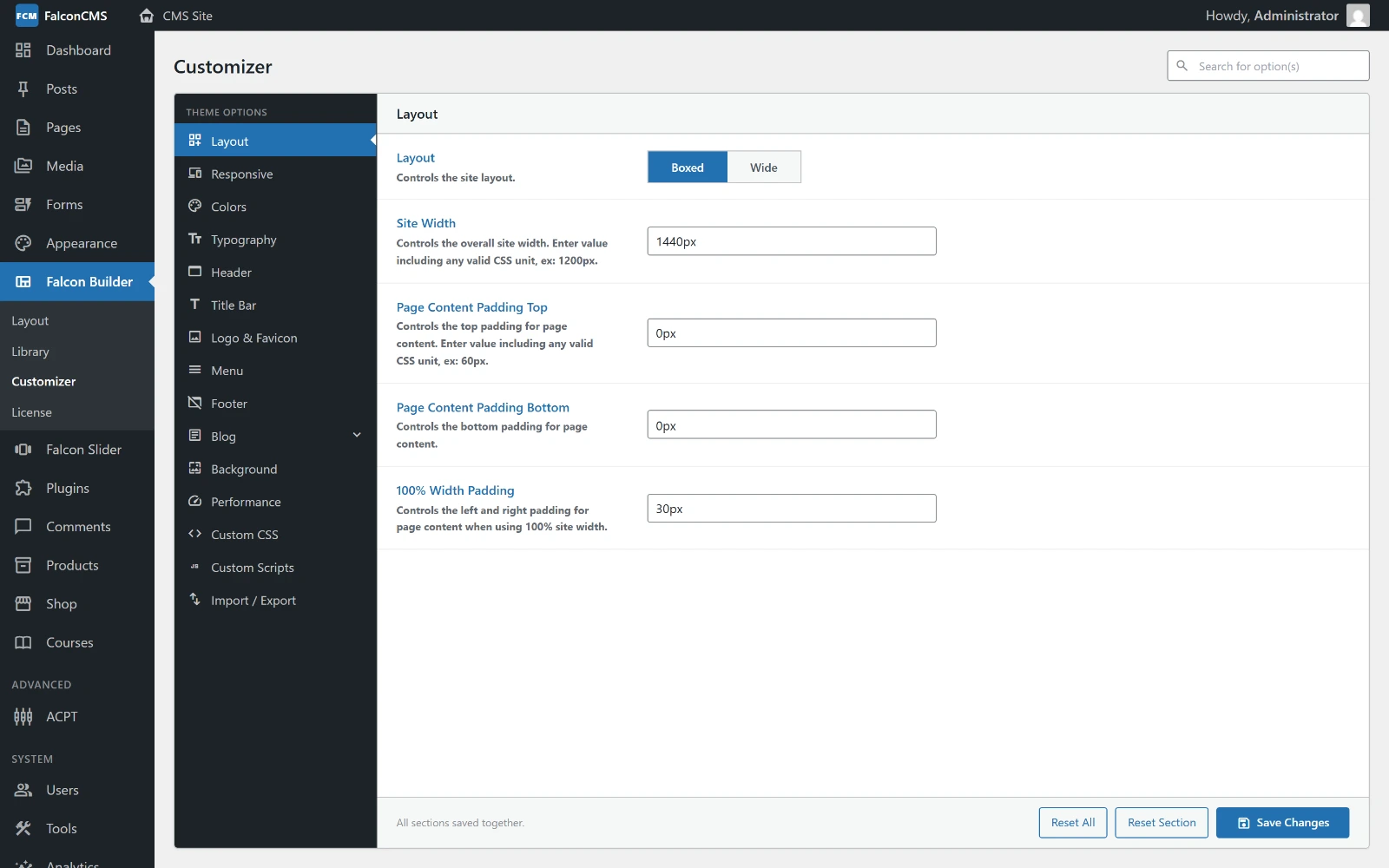
Appearance & Administration
 |
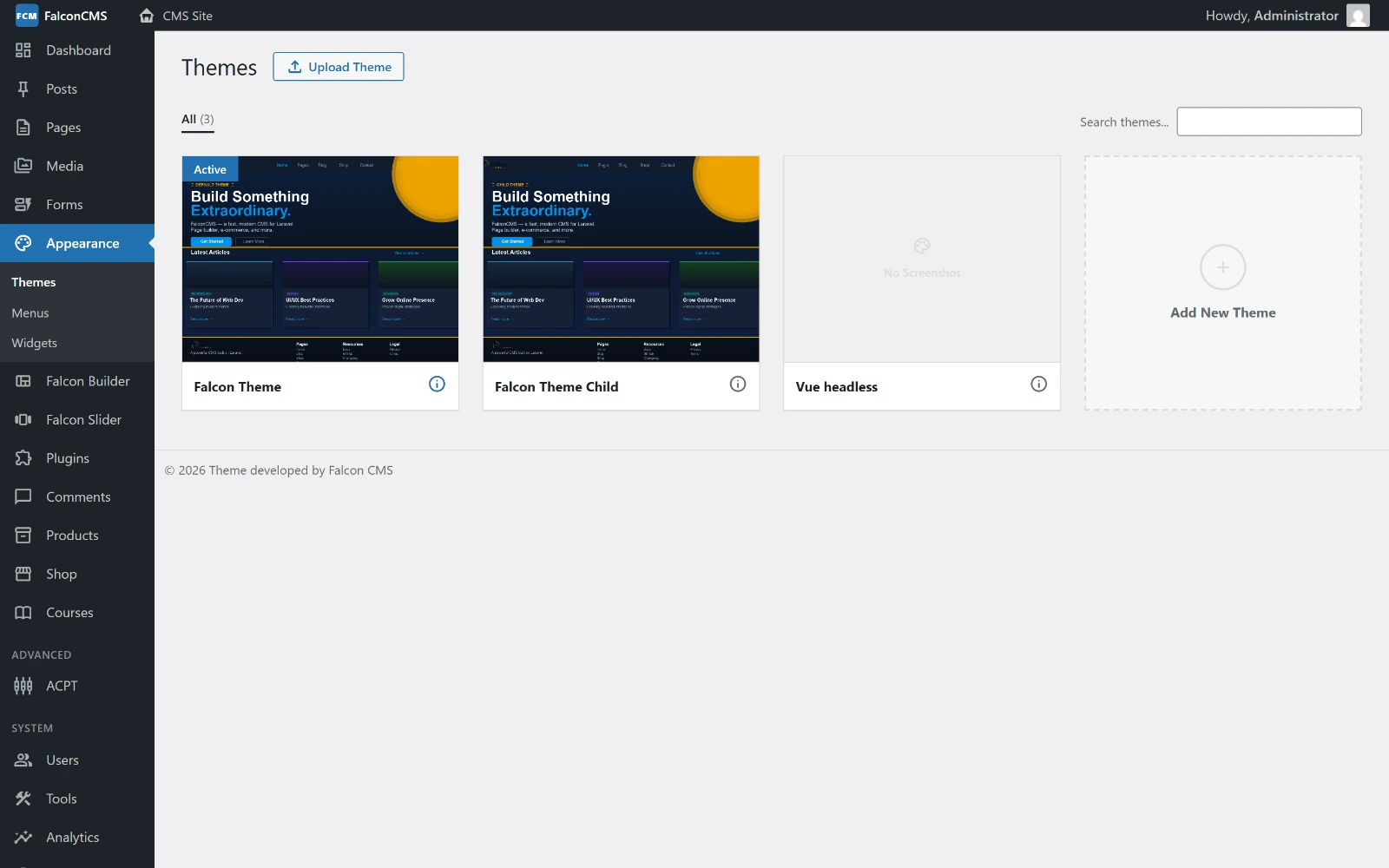 |
| Customizer | Themes |
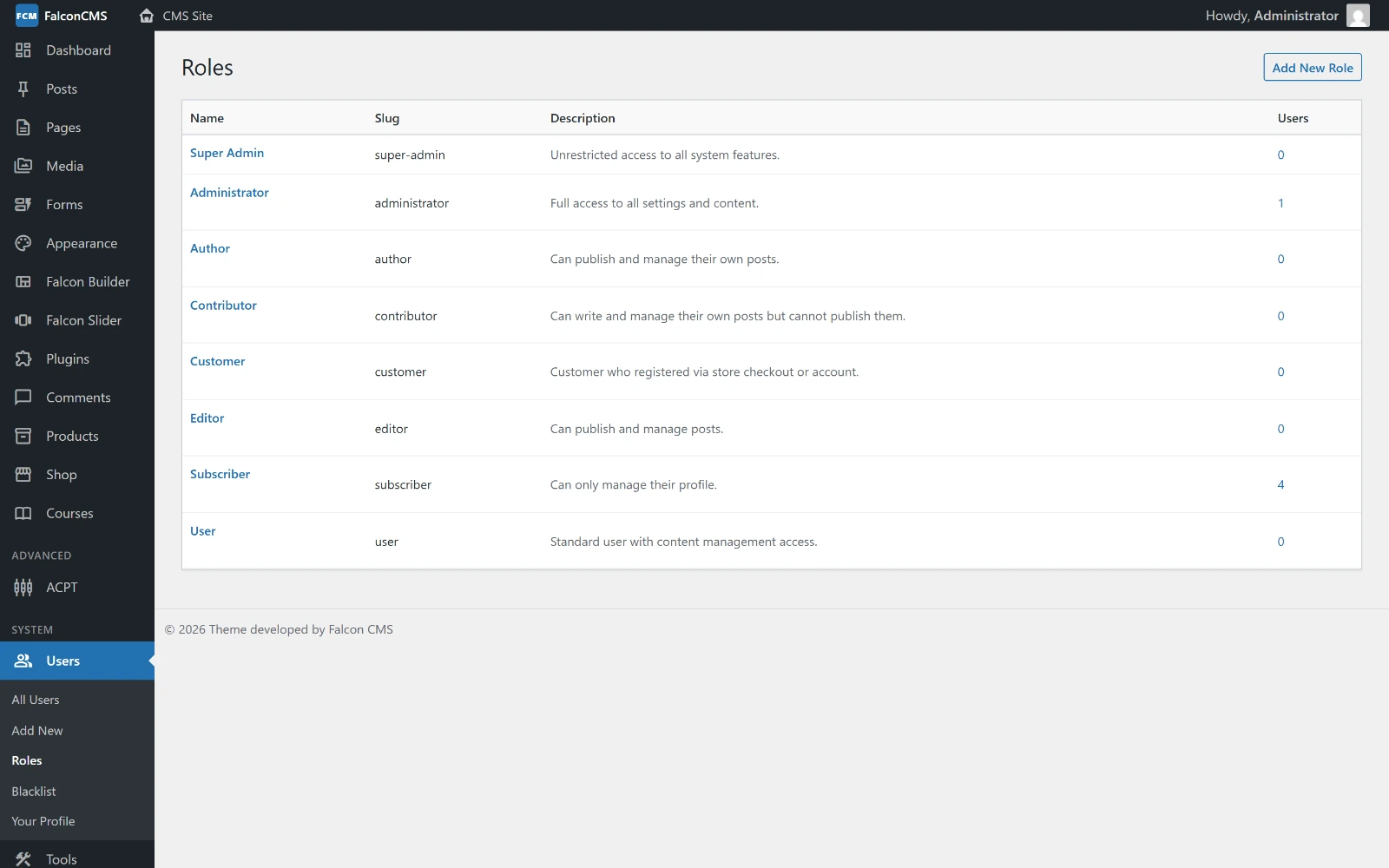 |
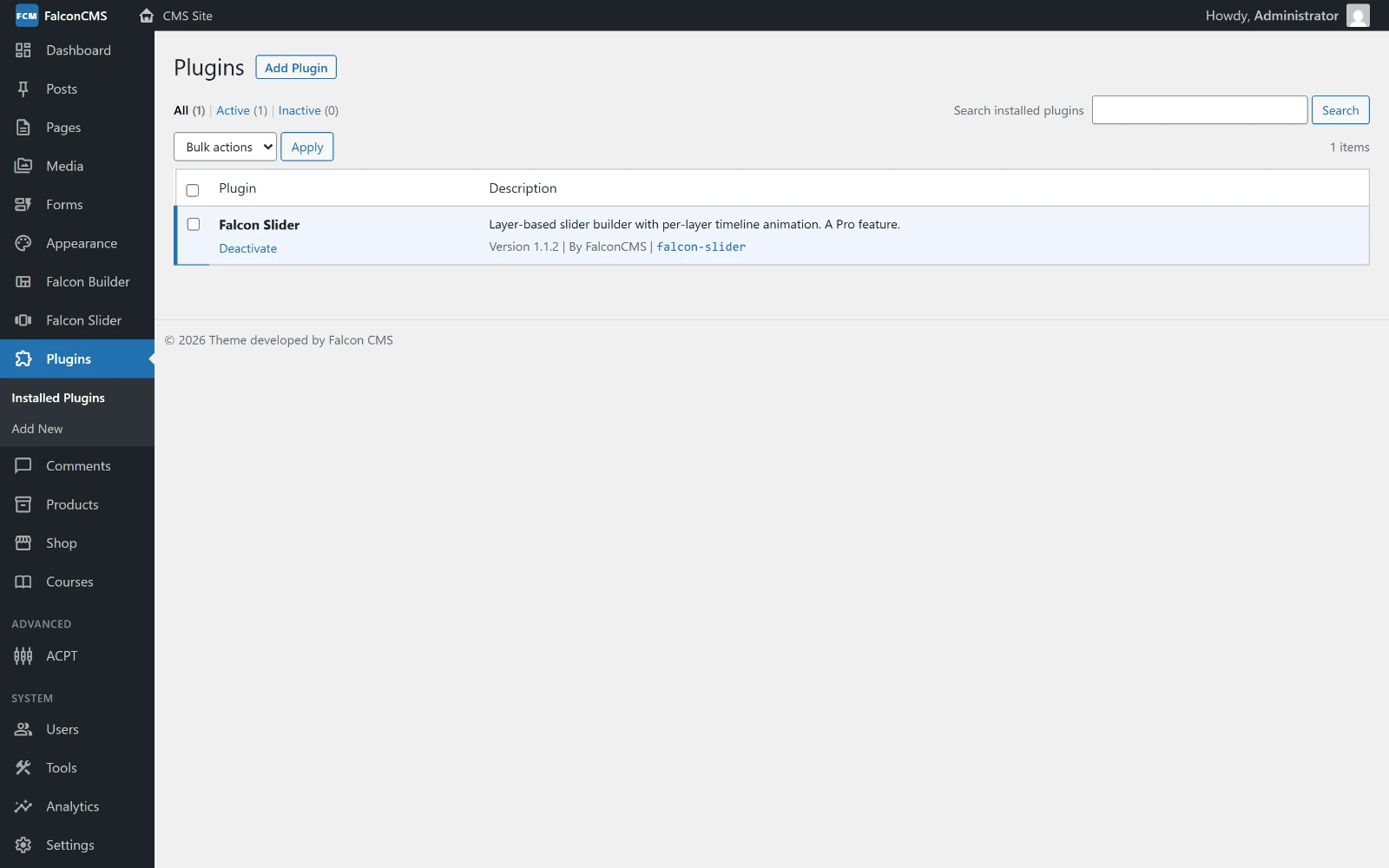 |
| Roles & permissions | Plugins |
Screenshots are regenerated from the live demo with
node docs/scripts/screenshots.mjs. Seedocs/scripts/README.md.
🛡️ Falcon Security — Laravel CMS security in one plugin (Pro)
Falcon Security is the security suite that ships with FalconCMS Pro: two-factor authentication, passkeys, OTP by SMS and WhatsApp, a web application firewall, a malware scanner with signed release integrity, a Content Security Policy builder, spam protection, fake-order protection for cash on delivery, and an agency dashboard — configured from the admin, no code.
| Sign-in security | Two-factor sign-in (authenticator app, passkeys / WebAuthn, or codes by SMS and WhatsApp), recovery codes, roles that must use it, "confirm it's you" before risky changes, impossible-travel checks, sign-in alerts, session management, a breached-password policy. |
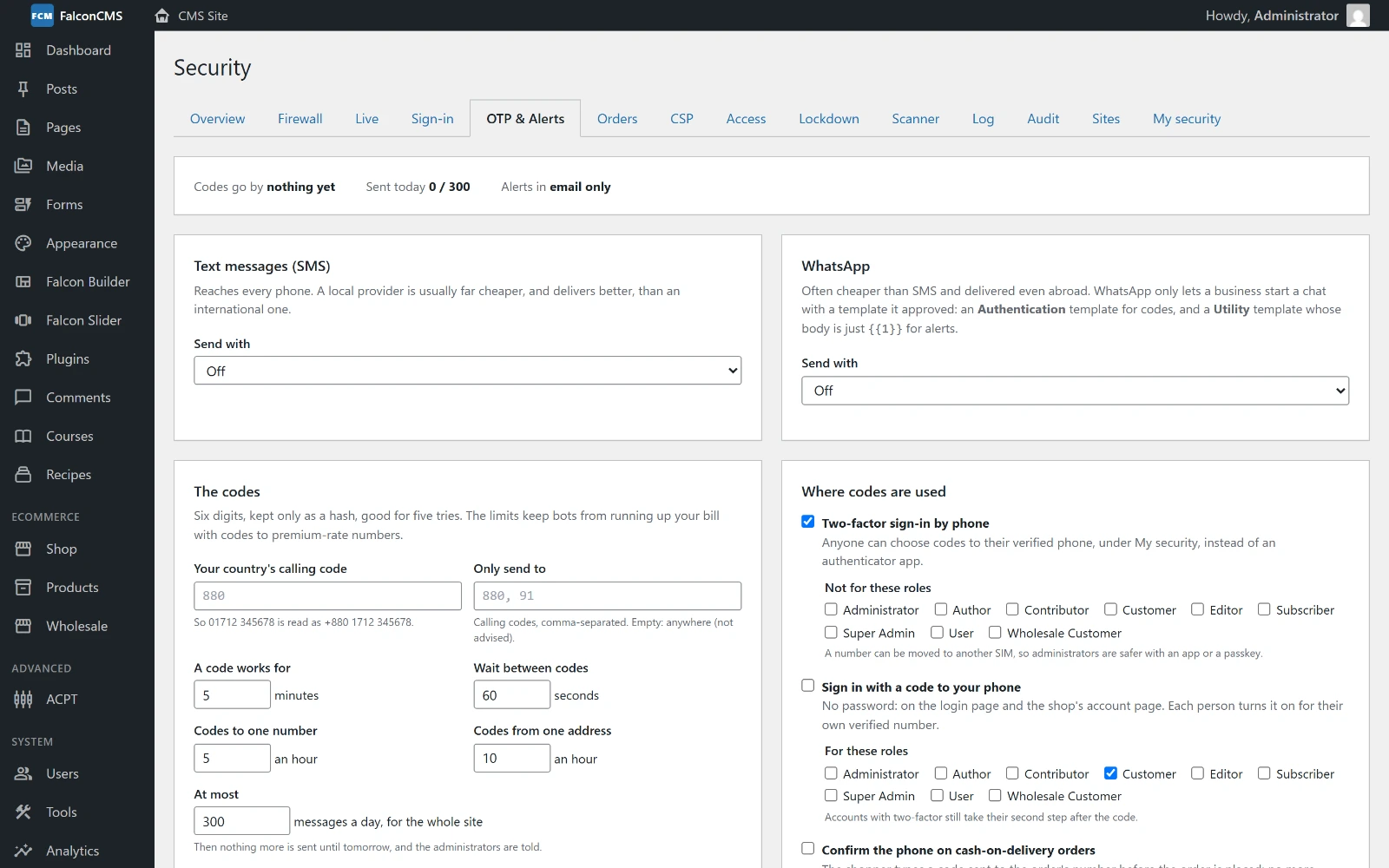
| OTP by SMS & WhatsApp | Twilio, Meta's WhatsApp Cloud API or any SMS provider's web API (presets for Bangladesh's BulkSMSBD, sms.net.bd, Greenweb and SSL Wireless), sign-in with a phone code, and limits against SMS pumping. |
| Firewall & WAF | IP, range and country rules, attack patterns (SQL injection, XSS, path traversal), probe and flood bans, fake search-engine bots, an admin allowlist, live traffic, lockdown. |
| Malware scanner | Web shells, PHP in uploads, injected scripts in the database, files changed since the baseline — and FalconCMS's own files checked against the signed release, so an update never looks like a hack. |
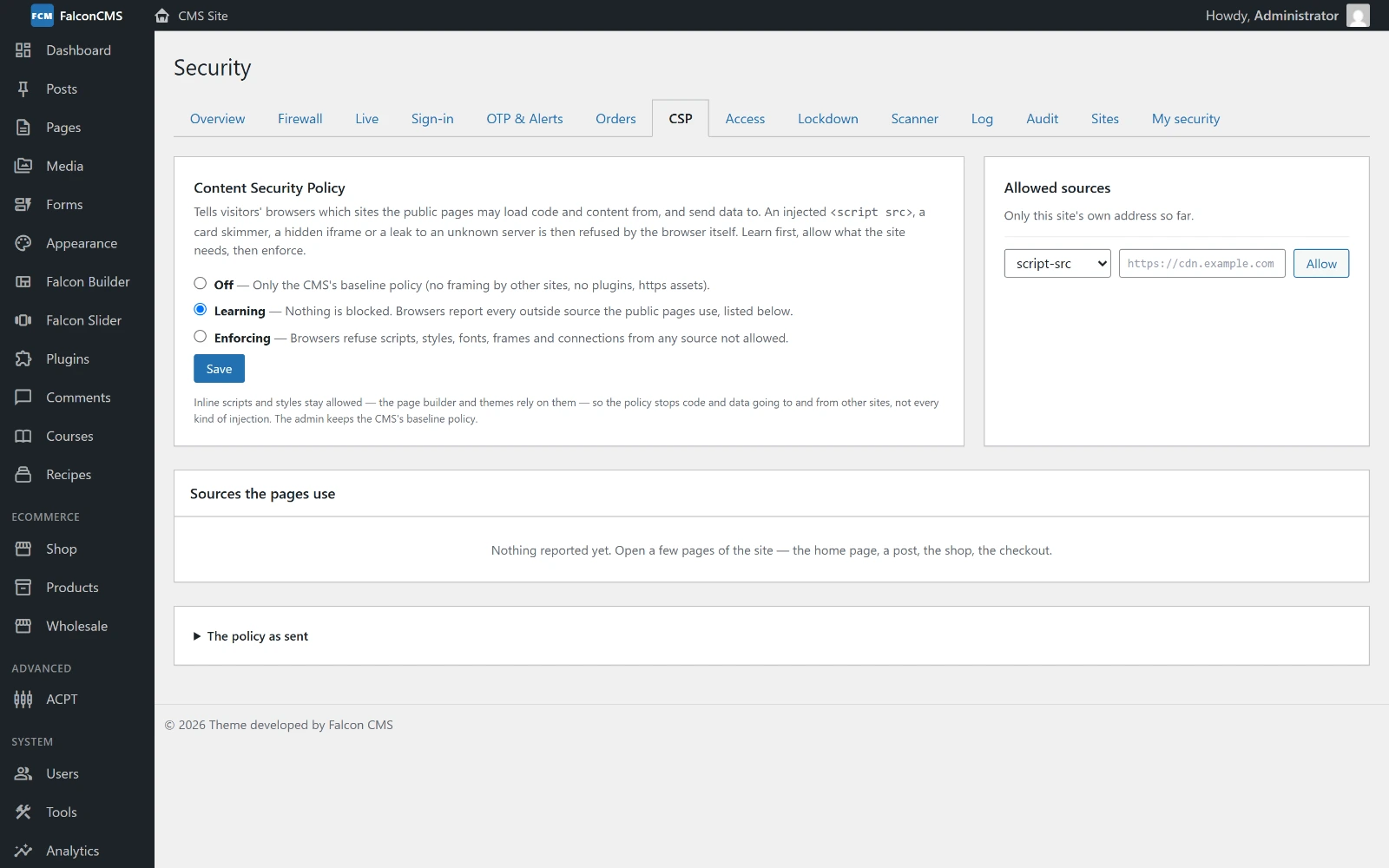
| Content Security Policy | Learns which outside sources the site uses from browsers' reports, then enforces them: an injected script or a card skimmer is refused by the browser. |
| Fake-order protection | A 0–100 risk score per order from courier delivery history (Steadfast and BD Courier for Bangladesh, or any JSON service), the shop's own history and bursts of orders; hold, ask to pay online or refuse; phone confirmation by OTP on cash-on-delivery orders; an order blocklist. |
| Alerts & reports | Email, Telegram and WhatsApp alerts; known-vulnerability alerts for FalconCMS, plugins and themes; a security score (A–F) with a printable monthly report. |
| Agency dashboard | Every client site's score, security holes, malware and attacks on one screen (Agency plan). |

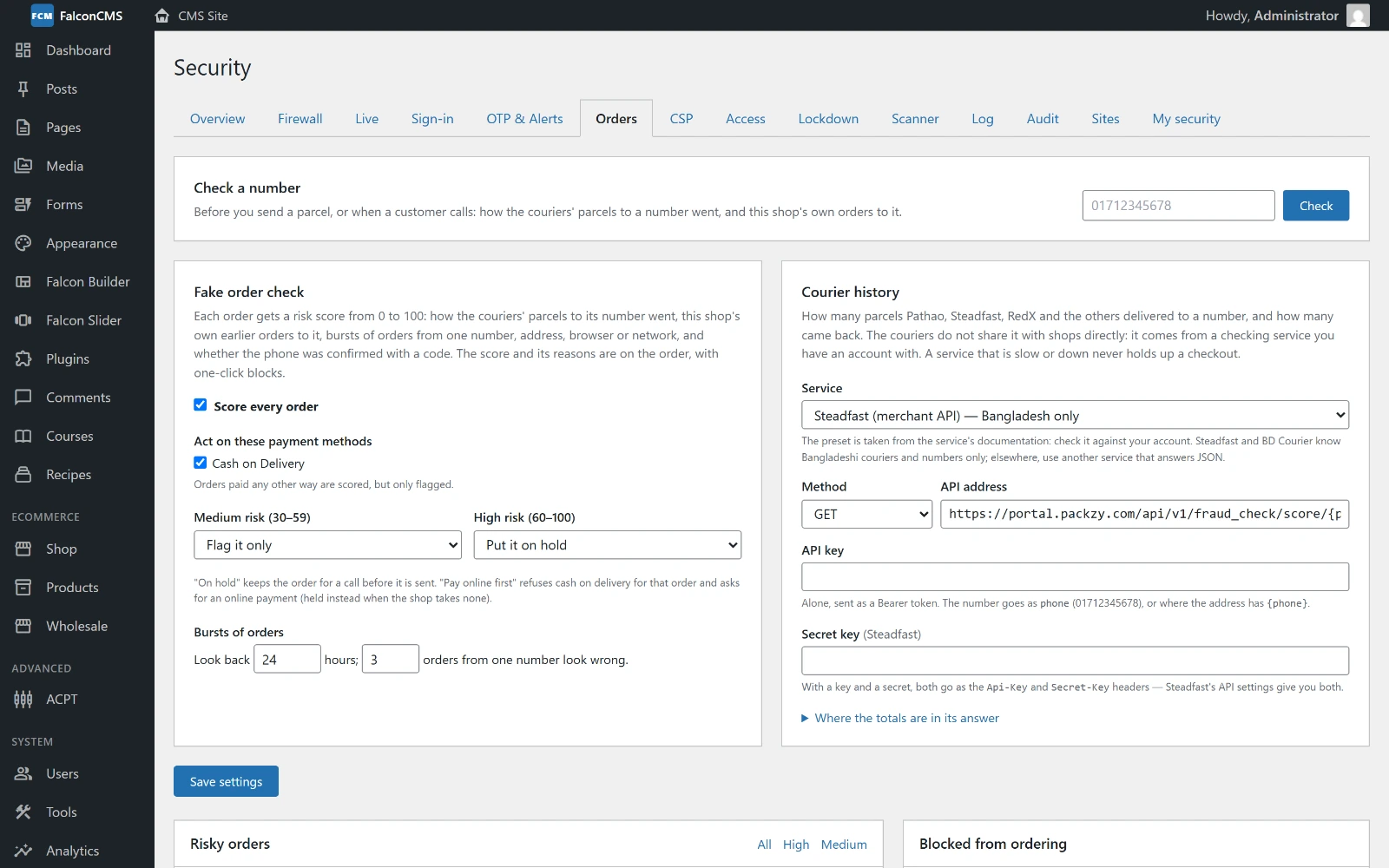 |
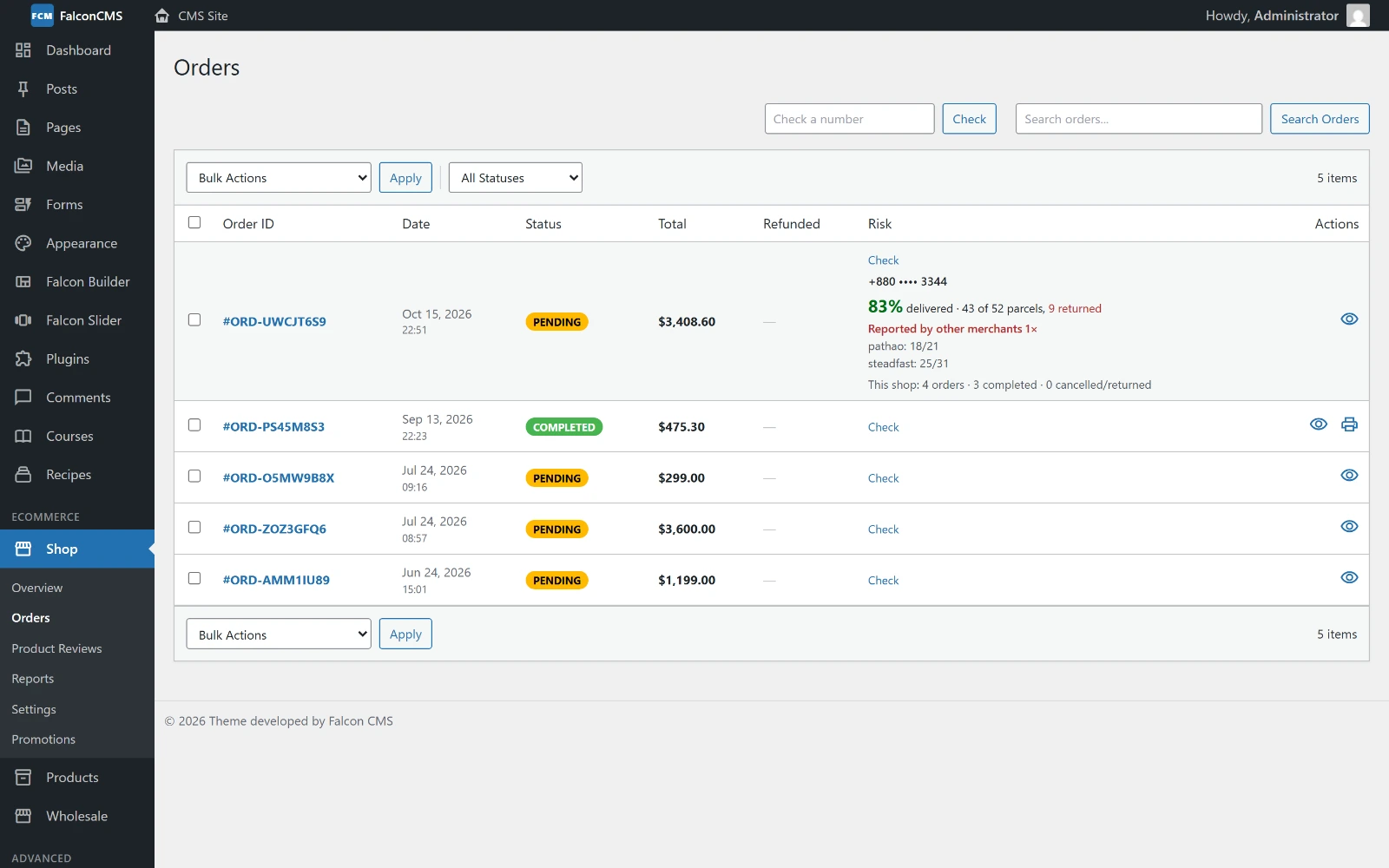 |
| Fake-order check & courier history | Risk on the orders list |
 |
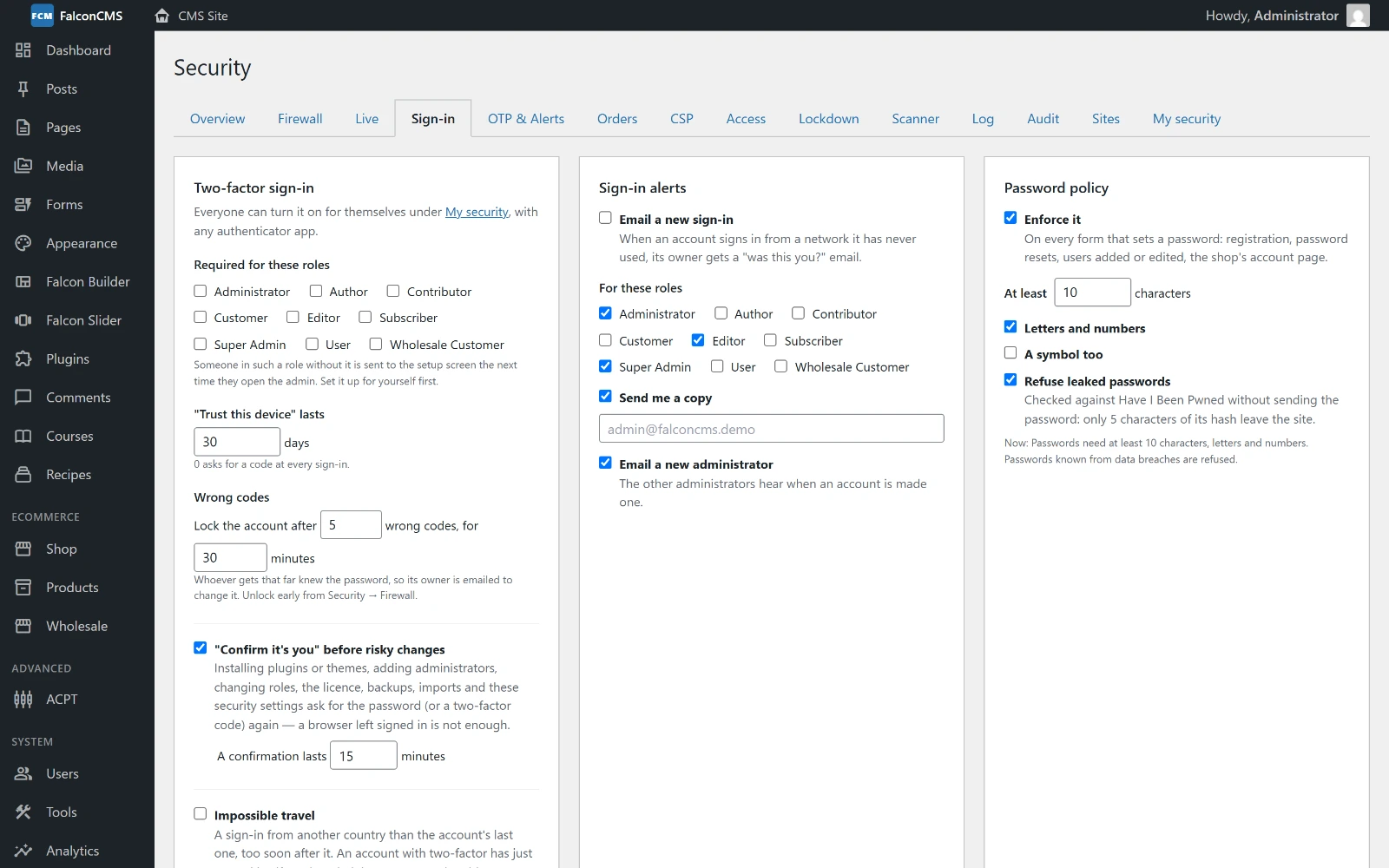 |
| OTP by SMS & WhatsApp | Sign-in security |
 |
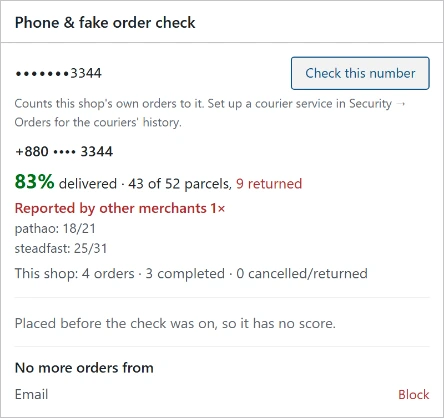 |
| Content Security Policy builder | Phone check on an order |
These screens are from the live demo. The demo has no courier account, so the delivery figures in the phone checks are sample data.
✨ Falcon Effects — animations for the Laravel page builder (Pro)
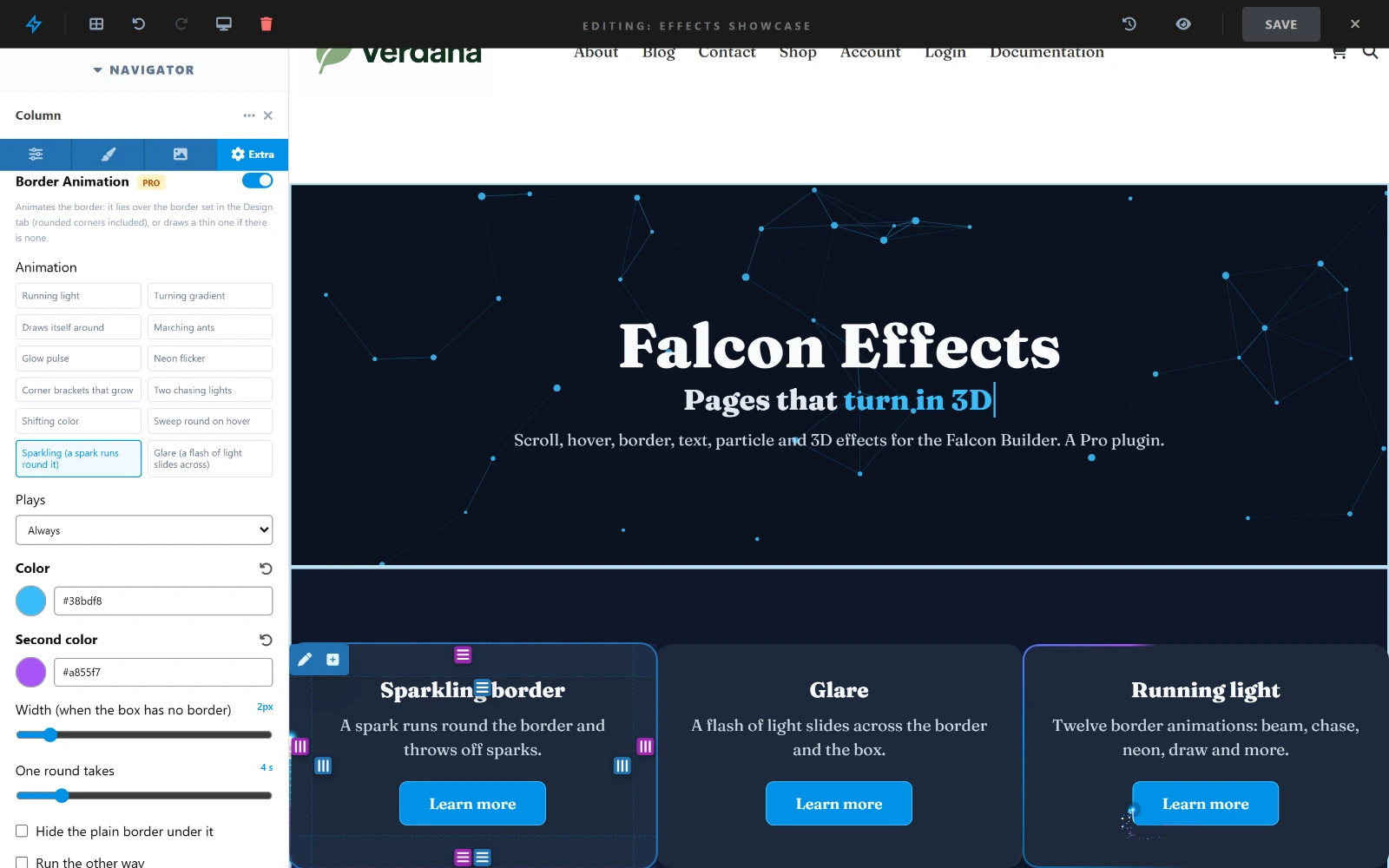
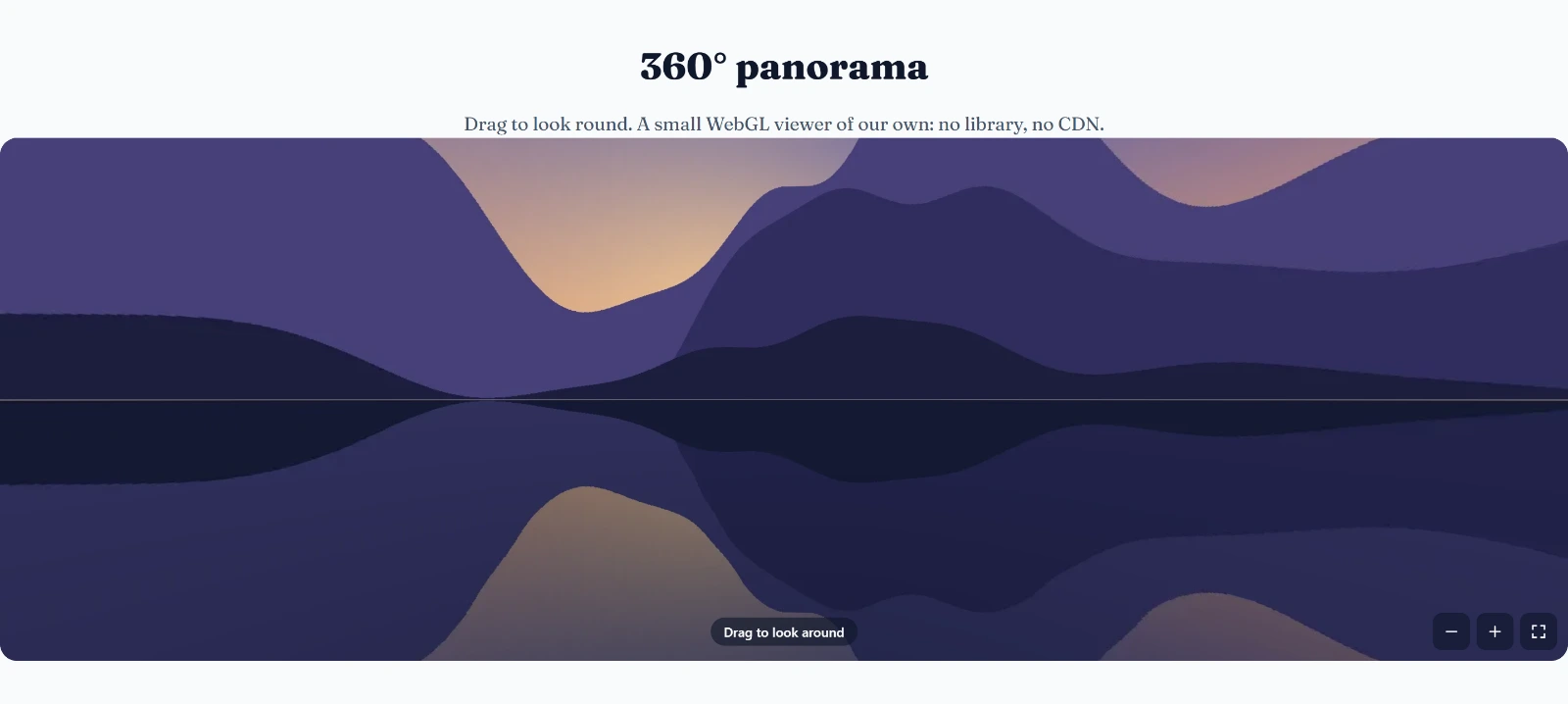
Falcon Effects brings motion to pages built with the Falcon Builder: text that reveals itself as the page scrolls, sections that move, borders that light up, buttons and pictures that react to the mouse, particle backgrounds, a 360° panorama viewer and a 3D / 360° view for shop products. No code: every effect is a switch in the Extra tab of a container, column or element, and it plays in the builder while you edit.
| Scroll | Scroll Reveal, Scroll Motion and parallax, Scroll Separator, Scroll Image, Horizontal Scroll, Sticky Scroll Story, Stacking Cards, Scroll Color Change, Line Draw. |
| Mouse | Mouse Tilt, Magnetic buttons, Spotlight, Image Trail, Water Ripple, Button and Image hover packs. |
| Borders | Twelve animated borders for containers, columns, buttons and images, sparkling and glare among them. |
| Backgrounds & text | Particles, Animated Background, Typewriter, Split Text, Text Scramble, Highlight Draw, gradient sweep, glitch. |
| Elements | 3D Image View (360° panorama or 3D photo), Lottie, Flip Card, Text Along Path, Before / After, Reading Progress, Page Effects. |
| Shop | A 360° spin, panorama or 3D photo for any product, over its main picture. |
Every effect loads its script only where it is used, keeps still for visitors who ask for less motion, and can be switched per device.

 |
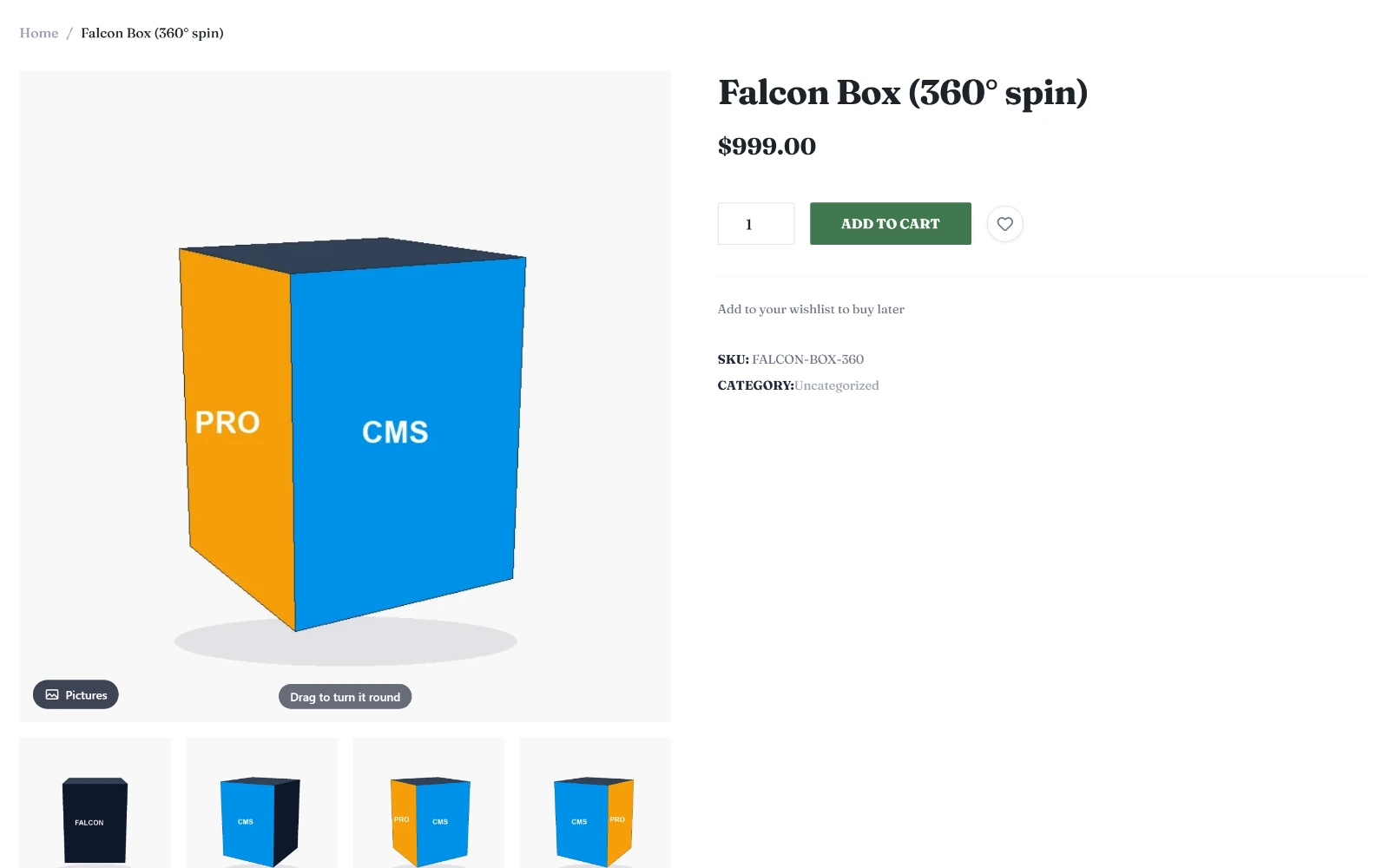 |
| Border Animation in the builder | 360° product spin |
 |
|
| 360° panorama viewer | |
See it working on the demo: demo.falconcms.com/effects-showcase.
💎 Core vs Pro
FalconCMS is open-core. The core above is MIT-licensed and stays free. Pro is a
separate, proprietary package (falconcms/pro) that unlocks the commercial features.
| Capability | Core | Pro | Agency |
|---|---|---|---|
| CMS — pages, posts, custom types, media | ✓ | ✓ | ✓ |
| Drag-and-drop page builder | ✓ | ✓ | ✓ |
| E-commerce — products, cart, orders, coupons | ✓ | ✓ | ✓ |
| Themes, plugins, hooks API & WordPress importer | ✓ | ✓ | ✓ |
| Menus, widgets, roles & permissions | ✓ | ✓ | ✓ |
| Layout Builder, global sections & library | — | ✓ | ✓ |
| Multi-language & translation | — | ✓ | ✓ |
| Advanced builder elements | — | ✓ | ✓ |
| Advanced custom fields (ACPT) | — | ✓ | ✓ |
| Falcon Slider — layered slider builder | — | ✓ | ✓ |
| Analytics — live visitor map & real-time users | — | ✓ | ✓ |
| Multi-device & passwordless (magic) login | — | ✓ | ✓ |
| Falcon Security — 2FA, passkeys, OTP by SMS/WhatsApp, firewall, malware scanner | — | ✓ | ✓ |
| Fake-order protection — courier history, risk score, COD phone OTP | — | ✓ | ✓ |
| Falcon Effects — scroll, hover, border, text and 3D effects; 360° product view | — | ✓ | ✓ |
| Agency security dashboard — all client sites on one screen | — | — | ✓ |
| Sites per license | 1 | 1 | Unlimited |
| White-label branding | — | — | ✓ |
| Support | Community | Standard | Priority |
Pro is a one-time license per site and includes 12 months of updates and support; renew only if you want to keep receiving them. Agency covers unlimited client sites.
⚓ Hook System Examples
Adding a Filter
add_falcon_filter('falcon_general_settings_fields', function($fields) {
    $fields['my_custom_option'] = ['type' => 'text', 'label' => 'Custom Option'];
    return $fields;
});
Adding an Action
add_falcon_action('falcon_after_post_content', function($post) {
    echo "<div>Related Content Here</div>";
});
Registering a Custom Builder Element
add_falcon_filter('falcon_builder_elements', function($elements) {
    $elements['my_element'] = [
        'label' => 'My Element',
        'icon'  => 'star',
        'fields' => [],
    ];
    return $elements;
});
📖 Hooks API reference — all 109 hooks
📚 Documentation
| Introduction | What FalconCMS is and when to reach for it |
| Installation | Requirements, install, first project |
| [Falcon Builder](https://falcon |