
A fast, discovery-first Android client for code forges.
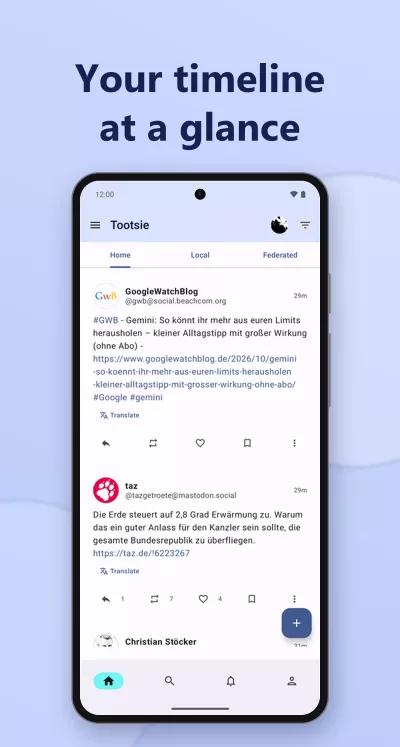
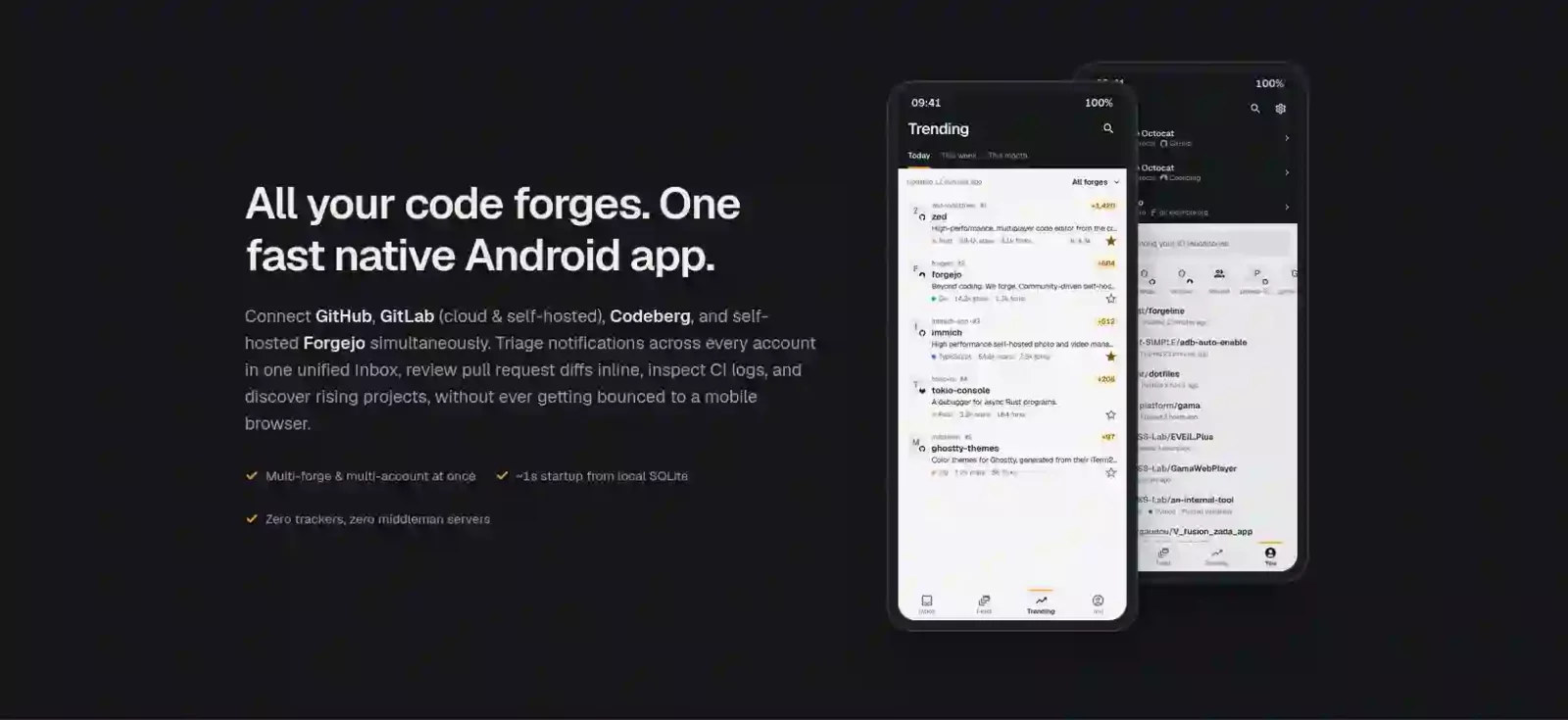
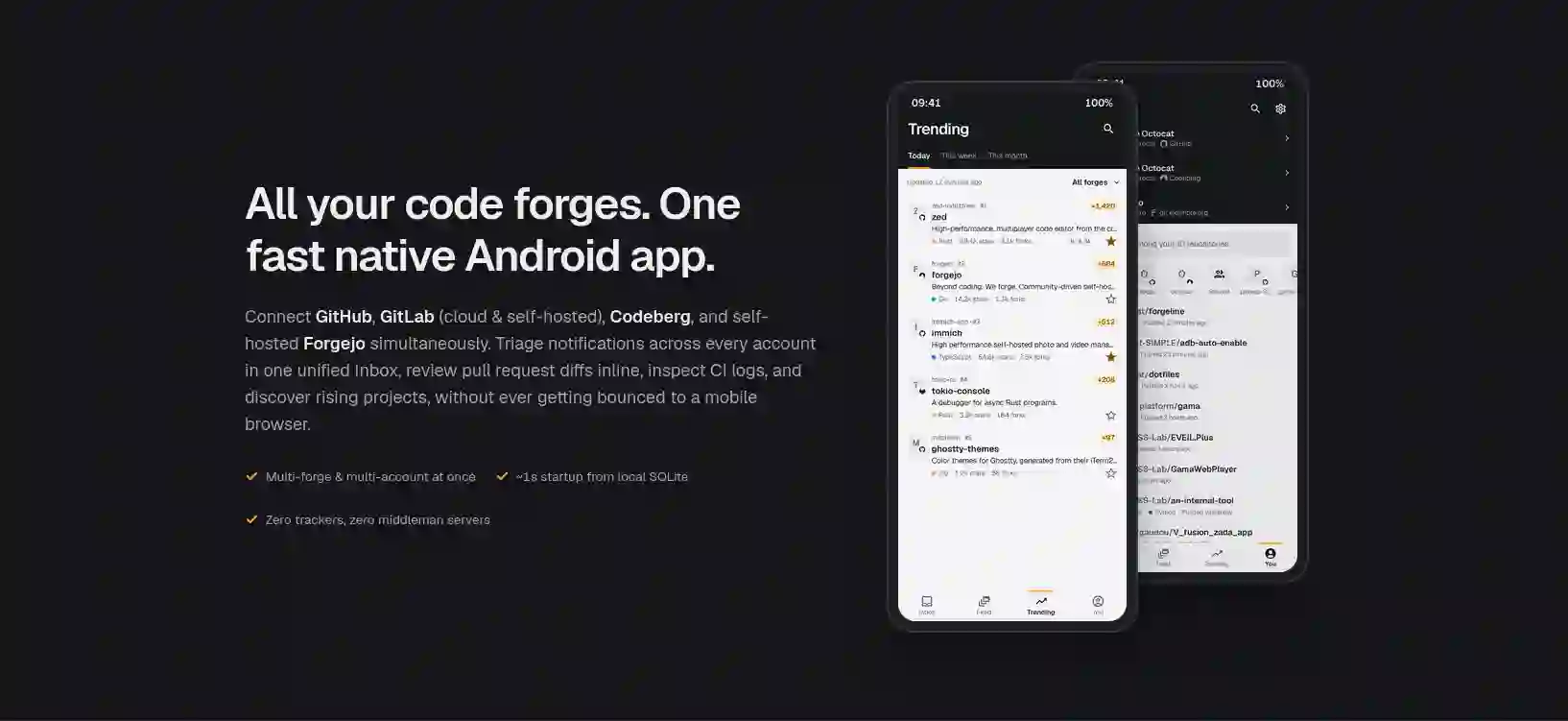
Forgeline brings your forges to your phone as a timeline: an Inbox for what needs you, a Feed of what the people you follow are doing, and a Trending page for the daily discovery ritual. It opens in about a second and renders everything natively, so you never get bounced to a mobile web page.
Status: early development (v0.9). GitHub, GitLab (gitlab.com and your own server), Codeberg and self-hosted Forgejo servers work today, several accounts at once, private repositories included.
What it does
- Several forges at once: GitHub, GitLab (gitlab.com and self-hosted), Codeberg and any self-hosted Forgejo server share one Inbox, Feed, Trending page and search. Each row names its forge, and one forge can be picked alone. Codeberg's and gitlab.com's Trending are measured daily, shown to everyone without signing in, and mixed in by share of stars.
- Inbox: what needs you first (review requests, mentions, assignments, security alerts, and GitLab Todos), then everything else grouped by owner and repository. Pull requests/merge requests and issues say whether they're open, merged or closed. Swipe right to mark read, left to mark done, with 5 seconds to Undo. Background checks (every hour by default, or off) post phone notifications on separate channels, and the conversations waiting on you are loaded ahead so they open instantly.
- Feed: what the people you follow and the repositories you watch are doing, in strict chronological order, grouped by day, each event leading with the repository or pull request it's about. Releases show the project's logo, how big a step the version is and the start of their notes; pull requests show their size. Identical events on the same repository merge. Releases (and, on GitHub, announcements) from the repositories you starred join in, which the forges' own event feeds leave out. You choose which kinds of activity show up in Settings.
- Trending: what is trending today, this week or this month on GitHub (as GitHub ranks it), Codeberg and gitlab.com, mixed into one page or one forge at a time. It works without signing in. From its header, First issues: the open issues maintainers marked for a first contribution, in your latest stars and today's Trending, on every forge.
- Where you left off: Trending and the Feed mark where your last visit's reading stopped.
- Repositories: the README rendered natively, a code browser with syntax highlighting at any branch or tag, and issues, pull requests, merge requests, releases, CI pipelines, the wiki and, on GitHub, discussions (read, comment, reply and pick the answer). Issues and pull requests list open or closed, can be searched by words, and show the repository's pinned issues first. A repository's topics open a page of what else is tagged so, the most starred of each forge first. Each release has its own page: its notes, the files it ships with their size and download count, and the source at its tag.
- CI / CD and Actions: GitHub Actions, GitLab CI/CD and Forgejo Actions runs with their jobs and failed steps. A job's log opens on its steps, folded, and reads each one's last lines first, with colors; live steps while a job runs, re-run and cancel, starting a workflow by hand with its inputs, and on GitHub the Markdown report a run kept in its artifacts.
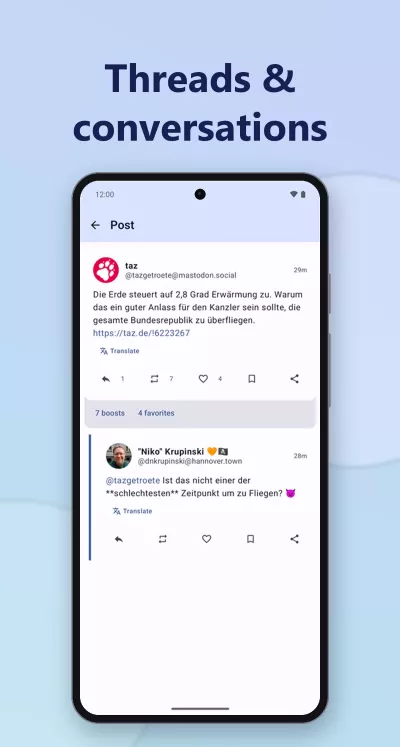
- Conversations and profiles: issue, pull request and merge request timelines with reviews, merges and reactions, kept on your phone so they reopen instantly, and user and organization/group profiles, a person's with a year of their activity. You can open an issue (from the repository's templates and, on GitHub, its issue forms), comment on a conversation with a saved reply if you like, close or reopen it, subscribe, star and follow from the app. With a role in the repository you can also triage (labels, even new ones, assignees, milestone, issue type, parent and sub-issues), hide a comment saying why, lock, pin, transfer, duplicate and delete, as far as each forge's API allows. An issue shows the pull requests that would close it, and the commit that did.
- Pull requests and merge requests in full: the files one changes, read as a diff line by line, its commits, and where its checks stand: a check opens on its run or, for another service's on GitHub (a code-quality review, a scanner), on the report it wrote. Signed in, tap a line (or several, or a whole file) to remark on it or suggest a change, react to remarks and rewrite or take back your own, mark files as viewed, answer and resolve review threads, and commit a reviewer's suggestion. At its end a pull request gathers what is left to decide: send a review (approve, comment, or ask for changes where the forge's API can), ask for reviewers, mark it draft or ready, bring its branch up to date, and merge the ways the repository allows, now or once checks pass, deleting the branch if you like; what stands in a merge's way is named. Open a pull request between two branches, its description started from the repository's template. One from a fork is opened on the forge.
- Repository settings: on a repository you administer, a gear opens what you set on it: its description, website and topics, its default branch, the features it has switched on (issues, wiki, discussions, CI and the like), and how it merges. Each forge shows its own (GitLab's single merge method and members-only features, Forgejo's proposed merge style); what the forge's API doesn't reach is one tap away on its website. Apart at the end, and each asked for before it happens: who sees the repository, archiving it, renaming it, and deleting it, which wants its full name written out. A GitHub repository's Pages site is published from there (from a workflow, or a folder of a branch), given a custom domain, made HTTPS-only and unpublished; a GitLab project's, which its CI publishes, is made HTTPS-only or unpublished.
- History and blame: a repository's, a folder's or a file's commits from any branch or tag, each opening on what it changed, and for a file, who last changed each line (GitHub, signed in, and GitLab; Forgejo's API has none).
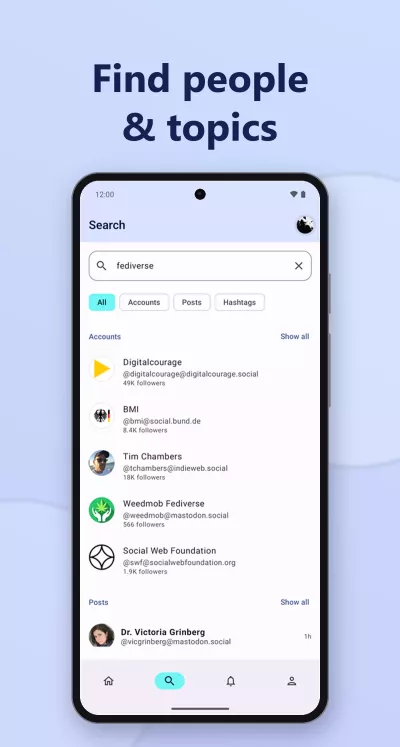
- Search: repositories, issues and pull requests/merge requests, and people, with each forge's query syntax. Your own repositories come first, found on the phone as you type. There is no code search, by design.
- Collections: lists of repositories from any forge, kept on the phone: a repository goes in one from the bookmark on its page, and your GitHub lists can be imported (importing again adds what they gained). They open from the You tab.
- Your work: under the Inbox's "Yours" filter, the reviews asked of you, your open pull requests and what is assigned to you, across every account.
- Share and copy: every repository, conversation, release, discussion, file and profile has a share button; a long press copies its link.
- On the home screen: a widget lists what is unread in your Inbox, each line one tap from its conversation.
- Settings for what Forgeline decides by itself: the tab the app opens on, the period Trending opens on, what each Inbox swipe does, how long an action can be undone, the double tap and the swipe on comments, what a tap on the share button does, where unread conversations open, whether a failed job opens at its failure, the "where you left off" marks, loading conversations ahead, and the app's language. Left alone, everything behaves as before.
- In English and French, following the phone's language, or the app's own on Android 13 and later.
- Self-hosted servers' links: a link to a server you are signed in to opens in the app wherever it is tapped inside it. Android only lets an app claim the domains it names when it is built, so from another app, share the page to Forgeline ("Open in Forgeline"), or paste its address in the search field.
- github.com, gitlab.com and codeberg.org links open in the app. Android doesn't send them to Forgeline automatically, because the app can't verify a domain it doesn't own. To turn it on, go to Settings → Apps → Forgeline → Open by default → Add links and select the forge domains.
Release notes for each version are in docs/release-notes.
Sign in with the one-tap device flow (GitHub), browser OAuth with PKCE (Codeberg), or personal access tokens (every forge). GitLab signs in through the browser too, once its application is registered: see docs/GITLAB_OAUTH_APP.md.
Principles
- Fast. Cache-first: every screen renders from the local database instantly, then refreshes.
- Native. Kotlin and Jetpack Compose, with Forgeline's own soft, readable design.
- Private. No backend, no analytics, no trackers. The app talks directly to your forge.
- Free. GPL-3.0.
Building
Requirements: the Android SDK (API 37). Gradle downloads its own JDK 21 on first run.
echo "sdk.dir=$HOME/Android/Sdk" > local.properties
./gradlew assembleDebug        # build
./gradlew testDebugUnitTest    # JVM tests (unit, Robolectric, screenshots)
Sign in works out of the box with a personal access token. To enable the one-tap "Sign in with GitHub" device flow, see docs/GITHUB_OAUTH_APP.md. Releases are covered in docs/RELEASING.md, and what stands between Forgeline and F-Droid or Google Play in docs/DISTRIBUTION.md.
License
Forgeline is free software, licensed under the GNU General Public License v3.0.