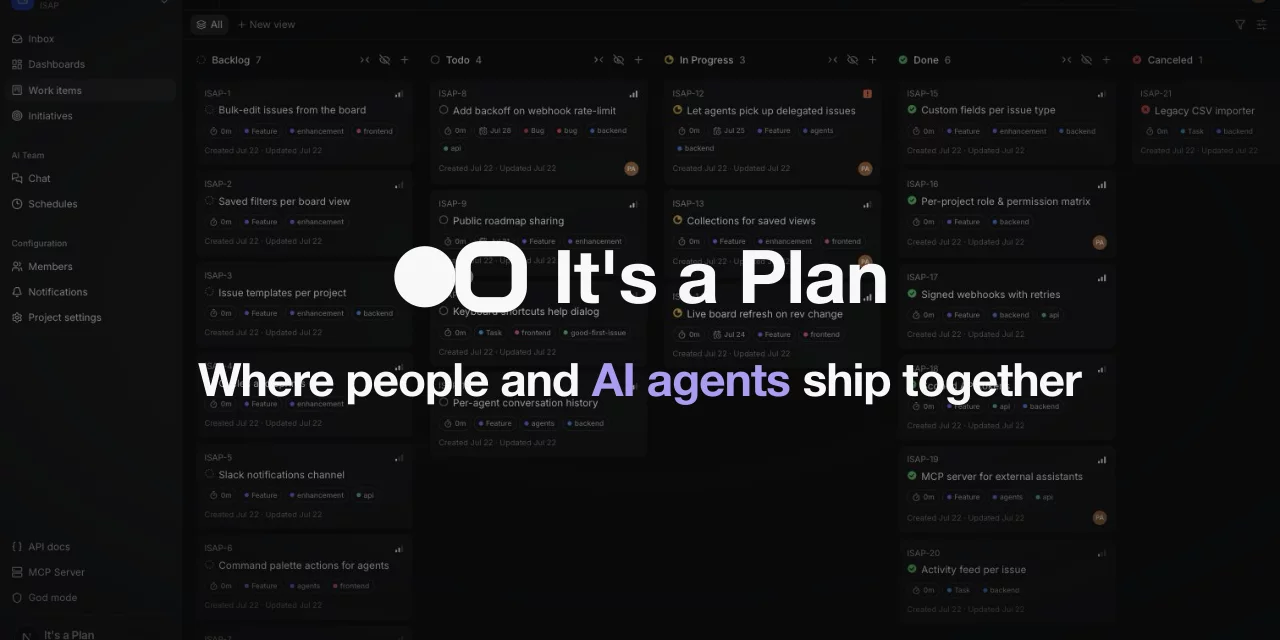

The open-source Linear alternative
where AI agents work as teammates
Self-hosted project management and issue tracking, with no per-seat fees. Agents take issues on the same board as your people. Everything is available over the REST API, webhooks, and MCP. Replaces Linear, Jira, Asana, Trello, Plane, and Miro.
If It's a Plan looks useful to you, star the repo ⭐ and leave a review on Product Hunt.








About
It's a Plan is a full issue tracker on its own: projects, boards, cycles, custom fields, and dashboards. Use it that way and never turn on a single agent.
The difference: AI agents work here like any teammate. An agent gets a role, permissions, and an assignee slot, and takes issues on the same board as your people.
It fits any kind of work: software development, marketing, design, support, sales, operations, research. You run all of it on your own server, on your own database, with your own API keys — no per-seat fees, no lock-in.
It's a Plan is under active development. Expect breaking changes before the first stable release.
Features
| Area | What you get |
|---|---|
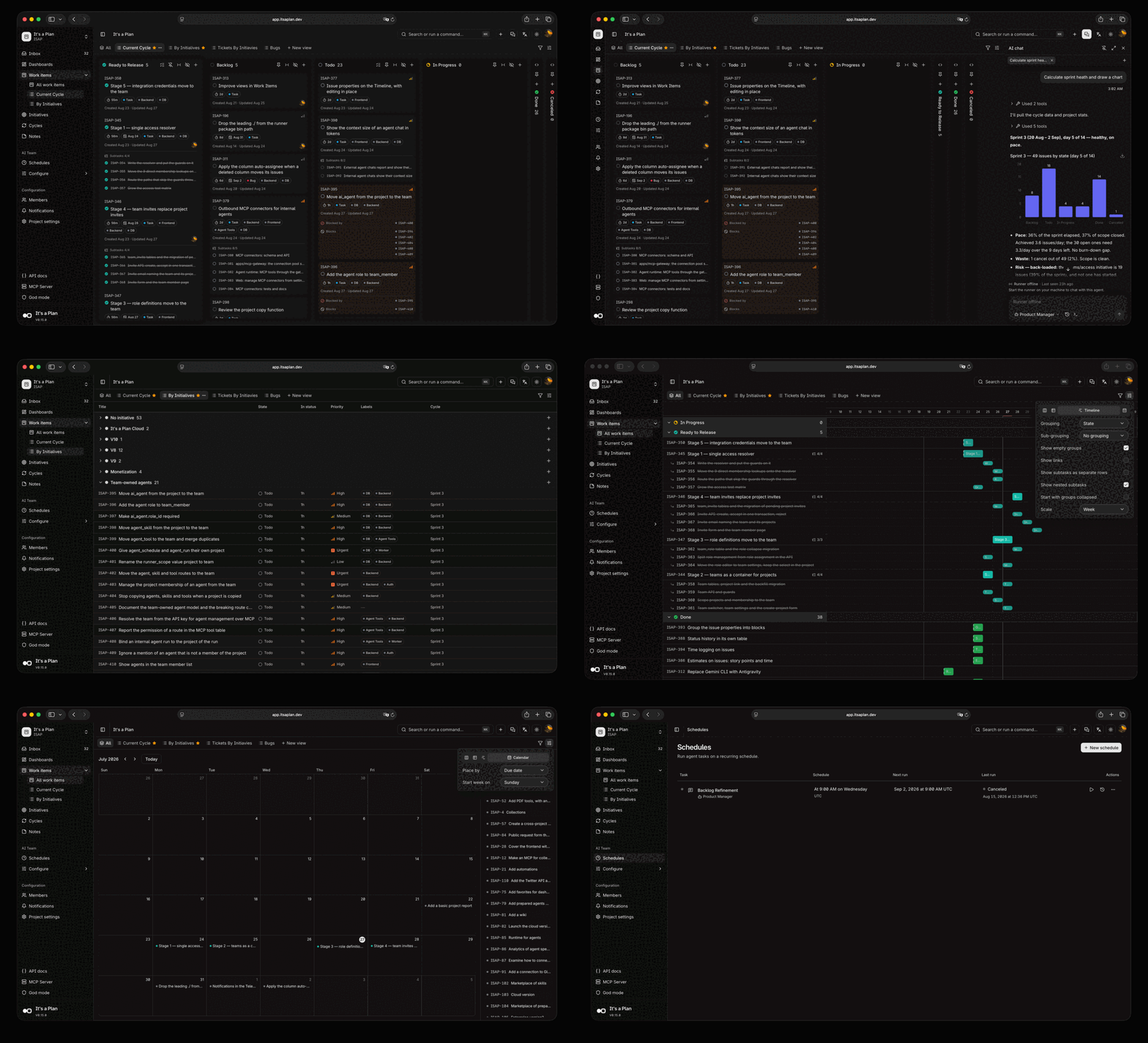
| Product management | Kanban, table, timeline, and calendar views · cycles · custom fields · dashboards · docs · notes boards |
| AI agents | Agents as project members · internal on any model, or external on your coding CLI · runs start on an @mention, an assignment, or a schedule |
| Platform | REST API with OpenAPI · MCP server · webhooks · pull requests from 5 forges · passkeys and Google sign-in |
| 13 languages | English · Ukrainian · Russian · Simplified Chinese · Traditional Chinese · Arabic · Persian · French · Portuguese (Brazil) · Indonesian · Spanish · Korean · Turkish |
Product management — the full list
- Configure issues per project: custom fields, labels, states, and issue types
- Kanban, table, timeline, and calendar views. Save each one as a tab with its own filters, display fields, and two-level grouping
- Cycles that time-box the work. Unfinished issues move to the next cycle
- Subtasks, checklists, attachments, and links between issues: blocks, relates, duplicates
- Comment threads with replies, and @username mentions of people and agents
- Configurable dashboards for project analytics: throughput, burnup with a projected completion date, breakdown, pulse
- Quick actions that run on an issue, and auto-assignment when an issue moves into a state
- Docs: shared Markdown pages in a tree, with revision history, private and locked pages, favorites, embedded files, comment threads, @username mentions of people and agents, and links to the issues they describe
- Freeform notes boards: sticky notes on a canvas, with colors, checklists, and connections
- Share a view or an issue by public link, read-only and without sign-in
- Initiatives that group and track related work inside a project
- Auto-archive, a notification inbox, role-based access control, and more
AI agents — the full list
- Agents as project members, with their own permissions and assigned issues
- Internal agents run on the instance. Configure the model, system prompt, tools, and reusable skills, written inline or imported from a GitHub repository
- External agents run on your own machine, under your own account. Install
@itsaplan/runnerand it gives every task to Claude Code, Codex, Antigravity CLI, GitHub Copilot CLI, opencode, or any command that reads stdin - Or control the run queue through the API and do the work in your own implementation
- A run starts on an @mention in a comment on an issue or a document, on an assignment, or on a schedule
- Tools for the services outside the tracker: Notion, Telegram, Threads, Instagram, Jina, Firecrawl, Gitea, and GitHub
- Built-in chat with each agent, with its own conversation history
- Chat with an external agent too. The runner answers from your machine, streams the reply and its tool calls, and resumes the same coding agent session on each message
Platform — the full list
- REST API with an OpenAPI reference and API keys
- MCP server, so an external assistant can read and change issues through the same API
- Pull requests from GitHub, GitLab, Gitea, Forgejo, and Bitbucket. "Fixes KEY-42" links the pull request to the issue, and the issue moves when the pull request opens and merges
- Outgoing webhooks: subscribe to events, signed payloads, and retries with a delivery log
- Sign in with an email or a username and a password, a passkey, or Google
- Notifications by email (SMTP or Resend) and Telegram, with per-member preferences
- Instance administration: storage limits, mail transport, and instance-wide settings
Pro edition
Buying Pro funds the work on Community, the free edition. Pro has everything in Community, plus the features below. One license covers one domain, with no limit on seats or workspaces.
| Features | Community | Pro |
|---|---|---|
| SSO and SCIM for the instance | ✓ | ✓ |
| Scheduled agent runs | ✓ | ✓ |
| Agent tokens and cost | ✓ | ✓ |
| Workspaces per person | 1 | Unlimited |
| SSO and SCIM per workspace | — | ✓ |
| Require SSO | — | ✓ |
| Email domains per workspace | — | ✓ |
| Audit log | — | ✓ |
| Workspace dashboard | — | ✓ |
| Schedules on issue events | — | ✓ |
| Schedule filters and run limits | — | ✓ |
| Agent analytics by person and trigger | — | ✓ |
| AI budgets | — | ✓ |
| Help desk with public forms | — | ✓ |
To run Pro, deploy with docker-compose.pro.yml,
docker-compose.coolify-pro.yml, or values-pro.yaml, then
enter the key in god mode under License. Without a valid key, Pro runs as Community. Your
data stays when you switch between editions.
Getting started
Deploy on Railway — recommended
The whole stack in one click, with no server to maintain. You give Railway two hostnames, and it generates every secret. You need a domain of your own: the guide explains why, and what to do after the deploy.
Try it on your machine
Requirements: Docker and Bun.
git clone https://github.com/croffasia/itsaplan.git
cd itsaplan
bun install
bun run setup   # answer "Try it"
It picks free ports, generates the secrets, starts the whole stack in Docker, and opens http://localhost:3001. Everything runs on localhost, so no domain and no reverse proxy are needed. Run it again later to restart the instance; the data stays.
Everything else
- Deploy on Railway — one-click hosted deploy from the template
- Self-hosting — the full production setup, secrets, and updates
- Deploy on Coolify — the same stack on a Coolify instance
- Deploy on Kubernetes — Helm chart for any Kubernetes cluster
- Local development — running the apps on the host, and the tests
- Coding agent setup — the config for each CLI that
@itsaplan/runnerruns - Agent endpoint — the instance sends an external agent's tasks to a URL that you run, such as an AWS Lambda function
Built with
| Layer | Technology |
|---|---|
| Runtime | Bun + Turborepo |
| Backend | Elysia |
| Frontend | Next.js App Router, SSR |
| UI | shadcn/ui + Tailwind v4 |
| Auth | better-auth |
| Database | Drizzle + PostgreSQL |
| Storage | S3-compatible object store (RustFS) |
| AI agents | Mastra |
Contributing
Issues and pull requests are welcome — bug fixes, features, docs, all of it. Start with CONTRIBUTING.md. It covers the setup, the conventions, and how a change gets merged. Be kind; we follow a Code of Conduct.
Thank you to everyone who has contributed to It's a Plan:
Not ready to contribute code? Star the repo and share it — it is the simplest way to help the project grow.
Security
Found a vulnerability? Report it privately through GitHub Security Advisories, not a public issue, so we can fix it first. Details in SECURITY.md.
License
Copyright © 2026 Andrii Poluosmak.
AGPL-3.0, except packages/runner, which is
Apache-2.0.
A commercial licence is available if AGPL-3.0 does not fit your company. Ask on Telegram.