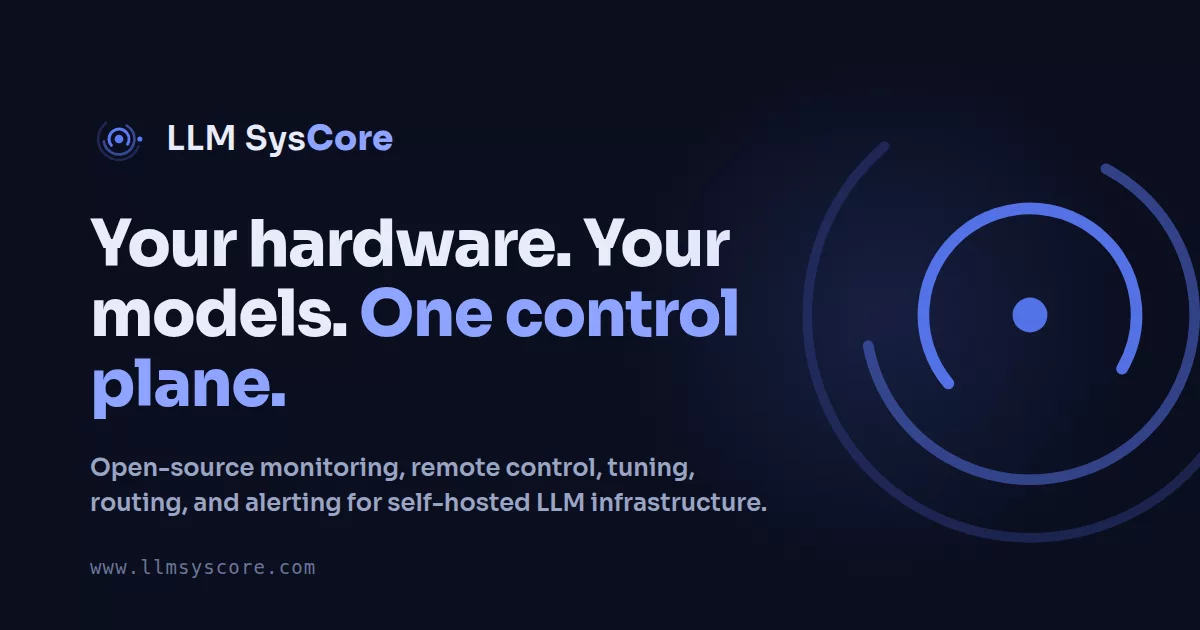
One self-hosted dashboard to monitor, control, benchmark and tune every machine that runs your local LLMs.
Works with llama.cpp, vLLM, LM Studio and stable-diffusion.cpp · GPUs: NVIDIA, AMD (ROCm and Vulkan) and Apple Silicon · Hosts: Linux and macOS
Try the demo: https://demo.llmsysmanager.com
Install
Run this on the Linux machine that will host the dashboard. One interactive command sets up everything: prerequisites, InfluxDB, config, TLS and the first agent.
bash <(curl -fsSL https://get.llmsysmanager.com/install.sh)
Prefer containers? Bring up the dashboard with Docker Compose instead (fill in .env before the last command):
curl -fsSLO https://raw.githubusercontent.com/llmsyscore/llm-systems-manager/main/docker-compose.yml
curl -fsSL https://raw.githubusercontent.com/llmsyscore/llm-systems-manager/main/.env.example -o .env
docker compose up -d
What the install script does · All install options · The dashboard runs on Linux, or on macOS through Homebrew. Windows is not supported.
Native packages (.deb / .rpm)
Debian / Ubuntu:
url=$(curl -fsSL https://api.github.com/repos/llmsyscore/llm-systems-manager/releases/latest \
        | grep -oE '"https://[^"]+_all\.deb"' | tr -d '"')
curl -fsSLO "$url" && sudo apt install ./"${url##*/}"
RHEL / Fedora:
url=$(curl -fsSL https://api.github.com/repos/llmsyscore/llm-systems-manager/releases/latest \
        | grep -oE '"https://[^"]+\.noarch\.rpm"' | tr -d '"')
curl -fsSLO "$url" && sudo dnf install ./"${url##*/}"
Homebrew (macOS Apple Silicon and Linux)
brew tap llmsyscore/tap && brew trust llmsyscore/tap
brew install llm-systems-manager llm-systems-alarm-engine influxdb@2 influxdb-cli
llm-systems-influx-setup
brew services start llm-systems-manager
brew services start llm-systems-alarm-engine
llm-systems-admin-password reset
Add more machines. Run the same install command on each machine you want to watch and pick mode 5 (agent), or copy the ready-made command from Admin → Agents → Manage ▾ → Enrollment. Then approve the machine in Admin → Agents. Homebrew and a standalone agent binary are also available: see Installing agents.
First sign-in. Open http://<this-host>:5000/ and sign in with the admin login the installer showed you.
Video tour
Six minutes through sign-in, every dashboard, Tower, LLM Control, the Tools, chat, image generation, alerts and the Admin pages.
https://github.com/user-attachments/assets/b2da9caf-9437-4001-acdc-cd12567fa786
▶ Screenshot viewer: all 30 screens, full size.
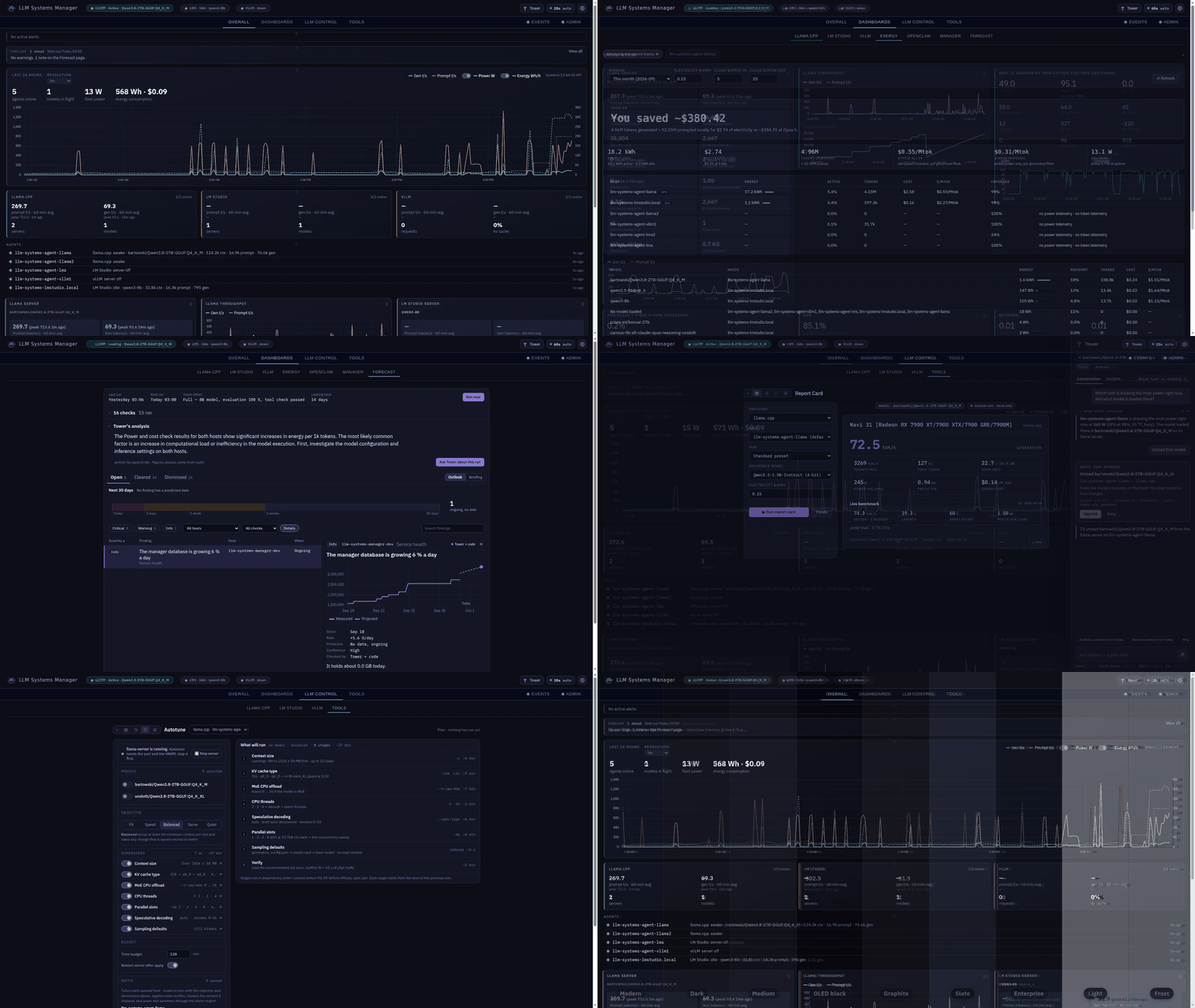
What it does
- Tower assistant. Ask about your machines, models, alerts and energy in plain language. It proposes actions (load a model, restart a server) for you to approve.
- Forecast. Spots trouble early: disks filling, memory running short, temperatures rising, throughput dropping.
- Benchmark and Autotune. Measures your running server and tunes context, KV cache, threads, speculative decoding and more for speed or fit.
- GPU Report Card. One standard benchmark you can compare across machines and providers.
- Model Autopilot. Keeps the models you choose loaded on a machine with room for them, and moves them when a machine goes down.
- Energy and cost. What your inference costs per million tokens, and what you save against hosted APIs.
- One API for every machine. An OpenAI-compatible endpoint that routes each request to a machine serving that model.
- Remote control. Start servers, swap models, edit configs, update llama.cpp, read logs and open a terminal from the browser.
- Live monitoring and alerts. Slots, tokens per second, KV cache and context beside GPU, power, UPS and cooling, with email, webhook and Discord alerts.
- Also: scheduled jobs, model downloads from Hugging Face, a phone app with push alerts, multiple users, an audit log, encrypted backups and TLS everywhere.
Full list: Features.
Documentation
| Guide | What's in it |
|---|---|
| Deployment | Every install method, multiple machines, offline installs, configuration, updating, troubleshooting, uninstalling |
| Features | Everything that ships, with screenshots |
| Architecture | How the manager, alarm engine and agents fit together, storage and security |
| API reference | Every HTTP endpoint, including the OpenAI-compatible gateway |
Updating. sudo bash /opt/llm-systems-manager/tools/installer/install.sh --update, or brew upgrade / your package manager. See Updating.
Anonymous reports. The installer asks once whether to send an anonymous install report (version, where the code came from, operating system, hardware), crash reports and a daily check-in (version, operating system, install channel). Turn any of them off in Settings › Telemetry & analytics, or set DO_NOT_TRACK=1. What each report contains: Anonymous reports.
Contributing and donations
Issues and pull requests are welcome. If you find this project useful, please consider a donation.