

Mini Sumo
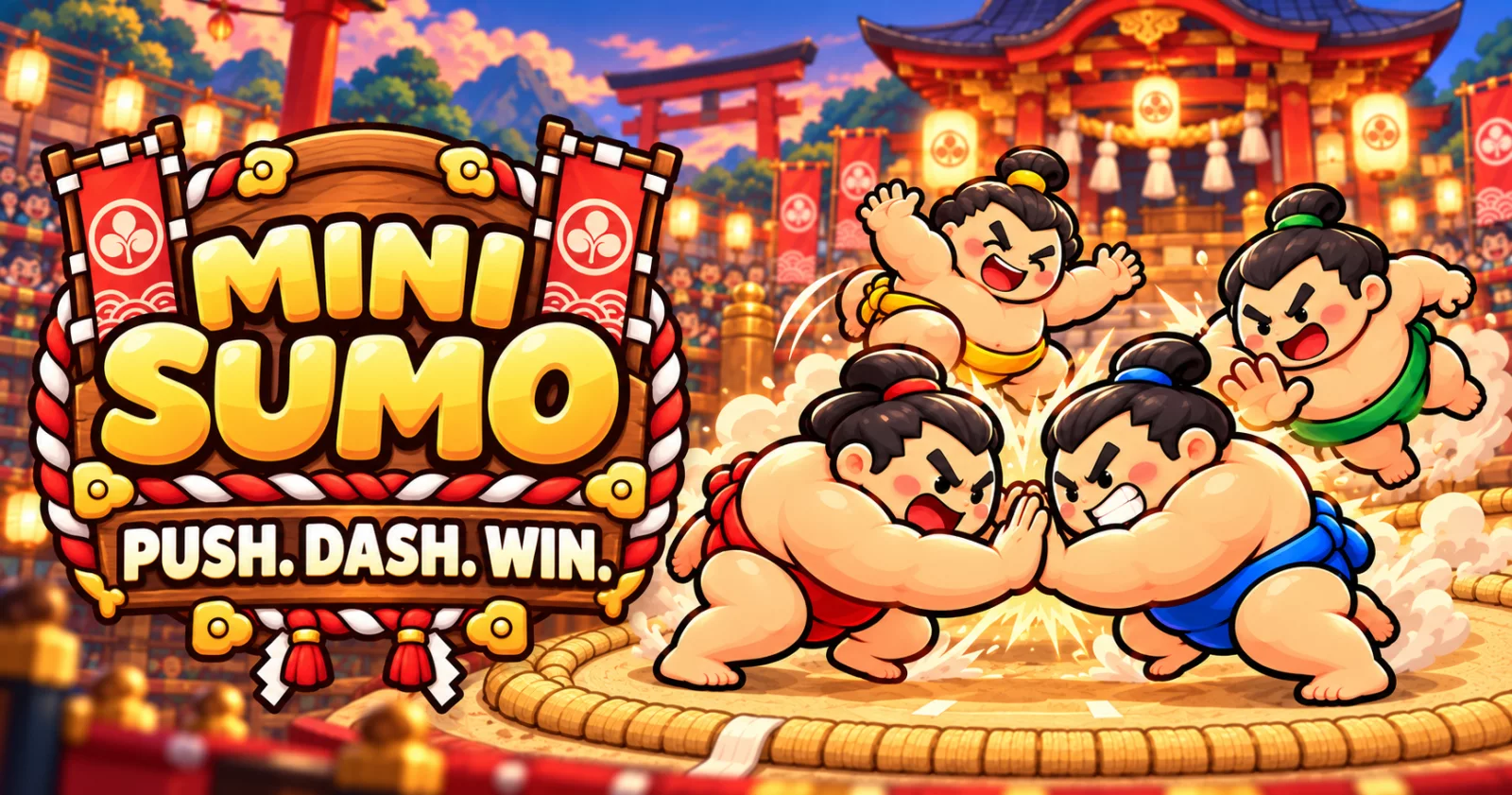
Push your friends out of the ring. A cute 3D multiplayer party game for 2 to 4 players, right in the browser, on your desktop or on Android.
Created by Usef Farahmand

Download · Game page · Report a bug · Request a feature
Server status: the public game server is not online yet. Until it is, every build runs in offline practice mode: rooms are created on your device and you play against bots. Online play switches on by itself once a server is configured (see Offline mode).
Table of contents
- Why Mini Sumo?
- How to play
- Screenshots
- Arenas and coins
- Offline mode
- Download and install
- Run from source
- Build the apps yourself
- Releases and versions
- Deployment
- Project structure
- Technology
- Limitations
- Troubleshooting
- Contributing · Security · Privacy · License
Why Mini Sumo?
Party games are best when everyone understands them in five seconds. Mini Sumo has one rule: stay in the ring. Round toy wrestlers bump, bounce and dash into each other on a little dohyo, and the last one standing wins. No accounts, no installs needed for the web version, and a match takes about a minute.
- Real 3D with React Three Fiber: squash-and-stretch wrestlers, ring-out falls, dust and shockwaves.
- Fair multiplayer: the Colyseus server decides every push, ring-out and winner. Clients only send input.
- Play on Android (and in the browser for testing), with touch or keyboard controls.
- Friends: add friends with a friend code or straight from a bout's results, see who's online, in a lobby or in a match, and invite them into your room (private rooms also have an invite link). Tap anyone on the leaderboard to see their profile.
- Never wait long: every arena finds an open room or creates one. If nobody shows up within 10 seconds, computer-controlled wrestlers fill the ring and the bout starts.
- Bots with styles: three levels (Easy, Normal, Hard); bots press, circle and charge in from a distance, each with its own temper. The host of a private room or Training can add random players with + in an empty seat.
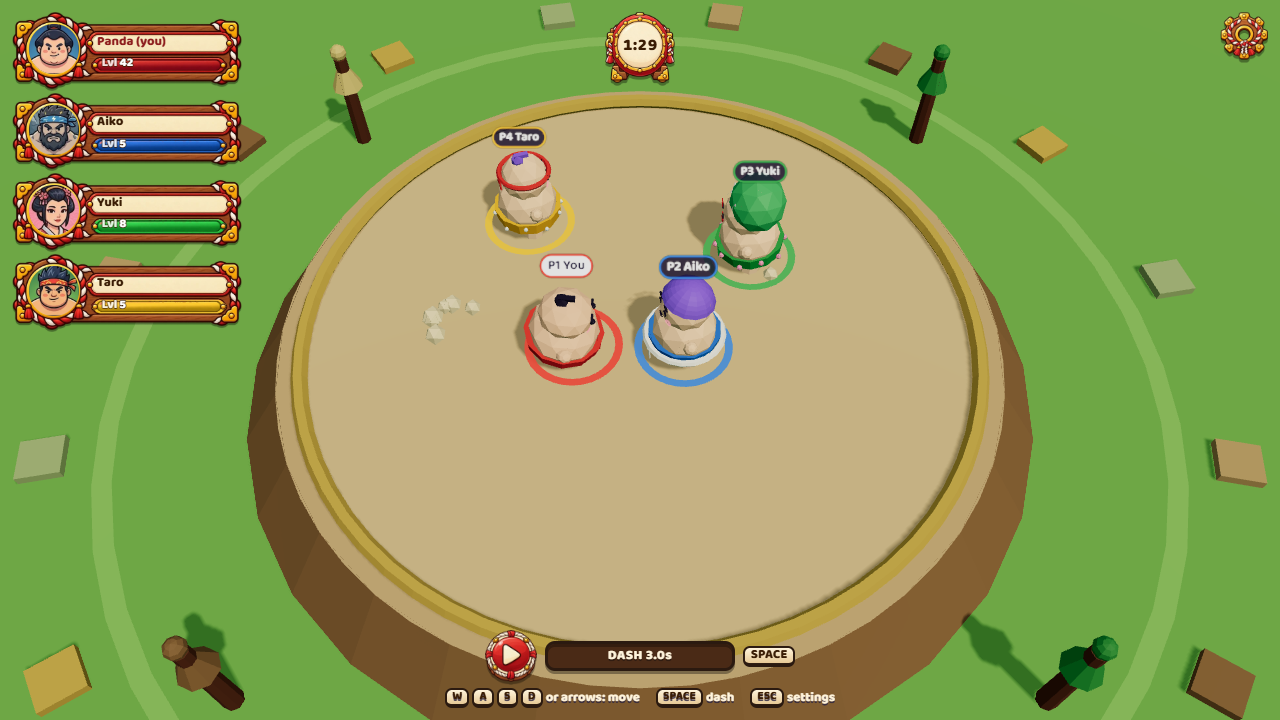
- Power-ups: every 8–12 s a nobori flag pops up on the ring; grab it for 12 s of Iron Body (鉄, twice as heavy), Thunder Dash (雷, dash recharges in 0.8 s), Wind Feet (風, 40 % faster) or Giant (巨, bigger and heavier). The flag then rides on your back until it runs out. Bots wait their turn before going for a flag (hard after 1.5 s, normal 3 s, easy 4.5 s), and no new flags appear in the final 30 seconds.
- Comeback balance: in the last 30 seconds of a bout every player's dash recharges faster (down to about half the cooldown) and bots ease off a little, so endings stay exciting.
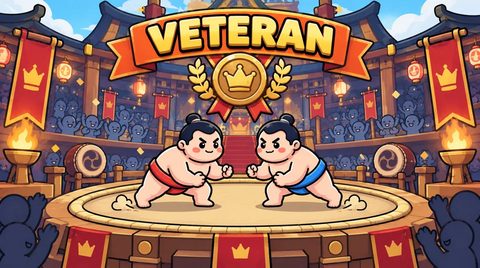
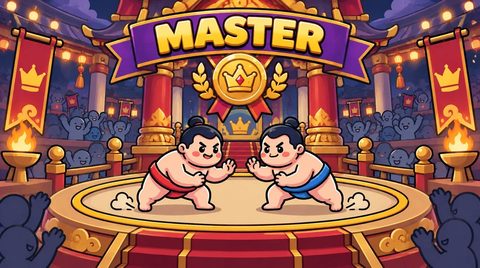
- Ten arenas and Sumo Coins: a private room, free Training, then Rookie, Amateur, Pro, Veteran, Champion, Master, Legend and Godlike, each with a bigger entry fee, prize and XP. The server pays the winner the pool minus a small economy fee. Free daily coins in the shop; coin packs are sold through Cafe Bazaar (verified by the server). See docs/ECONOMY.md.
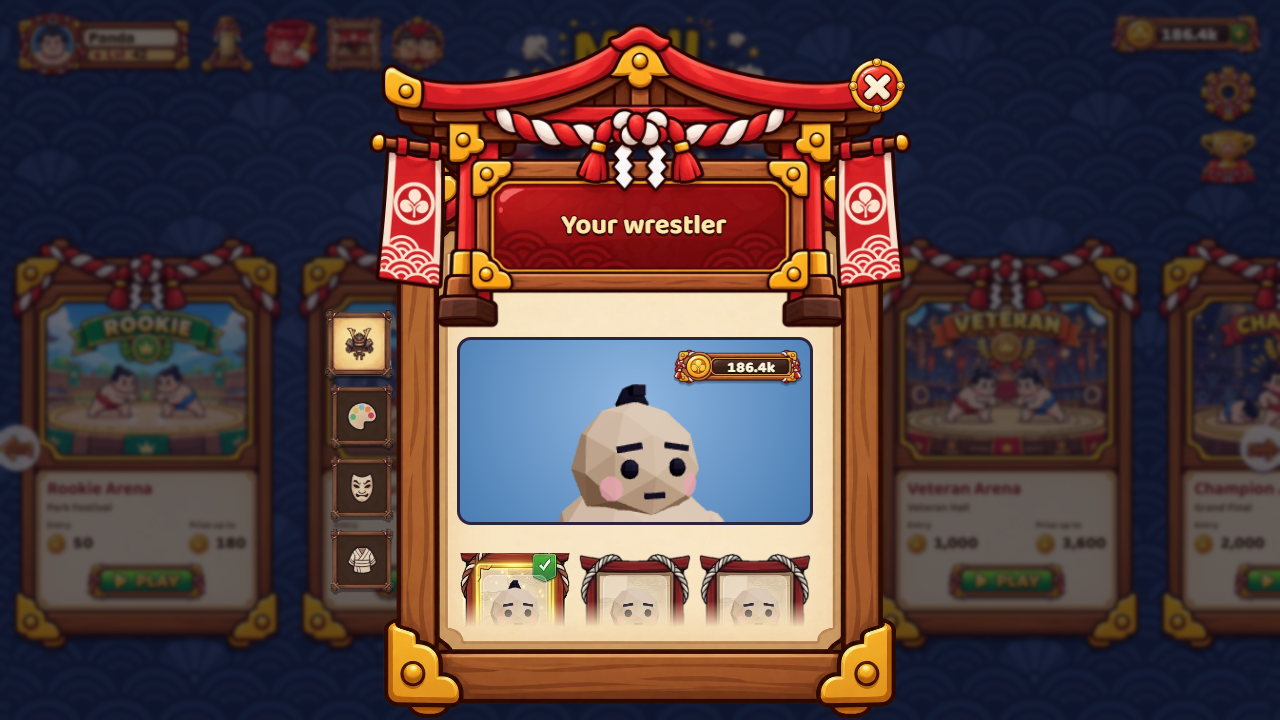
- Make it yours: hairstyles and hats, hair colours, faces and masks, outfits, and 40 profile pictures, in four rarity tiers (common, rare, epic, legendary). Your belt keeps your player colour and number, so everyone can still tell who is who.
How to play
| Step | What happens | |
|---|---|---|
| 1 | Pick a name | The first launch asks for your name and remembers it. Change it any time on the main menu. |
| Dress up | Customise (hanger button on the home screen or in the lobby): tabs for hair (9), hair colour (10), face (9) and outfit (8), with a live 3D preview. Every item has a price; bought items are yours for good and are listed first. | |
| 2 | Get a room | Play now joins an open public room or creates one; if no one joins within 30 seconds, the room fills up and starts by itself. Create private room gives you a code and an invite link for friends. |
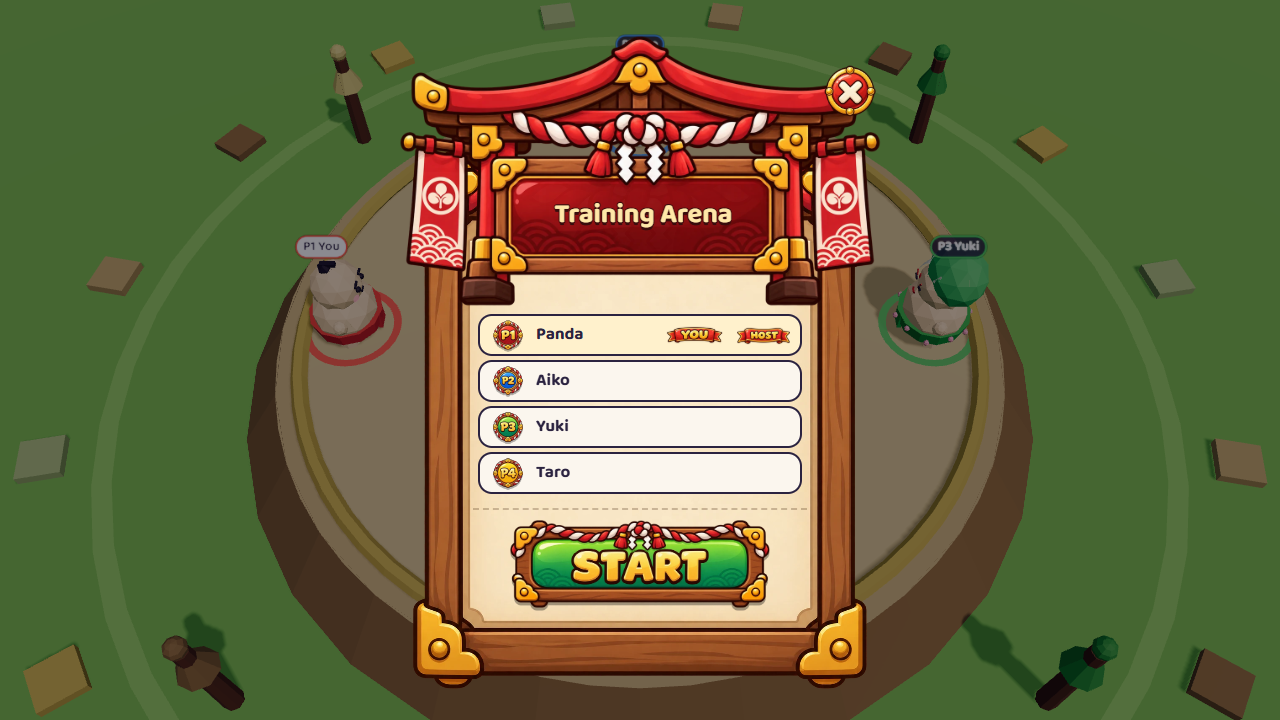
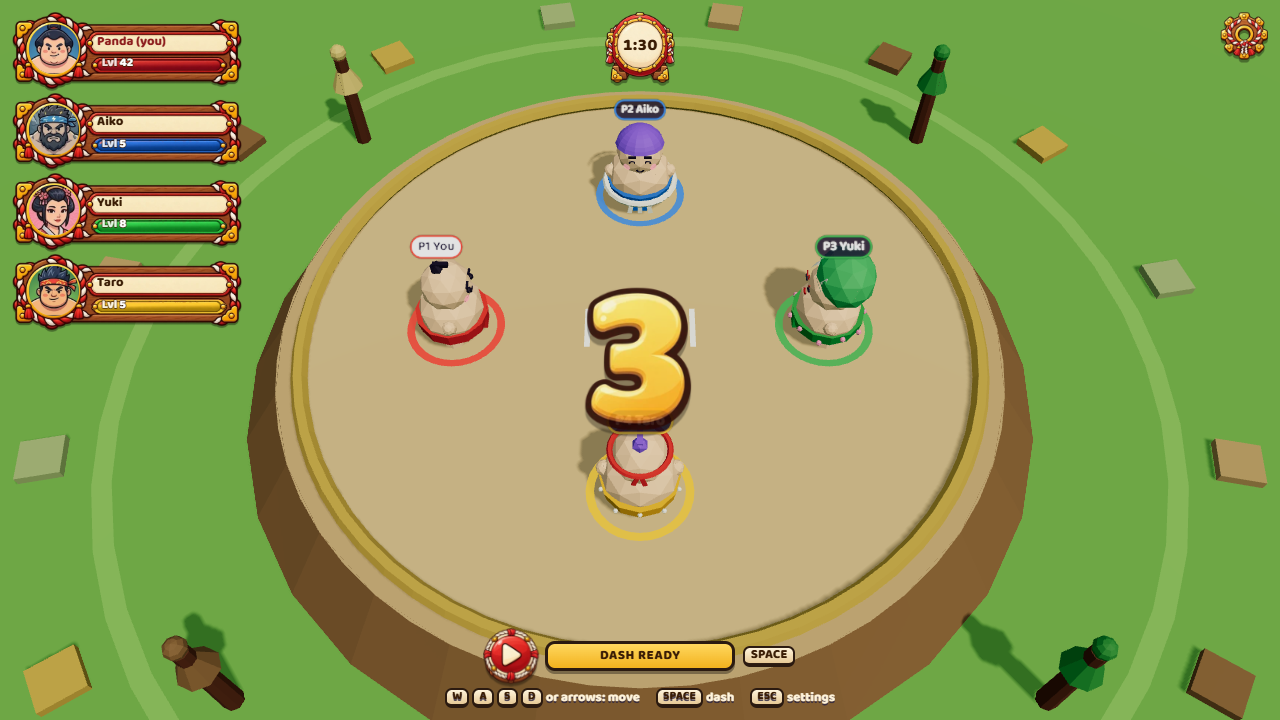
| 3 | Start | When at least two wrestlers are in, the host presses Start match (in a private room the host can also Add bot). A synced 3, 2, 1, GO! follows. |
| 4 | Push | Run into opponents to shove them. Time your dash for a heavy hit, then recover before you slide out yourself. |
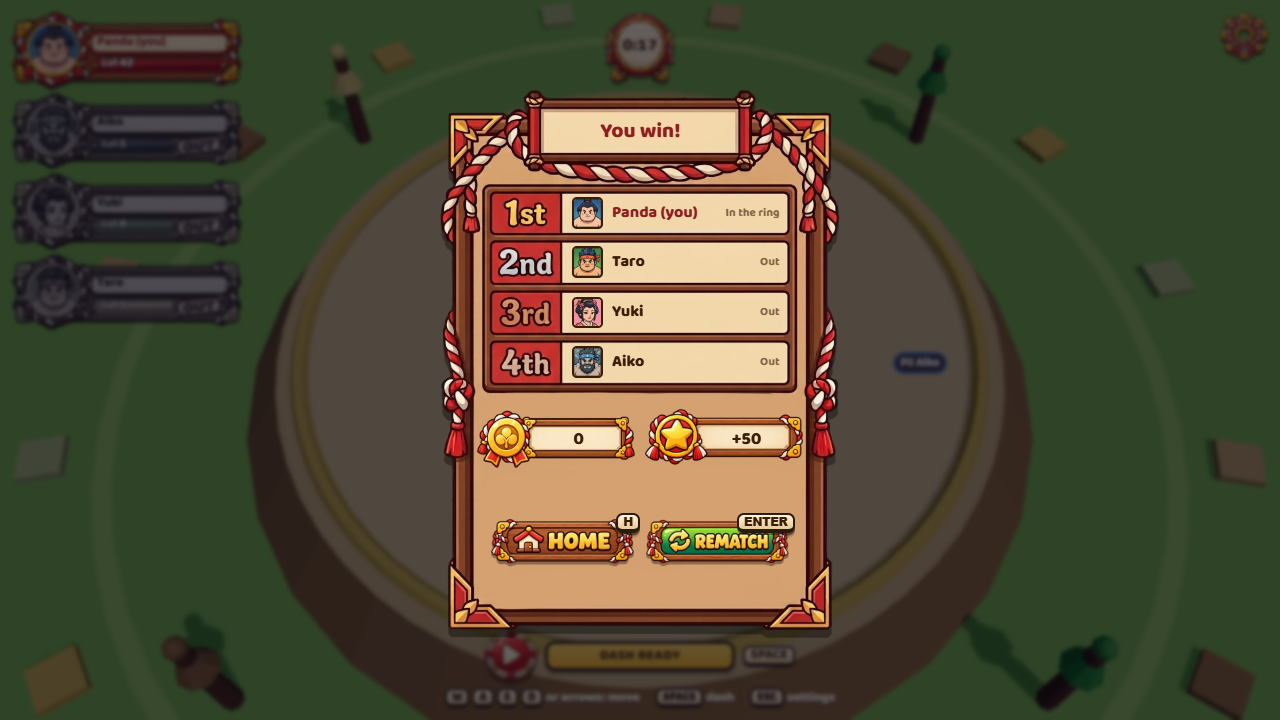
| 5 | Win | The last wrestler in the ring wins. Then the host picks Rematch or Back to lobby. |
| Action | Keyboard | Touch |
|---|---|---|
| Move | WASD or arrow keys | Joystick on the left: touch anywhere on the left side and it appears under your thumb (or keep it fixed in the corner) |
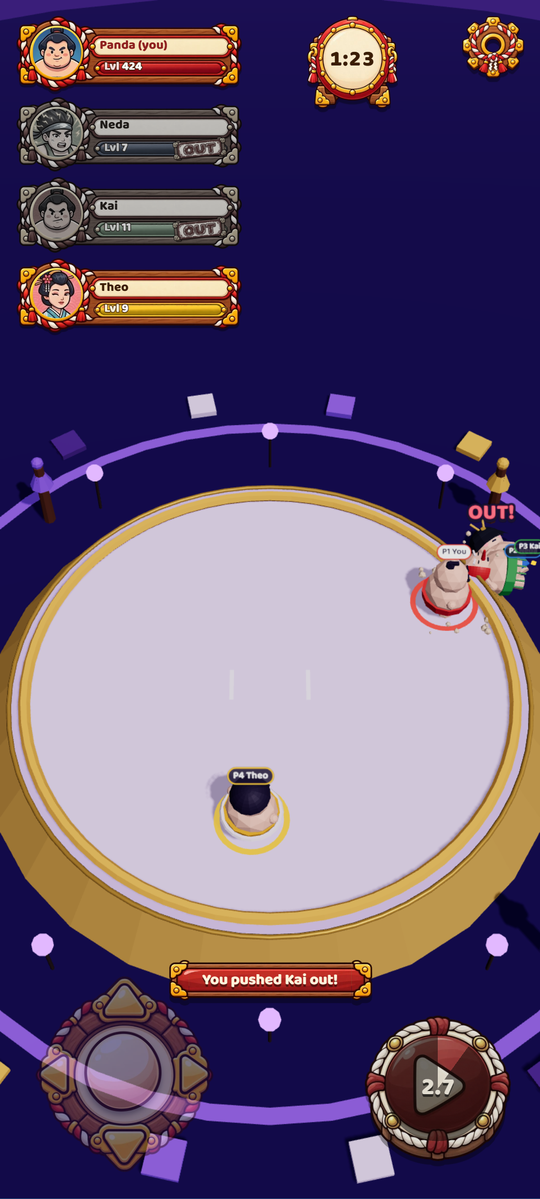
| Dash (3 s cooldown) | Space | Big dash button on the right; the ring fills and counts down while it recharges |
| Settings | Esc | Gear button |
On phones and tablets the touch controls appear automatically during a bout (Settings → Touch controls can force them on or off). Steering and dashing work at the same time with two thumbs, and supported Android devices vibrate on dashes and hits (Settings → Vibration).
Settings has music and sound-effect volumes, controls and About (with the version); during a match it also has Leave match. Your name, level and stats live in Profile. Music: a Japanese bamboo-flute loop on the home screen, lobby and results, and a taiko percussion loop during bouts, crossfaded smoothly when you switch; it pauses while the app is in the background. The Android app always runs in portrait.
Settings never pause the shared match. Settings → About shows the version, the creator and links to the game page and source code.
Exact rules
- 2–4 players per room; the host starts once at least 2 are present.
- 3 s countdown (wrestlers are frozen), then a 90 s bout.
- You're out when your centre passes 7.2 m from the ring centre (ring radius 7 m + 0.2 m tolerance). The straw rope is drawn exactly at 7 m. Only gameplay coordinates count, never the 3D model.
- Within a tick the server runs: movement → collisions → ring-outs → last-standing check → timer check. So a ring-out on the final tick is counted before the timer.
- Winner: the last player in the ring.
- Everyone out in the same tick: draw; they share first place.
- Time up with several players in the ring: the one closest to the centre wins. If the two closest are within 5 cm of each other, it's a draw among all players that close.
- Standings: winner (or tied players) first, then players still in the ring by distance to centre, then eliminated players by elimination time (later is better; same tick shares a place).
- After results the host can start a Rematch or go Back to lobby. Otherwise the room returns to the lobby after 20 s.
Tuning lives in apps/server/src/simulation/SimulationConfig.ts (acceleration 28 m/s², max speed 6.5 m/s, drag 4/s, dash 11.5 m/s for 180 ms, cooldown 3 s, dash mass ×2.5, restitution 0.35, push bonus 5).
Screenshots
| Home | Waiting room |
|---|---|
 |
 |
| Customise your wrestler | Countdown |
 |
 |
| Bout | Results |
|
 |
On a phone
| Home | Bout | Leaderboard | Friends | Coin shop |
|---|---|---|---|---|
 |
 |
 |
 |
 |
Every screen and popup, on a phone and a desktop →
The Screenshots workflow (Actions → Screenshots → Run workflow) plays a real three-player match, then opens every screen and popup through dev mode (sample data) on a phone and a desktop screen, and commits the images to docs/screenshots/ together with the gallery page docs/SCREENSHOTS.md. To run it yourself: build the game, start the server and npm run preview -w @mini-sumo/client, then node tools/screenshots.mjs.
Arenas and coins
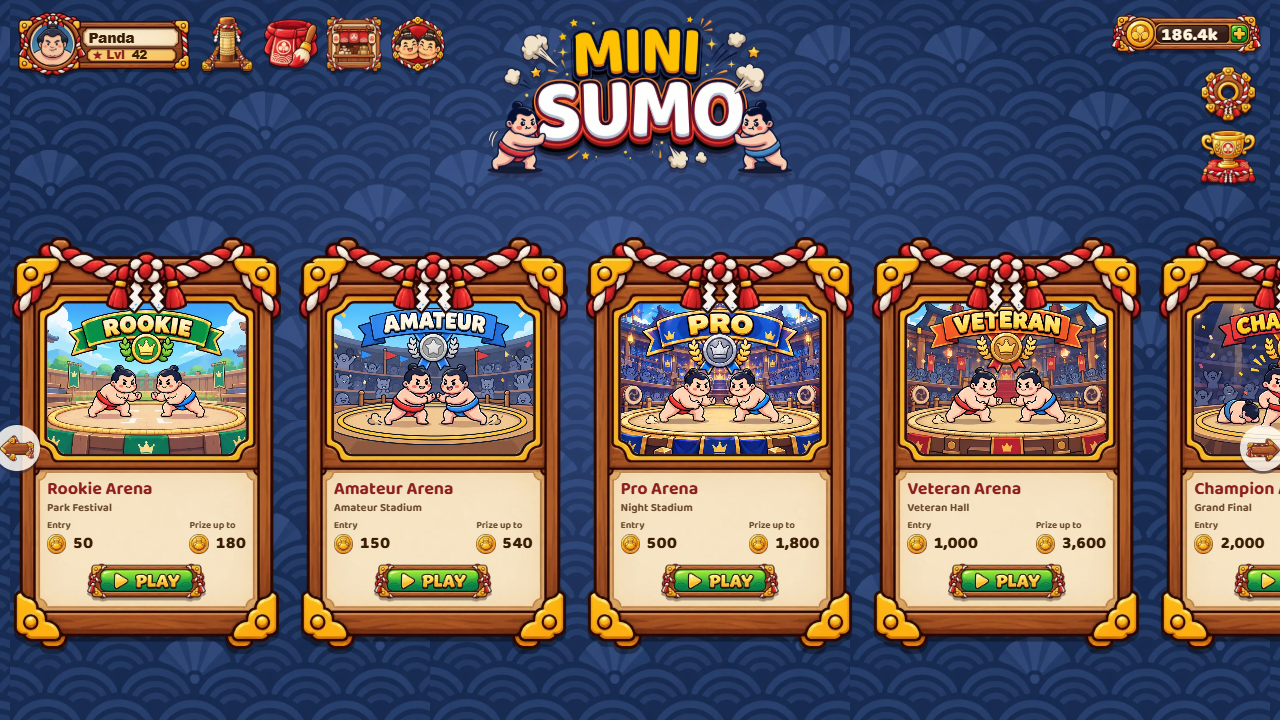
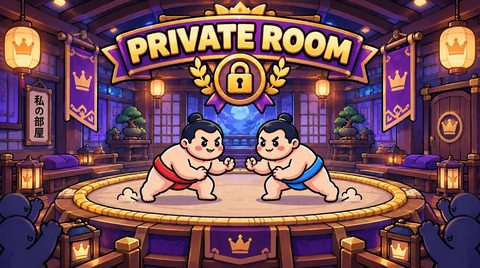
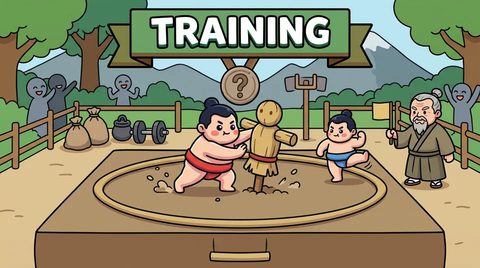
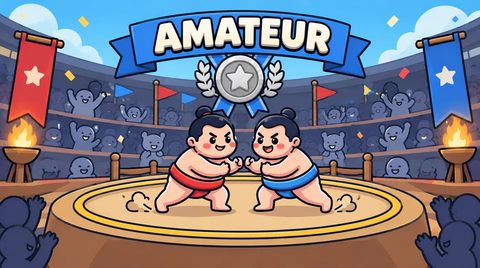
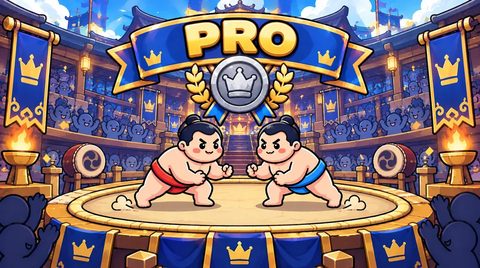
Every arena has its own artwork, colours and mood, in the 3D ring and on its card:
| Private Room | Training | Rookie | Amateur | Pro |
|---|---|---|---|---|
 |
 |
 |
 |
 |
| Veteran | Champion | Master | Legend | Godlike |
 |
 |
 |
 |
 |
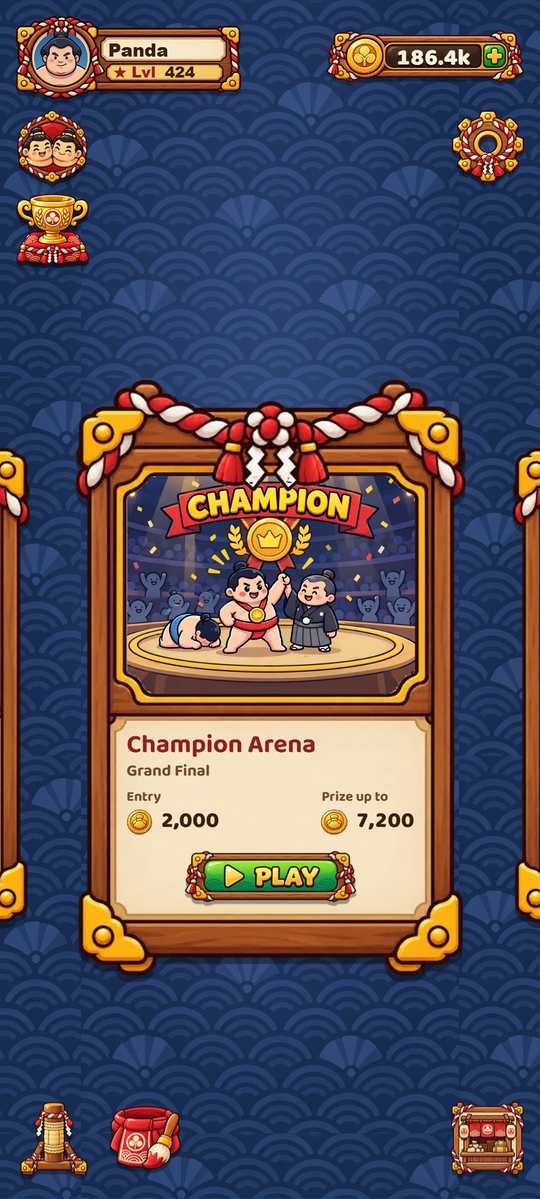
The home screen has its own night-stage backdrop with the title in the middle and the arenas side by side (artwork, entry fee, prize, unlock level); the Private Room and the free Training Arena come first, and on phones the arenas are a swipeable carousel. Each arena's 3D environment appears only once you're in a room. Online features (friends, the leaderboard, paid arenas against people, coin packs) need the game server; without a connection the game plays against bots on the device and syncs your progress later.
| Arena | Entry | Winner gets (4 players) | Unlocks | XP |
|---|---|---|---|---|
| Private Room | free | XP only | – | ×1 |
| Training | free | XP only | – | ×1 |
| Rookie | 50 | up to 180 | level 1 | ×1.5 |
| Amateur | 150 | up to 540 | level 3 | ×1.75 |
| Pro | 500 | up to 1,800 | level 5 | ×2 |
| Veteran | 1,000 | up to 3,600 | level 8 | ×2.5 |
| Champion | 2,000 | up to 7,200 | level 10 | ×3 |
| Master | 5,000 | up to 18,000 | level 15 | ×4 |
| Legend | 10,000 | up to 36,000 | level 20 | ×5 |
| Godlike | 25,000 | up to 90,000 | level 30 | ×6 |
- New players get 200 coins (enough for a first Rookie bout) and level up with XP from every bout (up to level 1000); higher arenas unlock as you level up and give more XP. The Profile panel shows level, XP, stats and unlocks.
- Online, coins, XP and items live on the server (and sync across devices); offline, the game keeps them on the device and syncs when it's back online.
- Training is free practice: no coins, but every finished bout earns XP.
- Prize = pool − 10 % economy fee (integer,
floor). Draws and bouts that never start are refunded; leaving during a bout is a loss. - The wardrobe is the shop: priced options can be tried on and bought with coins. Looks never affect gameplay.
- Everything (balances, prices, entries, prizes, ownership) is decided by the server and recorded in an append-only ledger with idempotency keys. Settings never stores coins.
- Accounts are device-bound guest accounts for now; coins don't sync between devices.
- Real-money purchases and premium currency are disabled; the payment boundary is prepared but no provider is selected.
Full rules, ledger model, refund policy, API and configuration: docs/ECONOMY.md. The economy needs the online server; offline builds keep the free Training Arena.
Offline mode
Mini Sumo runs the same authoritative game session the server uses directly in your browser or app when no server is available. Rooms are then local and your opponents are bots with ordinary names, so the game is fully playable before (or without) a server.
| Situation | What happens |
|---|---|
Build without a server address (VITE_NETWORK_MODE=offline, e.g. the media build) |
Offline from the start. |
VITE_SERVER_URL set, server reachable |
Online: real rooms, invite links, quick match with other players. |
| Server set but unreachable (down, no internet) | Falls back to offline when you press Play now or create a room. |
Offline, Play now searches for a few seconds and fills the ring with bots; Create room with bots opens a lobby where you add bots yourself. Joining friends by code needs the online server. Force a mode with VITE_NETWORK_MODE=online|offline|auto (default auto). Settings → About shows the current mode.
Download and install
-
Android: open the latest release and install
MiniSumo-<version>-Android.apk(signed; the.aabis for Google Play). Every release shipsSHA256SUMS.txtto verify the download. -
Web: play at sumo.ryujin.fans or on GitHub Pages (updated on every push to
main), or host it yourself: every Release hasMiniSumo-X.Y.Z-Web.zip, the whole game for the browser (WebGL). Unzip it onto any HTTPS web host, in any folder;HOSTING.txtinside explains caching and gives an nginx example. -
Desktop: every Release also has the desktop app:
MiniSumo-X.Y.Z-Windows-Setup.exe(installer),MiniSumo-X.Y.Z-Windows-Portable.exe(no install), andMiniSumo-X.Y.Z-Linux-x86_64.AppImage/-Linux-amd64.deb. They aren't code-signed, so Windows asks once ("More info" → "Run anyway"). The desktop app plays with the keyboard (WASD or arrows, Space to dash, Esc for settings, H for Home, Enter for Rematch).
Game server: https://sumo.ryujin.fans (web game, API and websockets on one address). Android, Cafe Bazaar and web builds connect to wss://sumo.ryujin.fans by default; the repository variables VITE_SERVER_URL / VITE_PUBLIC_URL override it. npm run dev still uses a local server.
Self-hosting (Docker): docker compose up -d --build runs the game server and the web game on one port; it builds in Iran through registry and npm mirrors. See docker/README.md.
Cafe Bazaar: the bazaar branch builds the Bazaar version (coin packs through Bazaar in-app billing, no Google Play Games) and publishes bazaar-vX.Y.Z releases; it signs in with Bazaar, checks for updates through Bazaar and, with BAZAAR_PISHKHAN_TOKEN, sends each build to Cafe Bazaar for review automatically. See docs/BAZAAR.fa.md.
Run from source
Requirements: Node.js 22.13+ (the server uses the built-in node:sqlite) and npm 10+.
git clone https://github.com/Jolly-Panda-Works/mini-sumo-3d.git
cd mini-sumo-3d
npm install
npm run dev
- Game: http://localhost:5173 (Vite also prints your LAN address, so phones on the same Wi-Fi can join)
- Server:
ws://localhost:2567, health check at http://localhost:2567/health
Open two tabs, create a private room in one and paste the invite link into the other.
| Command | What it does |
|---|---|
npm run dev |
Shared package (watch), server and client together |
npm test |
83 server tests: movement, collisions, ring-outs, dash, bots, quick match, match lifecycle, lobby and disconnects |
npm run typecheck |
TypeScript checks for server and client |
npm run build |
Production build of shared, server and web client |
npm start |
Start the built server |
npm run desktop |
Build the web client and launch the desktop app |
Configuration
One .env at the repository root (copy .env.example) serves both apps. Only VITE_* variables reach the browser, and they are baked in at build time.
One .env file at the repository root serves both apps. Only v