

Retrogram - Multi Messenger
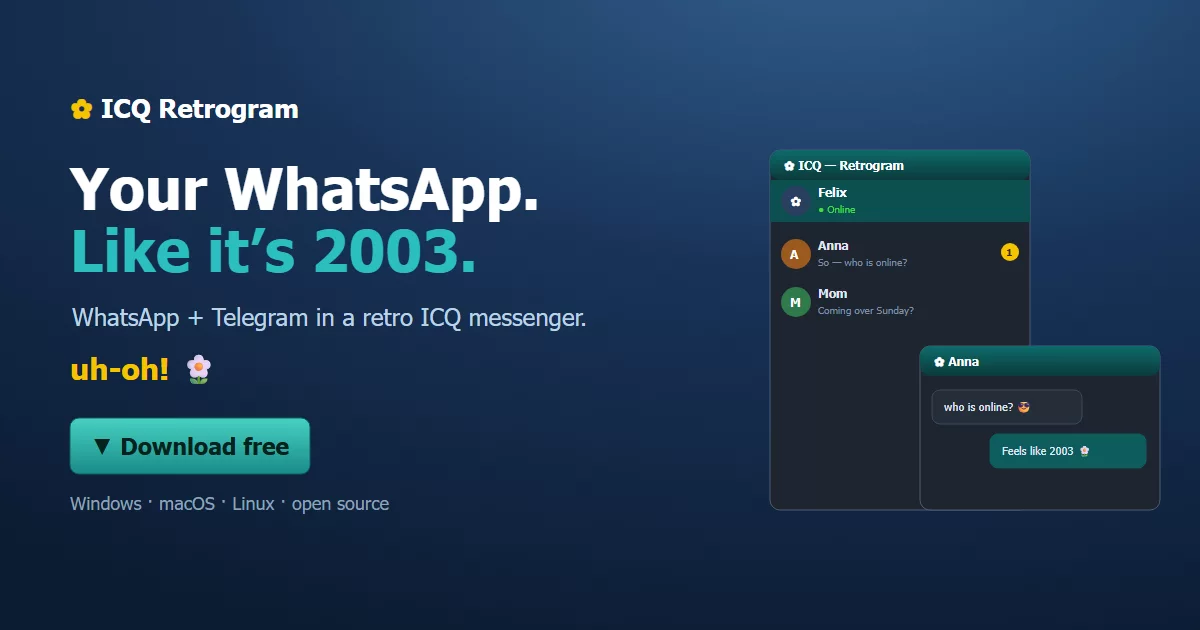
Retro ICQ 5-style multi-messenger — built with Electron + React.
Manage WhatsApp and Telegram from one classic dark-teal desktop app.


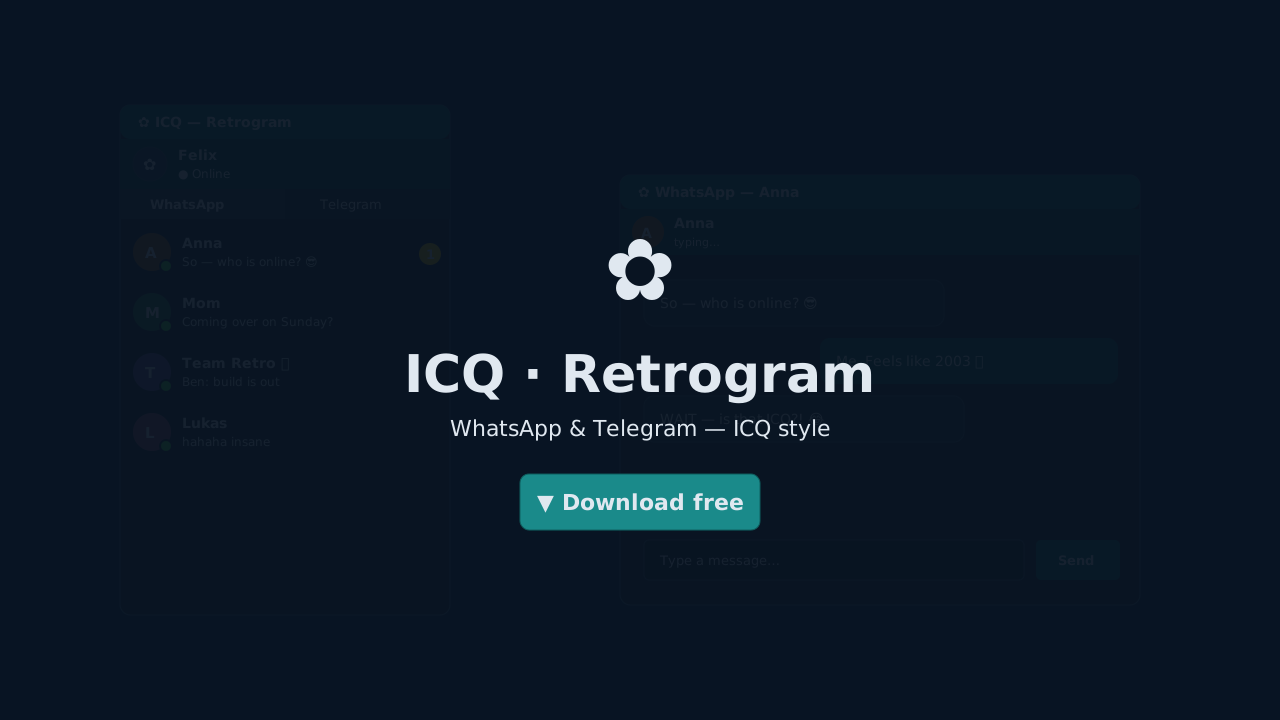
QR Code Login screens — no personal data shown. Once connected, the sidebar fills with your contacts sorted by recency.
Features
| Feature | Details | |
|---|---|---|
| 🎨 | ICQ 5 dark teal skin | CSS variables, rem-based sizing, A−/A+ font controls |
| 💬 | QR login · persistent session · images · videos · GIFs · stickers · read receipts | |
| ✈️ | Telegram | QR or phone number login · 2FA · photos · videos · GIFs · animated stickers |
| 🪟 | Separate chat windows | Each contact gets its own floating window — true ICQ 5 style |
| 🗂️ | Collapsible groups | Groups folded away at top · per-service group sound toggle |
| 🖼️ | Profile pictures | Background-loaded for contacts + your own profile in the header |
| 🔔 | Classic ICQ sound | Global 🔔/🔕 toggle + separate group sound control per service |
| ✓✓ | Read receipts | WhatsApp ack states: pending · sent · delivered · read (blue ✓✓) |
| ⌨️ | Typing indicator | Animated tippt… shown live in the chat header |
| 🔍 | Media lightbox | Click any image or video to view fullscreen |
| 🔄 | Live contact list | Unread badges · last message preview · auto-sort by recency |
| 📦 | Portable build | Single .exe — no installation required |
| 🛫 | File Transfer | Drag and Drop and File Dialog Window included |
| 🎮 | Games | Slide a Lama and Pool included for free |
First-run warnings
Windows — SmartScreen: Click "More info" → "Run anyway"
macOS: no warning — the app is signed with a Developer ID and notarized by Apple.
Quick Start
Requirements
- Node.js 18+ (LTS)
- npm 9+
- Windows, macOS, or Linux
No browser is bundled any more - WhatsApp speaks its protocol directly, so it needs no extra Linux runtime deps.
Install & run
git clone https://github.com/felix-helleckes/ICQ.git
cd ICQ
npm install
npm start
npm start launches the React dev server and Electron simultaneously.
Login
- Switch to the WhatsApp tab
- Wait a moment — the WhatsApp connection is established
- Scan the QR code with your phone → WhatsApp → Linked Devices → Link a Device
- Done — session is saved and survives restarts
Telegram
- Switch to the Telegram tab
- Choose QR code (scan with Telegram mobile) or enter your phone number
- Enter the code sent to your phone (+ 2FA password if enabled)
- Done — session stored in
data/telegram.session
No API keys or developer accounts needed for either service.
Build
npm run build
# Windows — NSIS installer + Portable
npx electron-builder --win nsis portable

# macOS — DMG (unsigned)
npx electron-builder --mac dmg

# Linux — AppImage + .deb
npx electron-builder --linux AppImage deb
Output goes to the dist/ folder.
Project Structure
├── electron/
│   ├── main.js              # Main process · IPC handlers · multi-window management
│   ├── preload.js           # contextBridge — exposes window.api to React
│   ├── whatsapp-bridge.js   # WhatsApp via Baileys (protocol, no browser)
│   └── telegram-bridge.js   # Telegram MTProto via GramJS
├── src/
│   ├── App.js               # Sidebar / contact list window
│   ├── ChatApp.js           # Per-contact chat window
│   ├── index.css            # Global ICQ 5 styles + CSS variables
│   └── components/
│       ├── TitleBar.js      # Frameless title bar (minimize / maximize / close)
│       ├── Sidebar.js       # Service tabs · contact list · groups · sound controls
│       ├── ChatWindow.js    # Messages · emoji picker · media · lightbox · read receipts
│       └── LoginPanel.js    # QR + phone login for both services
├── public/
│   ├── icq-logo.png         # ICQ logo (app icon source)
│   ├── whatsapp-logo.svg    # WhatsApp logo (service tab)
│   ├── telegram-logo.svg    # Telegram logo (service tab)
│   ├── icon.ico             # Generated Windows app icon
│   └── sounds/
│       └── icq-message.mp3  # Classic ICQ notification sound
└── package.json
Architecture Notes
- Multi-window — each chat is a separate
BrowserWindow, tracked in aMapand reused on re-open - Broadcast pattern —
BrowserWindow.getAllWindows().forEach(w => w.webContents.send(...))keeps sidebar + chat windows in sync instantly - Avatar cache — avatars cached in main process (
Map), pushed viawa:avatar/tg:avatarevents, no re-fetching - Non-blocking contact list —
getChats()/getDialogs()return immediately; avatars load in background loops - IPC cleanup — every listener returns a removal function used in
useEffect— no memory leaks - Font scaling —
html { font-size }set at runtime, all UI sizes inrem - BigInt peer IDs — Telegram IDs converted to
BigIntbefore every GramJS API call to prevent silent lookup failures
Support
ICQ Retrogram is free and stays free. If you want to chip in, there is a concrete thing the money goes to first:
A code-signing certificate — around €220 a year (OV; EV runs about €280).
Right now every Windows download triggers a SmartScreen warning, because the Windows builds are unsigned (macOS is already signed and notarized). That warning is the single biggest reason people close the page instead of trying the app.
Being precise about what it buys: signing makes the publisher verifiable, which is the prerequisite for SmartScreen to build reputation at all. It is no longer an instant switch — since 2026 even an EV certificate earns trust through download volume rather than flipping the warning off on day one.

Nothing is gated behind it. There is no paid version, no pro tier, and no plan to
add one — see docs/premium-konzept.md for why.