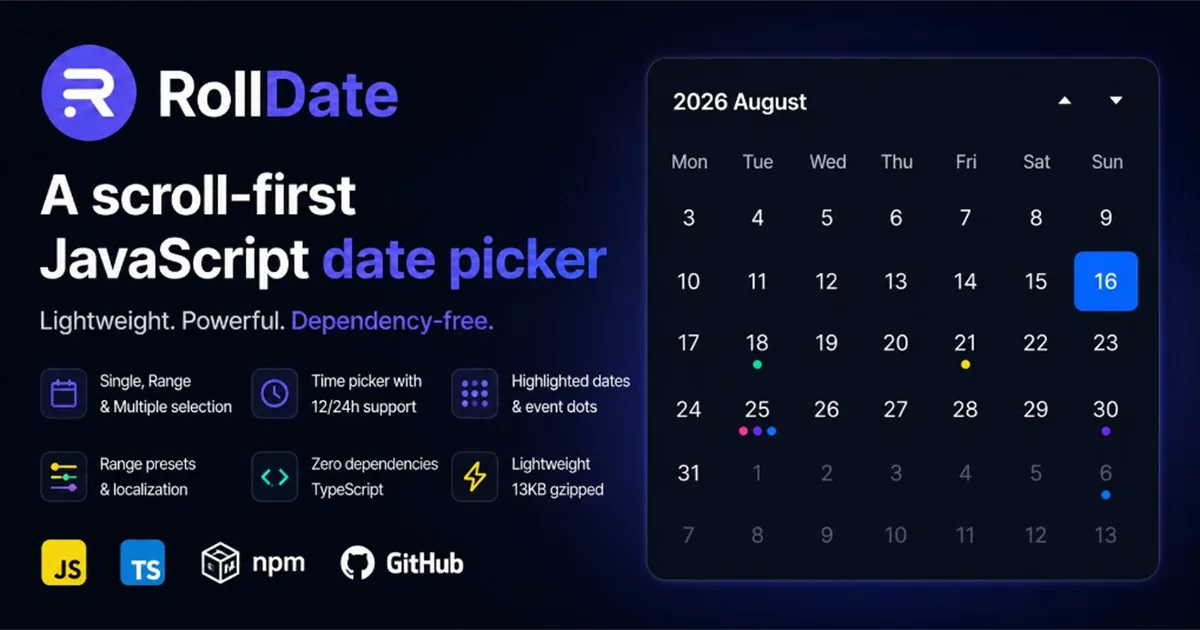
High-performance JavaScript event calendar with Month, Week, Day, and Agenda views. Part of the RollDate ecosystem.
Free · MIT · TypeScript · ESM + CJS · zero runtime dependencies
- Website: rolldate.dev/events
- Demo: rolldate.dev/events/demo
- Docs: rolldate.dev/events/docs
- GitHub: github.com/Abramov-Front-end/rolldate-events
Installation
npm install @rolldate/events
Styles are shipped separately:
import '@rolldate/events/styles'
Quick start
import { RollDateEvents } from '@rolldate/events'
import '@rolldate/events/styles'

const calendar = new RollDateEvents('#calendar', {
  defaultView: 'month',
  events: [
    {
      id: 1,
      title: 'Standup',
      start: '2026-08-20T09:00:00',
      end: '2026-08-20T09:30:00',
      location: 'Zoom'
    }
  ],
  onEventClick: (event) => console.log(event.title)
})

calendar.setView('week')
calendar.setDate(new Date(2027, 3, 1)) // April 2027 — same as the date navigator
calendar.today()
Event model
interface Event {
  id: string | number
  title: string
  start: Date | string
  end: Date | string
  allDay?: boolean
  color?: string
  location?: string
  description?: string
  resourceId?: string     // reserved — not used by views in v1
  recurring?: EventRecurring // reserved — base occurrence only in v1
  allowedResourceIds?: string[] // Pro: destination allowlist; does not validate current resource
}
| Field | Description |
|---|---|
id |
Unique event identifier |
title |
Display title |
start / end |
Start and end (Date or ISO/local string) |
allDay |
All-day event when true |
color |
Left accent / chip color |
location |
Optional location label |
description |
Optional description (not shown in all views) |
resourceId |
Reserved for future functionality — not grouped in v1 |
recurring |
Reserved — not expanded in v1 |
allowedResourceIds |
Pro: restricts resource changes (undefined = no limit, [] = no change). Intersects with calendar list. Does not validate or hide the current resource |
Views
| View | Description |
|---|---|
| Month | Continuous vertical week strip; timed chips or compact dots when narrow |
| Week | Horizontal week strip with timed grid and all-day band |
| Day | Single-day timed grid with vertical day navigation |
| Agenda | Compact native-scroll list of events grouped by date (no “+N more”); days without events are skipped |
All views use buffered translate3d strips or native scroll so navigation stays smooth with large datasets.
Navigation
- Toolbar: Previous, Today, Next
- Keyboard: Arrow Left / Right on the calendar root
- Date navigator: Click the header period (
August 2026 ▾) to pick month and year directly - Programmatic:
setDate(...),today(),prev(),next(),setView(...)
Navigation respects minDate and maxDate. setDate(...) and the date navigator stay synchronized.
Options
interface RollDateEventsOptions {
  events?: Event[]
  defaultView?: 'month' | 'week' | 'day' | 'agenda'
  defaultDate?: Date | string
  locale?: string                    // default: 'en'
  firstDayOfWeek?: 0 | 1             // 0 = Sunday, 1 = Monday (default)
  theme?: 'light' | 'dark' | 'auto'  // default: 'dark'; auto reads system theme at init
  header?: boolean                   // default: true (nav + date navigator + view tabs)
  visibleHours?: { start: number; end: number }  // week/day grid, default 9–18
  eventLimit?: number                // month chips before "+N more", default 3
  minDate?: Date | string            // rangeStart = 00:00 of this day
  maxDate?: Date | string            // inclusive day; rangeEndExclusive = next midnight
  // DnD: event interval [start, end); allowed iff
  // event.start >= rangeStart && event.end <= rangeEndExclusive
  allowedResourceIds?: string[]      // Pro: destination allowlist; intersects with event.allowedResourceIds
  allowOverlap?: boolean             // default true; false blocks [start, end) overlaps on move/resize
  onEventClick?: (event: Event, nativeEvent: MouseEvent) => void
  onDateClick?: (date: Date, nativeEvent: MouseEvent) => void
  onViewChange?: (view: CalendarViewName) => void
  onVisibleRangeChange?: (range: { from: Date; to: Date }) => void
}
Methods
| Method | Description |
|---|---|
setView(view) |
Switch Month / Week / Day / Agenda |
getView() |
Current view name |
setDate(date) |
Jump to a date in the current view |
getDate() |
Current cursor date (local start-of-day) |
setEvents(events) |
Replace all events |
getEvents() |
Return raw event array |
addEvent(event) |
Add one event |
updateEvent(id, patch) |
Patch an event by id |
removeEvent(id) |
Remove by id |
today() |
Go to today (respects bounds) |
next() |
Next month / week / day / agenda step |
prev() |
Previous step |
destroy() |
Remove DOM and listeners |
Read-only getters: currentView, currentDate, el (equivalent to getView() / getDate()).
Callbacks
onEventClick(event, nativeEvent)— user clicked an event chip/block/rowonDateClick(date, nativeEvent)— user clicked a day cell or date header (disabled dates are ignored)onViewChange(view)— view tab changedonVisibleRangeChange({ from, to })— buffered date range needing events (useful for lazy loading)
Responsive behavior
Layout adapts to the calendar container width (not just the browser viewport):
- ≤640px (compact): Month uses colored dots +
+N; Week uses readable fixed day columns; Day and Agenda use dense full-width layouts - Date navigator: usable at 320px container width
Requires ResizeObserver for live reflow when the container is resized.
Date and time semantics
RollDate Events uses native JavaScript Date in the local timezone. There is no built-in IANA timezone conversion in v1. Pass Date instances or local ISO strings; all-day events use calendar-day boundaries in local time.
Accessibility
- Semantic buttons and tablist for view switching
- Keyboard-operable toolbar and date navigator
- Visible
:focus-visibleoutlines - Unique IDs per calendar instance
destroy()removes listeners and mounted UI
Limitations (v1)
Not included in v1:
- Drag-and-drop or resize editing
- Resource timeline / scheduler
- Recurring-event expansion
- Timezone conversion engine
Large datasets
Events are indexed by day. Views mount a bounded buffer of segments and call onVisibleRangeChange so you can load or filter data for relevant ranges. Event updates use syncEvents where possible to avoid resetting scroll position.
Browser support
Modern evergreen browsers with ES modules, CSS custom properties, and ResizeObserver. No polyfills are bundled.
Changelog
See CHANGELOG.md.
License
MIT
Source
This repository is the public Free release mirror of @rolldate/events.
Commercial Pro development stays in a private monorepo; Free/Lite releases are synced here for GitHub and npm.