
Free Sheets to Calendar sync
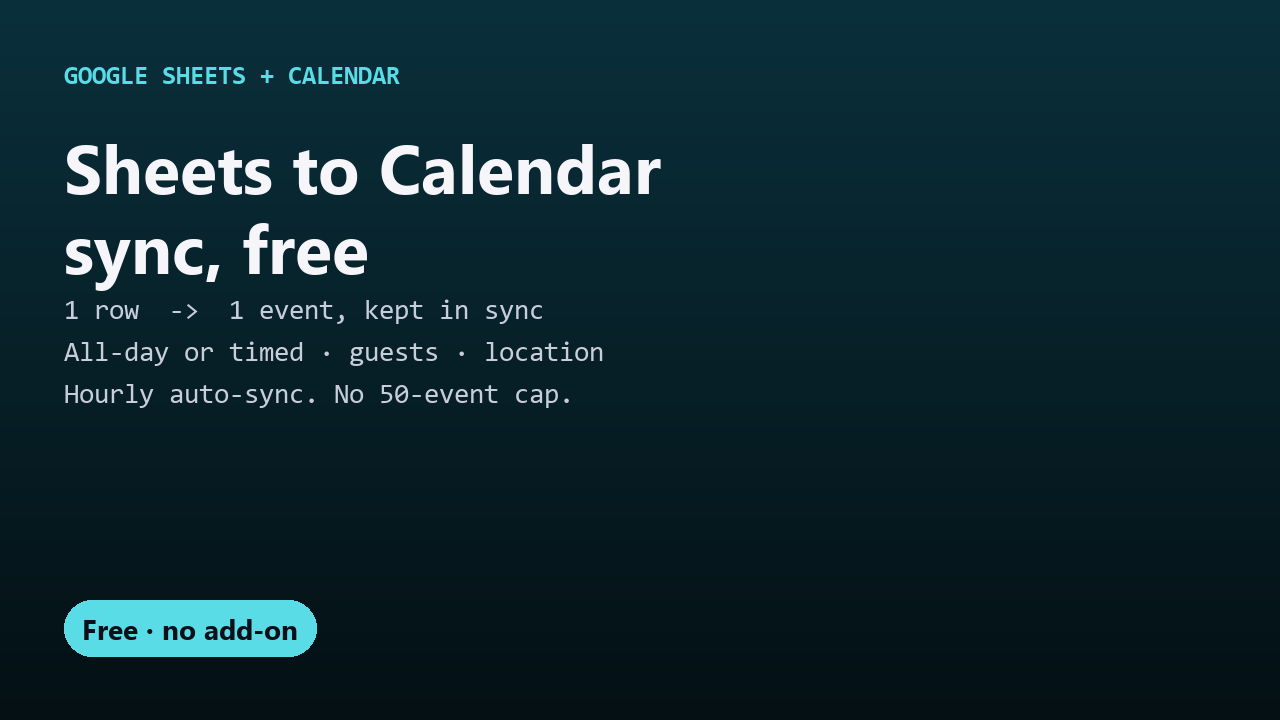
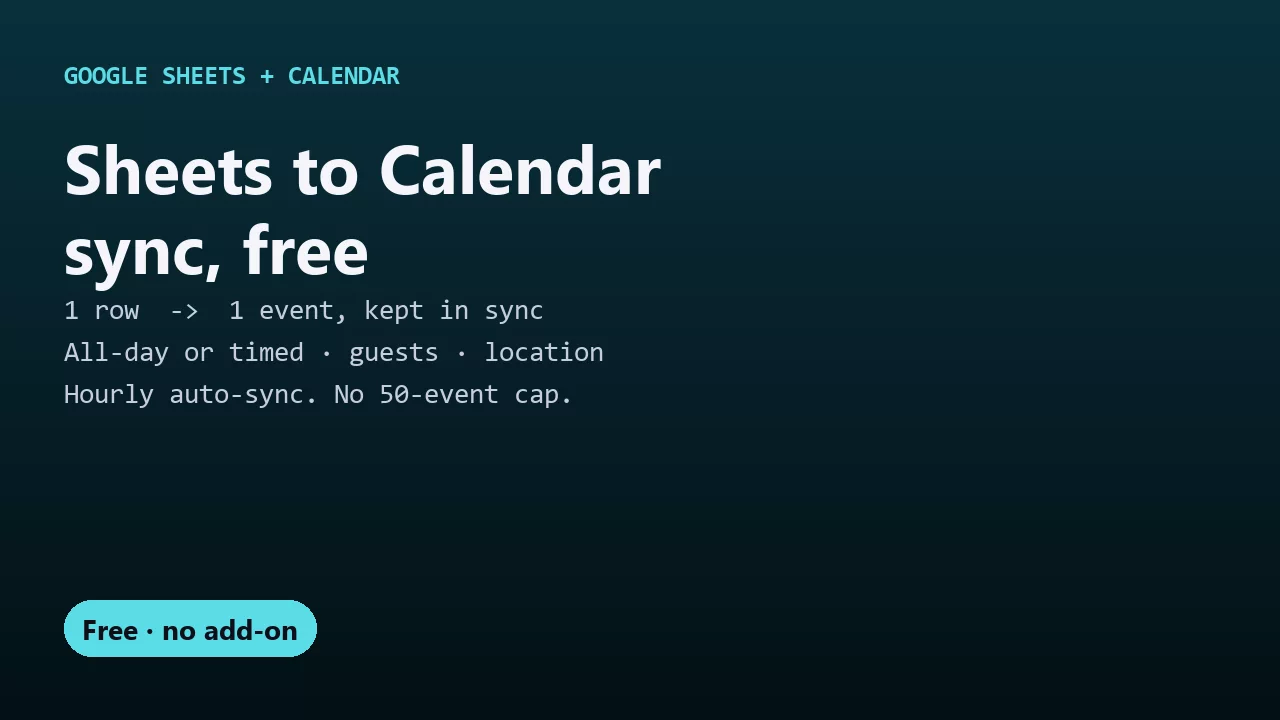
Turn every row of a Google Sheet into a Google Calendar event, and keep the events up to date when you edit the sheet. Schedules, shifts, content calendars, class timetables, project milestones, bookings. One Apps Script file: no add-on, no 50-events-a-month cap, no subscription.
- Title and Start columns are all it needs. End, Description, Location and Guests are optional
- A date with no time makes an all-day event; a date with a time makes a timed one
- Edit a row and the same event updates (title, time, description, location, new guests). Nothing is duplicated
- Turn On Hourly Sync keeps the calendar current without you clicking anything
New to this? Read the step-by-step guide.
One-time setup (5 minutes)
- Put headers in row 1: at least Title and Start (formatted as a date, or date and time).
- Extensions → Apps Script, delete the placeholder code, paste in
Code.gs, save. - Reload the sheet. A 🗓️ Calendar menu appears.
- 🗓️ Calendar → Sync to Calendar. Google asks for permission the first time ("Google hasn't verified this app" → Advanced → Go to (your project name) → Allow; it's your own script).
Events go to your main calendar. To use another calendar, open its Settings and sharing in Google Calendar, copy the Calendar ID, and paste it into CALENDAR_ID at the top of Code.gs.
Columns
| Column | Required | What it does |
|---|---|---|
| Title | Yes | Event name |
| Start | Yes | Date (all-day) or date and time |
| End | No | Last day for all-day events, or end time for timed ones. Without it, timed events last 60 minutes (DEFAULT_MINUTES) |
| Description | No | Event description |
| Location | No | Event location |
| Guests | No | Comma-separated emails. Guests are added to the event; invitations aren't emailed |
| Calendar Event | Created for you | The event's ID. Clear it to make a fresh event for that row |
Notes
- Deleting a row doesn't delete its event. Delete the event in Calendar if you need to.
- If you delete an event in Calendar, the next sync creates it again from the row. To stop that, delete the row or clear its Start.
- Removing someone from Guests doesn't remove them from the event.
- A row that can't be synced shows
ERROR: ...in Calendar Event and is retried next time. - The sheet's time zone (File → Settings) should match your calendar's.
More free Google tools
- Gmail CSV to Sheets: import emailed CSV reports into a sheet every hour.
- Form Prefill Links: a pre-filled Google Form link for every row.
- Sheets Mail Merge: a personalized email to every row.
- Sheets Deadline Reminders: automatic emails before a due date.
- Sheets Doc Merge: one PDF per row from a Google Docs template.
- Form Auto-Reply: your own email to every Google Form respondent.
License
MIT. See LICENSE.