
Shotloop
Make short explainer videos from code, one shot at a time.
An idea becomes copy, a storyboard and a film made of shots. Each shot has its own loop: the AI writes it, Shotloop renders it, you review it and the AI fixes it. A fix re-renders that shot only, not the whole film.
Download for macOS · Releases · Build from source




English · 简体中文 · 繁體中文 · 日本語 · 한국어 · Español · Português · Français · Deutsch · Italiano · Русский · Türkçe · Tiếng Việt · Bahasa Indonesia
What is Shotloop
Shotloop is a desktop app for short videos that are drawn with code: product promos, science explainers, data stories and slide-style animation, made in 2D (web pages rendered frame by frame) or 3D (three.js worlds rendered like an offline renderer), in eight visual styles.
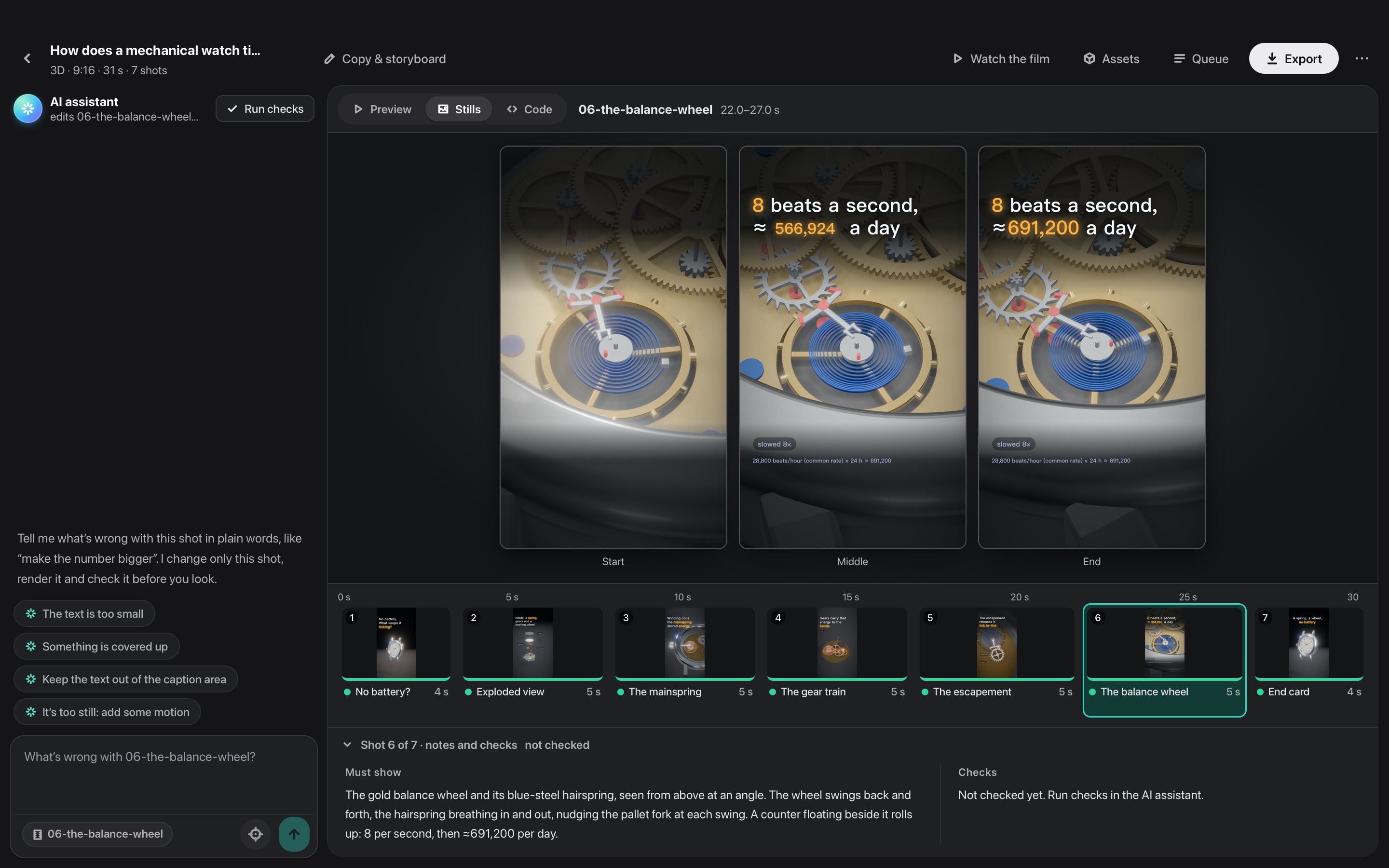
You start with one sentence. The AI picks how to show it (a cinematic scene, an infographic, a map, an interface demo, a blueprint, kinetic type, a news story or 3D) and a theme, unless you choose them. It writes the hook, the script and the facts with their sources, then splits them into a storyboard, with the line a voice-over says over each shot. You edit the storyboard, and the AI builds every shot. In the Studio you look at each shot and say what is wrong in plain words, such as "the text is too small" or "it's too still: add some motion". The AI looks first and offers a few ways to change that shot; you pick one (or say your own), and it changes the shot and shows you a before/after. When the film reads right, Export joins the shots, lays the voice-over with its subtitles and the music under them, the AI designs a cover in the film's look (or fills your series' template) and writes the post for each platform, all into a folder of its own.
The AI is the one you already use: Claude Code or another coding agent you're signed in to, a model API with your own key, or a local model.
The app speaks 14 languages: English, 简体中文, 繁體中文, 日本語, 한국어, Español, Português, Français, Deutsch, Italiano, Русский, Türkçe, Tiếng Việt and Bahasa Indonesia. It follows your Mac's language, and the AI replies and writes the publish posts in the one you pick.
Made with Shotloop
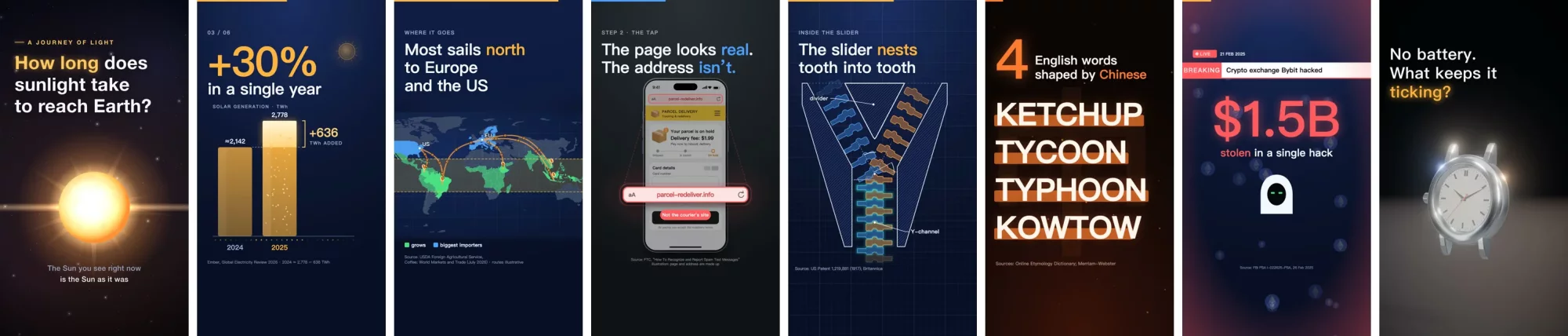
Every frame below was rendered by Shotloop from the examples it ships with.
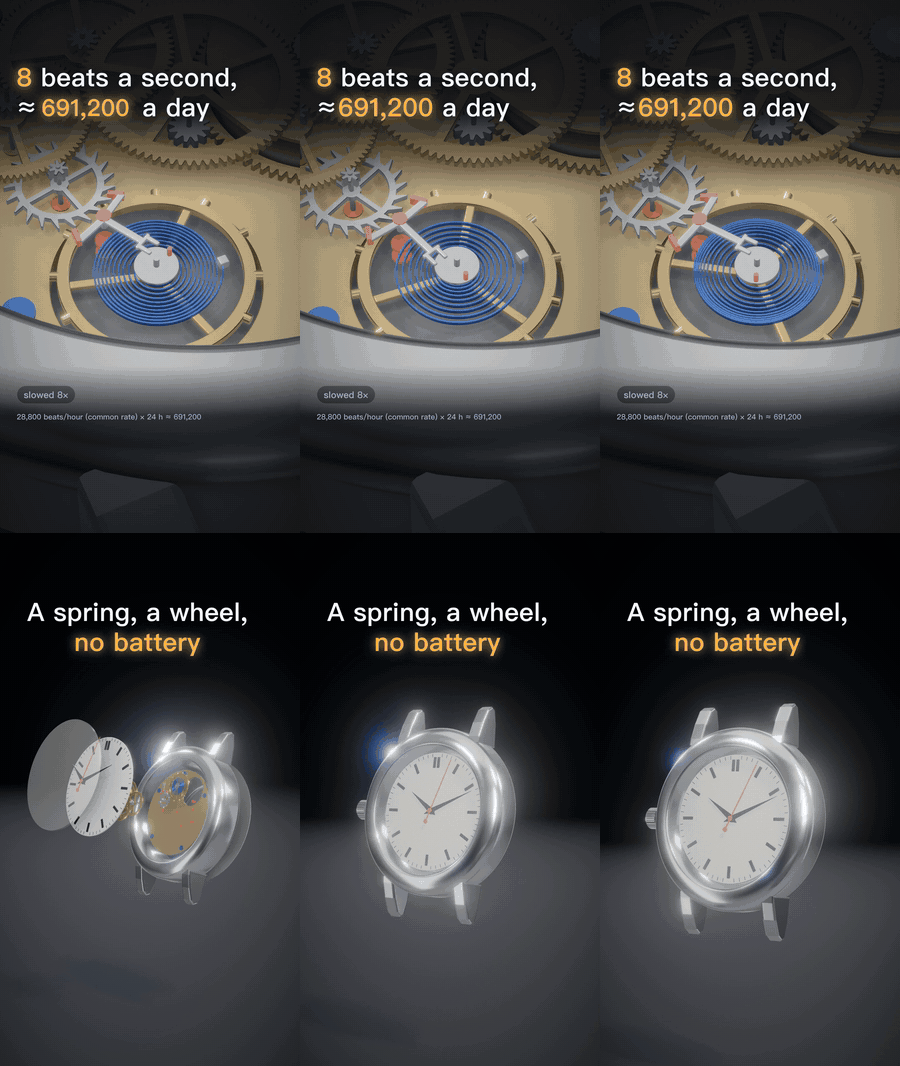 3D: a mechanical watch in WebGL. |
 2D: how long sunlight takes to reach Earth. |
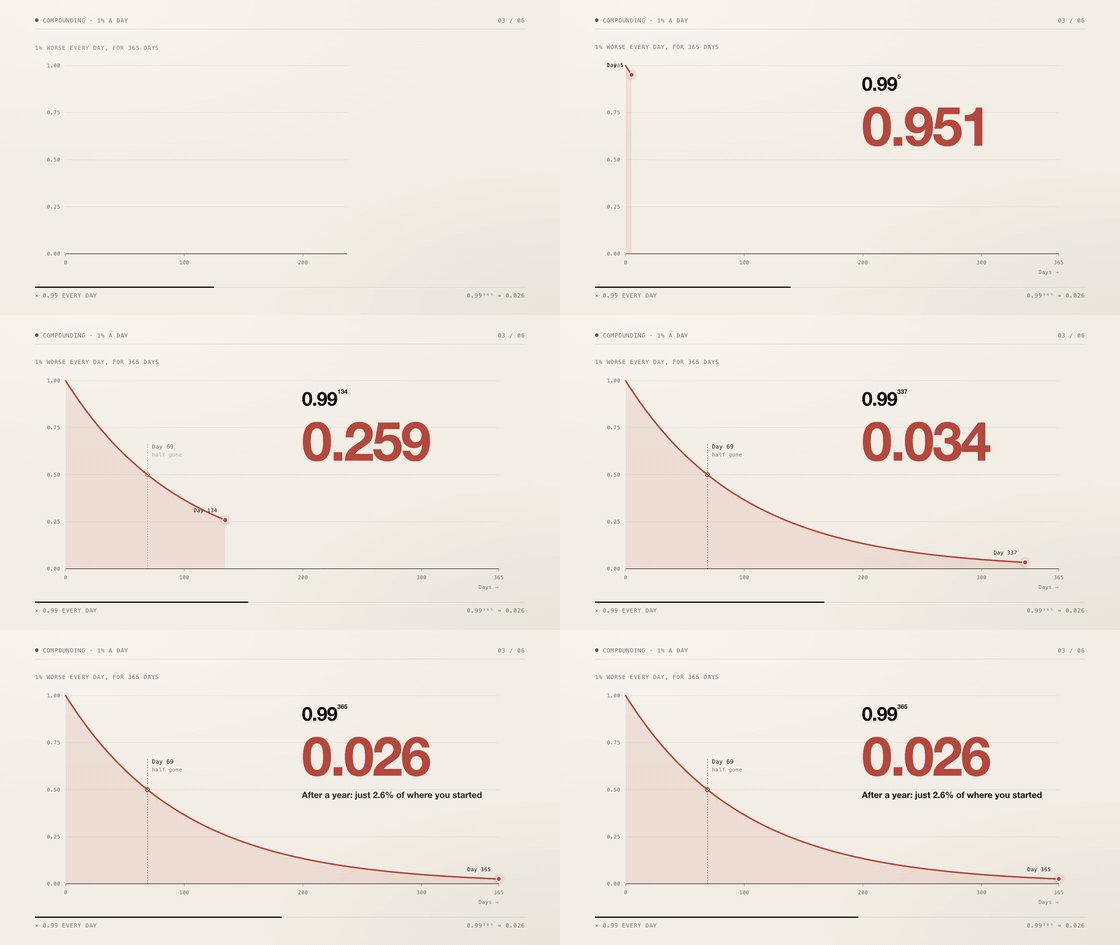 2D data: 1% better every day, in charts (16:9). |
Eight ways to show an idea
The AI picks the style that fits the subject and tells you why; you can switch on the plan, or choose one on Home. Each picture is a frame of the example it links to.
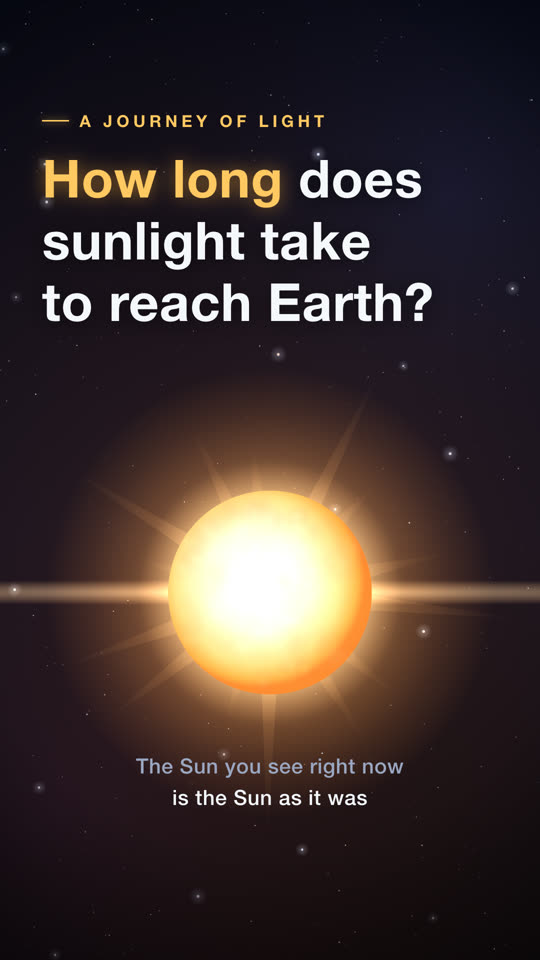 Cinematic scene: light, depth and a moving camera, for things you could film: space, nature, physics. |
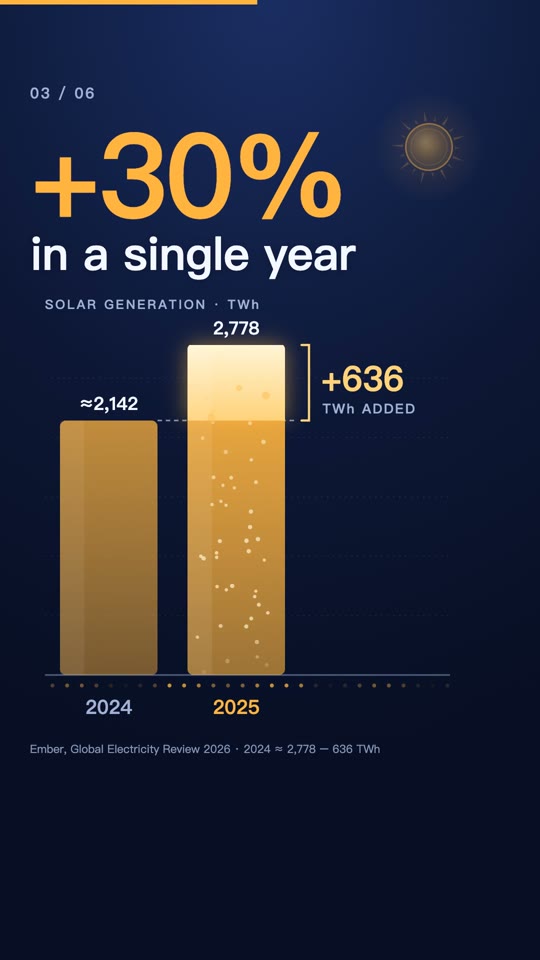 Infographic: charts and moving numbers, for statistics, comparisons, money. |
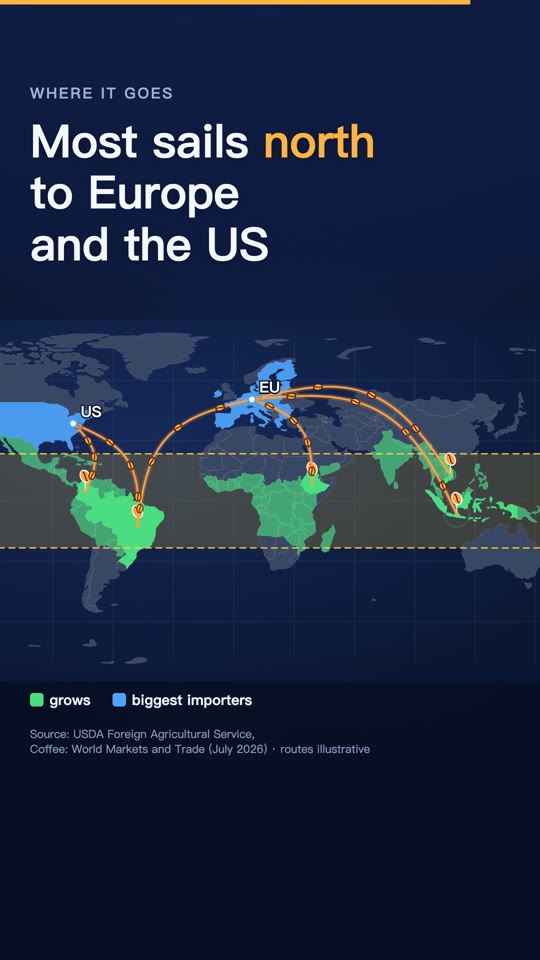 Map: the world map, routes and countries lighting up, for places and how things spread. |
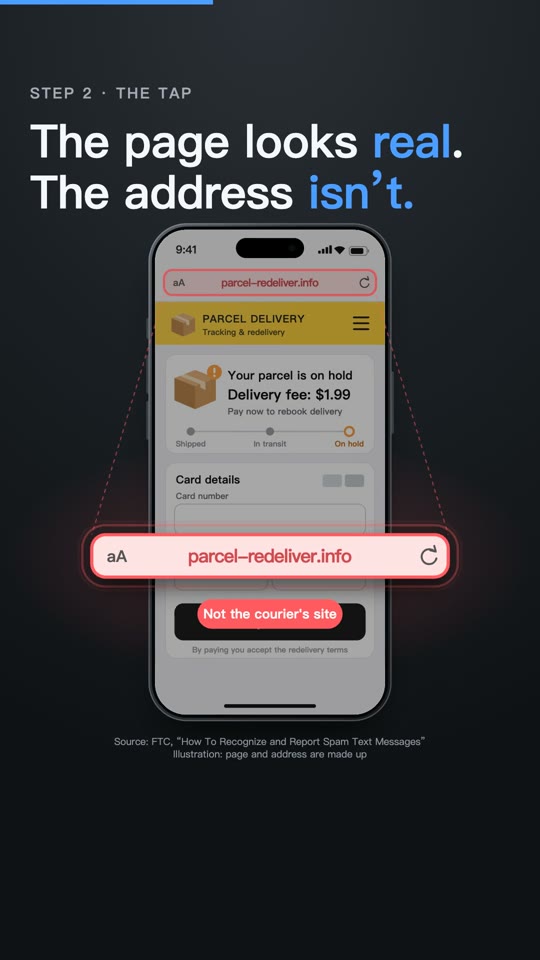 Interface demo: a phone or a browser, step by step, for apps, settings and scams. |
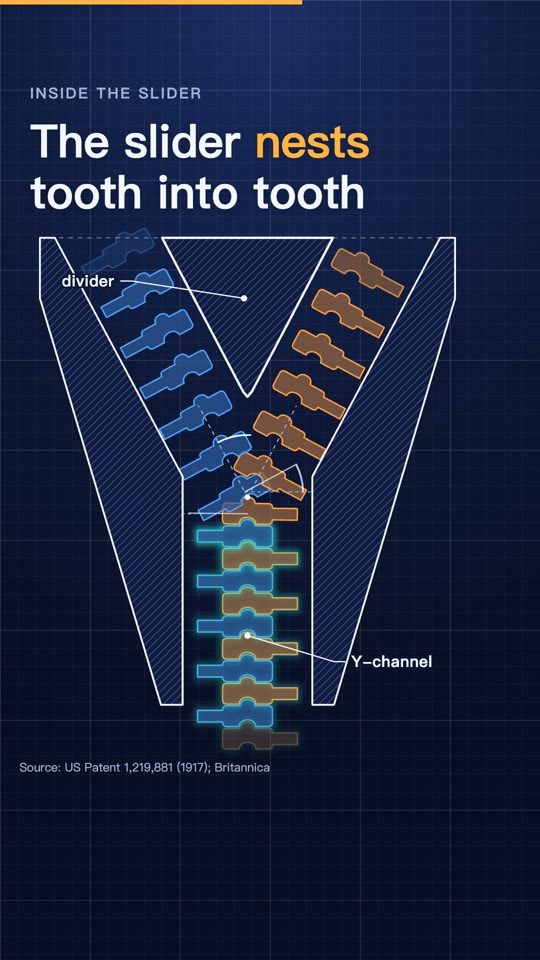 Blueprint: line art on a grid, exploded views and callouts, for how a machine works. |
 Kinetic type: huge type that moves, for quotes, words and myths. |
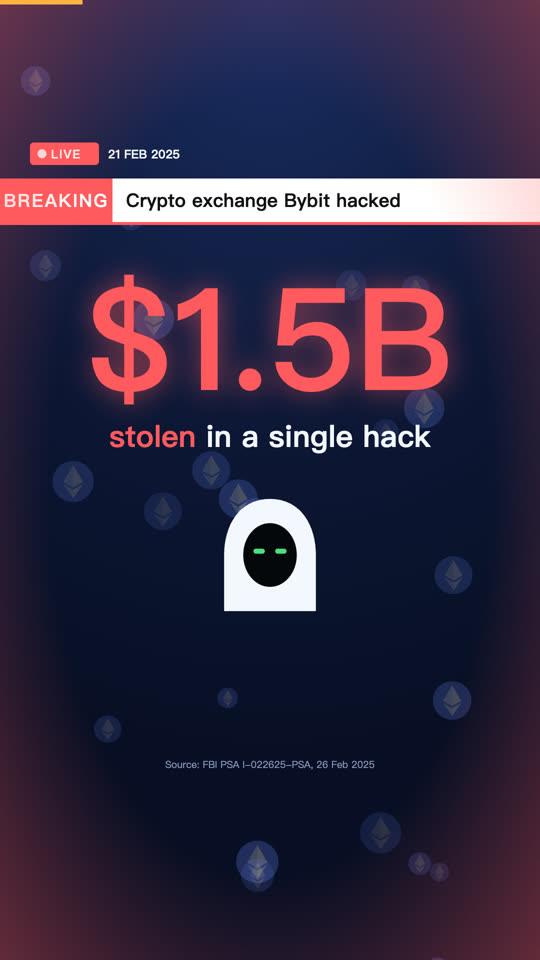 News story: breaking events told with tension: a running clock, the money trail, the timeline, who said what. |
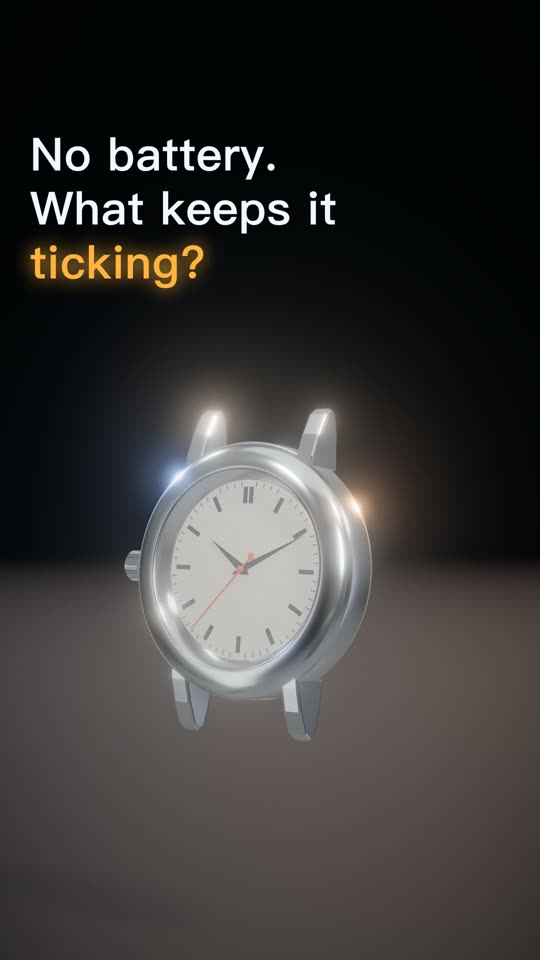 3D: three.js worlds with studio light, soft shadows and a camera through space. |
2D videos follow a set of rules: fixed ones that keep every frame clean and the video true (nothing covered, no broken frames, time to read every line, honest, sourced), and a house taste you can reword, switch off or add to in Settings → Rules, together with a toolbox of animation devices you can extend with your own. They live in engine/shotloop/rules.mjs and reach every 2D prompt. Run checks reviews a shot against them, and every failed check links to its rule.
Product tour
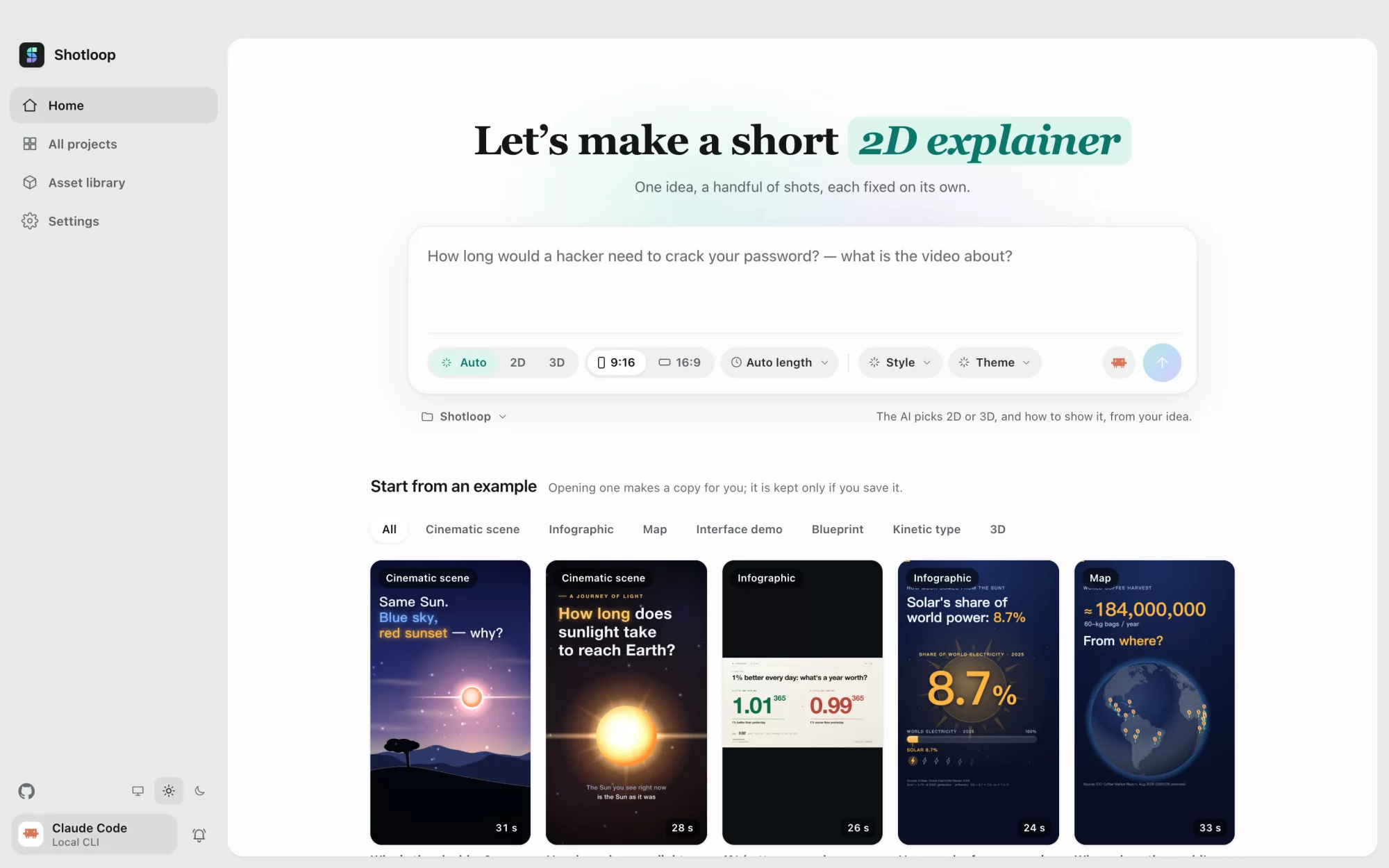
 Home: one sentence. 2D or 3D, the length, the style and the theme can stay on Auto. Or start from an example in the gallery. |
 Copy & storyboard: the hook, the script and sourced facts, and the shots with what each one shows, all editable before anything renders. |
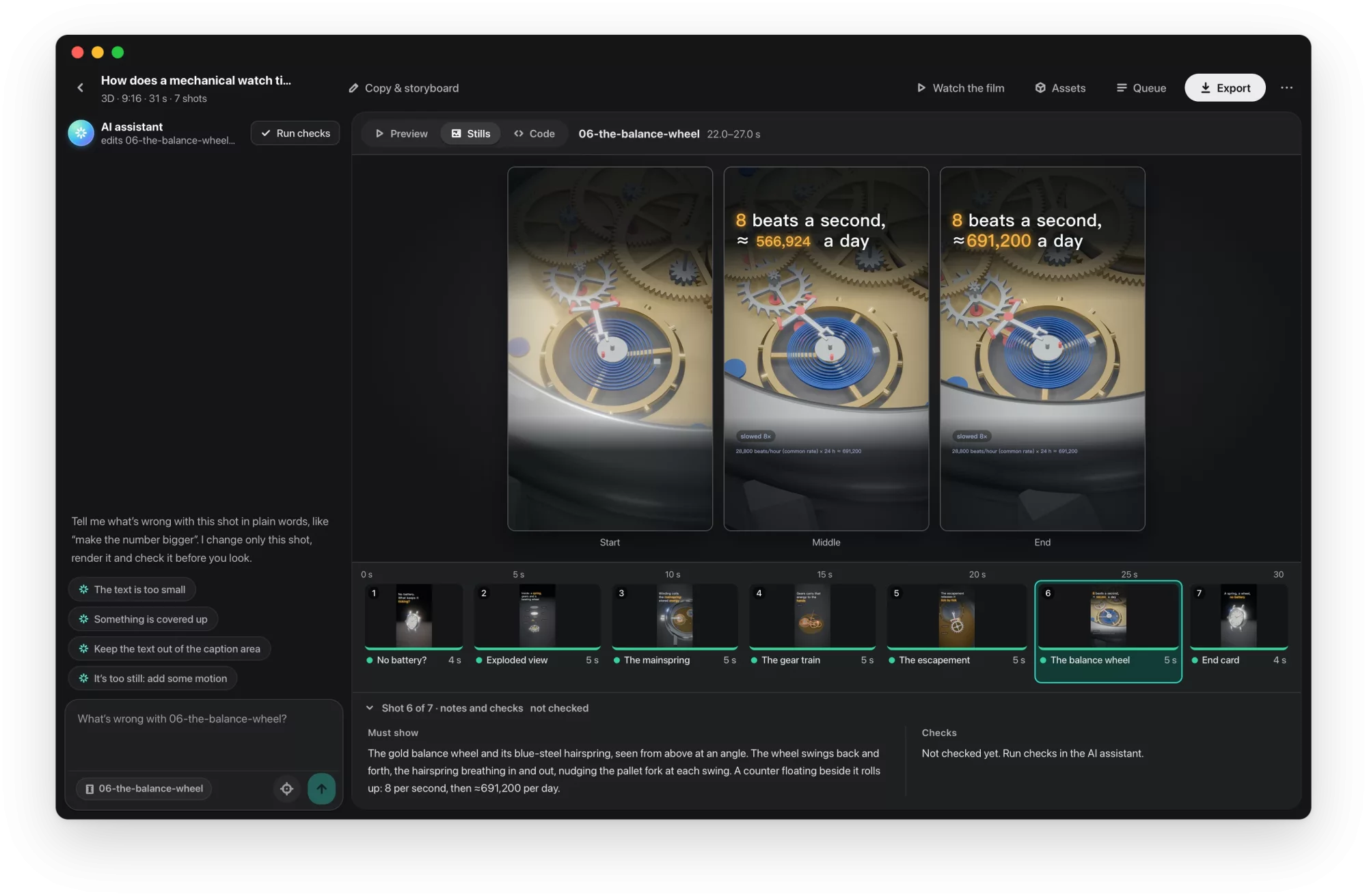
 Studio: the shot on a dark stage, the filmstrip with the sound tracks under it, and each shot's notes and checks. |
 AI shot assistant: say what's wrong, pick one of the ways the AI offers (or say your own), and it fixes that shot. Drag the divider to compare before and after. |
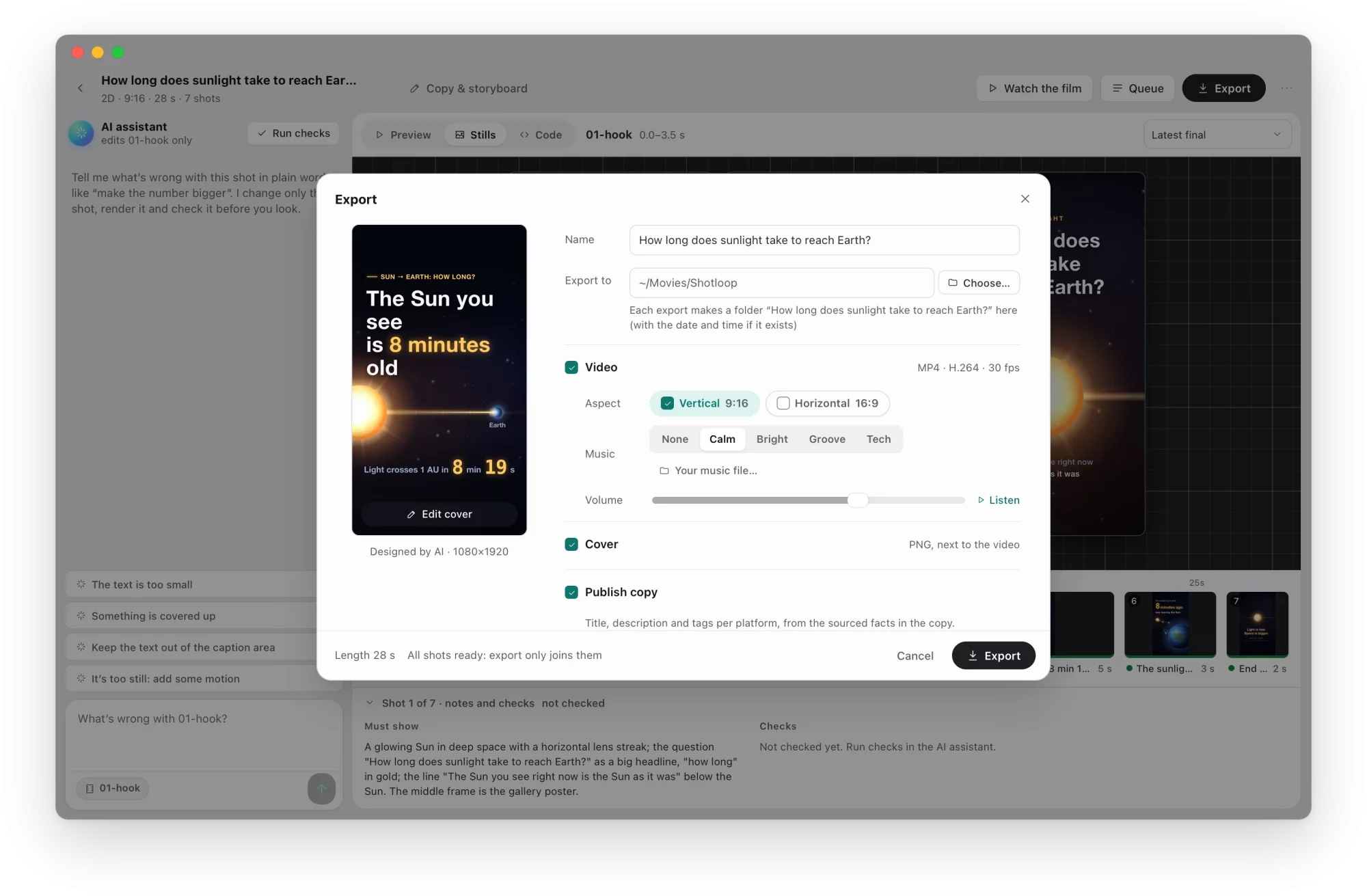
 Export: tick the video (vertical, horizontal), the cover and the publish copy; edit the cover and the copy first. Every export goes into its own folder. |
 Models & providers: a CLI agent you're signed in to, a model API with your key, or a local model. |
How it works
flowchart LR
  A[Idea] --> B[Copy & storyboard]
  B --> C[Build every shot]
  C --> D{Review a shot}
  D -- "say what's wrong" --> E[AI fixes that shot] --> F[Render + check] --> D
  D -- looks right --> G[Export: join, voice-over, music, publish copy]
- Shots, not one long render. A film is a list of shots. Each shot is a small program,
shot.js, that draws its page at a time t: a 2D page, or a three.js world for 3D. Each one is cached by a hash of its inputs, so a fix re-renders one shot in seconds, and Export only joins clips. - Plain-language fixes. The AI only touches the shot you're on, unless the fix needs the shared world. It first offers a few concrete ways to make your change; the one you pick (or your own) is the fix, done in well under a minute, and the shot's clip renders right after so it plays at once. Run checks reviews the shot against the checklist (readable, nothing covered, out of the caption zone and so on) without changing anything, and fixes what it found in one click.
- Eight visual styles. A cinematic scene, an infographic, a map, an interface demo, a blueprint, kinetic type, a news story or 3D, each with its own kit and reference stills the AI looks at before it chooses and builds (
engine/shotloop/styles.mjs). A theme sets only the ground and the type; pictures and data keep the colors their subject needs. - Rules a plan is measured against. Captions are checked for length and for the time they stay up before anything is built. A picture that recurs across shots is drawn once and shared, so it looks the same in each.
- Facts with sources. The copy keeps each fact next to its source, and the publish copy may only use facts from the copy.
- Covers. The AI designs a cover in the film's look and checks its own renders. Save one as a template to keep a series consistent, or upload a cover you like and the AI follows its design.
- A voice-over, spoken on your Mac, when you want one. Off by default: the picture sets the timing, with captions on screen. Turn it on and each shot has a line that leads the cut: a shot lasts as long as its line, and the picture lands on the words. Or add a narration once the shots are done: the lines are written to fit the shots, which keep their lengths, and a line a little too long runs on over the cut. Kokoro speaks English, CosyVoice 2 Chinese and Supertonic the other languages, all offline. Subtitles of the spoken words are added automatically, and a check lists anything they would cover (text and the marked subject), so a covered film is never exported.
- Sound once the picture is right. The sound sits under the filmstrip as coloured tracks, each with its waveform: voice, music, ambience and effects. Play from anywhere and the picture follows. Each track's volume is in its header and is heard at once while you drag; its settings open beside it, and any effect switches off with a click. AI sound asks which parts to make (effects on the picture's beats, read from each shot's code, an ambience, and narration when there is no voice-over) and goes through the whole film at once.
- Music that fits the cut. The synthesized bed is tuned so the cuts land on its beats, runs to the last frame and fades out. Under a voice-over it sits lower and dips while a line is spoken.
- 3D that renders like an offline renderer, in minutes. Each 3D frame averages several sub-frames (antialiasing, soft shadows, ambient occlusion, depth of field, motion blur) in about half a second, so a 30-second film renders in a few minutes, with nothing to install.
- Asset library: models and sounds. Search CC0 models on Poly Pizza and Smithsonian Open Access with your own key, and sound effects, ambiences and music on Openverse (Freesound, Wikimedia, Jamendo) with no key; listen before you download. Each one is downloaded once and can be added to any project: a model to a 3D world, a sound to a beat or as the ambience under the film. Downloads wait in the Queue for your approval.
The AI that drives it
| Mode | What you need |
|---|---|
| Local CLI agent | Claude Code, signed in on this Mac (Codex CLI and Gemini CLI are experimental). It runs headless with its own tools switched off and works only through Shotloop's tools. |
| Model API | Your own key. Presets for Anthropic, OpenAI, Google Gemini, OpenRouter, xAI, Mistral, Together, DeepSeek, Qwen, Kimi, GLM, MiniMax, Doubao and SiliconFlow, or any Anthropic- or OpenAI-compatible endpoint. Keys stay on your Mac. |
| Local model | Ollama, LM Studio, vLLM, llama.cpp or any OpenAI-compatible server. |
The model needs tool calling, and checks need one that can see images. The agent works through a narrow set of tools: it can read and write the shot's files, render stills and report checks. It can't run shell commands.
Install
- Download
Shotloop_<version>_aarch64.dmgfrom the latest release, open it and drag Shotloop into Applications. - Have Google Chrome installed (2D shots render in it).
- Pick the AI in Settings → Models & providers. Claude Code is picked for you if it's already on your Mac.
First launch: Shotloop isn't notarized by Apple yet, so macOS says it can't verify the developer. Open it once from System Settings → Privacy & Security → Open Anyway, or run
xattr -dr com.apple.quarantine /Applications/Shotloop.appin Terminal. After that it opens normally, and updates install without asking again.
Node.js, ffmpeg and the voice-over's speech engines are inside the app. The voice models are not: each downloads the first time a film speaks its languages (Kokoro for English 132 MB; CosyVoice 2 for Chinese about 5 GB, with the Python it runs on; Supertonic for the other languages 400 MB), with a progress bar, or ahead of time in Settings → Dependencies. Settings → About lists every third-party component with its license. Shotloop checks GitHub for updates and installs them in place. It runs on Macs with Apple silicon (M1 and later).
Build from source
nvm use                      # Node 22.18+ (the agent runs TypeScript directly)
corepack enable              # once: provides the pinned pnpm
pnpm install
pnpm app                     # tauri dev; needs the Rust toolchain
pnpm app:build               # Shotloop.app and a dmg, with Node and ffmpeg inside
pnpm app uses the Node and ffmpeg on your Mac and runs everything from the checkout. Releases are signed for the updater and published with app/scripts/release.mjs.
The engine from a terminal
pnpm shotloop status   fixtures/ep01-password-crack-time
pnpm shotloop render   fixtures/ep01-password-crack-time --shot 02-stack-16-gpu --stills   # start/middle/end
pnpm shotloop render   fixtures/ep01-password-crack-time --shot 02-stack-16-gpu            # a clip
pnpm shotloop export   fixtures/ep01-password-crack-time                                   # only changed shots render
pnpm shotloop new      my-short --idea "Why does your phone battery age?" --track auto --duration auto
pnpm shotloop new      coffee --idea "Where does coffee come from?" --track 2d --style map --duration 30
pnpm shotloop export   fixtures/ep01-password-crack-time --to ~/Movies/Shotloop --name "Hello"   # into a new folder there
pnpm shotloop covers   list                                         # cover templates
pnpm shotloop voice    my-short --on --voice af_heart --fit        # t