

SideSchedule
A day-calendar sidebar for macOS that keeps its own strip of screen, the way the Dock does.
Website ·
Download ·
Release notes
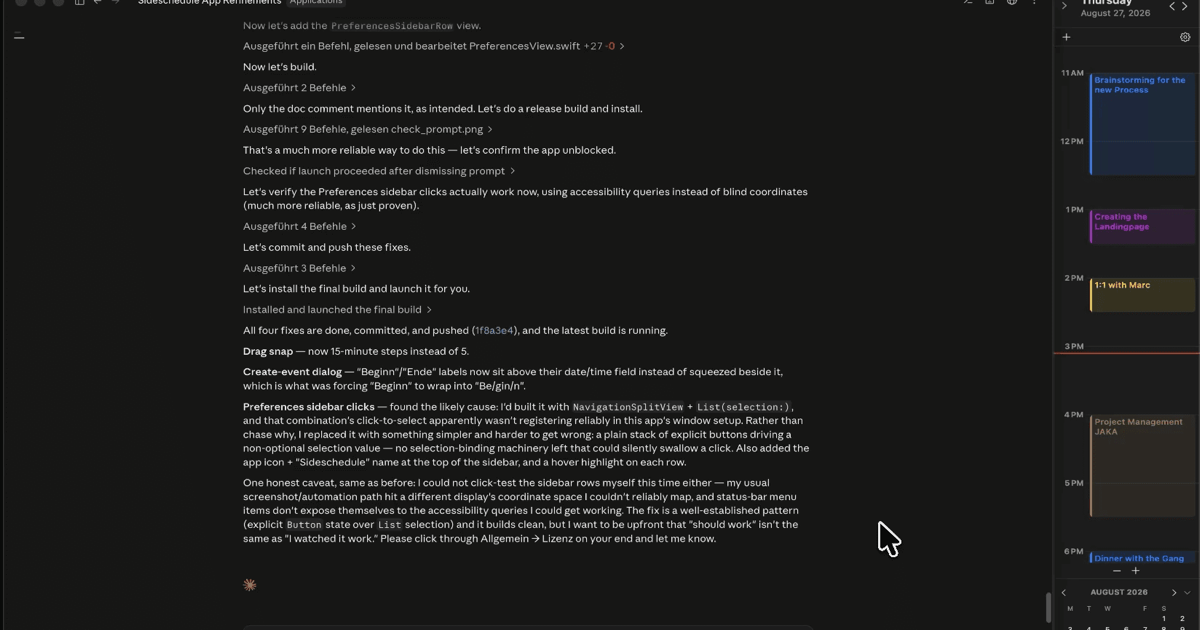
Most calendar apps show you your day and then disappear behind whatever window you open next. SideSchedule stays. It reserves a strip at the left or right edge of your screen, and any window that slides under it gets pushed back out, so your next meeting is always in view.
What you get
- Your real calendar. Reads and edits Apple Calendar, which means iCloud, Google, Exchange and CalDAV all work. Drag to reschedule, drop a file or text to block time.
- Meeting notes as Markdown files. Type during the call; each note saves as a
.mdfile with YAML frontmatter in a folder you pick. Obsidian and Logseq read them as-is. - One-click join for Zoom, Google Meet, Microsoft Teams, Webex and FaceTime, straight into the native app.
- Next free 30 minutes in the header, so you don't scan the day for a gap.
- Auto-hide to a thin strip that still shows the join button and a countdown.
- Local-first. No account, no analytics, no telemetry.
Works on macOS 13 Ventura or later, Apple silicon and Intel, in English, German, French, Spanish, Italian and Portuguese.
Install
Download SideSchedule.dmg, drag the app to Applications, and allow Calendar and Accessibility access on first launch. It's signed with a Developer ID and notarized by Apple.
Or with Homebrew:
brew install --cask 4ingoj/tap/sideschedule
Price
Free for 14 days with everything unlocked. After that, €12.99 once for two Macs, with all future updates included. No subscription.
Questions: hello@didact.digital
About this repository
This repo holds the built app, the Sparkle update feed and the Homebrew cask. The website lives in 4IngoJ/4IngoJ.github.io (an archived copy stays in docs/ until 2026-10-21). The source code is private. SUFeedURL in the app points at:
https://github.com/4IngoJ/sideschedule/releases/latest/download/appcast.xml
which resolves to the appcast.xml asset on whichever release is tagged latest.