
TikLiveTTS
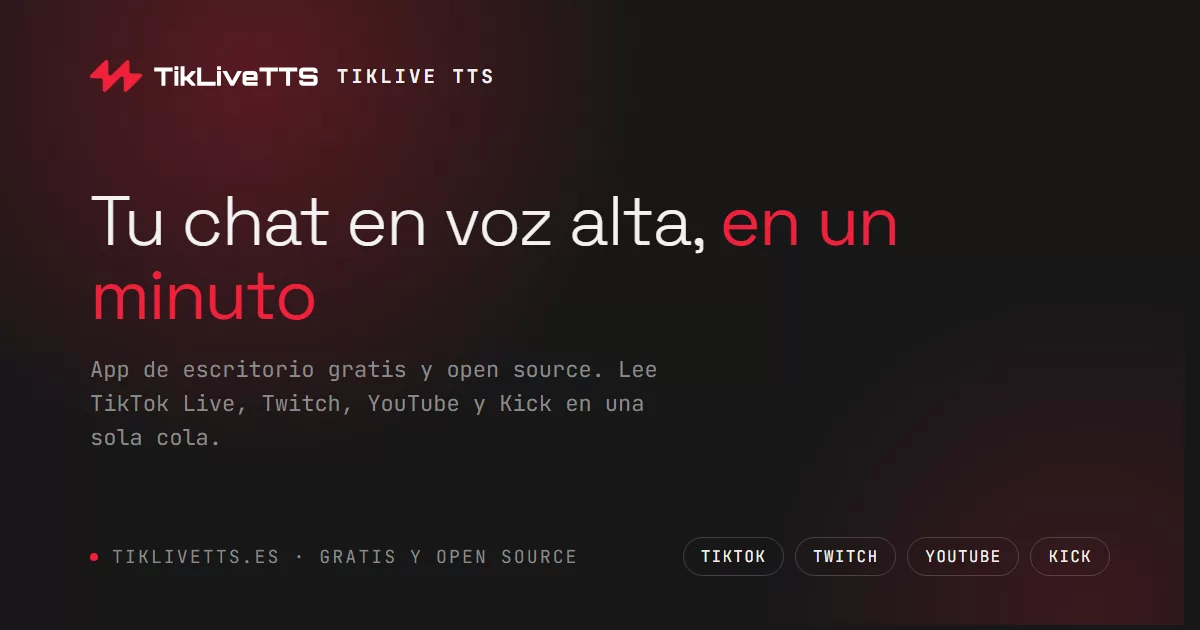
TikLiveTTS is a Windows desktop app that reads live chat aloud while you stream. Connect TikTok Live, Twitch, YouTube, or Kick, manage everything from one native app, and add browser-source overlays to OBS.
Highlights
- Real-time Google TTS with a single, timestamp-ordered speech queue and 13 languages or regional variants.
- Multi-platform chat for TikTok Live, Twitch, YouTube, and Kick, with a platform badge on every message.
- Local moderation: spam and language filters, blocked words, viewer records, mute, and ban controls.
- OBS-ready overlays for alerts, likes, followers, unified chat, social events, and credits.
- Music requests, Soundpad effects, global shortcuts, and OBS clip markers.
- A mobile control panel, built-in PortalView browser, automatic updates, and optional MCP tools for advanced agent control.
Download
Get the latest Windows installer from GitHub Releases. Node.js is not required to use the app.
The installer is currently unsigned, so Windows may show a first-run SmartScreen warning. Select More info and then Run anyway if you trust the release.
Quick start
- Open TikLiveTTS and sign in, or use the Free plan.
- Add your TikTok, Twitch, YouTube, or Kick channel and select Connect.
- Choose a language, voice, and filters in Settings.
- In OBS, add the overlay URL shown by the app as a Browser Source. Keep TikLiveTTS running while streaming.
YouTube chat requires an active live stream.
Tech stack
| Layer | Technology |
|---|---|
| Desktop | Electron |
| App server | Express + WebSocket (ws) |
| Frontend | Vanilla ESM + Vite |
| Live chat | TikTok Live client, tmi.js, youtube-chat, Kick WebSocket |
| Text-to-speech | Google Translate TTS |
| Packaging | electron-builder + NSIS |
| Delivery | GitHub Actions + GitHub Releases |
Architecture
Electron starts a local Express/WebSocket server and loads the UI from it. The backend is organized by domain under features/; domains communicate through a shared event bus or narrow contracts. The Vite-built frontend powers the desktop UI, mobile panel, and OBS overlays.
Electron shell
  ├─ Express + WebSocket server
  │   ├─ core/          event bus, HTTP, logging, contracts
  │   └─ features/      channels, chat, moderation, overlays, sound, and more
  └─ Vite frontend      desktop UI, mobile panel, OBS overlays
Project layout
core/             Application kernel and shared contracts
electron-shell/   Window, tray, updates, IPC, and desktop integrations
features/         Backend domains
interfaz/         Vite frontend source and static assets
gifts/            TikTok gift images
sounds/           Bundled sound assets
test/             Node test suite
Development
Prerequisites
- Node.js 22+
- npm
- Windows is required to create the NSIS installer
git clone https://github.com/iKhunsa/tiktok-tts.git
cd tiktok-tts
npm ci
Run the full desktop app:
npm run electron
For frontend and server development with a Vite build watcher:
npm run dev:all
Other useful commands:
npm run lint
npm test
npm run build:front
npm run serve
Build and release
Build a local Windows installer:
npm run build:electron
Maintainers release a new version by updating package.json and CHANGELOG.md, then pushing a version tag:
git tag vX.Y.Z
git push origin main --tags
GitHub Actions runs linting and tests, builds the installer, and creates a draft GitHub Release. Publish it when ready:
gh release edit vX.Y.Z --draft=false
Contributing
Contributions are welcome. Read CONTRIBUTING.md, create a focused branch, run npm run lint and npm test, then open a pull request against main.
License
Released under the MIT License.