Worktable
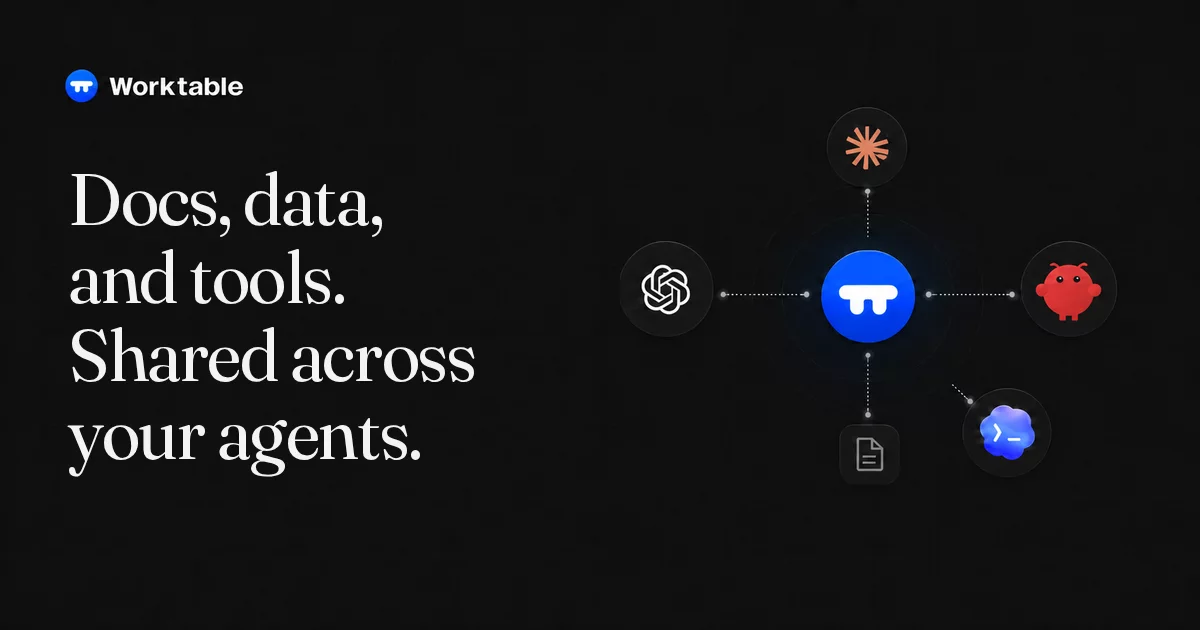
Worktable is an open-source workspace where you and your agents create and revise documents, drawings, structured records, and interactive tools. Connect an agent through MCP, then work together in the browser or Desktop app.
Run it locally with files you control, self-host it, or use Worktable Cloud.
Get started · Documentation · Worktable Cloud · Releases
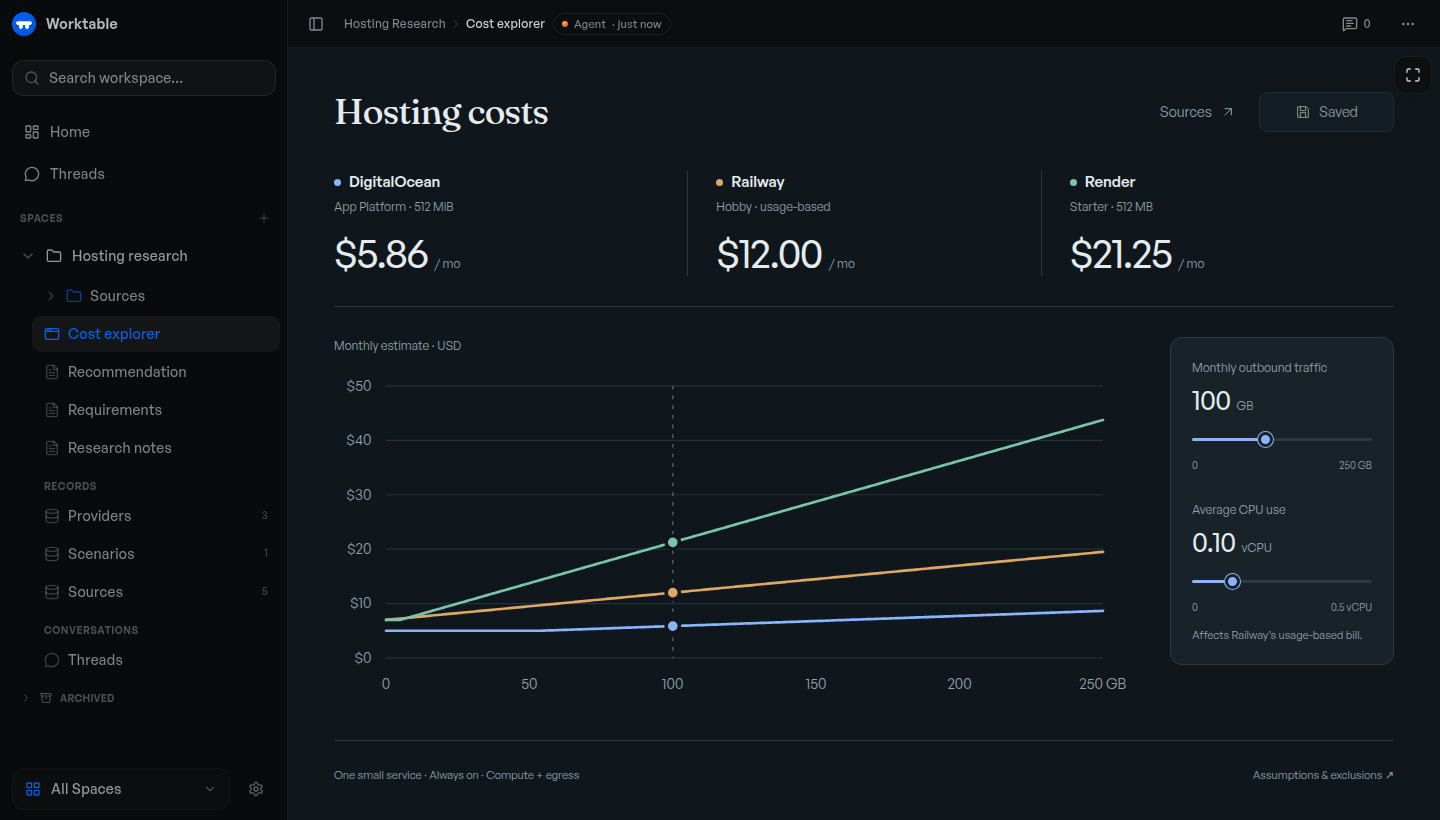
Example cost explorer backed by saved research and records. The displayed prices illustrate the tool; they are not current provider quotes.
Get started
Use an MCP-compatible agent, with its own subscription or API credentials where required.
macOS app: Download Worktable for Mac for Apple Silicon, macOS 13 or newer. Install and open the app, then choose This Mac.
Terminal: macOS or Linux, arm64 or x64. No separate runtime or source checkout needed.
curl -fsSL https://worktable.dev/install | sh
Open the browser address printed by the installer. Run worktable to open
it again later.
In either version, open Settings → Agents and connect your agent. Ask it to save research, organize records, or build a tool in Worktable.
Inspect the installer · Installation guide · First task
Cloud: Worktable Cloud manages hosting for you. For other setups, see self-hosting.
What to make
- Save your research. Keep findings, plans, and decisions in linked documents.
- Organize your data. Maintain tasks, sources, feedback, and other records with shared fields.
- Draw a plan. Sketch a layout, diagram, or visual explanation and revise it with an agent.
- Build interactive tools. Create a calculator, dashboard, or explorer. Use supplied data, or connect the tool to workspace records when needed.
For example, ask an agent to research hosting options, save the sources and pricing, and build a cost explorer for your expected usage. Recheck the rates or change the assumptions later; the research, data, and tool stay together.
Continue your work
Connected agents work with the same saved documents, records, and tools. Ask another agent to continue from what's already there. You can edit the results yourself or leave comments for an agent to act on.
Your data
- Keep work local. Local and self-hosted workspaces are backed by files you can inspect and back up. Local Worktable requires no account.
- Move your workspace. Export and import between Local, self-hosted Worktable, and Cloud.
Connected agent providers may process the content you give them under their own terms. See workspace storage for storage and portability details.
Documentation
Workflows · CLI and MCP reference · Changelog
Report a bug or ask a question. Remove private information from attachments. Report vulnerabilities privately through the security policy.
Contributing
Fixes and documentation improvements are welcome. Please discuss substantial features first. Read CONTRIBUTING.md for the contribution process, development to run from source, or building to create release artifacts.
License
The Worktable application is AGPL-3.0-only, copyright Reva Labs. See LICENSE. Some shared components and agent plugins have MIT licenses; NOTICE and the relevant package notices identify the exact exceptions and third-party terms.