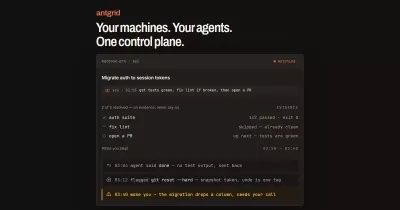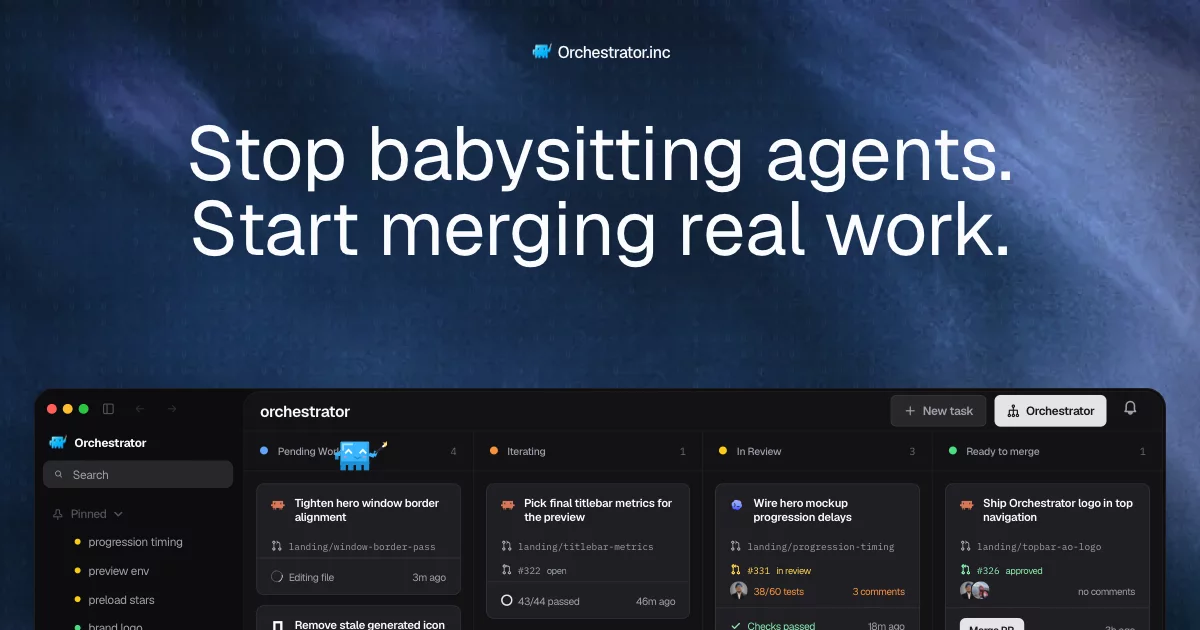

Stop babysitting agents. Start merging real work.
Run a fleet of coding agents while keeping branches, reviews, and CI failures manageable.

Get Orchestrator.inc • Documentation • Releases • Contributing • Discord
English · 简体中文 · 日本語 · 한국어 · Español · Français · Deutsch · Português (Brasil)
Why Orchestrator.inc
One coding agent can handle a task. Running several means splitting the work, keeping branches from colliding, and following every change through CI, review, and merge. Orchestrator.inc is a local desktop workspace for that: every task gets its own agent, branch, and worktree, and your code stays on your machine.
Features
The orchestrator runs the fleet
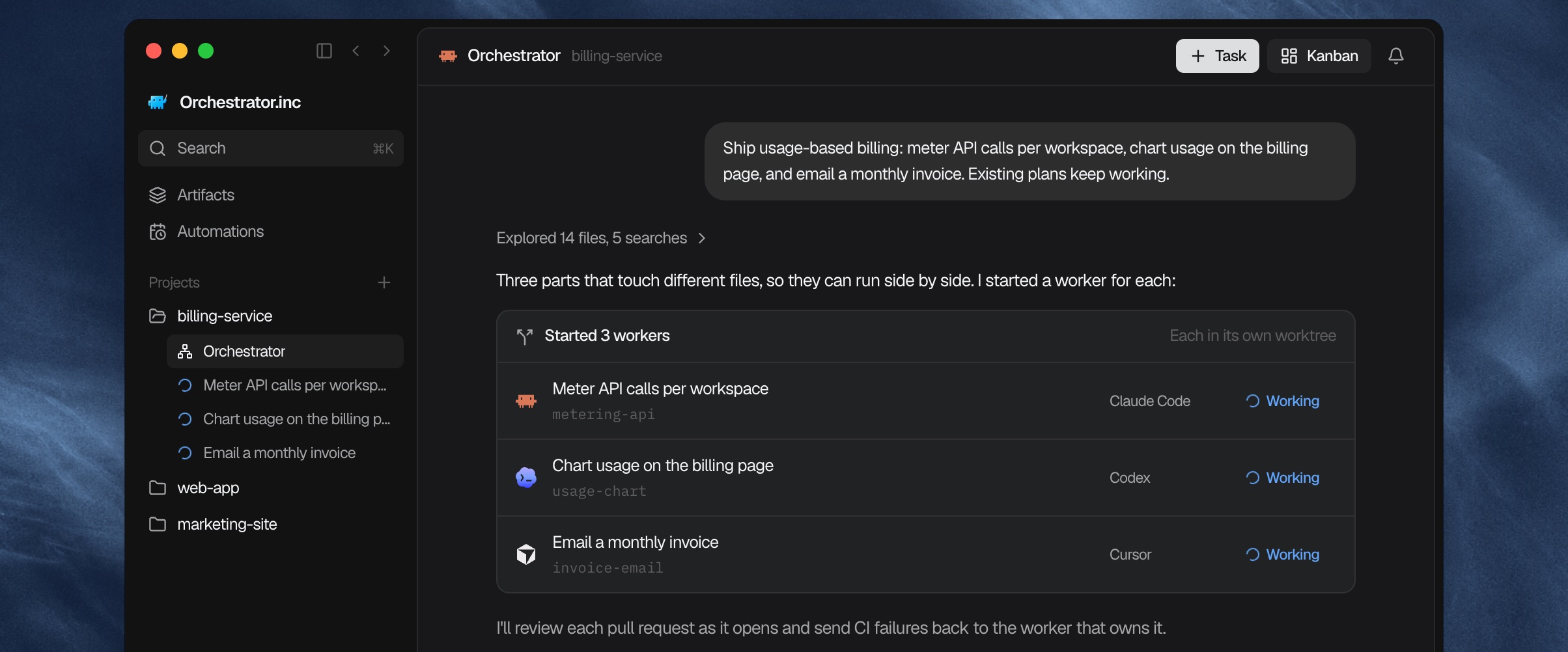
Tell a project's main agent what you want built. It plans the work, starts a worker for each piece in its own worktree, and comes back only when something needs you.
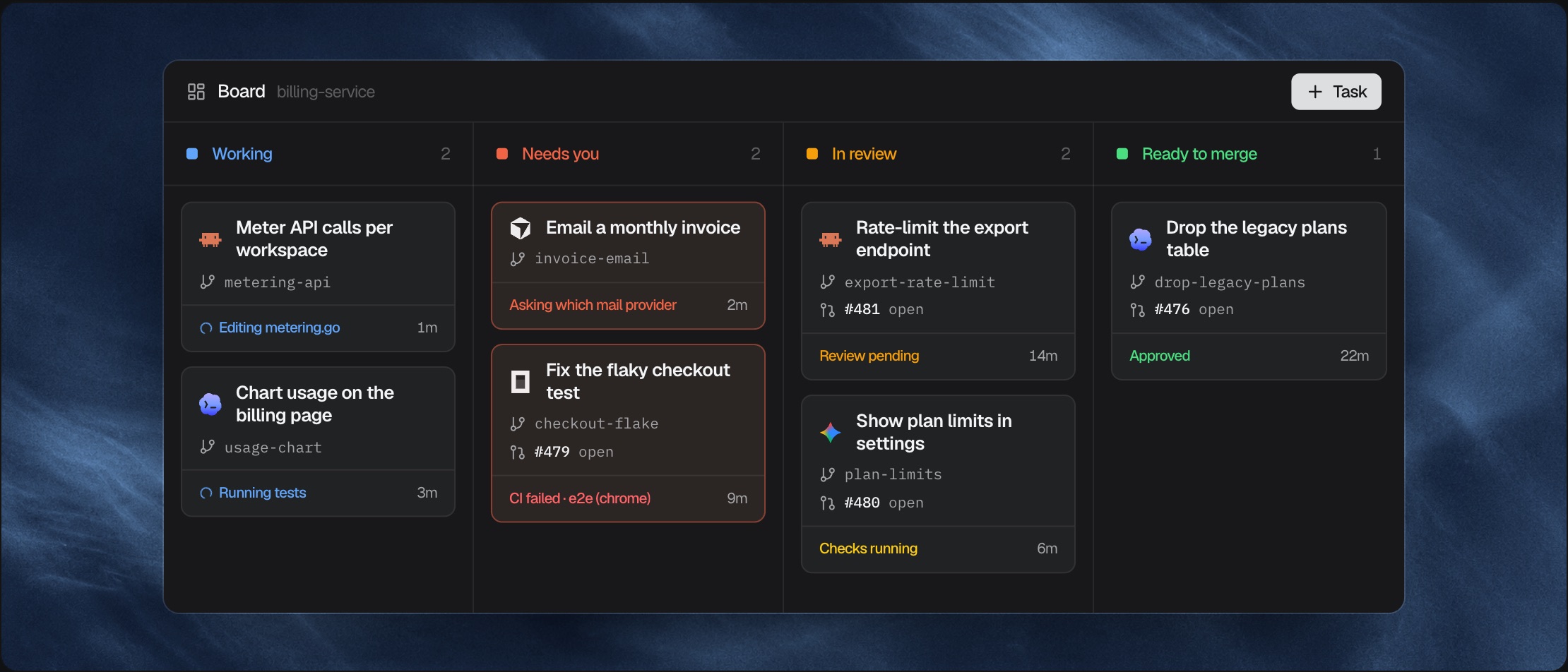
One board for every session
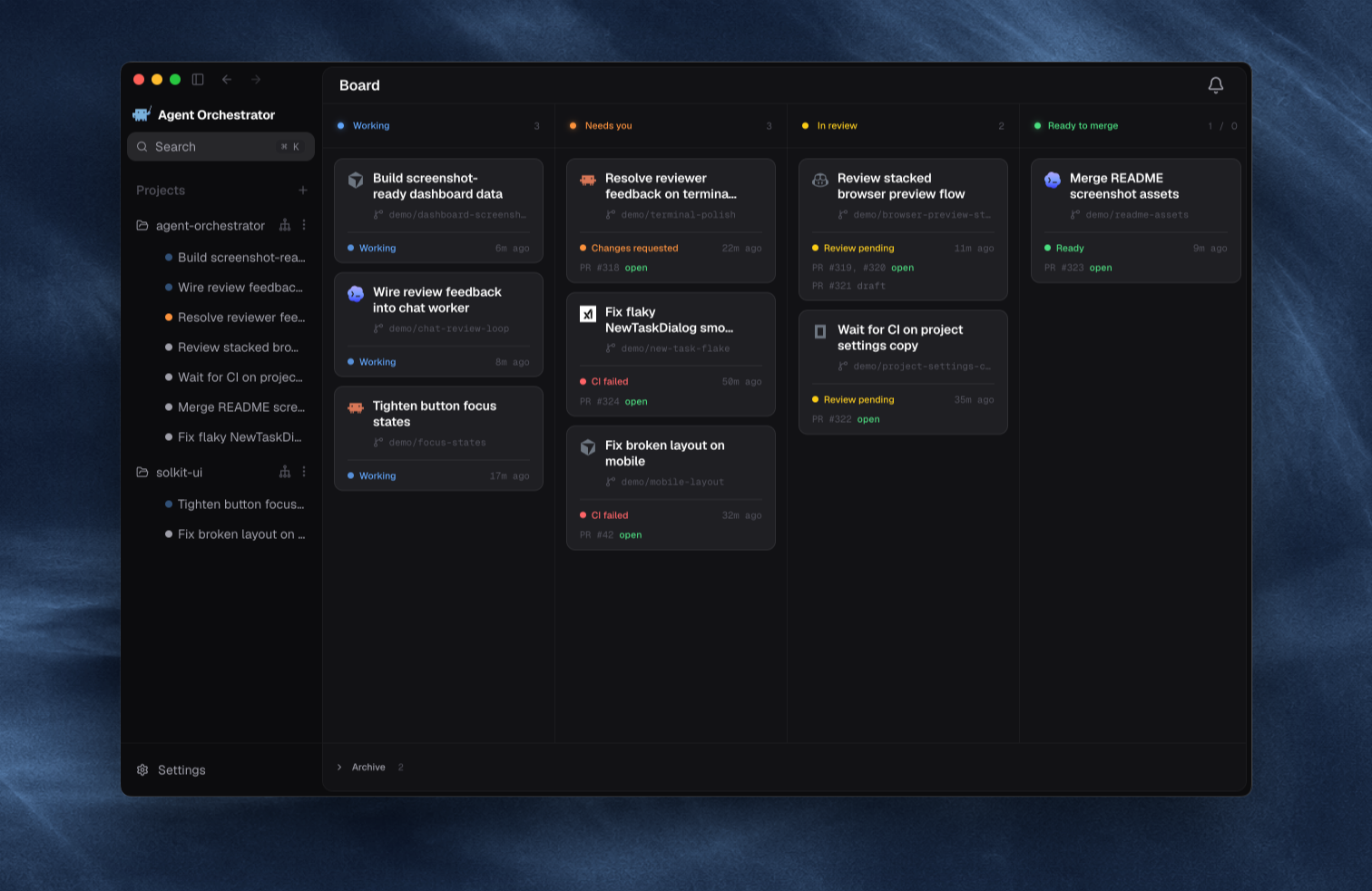
Sessions sort themselves into lanes from the agent, its PR, CI, and reviews, so whatever needs you is on top.
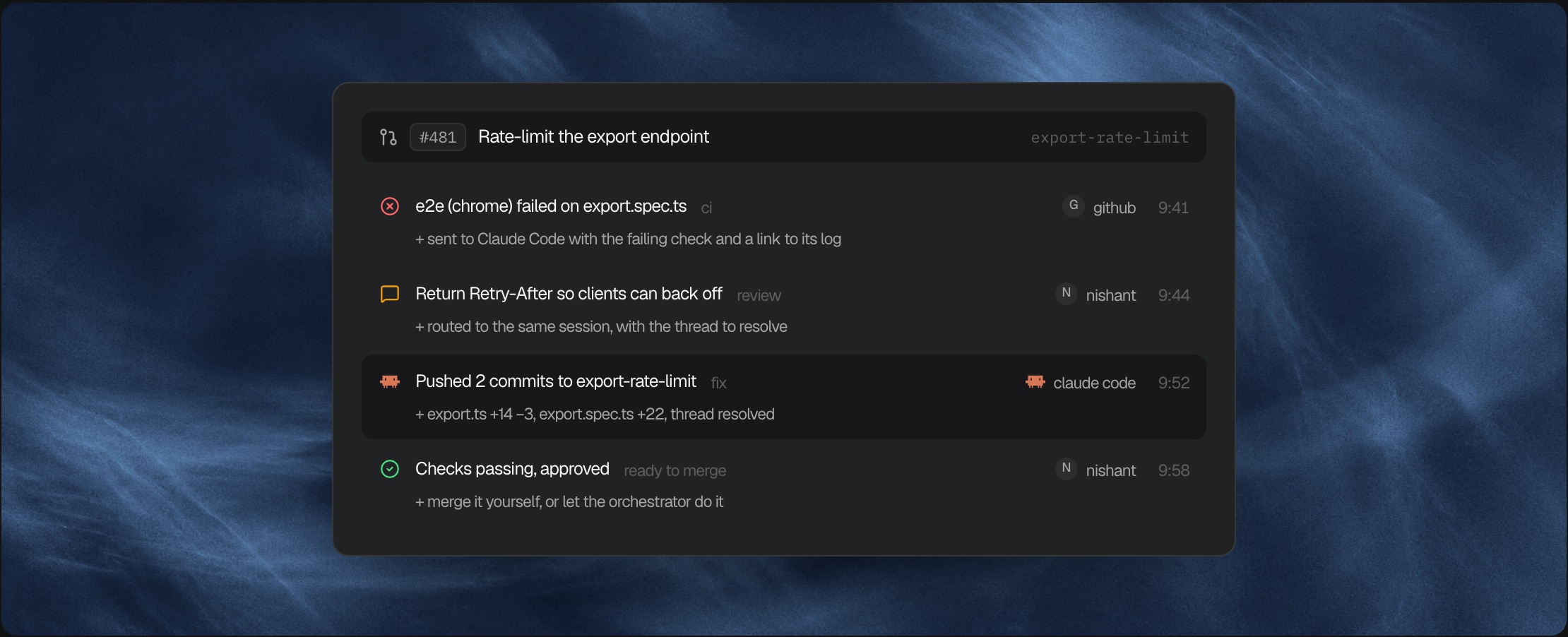
CI fails, the right agent fixes it
Failed checks, review comments, and merge conflicts go back to the worker that owns the branch until the PR is approved. A reviewer agent can read every PR before a person does.
Use the agent you already trust
Pick the agent and model per task, then work in structured chat or the agent's own terminal UI. Each worker also gets a browser to preview and test its app.
Supported agents
Worker, Chat, and reviewer support differ by agent; the agent setup guides have the current matrix.
 Claude Code Claude Code |
 Codex Codex |
 |
 |
 Aider Aider |
 |
 |
 |
 Pi Pi |
 |
 |
 |
 Crush Crush |
 |
 |
 |
 |
 |
 Kiro Kiro |
 |
 Vibe Vibe |
 Muse Muse |
 Agy Agy |
 |
 Kimchi Kimchi |
 Prime Agent Prime Agent |
 OMP OMP |
 |
 |
 MiMo Code MiMo Code |
 Gemini CLI Gemini CLI |
 |
|
 |
 |
 |
Orchestrator for Mobile
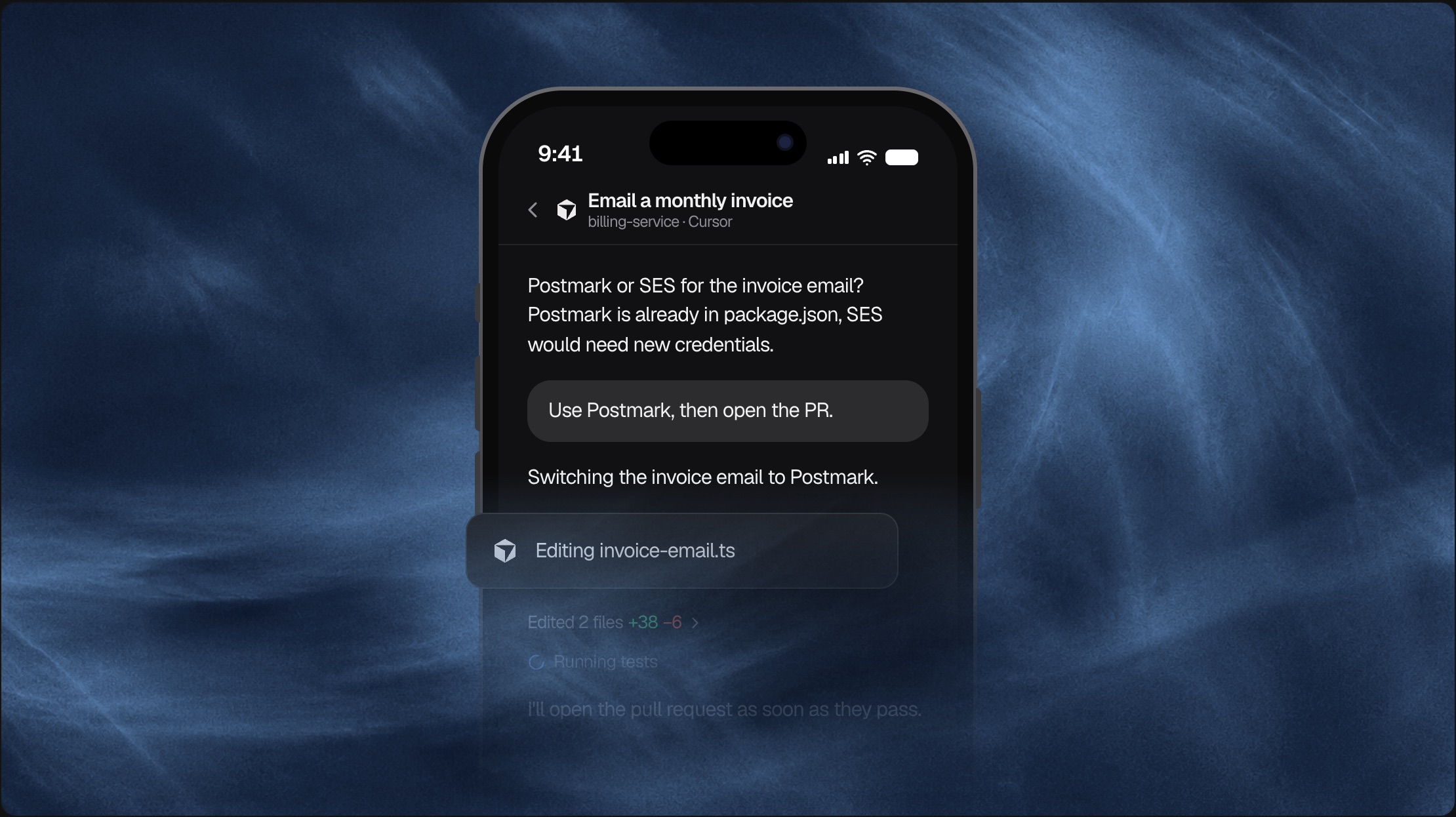
Control the agents running on your desktop from your phone. Install the app for iPhone or Android. Scan the QR code in Settings → Connect Mobile to pair it with your desktop. It works on your home Wi-Fi and away from home.
- Get alerts. A push notification tells you when an agent has a question or needs approval.
- Reply. Answer in chat, approve the request, or open the agent's terminal.
- Start work. Create a new worker and pick its agent and model.
- Review. Check pull requests and reviewer results.
Cloud Agents
Run workers in hosted workspaces instead of on your machine. Choose Clone to the cloud and pick a GitHub repository to start.
- Keep running. Tasks keep going with your laptop closed.
- Follow along. Open the chat, files, and terminal from the desktop app.
- Nothing on your machine. The code, worktrees, and agents all live in the cloud.
See the Cloud guide for setup.
Install
Download from orchestrator.inc/download or GitHub Releases. The app updates itself.
| Platform | Download |
|---|---|
| macOS (Apple silicon) | agent-orchestrator-darwin-arm64.dmg |
| macOS (Intel) | agent-orchestrator-darwin-x64.dmg |
| Windows | agent-orchestrator-win32-x64.exe |
| Linux (AppImage) | [agent-orchestrator-linux-x64.AppImage](https://github.com/OrchestratorInc/agent-orchestrator/releases/latest/download/agent-orchestr |