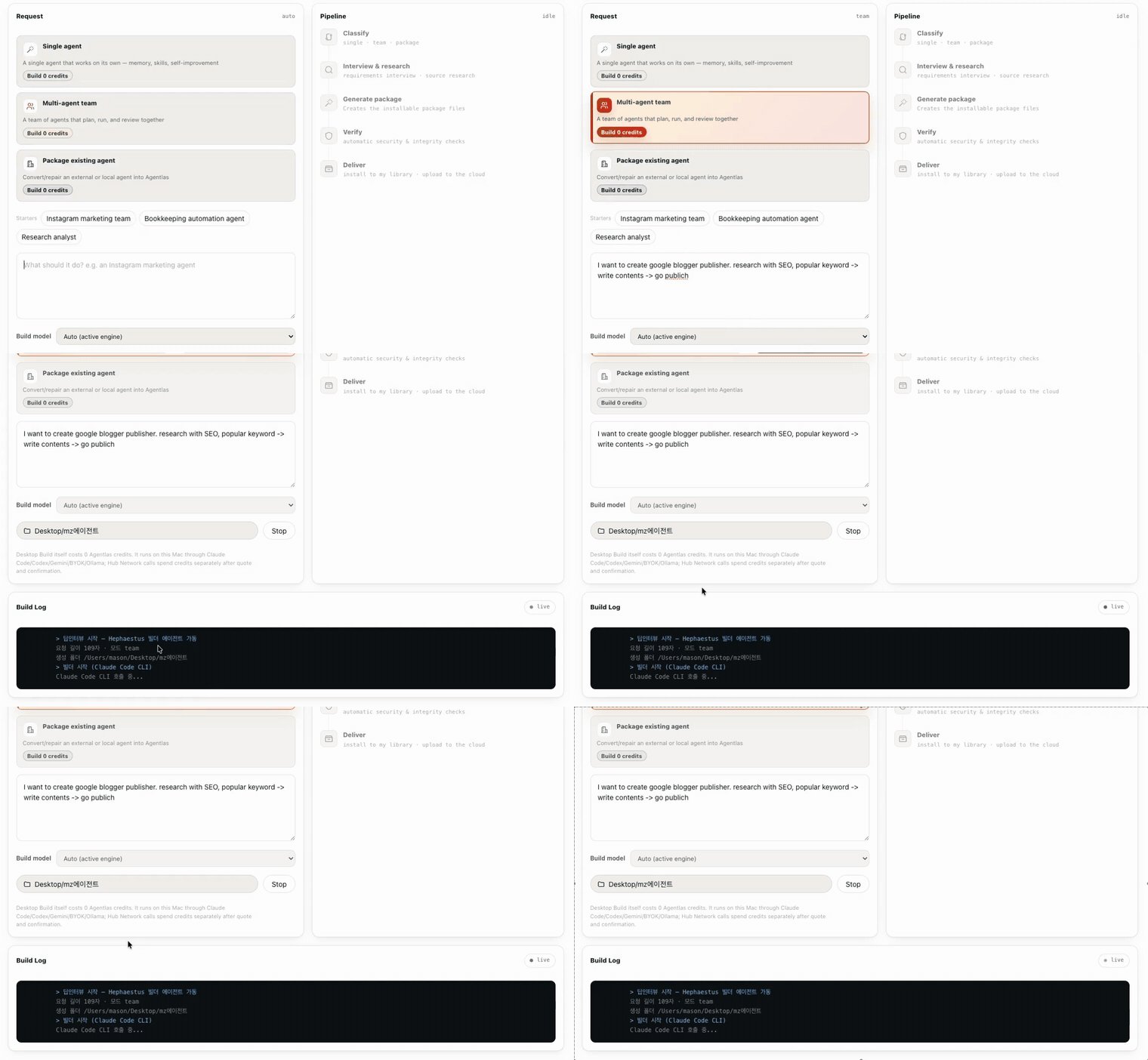
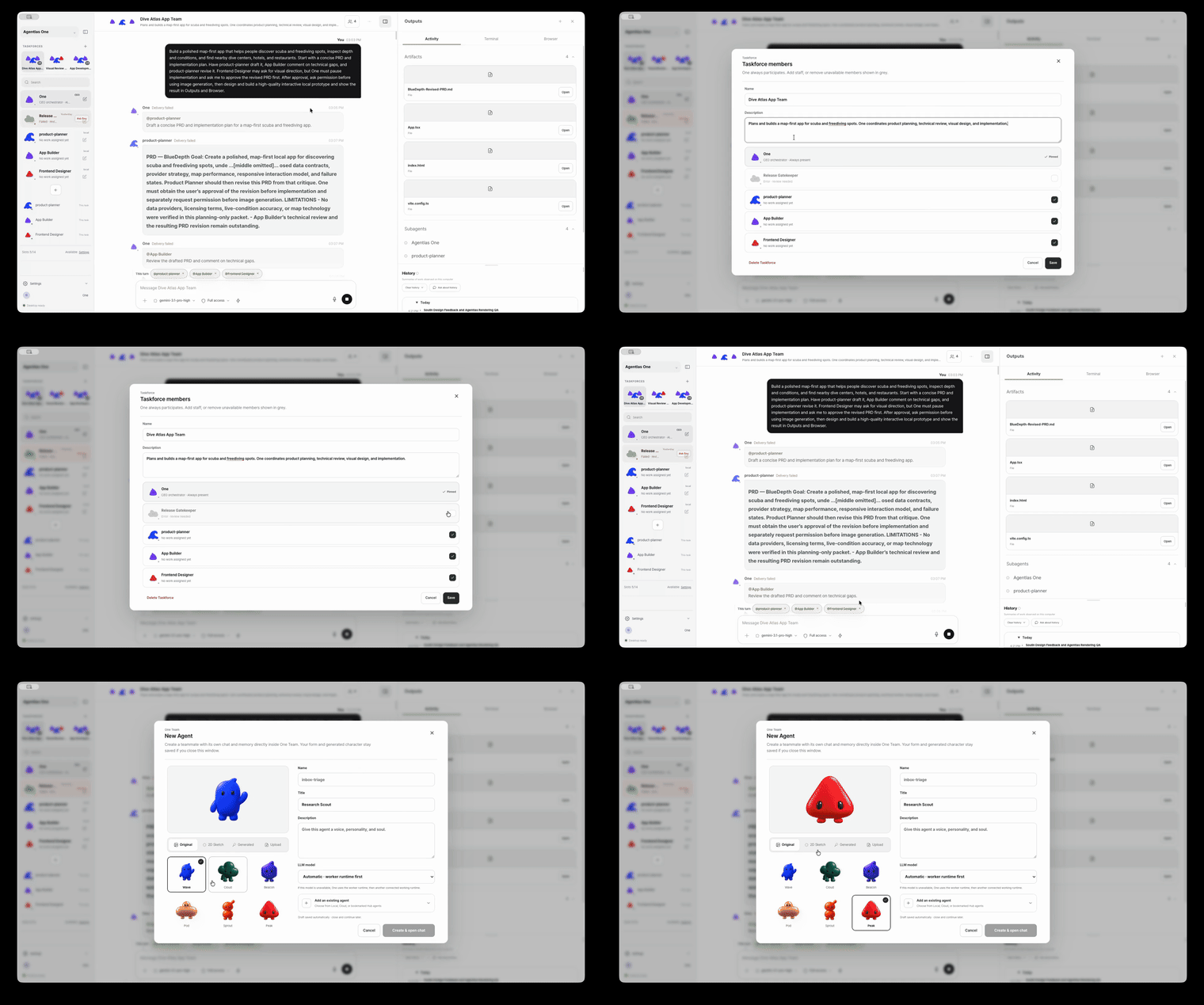
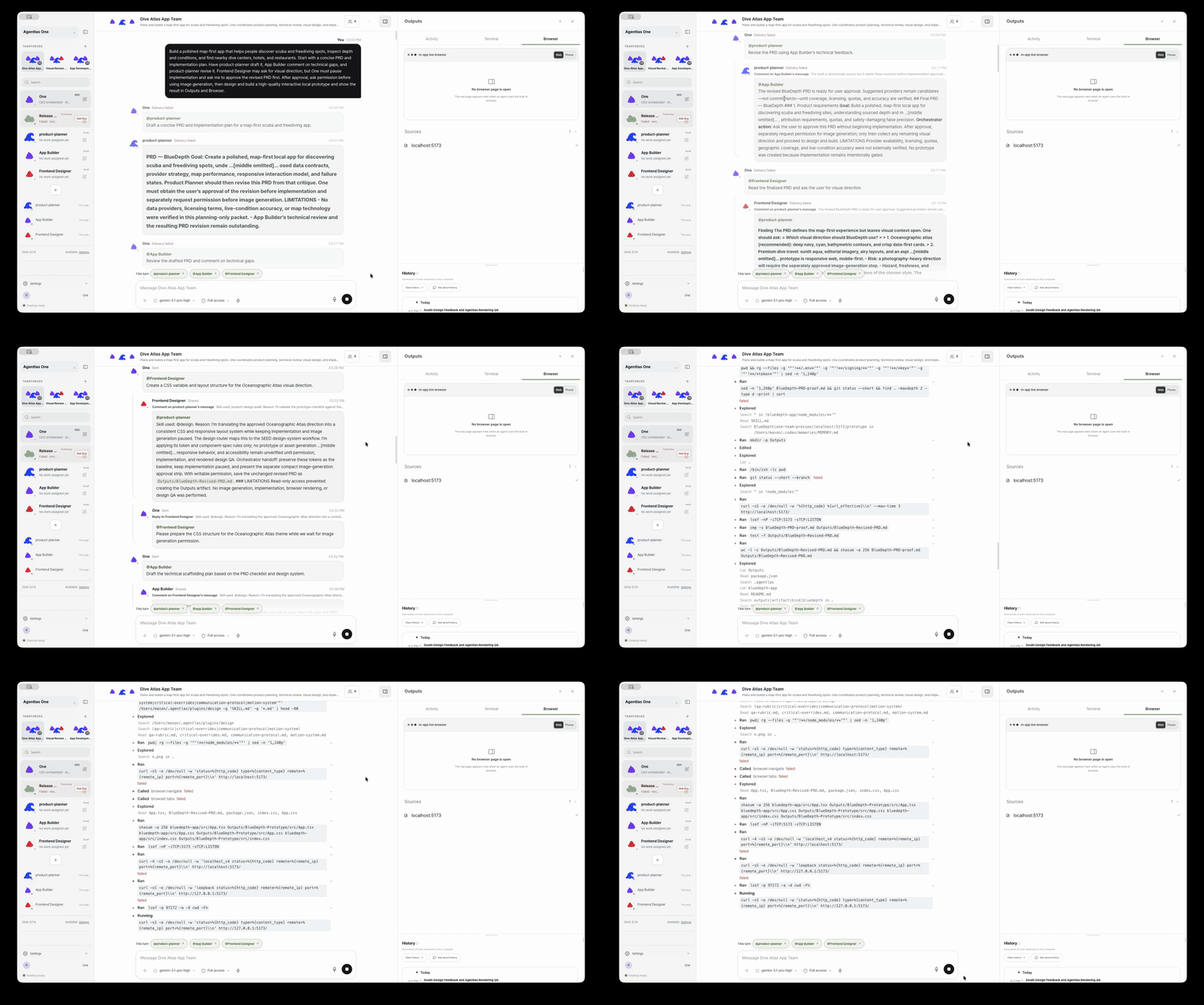

Standalone preview: Optional features are OFF. Host sessions are separate from runtime installation. Codex One/Memory hooks and Windows host-session integration remain unverified or unapplied; inspect actual status before claiming readiness.


Agentlas Desktop · agentlas.cloud/desktop
Agentlas OS
Beyond tasks. Agents built to lead projects.
Any model. Any runtime. For companies and individuals alike, Agentlas headhunts specialist teams and drives long-horizon projects through every checkpoint to completion.
Runs in Claude Code, Codex, Cursor, Antigravity, and Agentlas Desktop.






English · 한국어 · 中文 · 日本語 · हिन्दी
Agentlas Hub is a free agent community. Publishing and calling public agents requires no agent price, lease, or Agentlas credit purchase. The caller supplies their own model and API access; subscription plans cover Agentlas software and hosted features. Creator settlement for new Hub activity is closed. Existing account balances and historical claims remain subject to the applicable account terms.
In the Web Hub, each public agent has a space for browsing its release files when the author permits source access, discussing the agent, and reviewing its agent files and versions.
Install
Agentlas OS preview — the standalone installer prepares an isolated runtime namespace. Host registration and Desktop update compatibility are not complete.
curl -fsSL https://raw.githubusercontent.com/agentlas-ai/Agentlas-OS/main/scripts/install-all-runtimes.sh | bash
Optional engine features are off by default in standalone hosts. Inspect or change them with:
~/.agentlas/os-bin/agentlas-os features status
~/.agentlas/os-bin/agentlas-os storm on        # on, off, or status
~/.agentlas/os-bin/agentlas-os memory on       # on, off, or status
~/.agentlas/os-bin/agentlas-os context map on  # on, off, or status
~/.agentlas/os-bin/agentlas-os one on            # on, off, or status; requires Bash
Other feature names are project-bootstrap, project-index, network-index,
auto-update, and build-telemetry; use ~/.agentlas/os-bin/agentlas-os features on|off <name>
to change them. The memory shortcut controls memory-hooks. Disabling a feature does not delete existing project data. Host hook installation and Desktop update compatibility remain incomplete.
Project initialization, Context Map, and project indexing can be enabled
separately. An enabled project feature can create private .agentlas state and
update .gitignore to protect it.
Agentlas Desktop — the app, if you prefer a window to a terminal.
curl -fsSL https://agentlas.cloud/install.sh | bash # macOS · Linux
irm https://agentlas.cloud/install.ps1 | iex # Windows PowerShell
Downloads the latest signed release, checks its sha512, and installs without sudo or an admin prompt · download manually · Agentlas Desktop is open source — view the repo
Desktop and Agentlas OS together
This is the Desktop-managed engine installation path. It does not establish the standalone ~/.agentlas/os-runtime installation or its host-session readiness; use the standalone instructions separately.
curl -fsSL https://agentlas.cloud/install.sh | bash -s -- --with-engine
$env:AGENTLAS_WITH_ENGINE="1"; irm https://agentlas.cloud/install.ps1 | iex
Five products, from personal work to company teams
One, the personal agent. Mobile for your phone. Finance for investment research. Science for research. Business for organizations.
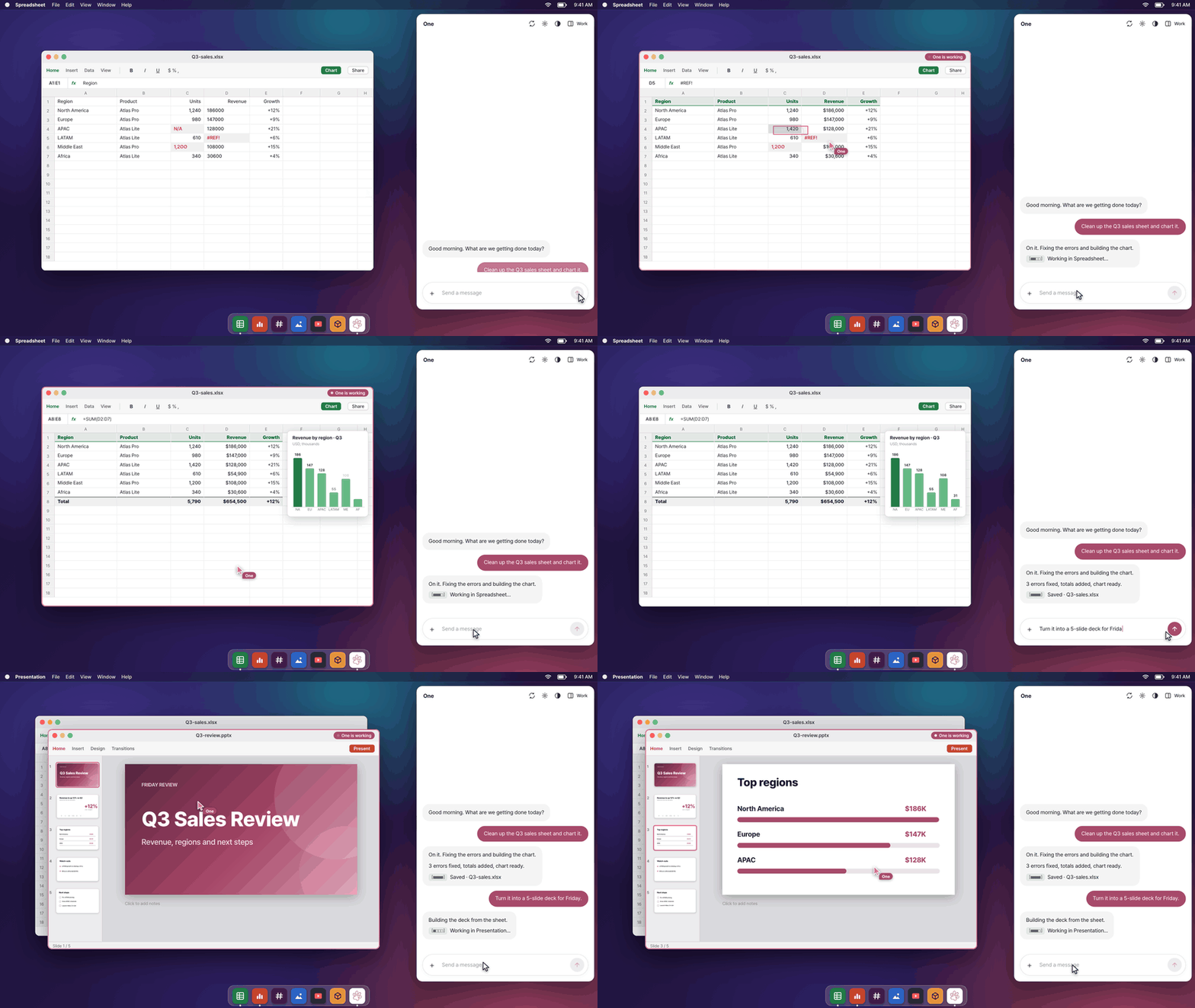
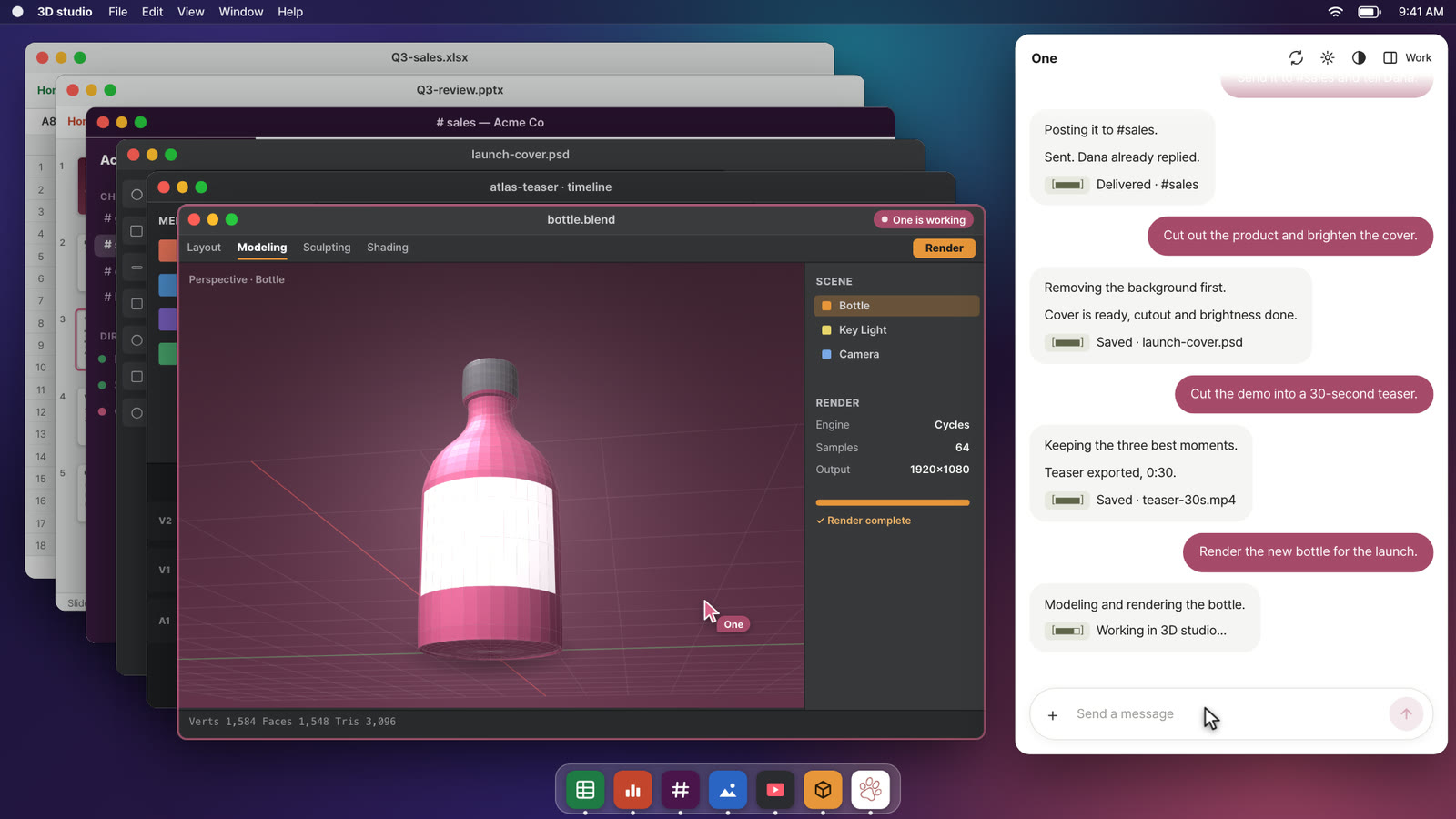 One A personal agent that runs on your computer. It opens a Work session, assigns agents, sends question cards, and attaches results as files. |
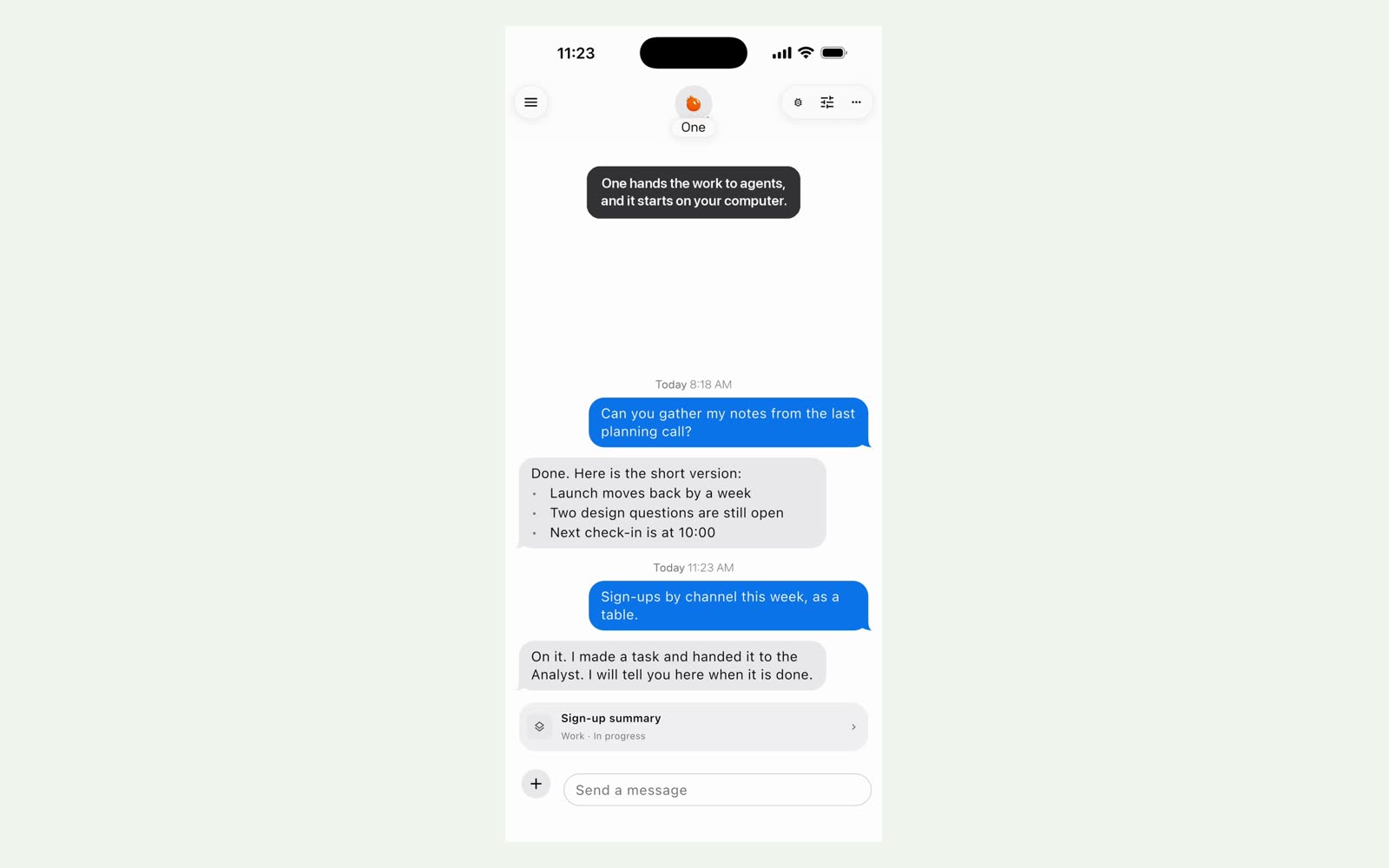 Mobile Agentlas Desktop runs the work on your paired computer. The phone reads the same conversation and answers question cards. |
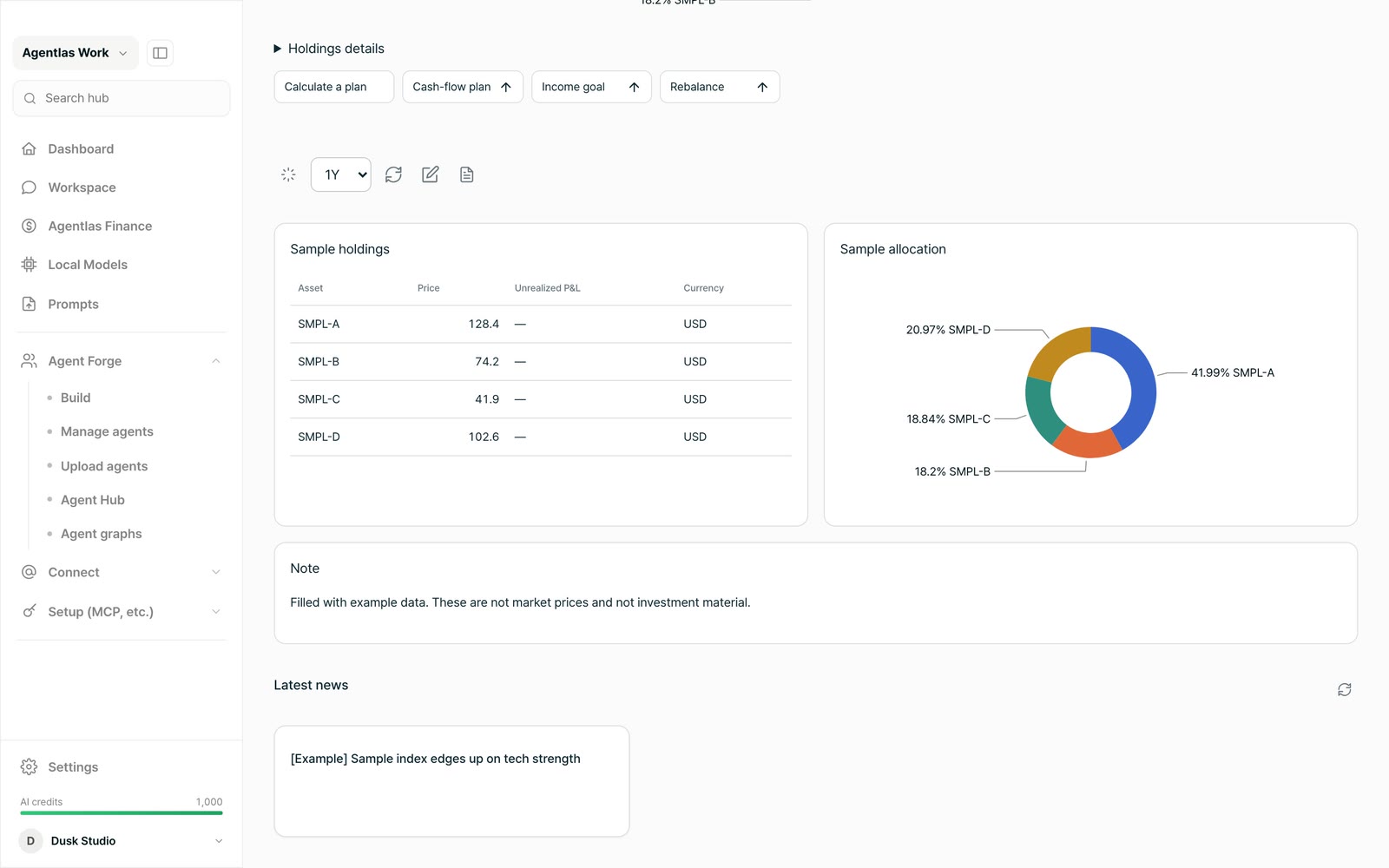 Finance Save research criteria as an Analyst. Reports keep the inputs behind each calculation. |
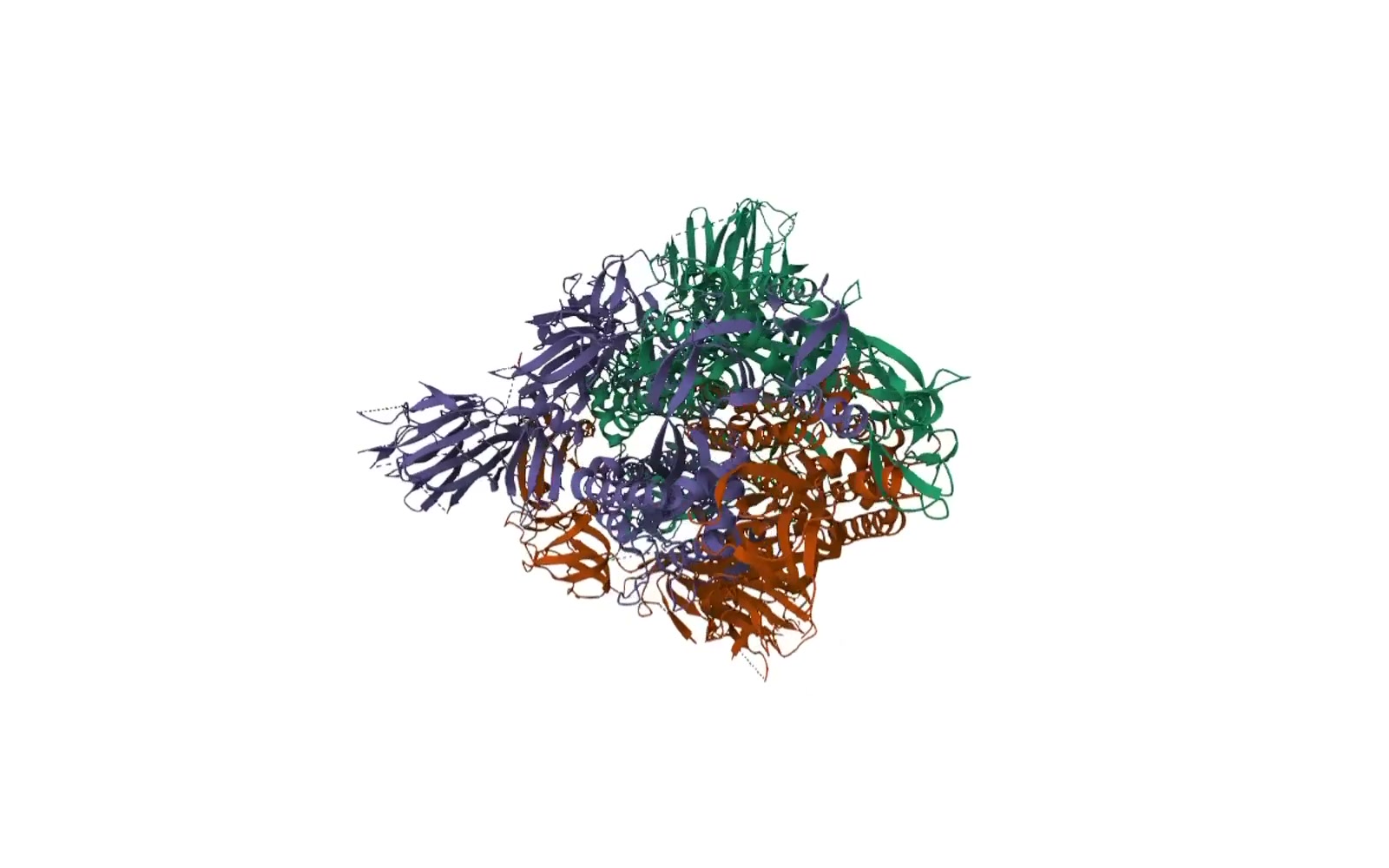 Science Molecular views and typeset manuscripts in one app, as a signed Agentlas Desktop extension. |
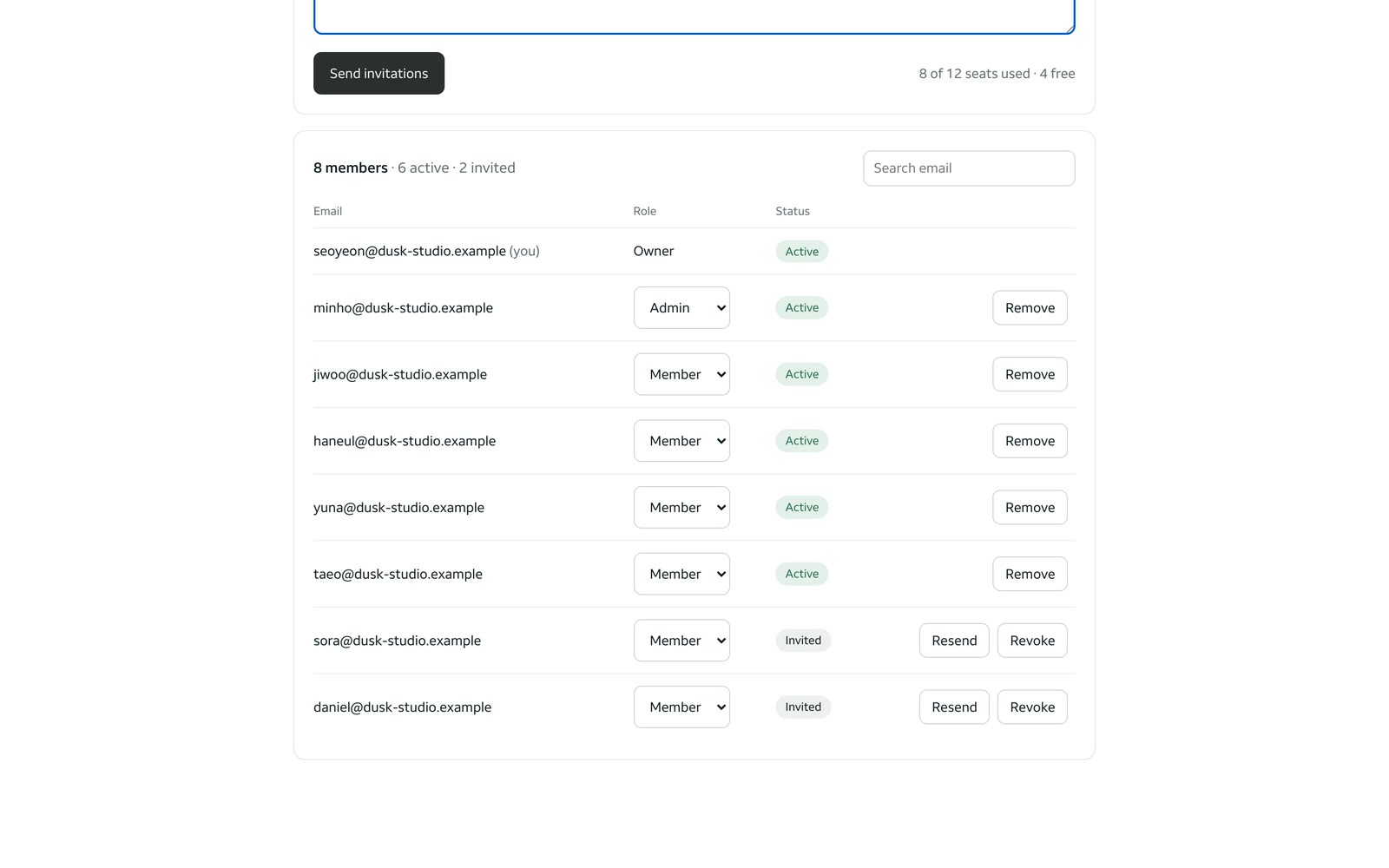 Business Members, API keys, usage policies, and billing for a team. $18 per seat per month, from 2 seats. |
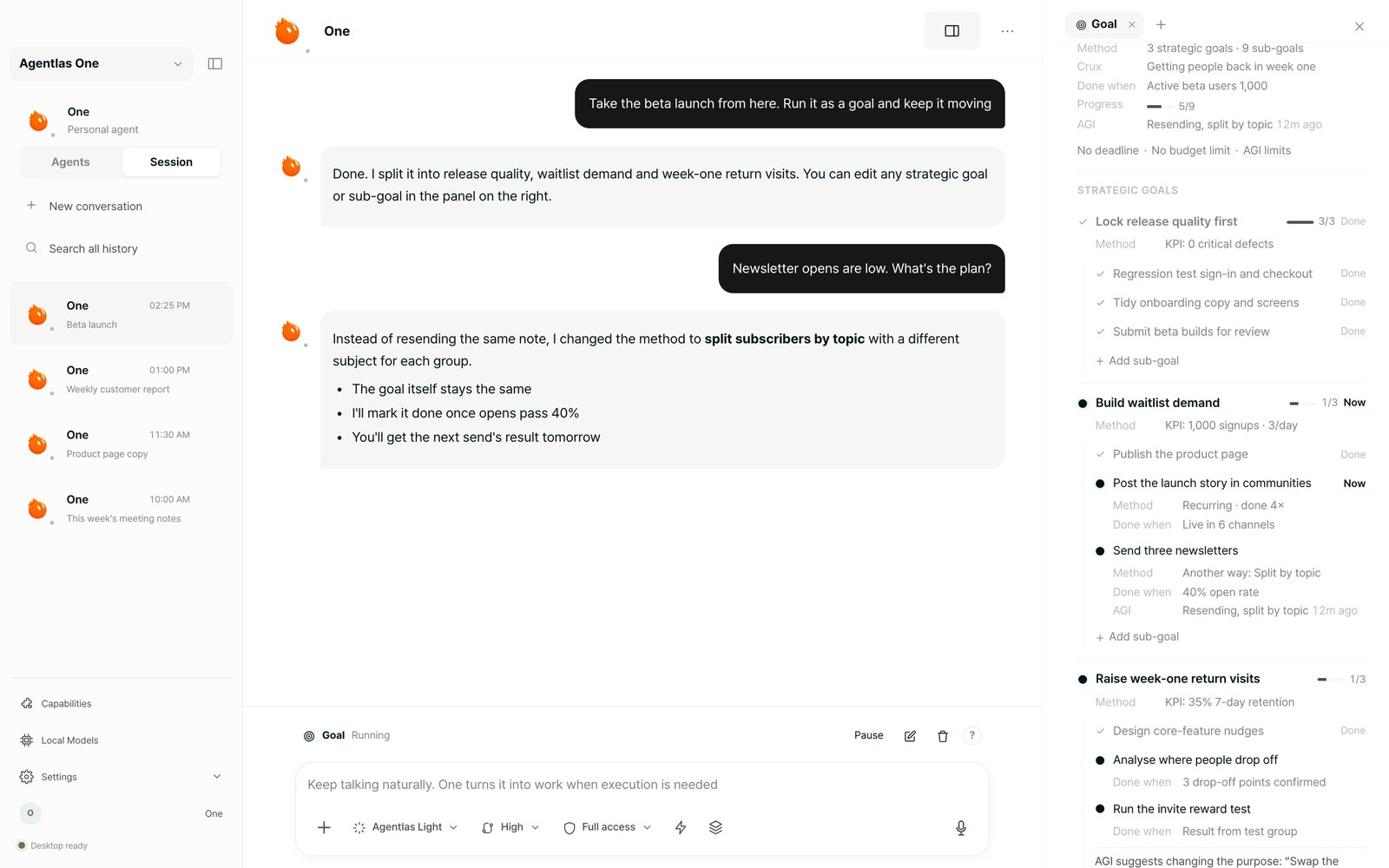 Goal Tree Long goals split into strategic goals and sub-goals, and the plan can change mid-run. |
Names and figures on screen are examples.
Elsewhere, a split-out task is a prompt. Here, it is a job opening
Your host model splits the brief into roles, searches for candidates for each role, and assembles a Task Force for this project.
- 3-tier talent scouting. Searches your machine, your private Agent Cloud, and the public Hub for each role.
- 3-level org chart. Mixes single agents, a Task Force built for this project, and Packaged Teams with their own manager.
- Accountable selection. The model you chose makes the selection. Each role records the reason and the release version, and missing tools are shown on screen.
Goal Trees, checkpoints, and separate verification for long projects
Long goals split into a tree of strategic goals and sub-goals, progress is saved at checkpoints, and a run separate from the work checks the result.
- Goal Tree. When something blocks the work, branches change and new sub-goals are added.
- Checkpoints. Planning, execution, and synthesis run separately and progress is saved. A goal paused by closing Agentlas Desktop resumes from the saved point. Your computer must stay on while it runs.
- Receipt & Verifier. A separate run checks the result and records the evidence. A goal with a confirmed failure does not close as complete.
- Agent Learning. When three different runs produce the same lesson, it is proposed as a change to the agent's files. You read the diff and decide.
The model reasons. Your method leads
LLM, Runtime, and Agent are separate layers. Switch models or coding tools and keep the same agent package.
| Layer | What you get |
|---|---|
| LLM | Connect Claude, GPT, Gemini, or local models. When a quota runs out, supported chat runs switch to the next model in your priority list, and long goals switch at the next checkpoint. |
| Runtime | Claude Code, Codex, Cursor, Antigravity, Grok, Kimi, GitHub Copilot CLI, Agentlas Desktop, Ollama, LM Studio, and MLX. It runs on the computer that has your files and tools. |
| Agent | Skills, verification loops, and memory live in one package. Every package gets an A2A Agent Card and moves between hosts with the same procedures. |
Four memory scopes, so you stop re-explaining the project
Memory can be stored in local SQLite and project files across four scopes: personal, project, agent, and team. In standalone hosts, project memory and automatic recall run only when their optional features are enabled.
Delegate your first project
Install Agentlas Desktop or Agentlas OS, sign in, and connect a model to start.
What no platform can do
No agent platform routes hundreds or thousands of agents efficiently. Agentlas is the only place that staffs a team of domain specialists onto any job for the fewest tokens.
It works because the agent spec and the protocol for calling an agent are both standardised.
- A2A v1.0, as written. Agent cards are read and written at the standard
/.well-known/agent-card.json. Import, export and caller gating all sit on the standard. An external agent is callable only when its capability is aligned and its identity is verified by a signed card. - Compact candidate menus. Candidate rows summarize the information the host needs to compare and select agents.
This is where most tools stop
| No task split | Task split | |
|---|---|---|
| No specialist sourcing | one chat handles the lump | same model, different prompt |
| Specialist sourcing | pick one from a store | Agentlas |
Some tools do split the work. But what takes each task is the same model with a different prompt. Some places do sell specialists. But there is no split there — you pick one and use it.
Elsewhere, a split-out task is a prompt you wrote. Here it is a job opening. Every task goes to your machine, your private cloud, and the public Hub — all three at once.
Three steps
1. Task splitA sentence goes in, tasks come out — roles, the order they hand off in, and the artifact each one owes. An org chart where a review points back to an earlier task is rejected before anything runs, and you get the name of the loop. |

|
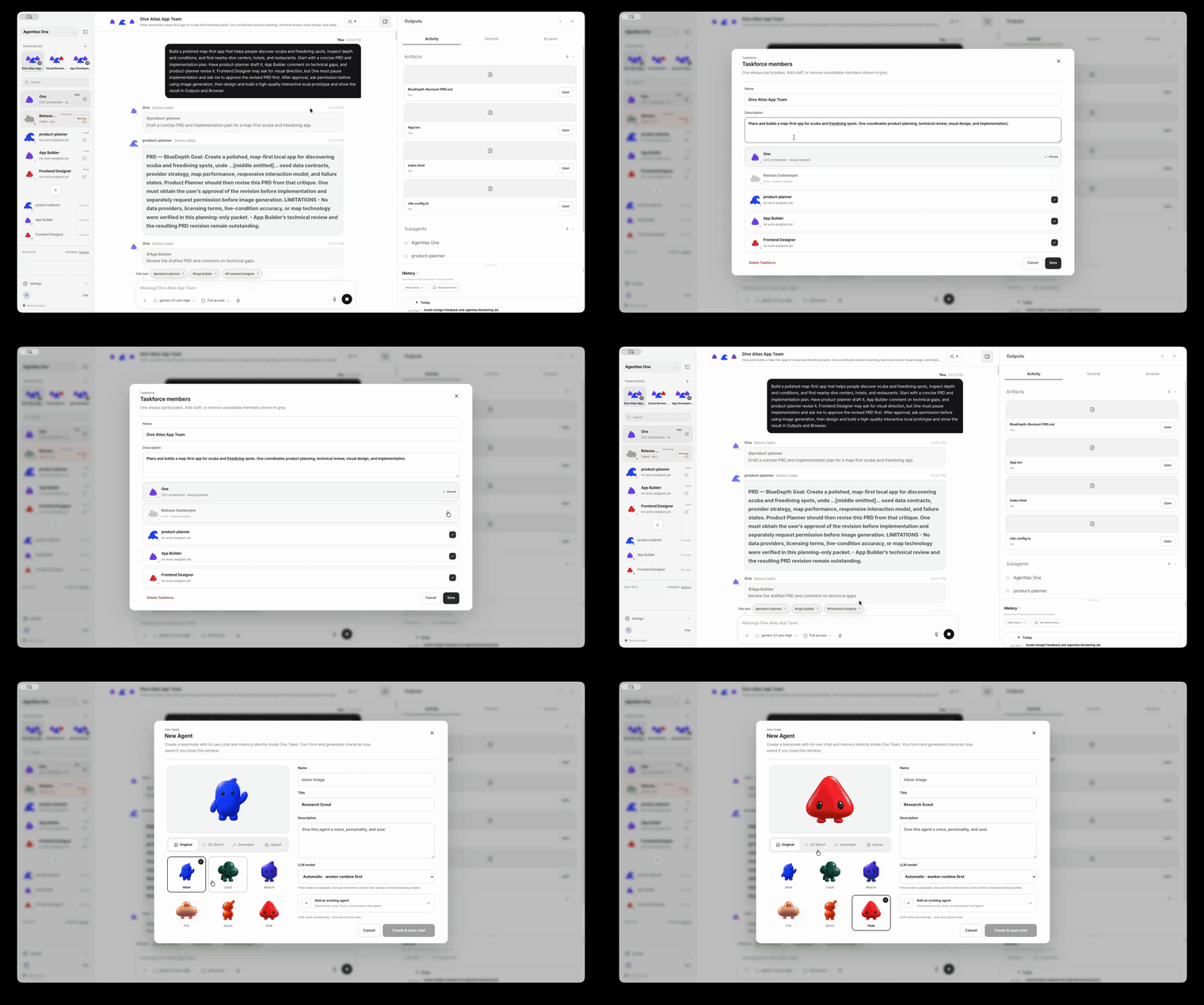
2. Agent staffingCandidates come back for each task — from your machine, your cloud, and the public Hub at once. The list has no ranking. Your model picks, and the reason is recorded. Qualification comes in four levels — |
|
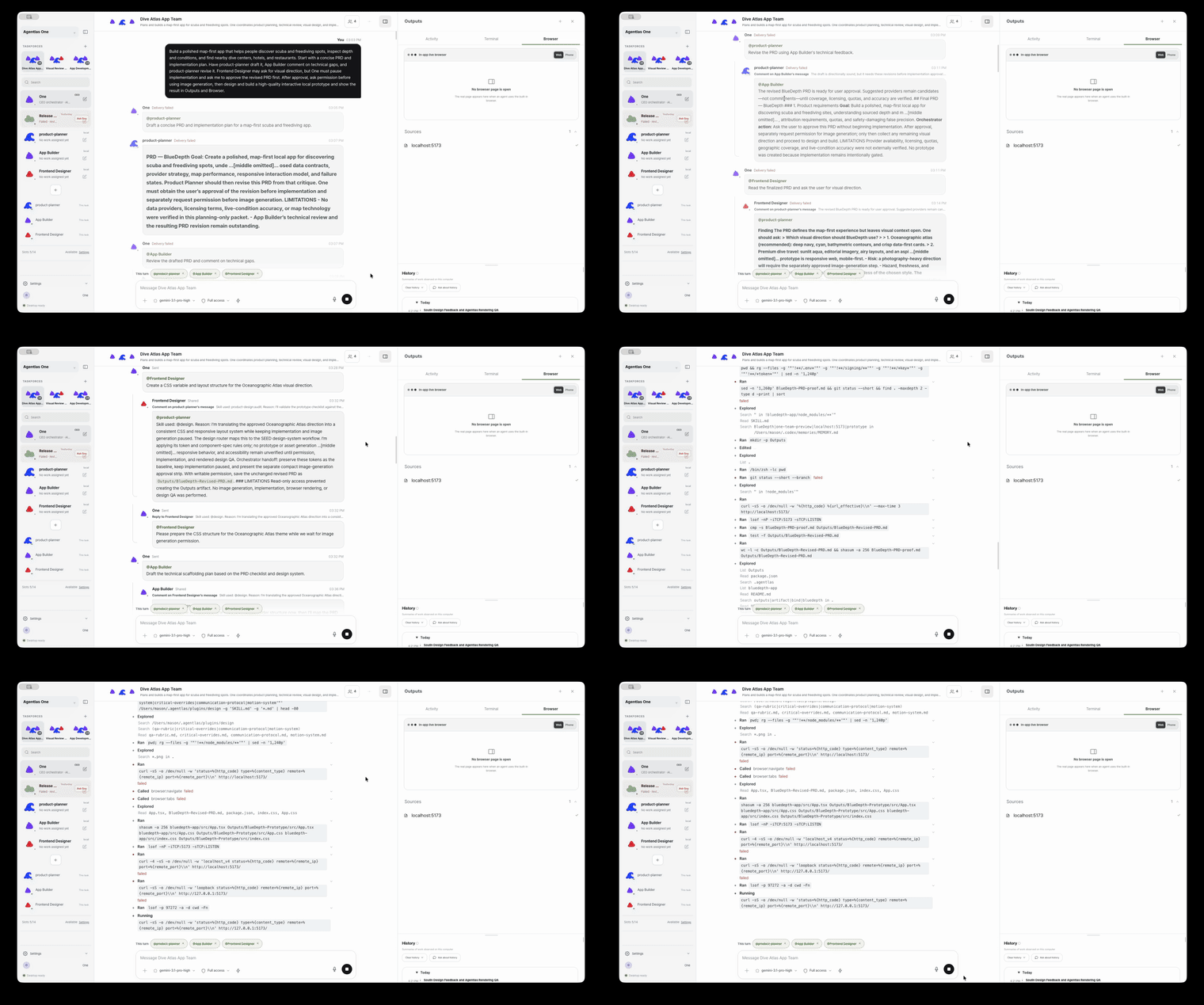
3. Run and verifyPlanning, work, synthesis and verification each run as separate invocations. An independent verifier has to pass it before anything is called done. Every
invocation, every handoff and the synthesis have to be proven by receipt.
Otherwise you get the name of the place it stopped — |
|
Build your own specialist
When nobody on the list fits, build one. /hep-build turns a sentence into a
portable single agent or team: it asks only the questions that would change the
result, writes the package, and runs the contract checks before calling it done.
/hep-build session does the same from the conversation you are already in.
/hep-build an agent that reviews App Store replies before they go out
/hep-build session
Every build ships input and output schemas, a routing card, and the rest of the
package contract below; a build that misses a required file fails instead of
shipping. Keep it in your private Agent Cloud or publish it to the free Hub with
/hep-upload, and /hep-network can staff it like any other candidate.
Questions you probably have
So you recommend one to me in the end, right?
Every place that sells agents ranks them. That is how they make money. People click what is near the top, and the company decides what is near the top.
We don't build a ranking. The schema pins allowHistoryEvidence to a constant
false, and a source that returns a scored list has its whole answer
refused.
Ratings, install counts, last month's sales — we read none of them. You get the candidates as they are, and your model picks.
Is this only for developers?
No. Alongside backend, security and QA, the role ontology carries an insurance actuary, an M&A diligence lead, an underwriting diligence specialist and a travel planner.
Insurance alone has four communities. Domains outside the list are not blocked.
Candidate selection
Publisher-written "call me when…" sentences reserve three seats at the end of the list. They do not authorize re-ranking. Work orders are written in English; the deliverable language is a separate field. The default menu contains 30 candidates.
On Agentlas Desktop
Desktop is the host itself, so it decides in code — before a run starts — whether the work needs one agent or a team. That decision is recorded as a reserved run, not a suggestion. It can staff installed agents and public Hub agents. Public Hub agent calls have no Agentlas fee; your chosen host or model/API provider may charge for execution.
| Surface | Role |
|---|---|
| Agentlas OS (Hephaestus) | This repo — the open-source build and routing engine and command surface for your CLI hosts |
| Agentlas Desktop | The app that runs the same engine with a window, on macOS, Windows and Linux |
| Agentlas Hub | Public space for publishing, discovering, and using agents for free |
| Agentlas Cloud | Owner-scoped store for privately saving and retrieving your own agents |
Install: every method, and what it writes
curl -fsSL https://raw.githubusercontent.com/agentlas-ai/Agentlas-OS/main/scripts/install-all-runtimes.sh | bash
The default installer prepares the isolated runtime under ~/.agentlas/os-runtime
and the dedicated launcher ~/.agentlas/os-bin/agentlas-os. Optional features
are OFF. It does not permanently register plugins or MCP in detected hosts,
create global ~/.local/bin wrappers, or enable the global router.
After a successful install, run:
~/.agentlas/os-bin/age