br - Beads Rust
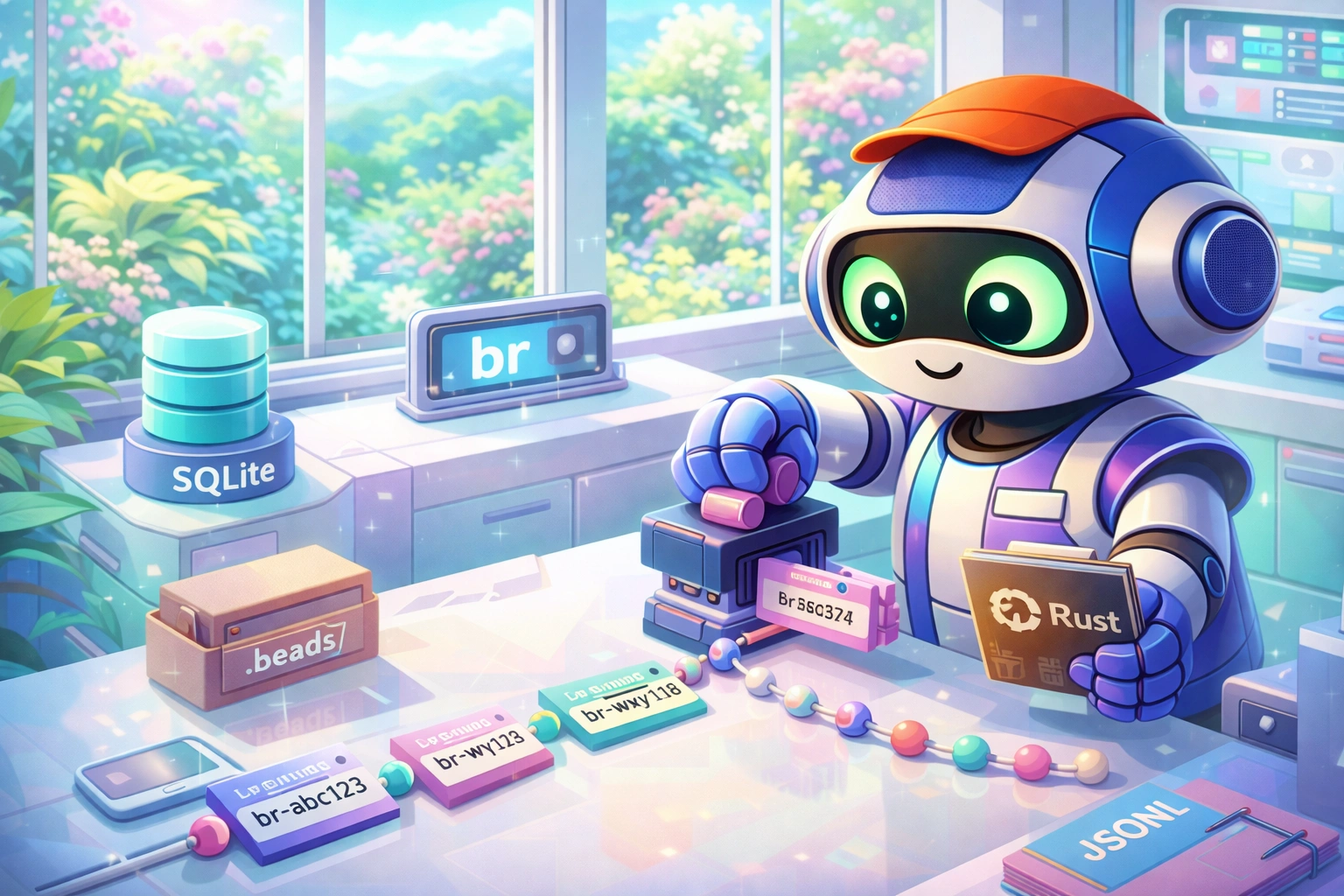
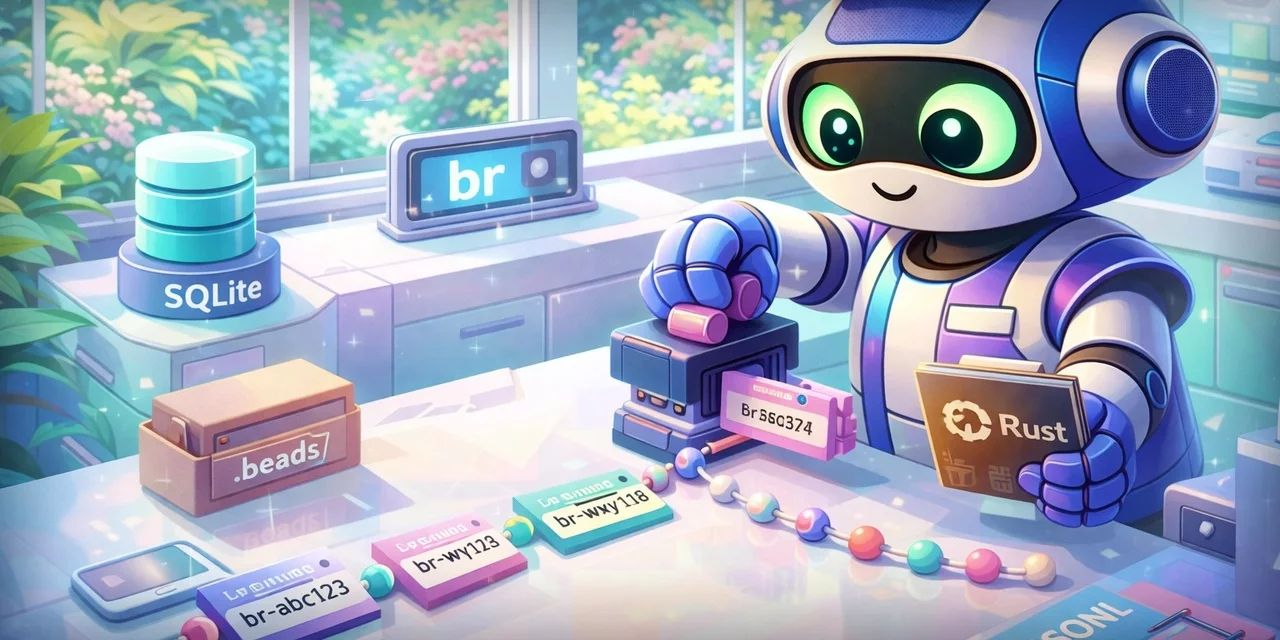
A Rust port of Steve Yegge's beads, frozen at the "classic" SQLite + JSONL architecture I built my Agent Flywheel tooling around.
Quick Start | Commands | Configuration | VCS Integration | FAQ
Quick Install
curl -fsSL "https://raw.githubusercontent.com/Dicklesworthstone/beads_rust/main/install.sh?$(date +%s)" | bash
Works on Linux, macOS, and Windows (WSL). Auto-detects your platform and downloads the right binary.
Useful install flags: --skip-skills to skip all Claude Code / Codex skills, or --with-migration-skill to also install the bd-to-br-migration skill (skipped by default; only needed when moving off classic bd).
Why This Project Exists
I (Jeffrey Emanuel) LOVE Steve Yegge's Beads project. Discovering it and seeing how well it worked together with my MCP Agent Mail was a truly transformative moment in my development workflows and professional life. This quickly also led to beads_viewer (bv), which added another layer of analysis to beads that gives swarms of agents the insight into what beads they should work on next to de-bottleneck the development process and increase velocity. I'm very grateful for finding beads when I did and to Steve for making it.
At this point, my Agent Flywheel System is built around beads operating in a specific way. As Steve continues evolving beads toward GasTown and beyond, our use cases have naturally diverged. The hybrid SQLite + JSONL-git architecture that I built my tooling around (and independently mirrored in MCP Agent Mail) is being replaced with approaches better suited to Steve's vision.
Rather than ask Steve to maintain a legacy mode for my niche use case, I created this Rust port that freezes the "classic beads" architecture I depend on. The command is br to distinguish it from the original bd.
This isn't a criticism of beads; Steve's taking it in exciting directions. It's simply that my tooling needs a stable snapshot of the architecture I built around, and maintaining my own fork is the right solution for that. Steve has given his full endorsement of this project.
TL;DR
The Problem
You need to track issues for your project, but:
- GitHub/GitLab Issues require internet, fragment context from code, and don't work offline
- TODO comments get lost, have no status tracking, and can't express dependencies
- External tools (Jira, Linear) add overhead, require context switching, and cost money
The Solution
br is a local-first issue tracker that stores issues in SQLite with JSONL export for git-friendly collaboration. It provides dependency-aware issue tracking, machine-readable output, sync/recovery tooling, and agent-friendly workflows without leaving your repository.
br init                              # Initialize in your repo
br create "Fix login timeout" -p 1   # Create high-priority issue
br ready                             # See what's actionable
br coordination status --json        # Inspect hidden in-progress claims
br close br-abc123                   # Close when done; JSONL auto-flushes by default
br sync --flush-only                 # Optional final export check before git commit
Why br?
| Feature | br | GitHub Issues | Jira | TODO comments |
|---|---|---|---|---|
| Works offline | Yes | No | No | Yes |
| Lives in repo | Yes | No | No | Yes |
| Tracks dependencies | Yes | Limited | Yes | No |
| Zero cost | Yes | Free tier | No | Yes |
| No account required | Yes | No | No | Yes |
| Machine-readable | Yes (--json) |
API only | API only | No |
| Git-friendly sync | Yes (JSONL) | N/A | N/A | N/A |
| Non-invasive | Yes | N/A | N/A | Yes |
| AI agent integration | Yes | Limited | Limited | No |
Quick Example
# Initialize br in your project
cd my-project
br init

# Add agent instructions to AGENTS.md (creates file if needed)
br agents --add --force

# Create issues with priority (0=critical, 4=backlog)
br create "Implement user auth" --type feature --priority 1
# Created: br-7f3a2c

br create "Set up database schema" --type task --priority 1
# Created: br-e9b1d4

# Auth depends on database schema
br dep add br-7f3a2c br-e9b1d4

# See what's ready to work on (not blocked)
br ready
# br-e9b1d4  P1  task     Set up database schema

# Claim and complete work
br update br-e9b1d4 --status in_progress
br close br-e9b1d4 --reason "Schema implemented"

# Now auth is unblocked
br ready
# br-7f3a2c  P1  feature  Implement user auth

# Mutations auto-flushed JSONL by default; run an idempotent final export check
br sync --flush-only
git add .beads/ && git commit -m "Update issues"
Design Philosophy
1. Non-Invasive by Default
For normal issue tracking and sync, br keeps its state in .beads/ and leaves
git handoff to you. It never commits, pushes, pulls, installs hooks, or runs as a
background service.
Some explicit commands intentionally step outside that default storage boundary:
br agents edits requested agent-instruction files, br doctor --repair can fix
the project .gitignore, br config edit/set updates config files,
br completions -o writes shell completion files, br upgrade updates the
installed binary, and git-reporting commands such as br changelog, br orphans, commit-activity br stats, and the explicitly requested bounded
br vcs-status diagnostic inspect git state/history.
# Normal issue state lives under .beads/
ls -la .beads/
# beads.db       # SQLite database
# issues.jsonl   # Git-friendly export
# config.yaml    # Optional config
2. SQLite + JSONL Hybrid
SQLite for fast local queries. JSONL for git-friendly collaboration.
# Local: Fast queries via SQLite
br list --priority 0-1 --status open --assignee alice

# Collaboration: JSONL merges cleanly in git
git diff .beads/issues.jsonl
# +{"id":"br-abc123","title":"New feature",...}
3. Explicit Over Implicit
Successful mutating commands update SQLite and auto-flush JSONL by default.
Normal issue commands also check for changed local JSONL and import it before
running, unless --no-auto-import or sync.auto_import: false disables that
check. This includes JSONL changed by your own git pull or merge; br never
fetches those changes, commits, pushes, or pulls for you. Git inspection is
limited to explicitly requested reporting commands.
# Mutations auto-flush .beads/issues.jsonl by default
br close br-abc123 --reason "Done"

# Re-run export after --no-auto-flush/config changes, recovery, or as a final check
br sync --flush-only

# Import local JSONL explicitly when needed; normal issue commands check it automatically
br sync --import-only

# Merge divergent DB and JSONL edits using the saved base snapshot
br sync --merge

# Additively pull JSONL rows the database is missing (previewable, lossless)
br sync --reconcile --dry-run
br sync --reconcile
# Recover JSONL-only rows without deleting SQLite-only rows.
# Review the dry-run receipt, then bind apply to that exact plan.
plan="$(br sync --reconcile-additive --robot)"
plan_sha256="$(printf '%s\n' "$plan" | jq -r .plan_sha256)"
br sync --reconcile-additive --apply \
  --expect-plan-sha256 "$plan_sha256" --robot

# Rebuild SQLite from authoritative JSONL after recovery/corruption
br sync --import-only --rebuild

# Git operations are YOUR responsibility
git add .beads/ && git commit -m "..."
4. Agent-First Design
Every command supports --json for AI coding agents:
br list --json | jq '.issues[] | select(.priority <= 1)'
br ready --json          # Structured output for agents
br ready --brief --json  # Same rows, without the long free-text fields
br list --json --fields id,title,status,priority   # Same rows, only these keys
br show br-abc123 --json
br capabilities --format json
br capabilities --format json --command "create"
br robot-docs guide
For routine operator or agent use, prefer RUST_LOG=error br ... to suppress internal Rust dependency logs while preserving normal stdout/JSON output:
RUST_LOG=error br ready --json
RUST_LOG=error br sync --flush-only
5. Rich Terminal Output
Interactive terminals get enhanced visual output:
# Rich mode (default in TTY)
br list           # Formatted tables with colors
br show br-abc    # Styled panels with metadata

# Plain mode (piped or --no-color)
br list | cat     # Clean text, no ANSI codes

# JSON mode (--json on every command; some also offer --robot for automation-oriented envelopes)
br list --json    # Structured output for tools ({issues, total, limit, offset, has_more})
br ready --robot  # --robot exists on: close, reopen, defer, undefer, ready, blocked, orphans,
                  # changelog, stats/status, vcs-status, sync, scheduler, dep import,
                  # gate report/list, capacity *, coordination status
Output mode is auto-detected:
- Rich: Interactive TTY with color support
- Plain: Piped output,
NO_COLOR, orTERM=dumb - JSON: Machine-readable (
--jsonflag, orBR_OUTPUT_FORMAT=json) - TOON: Token-efficient structured output (
BR_OUTPUT_FORMAT=toon, or--format toonwhere a command offers it) - Quiet: Minimal output (
--quietflag)
6. Focused Local Scope
br has grown into a full CLI surface for local issue tracking: routing, recovery, TOON/JSON schemas, MCP support, conformance checks, and sync safety tools are all part of the current scope. The focus is still local-first operation, explicit git/VCS handoff, and no background services installed behind your back.
Agent-facing output contracts have a focused verifier:
BR_AGENT_CONTRACT_USE_RCH=1 ./scripts/verify-agent-contracts.sh
Run it before changing schema command metadata, CLI JSON/TOON output, MCP
resources/tools/prompts, README/docs examples, or agent_baseline/ artifacts.
With BR_AGENT_CONTRACT_USE_RCH=1, the script delegates each Cargo target to
rch exec --. The contract tests do not run git, project network calls, live
Agent Mail, MCP clients, or fixture update modes.
Comparison vs Alternatives
br vs Original beads (Go)
| Aspect | br (Rust) | beads (Go) |
|---|---|---|
| Git operations | No automatic commits/pushes/pulls; reporting commands can inspect git history | Auto-commit, hooks |
| Storage | SQLite + JSONL | Dolt/SQLite |
| Background daemon | No | Yes |
| Hook installation | Manual | Automatic |
| Binary size | ~26 MiB stripped executable, ~11 MiB compressed (v0.6.0, x86_64 Linux GNU; dynamically linked) | ~30+ MB |
| Scope | Local CLI, sync, recovery, and agent workflows | Feature-rich ecosystem |
When to use br: You want a stable, local-first issue tracker with explicit sync, dependency-aware planning, and machine-readable output.
When to use beads: You want advanced features like Linear/Jira sync, RPC daemon, automatic hooks.
Linux releases include GNU and musl targets. The v0.6.0 x86_64 GNU executable
is 27,772,512 bytes and its archive is 11,732,979 bytes; the musl executable is
26,657,512 bytes and its archive is 11,684,734 bytes. The musl executable is
statically linked; the GNU executable needs the system's glibc loader. Sizes
vary with the target, version, and enabled features. These figures were read
from the published v0.6.0 archives, whose .sha256 sidecars both verified.
br vs GitHub Issues
| Aspect | br | GitHub Issues |
|---|---|---|
| Works offline | Yes | No |
| Lives in repo | Yes | Separate |
| Dependencies | Yes | Workarounds |
| Custom fields | Via labels | Limited |
| Machine API | --json flag |
REST API |
| Cost | Free | Free (limits) |
br vs Linear/Jira
| Aspect | br | Linear/Jira |
|---|---|---|
| Setup time | 1 command | Account + config |
| Cost | Free | $8-15/user/mo |
| Works offline | Yes | Limited |
| Learning curve | CLI | GUI + workflows |
| Git integration | Native | Webhooks |
Installation
Quick Install (Recommended)
curl -fsSL "https://raw.githubusercontent.com/Dicklesworthstone/beads_rust/main/install.sh?$(date +%s)" | bash
Homebrew (macOS and Linux)
brew install dicklesworthstone/tap/br
The formula installs the release binary and shell completions. Linux uses the static musl build.
Scoop (Windows)
scoop bucket add dicklesworthstone https://github.com/Dicklesworthstone/scoop-bucket
scoop install dicklesworthstone/br
From Source
# Requires Rust nightly
git clone https://github.com/Dicklesworthstone/beads_rust.git
cd beads_rust
cargo build --release
./target/release/br --help

# Or install globally
cargo install --path . --locked
Cargo Install
Install the published release from crates.io with the pinned nightly toolchain:
rustup toolchain install nightly-2026-08-31 --profile minimal
cargo +nightly-2026-08-31 install beads_rust --locked
To install the development version from GitHub:
cargo +nightly-2026-08-31 install --git https://github.com/Dicklesworthstone/beads_rust.git beads_rust --locked
The explicit beads_rust package selector avoids ambiguity with the
repository's fuzz package. --locked makes Cargo use the dependency versions
validated against the repository's pinned nightly toolchain.
Note:
cargo installplaces binaries in~/.cargo/bin/, while the install script uses~/.local/bin/. If you have both in PATH, ensure the desired location has higher priority to avoid running an outdated version. Runwhich brto verify which binary is active.
Claude Code Plugin (agent instructions)
The official br skill ships as a Claude Code plugin, so agents get the
workflow rules without you copying SKILL.md around:
/plugin marketplace add Dicklesworthstone/beads_rust
/plugin install beads@beads-rust
The plugin installs agent instructions only — it does not install the br
binary, so pair it with one of the install methods above. The optional
bd-to-br-migration skill stays opt-in and is not part of the plugin; install
it with install.sh --with-migration-skill if you are still migrating from
bd. Codex users keep using install.sh, which writes the same skill into
${CODEX_HOME:-~/.codex}/skills.
Disable Self-Update
# Build without self-update feature
cargo build --release --no-default-features

# Or install without it
cargo +nightly-2026-08-31 install --git https://github.com/Dicklesworthstone/beads_rust.git beads_rust --locked --no-default-features
Enable MCP Server Support
br serve is optional and is not built by the default feature set. Build with
the mcp feature when you want an AI agent to talk to br over the Model
Context Protocol instead of shelling out to CLI commands.
cargo build --release --features mcp

# Or install globally with MCP support
cargo +nightly-2026-08-31 install --git https://github.com/Dicklesworthstone/beads_rust.git beads_rust --locked --features mcp
Run it from an initialized beads workspace:
RUST_LOG=error br serve --actor codex
The server uses MCP over stdio. It is launched by an MCP client, does not listen
on a network port, and uses the same SQLite database, JSONL export path, write
locks, audit events, and sync safety model as the normal CLI. It does not run
git. Use shell/JSON
commands for simple scripts; use MCP when an agent benefits from discoverable
tools, resources, prompts, and structured recovery hints. MCP clients can read
beads://coordination/status for the same br.coordination.v1 stale-claim
evidence shape as br coordination status --json; use the CLI snapshot flags
when Agent Mail reservation or liveness evidence is required.
The MCP tool surface is list_issues, show_issue, create_issue,
update_issue, close_issue, manage_dependencies, and project_overview.
create_issue accepts an optional status for a single issue or each item in
issues[]; it defaults to open, as the CLI does. Projects whose workflow
requires a different initial state can pass that state explicitly, such as
{"title":"Investigate the failure","status":"draft"}. A configured
workflow.entry_routes rule also works through MCP when the request supplies
its matching label and an existing parent. Status vocabulary, initial
admission, provenance, and capacity are enforced by the same storage transaction
as CLI creation, and each successful result reports the actual created status.
The resource surface is beads://project/info, beads://issue/{id},
beads://schema, beads://labels, beads://issues/ready,
beads://issues/blocked, beads://issues/in_progress,
beads://coordination/status, beads://issues/deferred,
beads://issues/bottlenecks, beads://graph/health, and
beads://events/recent.
Verify Installation
br --version
# br 0.7.6
Verify Release Signatures
Release archives from v0.4.1 onward ship a .minisig sidecar signed with
the current br release key (minisign key ID 36B847D11BA5A0D0):
minisign -Vm br-<version>-<platform>.tar.gz \
  -P 'RWTQoKUb0Ue4NsqTpPWnABCrIU0+m25zsMlbv6UcRClQ7jmRP3A7NmTB'
Every asset also has a mandatory .sha256 sidecar, which the install
script verifies automatically.
Key history: v0.4.0 used the one-release key
RWS7nGFfBYC+MWeZLEaowkjNi77w5FEOk49fEhX2jZ6gpd9uQ4vzVIrF(key ID31BE80055F619CBB). v0.4.1 moved to the recoverable DSR key shown above, but its release documentation did not record that rotation. From v0.5.1, the current key is installed in the DSR release path and verified before upload. Releases before v0.4.0 either shipped no.minisigor used an unrecoverable CI-era key; treat those signatures as unverifiable (see GitHub #411).
Quick Start
1. Initialize in Your Project
cd my-project
br init
# Initialized beads workspace in .beads/
For automation, br init --json returns an initialization receipt with the
resolved workspace and database paths, the stored prefix, and each file's
outcome (created, updated, or existing). br schema all --format json
includes its InitResult schema.
2. Create Your First Issue
br create "Fix login timeout bug" \
  --type bug \
  --priority 1 \
  --description "Users report login times out after 30 seconds"
# Created: br-a1b2c3
3. Add Labels
br label add br-a1b2c3 backend auth
4. Check Ready Work
br ready
# Shows issues that are open, not blocked, not deferred
5. Claim and Work
br update br-a1b2c3 --status in_progress --assignee "$(git config user.email)"
6. Close When Done
br close br-a1b2c3 --reason "Increased timeout to 60s, added retry logic"
7. Sync to Git
br sync --flush-only        # Idempotent final JSONL export check
git add .beads/             # Stage changes
git commit -m "Fix: login timeout (br-a1b2c3)"
Commands
Issue Lifecycle
| Command | Description | Example |
|---|---|---|
init |
Initialize workspace | br init |
create |
Create issue | br create "Title" -p 1 --type bug |
q |