

Brainstash
Dump the spark. Build it later.
A private, offline iOS inbox for product ideas, service ideas, problems worth solving — anything.
Built by Valueztech with Claude Code — design to device in an afternoon.
Why
Ideas show up at bad times: in the shower, on a site visit, at 2 am. Brainstash makes capture take seconds (only a title is required), then lets you review, triage and move ideas through stages until one is ready to become a project.
Features
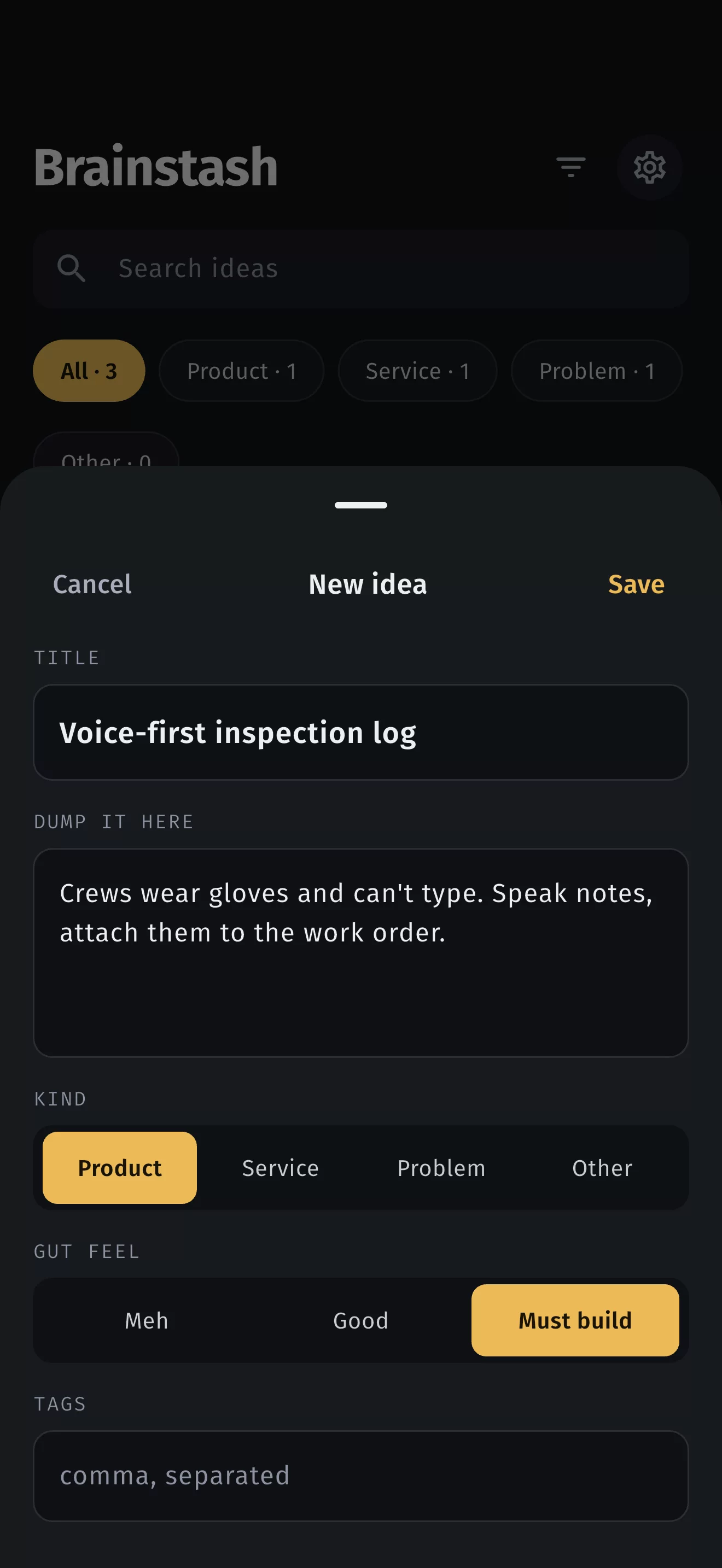
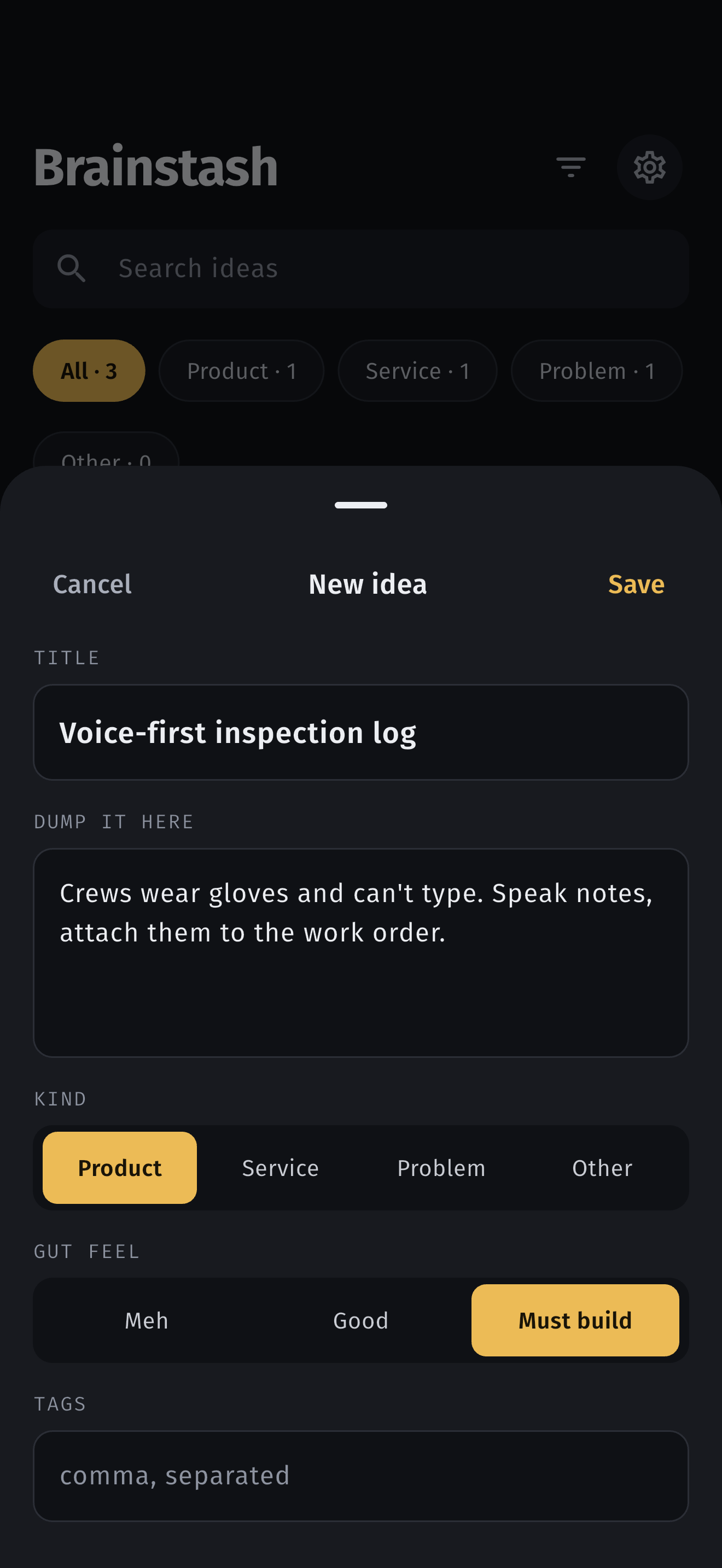
- Two-tap capture — tap +, type a title, save. Notes, kind, gut feel and tags are optional.
- Voice capture — tap the mic and just talk; pauses to think are fine. Say “save the idea” when you're done and it saves itself. Recognition runs on-device; the first sentence becomes the title.
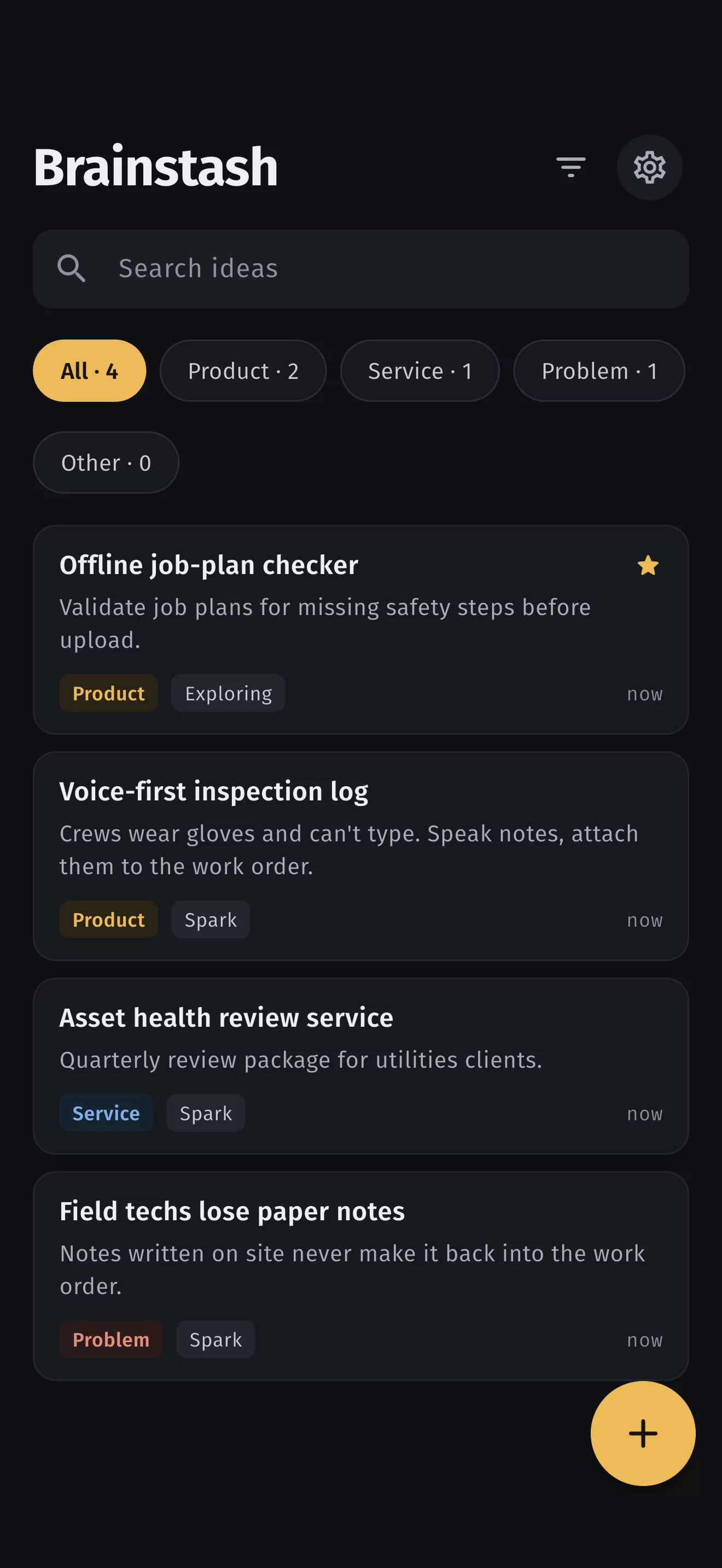
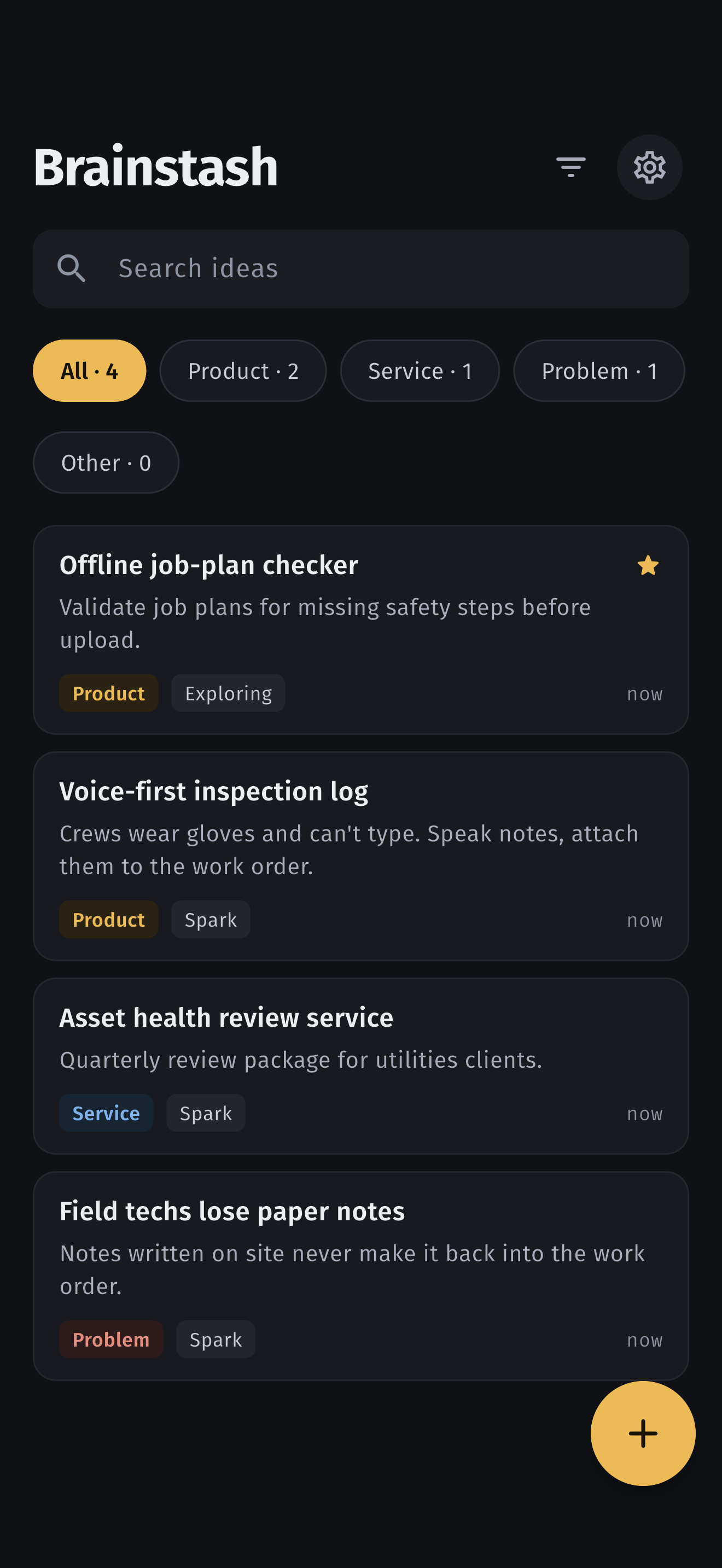
- Kinds — Product · Service · Problem · Other, with filter chips and counts.
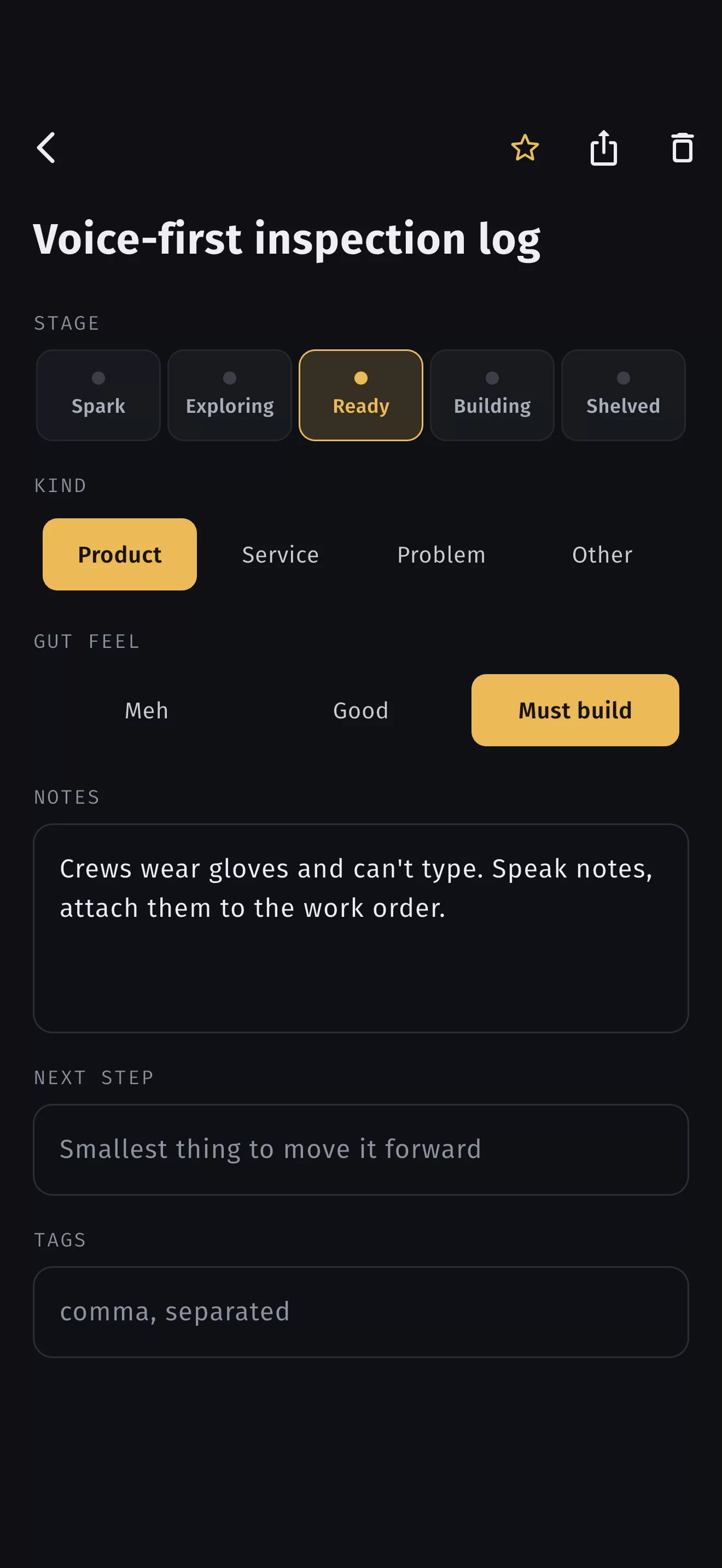
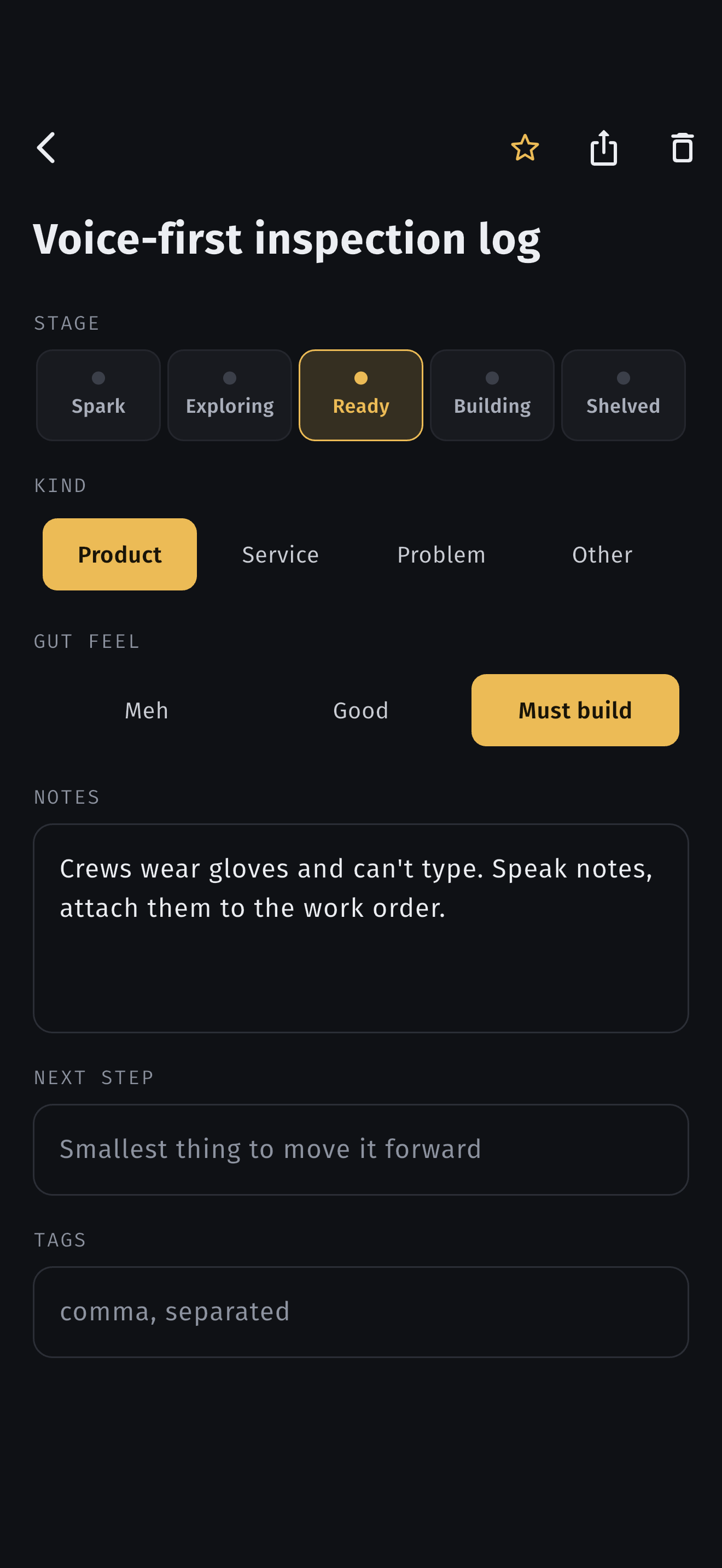
- Stages — Spark → Exploring → Ready → Building → Shelved.
- Search by text or voice — tap the mic in the search bar and say “find ideas about invoices”. Words match in any order and loosely (“walking” finds “walker”) across titles, notes, next steps,
#tags, kinds and stages. - Star the ones that matter; starred float to the top.
- Next step field so every idea has a smallest move forward.
- Photos & files — attach a photo from the camera or your library, or any document from Files. Attachments are encrypted like everything else; tap one to view, open in another app or remove it.
- Share a single idea as text, or export everything as JSON (attachment names only; share files individually).
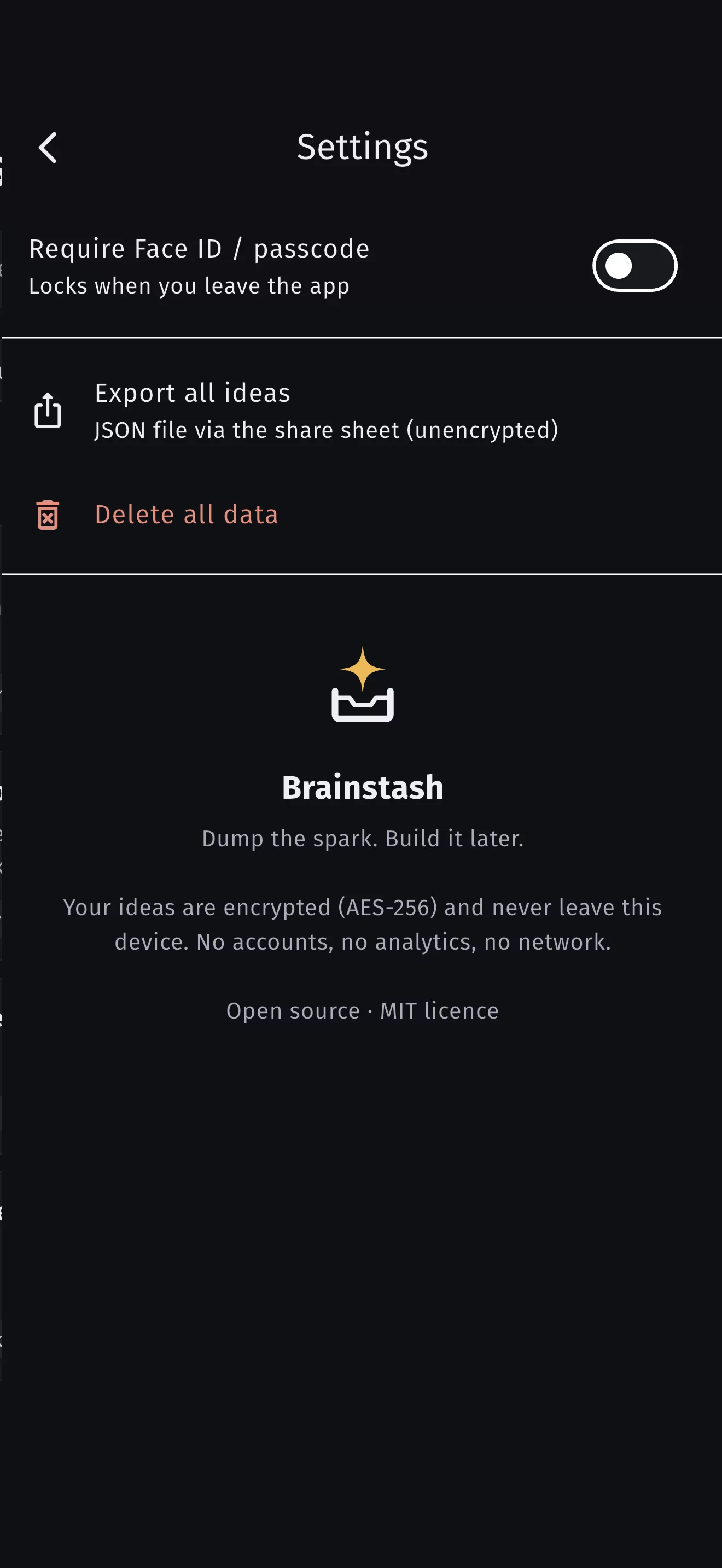
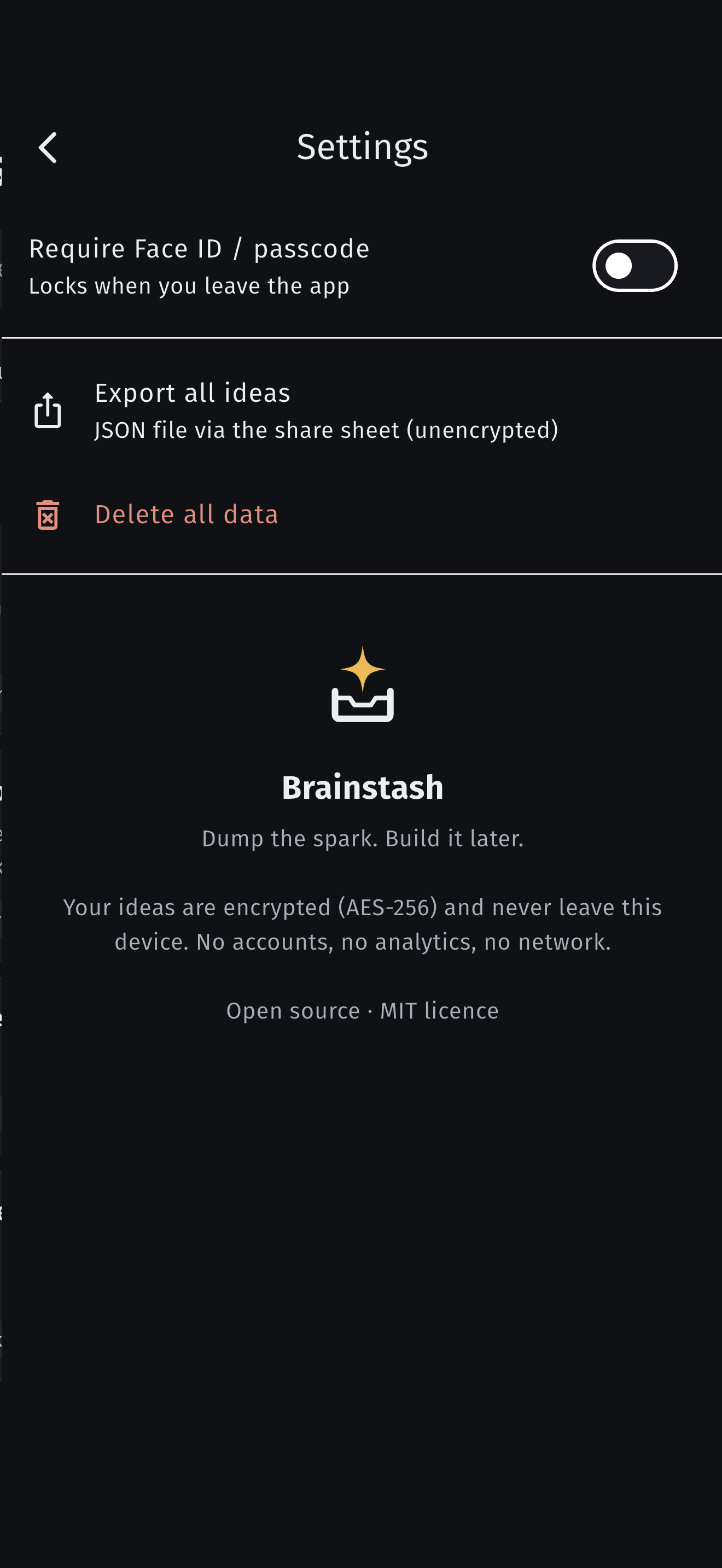
- Face ID / passcode lock (optional) and app-switcher privacy cover.
Privacy & security
- Ideas are stored only on your device, encrypted with AES-256. The key lives in the iOS
Keychain (
first_unlock_this_device— never synced, never in backups). - iOS Data Protection: Complete on the app's files.
- Voice dictation uses Apple's on-device speech recognition only — audio never leaves the phone and is never stored.
- No network access, no analytics, no accounts, no third-party SDKs that phone home. Fonts are bundled.
- Automated scans on every change: gitleaks, osv-scanner, semgrep, plus MobSF on the built app.
See SECURITY.md and
security/REPORT.md.
Screenshots
| Inbox | Capture | Detail | Settings |
|---|---|---|---|
 |
 |
 |
 |
Build it yourself
Requirements: macOS, Xcode 26+, Flutter 3.47+, CocoaPods.
git clone https://github.com/valueztechaus/brainstash.git
cd brainstash
flutter pub get
flutter test                 # 46 unit + widget tests
open -a Simulator
flutter run                  # runs on the booted iOS simulator
# end-to-end on the simulator (real Keychain + encrypted store), saves screenshots:
flutter drive --driver=test_driver/integration_test.dart --target=integration_test/app_test.dart
Note:
flutter driveinstalls a test build that ignores real taps. Runflutter runafterwards to put the normal app back on the simulator.
Install on your own iPhone: open ios/Runner.xcworkspace in Xcode → Signing & Capabilities →
pick your team → change the bundle id from com.valueztech.brainstashapp to your own → Run.
Security checks: ./tools/security_scan.sh and ./tools/mobsf_scan.sh <ipa>
Project layout
lib/
  models/idea.dart          domain model + validation
  data/                     encrypted Hive repository, Keychain key store
  state/idea_store.dart     ChangeNotifier: list, search, filters
  services/app_lock.dart    Face ID / passcode lock
  screens/                  inbox, capture sheet, detail, settings
  widgets/                  idea card, segmented choice, stage picker, brand mark
test/                       unit + widget tests
docs/                       spec, plan, decisions, status, design source, article, App Store guide, token report
security/                   scan reports
tools/                      security_scan.sh, token_report.py
Built with Claude Code
This app was designed (Claude Design), coded, tested, security-scanned and documented end to end by Claude Code running Claude Opus 5.5. Every decision is in docs/DECISIONS.md; token usage is in docs/TOKENS.md; current state and how to resume are in docs/STATUS.md.
Licence
MIT © 2026 Valueztech. Fira Sans / Fira Code fonts under the SIL Open Font Licence
(assets/fonts/OFL.txt).
Built by Valueztech

Brainstash was designed, built, security-tested and documented by Valueztech (Melbourne, Australia) using Claude Code. See docs/ARTICLE.md for how, and docs/TOKENS.md for exactly how many tokens it took.
The code is MIT-licensed. The Valueztech name and logo are trademarks of Valueztech Pty Ltd and are
not covered by the MIT licence — forks should remove them (assets/brand/ and the "Built by"
block in lib/screens/settings_screen.dart) and ship under their own name.