

Candy Browser
Firefox extensions on Android, powered by GeckoView.
A gesture-first browser with selectable GeckoView and Android System WebView engines,
an iOS WKWebView/Liquid Glass target, and local privacy tools.



GitHub Pages website · Privacy · Releases

Note
Next release: stability fixes. I'm focusing on finding and fixing as many bugs as possible and testing the changes over an extended period to make Candy Browser more reliable.
🎉 Firefox extensions on Android
Candy uses GeckoView by default and supports Mozilla-signed Firefox extensions directly inside the Android app. A fresh Gecko profile comes with uBlock Origin and I still don't care about cookies, while additional compatible extensions can be installed and managed from Candy's browser settings.
Extension actions, popups, options, permissions, updates, and enable/disable controls stay inside Candy's browser chrome. See Platform engines for the supported GeckoView integration and current compatibility boundaries.
Cross-device sync
Candy Sync turns every connected Android, Chromium, or Firefox device into a writable profile. Open a desktop profile on your phone to inspect its live tab list, open new tabs, navigate, pin, reorder, or close them. The same small tab changes flow back to every connected client instead of re-uploading the complete browser state.

Changes are encrypted locally and written to a durable outbox. REST commits provide ordered, retry-safe storage; authenticated WebSocket notifications deliver committed changes immediately. After suspension or network loss, clients recover missing changes through REST.
E2EE in short
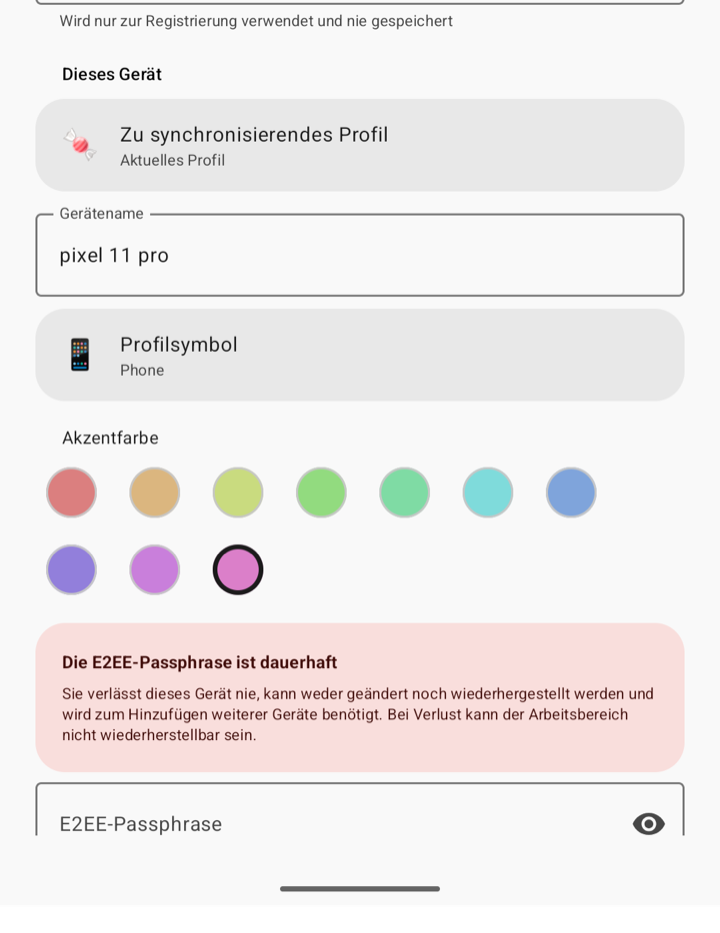
The first client creates a random 256-bit workspace key. The immutable passphrase derives a local recovery key with Argon2id; HKDF-SHA-256 derives purpose- and device-specific keys, and AES-256-GCM encrypts and authenticates tab data. Every device also creates its own P-256 private key locally. The passphrase, workspace key, private keys, URLs, titles, device names, and icons never reach the server in plaintext—the server stores ciphertext plus the routing metadata required for sync.
Start Candy Sync
cd sync/server
cp .env.example .env
# Set a unique username, password, public URL, and TLS host in .env.
# Never put the E2EE passphrase in server configuration.
docker compose pull candy-sync
docker compose up -d
The public sk2andy/candy-sync:latest image supports Linux AMD64 and ARM64. Contributors can still
build the server locally with docker compose up --build -d.
Install Candy Sync from the Chrome Web Store
or Mozilla Add-ons, open its
browser-managed Options Page, and enter the endpoint, credentials, and E2EE passphrase.
For local development, build and load the WebExtension from sync/extension/ using the
Candy Sync extension guide. In Candy Browser, open
Settings → Synchronization and join with the same endpoint, credentials, and passphrase.
See the Candy Sync guide for server deployment, local TLS, Chromium/Firefox loading, Android setup, backups, protocol details, and the full security model.
Candy Sync roadmap
- Add multi-user support
- Publish the extension to the Chrome Web Store and Mozilla Add-ons
- Publish a prebuilt server image to Docker Hub
- Offer a hosted solution for people who do not want to self-host
See Candy in motion

Watch or download the 16:9 feature showcase (MP4, 60 fps)
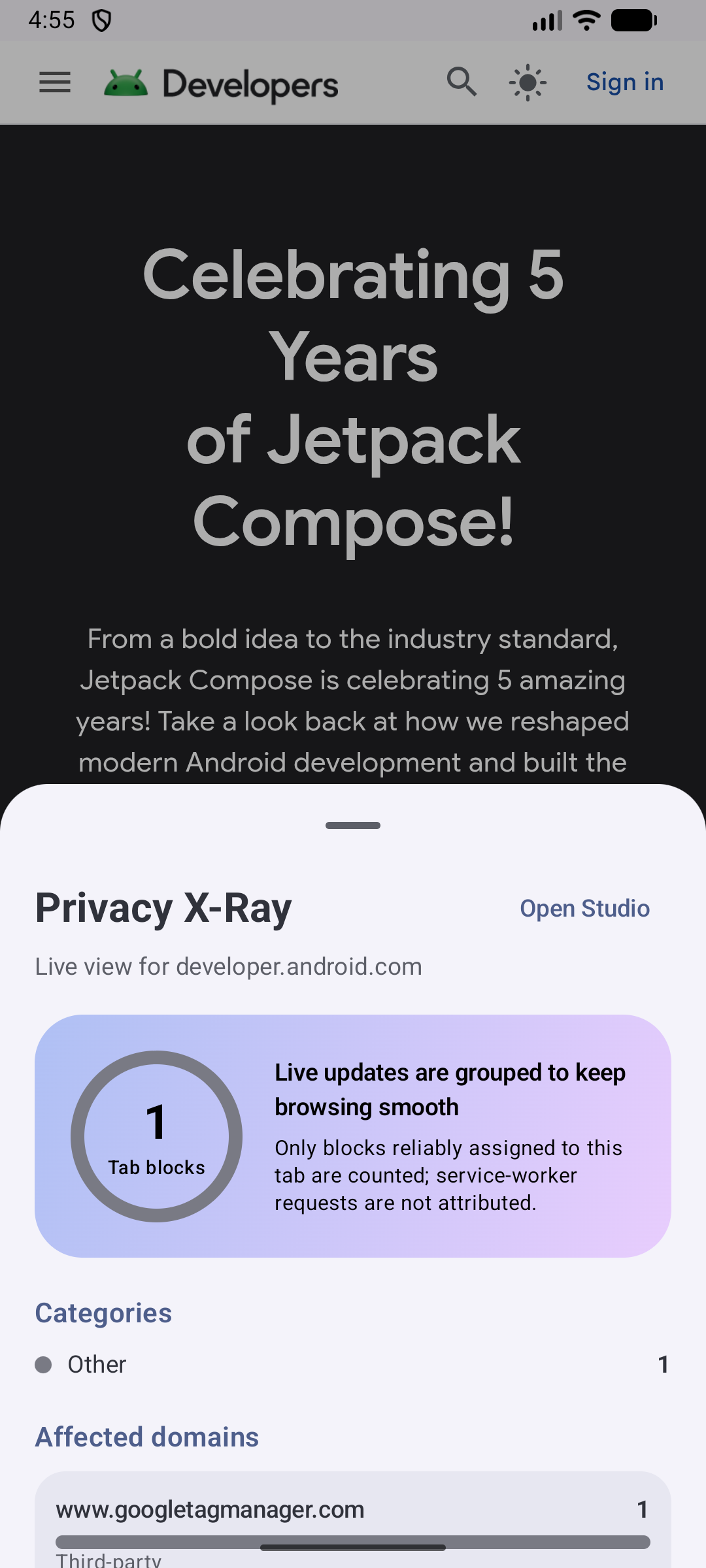
After its gesture-first opener, the showcase moves straight to the Android engine choice and Firefox extensions. It then combines self-hosted Android/Chromium/Firefox tab sync with E2EE, live API 36 emulator footage, current Topping scripts, and repository screenshots to show Link Peek, Spoilerfree Sports, Hacker News Comfort, Privacy X-Ray, Reader Studio, Candy Trails, and profiles. Its original soundtrack, kinetic typography, and camera motion are generated entirely from repository-owned sources.
Why Candy?
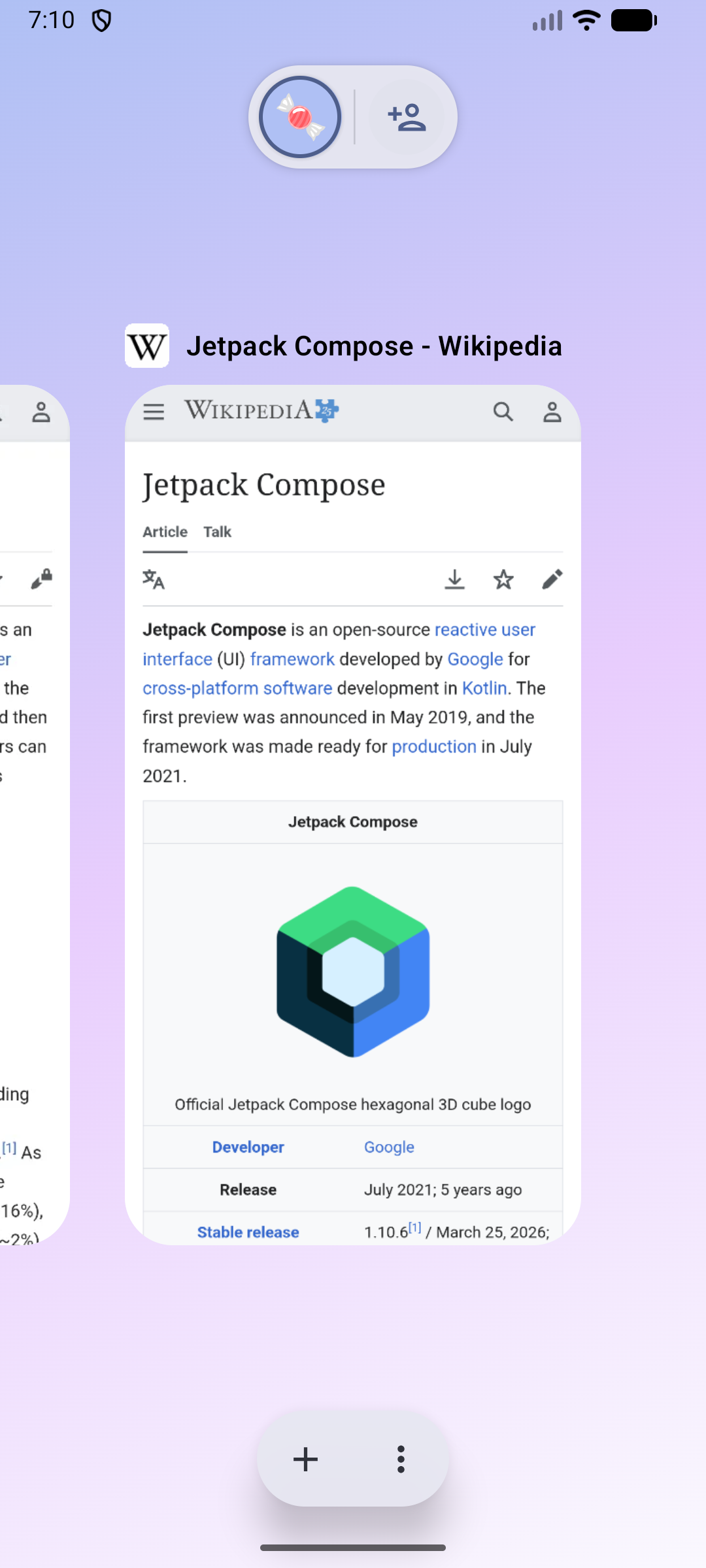
- Made for gestures. Switch tabs from the address bar on phones, use a scrollable tab strip on wider screens, swipe into the visual overview, and dismiss cards with spring motion and haptic feedback.
- Private by design. Filtering, history, favorites, profiles, and privacy telemetry stay local.
- Cross-device without surrendering your data. Self-hosted E2EE sync exposes desktop and Android tab lists as writable device profiles while the server never sees their contents in plaintext.
- Pick the engine that fits. Use GeckoView for Mozilla-signed Firefox extensions such as uBlock Origin, or Android System WebView for Android's system-managed runtime while keeping Toppings and Candy protection.
- Feels at home on Android. Dynamic color, edge-to-edge content, Predictive Back, Autofill, passkeys, downloads, sharing, printing, and default-browser integration.
Architecture
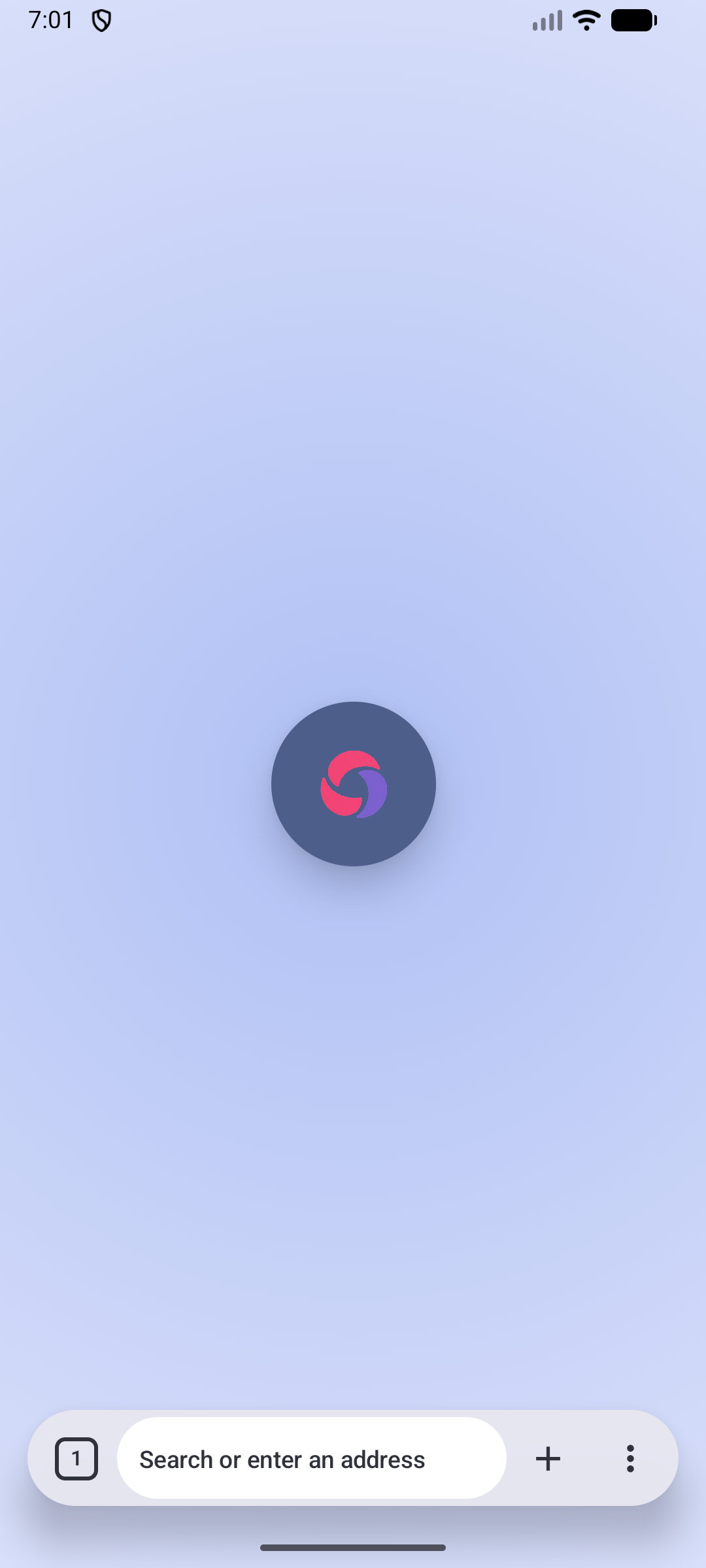
Candy keeps browser behavior and production UI in shared Kotlin. The address bar, gestures, menus, tab switcher, Hero/Grid/List previews, settings structure, and their motion rules are not rebuilt for each platform. Small platform adapters connect that shared product layer to the native browser engine, image types, resources, haptics, and visual effects.
flowchart TD
    K[Shared Kotlin behavior and state] --> C[Shared Compose UI and motion]
    C --> A[Android platform adapter]
    C --> I[iOS platform adapter]
    A --> E{Selected Android engine}
    E --> G[GeckoView sessions]
    E --> S[System WebView sessions]
    G --> F[Signed Firefox WebExtensions]
    K --> T[Shared Topping model and grants]
    T --> GT[Gecko userScripts host]
    T --> ST[System WebView userScripts host]
    T --> WT[WKUserScript host]
    I --> W[WKWebView sessions]
    W --> WT
Android defaults to GeckoView and can switch the whole app to Android System WebView from Browser settings. Candy checkpoints tab URLs and restarts into a fresh process, keeping tabs, bookmarks, history, profiles, and settings shared while cookies, logins, native back-forward lists, and other engine-owned session state stay separate. Firefox extensions remain available only in GeckoView; System WebView keeps Toppings and Candy protection. iOS uses WKWebView behind the same shared Kotlin contracts and Compose browser chrome, with native Liquid Glass supplied through an iOS effect adapter.
Implementation boundaries, invariants, and the current parity status are documented in Platform engines and Platform feature parity.
Tablet and Foldable support
At 600 dp and wider, the floating address bar shows a horizontally scrollable tab strip. Tap another tab to open it, or tap the current tab to edit its address. Configurable actions and the More menu stay in place. Horizontal swipes scroll the strip; the upward overview gesture remains. The visual tab overview also adapts its previews and grid to larger screens.
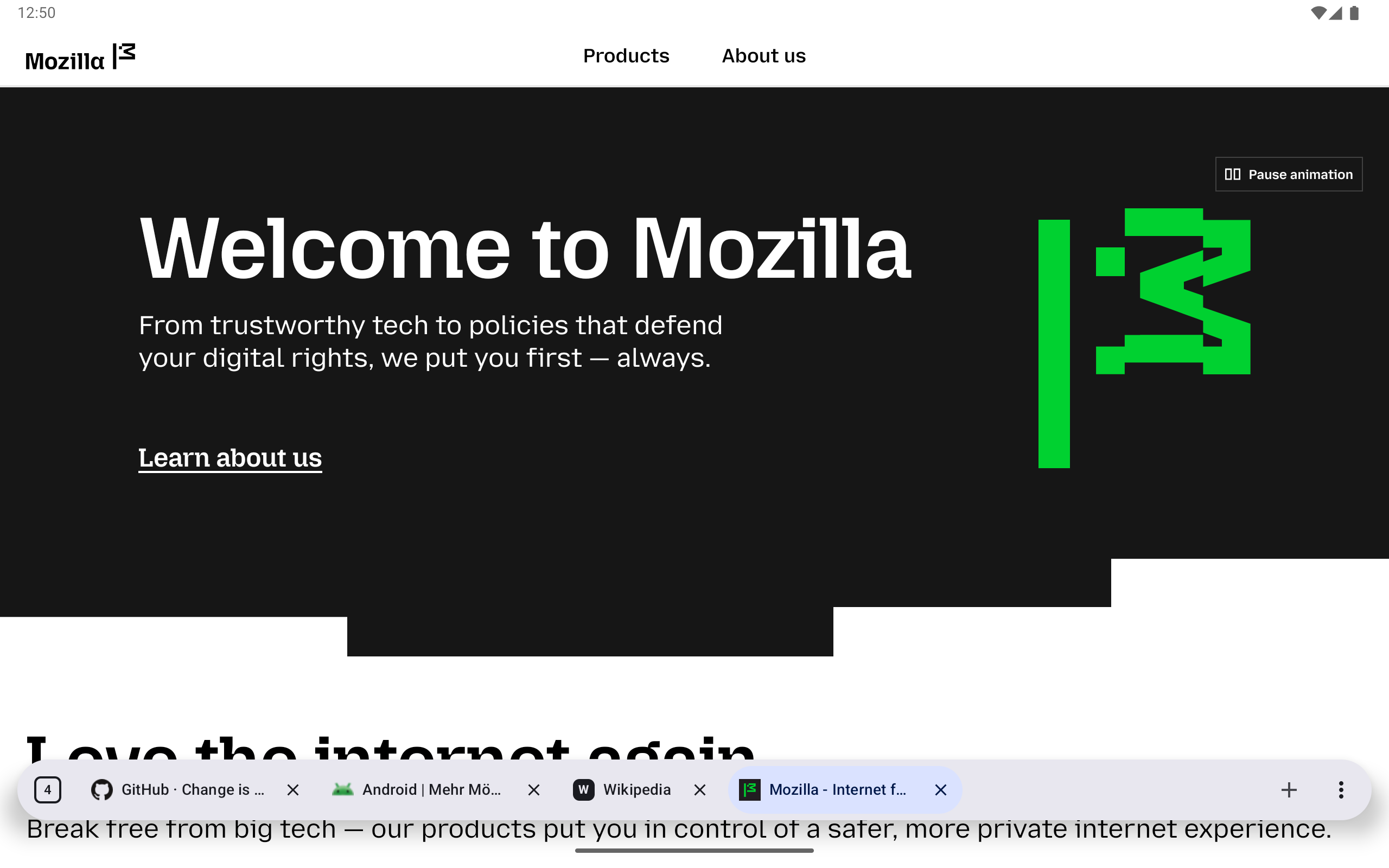
Tablet browsing with floating, scrollable tabs and website favicons.

Unfolded foldable layout with the same tab strip and fixed browser actions.
Features
Browsing and gestures
- Floating chrome over edge-to-edge browser-engine content, with configurable actions around the address field or wide-screen tab strip and a docked edge mode
- Pull to refresh, direct URL navigation, QR scanning, local domain completion, and optional provider-backed search suggestions (disabled in private tabs)
- Google, DuckDuckGo, Bing, Brave, Ecosia, Startpage, Qwant, Kagi, Perplexity, ChatGPT, and configurable SearXNG search
- Optional Google AI Mode routing through a toggleable address-bar logo, enabled from search settings
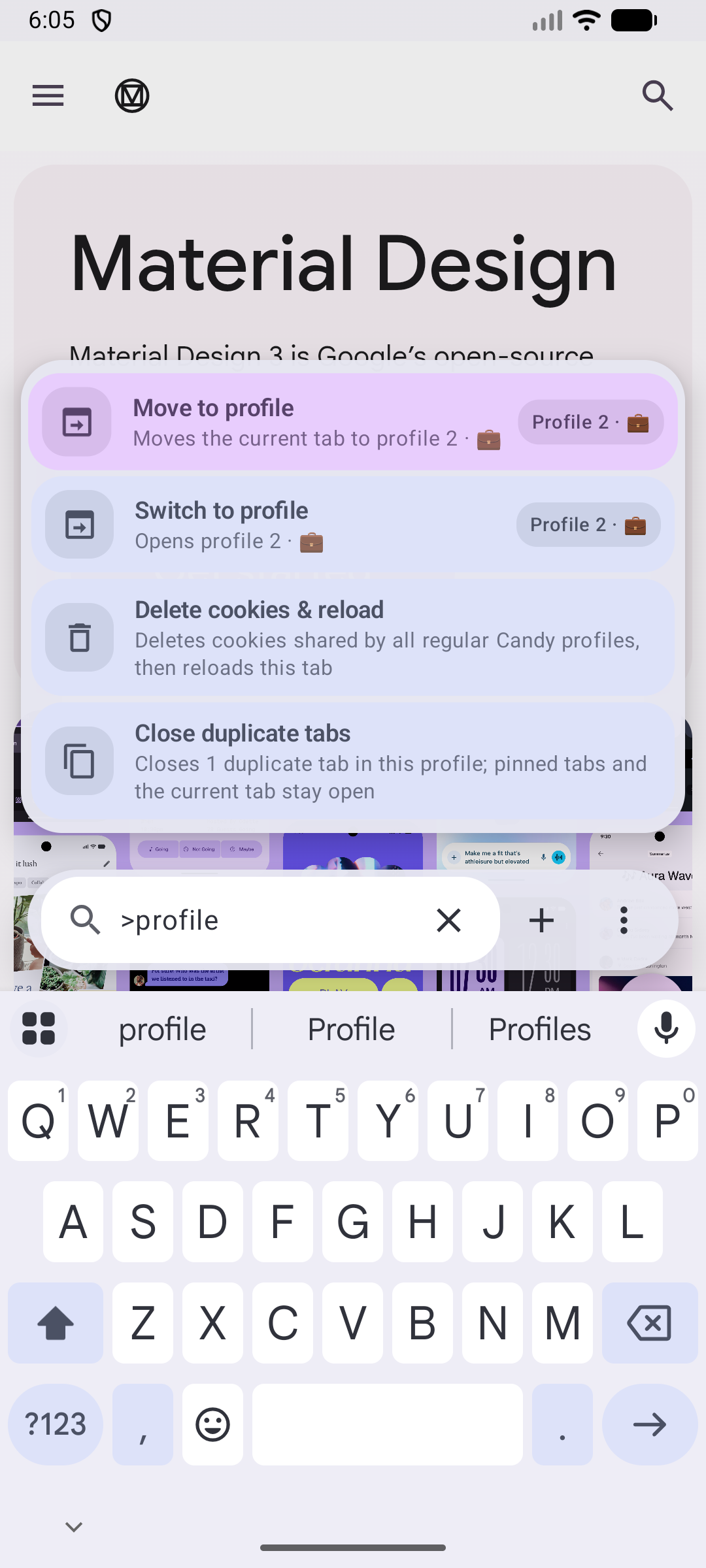
- Address commands with
>for tab, profile, cache, cookie, and navigation actions - Candy Recall: optional, profile-scoped local full-text search across visited pages from the
normal address input, History, or
>recall, with no private-tab or cloud indexing - Background tabs, sharing, printing, external apps, assistant summaries, and built-in or external download managers
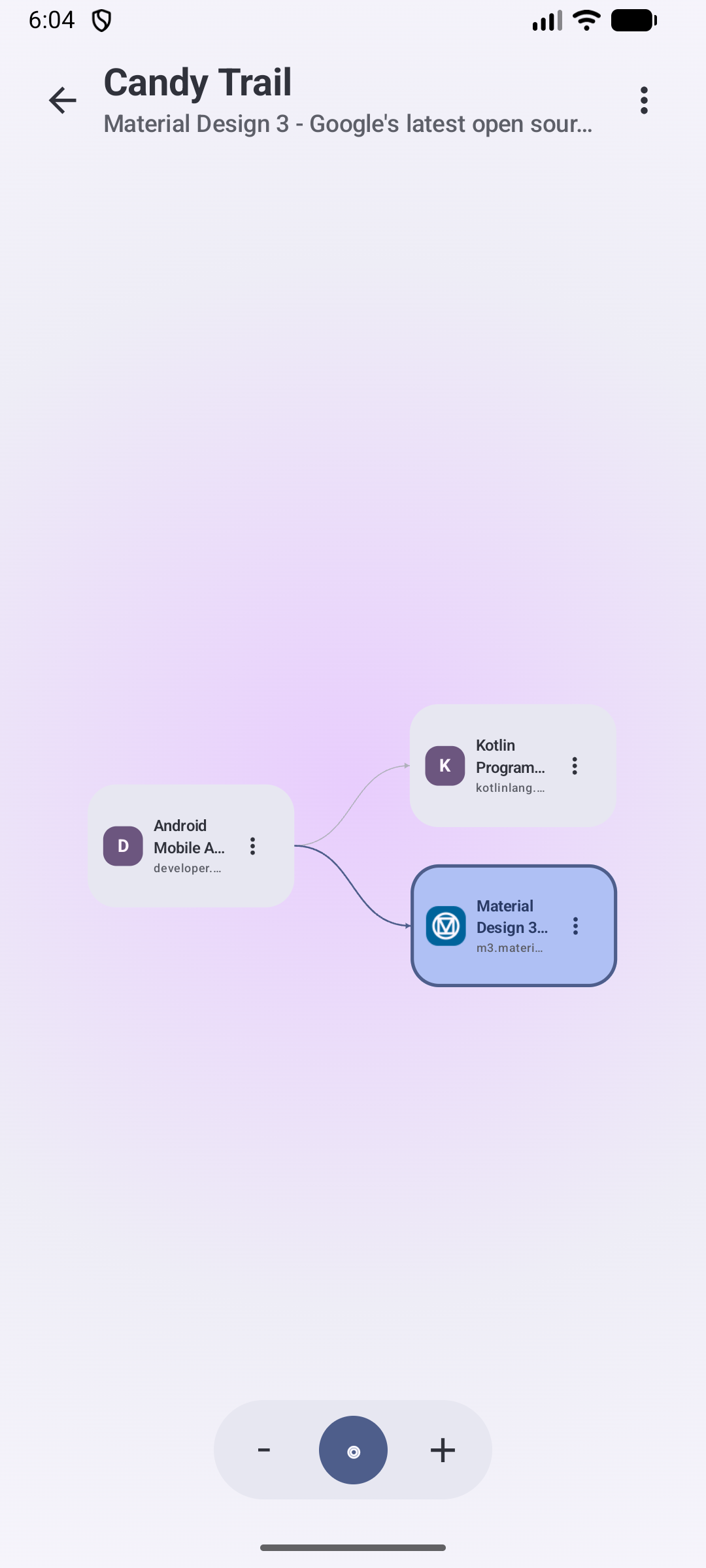
- Candy Constellations: an optional semantic map of visited pages for each local profile. Download the multilingual model once, then explore topic connections with local embeddings, pan/zoom and related-page details. Private pages are excluded. See the Constellations guide.
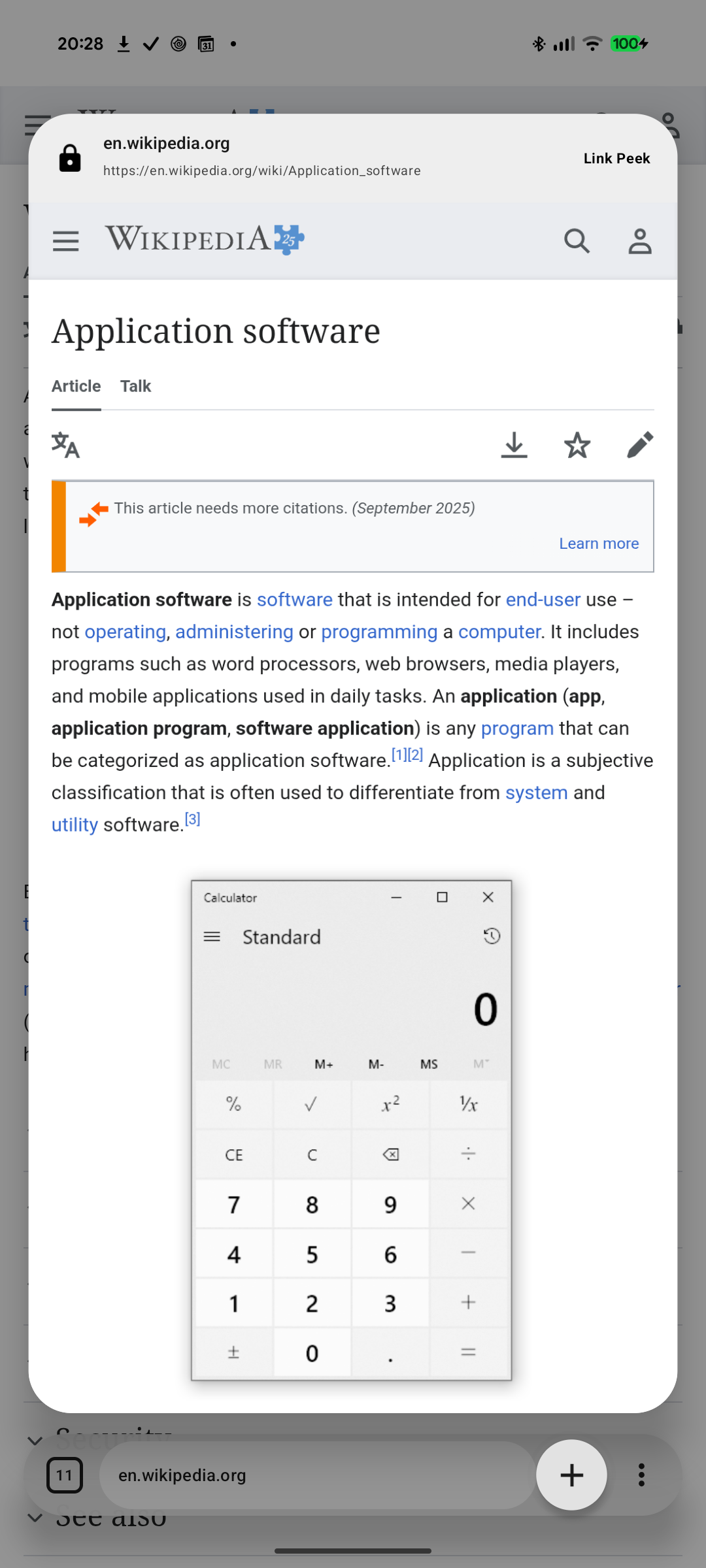
- Link Peek: long-press a link to inspect it in a live, disposable preview without creating a tab or history entry, then send it to a background tab through the pulsing plus target
- External Link Preview: optionally open links from other apps in a temporary Candy preview instead of creating a tab immediately. A compact bottom pill keeps the current host visible, combines the outlined Open in Candy action with its profile picker, and offers share, copy, find-in-page, and desktop-site actions before the page is promoted to a real tab. Temporary app switches keep the preview; explicitly opening Candy from its app icon, widget, or launcher shortcut discards it.
Appearance and browser chrome
- System, light, dark, and AMOLED appearances with Material You, Candy, or neutral color palettes
- Clear or frosted browser surfaces plus angular, rounded, or extra-rounded shapes
- Independent transparency controls for general browser chrome and the address bar, with adjustable live background blur where the selected Android engine and version support it

Tabs, profiles, and journeys
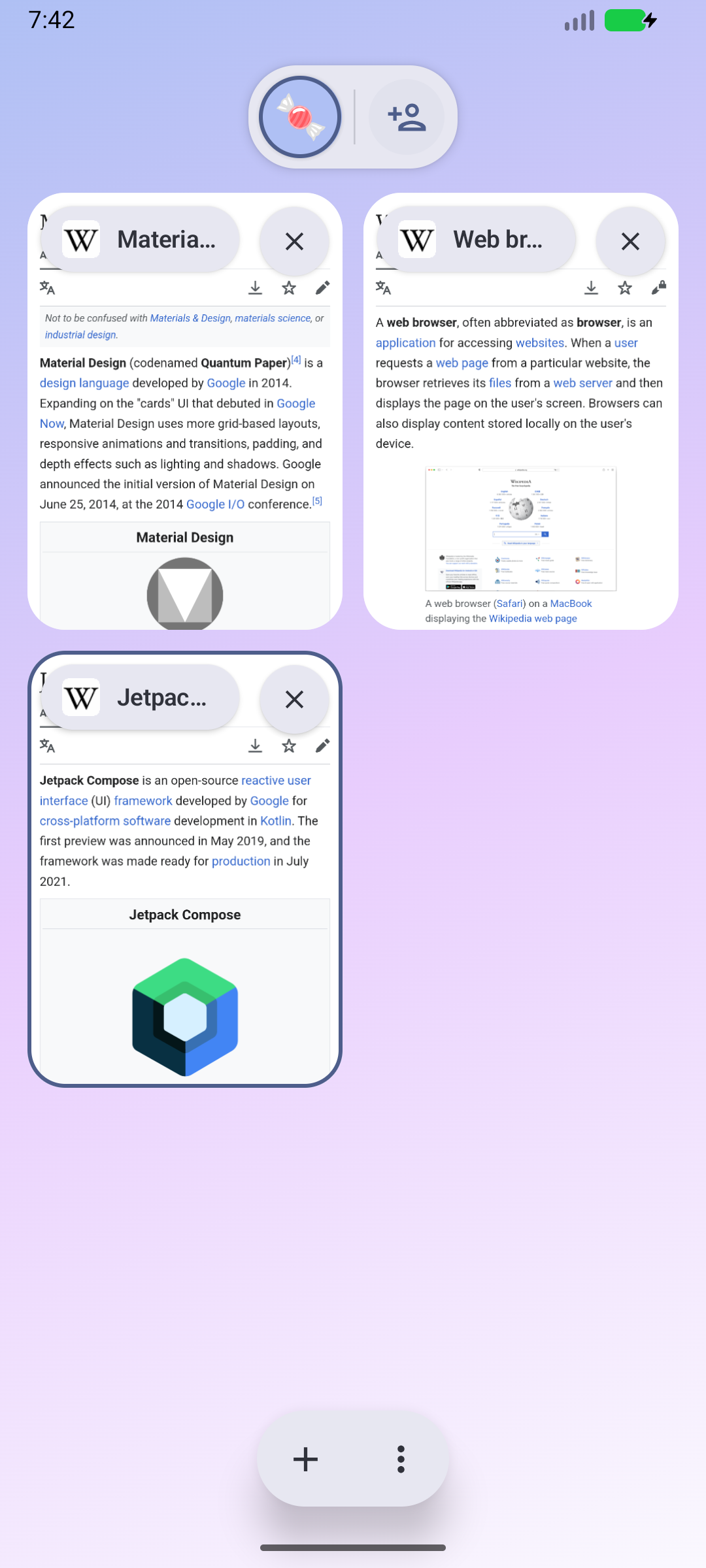
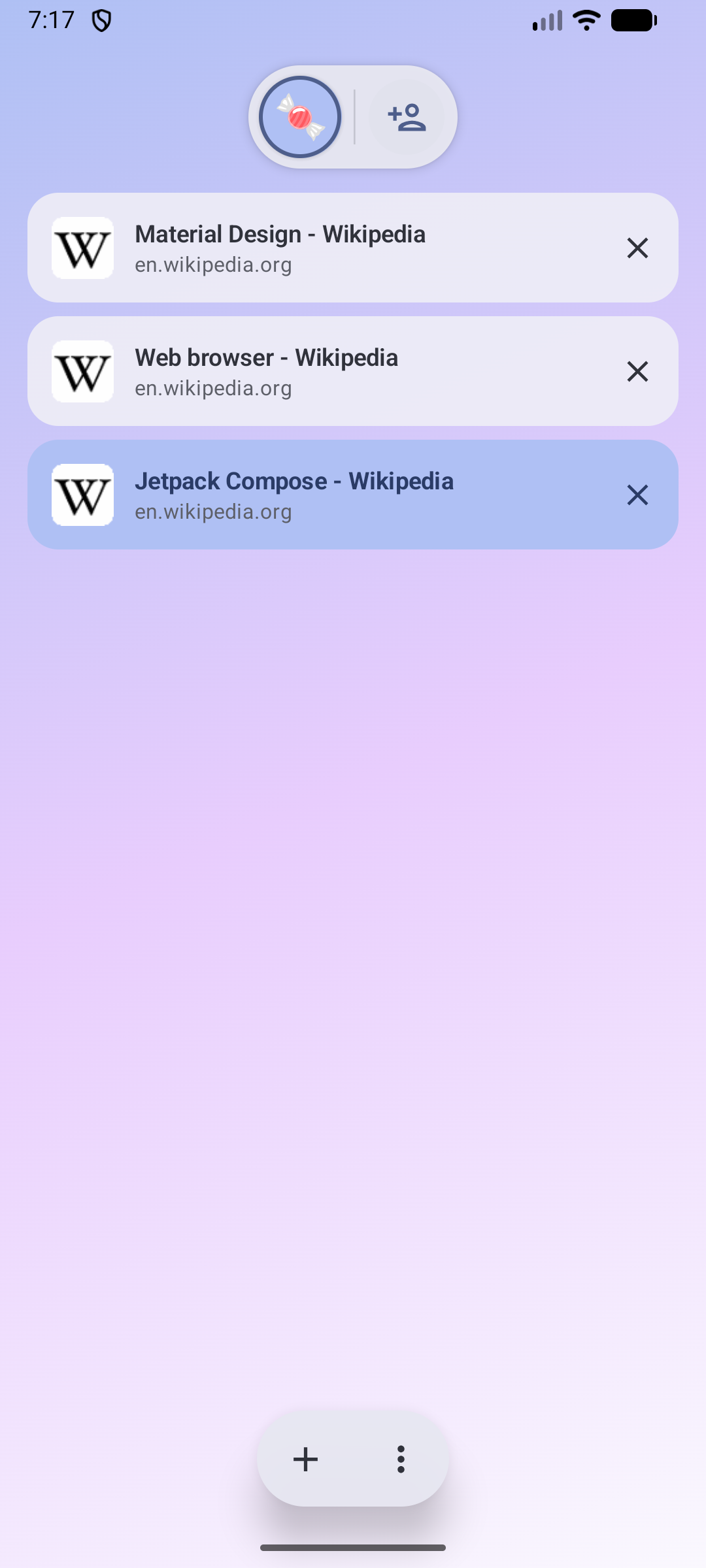
- Persistent tabs with saved page previews, favicons, pinning, reordering, and automatic cleanup
- Coverflow, compact grid, and preview-free list layouts
- Candy Stacks: group compatible tabs by name and color, choose the stack preview, collapse from the card marker in Coverflow or Grid, and choose Coverflow, Grid, or List for the folder-style member view
- Tab snoozing with scheduled returns, notifications, and a dedicated snoozed-tab manager
- Per-profile browser-engine storage isolation with private sessions kept in memory
- Optional profile controls for a simpler single-profile setup
- Private tabs that keep their session and journey data in memory only
- Candy Trails: persistent branching navigation graphs with pan, zoom, direct navigation, and forkable paths
- Site Capsules: profile-bound home-screen shortcuts with configurable navigation boundaries and minimal browser chrome

Reading and page tools
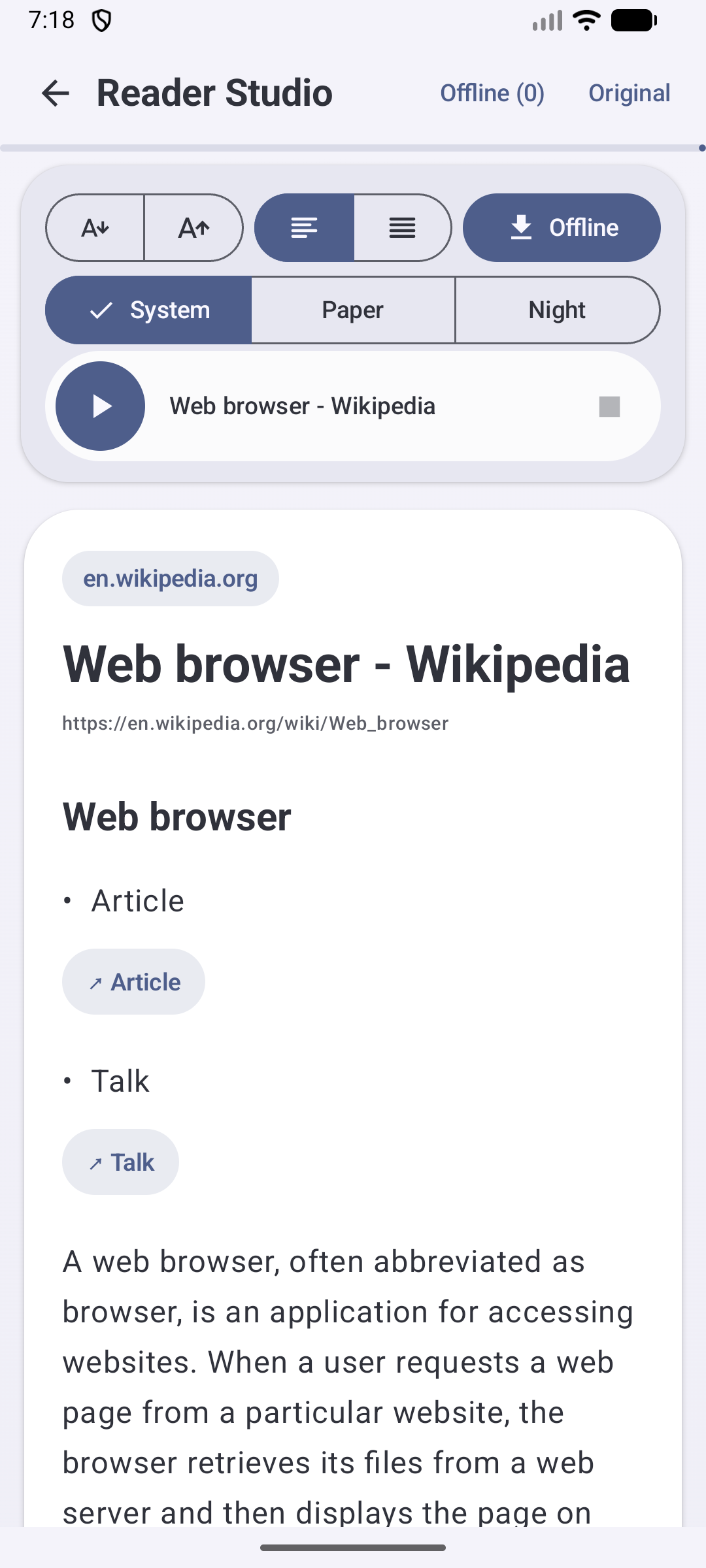
- Reader Studio: local article extraction with typography, alignment, paper and night themes, offline saves, and text-to-speech
- Find in page with live match counts and previous/next navigation that stays visible above the keyboard
- Toppings: Candy's lightweight, transparent alternative to traditional browser extensions.
Discover, install, update, toggle, import, and edit bounded userscripts that customize matching
regular tabs without privileged browser or
GM_*APIs. The reviewed catalog lives incandy-browser-toppings, so new Toppings do not require a Candy Browser release - Per-domain mute controls for silencing noisy sites
- Optional full immersive mode and a setting that prevents video autoplay
Firefox extension support
- A clean Android Gecko profile gets uBlock Origin and I still don't care about cookies by default from pinned, unmodified Mozilla-signed XPIs bundled for offline installation. Their corresponding GPL-3.0-only sources are pinned to immutable upstream Git commits.
- Existing installs are matched by Firefox extension ID and left unchanged. Disabling a default is respected; uninstalling it records a durable removal marker, so Candy does not restore it later. Default extensions are never enabled for private tabs without the user's explicit opt-in.
- Android can install Mozilla-signed Firefox extensions directly from an HTTPS XPI URL. Candy uses GeckoView for signature validation, permission approval, installation, updates, enable/disable, uninstall, and explicit private-browsing access.
- Failed installs retain GeckoView's reason: Candy distinguishes download, package integrity, storage, signature, identity, compatibility, platform support, Mozilla blocklist, enterprise-only, cancellation, and restart-required failures instead of showing one generic error.
- Supported extension UI stays inside Candy's shared browser chrome: browser/page actions, popups, and options pages do not introduce a second address bar, menu system, or tab switcher.
- Candy supports the public WebExtension APIs exposed by the pinned GeckoView 155 runtime. This is
not a guarantee that every Firefox Desktop extension is compatible. Desktop-only APIs and fields
GeckoView rejects before Candy can handle them cannot be emulated reliably. For example,
tabs.update({ muted: ... })andtabs.update({ pinned: ... })are rejected by GeckoView 155's extension schema. - See the tested Firefox WebExtension capability matrix for supported APIs and exact platform boundaries.
Pinned source URLs, versions, hashes, licenses, and delivery modes live in
app/src/gecko/assets/gecko_default_extensions/catalog.json. Maintainers verify local assets with
python3 scripts/generate_gecko_default_extensions.py verify, audit both upstream files with
python3 scripts/generate_gecko_default_extensions.py audit-remote, and refresh the bundled XPI
only with python3 scripts/generate_gecko_default_extensions.py refresh.
Media, fullscreen, and picture-in-picture
- Native fullscreen support for HTML5 and YouTube video, including rotation-aware Android system UI
- Automatic Android picture-in-picture when leaving Candy with an active regular-tab video
- Website picture-in-picture buttons for eligible top-level and fullscreen-capable embedded HTML5 video
- Google Cast playback for compatible direct HTML5 MP4, WebM, HLS and DASH video in regular tabs
- Seamless PiP entry and return without pausing or recreating the decoder surface, even when a site replaces or restyles its video element
- Draggable in-app mini-player when switching tabs, plus background audio playback where supported
- Android media notification and system controls for play, pause, stop, and seek
- Private-tab media remains transient and never enters PiP, the mini-player, or system media controls