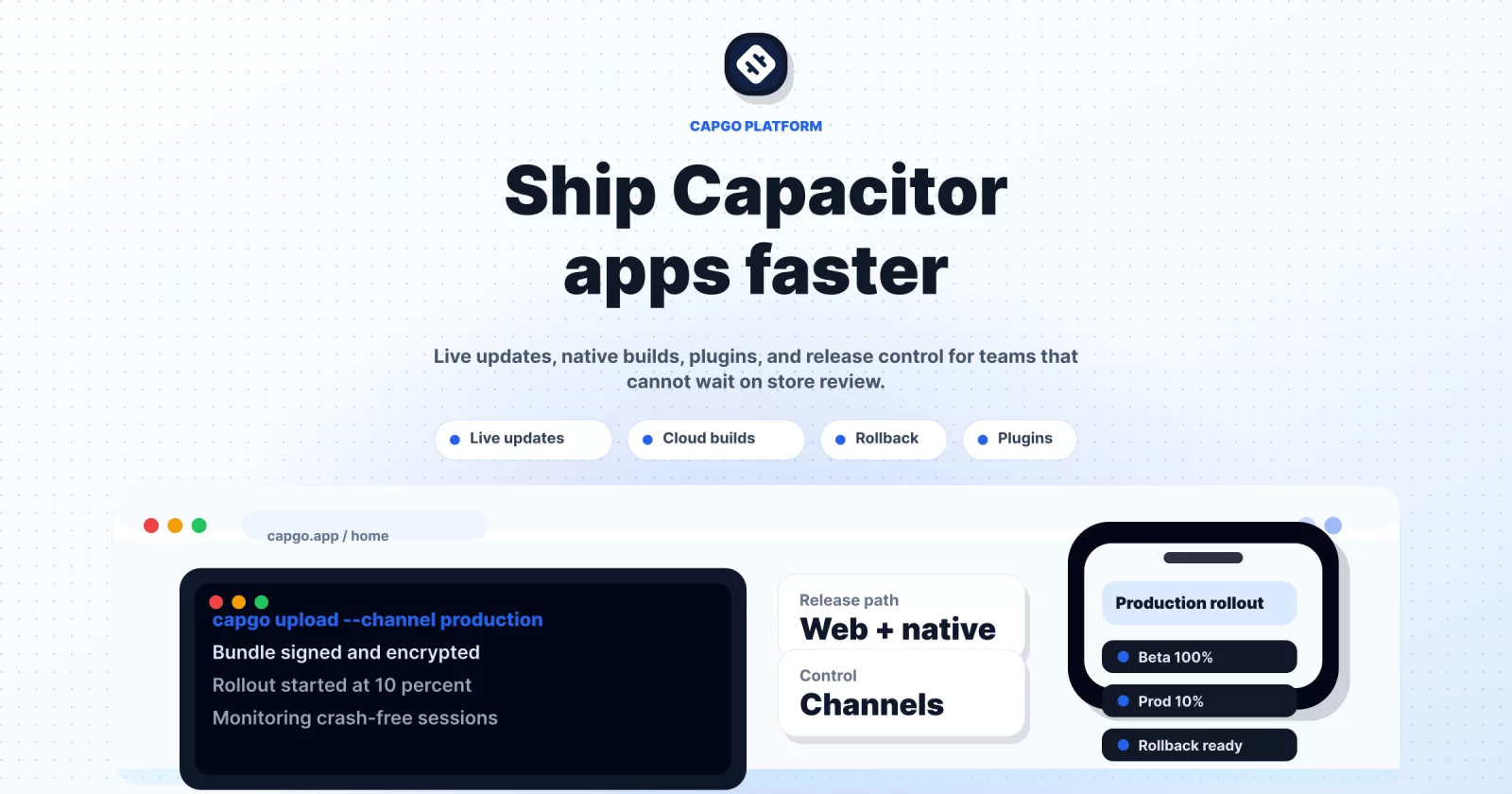

Ship live updates to your Capacitor app: push JavaScript, HTML and CSS fixes to users right away without waiting for store review, with Capgo Cloud or your own server.
This plugin is the live update layer of Capgo, the AI-ready platform to build, ship, and maintain Capacitor apps: Capacitor skills and MCP servers for AI coding agents (Claude Code, Codex, Cursor, Copilot, Gemini CLI), maintained Capacitor plugins, cloud native iOS/Android builds with App Store and Google Play publishing, live updates with channels and rollback, and release monitoring.

Capgo: open-source live updates for Ionic and Capacitor apps. Ship OTA fixes and features instantly, without waiting for app store review.
➡️ Get started for free
14-day unlimited free trial. No credit card required
Use with AI coding agents
Capgo provides skills and a hosted MCP server so AI coding agents can set up and operate Capacitor apps, including this plugin.
-
Skills: install the Capgo skills (source) in your agent:
npx skills add Cap-go/capgo-skills -
Hosted MCP server:
https://api.capgo.app/mcp(docs). -
Agent setup guides: capgo.app/agents and AI tools for Capacitor.
Key features
- Auto update: downloads and applies the latest bundle from Capgo Cloud or your own update server.
- Safe rollouts:
notifyAppReady()confirms a bundle works, otherwise the app rolls back to the last working one. - Bundle control:
download(),next(),set(),list(),delete()andreset()for manual flows. - Channels:
setChannel(),getChannel()andlistChannels()for environments and per-device QA. - Delta updates and security: only changed files are downloaded, checksums are verified, and encryption is optional.
- Preview sessions:
startPreviewSession(),setPreview()andresetPreview()to test bundles on a device. - Platforms: iOS and Android. Web is a stub for development.







Capacitor plugin to update your app remotely in real-time.
Open-source Alternative to Appflow, Codepush or Capawesome
Why Capacitor Updater?
App store review processes can take days or weeks, blocking critical bug fixes and updates from reaching your users. Capacitor Updater solves this by:
- Instant updates - Push JavaScript/HTML/CSS updates directly to users without app store review
- Delta updates - Only download changed files, making updates ultra-fast
- Rollback protection - Automatically revert broken updates to keep your app stable
- Open source - Self-host or use Capgo Cloud, with full control over your update infrastructure
- Battle-tested - Used by 3000+ production apps with proven reliability
- Most stared - Capacitor updater is the most stared Capacitor plugin on GitHub
Perfect for fixing bugs immediately, A/B testing features, and maintaining control over your release schedule.
Features
- ☁️ Cloud / Self hosted Support: Use our Cloud to manage your app updates or yours.
- 📦 Bundle Management: Download, assign to channel, rollback.
- 📺 Channel Support: Use channels to manage different environments.
- 🎯 Set Channel to specific device to do QA or debug one user.
- 🔄 Auto Update: Automatically download and set the latest bundle for the app.
- 🛟 Rollback: Reset the app to last working bundle if an incompatible bundle has been set.
- 🔁 Delta Updates: Make instant updates by only downloading changed files.
- 🔒 Security: checksum on every update; encryption optional for high-security apps.
- ⚔️ Battle-Tested: Used in more than 3000 projects.
- 📊 View your deployment statistics
- 🔋 Supports Android and iOS
- ⚡️ Capacitor 4/5/6/7/8 support
- 🌐 Open Source: Licensed under the Mozilla Public License 2.0
- 🌐 Open Source Backend: Self install our backend in your infra
You have 3 ways possible :
- Use capgo.app a full featured auto-update system in 5 min Setup, to manage version, update, revert and see stats.
- Use your own server update with auto-update system
- Use manual methods to zip, upload, download, from JS to do it when you want.
Documentation
The most complete documentation here.
Community
Join the discord to get help.
Migration to v8
This major version is here to follow Capacitor major version 8
First follow the migration guide of Capacitor:
https://capacitorjs.com/docs/updating/8-0
Migration to v7.34
- Channel storage change:
setChannel()now stores channel assignments locally on the device instead of in the cloud. This provides better offline support and reduces backend load.- Channel assignments persist between app restarts
- Use
unsetChannel()to clear the local assignment and revert todefaultChannel - Old devices (< v7.34.0) use now a KV storage to prevent overload the primary DB of Capgo
- New event: Listen to the
channelPrivateevent to handle cases where a user tries to assign themselves to a private channel (one that doesn't allow self-assignment). See example in thesetChannel()documentation above.
Migration to v7
The minimum iOS version is now 15.0 to match Capacitor 7/8 requirements.
The plugin has no third-party iOS dependencies besides Capacitor: ZIP extraction uses a built-in reader on top of Apple's native Compression framework, and networking uses URLSession.
Compatibility
| Plugin version | Capacitor compatibility | Maintained |
|---|---|---|
| v8.*.* | v8.*.* | ✅ |
| v7.*.* | v7.*.* | ✅ |
| v6.*.* | v6.*.* | ✅ |
| v5.*.* | v5.*.* | ✅ |
| v4.*.* | v4.*.* | ✅ |
| v3.*.* | v3.*.* | ⚠️ Deprecated |
| > 7 | v4.*.* | ⚠️ Deprecated, our CI got crazy and bumped too much version |
Note: Versions 4, 5, 6, 7, and 8 all share the same features. The major version simply follows your Capacitor version. You can safely use any of these versions that matches your Capacitor installation.
iOS
Privacy manifest
Add the NSPrivacyAccessedAPICategoryUserDefaults dictionary key to your Privacy Manifest (usually ios/App/PrivacyInfo.xcprivacy):
<?xml version="1.0" encoding="UTF-8"?>
<!DOCTYPE plist PUBLIC "-//Apple//DTD PLIST 1.0//EN" "http://www.apple.com/DTDs/PropertyList-1.0.dtd">
<plist version="1.0">
  <dict>
    <key>NSPrivacyAccessedAPITypes</key>
    <array>
      <!-- Add this dict entry to the array if the file already exists. -->
      <dict>
        <key>NSPrivacyAccessedAPIType</key>
        <string>NSPrivacyAccessedAPICategoryUserDefaults</string>
        <key>NSPrivacyAccessedAPITypeReasons</key>
        <array>
          <string>CA92.1</string>
        </array>
      </dict>
    </array>
  </dict>
</plist>
We recommend to declare CA92.1 as the reason for accessing the UserDefaults API.
Installation
You can use our AI-Assisted Setup to install the plugin. Add the Capgo skills to your AI tool using the following command:
npx skills add https://github.com/Cap-go/capgo-skills --skill capacitor-plugins
Then use the following prompt:
Use the `capacitor-plugins` skill from `Cap-go/capgo-skills` to install the `@capgo/capacitor-updater` plugin in my project.
If you prefer Manual Setup, install the plugin by running the following commands and follow the platform-specific instructions below:
Step by step here: Getting started
Or
npm install @capgo/capacitor-updater
npx cap sync
Install a specific version
Use npm tags to install the version matching your Capacitor version:
# For Capacitor 8 (latest)
npm install @capgo/capacitor-updater@latest

# For Capacitor 7
npm install @capgo/capacitor-updater@lts-v7

# For Capacitor 6
npm install @capgo/capacitor-updater@lts-v6

# For Capacitor 5
npm install @capgo/capacitor-updater@lts-v5

# For Capacitor 4
npm install @capgo/capacitor-updater@lts-v4
Auto-update setup
Create your account in capgo.app and get your API key
- Login to CLI
npx @capgo/cli@latest init API_KEYAnd follow the steps by step to setup your app.
For detailed instructions on the auto-update setup, refer to the Auto update documentation.
Instant apply (always, atInstall, onLaunch)
These modes apply the update while the user is waiting. Upload with --delta so only changed files download:
npx @capgo/cli@latest bundle upload --delta
They also require @capacitor/splash-screen and autoSplashscreen: true with SplashScreen.launchAutoHide: false. See Update Behavior.
On iOS, use at least @capgo/capacitor-updater@8.51.22. The same fix is in the LTS lines from 7.51.21, 6.51.21, and 5.51.21. The Capacitor 4 line (@lts-v4) never shipped autoSplashscreen, so this rejection does not apply there.
Earlier 5, 6, 7, and 8 builds compiled autoSplashscreen so it built the splash screen show / hide selector at runtime with NSSelectorFromString, then called it with responds(to:) and perform. App Review rejected that binary under Guideline 2.5.2. The rejection names code that passes arbitrary parameters to dynamic methods such as respondsToSelector: and performSelector:, next to a plugin that downloads a remote bundle. See #913. Those calls stay in the binary when autoSplashscreen is off, so turning the option off does not clear the rejection. Upgrade to the latest plugin for your Capacitor major and submit a new native build.
No Cloud setup
Download update distribution zipfiles from a custom URL. Manually control the entire update process.
- Edit your
capacitor.config.jsonlike below, setautoUpdateto false.
// capacitor.config.json
{
	"appId": "**.***.**",
	"appName": "Name",
	"plugins": {
		"CapacitorUpdater": {
			"autoUpdate": false,
		}
	}
}
- Add to your main code
  import { CapacitorUpdater } from '@capgo/capacitor-updater'
  CapacitorUpdater.notifyAppReady()
This informs Capacitor Updater that the current update bundle has loaded successfully. Failing to call this method will cause your application to be rolled back to the previously successful version (or built-in bundle).
- Add this to your application.
  const version = await CapacitorUpdater.download({
    version: '0.0.4',
    url: 'https://github.com/Cap-go/demo-app/releases/download/0.0.4/dist.zip',
  })
  await CapacitorUpdater.set(version); // sets the new version, and reloads the app
- Failed updates will automatically roll back to the last successful version.
- Example: Using App-state to control updates, with SplashScreen: You might also consider performing auto-update when application state changes, and using the Splash Screen to improve user experience.
  import { CapacitorUpdater, VersionInfo } from '@capgo/capacitor-updater'
  import { SplashScreen } from '@capacitor/splash-screen'
  import { App } from '@capacitor/app'

  let version: VersionInfo;
  App.addListener('appStateChange', async (state) => {
      if (state.isActive) {
        // Ensure download occurs while the app is active, or download may fail
        version = await CapacitorUpdater.download({
          version: '0.0.4',
          url: 'https://github.com/Cap-go/demo-app/releases/download/0.0.4/dist.zip',
        })
      }

      if (!state.isActive && version) {
        // Activate the update when the application is sent to background
        SplashScreen.show()
        try {
          await CapacitorUpdater.set(version);
          // At this point, the new version should be active, and will need to hide the splash screen
        } catch () {
          SplashScreen.hide() // Hide the splash screen again if something went wrong
        }
      }
  })
TIP: If you prefer a secure and automated way to update your app, you can use capgo.app - a full-featured, auto-update system.
Store Guideline Compliance
Live updates of JavaScript, HTML, and CSS are allowed on Google Play and the App Store. This plugin replaces the web bundle that already runs in the WebView. It does not download or install native executable code.
Google Play
Device and Network Abuse forbids an app from updating itself outside Google Play or from downloading executable code (dex, JAR, .so). The same policy exempts the web layer:
This restriction does not apply to code that runs in a virtual machine or an interpreter where either provides indirect access to Android APIs (such as JavaScript in a webview or browser).
JavaScript loaded at runtime must still respect the rest of the Play policies. Capacitor-updater only ships that JavaScript bundle. It cannot change native code, permissions, or the store binary.
App Store
Section 3.3.1(B) Executable Code of the Apple Developer Program License Agreement allows interpreted code:
Except as set forth in the next paragraph, an Application may not download or install executable code. Interpreted code may be downloaded to an Application but only so long as such code: (a) does not change the primary purpose of the Application by providing features or functionality that are inconsistent with the intended and advertised purpose of the Application (b) does not bypass signing, sandbox, or other security features of the OS; and (c) for Applications distributed on the App Store, does not create a store or storefront for other Applications.
A bundle that keeps the app's reviewed purpose, stays in the sandbox, and does not open a store for other apps is inside that rule.
A reviewer can still misread the binary or the launch UI and reject the build. On iOS that usually arrives as Guideline 2.5.2. It is rare. Reply in the store console and explain that the plugin downloads interpreted JavaScript, HTML, and CSS for the existing WebView, which the rules above permit, and that it does not download native executable code. Following the recommendations in this README is what keeps that from happening: ship a plugin build new enough that the old autoSplashscreen selector code is gone, and do not mention updates, live updates, or remote updates anywhere in the app.
To further remain in compliance with Apple's guidelines, we suggest that App Store-distributed apps don't enable the Force update scenario, since in the App Store Review Guidelines it is written that:
Apps must not force users to rate the app, review the app, download other apps, or other similar actions to access functionality, content, or use of the app.
This is not a problem for the default behavior of background update, since it won't force the user to apply the new version until the next app close, but at least you should be aware of that ruling if you decide to show it.
Good practice for App Store review
Do not tell the user the app is updating. In any UI the user can see, including copy on top of the splash screen, settings, and buttons, do not say "update", "live update", "remote update", "OTA", "downloading", or "installing". A progress bar is fine when its label describes tailoring the experience, for example "Tailoring your experience…". Calling that wait an update reads as the app installing behavior that was not in the reviewed binary.
Do not add a button such as "Update the app" or "Apply update" to trigger the bundle. If you need the user to cont