Chess Fundamentals
Interactive chess learning platform built with Next.js, React, and TypeScript.
The project combines my background as a former competitive chess player and coach (2250 FIDE) with modern frontend development and AI-assisted workflows.
Live Demo
chess-trainer-amber.vercel.app/en
Features
- Theory — basic checkmate patterns with explainer videos and Lichess practice links
- Piece Values — puzzle: pick the combination of pieces whose point values sum to a random target
- World Champions — bios and lecture videos from Steinitz to Kasparov
- Chess.com Games — load any player's last 10 games and replay them move by move with live clocks and per-move think time
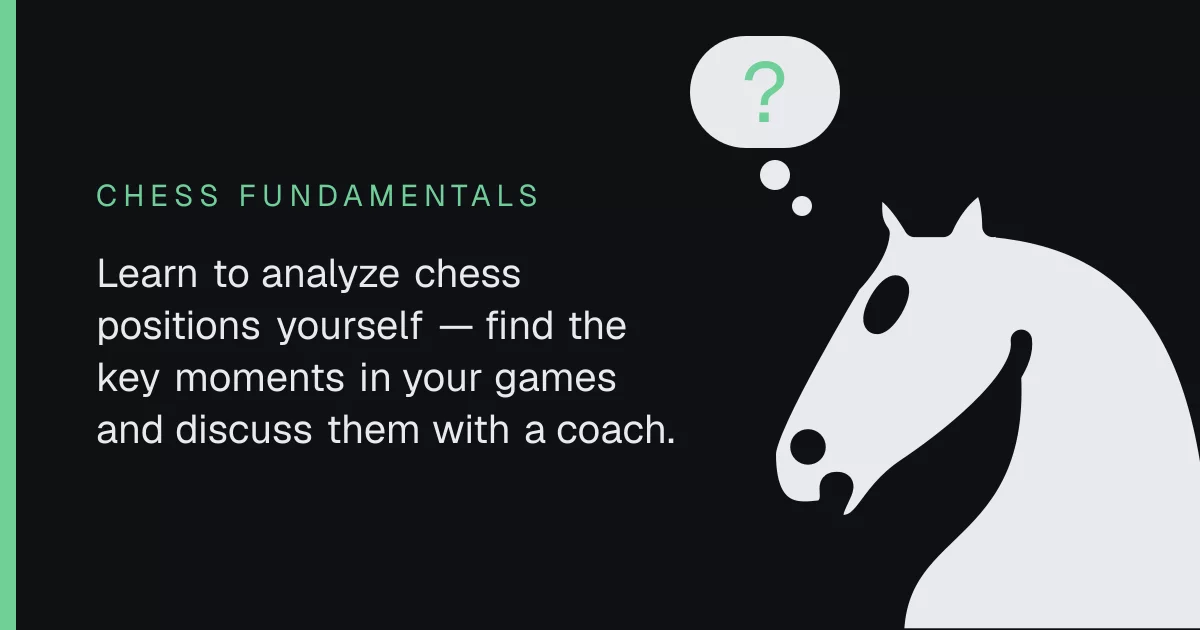
- Key Positions — surface every position where the user spent more than the configured threshold thinking, sorted by time; users can send their own analysis of these to a platform coach and get a reply
- Three themes (light / dark / rose) and two languages (English / Russian), URL-prefixed with auto-detect
Note: part of the educational video content is in Russian only.
Tech Stack
- Next.js 16 (App Router, Turbopack), React 19
- TypeScript (strict mode)
- Tailwind CSS 4, shadcn/ui
- next-intl for locale-prefixed routing
- Supabase — auth and Postgres database (backend)
- SWR for client-side data fetching
- chess.js + react-chessboard
- Jest + React Testing Library
- Vercel hosting, GitHub Actions CI
- Built with Claude Code (AI-assisted development)
Transactional email
Auth emails (sign-up confirmation, password reset) are sent from chesstrainer.notify@gmail.com.
Telegram bot
Admins get a Telegram message for each new question, and students get one when it is answered. Users connect from /profile.
- Create two bots in @BotFather: one for dev, one for prod.
- Set
TELEGRAM_BOT_TOKEN,TELEGRAM_BOT_USERNAMEandTELEGRAM_WEBHOOK_SECRET(any random string) in.env.localand in Vercel (prod bot). - After deploy, register the webhook and commands with the site URL:
node --env-file=.env.local scripts/telegram-setup.mjs https://<site> - Locally, Telegram can't reach
localhost, so for the webhook use a tunnel (e.g.npx ngrok http 3000) and run the script with the tunnel URL. For a local manual check, also open the site through the tunnel URL rather thanlocalhost: message buttons are built from the page's origin and Telegram rejectslocalhostbutton URLs.