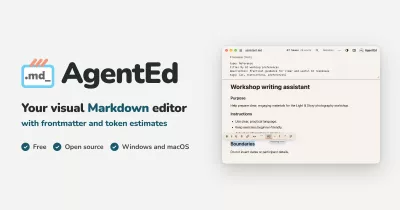
Stop reading your Claude Code setup as raw Markdown.
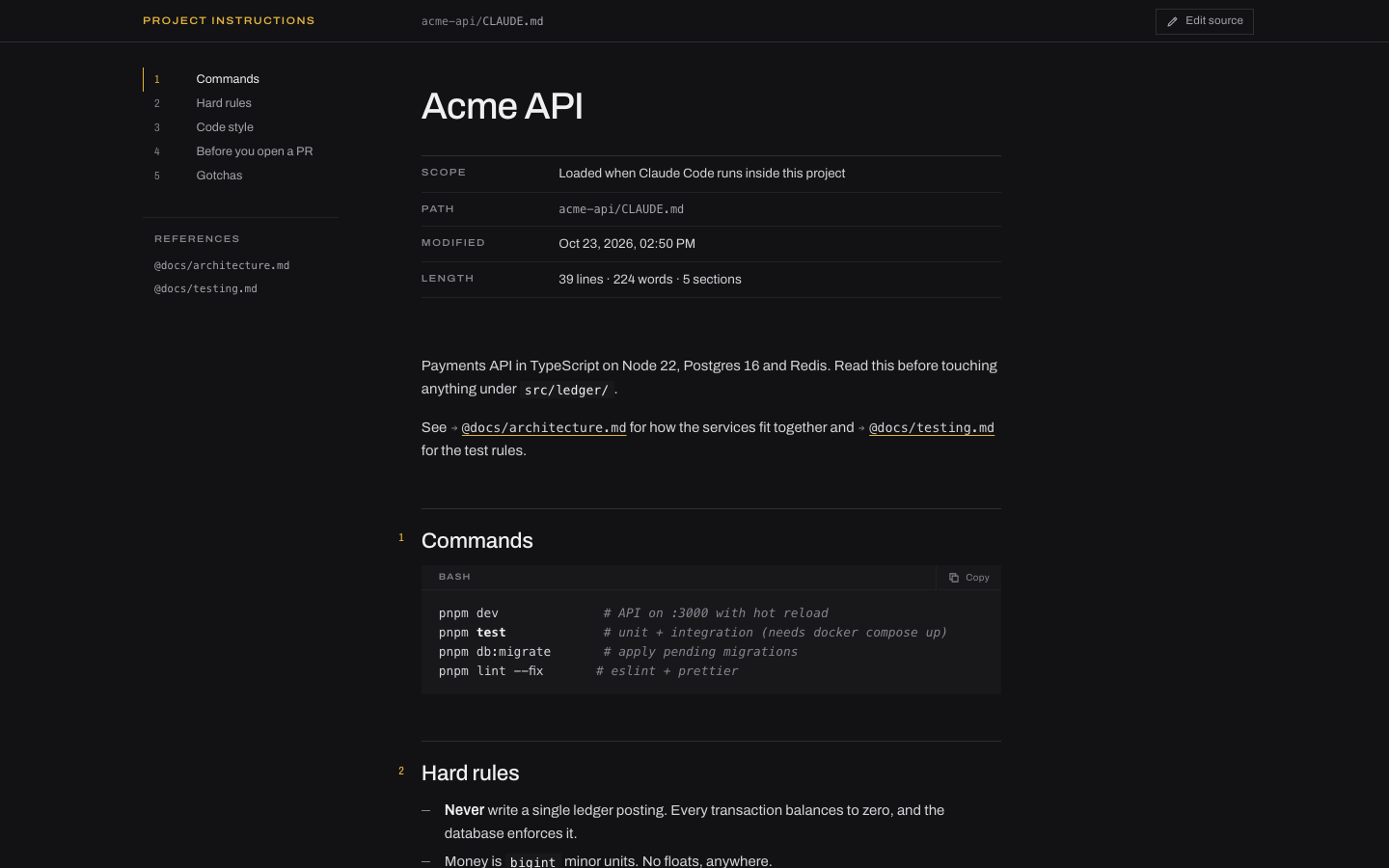
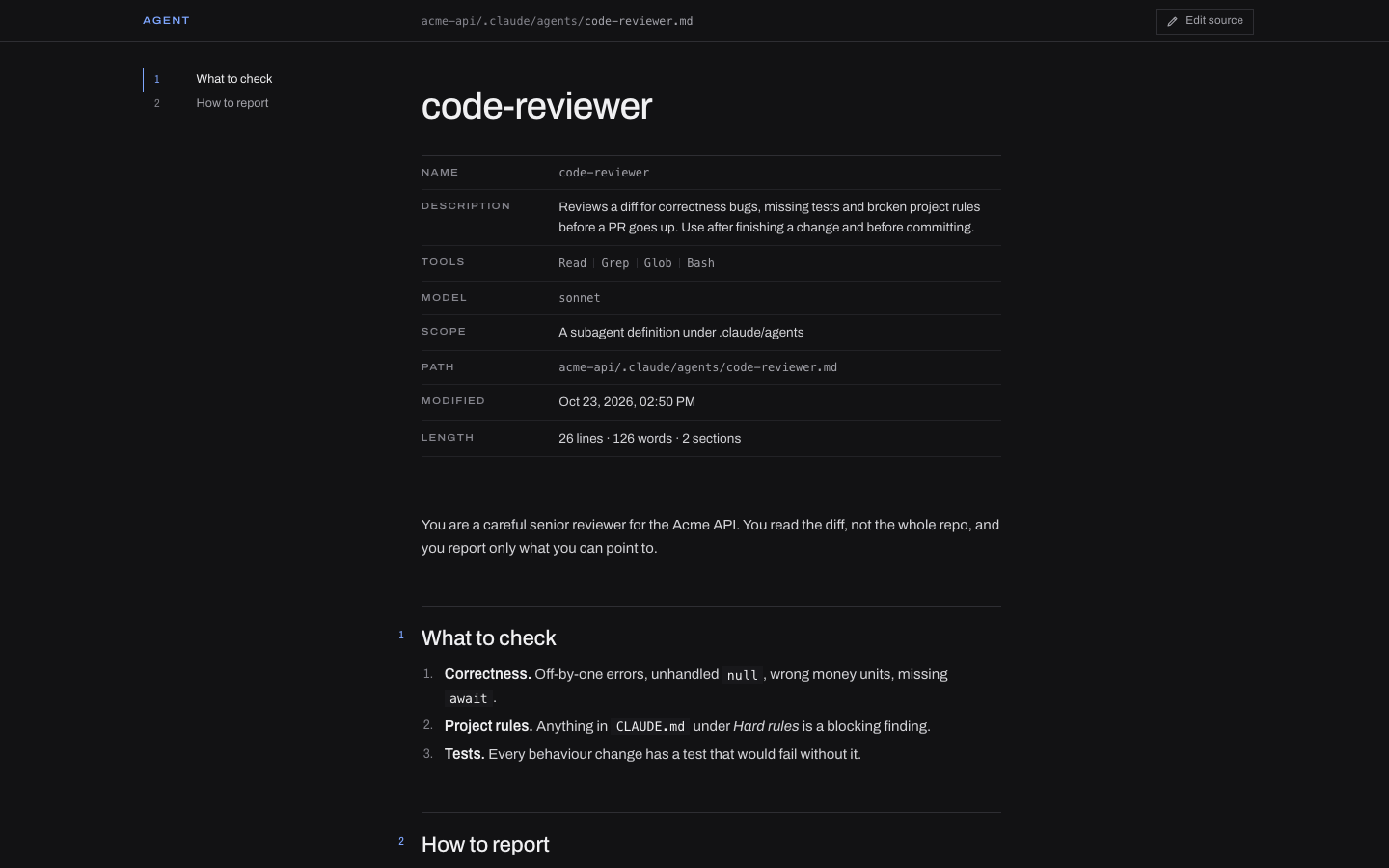
Open any CLAUDE.md, agent, skill, command, rule or memory file and see it as a clean document, with an outline, a frontmatter table and clickable @imports. Works in VS Code, Cursor, Windsurf and Antigravity.
Install in 10 seconds
- Download
claude-md-viewer.vsix. - Run
code --install-extension claude-md-viewer.vsix, or in Cursor, Windsurf or Antigravity: Extensions →…→ Install from VSIX. - Open any
CLAUDE.md.
What you get
- Knows every Claude file. Project, global and local
CLAUDE.md, plus agents, skills, commands, rules and memory, each labelled by role. - Frontmatter becomes a table.
name,description,toolsandmodelare readable at a glance. @importsare links. Click through to the imported file. Missing files are flagged.- Outline on the side. Sections are numbered, so a 300-line
CLAUDE.mdreads like a spec. - One key to edit.
Cmd/Ctrl+Shift+Vopens the source beside it, and the view updates as you type. - Private. Works offline, sends no telemetry, and runs under a strict CSP.
Build from source
npm install
npm run package   # typecheck, bundle, smoke test, .vsix
If this made your Claude setup easier to read, star the repo so other people find it too.
MIT licensed. The bundled Archivo font is under the SIL Open Font License 1.1.