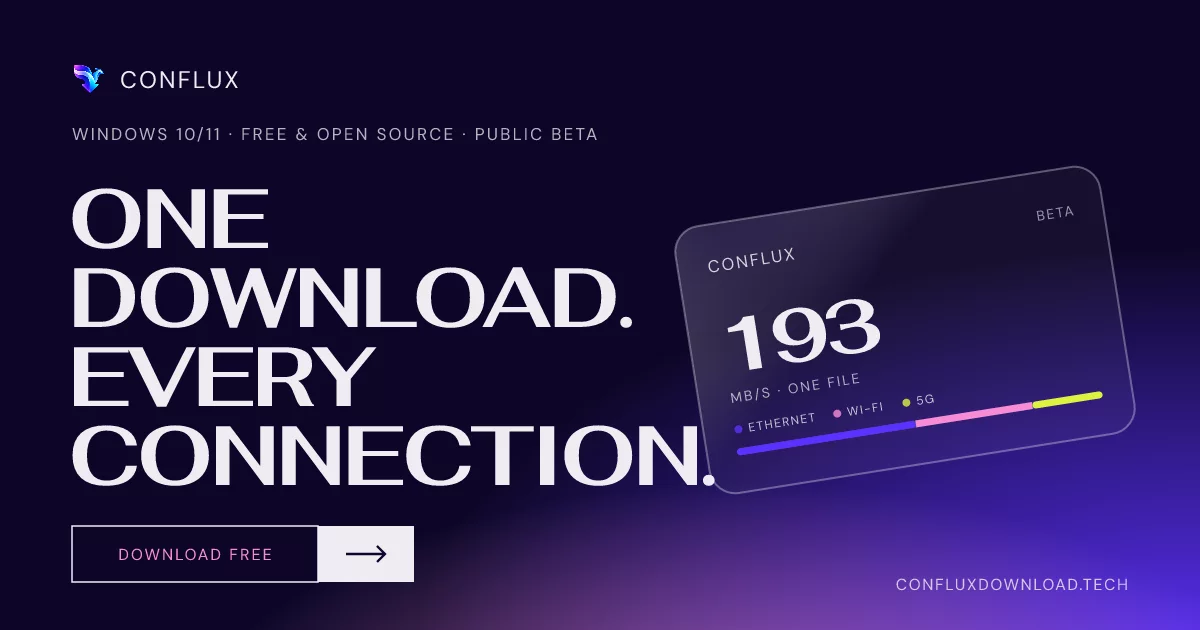
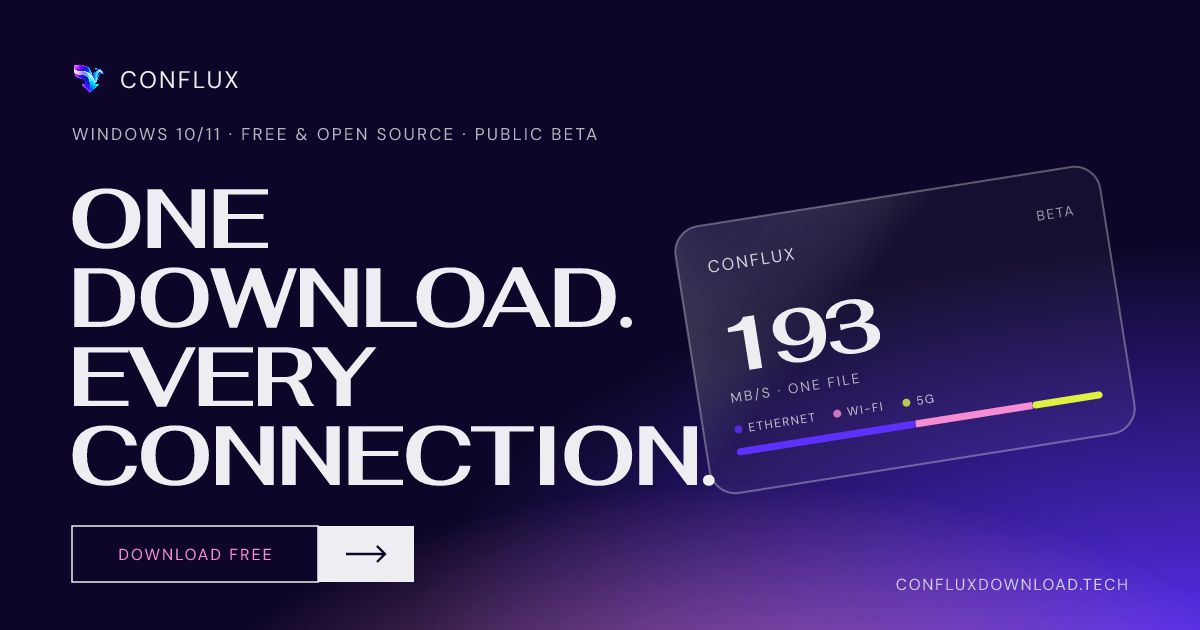
Next-Generation Channel-Bonding Download Accelerator for Windows
Combine Wi-Fi, Ethernet, and 4G/5G mobile tethering into a single, faster download.
Windows 10/11 (64-bit) only · Public Beta · Website · Releases · Documentation
Note
Public Beta: Conflux is actively developed. The beta Windows installer is currently unsigned, so Windows SmartScreen will display an "unknown publisher" prompt on first run (see Installation below).
⚡ What is Conflux?
Normally, Windows routes all your download traffic through a single network adapter (usually Ethernet), leaving active Wi-Fi or phone tethering completely idle.
Conflux breaks this limitation. It requests files in small, concurrent chunks and explicitly binds each connection to a specific network adapter. The result: multiple internet connections download the same file together in parallel.
Key Features
- ⚡ Multi-Interface Channel Bonding: Download simultaneously over wired Ethernet, Wi-Fi, and 4G/5G USB mobile tethering.
- 🔄 Dynamic Work-Stealing: Automatically assigns more chunks to faster connections, and seamlessly reassigns chunks if an adapter disconnects.
- 💾 Instant Sparse File Pre-Allocation: Chunks are written straight to their exact byte positions on disk—no slow, post-download file merging.
- ⏯️ Reliable Pause & Resume: Safely pause and resume interrupted downloads with HTTP
If-Rangevalidation and streaming SHA-256 verification. - 🪟 Modern Windows 11 Fluent UI: Real-time per-adapter speed gauges, toggle switches, and a live color-coded chunk map showing which adapter downloaded each byte.
- 🔒 Privacy First: Zero telemetry, zero analytics, no user accounts, and 100% open source.
📥 Installation
- Go to the Releases page and download the latest
0.N.0-beta.Kinstaller (Conflux_*_x64-setup.exe). - Run the installer (installs per-user, no administrator rights needed).
- If Windows shows "Windows protected your PC", follow the instructions below.
Windows protected your PC / unknown publisher
The beta installer is currently unsigned (code-signing certificates are planned after the public beta). Windows SmartScreen will display a blue warning dialog. This is standard for new open-source software:
- Click More info in the blue dialog.
- Click Run anyway.
(Optional) You can verify the installer's integrity in PowerShell using the SHA256SUMS.txt published with the release:
Get-FileHash .\Conflux_*_x64-setup.exe -Algorithm SHA256
Get-Content .\SHA256SUMS.txt
▶️ Quick Start
- Launch Conflux from the Start menu.
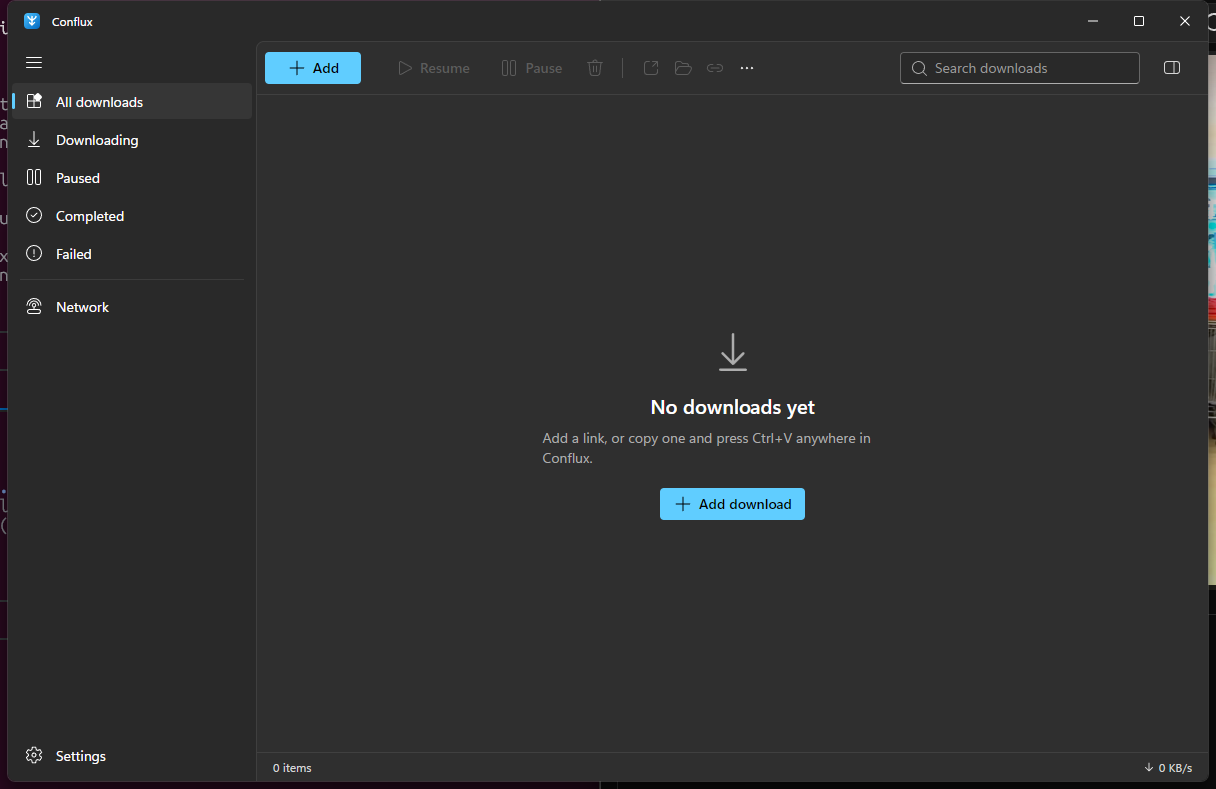
- Open the Network tab to see your active adapters (Ethernet, Wi-Fi, USB tether). Toggle off any connection you don't want to use.
- Click Add download, paste any direct file URL (
http://orhttps://), select your destination folder, and click Download. - Watch the per-adapter speed gauges and the live chunk map aggregate your bandwidth in real time!
📶 Performance Expectations
- Independent routes required: Speed aggregation works when your adapters connect through different physical internet connections (e.g., Home Broadband on Ethernet + Mobile 4G/5G on USB tethering). Connecting Ethernet and Wi-Fi to the same home router will not double your bandwidth because both share the same ISP line.
- Server support: The remote server must support HTTP Range requests (most file hosts and CDNs do). If a server does not support ranges, Conflux downloads safely through a single stream.
- Real-hardware benchmarks (Windows 11 Pro, broadband + 4G/5G cellular):
- Ethernet only: 118.9 Mbit/s
- Cellular Wi-Fi only: 46.3 Mbit/s
- Bonded both: 138.0 Mbit/s (89.5% multi-adapter scaling efficiency, ~20% faster download).
- Full benchmark data and methodology: docs/BENCHMARKS.md.
💻 System Requirements
- Operating System: Windows 10 (version 1809 or newer) or Windows 11, 64-bit.
- Runtime: Microsoft Edge WebView2 (preinstalled on modern Windows 10/11; installer will fetch it if missing).
- Network: Two or more active network connections with independent internet access to benefit from channel bonding (works as a standard download manager on a single connection).
❓ Frequently Asked Questions
Does Conflux work on macOS or Linux?
No. Conflux is engineered specifically for Windows 10 and 11 (64-bit). The Linux code paths in the repository exist solely to run unit tests in CI and local WSL2 environments.
Does Conflux collect telemetry or personal data?
No. Conflux includes zero telemetry, crash reporting, analytics, or user accounts. See PRIVACY.md for full details.
How do application updates work?
Conflux checks GitHub Releases for new beta versions. When an update is available, you will receive a notification and can update directly in the app, or manually download the new installer from the Releases page.
Where are my files and settings saved?
Settings and download history are saved in %APPDATA%\com.conflux.desktop. In-progress downloads keep a lightweight <file>.conflux.json resume sidecar alongside the target file. Your completed downloads are never altered or removed when uninstalling.
How do I report a bug or request a feature?
Navigate to Settings > Copy diagnostics in the app and paste the output into a new GitHub issue. Diagnostics are sanitized automatically to redact personal file paths and URLs.
🛠️ Want to Tinker More?
For developers, contributors, and curious users who want to inspect the internals, run benchmarks, or build from source:
| Document | Description |
|---|---|
| 📐 Architecture Deep Dive | Socket binding mechanics, work-stealing scheduling, sparse file I/O, and sequence diagrams |
| 🛠️ Development Guide | Environment setup, quality gates, CLI tools (conflux adapters/probe/download), and UI dev server |
| 📊 Hardware Benchmarks | Real-world multi-adapter throughput tests, methodology, and raw test logs |
| 📋 Windows Test Plan | Step-by-step verification checklists for physical Windows hardware |
| ⚠️ Known Issues | Transparent list of current limitations and edge cases |
| 🗺️ Roadmap | Milestones and tasks on the path to the stable 1.0 release |
| 📜 Engineering Guidelines | Karpathy engineering rules, mathematical invariants, and code standards |
📜 Policies & License
- Security: SECURITY.md (Coordinated vulnerability disclosure)
- Privacy: PRIVACY.md (No telemetry or tracking policy)
- Contributing: CONTRIBUTING.md and CODE_OF_CONDUCT.md
- License: Dual-licensed under MIT OR Apache-2.0.