
crterm
A beautifully opinionated terminal emulator with a modern approach to navigating tabs.
Navigating
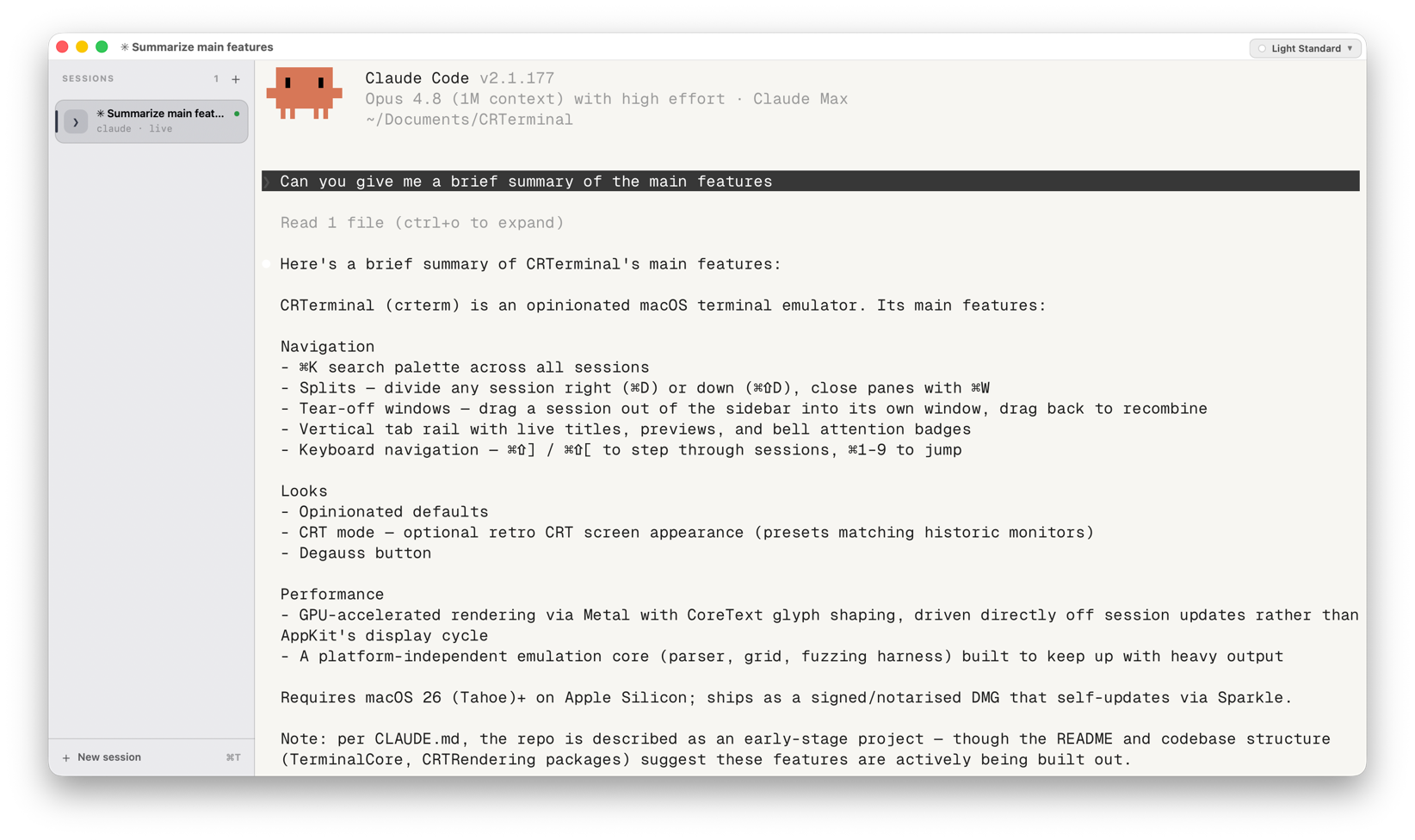
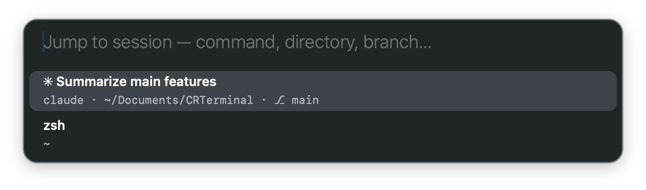
- ⌘K Search palette over all sessions
- ⌘⇧K / ⌘⌥K Search command history — the focused terminal's, or every terminal's — and recall a command to the prompt. Shell integration is auto-injected for zsh, so it works out of the box.
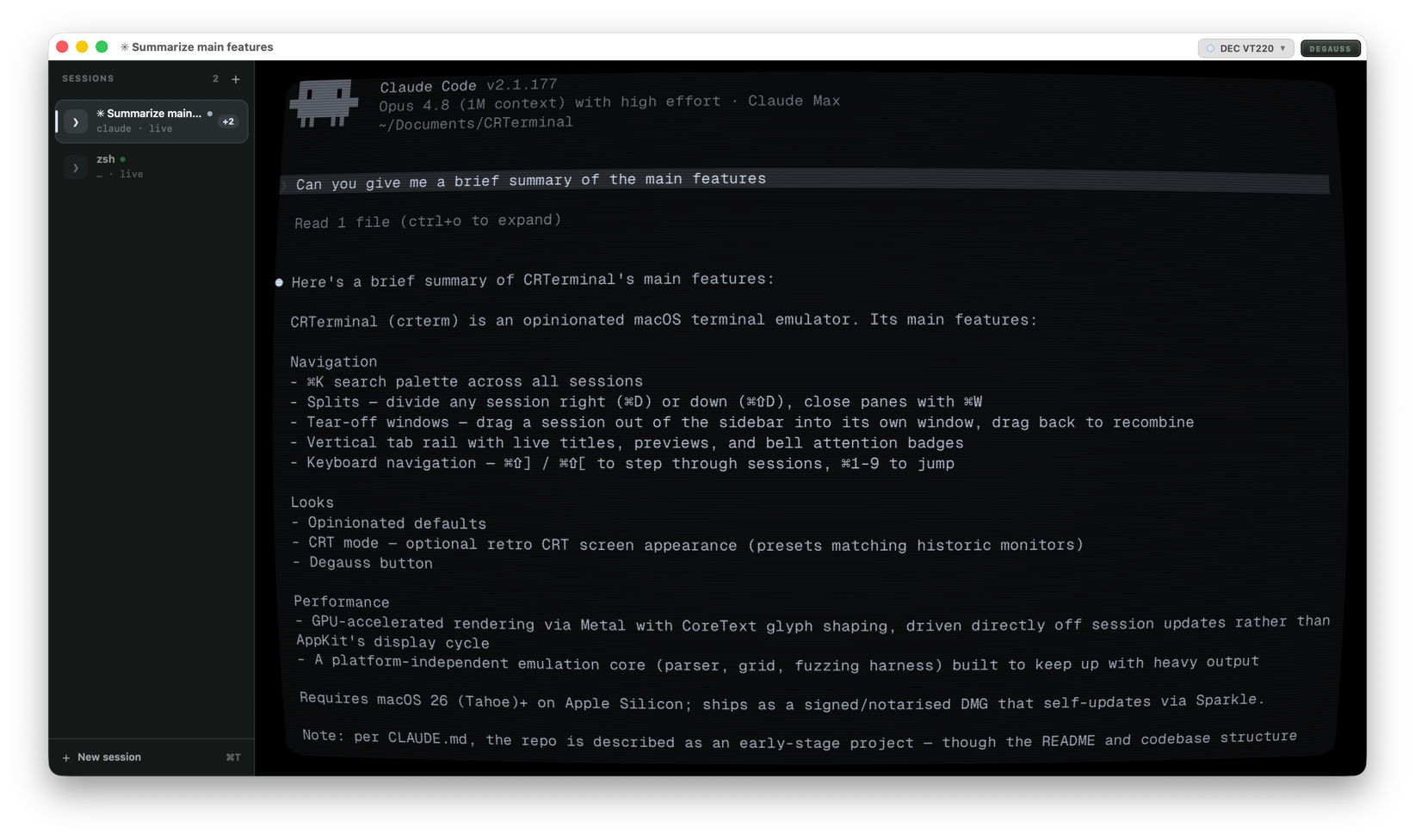
- Splits Divide any session right (⌘D) or down (⌘⇧D) and close panes with ⌘W.
- Tear-off windows Drag a session out of the sidebar to pop it into its own window; drag it back to recombine.
- Vertical tab rail Live titles, preview and bell attention badges.
- Move by keyboard. ⌘⇧] / ⌘⇧[ to step through sessions, ⌘1–9 to leap to one.
- Option-click to move the cursor. ⌥-click anywhere on the command line — or in a full-screen editor — to jump the cursor there instead of holding down the arrow keys.
- Links. ⌘-click a URL or file path to open it, or right-click (⌃-click) it for Open Link / Copy Link — plus Copy, Paste, Select All and Clear.
- Open from Finder. Drop a folder on the Dock icon to open a shell there,
or drop a script (
.command,.sh, any executable) to run it in its own session, which stays open with the exit status until you press a key. crterm is also offered under "Open With" for those files. - Rebind anything. Every app shortcut above is customisable — open Settings and record a new combination for it under Keyboard shortcuts.
Looks
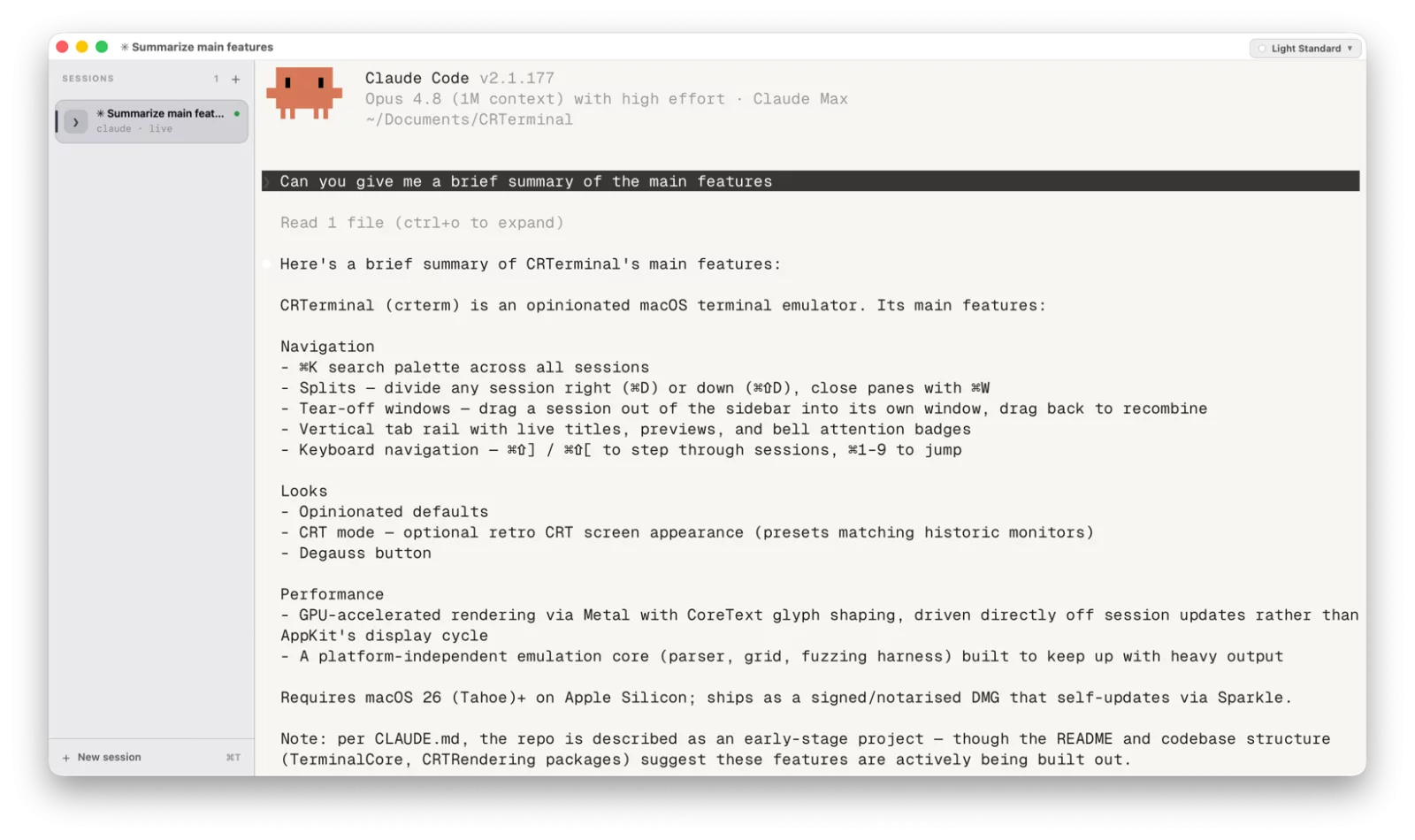
- Opinionated defaults
- Auto theme. Pick Auto and the terminal wears the light scheme by day and the dark one at night, following the macOS appearance — whether you flip it by hand or let the system's schedule do it.
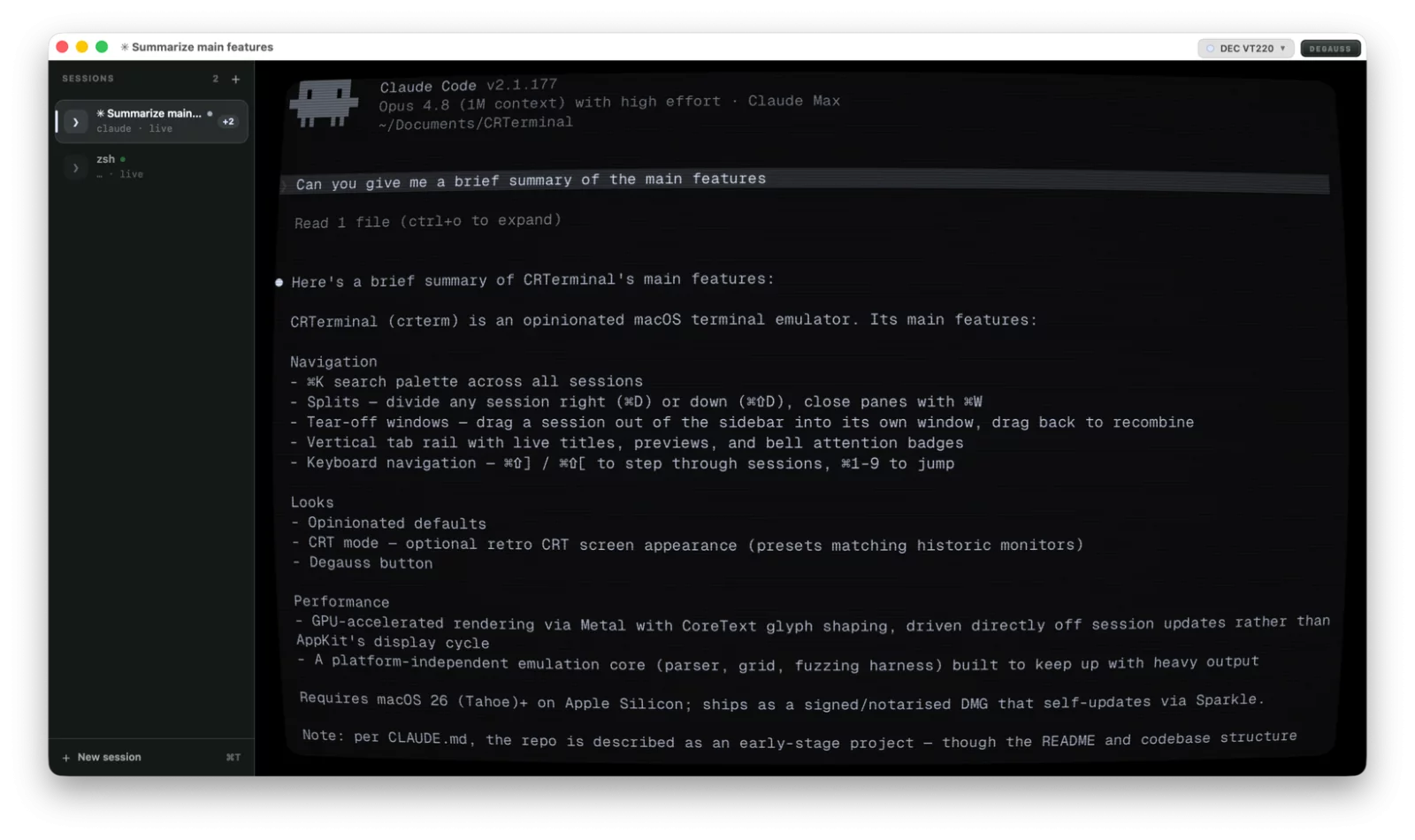
- CRT mode
- Degauss
Built for speed
GPU-accelerated rendering via Metal with CoreText glyph shaping, driven directly off session updates rather than AppKit's display cycle. The emulation core is a platform-independent engine with its own parser, grid, and fuzzing harness, kept fast enough to keep up with the noisiest output. Performance numbers live in PERF.md.
Install
Requires MacOS 26 (Tahoe) or later, Apple Silicon.
Install with Homebrew:
brew install --cask mbcltd/tap/crterm
Or download the latest signed, notarised build:
Open the disk image and drag crterm to Applications. The app updates itself in place via Sparkle — or check manually from crterm → Check for Updates….
Build from source
Scripts/build.sh            # Debug build; add `release` for Release
Scripts/test.sh             # run the test suites CI runs
See ARCHITECTURE.md for the design and RELEASING.md for how releases are signed, notarised, and published.
License
Licensed under the Apache License 2.0.
© 2026 Morgan Brown Consultancy Ltd · morgan-brown.com