
Ebook Frame Creator
Turn Markdown or AI-written text into styled, editable ebook pages in Figma, then export the book as one PDF.
Install from Figma Community · Download 1.0.0
What it does
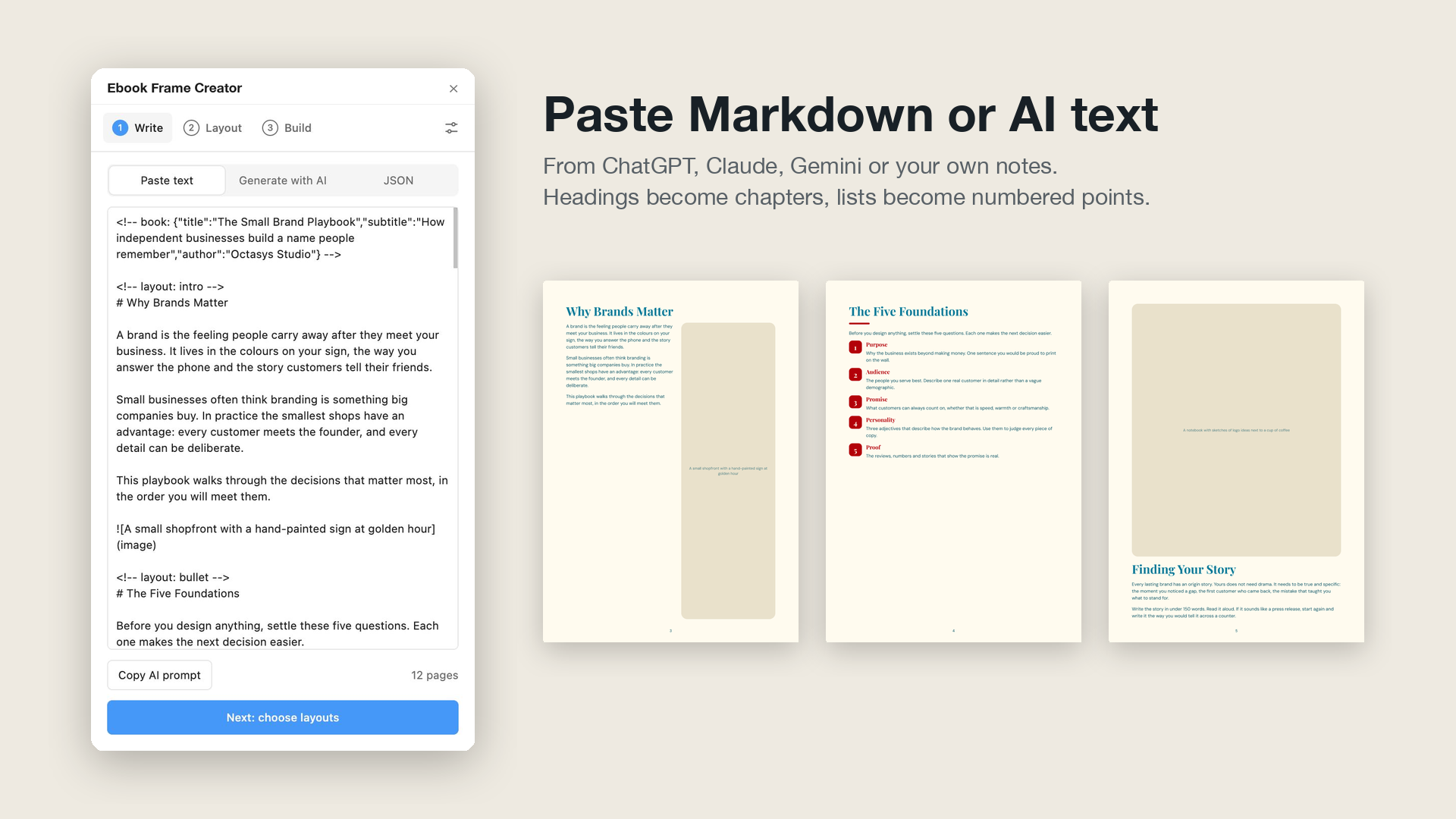
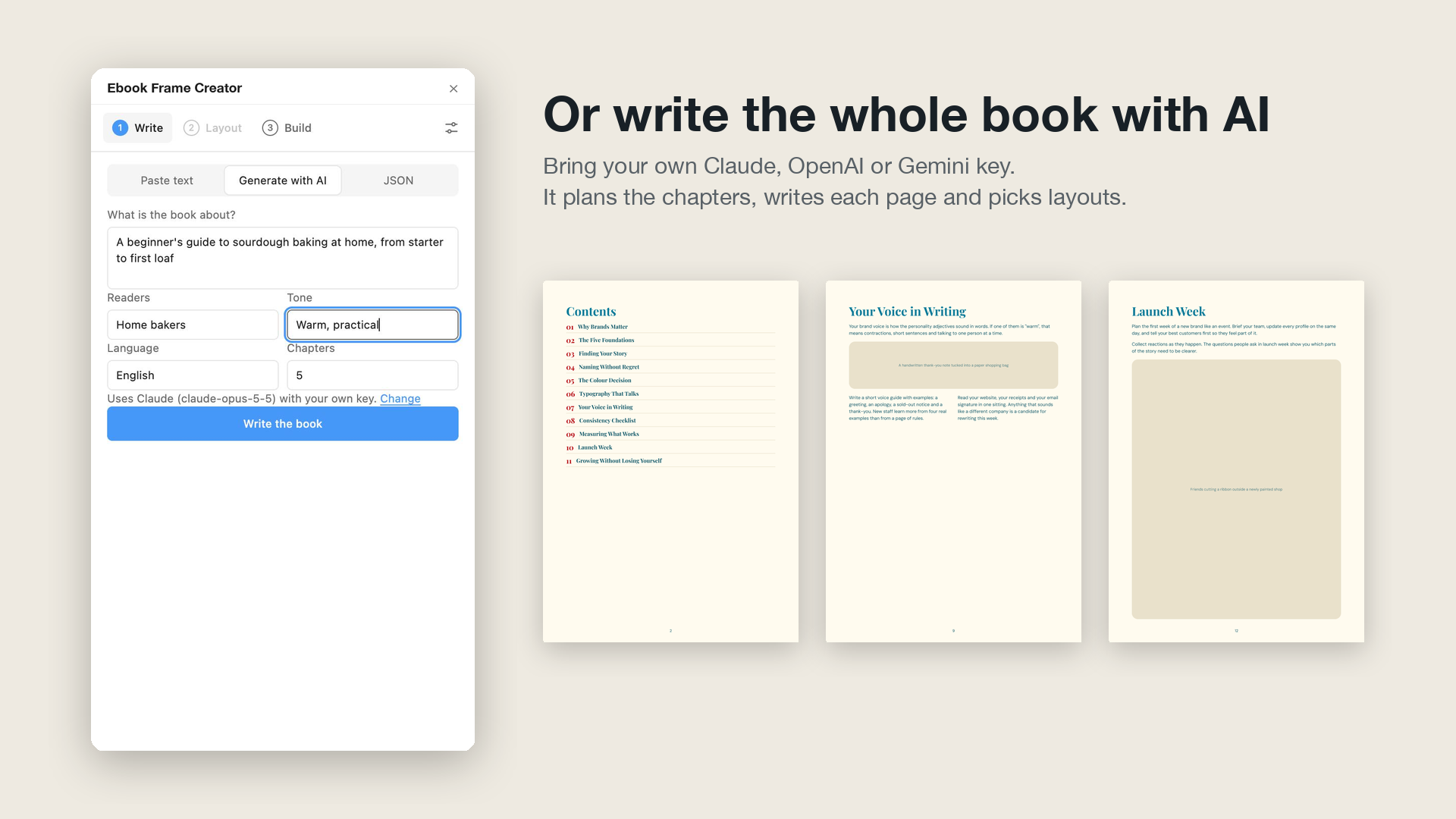
- Write. Paste Markdown (from ChatGPT, Claude, Gemini or your own notes), generate a whole book with your own AI key, or paste book JSON.
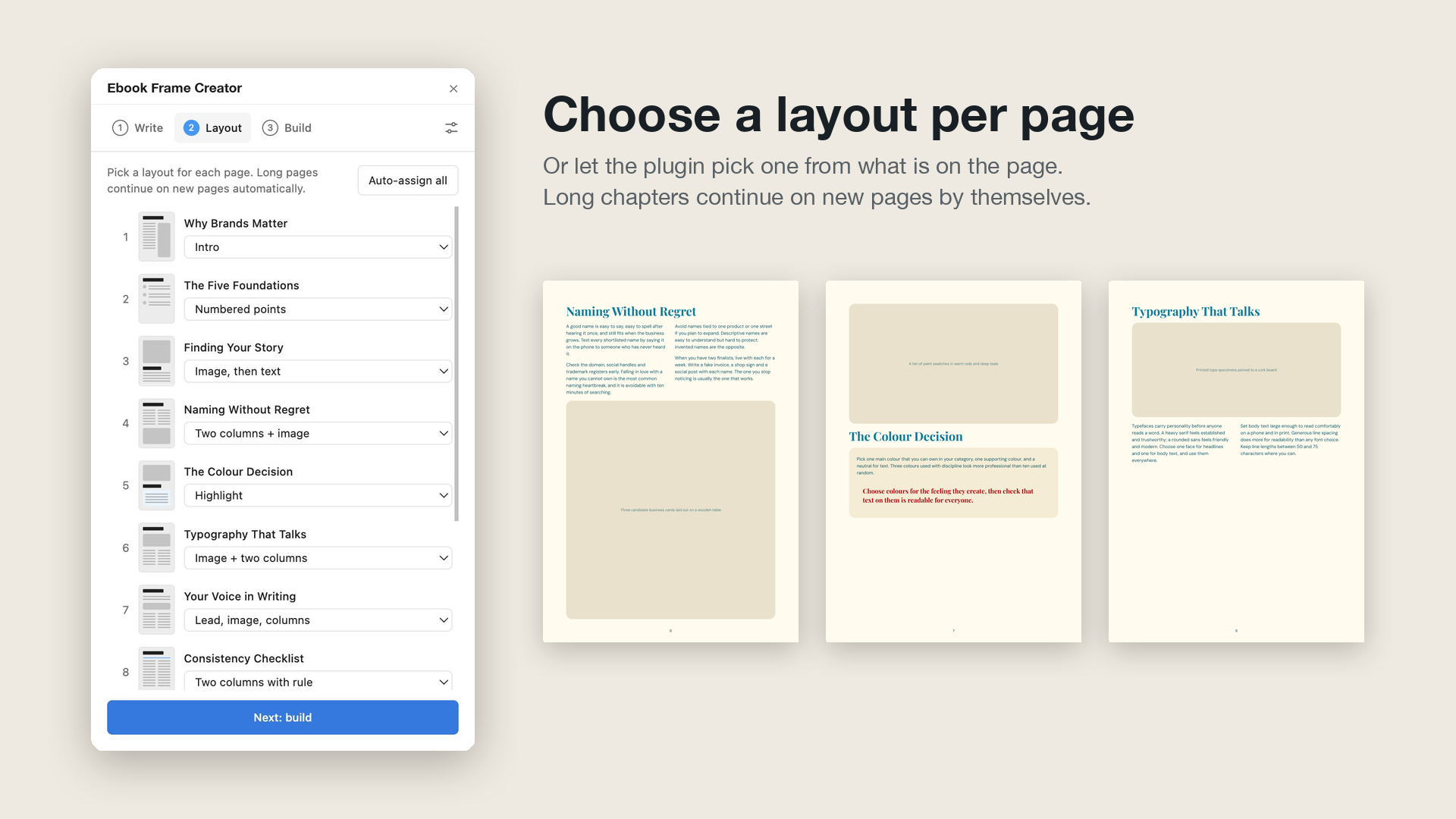
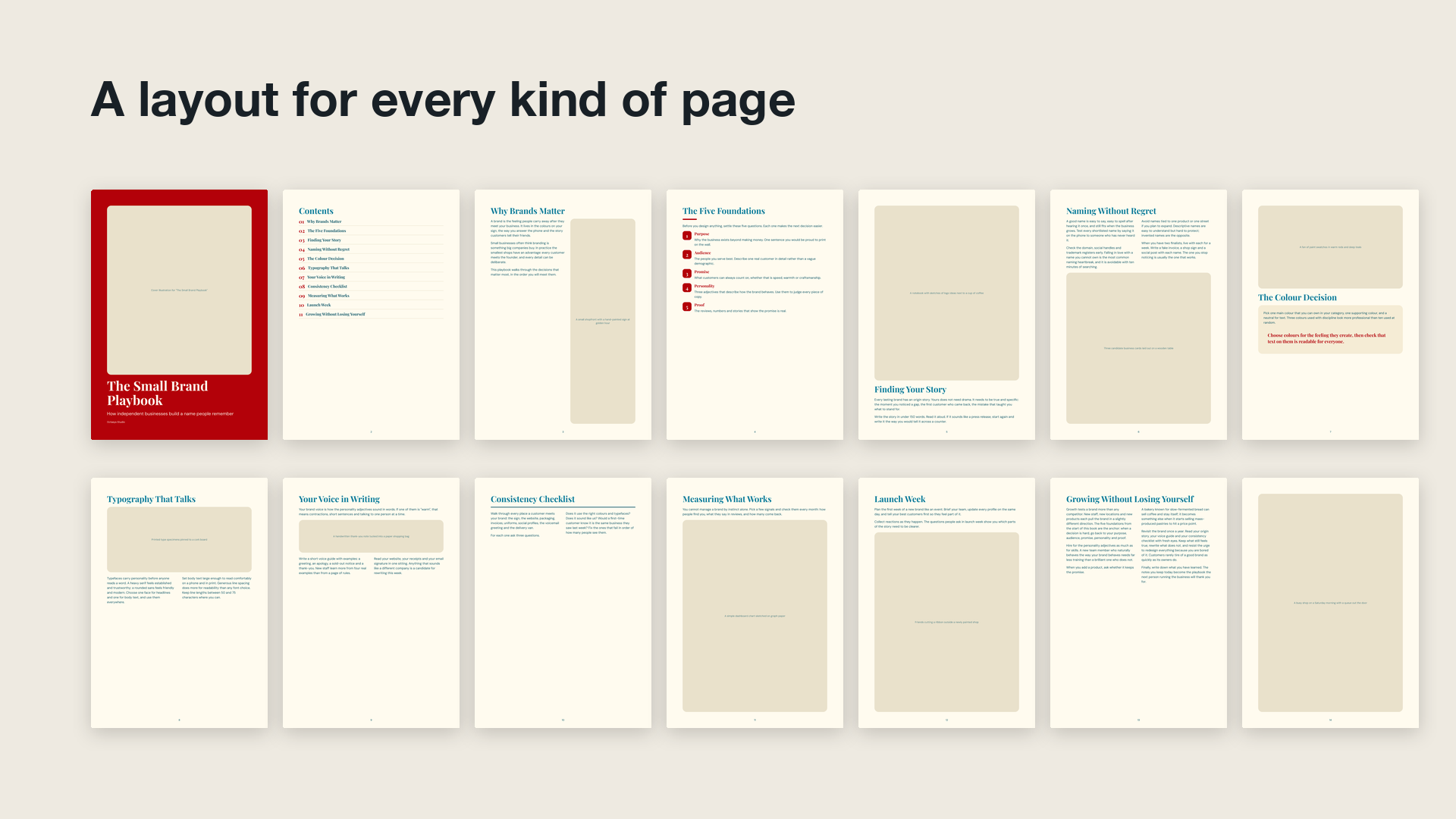
- Layout. Each page gets one of 15 layouts. The plugin picks one from what is on the page; you can change any of them.
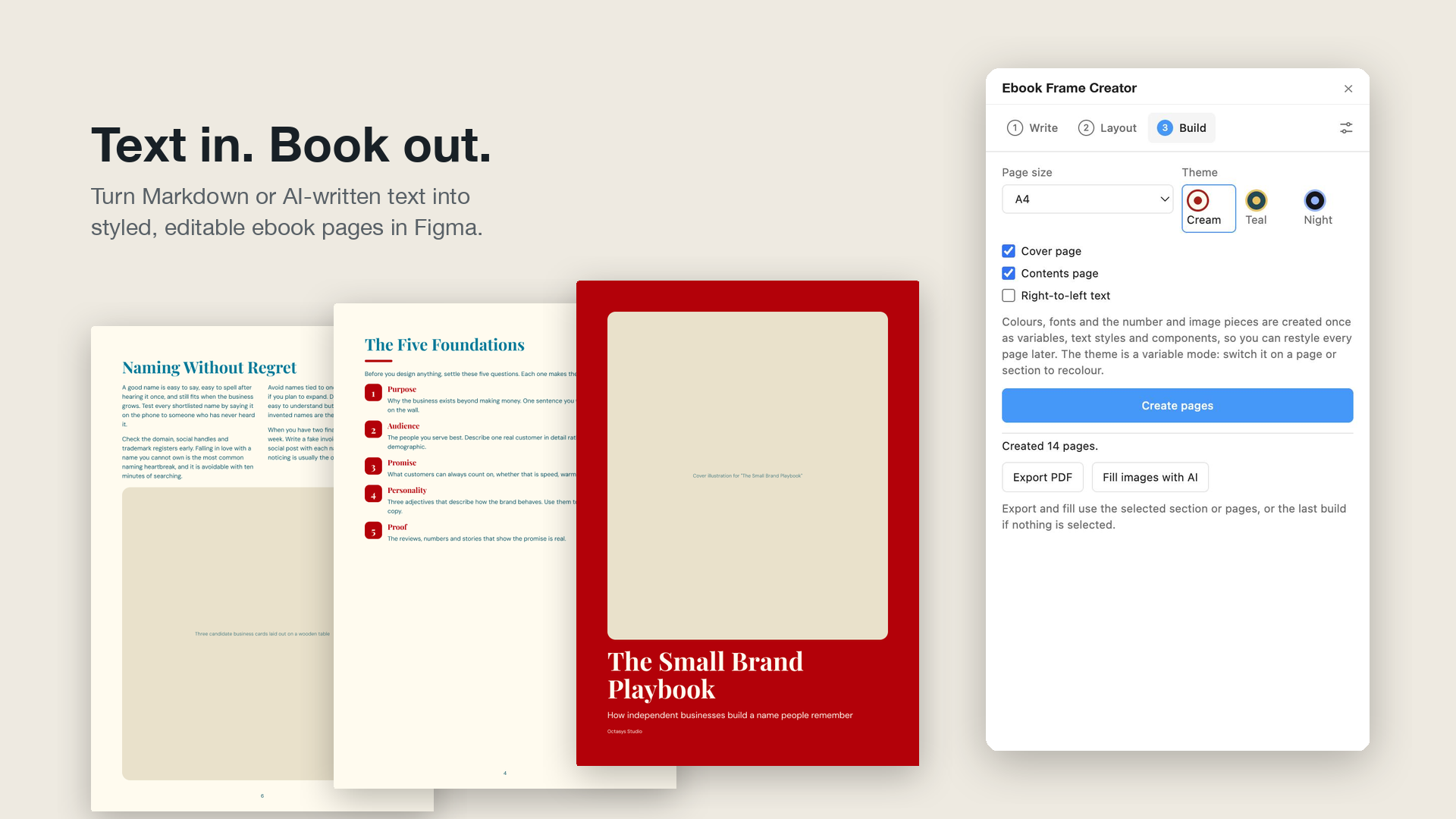
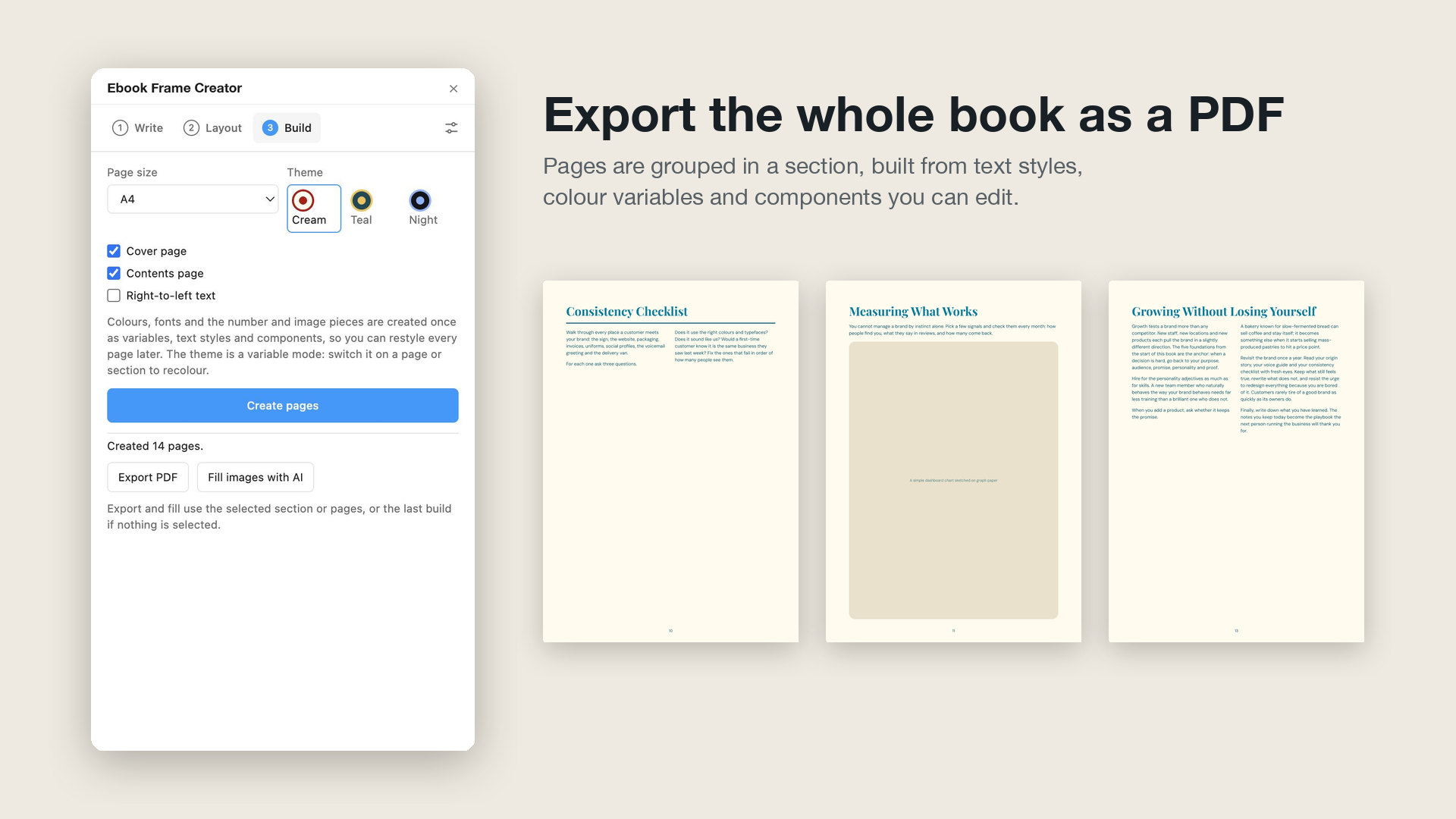
- Build. Choose a page size and theme. Pages are created with auto layout inside a section, and long text continues onto new pages by itself. Then export a PDF or fill the image placeholders with AI.
Everything it creates is editable:
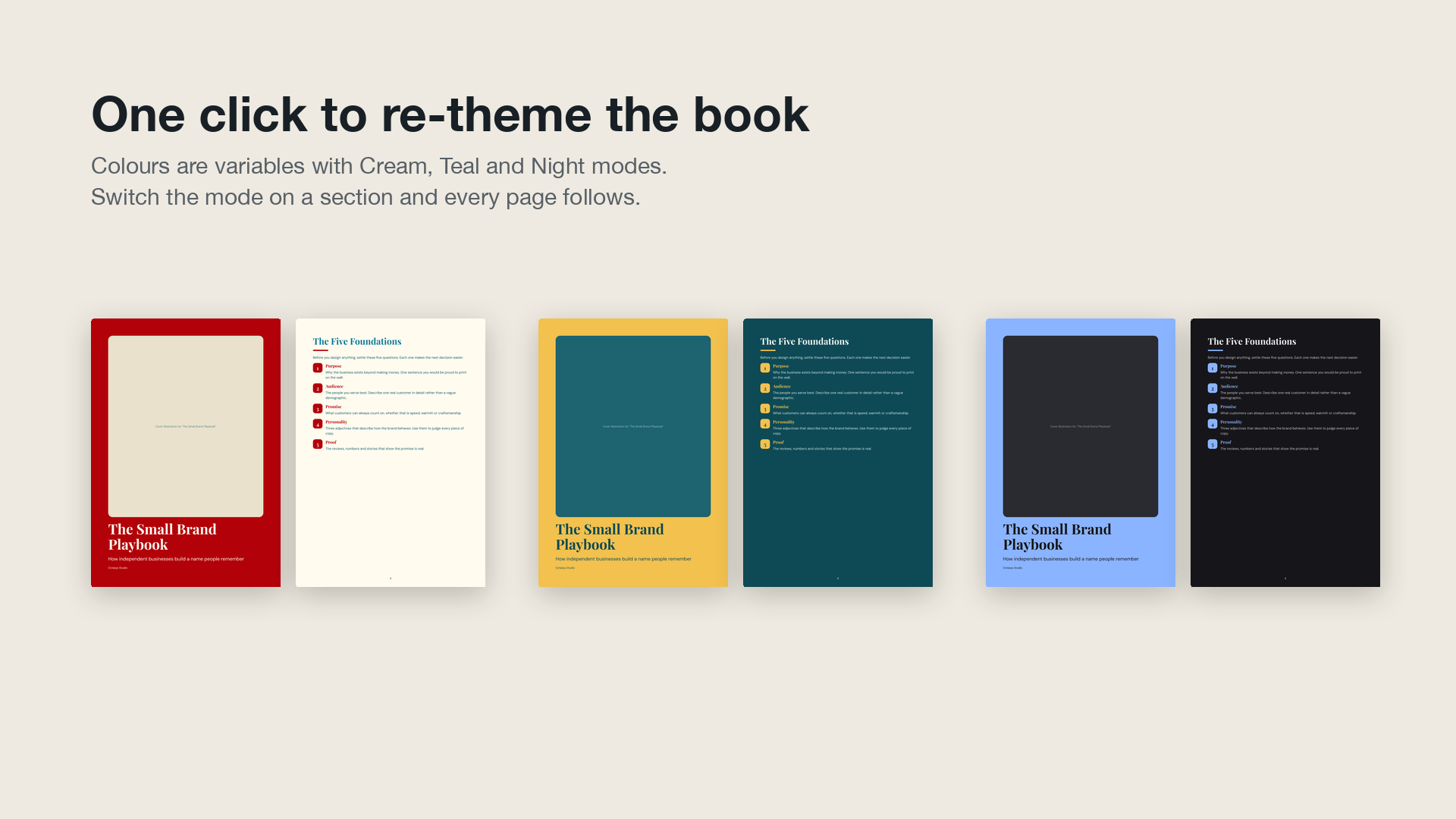
- Colours are variables in an
Ebook themecollection with Cream, Teal and Night modes. Switch the mode on a page or section to recolour it. - Type uses text styles (
Ebook A4/Title,Ebook A4/Body, …). Change a style and every page follows. - Number badges and image placeholders are components on an
Ebook componentspage.
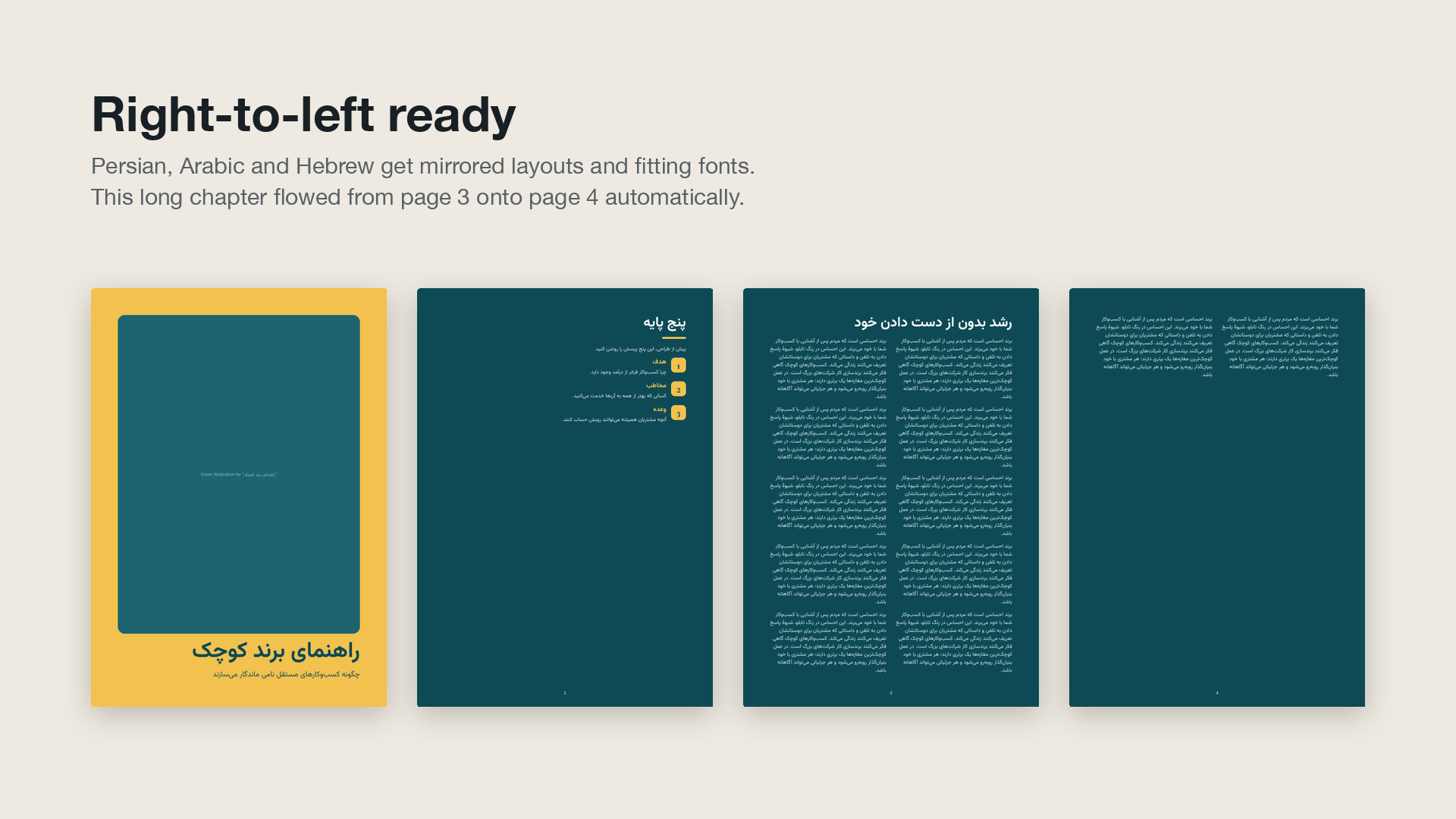
It also works in Figma Slides (one slide per page) and with right-to-left text (Persian, Arabic, Hebrew), which gets mirrored layouts and a fitting font.
Screenshots
Every page below was made by the plugin from examples/small-brand-playbook.md.
 |
 |
 |
 |
 |
 |
 |
Writing the text
Plain Markdown works:
# Chapter title
A paragraph. **Bold** and *italic* are kept.
1. **First point**
A sentence or two explaining it.
2. **Second point**
> A quote or tip, shown in a card.

#starts a new page. The first heading on a page becomes its title, and pages that open with a#or##heading are listed on the contents page.---forces a page break.- Put
<!-- layout: two-column-1 -->on its own line to start a page with a specific layout. <!-- book: {"title": "…", "subtitle": "…", "author": "…"} -->sets the cover text.- Version 0.x markers such as
#>page-bullet<#still work.
Copy AI prompt in the plugin copies a prompt that asks any chatbot for text in this format.
Layouts
| id | Layout |
|---|---|
cover |
Book title, subtitle and author on a full-colour page |
toc |
Numbered list of chapter titles (made for you from the page titles) |
intro |
Title, text on one side, tall image on the other |
simpletext |
Title and flowing text |
bullet |
Numbered points with short explanations |
image-desc |
Large image on top, text below |
image |
Text on top, large image below |
overview |
Title, a short lead and an image |
highlight |
Image on top, text in a coloured card |
two-column-1 |
Two text columns, image below |
two-column-2 |
Image band, then two text columns |
two-column-3 |
Lead paragraph, image strip, two columns |
two-column-4 |
Title, divider line, two columns |
two-column-5 |
Long text in two columns |
placeholder |
One image filling the page |
Book JSON (for scripts, agents and batch runs)
The JSON tab takes one book or a list of books; a list builds one section per book. This is also the format to hand to an AI agent working through the Figma MCP server.
{
  "title": "The Small Brand Playbook",
  "subtitle": "How independent businesses build a name people remember",
  "author": "Octasys Studio",
  "direction": "ltr",
  "pages": [
    {
      "layout": "bullet",
      "blocks": [
        { "type": "heading", "level": 1, "text": "The Five Foundations" },
        { "type": "paragraph", "text": "Settle these before you design anything." },
        { "type": "numbered", "items": [{ "title": "Purpose", "body": "Why the business exists." }] },
        { "type": "image", "text": "A notebook with logo sketches" }
      ]
    }
  ]
}
Block types: heading (text, level 1–3), paragraph, quote, image (text is the image description), bullets and numbered (items with title and optional body). The full schema is in src/spec.ts.
AI features (optional)
Pasting text needs no key. To generate books or images, open Settings and add a key:
- Writing: Claude (default model
claude-opus-5-5), OpenAI or Gemini. The plugin plans the chapters, then writes each chapter with structured output, so the answer always fits the book format. - Images: an OpenAI key and image model (
gpt-image-1by default). Fill images with AI replaces each placeholder in the selection, or in the last build, with a generated picture of its caption.
Keys are stored on your computer in Figma's plugin storage and sent only to the provider you use. The plugin can only reach api.anthropic.com, api.openai.com and generativelanguage.googleapis.com.
Development
npm install
npm run build       # dist/main.js and dist/ui.html
npm run watch       # rebuild on change
npm test            # parser and page-flow tests
npm run typecheck
In Figma: Plugins → Development → Import plugin from manifest… and pick manifest.json.
src/
  spec.ts          BookSpec types, validation, JSON schemas for AI output
  markdown.ts      Markdown -> BookSpec, BookSpec -> Markdown, auto layout choice, cover/contents
  layout.ts        splitting paragraphs and lists across pages
  text.ts          inline bold/italic, sentences, RTL detection
  messages.ts      UI <-> plugin messages, page sizes, settings
  main/            plugin sandbox: theme (variables, styles, components) and page rendering
  ui/              Preact UI, AI calls, PDF export, layout previews
test/              Vitest tests
examples/          the example book used by "Load example"
scripts/           dev helpers to run the renderer inside a Figma file through the Figma MCP server
Version history
1.0.0 — October 2026
- Rebuilt in TypeScript with esbuild and a Preact UI that follows Figma's light and dark theme.
- Standard Markdown input with optional layout comments; the 0.x markers still work.
- Pages use auto layout, text styles, colour variables (three theme modes) and components.
- Long content continues onto new pages; two-column layouts balance their columns.
- Cover and contents pages, four page sizes, Figma Slides support, right-to-left layouts.
- Book generation with Claude, OpenAI or Gemini; image fill with OpenAI; one-click PDF export.
- Book JSON input, including batches of several books.
0.2.0 — October 2026
- Falls back to Inter when Roxborough CF or DM Sans is missing (most installs failed before).
- Fixed crashes in the two-column layouts, with unknown page markers and with text before the first marker.
0.1.x — February–March 2024
- First versions: 14 templates driven by
#>page-…<#markers and a ChatGPT prompt.
License
ISC. Made by Mathew (MT) Karimi.