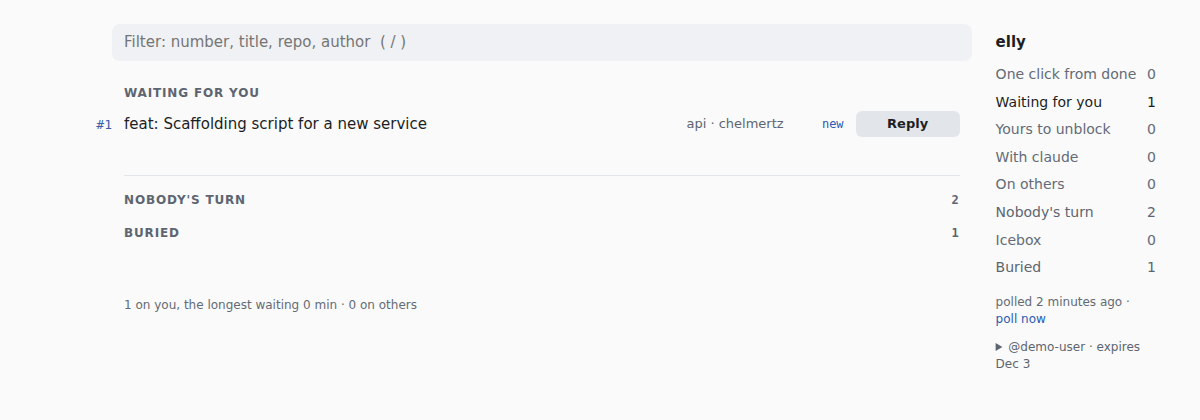
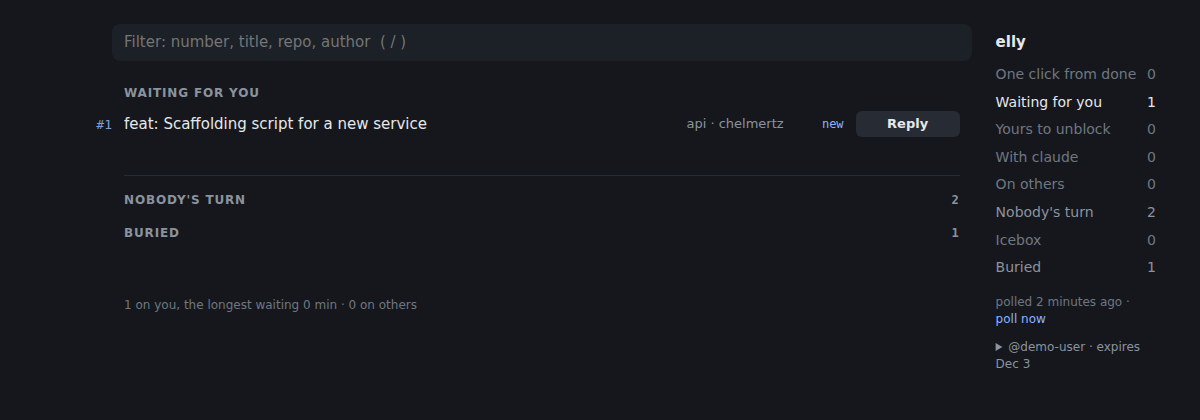
Github pull requests presented in a prioritized order, via a keyboard driven web GUI & API.
Requires a Github PAT (personal access token). Configure it through the web UI
settings, or pass it via the GITHUB_PAT environment variable. elly should be hosted
locally.

flowchart TB
    subgraph elly daemon
    A[./elly] --> B(Request PRs)
    H(systemd) -.->|Runs| A
    B -->|Timer, default 10 min| B
    F[(sqlite)]
    B -->|Persists|F
    A --> C(HTTP server)
    C -->|Reads| F
    C --> D(Server rendered GUI)
    C --> E(API)
    end
    D -.->|Opens in browser| G(Github PR view)
    I(i3blocks) -.-> E
PAT Oauth permissions
Two token classes work, and they differ in exactly one thing: whether elly can name a failing Github Actions job.
Fine-grained (recommended, read-only)
A fine-grained token (github_pat_…, created at
https://github.com/settings/personal-access-tokens) with these repository
permissions:
- commit status (read only)
- contents (read only)
- metadata (read only)
- pull requests (read only)
Also:
- allow the token access to "all repositories"
- adjust the "resource owner" to your personal or your workplace's organisation
- set a proper expiration date
A fine-grained token cannot name a failing Github Actions job. Github
restricts the checks permission to Github Apps and does not offer it in the
fine-grained token UI at all, so there is nothing to grant. A pull request's
checks arrive as two types: Github Actions jobs are CheckRun and need
checks, while everything reported from outside Github - buildkite, jenkins,
sonarcloud - is StatusContext and is covered by commit status. The overall
red/green verdict is an aggregate Github computes for you and stays correct
either way; what disappears is the name of the Actions job that failed, and it
disappears silently, as nulls rather than as an error. Elly notices and says so
on its own page rather than showing you an empty list.
Classic (names the Actions jobs, much broader)
A classic token (ghp_…, https://github.com/settings/tokens) with the
repo scope reads CheckRun and so gets the names. The cost is that repo is
read and write on every repository you can reach, where the fine-grained
token above is read-only on four things. Authorise it for any SSO organisation
you need, and note that an organisation can forbid classic tokens outright.
Pick the fine-grained one unless the names of failing Actions jobs are worth that blast radius.
Installation
Go package
go install github.com/chelmertz/elly@latest
will fetch you the latest binary. See contrib/elly.service for a systemd example of managing the service.
Docker
docker run -d \
  --name elly \
  --restart unless-stopped \
  -v elly-data:/data \
  -p 9876:9876 \
  ghcr.io/chelmertz/elly:latest
If you have gh CLI installed and authenticated, you can use $(gh auth token) instead of a PAT you stashed away somewhere:
This creates a named volume elly-data for the SQLite database (Docker manages it automatically).
The --restart unless-stopped flag ensures elly starts automatically on boot.
Useful commands:
docker logs -f elly                             # View logs
docker stop elly                                # Stop
docker rm elly                                  # Remove
docker pull ghcr.io/chelmertz/elly:latest       # Update image
Nix
Run directly: nix run github:chelmertz/elly
Or, install permanently:
- Add the flake to your system configuration
- Or:
nix profile install github:chelmertz/elly
Developing
See dev.md for some useful commands during development.
Design decisions
See decisions/ for ADRs.