
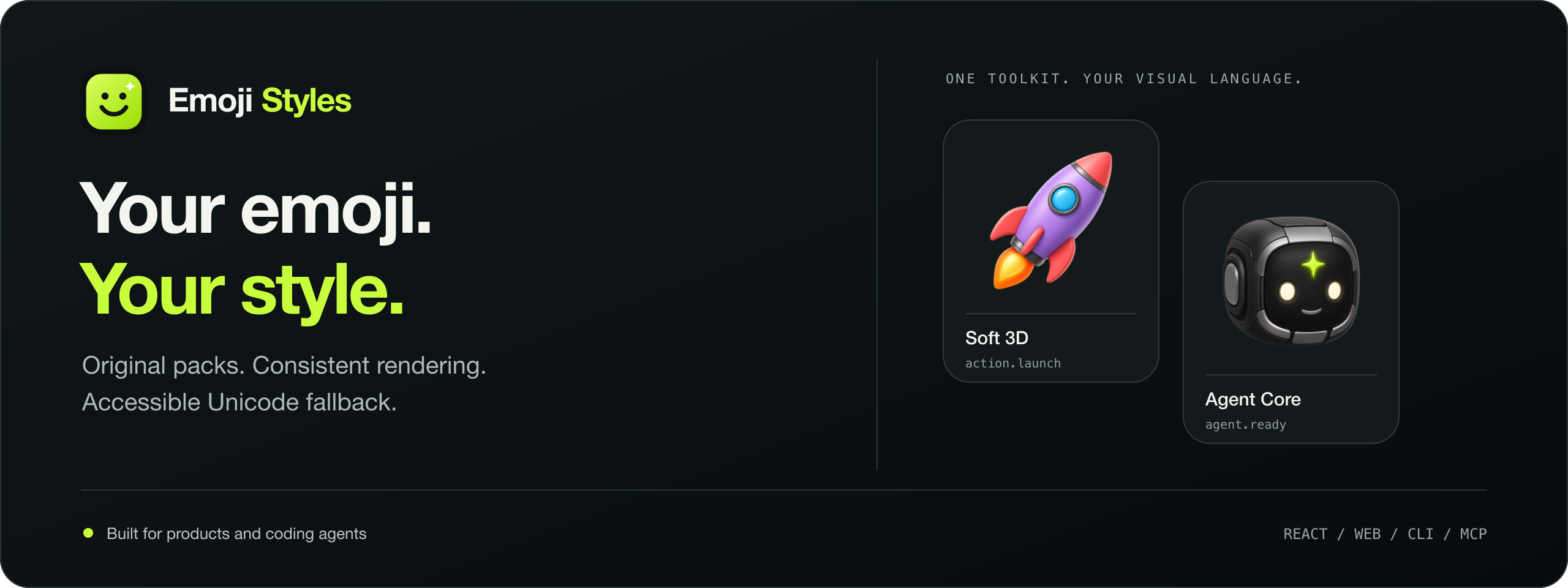
Emoji Styles
Custom emoji packs, consistent rendering, accessible Unicode fallback.
Explore the demo · Build your first pack · API & provider guide


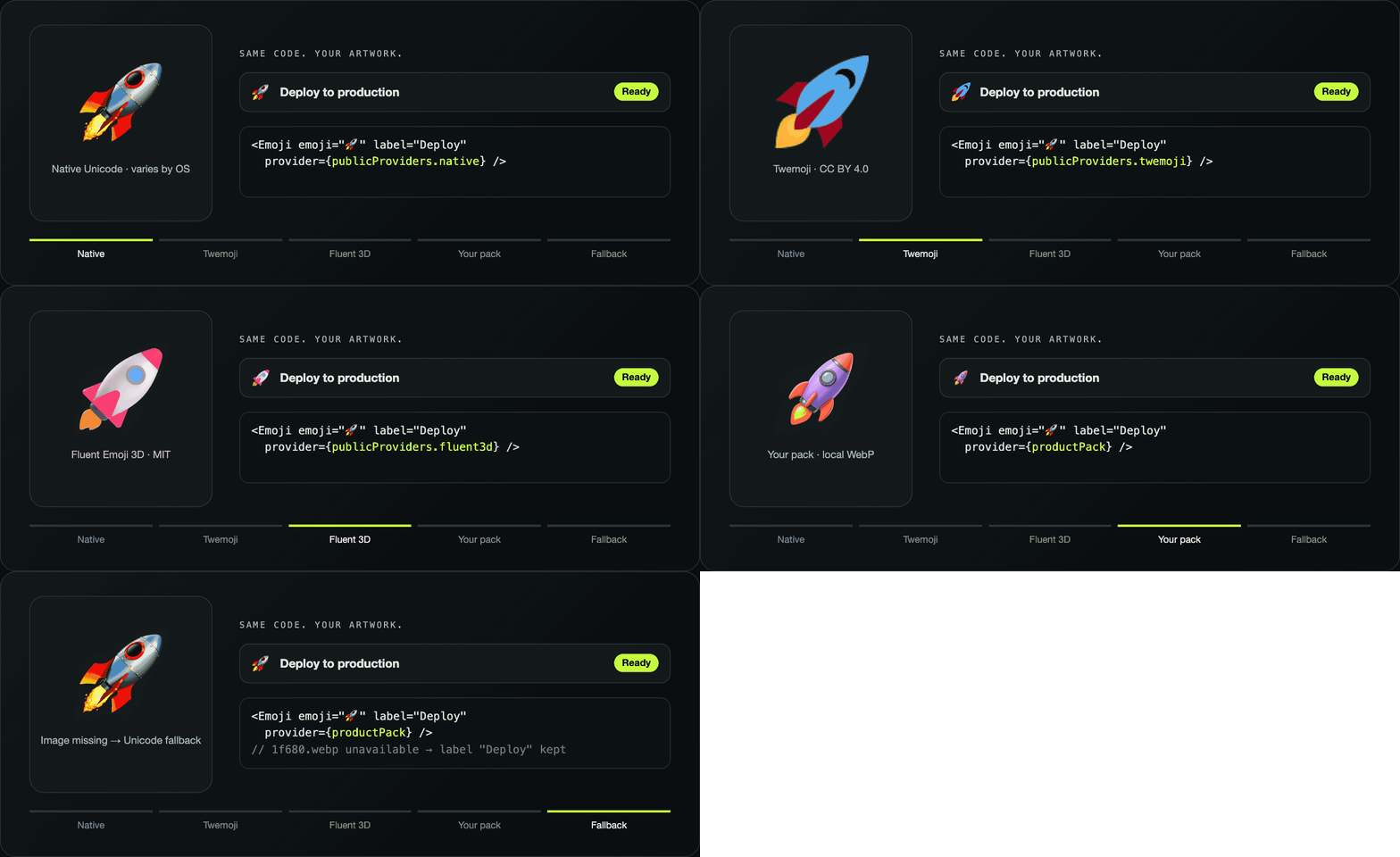
Emoji Styles separates meaning from artwork. Keep 🚀 or a semantic token such
as action.deploy in your application, then resolve it through an open provider
or your own images. Change the visual language without rewriting product copy.
| Bring your artwork | Choose an open style | Work with an agent |
|---|---|---|
| Normalize and package your own images. | Render Fluent, Noto, Twemoji and more. | Use structured CLI and MCP tools. |
| Custom-pack quickstart | Provider guide | Agent setup |
Start with your own images
| 01 · Prepare | 02 · Package | 03 · Render |
|---|---|---|
| Your transparent images, normalized to one canvas. | Images, manifest, hashes and provenance in one portable folder. | Your artwork in the app, with an accessible fallback. |
The CLI checks file format, alpha, bounds, mappings and hashes, then packages the images with a manifest and provenance. React and universal web bindings render them with accessible labels and a fallback when artwork is unavailable.
Follow the one-page custom-pack quickstart. It covers initialization, packaging, actual-size review and a React integration. No image model, API key or generation credits are required for existing artwork.
CLI 0.3.3 packages artwork in one command with assets pack:
npm install --save-dev emoji-styles-cli@0.3.3
Upgrade from CLI 0.1.0 before building packs; that older version omits image copies. MCP 0.1.0 is independently published.
A visual language of your own
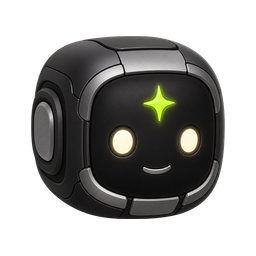
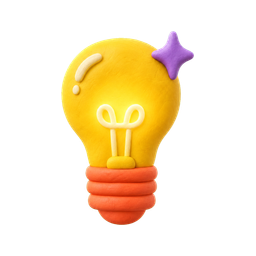
These are existing custom-artwork examples from the demo. Each is a separate visual direction, with its own manifest and provenance.
| Agent Core | Soft 3D | Clay Pop | Classic Gloss |
|---|---|---|---|
 |
 |
 |
 |
Use any original direction; these examples are starting points. Review the artwork provenance and licensing policy before reuse. Source-code MIT licensing does not establish artwork rights.
Use an existing provider
npm install react-emoji-styles
import { Emoji, publicProviders } from "react-emoji-styles";
import "react-emoji-styles/styles.css";

export function Launch() {
  return <Emoji emoji="🚀" provider={publicProviders.fluent3d} label="Launch" size={32} />;
}
Choose Fluent, Noto, Twemoji, SerenityOS pixel art, local assets or native Unicode. Coverage and licenses vary by provider; see the provider guide.
Keep a closed token set small
For reviewed product tokens, CLI 0.3.3 can resolve a theme at build time. Runtime 0.3.1 renders the result without bundling the full Unicode catalog:
npm install emoji-styles@^0.3.1 react-emoji-styles@^0.3.1
npm install --save-dev emoji-styles-cli@0.3.3
npx --no-install emoji-styles theme compile ./emoji-theme.json --output ./src/emoji-theme.compiled.ts --yes
import { CompiledEmojiToken } from "react-emoji-styles/compiled";
import "react-emoji-styles/styles.css";
import { compiledEmojiTheme } from "./emoji-theme.compiled";

<CompiledEmojiToken token="action.deploy" theme={compiledEmojiTheme} size={20} />;
Create and review the theme first; see compiled themes for input formats, fallbacks and freshness checks. Use the full renderer for arbitrary Unicode/user content or live provider switching. Mixing both entry points may retain the catalog. Reproduce the bundle comparison.
For sites without React, use the synchronous SSR renderer or custom element from
emoji-styles-web/compiled with emoji-styles-web@^0.3.1.
See the compiled web guide.
For coding agents
The published CLI and local MCP server expose structured resolution, audits, asset validation and generation plans. Repository skills guide integration and original artwork creation. Read AGENTS.md and the skills guide.
Image generation runs through the agent's available tool. The renderer and asset pipeline do not execute image models or charge for generation. Technical validation does not establish visual quality: review legibility, meaning and style at interface sizes before accepting artwork.
Explore further
- Custom assets and provenance
- Semantic tokens
- Universal web integration
- CLI commands and Studio
- Standalone consumer example
- Architecture, scope and known limits
- Demo walkthrough
Develop
Node.js 18+ and pnpm 10 are required; native image dependencies must be enabled.
pnpm install --frozen-lockfile
pnpm test
pnpm typecheck
pnpm build
pnpm dev
Source code is MIT. Artwork has separate terms; see the asset licensing policy. Contributions should start with a reproducible use case or bug report and follow CONTRIBUTING.md.