

epímonos
Επιμονή — persistence. The path is rarely direct; what matters is that you keep moving.
A real Markdown editor inside VS Code — and persistent memory for your AI assistants, stored as your own notes.
Install from the VS Code Marketplace · Setup guide · Report a bug
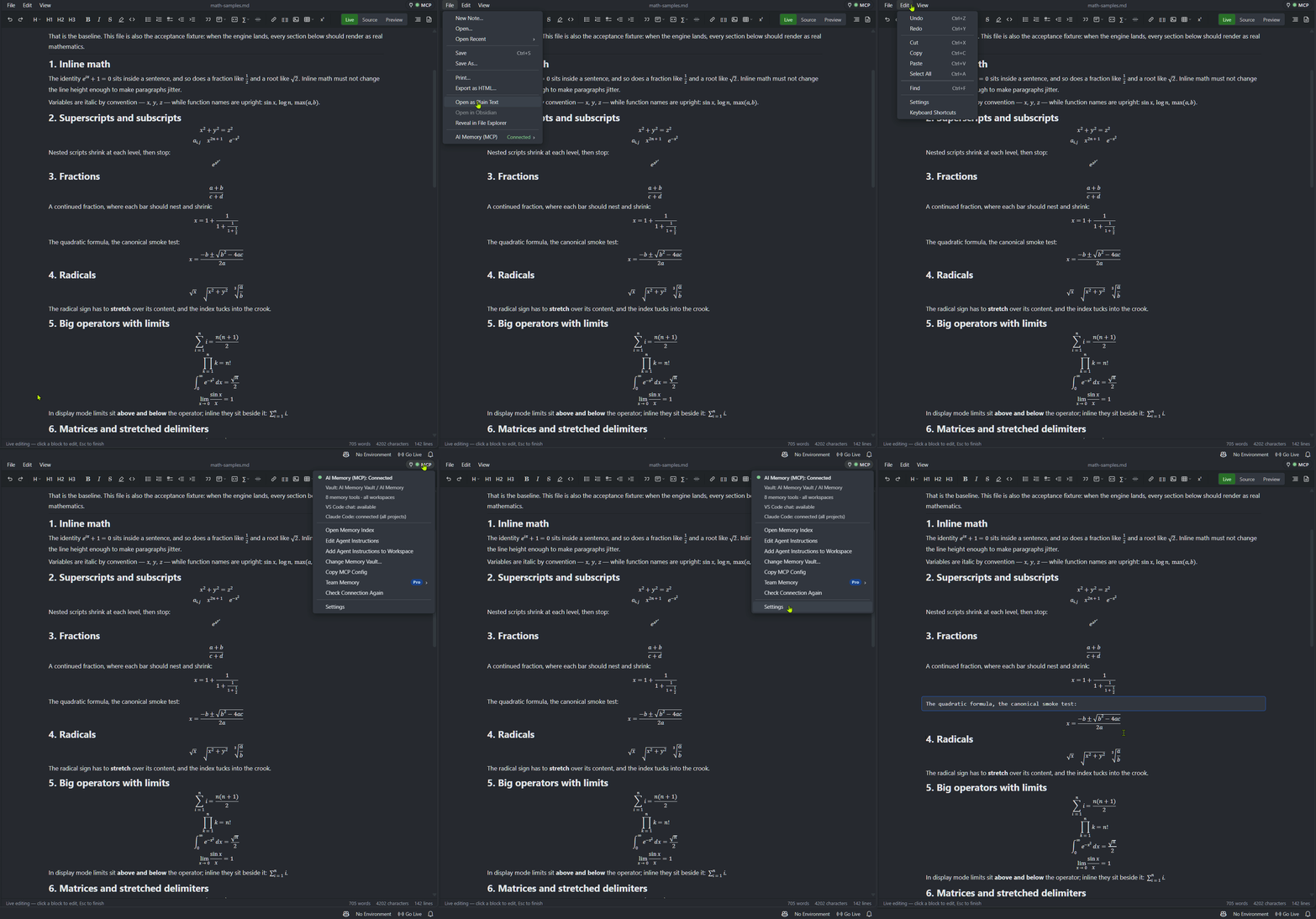
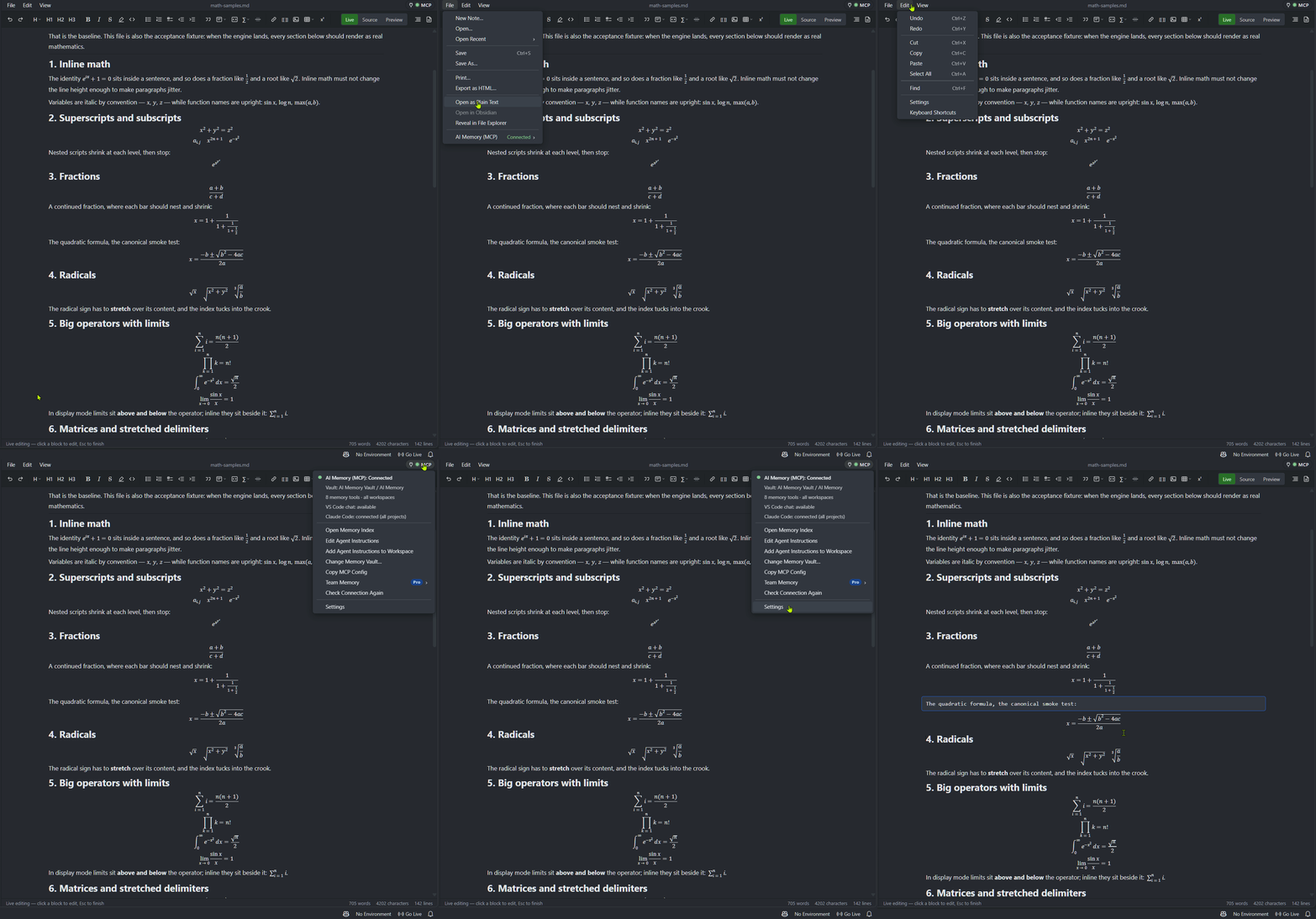
A proper menu bar — files, recent notes, export, print, and a live AI memory indicator.
This is the public home for epímonos: documentation, issues and releases. The extension itself is closed source.
What it does
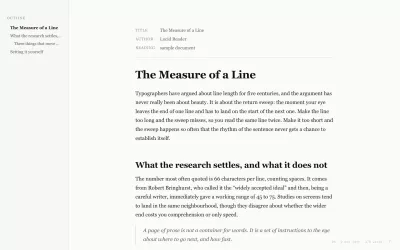
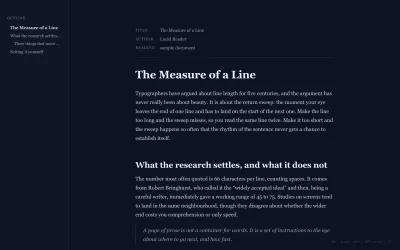
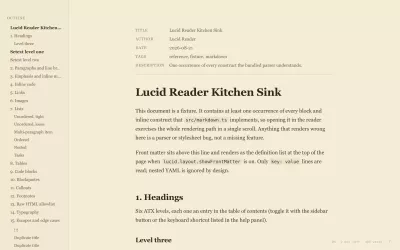
Write, don't mark up. A live editing mode where you work in the rendered document and click any block to edit its raw Markdown. Source and preview modes too. Your file is never reformatted — edits are spliced in as minimal diffs, so undo, save, git and side-by-side editing all behave normally. The one change it makes on its own is adding blank lines around a checklist that touches other text, and that can be turned off.
Checkboxes are blocks of their own. In live mode each checkbox is its own block, so a click opens just that item, and a line typed after a checklist is never folded into its last checkbox. On by default; the editorCheckboxBlocks setting turns it off.
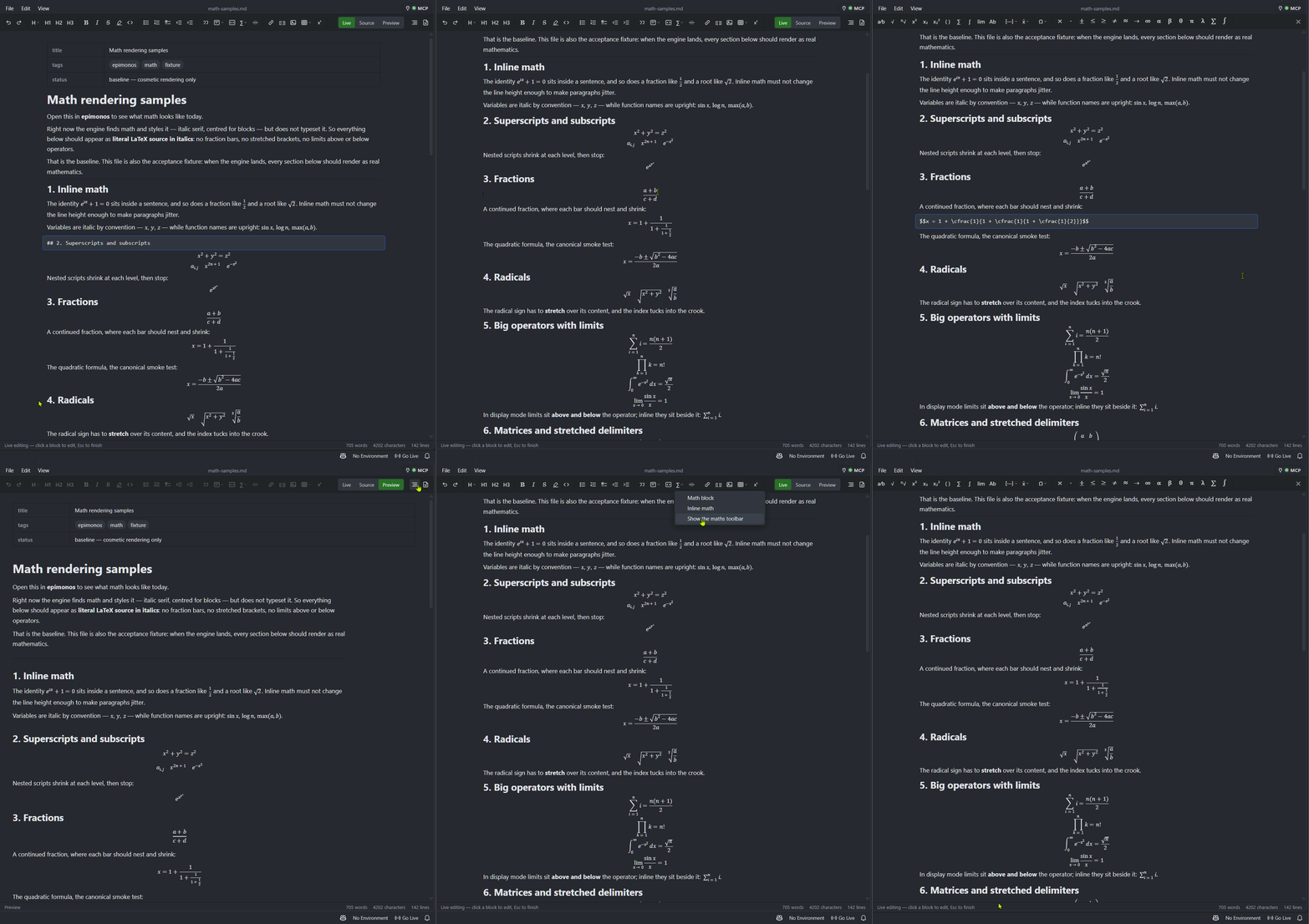
LaTeX maths, properly typeset. Fractions, radicals, big operators with limits, matrices, cases, align, stretchy delimiters, accents and the standard symbol set — compiled to MathML and laid out by the browser. A contextual maths toolbar appears when the caret enters an expression, with a searchable palette of every symbol the engine knows.
Diagrams, drawn — every type Mermaid lists. A mermaid code fence renders as SVG: flowcharts and subgraphs, sequence, state, class, ER, pie, gantt, journey, mindmap, git graph, timeline, quadrant, XY, sankey, block, kanban, requirement, C4, packet, radar, architecture, treemap, venn, ishikawa, tree view, use case, cynefin, wardley, swimlane, railroad, event modeling, agentflow and ZenUML, themed from your editor colours. Anything that cannot be drawn falls back to the code block it has always been, so a half-typed diagram looks like code, never like breakage. Written from scratch with no Mermaid dependency.
Embedded notes show their content. ![[Note]] displays the note in place, on a line of its own or mid-sentence; ![[Note#Heading]] shows just that section and ![[Note#^block-id]] just that paragraph. Maths, diagrams and tasks inside render as in the note itself, embeds inside embeds are followed a few levels deep, and a note that would embed itself says so instead of recursing. HTML export includes them.
Editor only, or editor and AI memory. The first setup step asks. Choosing the editor on its own switches AI memory off and nothing further is required; it is reversible at any time.
Renaming a note keeps its links. Rename or move a note and every link pointing at it is rewritten — wikilinks, embeds, Markdown links and image paths, with aliases, headings and block references intact. Renaming a folder updates everything that pointed into it. Code fences and code spans are left exactly as written, and a bare [[Name]] stays bare only while that name is still unique in the vault. One undo covers the whole sweep. Renames made outside VS Code while it is open — in Obsidian, File Explorer or a terminal — are recognised too, by the note keeping its size and modified time, so a copy or a git checkout is never mistaken for one.
Your Obsidian vaults in the sidebar. Detected automatically from Obsidian's own registry, or added by hand. Obsidian itself is not required — a vault is just a folder.
Persistent AI memory. A built-in Model Context Protocol server gives Claude, Copilot and other agents long-term memory stored as ordinary Markdown notes in your vault. You can read, edit, link and graph it like anything else you write. Eight tools: overview, search, read, write, journal, list, links and delete.
Built for VS Code. Chat picks the memory server up automatically in agent mode, and Claude Code is detected whether you run it as the VS Code extension or the standalone CLI. Nothing to configure on your PATH.
No third-party runtime dependencies — the Markdown engine, the maths typesetter and the MCP server are all written from scratch. The only bundled third-party component is the maths font (STIX Two Math, OFL).
Maths, typeset as you write
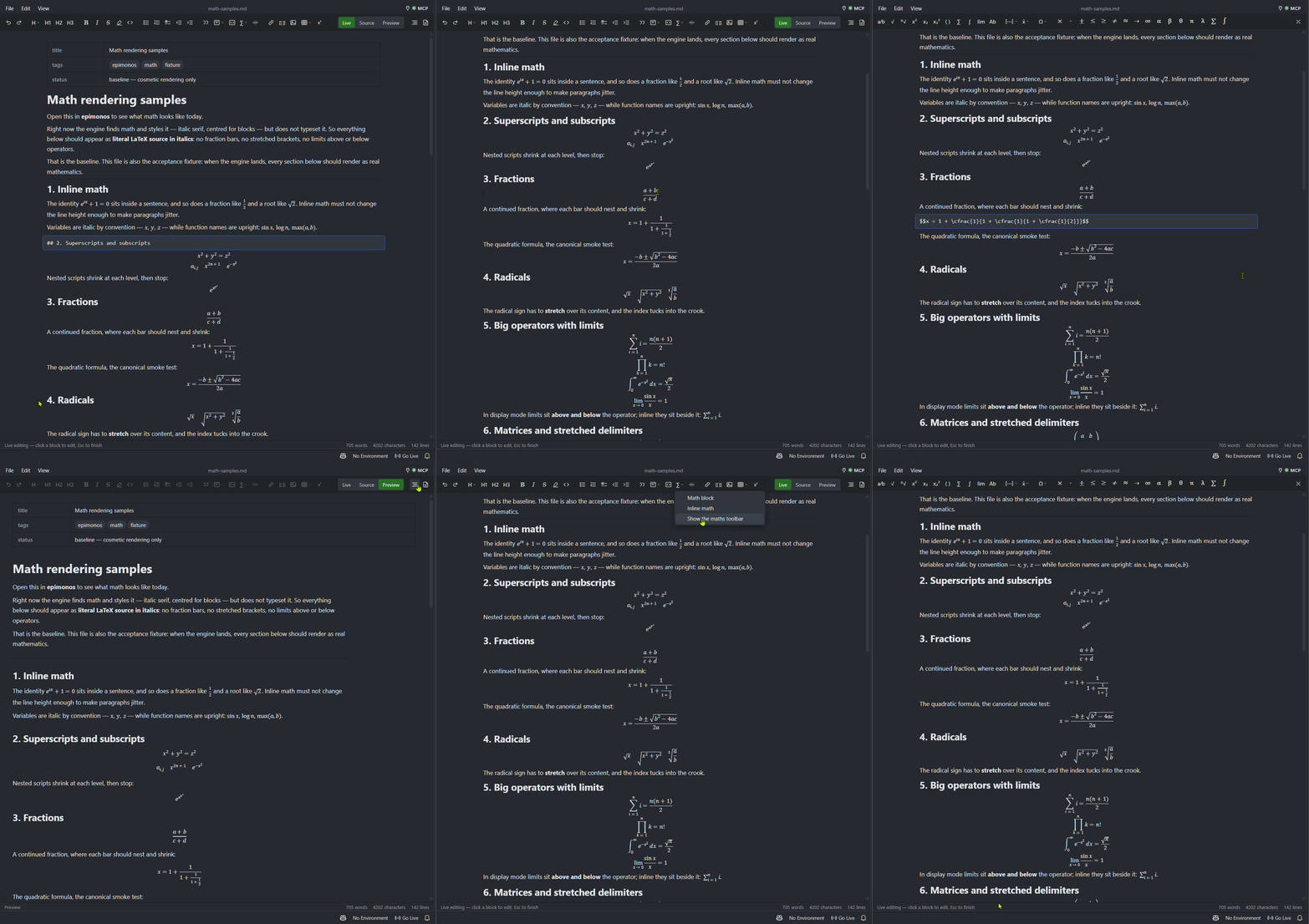
Click any block to edit its raw Markdown. Maths typesets as you go.
Written from scratch and compiled to MathML, so it renders fast and copies cleanly. The original LaTeX travels inside the document, so nothing is lost when you export or print. A malformed formula never damages the page — it falls back to showing its source, which matters when you are mid-keystroke.
Documentation
| Changelog | What changed in each release |
| Setup guide | Installing, the four setup steps, other MCP clients, troubleshooting |
| Maths engine | How LaTeX becomes MathML, and why it is built that way |
| Maths toolbar | The contextual palette and slot navigation |
| Diagram samples | One of every diagram type — open it in epímonos to see them drawn |
Requirements
VS Code 1.101 or newer. Obsidian optional.
Issues and feedback
Bug reports and feature requests: open an issue.
Useful things to include: your OS, VS Code version, the extension version, and — for a maths problem — the LaTeX that misrendered.
Status
Early. The free feature set above is complete and in use. Team Memory, which will share a project's AI memory across a team, is designed but not yet implemented.
License
Proprietary. Copyright © 2026 Tim Flinn, all rights reserved. See LICENSE.