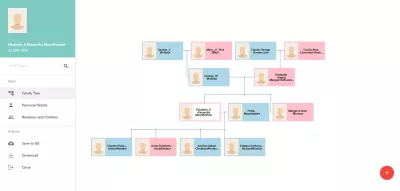
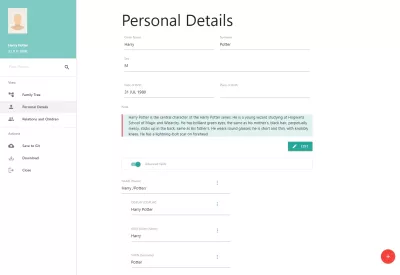
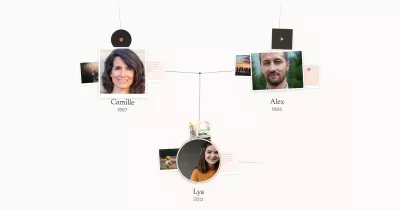
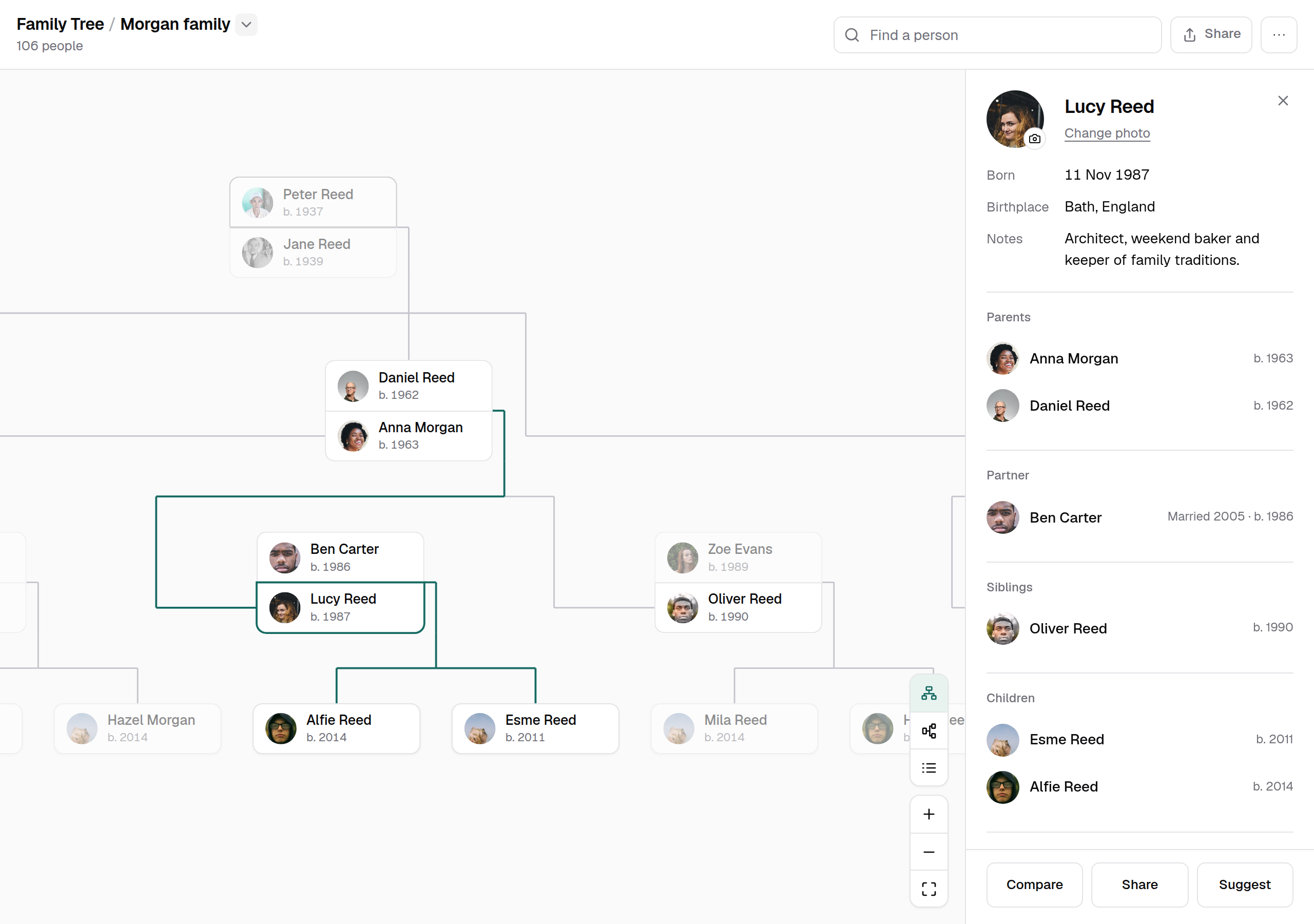
Self-hosted, private family trees with graph/list views, photos, search, relationship comparison, sharing and GEDCOM import/export. Public code; private family data.
Host your own
One application, two deployments. Follow setup & recovery.
| Docker | Cloudflare | |
|---|---|---|
| Runtime | Node.js + SQLite + private files | Workers + D1 + private R2 |
| Configuration | .env.example → .env |
web/installation.example.json → web/installation.json |
| Cost | Your hardware/hosting | Free within Cloudflare usage limits |
Visitors enter a shared family password. Approved editors and the configured owner sign in with Google. Access covers every tree in the installation; share links never bypass it.
| Role | Permissions |
|---|---|
| Viewer | Browse, suggest changes, add/replace photos |
| Editor | Also edit people/relationships, review suggestions, clear photos |
| Owner | Also manage trees/access/settings, import, delete people, export backups |
Optional MCP
Requires Python 3.10+ and uv. Create a token under Agent access, then configure your MCP client to run uv run family-tree-mcp with:
| Environment | Value |
|---|---|
FAMILY_TREE_URL |
App URL including base path, e.g. https://family.example.com/family-tree |
FAMILY_TREE_TOKEN |
Owner-issued token, stored in client secrets |
Works with either host; edits save directly. Search before adding people and reuse their IDs across trees.
Develop
Node.js 26.12.1+, pnpm 12.15.0; Docker for production-image tests.
pnpm --dir web install --frozen-lockfile
pnpm --dir web build
pnpm --dir web dev
Open **http://localhost:8000/family-tree/**; password: local-preview-only. The preview starts empty and stores data separately; screenshot demo data is not included.
Editing requires Google sign-in setup: GOOGLE_CLIENT_ID, OWNER_EMAIL and an authorized localhost origin.
Checks & code map · Operations · Architecture · MIT · ELK.js · Geist (OFL)