
Grok Bot Teams
Install a Grok Bot team, not a bot.
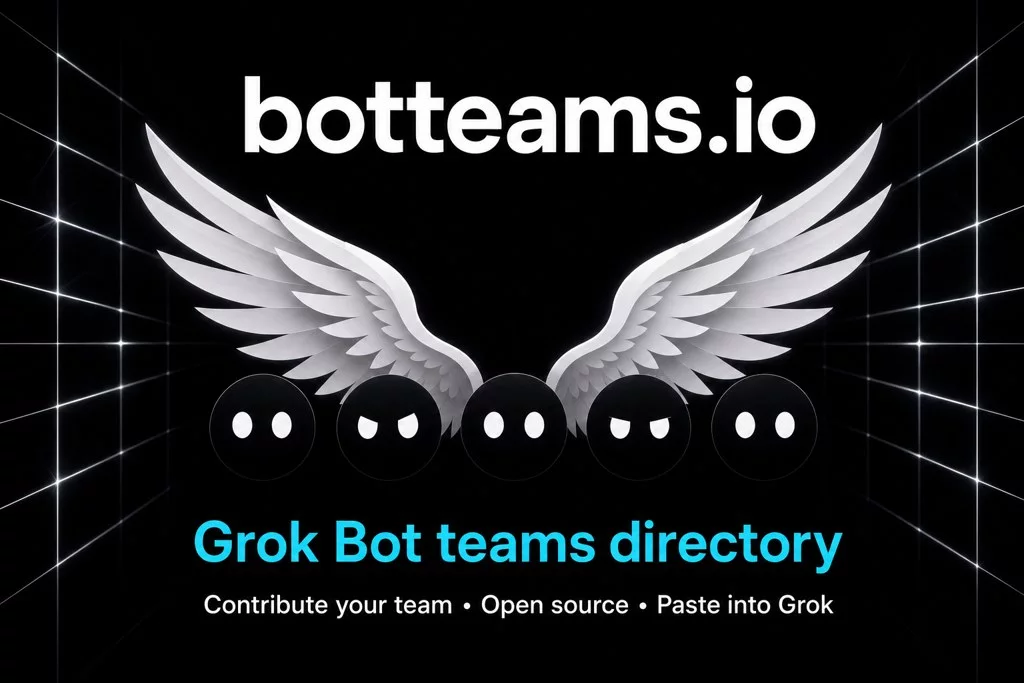
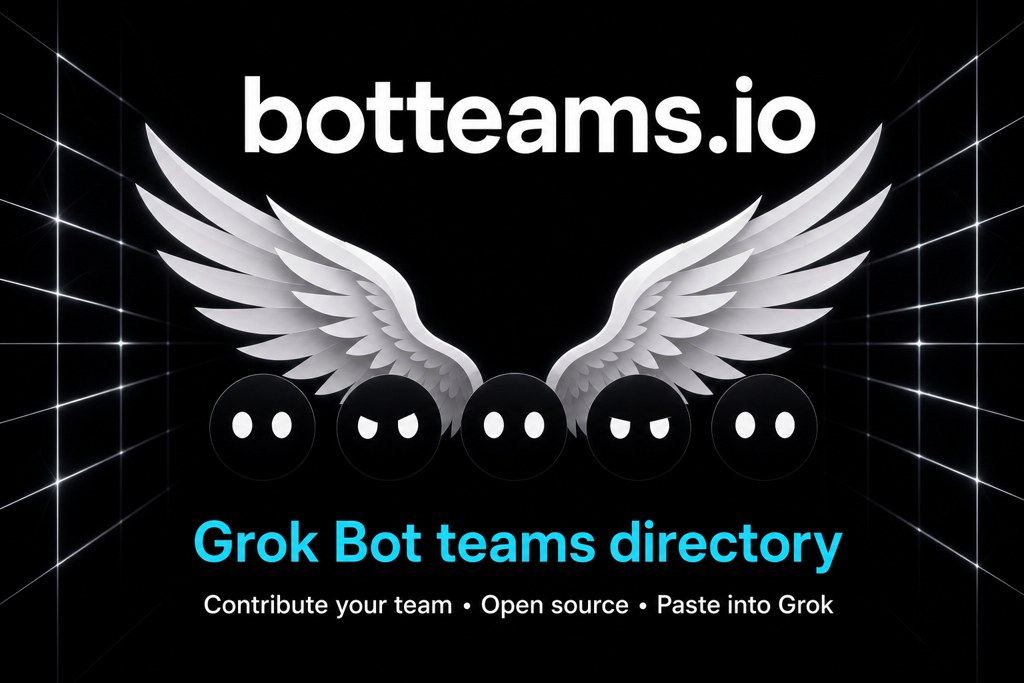
A public directory of company teams for Grok Bot. Pick a team, copy one installer prompt, paste it into Grok Bot. It creates the named Bots, the group chat, and proposes the routines for you to confirm.
botteams.io · no accounts · MIT · not affiliated with xAI
The directory is a repo
A team is one markdown file in teams/. Front matter names the Bots,
the group chat, the routines, and the connectors. The installer prompt is
generated from it, so the file is the product and GitHub is the CMS.
To suggest a public setup without using GitHub, reply under its X post and tag @botteams_bot. The mention worker drafts an Example pull request for maintainer review and replies after merge. A daily link budget controls whether that reply contains the live URL or a profile-search fallback, and a total response budget caps automated X replies.
Every team and bot must pass the public
JSON Schema plus the repository's
semantic checks. kind: team or kind: bot defines the shape.
status: installable or status: example defines whether it is ready to run.
bots is the count and bot_roster is the ordered list of named Bots.
To add one, copy docs/examples/sample-team.md
or docs/examples/sample-bot.md and read
CONTRIBUTING.md. The bar is that you ran it end to end.
Pages
| Route | What |
|---|---|
/ |
Team index. Search, category, connector filter, sort. |
/teams/<slug> |
A team: Bots, group chat, routines, installer prompt, and Customize. |
/bots/<slug> |
A bot: one Bot, routines, installer prompt, and Customize. No group chat, no Verified. |
/grok-bot |
What is Grok Bot? Setup, teams, skills, routines, and limits. |
/guides |
How-to, comparison, access, and job pages. One query per URL. |
/collections/chief-of-staff |
Compare five Chief of Staff Bot and team setups. |
/docs |
The team spec. Our recipe format, mapped onto official Grok Bot nouns. |
/connectors |
Every connector Grok Bot reaches, and which teams use each. |
/api |
Public API contract, readable without JavaScript. |
/sponsor |
Sponsor listing and rules. |
Where the teams come from
There are two shapes and the site never adds them up.
A team is two to six Bots in one group chat. It lives in teams/, at
/teams/<slug>, and it can be Verified.
A bot is one Bot doing one job, with no group chat. It lives in
bots/, at /bots/<slug>, and it is never Verified, because Verified is
a claim about a group chat and a bot makes none.
56 of the bots are written up from jobs xAI publishes in its
Grok Bot use-case gallery. Those carry
from_xai: true and show a From xAI chip linking to the source. That
is sourcing, not endorsement: the title and the category are xAI's,
everything else is ours, and xAI does not review or certify anything here.
The index opens on teams. Bots is one click, All shows both and labels every row.
Customize
Every team page can be edited in place: turn Bots off, rename them, set the group chat, set how far each connector goes, and add standing instructions. The installer prompt rewrites as you go and one Copy pill takes it.
The edits live in the URL hash, so a customized team is shareable and nothing is stored on the site. Download gives you the same team back as a team file you could open a pull request with.
A connector mode is wording in the prompt, not a permission. Grok Bot connectors are account-wide: every Bot on the account can reach every connected tool, and separate Bots are not a security boundary. The only real switch is Grok Bot Settings, then Plugins, which is account-wide too. The UI says so rather than drawing a lock the product does not have.
Per team, in the team file: connector_modes and suggest. See
CONTRIBUTING.md.
API
No key, no auth, CORS open.
curl "https://botteams.io/api/teams?integration=Stripe&limit=5"
curl "https://botteams.io/api/bots?category=Sales"
curl "https://botteams.io/api/teams?limit=100"
curl "https://botteams.io/api/teams?cursor=start&limit=100"
Full contract at /api. There is no per-team
endpoint by design; filter the collection instead.
API version 2 returns the named Bots as botRoster.
Develop
npm install
npm run dev        # localhost:3000
npm run validate   # team schema and category checks
npm run lint       # code quality
npm run build      # types plus production build
npm test           # all local merge checks
Node 22.12.0 (see .nvmrc).
Language
A row is a team. The unit is a Bot, capital B. Group chats hold two to six Bots. No em-dashes.
kind: team or kind: bot is the shape. status: installable is a recipe
you can run. status: example is a format demo. No other status values are valid.
Canonical domain: botteams.io.
Open source
Contributions are welcome through pull requests. Read CONTRIBUTING.md, the Code of Conduct, and GOVERNANCE.md before you start. Report security issues privately as described in SECURITY.md.
main is protected. Contributors must use a pull request, pass every required
check, and receive approval from the @skillselion brand code owner. That
administration account may bypass the pull-request and status-check rules or
push directly to main for its own changes. CI still runs after a direct push.
Branch deletion, force pushes, and nonlinear history cannot be bypassed.
Stack
Next.js 16.3.2, React 19.2.4, TypeScript, Tailwind 4, gray-matter.