

JWT Lens
Decode and inspect JSON Web Tokens directly in Raycast — no browser, no external tools needed.
Features
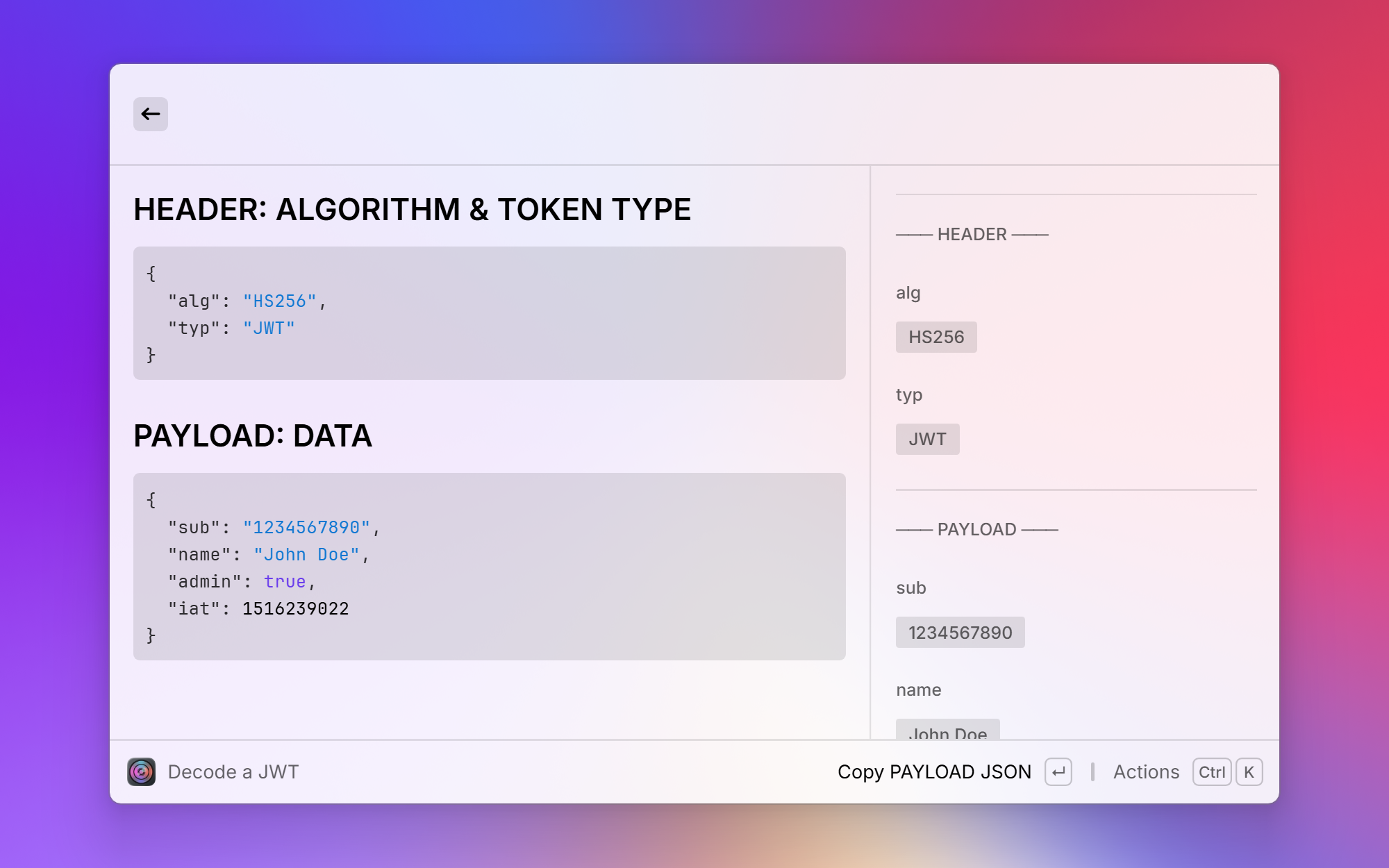
- Paste a JWT and instantly see the decoded Header and Payload
- Displays all claims with human-readable labels (e.g.
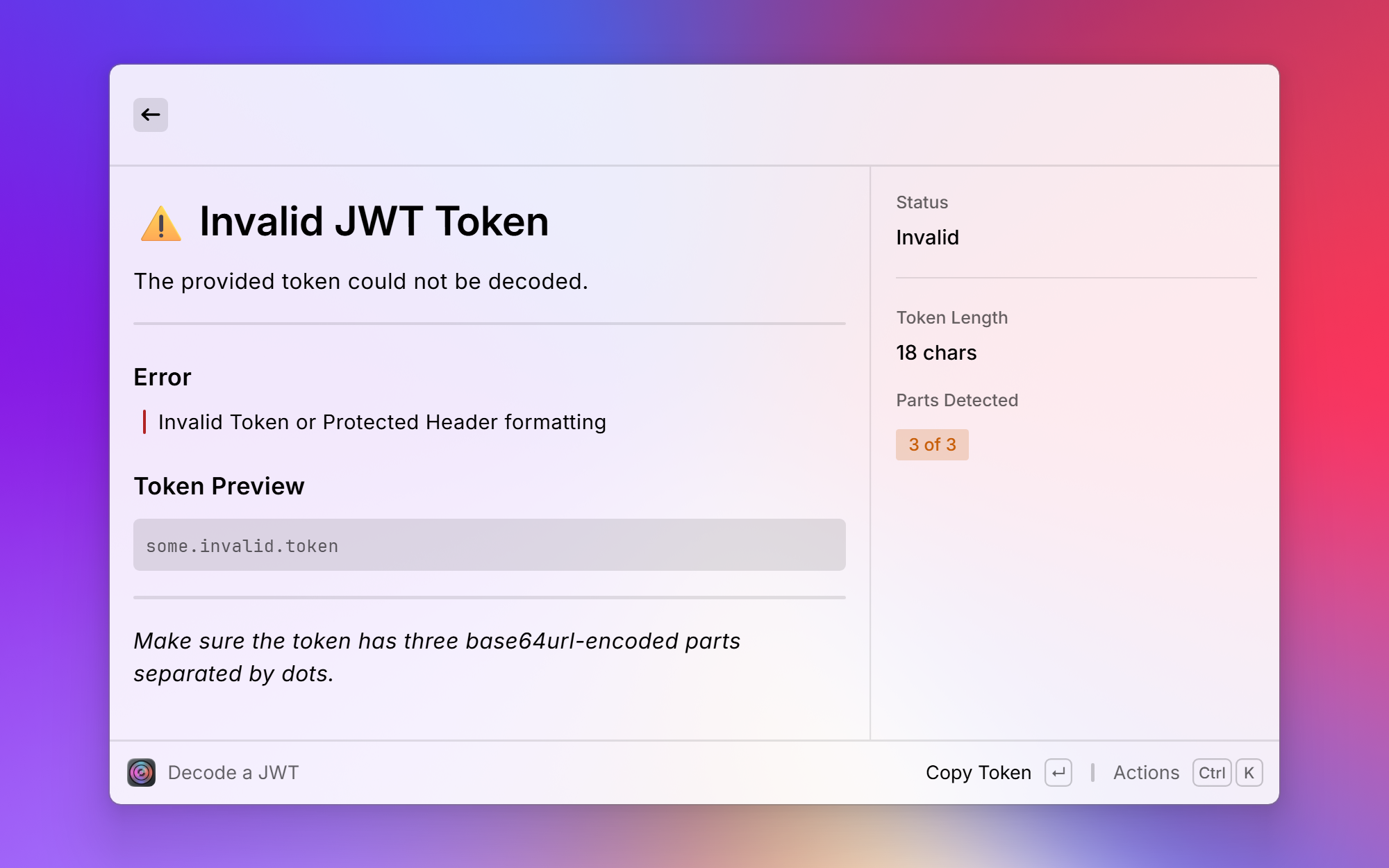
exp→ Expiration Time) - Shows the token status at a glance: valid, expired or not valid yet, with relative times and the token lifetime
- Verify the signature with a shared secret, a PEM public key, an X.509 certificate, a JWK / JWKS or a JWKS / OpenID discovery URL
- Splits scopes and array claims into separate tags and warns about unsigned tokens (
alg: none) - Copy the token, its signature, single claims or timestamps as ISO dates
- Your tokens never leave your machine — only public key sets are fetched when you verify against a URL
Installation
JWT Lens is not published in the Raycast Store, so you install it from source. You need Raycast, Git and Node.js 22 or newer.
-
Clone the repository:
git clone https://github.com/DaBorsten/jwt-lens.git cd jwt-lens -
Install the dependencies:
npm install -
Build the extension and add it to Raycast:
npm run buildThis writes a production build into Raycast's extensions folder. Decode a JWT is then available in Raycast.
If the command does not show up, run
npm run devonce and stop it withCtrl+Cafter it has started. That registers the extension with Raycast.
To update, run git pull, then repeat steps 2 and 3.
Usage
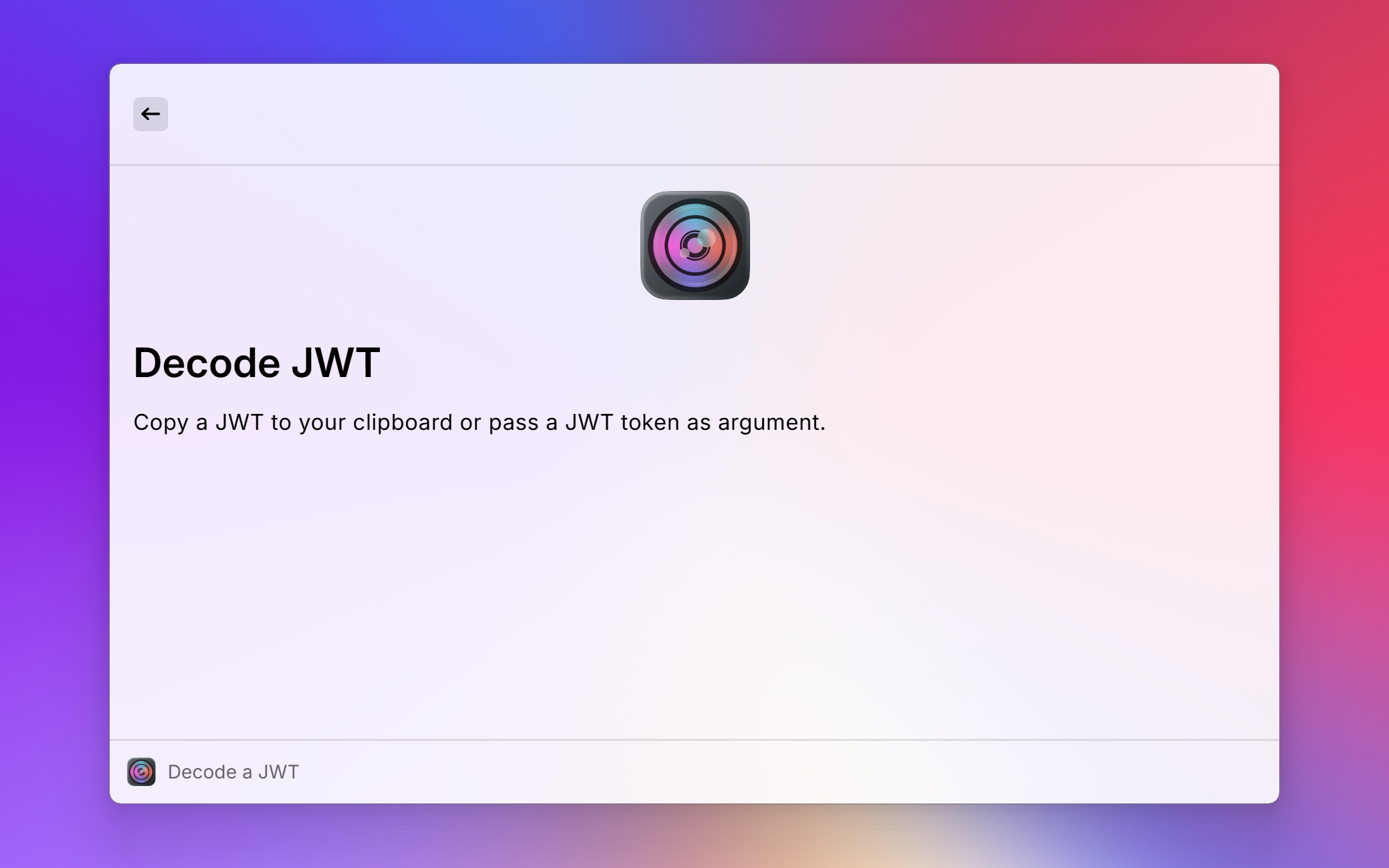
- Open Raycast and run Decode a JWT
- Paste your token into the argument field, or copy it to your clipboard before running the command
- Browse the decoded claims in the detail view
- Open the action panel to copy values or run Verify Signature
Screenshots