
Manage your app's translations from Claude, ChatGPT, Cursor, VS Code and any other AI app that speaks the Model Context Protocol.
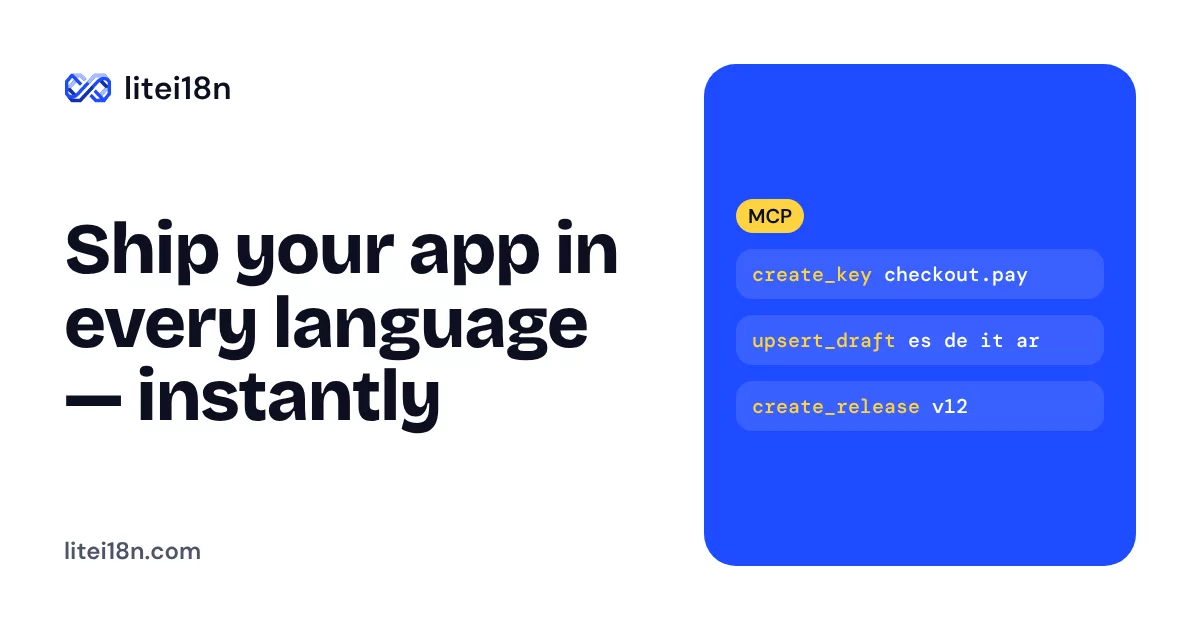
LiteI18n stores your app's translation keys, lets you draft and review translations, and ships them to your app over the air (OTA), with no app store release. This hosted MCP server lets an AI agent do that work for you: find keys, add new copy, draft translations, publish them and ship a release.
https://mcp.litei18n.com/mcp
- Hosted. Nothing to install, no package, no token to copy.
- Browser sign-in (OAuth 2.1). Your AI app opens LiteI18n, you sign in, pick the workspace, projects and access level, and approve.
- You stay in control. Every connection is listed under Connect AI in your workspace, where you can disconnect it at any time. Access is set per project.
- Safe by default. Writes are drafts until you publish them, and every tool tells your AI app whether it reads, changes or publishes, so the app can ask you first.
Contents
- Connect your AI app
- What you can ask
- Tools
- Permissions
- Agent skill
- Automated tools (CI)
- Requirements
- Troubleshooting
- Privacy, security and support
Connect your AI app
Up-to-date guides with copy buttons and one-click installs: litei18n.com/agents.
Claude (web, desktop and mobile)
- Open Customize → Connectors, click + Add and choose Add custom connector.
- Name it
litei18n, pastehttps://mcp.litei18n.com/mcp, click Continue twice, then Add. - Click Connect and sign in to LiteI18n.
On Team and Enterprise plans, an Owner adds it first under Organization settings → Connectors; members then click Connect.
ChatGPT
- Open chatgpt.com/plugins, click + and choose Add custom MCP server.
- Name it
litei18n, paste the link, choose OAuth, confirm the warning and click Create as a plugin. Sign in to LiteI18n. - Install the plugin, then type @ in a new chat and pick litei18n.
If + is missing, your workspace admin may need to allow custom MCP servers.
Claude Code
claude mcp add --transport http litei18n https://mcp.litei18n.com/mcp
Then type /mcp, choose litei18n and sign in. To get the agent skill as well, install the
plugin instead (see Agent skill).
Codex
codex mcp add litei18n --url https://mcp.litei18n.com/mcp
codex mcp login litei18n
Cursor
Install in Cursor,
or add this to .cursor/mcp.json:
{
  "mcpServers": {
    "litei18n": { "url": "https://mcp.litei18n.com/mcp" }
  }
}
VS Code
Install in VS Code,
or add this to .vscode/mcp.json:
{
  "servers": {
    "litei18n": { "type": "http", "url": "https://mcp.litei18n.com/mcp" }
  }
}
OpenCode
Add this to opencode.json, then run opencode mcp auth litei18n:
{
  "mcp": {
    "litei18n": { "type": "remote", "url": "https://mcp.litei18n.com/mcp" }
  }
}
Devin Desktop (formerly Windsurf)
Add this to ~/.config/devin/mcp_config.json (on Windows, %APPDATA%\devin\mcp_config.json),
save, and sign in when asked:
{
  "mcpServers": {
    "litei18n": { "serverUrl": "https://mcp.litei18n.com/mcp" }
  }
}
Antigravity
Add this to ~/.gemini/config/mcp_config.json, then open Agent settings → Customizations and
click Authenticate next to litei18n. Paste the code your browser shows and click Submit.
{
  "mcpServers": {
    "litei18n": { "serverUrl": "https://mcp.litei18n.com/mcp" }
  }
}
Zed
Open Settings → AI → MCP Servers, click Add Server, choose Add Remote Server and paste the link.
Any other app
Add a remote MCP server using Streamable HTTP with the link above. Sign in when your browser opens.
What you can ask
- "Add a key for the new checkout button and translate it into every language in the project."
- "Which keys in the onboarding screens are missing a German translation? Draft them."
- "Fix the typo in the French welcome message, then show me the change before publishing."
- "Publish the Spanish drafts and ship a release to the app."
- "Delete the old
promo.summer_2025keys."
Tools
| Tool | What it does | Kind | Permission |
|---|---|---|---|
list_projects |
List the projects this connection can reach, with languages, key count and permissions | Read | — |
list_keys |
Find, search or fetch keys with their live translations and drafts | Read | keys:read |
create_key |
Create up to 100 keys, optionally with first translations (saved as drafts) | Write | keys:write (+ translations:write) |
upsert_draft |
Save draft translations for up to 500 key and language pairs | Write | translations:write |
delete_key |
Delete a key. A published key is removed at the next publish and can be restored until then | Destructive | keys:write |
restore_key |
Undo a pending key deletion, before publishing | Write | keys:write |
commit_drafts |
Publish drafts as live translations (optionally one language) | Destructive | drafts:commit |
list_releases |
List the project's OTA releases | Read | releases:read |
create_release |
Ship the latest published translations to your apps over the air | Destructive | releases:write |
Every tool declares a title and the standard MCP safety hints (readOnlyHint, destructiveHint,
idempotentHint, openWorldHint), so your AI app can ask before it publishes or deletes. Results
are structured data matching each tool's output schema. Text written by project members (key
names, translations, drafts) is marked as content, never as instructions.
Permissions
When you approve a connection you choose, for each project, what the AI app may do:
| Scope | Allows |
|---|---|
keys:read |
Find and read keys |
keys:write |
Create, delete and restore keys |
translations:read |
Read translations and drafts |
translations:write |
Save draft translations |
drafts:commit |
Publish drafts |
releases:read |
List releases |
releases:write |
Create OTA releases |
Presets: Read only (all reads), Read and write (all reads, key and translation writes, publishing), Full access (everything, including releases).
Agent skill
skills/litei18n is an Agent Skill that
teaches your agent the LiteI18n workflow: look before writing, drafts versus publishing, when to
ask first, and how to load OTA translations in your app with a safe fallback. It works with the
MCP server above; it is optional but makes agents more careful and more accurate.
Claude Code (plugin: MCP server and skill together)
/plugin marketplace add Aevum-Technology/litei18n-mcp
/plugin install litei18n@litei18n
Any agent that supports skills (Claude Code, Codex, Cursor, OpenCode and others)
npx skills add Aevum-Technology/litei18n-mcp --skill litei18n
Claude.ai and the Claude desktop app: download this repository as a ZIP, then upload the
skills/litei18n folder (zipped) under Customize → Skills.
Manually: copy skills/litei18n into your agent's skills folder, for example
~/.claude/skills/litei18n or .agents/skills/litei18n.
Automated tools (CI)
Scripts and CI jobs can call the same link with a LiteI18n API token instead of signing in. Create
one under API Tokens in your workspace and send it as Authorization: Bearer litei18n_…. Keep
it in your CI's secret store, never in code or chat.
Requirements
- A LiteI18n account. MCP access is included on every plan, Free too.
- The workspace owner or admin role to approve a connection.
- Creating OTA releases needs the Starter plan or above.
Troubleshooting
| You see | What to do |
|---|---|
| Asked to sign in again | The connection was disconnected or expired. Sign in from your AI app again. |
| "No access to this project" | The project was not selected when you approved. Reconnect and tick it. |
| "Permission denied" | The connection lacks that permission for the project. Reconnect with a higher access level. |
| "Your plan does not allow this action" | Creating OTA releases needs the Starter plan or above. Upgrade under Billing. |
| "This workspace has been suspended" | Contact support. Access returns once the suspension is lifted. |
| Too many requests | Each connection may make 60 requests a minute. Wait a moment and try again. |
Privacy, security and support
- Privacy policy: litei18n.com/privacy
- Terms of service: litei18n.com/terms
- Sub-processors: litei18n.com/subprocessors
- Support: litei18n.com/contact
- Security reports: see SECURITY.md
The server only acts inside the workspace and projects you approved, and only with the permissions you chose. Your AI app never sees your LiteI18n password.
About this repository
This repository holds the public documentation, the MCP Registry entry
(server.json), the Claude Code plugin and the agent skill. The hosted service
itself is operated by Aevum Technology LTD and is not open source. The
contents of this repository are released under the MIT License.