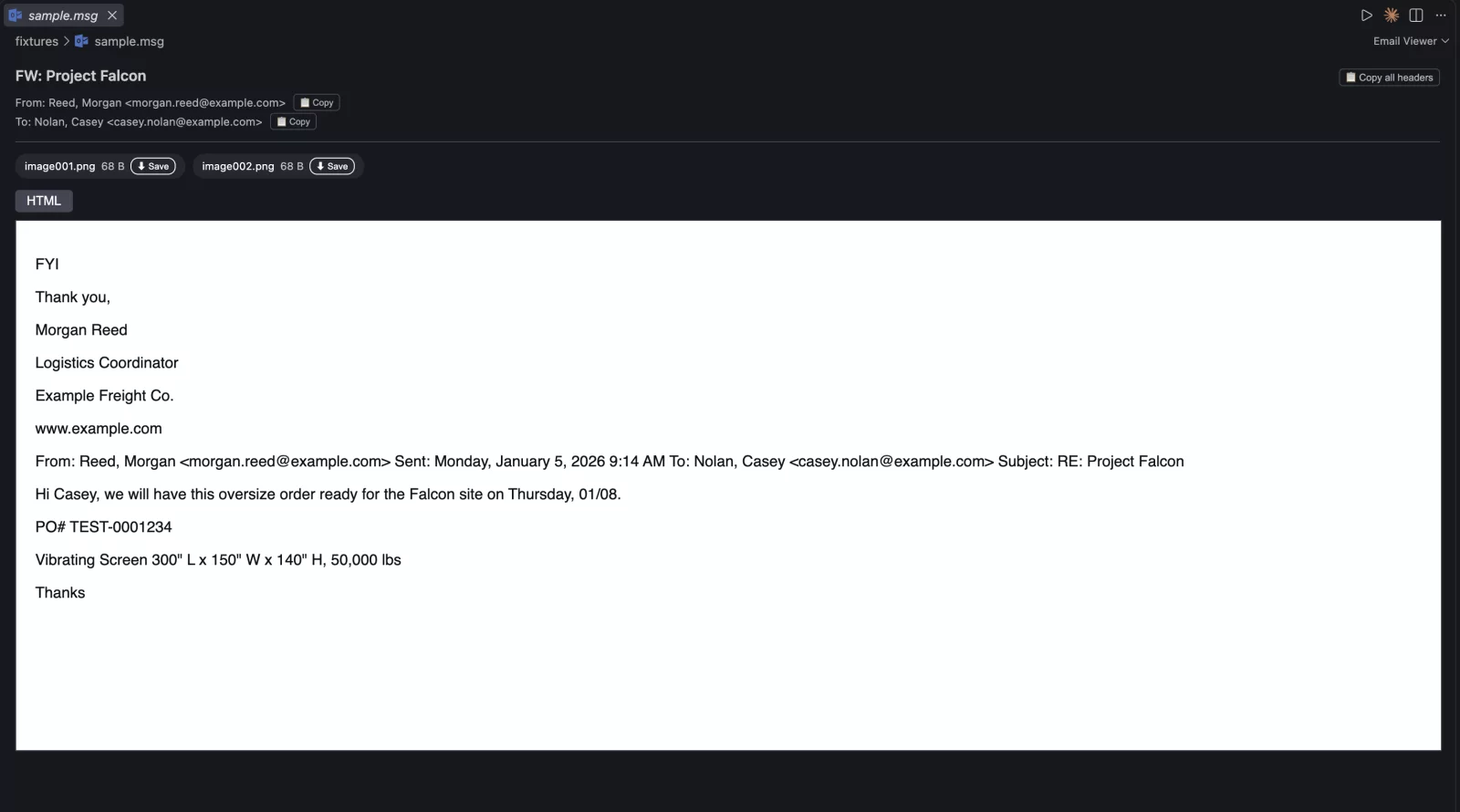

A VS Code extension that opens .msg and .eml files directly in the editor — headers, body, and attachments — with forwarded/nested emails drilling down into their own tabs instead of leaving VS Code.
What it does
- Opens
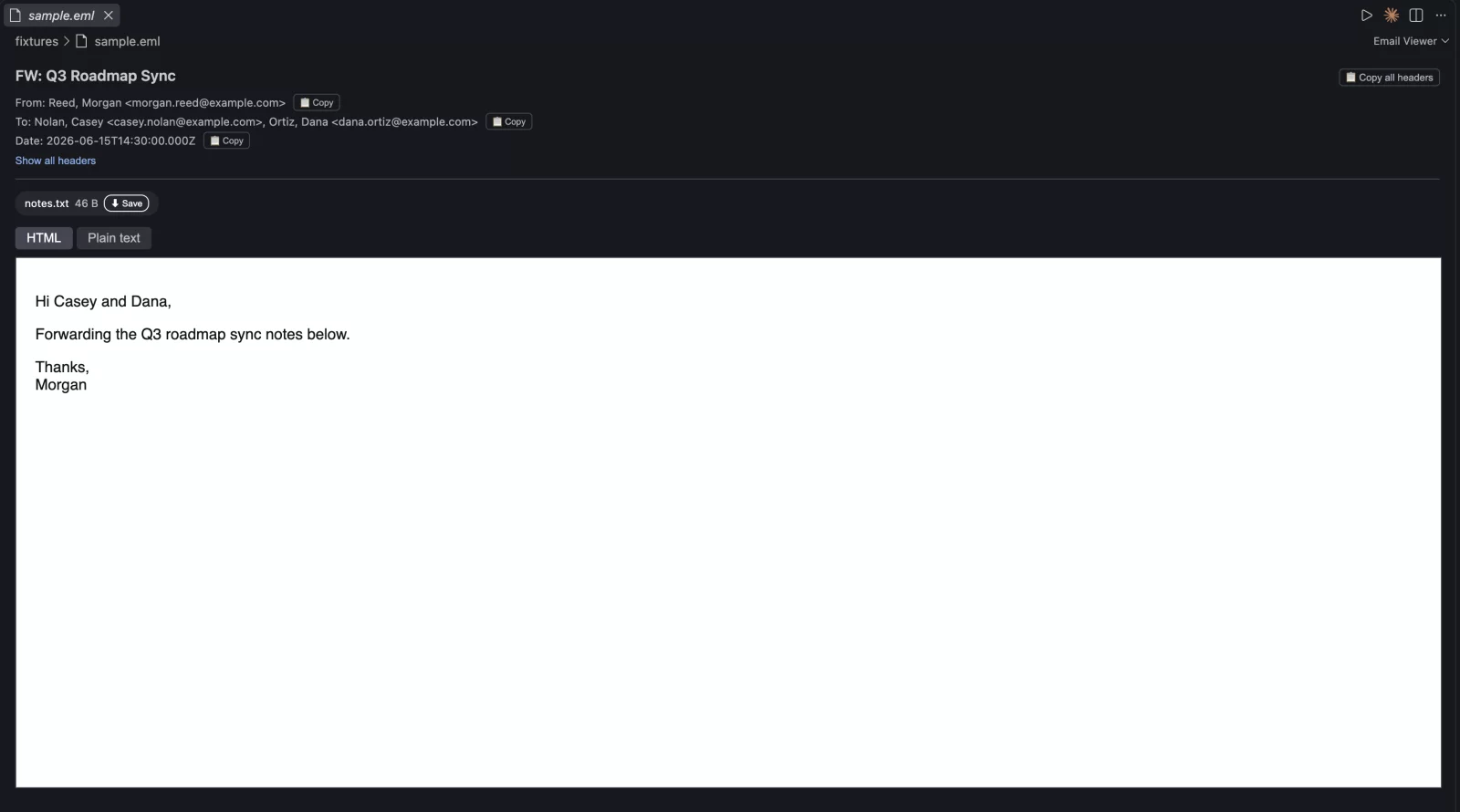
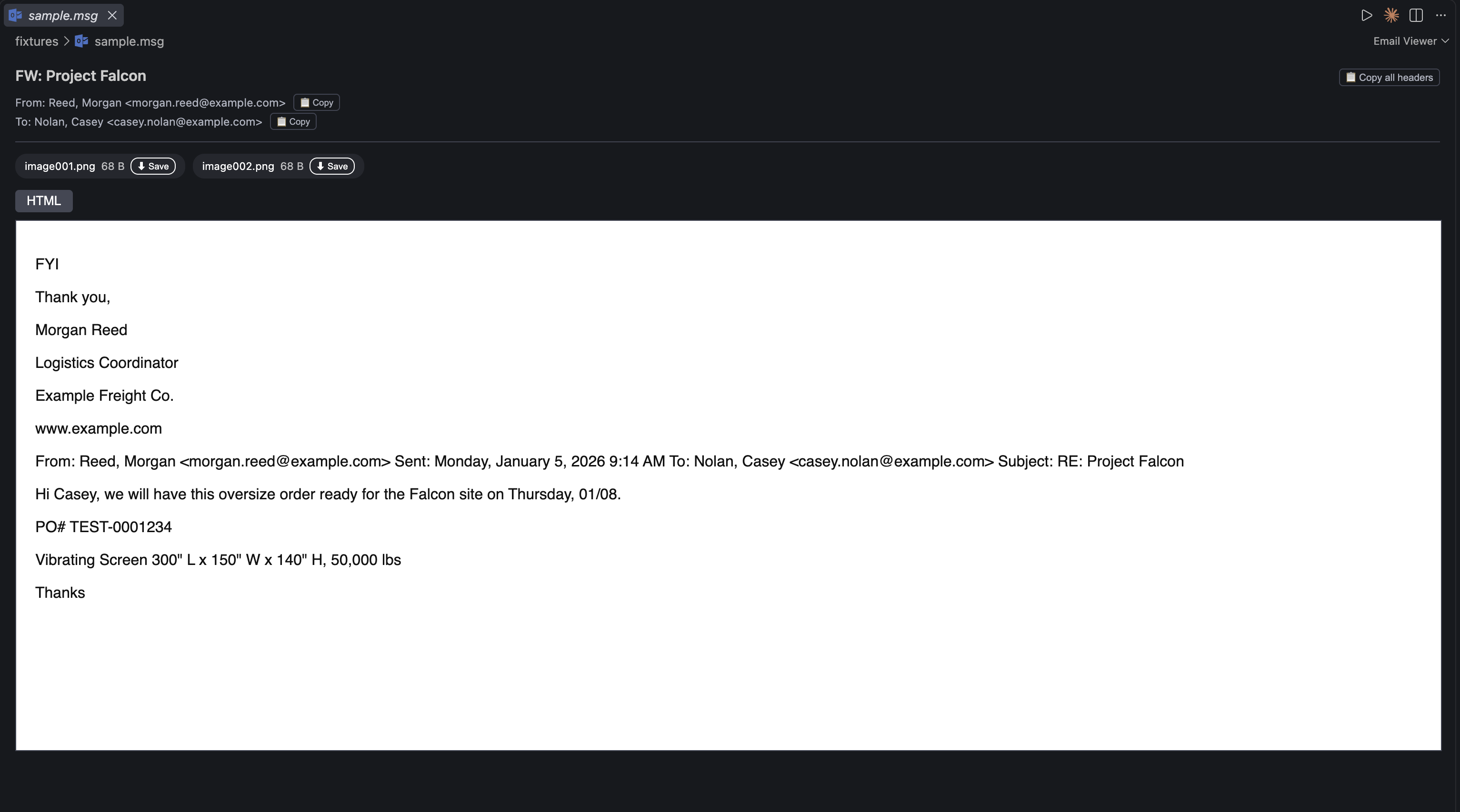
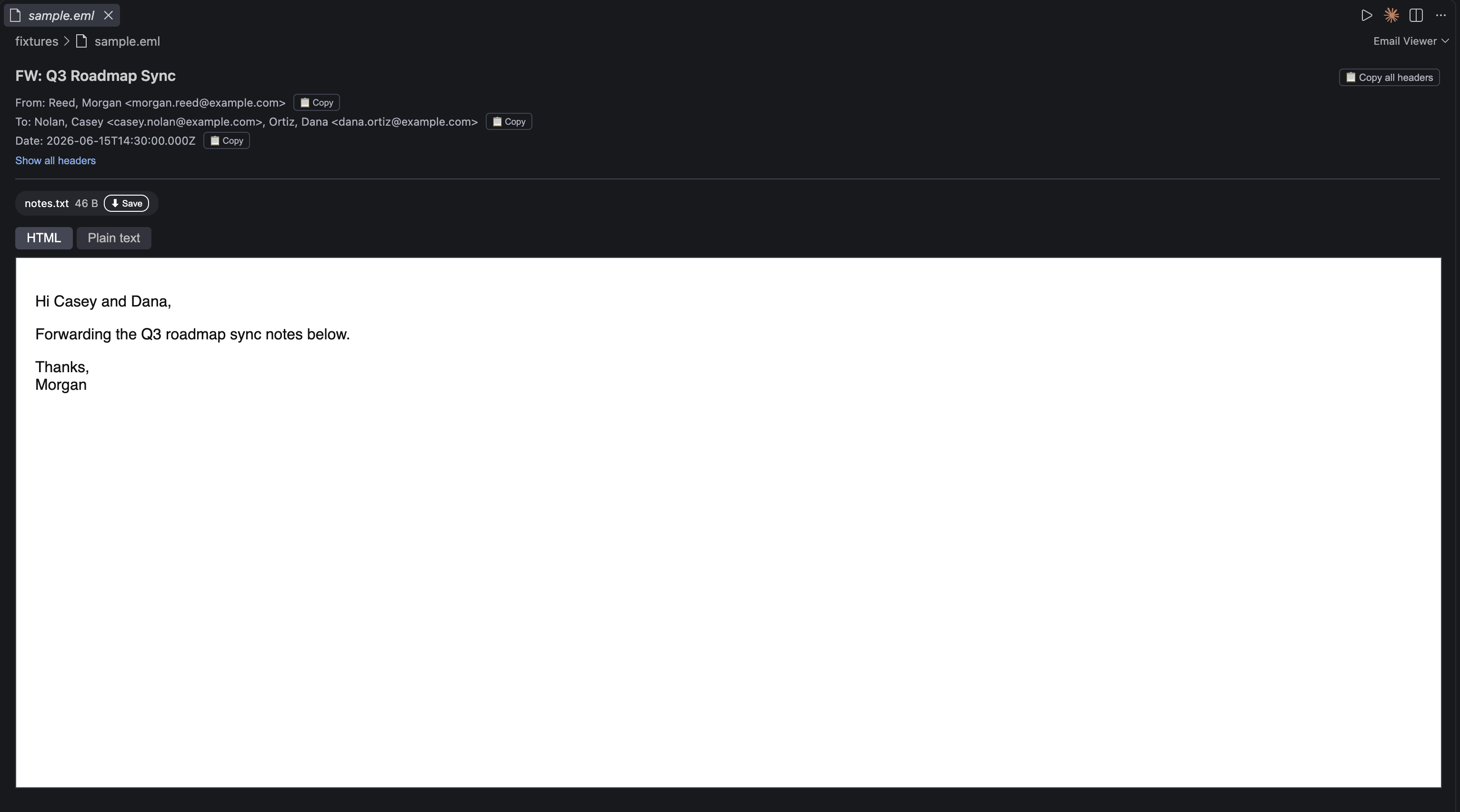
.msgand.emlfiles directly in the editor: a header card (subject, from, to, cc, date — each copyable), the HTML or plain-text body (with an RTF-body fallback for.msg), and an attachment listing. - Nested
.msg/.emlattachments (forwarded emails) drill down into their own tab instead of leaving VS Code. - Collapses long quoted/forwarded reply chains behind a toggle by default — configurable via the
mailpeek.collapseQuotedTextsetting. - Matches your VS Code theme and is keyboard/screen-reader accessible.
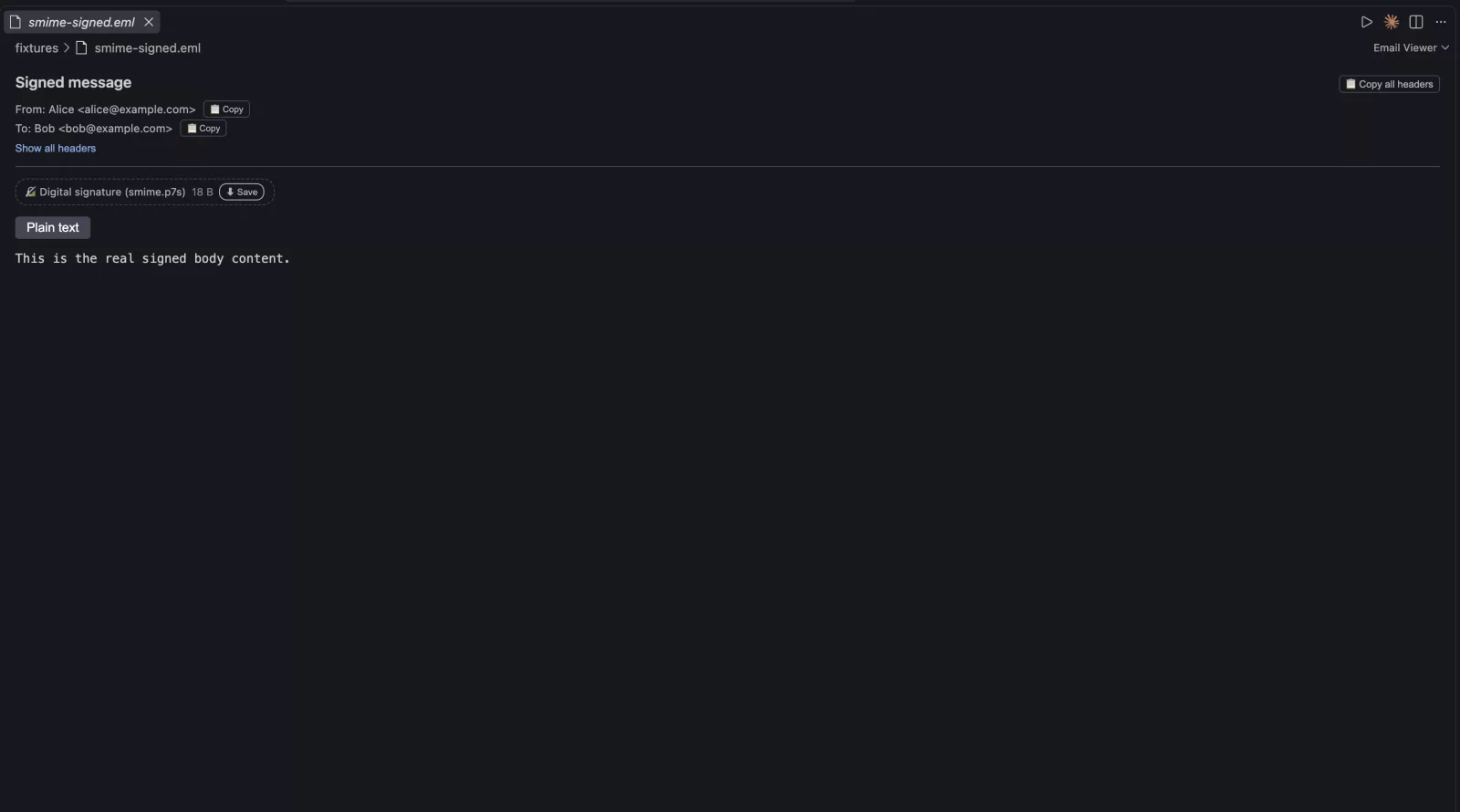
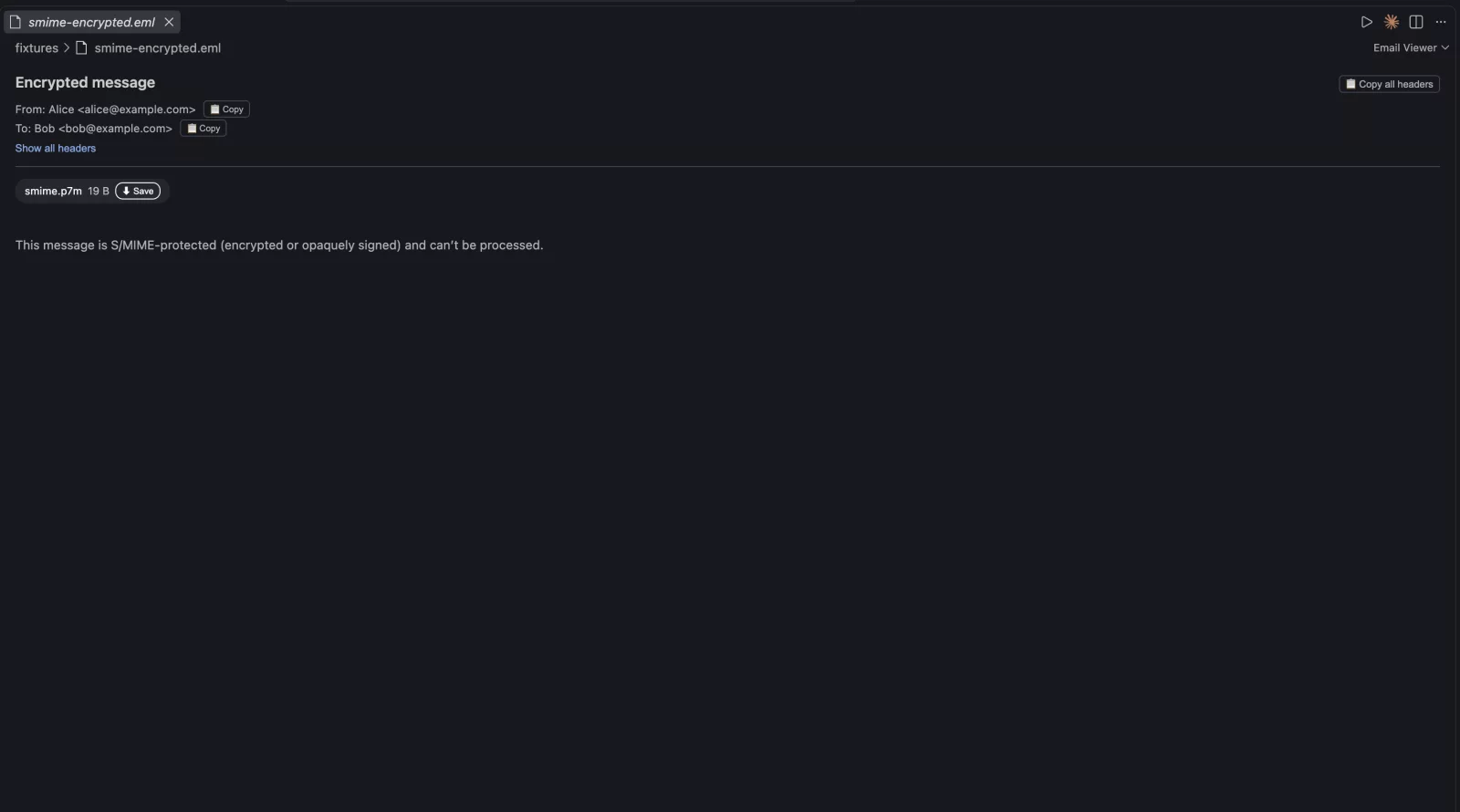
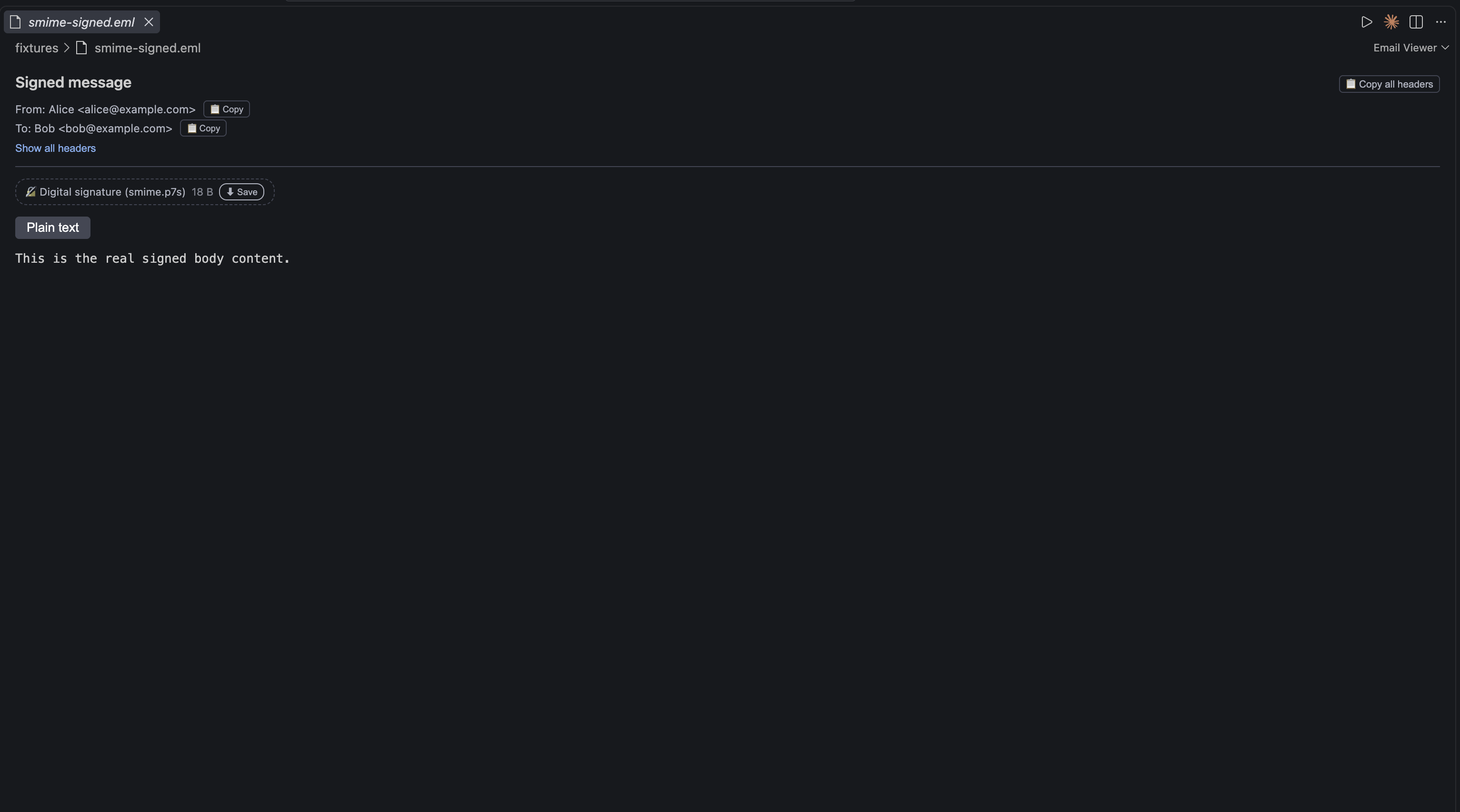
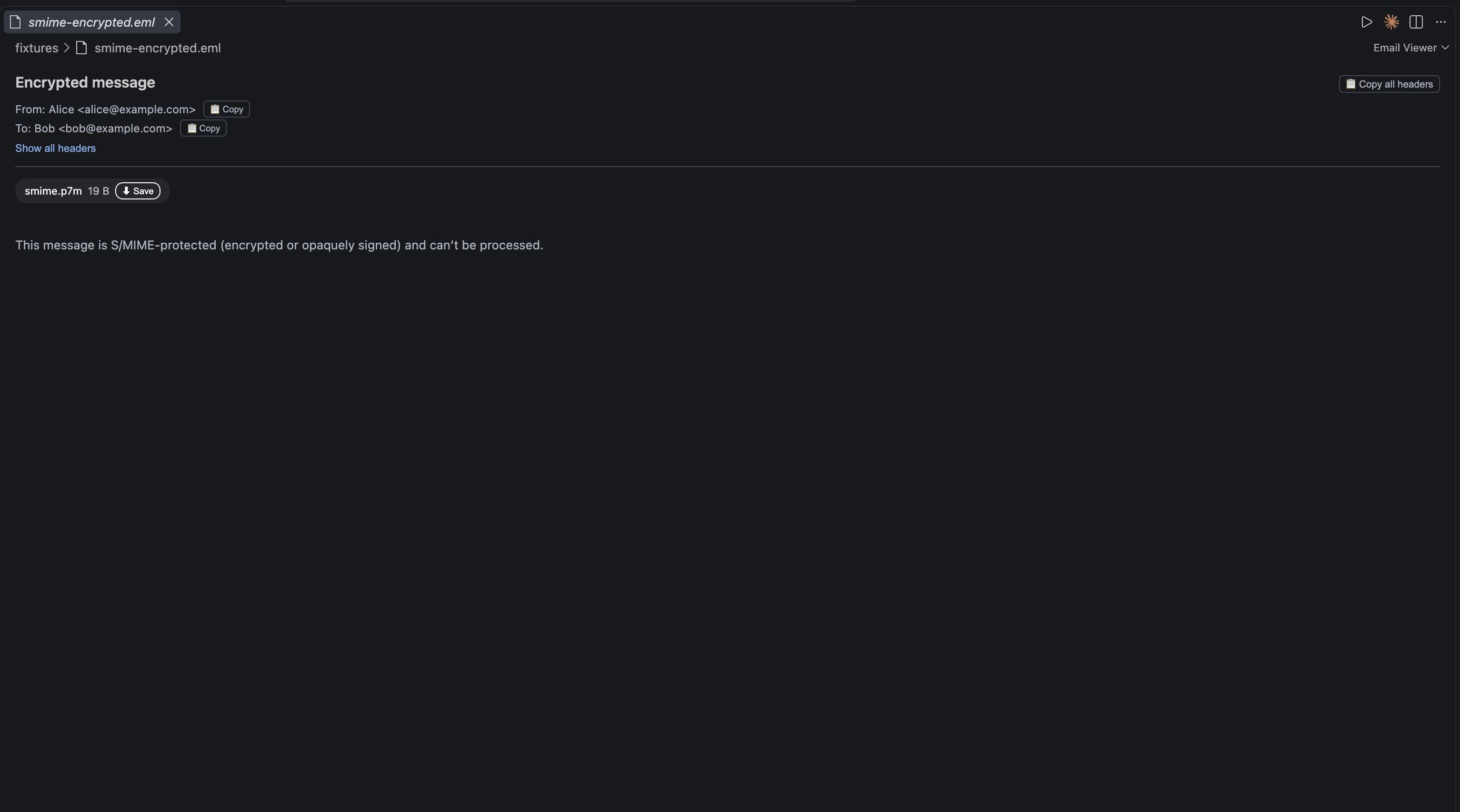
- Handles formats no parser here actually decodes with a clear, honest fallback instead of failing silently: TNEF/winmail.dat shows as a plain attachment, S/MIME signed mail shows its real body with the signature labeled distinctly, and S/MIME encrypted mail shows an explanatory notice.
Screenshots
.eml with attachments and quoted-content toggles |
S/MIME signed (signature labeled distinctly) | S/MIME encrypted (explanatory notice) |
|---|---|---|
 |
 |
 |
Privacy
Everything is parsed locally in the extension host. No email content, headers, or attachments are transmitted anywhere. Remote images and external resources referenced by an email's HTML body are never loaded.
Development
Not yet published to the Marketplace (see docs/plans/publish_to_marketplace.md) — build and try it locally:
cd extension
npm install
Iterate on the code: npm run compile (or npm run watch for incremental rebuilds), then press F5 in VS Code (with extension/ open, or the repo root — launch.json points at extension/) to launch an Extension Development Host, and open one of the sample files in data/*.msg.
Just try it: npm run package, then code --install-extension mailpeek-0.0.1.vsix --force. Reload VS Code (Cmd+Shift+P → "Developer: Reload Window") or restart it, then open any .msg or .eml file — it opens directly in the MailPeek viewer. Re-run the same two commands to pick up a newer build.