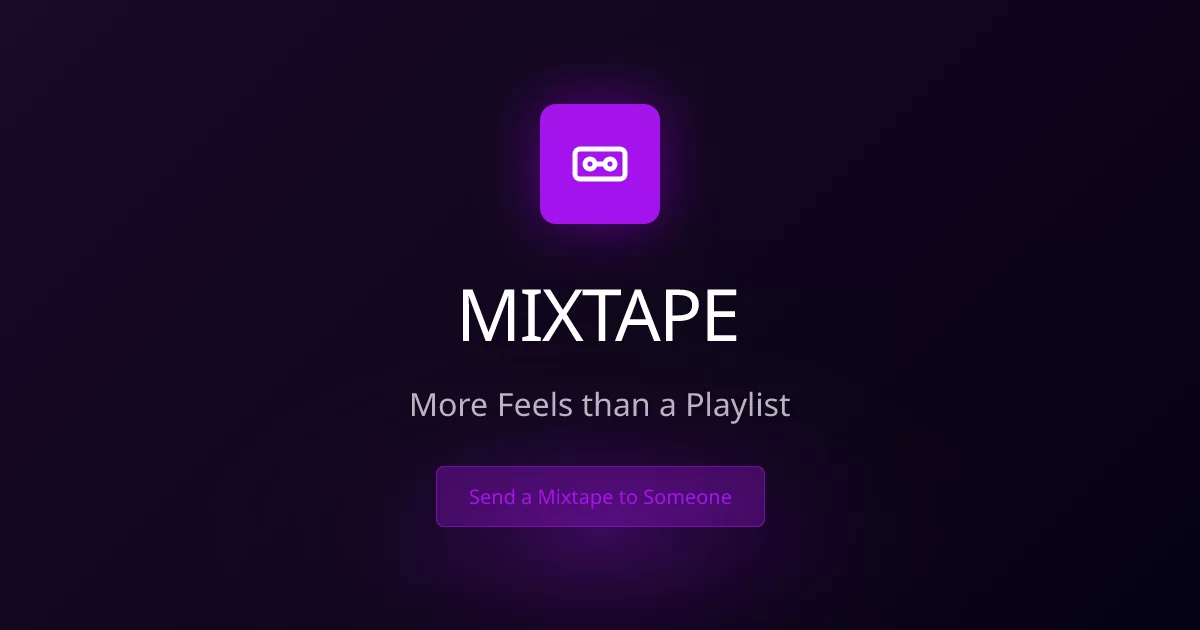
Create and share digital mixtapes with the people you care about.
Mixtape brings back the emotional art of making mixtapes for the streaming era. Search for songs, add a personal message, and share your creation via email or link. No account required.
✨ Features
- 🎧 Apple Music Integration - Search millions of songs from the Apple Music catalog
- 📼 Nostalgic Design - Beautiful cassette tape aesthetic with spinning reels
- 💌 Personal Touch - Add sender/recipient names and liner notes
- 📧 Email Sharing - Send mixtapes directly to someone's inbox
- 🔗 Link Sharing - Share via any messaging app
- 📊 Analytics Dashboard - Track views, plays, and viral coefficient
- 🖼️ Social Previews - Dynamic OG images for beautiful link previews
- 🔒 Privacy-First - No accounts, no tracking cookies, minimal data
🚀 Quick Start
Prerequisites
- Node.js 18+
- npm or yarn
- Supabase account (free tier works)
- Apple Developer account ($99/year)
- SendGrid account (free tier: 100 emails/day)
Installation
-
Clone the repository
git clone https://github.com/dbdb168/mixtape.git cd mixtape -
Install dependencies
npm install -
Set up environment variables
cp .env.example .env.localThen edit
.env.localwith your credentials (see Environment Setup below) -
Set up the database
- Create a new Supabase project
- Run the SQL from
docs/manual-setup-steps.mdin Supabase SQL Editor
-
Start the development server
npm run dev -
Open your browser
http://localhost:3000
🔧 Environment Setup
You'll need to set up accounts with these services:
| Service | Purpose | Cost |
|---|---|---|
| Supabase | Database | Free tier available |
| Apple Developer | Music search/playback | $99/year |
| SendGrid | Email sending | Free: 100/day |
| Vercel | Hosting | Free tier available |
See docs/manual-setup-steps.md for detailed setup instructions.
Required Environment Variables
# Supabase
NEXT_PUBLIC_SUPABASE_URL=
NEXT_PUBLIC_SUPABASE_ANON_KEY=
SUPABASE_SERVICE_ROLE_KEY=

# Apple Music
APPLE_TEAM_ID=
APPLE_KEY_ID=
APPLE_PRIVATE_KEY=

# SendGrid
SENDGRID_API_KEY=
SENDGRID_FROM_EMAIL=

# App
ADMIN_PASSWORD=
NEXT_PUBLIC_APP_URL=
📁 Project Structure
mixtape/
├── src/
│   ├── app/                    # Next.js App Router pages
│   │   ├── page.tsx           # Homepage
│   │   ├── create/            # Create mixtape flow
│   │   ├── m/[token]/         # Listen page (shared mixtapes)
│   │   ├── admin/             # Analytics dashboard
│   │   └── api/               # API routes
│   ├── components/            # React components
│   ├── lib/                   # Utilities & integrations
│   │   ├── musickit/          # Apple Music API
│   │   ├── supabase/          # Database client
│   │   ├── email.ts           # SendGrid integration
│   │   └── analytics/         # Event tracking
│   └── styles/                # Global styles & fonts
├── public/                    # Static assets
├── docs/                      # Documentation
│   ├── PRD-mixtape-v1.md     # Product requirements
│   └── manual-setup-steps.md  # Setup guide
└── Designs/                   # Design assets
🛠️ Tech Stack
- Framework: Next.js 14 (App Router)
- Language: TypeScript
- Styling: Tailwind CSS
- Database: Supabase (PostgreSQL)
- Music API: Apple MusicKit JS
- Email: SendGrid
- Hosting: Vercel
- Analytics: Vercel Analytics + Custom events
📊 Database Schema
-- Mixtapes
mixtapes (id, share_token, title, sender_name, recipient_name,
          recipient_email, message, created_at)

-- Tracks
tracks (id, mixtape_id, position, track_name, artist_name,
        album_art_url, duration_ms)

-- Analytics Events
events (id, mixtape_id, event_type, metadata, created_at)
🔐 Security
This project was built with security in mind:
- ✅ All user input sanitized
- ✅ Admin routes protected by middleware
- ✅ Event types validated against allowlist
- ✅ No hardcoded secrets in codebase
- ✅ Environment variables for all sensitive data
- ✅ Share tokens are 12 characters (not guessable)
See the Security section in the PRD for more details.
🤝 Contributing
We welcome contributions! Please see CONTRIBUTING.md for guidelines.
Quick Contribution Guide
- Fork the repository
- Create a feature branch (
git checkout -b feature/amazing-feature) - Commit your changes (
git commit -m 'Add amazing feature') - Push to the branch (
git push origin feature/amazing-feature) - Open a Pull Request
Ideas for Contributions
- 🎵 Spotify integration
- 💬 Reply mixtapes (respond with your own)
- 👥 Collaborative mixtapes
- 📱 PWA support
- 🎨 Custom artwork upload
- 🌍 Internationalization
📄 License
This project is licensed under the MIT License - see the LICENSE file for details.
🙏 Acknowledgments
- Built with Claude Code by Anthropic
- Inspired by the lost art of making mixtapes
- Part of The AI Cookbook project
📬 Contact
- Website: mixtape.thisisluminary.co
- Newsletter: The AI Cookbook
- Issues: GitHub Issues
Made with ❤️ and AI assistance
Remember: The best mixtape is the one you make for someone you care about.