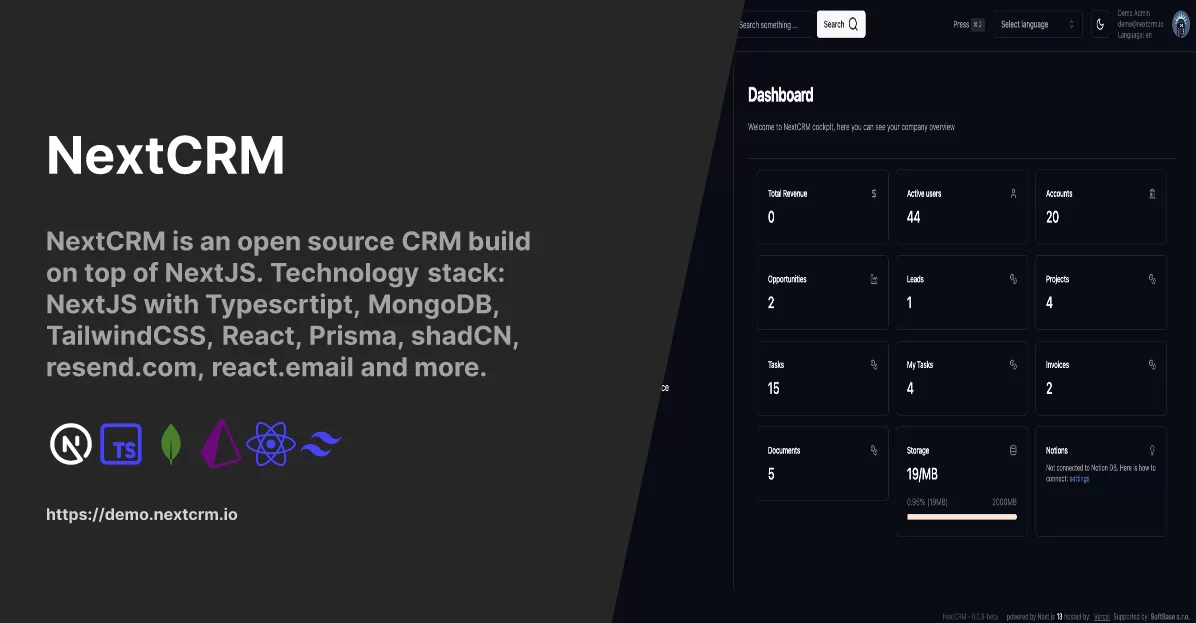

NextCRM
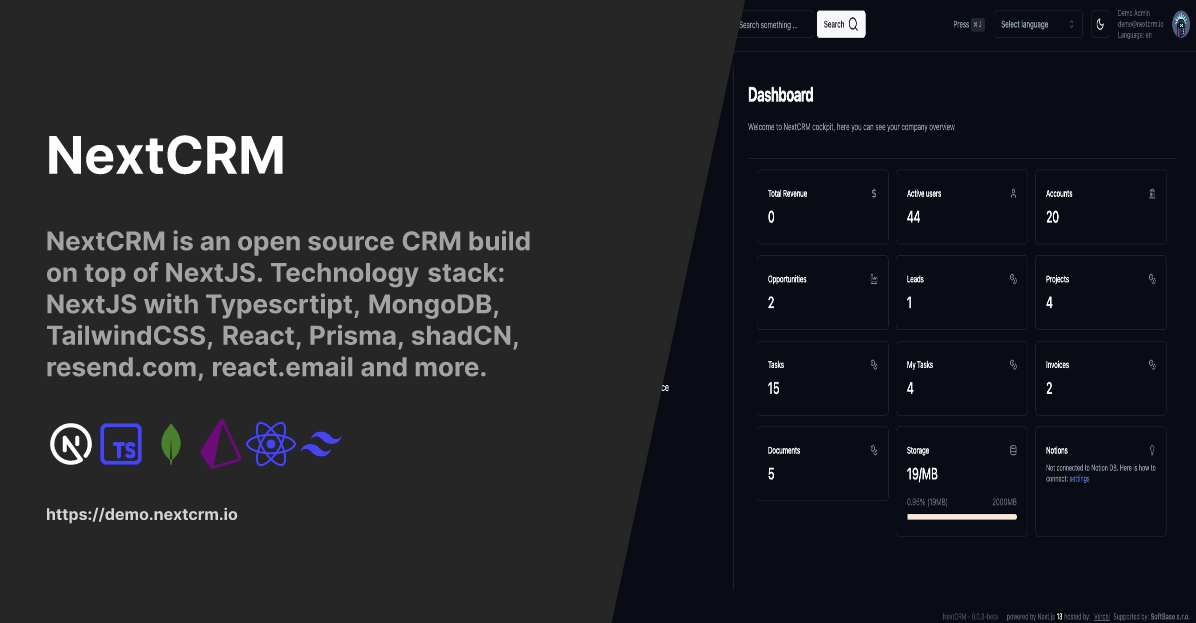
NextCRM is an open-source CRM built with Next.js 16, React 19, TypeScript, PostgreSQL (Prisma 7), and shadcn/ui. Features CRM, project management, invoicing, document storage, email client, AI-powered features, vector search, and MCP server for AI agent access.

Introduction · What's New · Tech Stack + Features · Roadmap · Installation · Repo activity · License · Discord
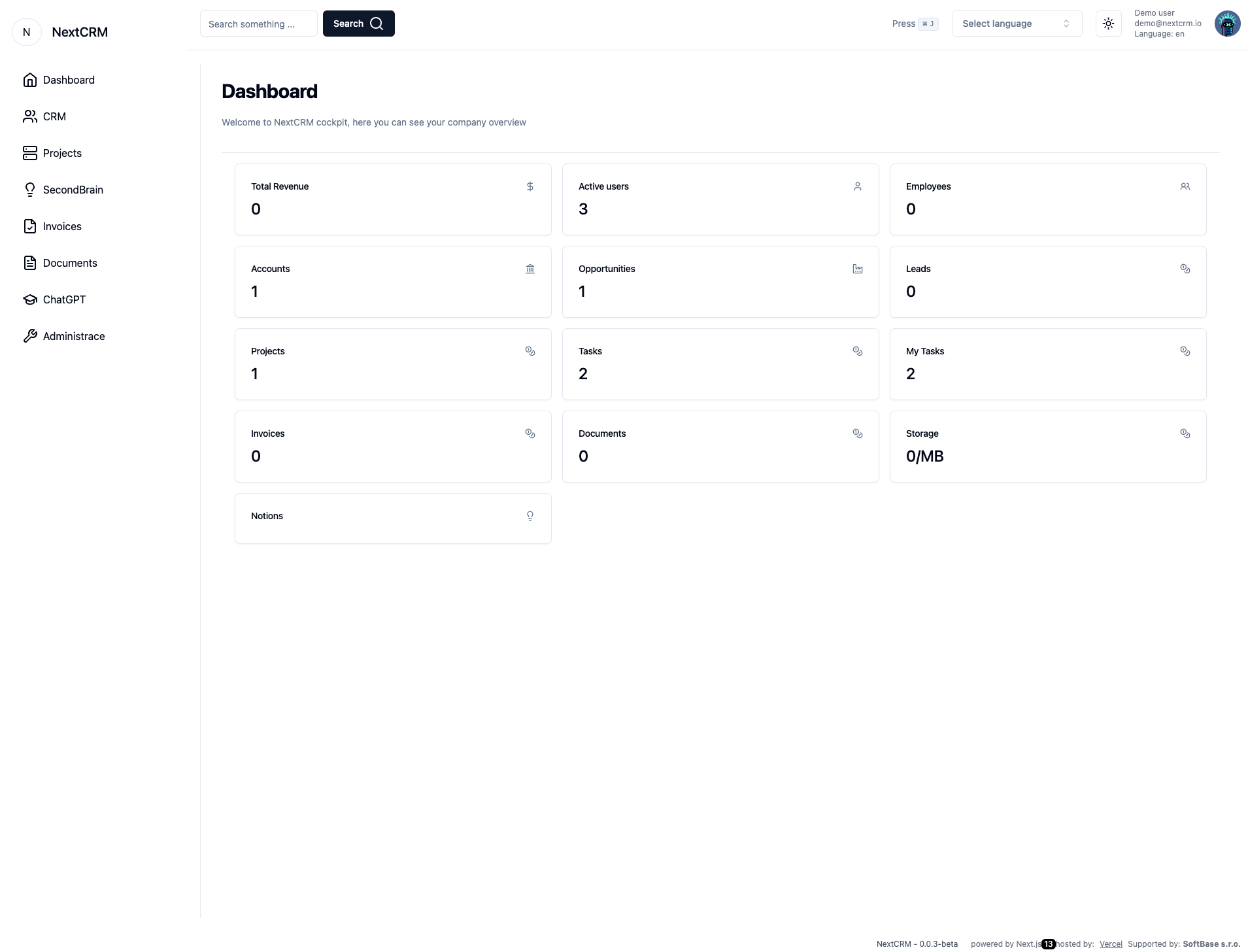
Online Demo
You can try it here demo.nextcrm.io, login via Google account or create new user and password.
What's New
🧾 Invoices Module — Full Invoicing Workflow (NEW)
Complete invoicing system built into NextCRM — create, issue, pay, duplicate, and cancel invoices with multi-currency support, tax rates, and PDF generation.
- Invoice types — Invoice, Credit Note, Proforma, and Receipt
- Line items — per-line quantity, unit price, discount %, and tax rate with automatic totals calculation
- Tax engine — configurable tax rates (VAT, GST, etc.) with per-line tax breakdown and VAT summary buckets
- Invoice series — auto-numbered sequences with configurable prefix/suffix (e.g.
INV-2026-0001) - Multi-currency — admin-managed currency list with locale-aware formatting via
next-intl - Status lifecycle —
DRAFT → ISSUED → PAID / PARTIALLY_PAID / CANCELLEDwith permission guards (only drafts are editable) - Payments — record partial/full payments, auto-computed balance due, payment history on detail page
- Duplicate & cancel — one-click invoice duplication; cancellation with audit trail
- Email delivery — send invoices to account email via Resend with React Email template
- PDF export — server-side PDF generation at
/api/invoices/[id]/pdf - Activity log — every status change and edit is recorded with actor and timestamp
- Admin settings — manage tax rates, invoice series, currencies, and default settings from
/admin/invoices - i18n — full English and Czech translations
- Server actions — create/update operations use Next.js server actions with Zod validation (no API route middleman)
📋 CRM Activities — Full Activity Tracking (NEW)
All 5 CRM entity detail pages (Accounts, Contacts, Leads, Opportunities, Contracts) now have an Activities tab with a live paginated feed of interactions:
- Activity types — Notes, Calls, Emails, Meetings, Tasks
- Create / edit / delete — inline Sheet form on every CRM entity detail page
- Paginated feed — compound cursor pagination with
createdAt + idfor stable ordering - Linked records — activities attach to multiple entities via
crm_ActivityLinks(e.g. a call can reference both a Contact and an Opportunity) - Real-time revalidation — server actions revalidate the correct path after every mutation
🕵️ Audit Log & History — Full Change Trail (NEW)
Every CRM entity (Accounts, Contacts, Leads, Opportunities, Contracts) now tracks its full change history:
- History tab — per-entity timeline of all field changes, shown on every detail page with
AuditTimeline+AuditEntrycomponents - Soft delete — records are never hard-deleted;
deletedAtcolumn preserves data while hiding it from normal queries - Admin audit log —
/admin/audit-logshows a global filterable table of every change across all entities, with restore support for soft-deleted records - Diff engine —
diffObjectsutility computes before/after diffs and stores structured JSON in the audit record
🧠 AI Enrichment — E2B Sandboxed Agent + Flexible API Key Management (NEW)
Background target enrichment (queued, bulk and MCP) now runs inside an E2B cloud sandbox — a full Linux environment with a real browser (Chrome). Contact enrichment and interactive target enrichment still use Firecrawl + OpenAI:
- Real-browser research — the agent navigates JS-heavy sites, LinkedIn public profiles, and paginated results that a simple API call cannot reach
- LLM tool-use loop — Claude Sonnet 4.6 drives the research with tools:
browser_open,browser_snapshot,browser_click,browser_extract,web_search - C-level contact discovery — given only a company name, the agent finds all discoverable C-level contacts and creates
crm_Target_Contactrecords automatically - Context-aware strategy — agent skips research it doesn't need (e.g. already has a website → skips domain discovery)
- Confidence scoring — fields below 0.6 confidence are discarded; only empty target fields are overwritten
- 5-minute timeout per target — partial results are applied even if the agent times out
- Fan-out — after company enrichment, each discovered contact is enriched independently via a separate Inngest job
Enrichment API keys (OpenAI, Firecrawl, Anthropic) are resolved through a 3-tier priority system, so enrichment works without those keys in .env. Other AI features (record embeddings, document enrichment) read OPENAI_API_KEY from the environment only, and E2B needs E2B_API_KEY in the environment:
ENV variable  →  Admin system-wide  →  User profile
(highest)                              (lowest)
- Admin panel (
/admin/llm-keys) — set system-wide keys for OpenAI, Firecrawl, Anthropic, and Groq. Keys are encrypted at rest (AES-256-GCM). - Profile settings (
/profile?tab=llms) — users configure their own keys as a fallback. - Graceful degradation — enrichment buttons show an informative dialog when no key is available at any tier.
Migration note: The old
openAi_keystable is replaced by the newApiKeystable. Runpnpm prisma migrate deployto apply the migration.
🤖 MCP Server — AI Agent Access to CRM Data (NEW)
NextCRM now ships with a built-in Model Context Protocol server, letting AI agents (Claude, Cursor, custom agents) read and write CRM data directly.
Every tool with its input fields, generated from the code: MCP tools reference.
Authentication: Generate Bearer tokens (nxtc__...) from your profile page. Tokens are SHA-256 hashed — the raw value is shown only once and never stored.
Connect your MCP client (streamable HTTP — recommended):
{
  "mcpServers": {
    "nextcrm": {
      "type": "http",
      "url": "https://your-nextcrm.com/api/mcp/mcp",
      "headers": { "Authorization": "Bearer nxtc__your_token_here" }
    }
  }
}
The server supports both MCP transports defined by mcp-handler:
- Streamable HTTP at
/api/mcp/mcp— single POST endpoint, current MCP spec default - SSE (legacy) at
/api/mcp/sse— GET stream paired with POSTs to/api/mcp/message(client auto-discovers the message endpoint)
Claude Code Skill: Download the SKILL.md from your Developer profile tab for a ready-to-use Claude Code skill with full tool documentation.
🔍 Vector Search + Semantic Similarity (NEW)
CRM records (Accounts, Contacts, Leads, Opportunities) are automatically embedded using OpenAI text-embedding-3-small via Inngest background jobs.
- Unified search — combines keyword (full-text) + semantic (pgvector cosine similarity) results in a single grouped UI
- Find Similar — every CRM detail page has a "Find Similar" button that surfaces semantically related records across the same module
- Backfill — Inngest function to embed all existing records on demand
- Auto-embed — new and updated records are embedded automatically
Powered by pgvector (PostgreSQL extension) with HNSW indexes for fast approximate nearest-neighbor search.
🎯 CRM Targets (NEW)
New Targets module for managing sales targets and target lists — full CRUD, detail view, list management, and MCP tools included.
🔎 Unified Search (NEW)
Global search across all CRM entities from a single search bar — grouped results by entity type, loading skeleton, collapsible sections, and combined keyword + semantic scoring.
Tech Stack + Features
Frameworks
- Next.js 16 – React framework for building performant apps with the best developer experience (App Router)
- Better Auth 1.5.x – TypeScript-first authentication framework with email OTP, OAuth (Google), admin plugin, and session management
- Prisma 7.5 – TypeScript-first ORM for PostgreSQL
- React Email 2.x – Versatile email framework for efficient and flexible email development
Platforms
- PostgreSQL 17+ – Powerful open-source relational database with pgvector extension for AI embeddings
- Resend – A powerful email framework for streamlined email development together with react.email
- MinIO or any S3-compatible storage – for document file storage
- Inngest – Background job queue for async embedding and AI workflows
AI & MCP
- OpenAI API –
text-embedding-3-smallfor vector embeddings; GPT for project management assistant - Anthropic API – Claude Sonnet 4.6 drives the E2B enrichment agent tool-use loop
- Vercel AI SDK 6.x – Unified AI interface
- pgvector – PostgreSQL vector extension for similarity search (HNSW indexes)
- E2B – Cloud sandboxes with real Chrome browser for AI-driven web research and target enrichment
- MCP Server – tools for every CRM module (reference) via
mcp-handler(Vercel MCP adapter), Bearer token auth, streamable HTTP (/api/mcp/mcp) + legacy SSE (/api/mcp/sse, needsREDIS_URL) transports
Data fetching
- SWR – React Hooks library for remote data fetching
- Axios – Promise based HTTP client for the browser and node.js
- Server Actions – for server side data fetching and mutations
- TanStack React Table – for data tables and server/client side data fetching
UI
- Tailwind CSS v4 – Utility-first CSS framework for rapid UI development
- shadcn/ui – Re-usable components built using Radix UI and Tailwind CSS
- Tremor – A platform for creating charts
- Lucide React – Beautiful and consistent open-source icons
i18n
- next-intl – Internationalization for Next.js — English, Czech, German, Ukrainian
Roadmap
- ✅ Docker version — complete bundle to run NextCRM on-premise
- ✅ Upgrade to Next.js 16 — running on Next.js 16 with React 19
- ✅ i18n / localization — 4 languages (English, Czech, German, Ukrainian)
- ✅ Email client — IMAP/SMTP email client built in
- ✅ PostgreSQL migration — migrated from MongoDB to PostgreSQL 17+
- ✅ pgvector embeddings — automatic semantic embeddings via Inngest + OpenAI
- ✅ Vector similarity search — "Find Similar" on all CRM entity detail pages
- ✅ Unified search — keyword + semantic search across all CRM modules
- ✅ CRM Targets module — sales target and target list management
- ✅ MCP server — 25 CRM tools for AI agent access via Bearer token auth
- ✅ AI enrichment — E2B sandboxed agent (real browser + Claude Sonnet) for target enrichment; C-level contact discovery; 3-tier API key management (ENV → admin → user)
- ✅ Audit log & history — soft delete + full field-level change trail on all CRM entities; global admin audit log page
- ✅ CRM Activities — notes, calls, emails, meetings, tasks linked to any CRM entity; paginated feed on all detail pages
- ✅ Invoices module — full invoicing workflow with line items, tax engine, multi-currency, invoice series, payments, PDF export, and email delivery
- 🔄 More AI powered features — daily summary of tasks and projects
- 📋 Email campaigns management — integration with MailChimp and Listmonk
- 📋 Testing expansion — Jest + Playwright coverage (contributions welcome!)
- 🔄 Fix all TypeScript
anytypes — ongoing cleanup
Emails
We use resend.com + react.email as primary email sender and email templates.
Mailtrap (Email API/SMTP)
NextCRM supports Mailtrap as an alternative email provider to Resend, for both production sending and safe dev/staging testing through a single API.
Sending emails (production):
- Sign up at mailtrap.io and create a Sending domain.
- Copy your API token.
- Add it to your
.env.local: MAILTRAP_API_KEY=
Testing emails (dev/staging, optional):
Use a Mailtrap Sandbox inbox instead of a production domain during development, so test emails (OTP, invoices, notifications) never reach real inboxes.
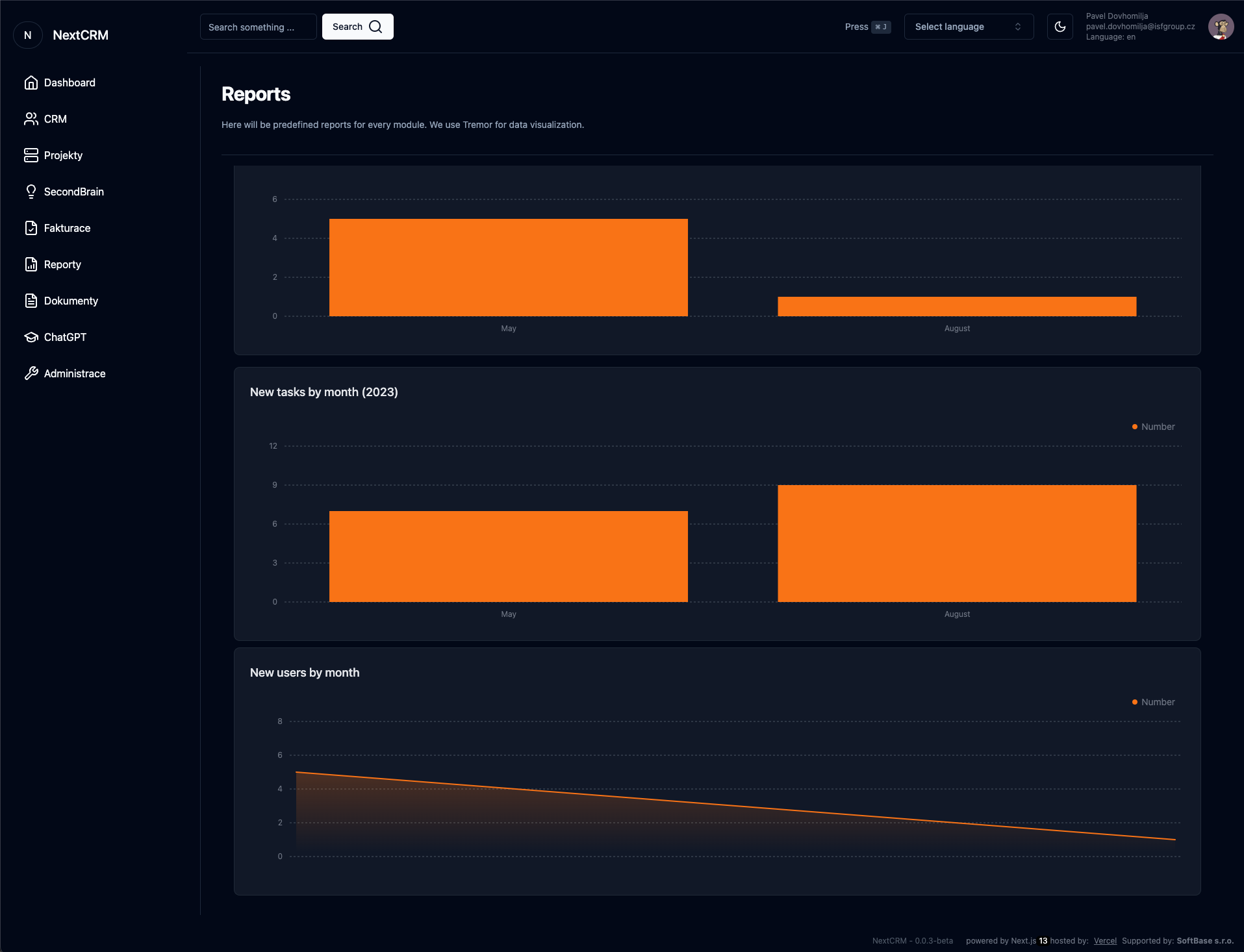
Reports
We use Tremor charts as a tool for creating charts in NextCRM
Video (YouTube channel with functions showcase)
Youtube Channel
Invoice module (video)
Documentation
Read the docs at docs.nextcrm.app: user guide, admin guide and developer guide. Source lives in apps/docs.
Installation
Show instructions
-
Clone the repository:
git clone https://github.com/pdovhomilja/nextcrm-app.git cd nextcrm-app -
Install the preset:
pnpm install -
Copy the environment variables to .env
Linux / macOS:
cp .env.example .env
cp .env.local.example .env.local
Windows (PowerShell):
Copy-Item .env.example .env
Copy-Item .env.local.example .env.local
Windows (Command Prompt):
copy .env.example .env
copy .env.local.example .env.local
.env
- You will need a PostgreSQL connection string for Prisma ORM
- Example:
DATABASE_URL="postgresql://user:pass@localhost:5432/nextcrm?schema=public" - Requires PostgreSQL 17+ with the pgvector extension enabled
.env.local
- BETTER_AUTH_SECRET - for auth
- MinIO / S3 (
MINIO_*) - for storing files - openAI - for embeddings and project management assistant (embeddings need
OPENAI_API_KEYin the environment; enrichment can use an admin-panel key instead) - Firecrawl - for contact/target enrichment (optional — can be set via admin panel instead)
- Resend (
RESEND_API_KEY,EMAIL_FROM) and optional SMTP (EMAIL_HOST, …) for emails - Inngest - for background jobs (
INNGEST_DEV=1with the local dev server frompnpm inngest:up) EMAIL_ENCRYPTION_KEY- required for encrypting API keys stored in the database
-
Init Prisma
pnpm prisma generate pnpm prisma migrate deploy -
Import initial data from initial-data folder
pnpm prisma db seed -
Run app on local
pnpm run dev
Docker Installation (Recommended for Self-Hosting)
The fastest way to run NextCRM is with Docker Compose. The provided docker-compose.yml bundles everything you need: the app, PostgreSQL (with pgvector), MinIO for file storage, and Inngest for background jobs. No manual setup of databases, buckets, or migrations — it all happens automatically on first start.
Quick Start
git clone https://github.com/pdovhomilja/nextcrm-app.git
cd nextcrm-app
cp .env.docker .env
nano .env                # set ADMIN_EMAIL to a real email you own
docker compose up -d
Windows:
cpandnanoare not available on Windows. UseCopy-Item(PowerShell) orcopy(Command Prompt) to copy the file, and edit it withnotepad:Copy-Item .env.docker .env notepad .env # set ADMIN_EMAIL to a real email you own
Open http://localhost:3000 — the app is ready, the schema is migrated, and the seeded admin user matches the ADMIN_EMAIL you set.
Important
NextCRM uses passwordless Email OTP for login. You MUST set
ADMIN_EMAILto an address you control AND provide aRESEND_API_KEY(or another email provider) so OTP codes can actually be delivered. Without an email provider, you can still log in by reading the OTP straight from the database — convenient for first-time testing, not for production.
What you get
| Service | Purpose | Exposed |
|---|---|---|
app |
NextCRM (Next.js standalone build) | localhost:3000 |
postgres |
PostgreSQL 17 with pgvector | internal only |
minio |
S3-compatible object storage | 127.0.0.1:9000 |
inngest |
Background job runner (self-hosted, signed requests) | internal only |
The app is published on port 3000. MinIO's S3 port is published on 127.0.0.1:9000 because browsers upload and download files directly from MinIO; on a server, give MinIO its own domain and set MINIO_PUBLIC_URL to it. Postgres and Inngest stay on the internal Docker network. Uncomment the relevant ports: blocks in docker-compose.yml if you need direct access (e.g. for psql or the MinIO console).
Configuring environment variables
You never edit Dockerfile or docker-compose.yml to add your secrets. Instead, create a .env file in the project root — Docker Compose reads it automatically and injects the values into the container.
cp .env.docker .env
nano .env       # set ADMIN_EMAIL, internal service passwords, and any optional API keys
docker compose up -d
Windows (PowerShell):
Copy-Item .env.docker .env
notepad .env    # set ADMIN_EMAIL, internal service passwords, and any optional API keys
docker compose up -d
Warning
The bundled Postgres and MinIO containers ship with a placeholder password (
changeme) so the stack works on first run. Postgres is not exposed to the host and MinIO only on127.0.0.1, so this is safe for local experimentation. For any deployment beyond your laptop, set strong values forPOSTGRES_PASSWORDandMINIO_ROOT_PASSWORDin your.envfile before starting the stack.
On a server, also set the two public URLs:
APP_URL=https://crm.example.com          # what people open; used for auth and links
MINIO_PUBLIC_URL=https://files.example.com  # what browsers use to reach MinIO
Secrets. BETTER_AUTH_SECRET, EMAIL_ENCRYPTION_KEY, INNGEST_SIGNING_KEY and INNGEST_EVENT_KEY are generated on first start and s