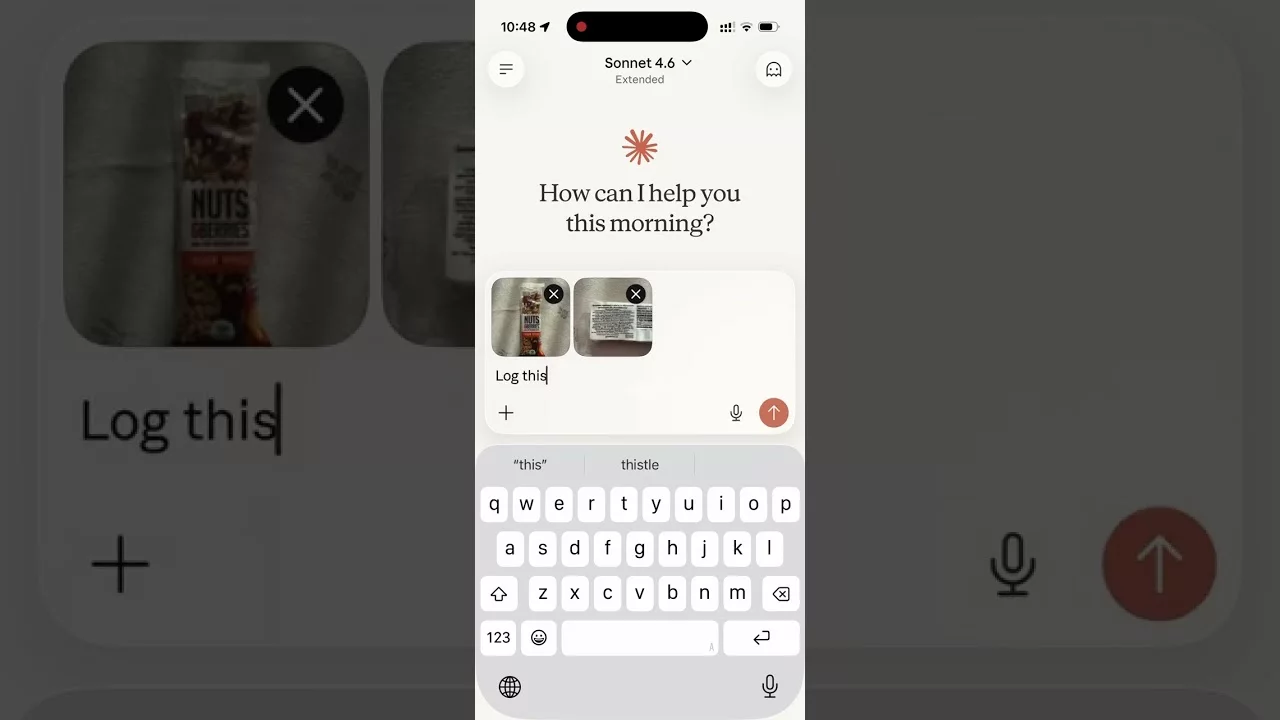

A remote MCP server for personal nutrition tracking — log meals with calories, macros, fiber, total and added sugar, saturated and trans fat, sodium (with an optional daily ceiling) and caffeine (optionally ingredient by ingredient), look up generic foods in USDA FoodData Central and packaged products by barcode in Open Food Facts, record where each nutrient value came from, save meals you eat often and log them again by name, log water, body weight and body measurements, review nutrition history, and import an existing food diary from another app, all through conversation. Alcohol tracking is opt-in and off by default. The website and the in-chat widgets are available in English, German, Spanish, French, Dutch, Polish, Italian, Ukrainian, Japanese and Turkish; set_language picks the widget language.
Help me pay for the servers on Patreon
Table of Contents
- Quick Start
- Demo
- Tech Stack
- MCP Tools
- MCP Resources
- Self-hosting
- Development
- Connect to Claude.ai
- Apple Health sync
- Troubleshooting
- API Endpoints
- Deploy
- Support & security
- Data sources
- License
Quick Start
Already hosted and ready to use — just connect it to your MCP client:
https://nutrition-mcp.com/mcp
On Claude.ai: open Nutrition MCP in the Claude directory and click Connect (see Connect to Claude.ai below)
On first connect, sign in with Google or enter an email and password and choose Create account. Your data persists across reconnections. Trouble connecting? See Troubleshooting.
By connecting you agree to the Terms of Service; how your data is handled is in the Privacy Policy.
Switching from another tracker? See the nutrition-app alternatives — how it compares to MyFitnessPal, Cronometer, Lose It!, MacroFactor, Yazio, and Lifesum. Bring your history with you: say "import my meals" and an importer opens in the chat, where you pick the CSV you exported from your old app, map its columns, and check what will be added before anything is saved. Exports from MyFitnessPal, Cronometer, Lose It! and MacroFactor are recognised automatically; any other CSV works by mapping its columns yourself. In clients that can't show in-chat panels, paste the export instead and the AI imports it for you. If your export has an alcohol column and you want it kept, turn alcohol tracking on before importing — the importer skips that column while tracking is off, and re-importing the same file later won't backfill it.
Demo
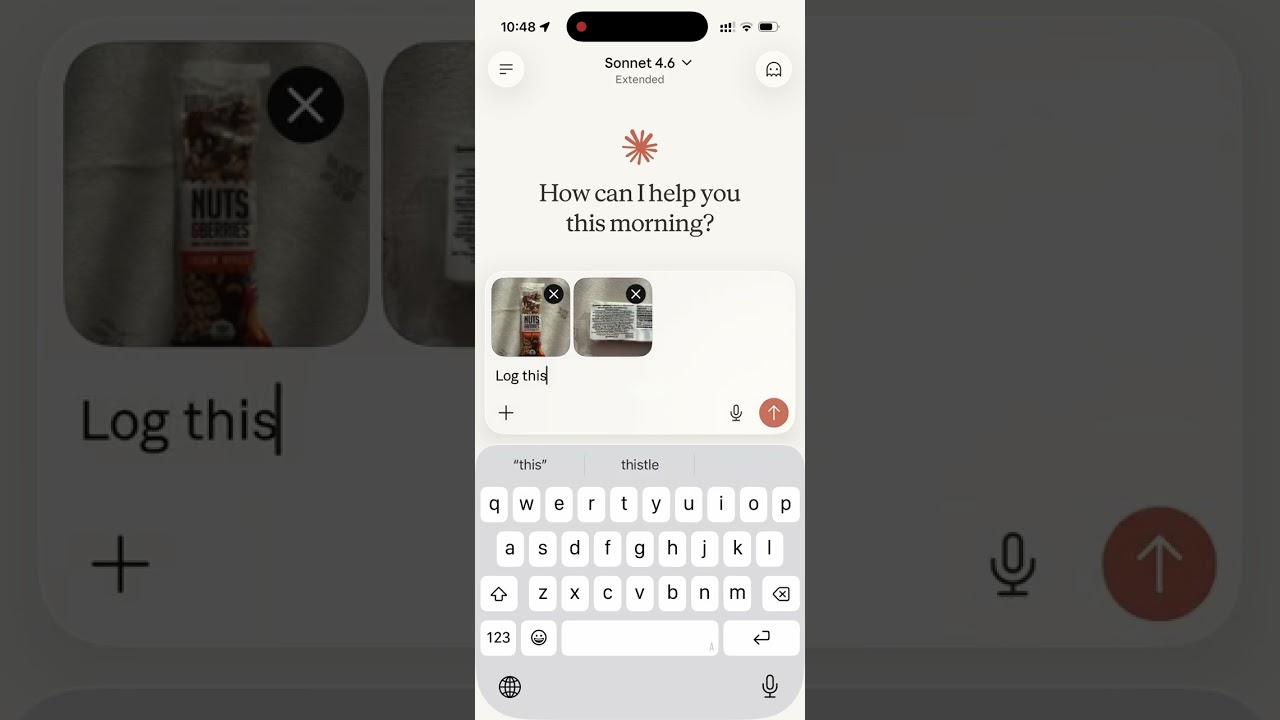
Read the story behind it: How I Replaced MyFitnessPal and Other Apps with a Single MCP Server
Tech Stack
- Bun — runtime and package manager
- Hono — HTTP framework
- MCP TypeScript SDK v2 (
@modelcontextprotocol/server) with Zod 4 schemas — Model Context Protocol over Streamable HTTP, answering both the2026-07-28and the2025-11-25protocol revisions - Supabase — PostgreSQL database + user authentication
- OAuth 2.0 — authentication for Claude.ai and other MCP clients: per-client dynamic client registration (RFC 7591) with exact redirect-URI matching, mandatory PKCE (
S256), token-endpoint client authentication (none,client_secret_post,client_secret_basic), codes and refresh tokens bound to the client they were issued to,isson every authorization response (RFC 9207), and client secrets, access tokens, refresh tokens and codes stored only as a SHA-256 hash. Access tokens last 24 hours; refresh tokens last 90 days from their last use and rotate on every refresh; expired tokens and never-used client registrations are swept hourly
MCP Tools
| Tool | Description |
|---|---|
log_meal |
Log a meal with description, type, calories, macros, fiber, total and added sugar, saturated and trans fat, sodium (mg), alcohol, caffeine (mg), notes — from text or a photo of your plate; each value records its source |
start_meal_import |
Open the in-chat CSV importer: pick an export from another app, map its columns, preview, confirm |
bulk_import_meals |
Write up to 50 imported rows per call — each row validated, duplicates skipped so a re-send is safe while the timezone is unchanged |
lookup_barcode |
Look up a packaged product's label nutrition by barcode via Open Food Facts, including added sugar when listed (read from a photo or typed; data © OFF contributors, ODbL) |
search_foods |
Search USDA FoodData Central generic foods by English name; up to 10 candidates with their ids and macros per 100 g |
get_food_macros |
USDA FoodData Central values for one generic food by its id, per 100 g or scaled to amount_g, with its listed portion sizes |
get_meals_today |
Get all meals logged today, one compact line per meal with its id; detail: "full" adds notes |
get_meals_by_date |
Get meals for a specific date (YYYY-MM-DD), one compact line per meal; detail: "full" adds notes |
get_meals_by_date_range |
Get meals between two dates (inclusive), up to 31 days per call; one compact line per meal, detail: "full" adds notes |
search_meals |
Search past meals by keyword (including ingredient names) and saved meals by name, grouped into recurring variations (counts, last logged, typical macros) |
get_nutrition_summary |
Daily nutrition totals + goal progress for a date range, up to 92 days per call |
get_digest |
A digest of one period (yesterday, today so far, the last 7 or 30 days): calories and nutrients against goals, trends, water and weight, meals or logging habits, and highlights from the user's own log |
update_meal |
Update any fields of an existing meal |
delete_meal |
Delete a meal by ID |
save_meal |
Save a meal under a name, with values per serving and optional ingredients, to log again later |
log_saved_meal |
Log a saved meal, scaled by servings, with single ingredients set to the amount eaten or left out |
get_saved_meals |
List saved meals with their values and ingredients, optionally filtered by name |
update_saved_meal |
Change a saved meal's name, values or ingredients; meals already logged from it keep theirs |
delete_saved_meal |
Delete a saved meal; meals already logged from it keep their values |
set_nutrition_goals |
Set daily calorie, macro, fiber and water targets to reach, total-sugar/added-sugar/saturated-fat/alcohol/caffeine/sodium limits to stay under, plus an optional target weight |
get_nutrition_goals |
Get the current daily targets and limits |
get_goal_progress |
Get intake vs. targets and limits for a given day (default: today), plus latest weight vs. target |
log_water |
Log a hydration entry in milliliters |
get_water_today |
Get today's water intake total and entries |
get_water_by_date |
Get water intake for a specific date |
delete_water |
Delete a water log entry by ID |
log_active_calories |
Log energy burned in exercise (active calories, kcal) beside intake; never changes the calorie goal |
get_active_calories |
List active calories for a day or a date range, with per-day burned and counted totals |
delete_active_calories |
Delete an active-calories entry by ID |
log_weight |
Log a body-weight measurement in kg or lb (converted and stored server-side) |
get_weight_today |
Get today's weight entries |
get_weight_by_date |
Get weight entries for a specific date |
get_weight_by_date_range |
Get weight entries between two dates (inclusive), grouped by day, up to 366 days per call |
get_weight_trends |
Weight trend: smoothed trend weight, weekly rate, latest, overall change, min/max, goal progress; widget zooms to 7 days, 30 days, 90 days, 1 year or all history |
update_weight |
Update an existing weight entry |
delete_weight |
Delete a weight entry by ID |
set_weight_unit |
Set the preferred weight unit (kg or lb; null to clear) |
log_body_measurement |
Log a tape measurement (waist, hips, neck, chest, shoulders, upper arm, forearm, thigh, calf) in cm or in |
get_body_measurements |
List body measurements by day, optionally for one site; last 30 days by default, up to 366 days per call |
update_body_measurement |
Update a measurement's value, unit, time or notes (the site is fixed) |
delete_body_measurement |
Delete a body measurement by ID |
set_length_unit |
Set the preferred length unit (cm or in; null to clear) |
get_trends |
7/14/30-day averages, std dev, streaks, best/worst day; group_by week/month/quarter/year averages per calendar period, per logged day, against the targets then in effect |
get_meal_patterns |
Pre-aggregated behavioural patterns (breakfast effect, late dinner, weekend vs weekday, outliers) |
export_all_data |
Export everything stored about you — logs, saved meals and ingredients, where each nutrient value came from, goals, profile, account, telemetry, app connections and the Apple Health sync record — as one ZIP of CSVs + README; 60-minute link |
get_profile |
Get timezone (+ local date/time), widget language, weight and length units, widget display, alcohol tracking and Apple Health sync status in one call |
set_timezone |
Set the user's IANA timezone (e.g. America/Los_Angeles) |
set_language |
Set the UI language for in-chat widgets (dashboards, charts) — not the language the AI replies in |
get_current_time |
Get the current date and time in the user's timezone, plus the UTC instant — for hosts with no clock in context |
set_widget_display |
Enable or disable the in-chat visual widgets (dashboards, rings, charts); enabled by default |
set_alcohol_tracking |
Turn alcohol tracking on or off (off by default) and choose US standard drinks or UK units; turning it off hides alcohol rather than deleting it |
set_activity_credit |
Choose the share (0–100%, default 100) of active calories that counts against calorie intake |
delete_account |
Permanently delete the user's Nutrition MCP account and all data it stores about them |
MCP Resources
| URI | Description | | --------------------