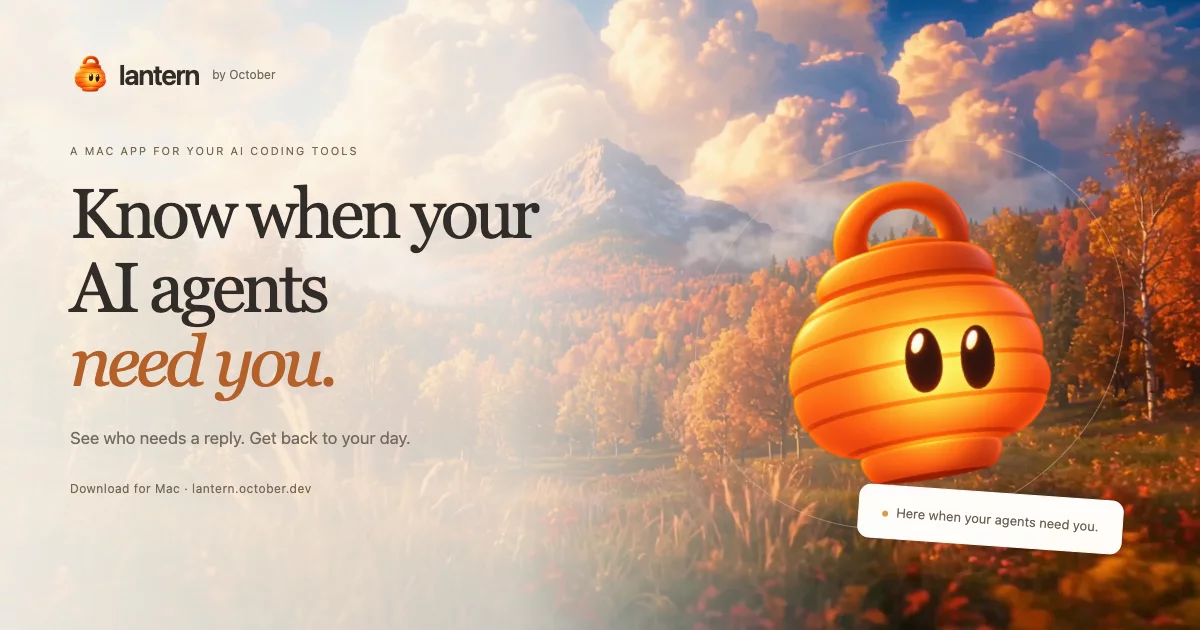

Your agents work. You get your day back.
A little light that glows when an AI coding agent needs you.
Read what it said, send a reply, and get back to what you were doing.


macOS 14+ · Windows 10 & 11 (preview) · Free core app · No account needed for monitoring
Website & live demo · Release notes · Get help
Less checking. More getting things done.
Claude is working in one window. Codex is waiting in another. October finished ten minutes ago.
Lantern brings your coding agents together in one quiet place. Keep your favorite agents and terminals, and start them as you do today. Lantern finds supported sessions automatically.
| You want to… | Lantern helps you… |
|---|---|
| Know who needs you | See the lantern glow when an agent finishes a turn or asks for input. |
| Catch up | Read messages and summaries of tool activity in one panel. |
| Answer | Type or dictate a reply to a supported session. |
| Handle a permission request | Inspect Claude Code's request and choose Allow or Deny with optional hooks. |
| Start work | Pick an installed agent and folder, or describe a task in Ask Lantern. |
| Understand something on screen | Point & Ask: select an area, ask a question, or send it to an agent. |
| Follow a task | Questions, steps, hand-offs and results from October, Claude Code and Codex started by Lantern. |
| Repeat useful work | Confirm a local routine with a schedule, project and agent. |
| Find a control | Show me: step-by-step guidance with a marked picture or short screen cue. |
| Use apps and websites | Give agents you start access through Cua Driver, configurable in Settings. |
Collapsed, it's one small lantern. On the Mac, it stays beside you across Spaces and full-screen apps. Optional notifications bring you back when an agent needs attention.
Get started
- Download Lantern for Mac and open the disk image.
- Drag October Lantern into Applications and open it.
- Keep working with your agents. The welcome guide walks you through optional notifications and hooks.
Or install on Mac from Terminal:
curl -fsSL https://lantern.october.dev/install.sh | sh
On Mac, Control + Option + Space opens replies and Control + Option + P starts Point & Ask. Windows and Linux use Ctrl + Alt + Space and Ctrl + Alt + P. Shortcuts are customizable in Settings; the mic button lets you dictate.
Windows: download the preview installer. Linux: build from source. See release notes for installer details.
Your tools. One place to check.
| Agents | What you can see |
|---|---|
| Claude Code, Codex, October Harness, OpenCode, Pi, Gemini CLI, Muse (Meta) | Working / your-turn status, the last message, and conversation history. |
| Grok, Cursor Agent, Qwen Code, Goose, Aider, Amp, GitHub Copilot CLI, Kimi, Droid, Crush, Auggie | Running sessions; reply and navigation support depend on the terminal. |
Optional hooks add completion updates for Codex and permission requests for Claude Code. When Lantern can't confidently match a conversation to a session, it says so.
| Platform | Reply from Lantern |
|---|---|
| Mac | Direct replies through cmux, Terminal, iTerm2 and tmux, including background sessions Lantern starts. Other terminals use copy and paste. |
| Linux | Direct replies to tmux sessions, including those Lantern starts. Other terminals use the clipboard. |
| Windows (preview) | Direct replies to sessions Lantern starts. Agents started in other terminals remain visible; answer them in their terminal. |
Claude Code's hook-based Allow / Deny buttons work in cmux, iTerm2 and tmux; Mac Terminal supports text replies. See the compatibility guide and platform notes for details.
Privacy and permissions
Local agent discovery, conversation reading and terminal replies work without an October account.
- Dictation stays on your computer. Mac uses on-device speech recognition; Windows and Linux use whisper.cpp. Speech models may need a download.
- Ask uses October's AI. Ask Lantern and Point & Ask's AI answers require sign-in and send your question, relevant conversation/agent/app context and image context to October and its model providers. Ask Lantern chats are saved locally so you can reopen them.
- Computer access lets agents use apps. It's enabled by default for agents Lantern starts. Agents can read screens and use your signed-in browser; their AI provider may receive that context. Turn it off in Settings.
- Usage analytics can be turned off. They're enabled by default and exclude conversation content. When signed in, analytics link usage to your October account ID and email.
Updates, component downloads and optional October connections also use the network. The privacy guide explains data paths and permissions.
Part of October
Lantern works on its own. Optionally connect it to October Desktop to see and reply to its supported sessions after approving the connection.
For help, see permissions, updates and uninstalling, or write to hey@october.dev.
Build and contribute
The Mac app uses Swift / AppKit / SwiftUI. Windows and Linux use Rust / egui. All three share the Rust engine.
| Platform | Build from the repository root |
|---|---|
| macOS | scripts/build-app.sh --debug |
| Linux | scripts/build-app.sh --debug |
| Windows (PowerShell) | pwsh scripts/build-windows.ps1 -Debug |
See Building Lantern for prerequisites, optional tools and platform details. Run scripts/check.sh on Mac/Linux or pwsh scripts/check.ps1 on Windows before submitting changes.
Local task features and controls · Product guide · Engine protocol · Releasing
License
Licensed under the Apache License 2.0. Third-party components and assets retain their own licenses and notices; see NOTICE.
Made by October, for people with a few agents on the go.