
OpenClean
A free, open-source Mac cleaner you can read and undo.
An open alternative to CleanMyMac for macOS.
Website · Download · How it works · Command line



Install
With Homebrew:
brew install --cask leoanimesh/openclean/openclean
Or download the latest .dmg from the Releases page
and drag OpenClean onto Applications. It is signed and notarized by Apple, and works on Apple silicon and
Intel Macs with macOS 14 or later.
What it does
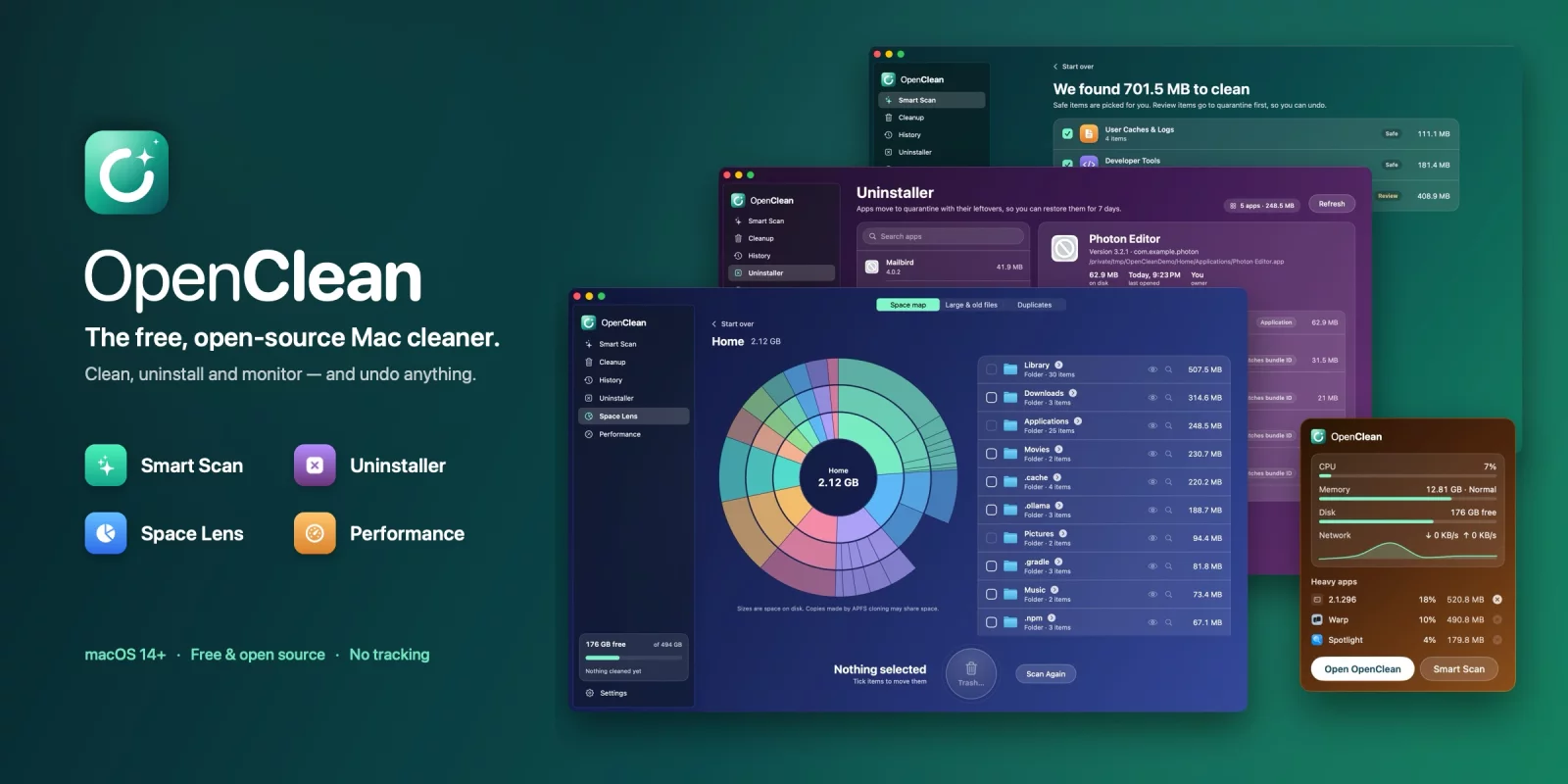
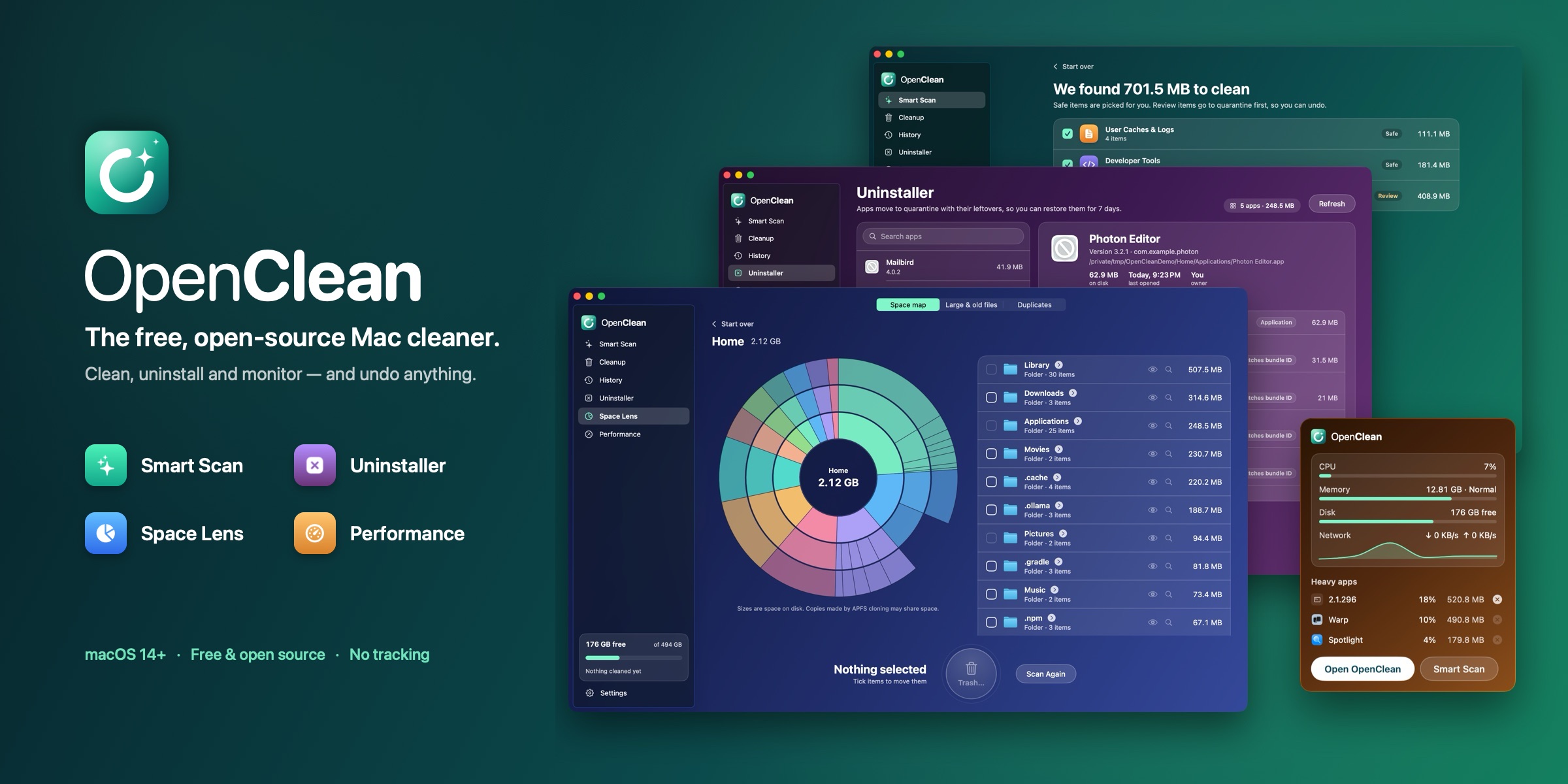
- Clean up junk. Smart Scan finds caches, logs, Trash and other leftovers, and tells you why each one is safe to remove.
- Uninstall apps completely. Remove an app together with the files it leaves behind.
- See what fills your disk. Space Lens maps your storage and finds large, old and duplicate files.
- Clean up developer tools. Xcode, npm, Cargo, Docker, AI model downloads and old project folders.
- Watch your Mac. CPU, GPU, memory, disk and network in the menu bar, and how the GPU shares memory with your apps.
- Private. No account, no tracking. It only checks GitHub for updates, and you can turn that off.
Safe and undoable
OpenClean never touches your documents, photos, mail or system files. Anything that is not trivially rebuilt goes to a quarantine first, and you can restore it from History for up to 90 days (7 by default). Every cleaning rule is a plain, readable file, and the app explains each one before you clean. See how it works for the details.
FAQ
Is it really free? Yes. Free and open source under GPL-3.0, with no account, trial or purchase.
Can I get my files back? Yes. Anything that is not trivially rebuilt is moved to quarantine, and History restores it until it expires.
Does it need special permissions? Full Disk Access, once, so it can see the Trash, old iOS backups and other protected folders. It asks for your administrator password only to clean system caches.
Does it send my data anywhere? No. The only network request is a daily check for a new release, which you can switch off in Settings.
More
- Command line and how it works: safety, privacy, install options, build from source, languages.
- Contributing: add a cleaning rule, translate the app, send a fix.
- The app is available in English, German, Spanish, French, Japanese and Simplified Chinese.
License
GPL-3.0. See LICENSE. OpenClean is independent and not affiliated with MacPaw; CleanMyMac is a trademark of MacPaw.